Expert Maritime Construction Landing Page Template
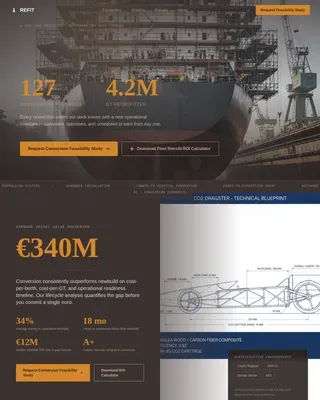
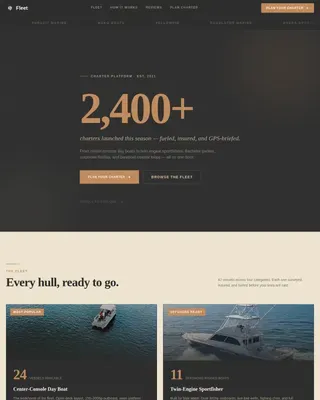
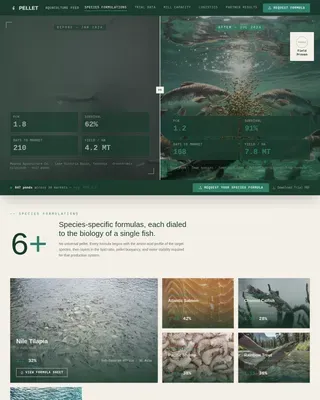
Keel is a shipbuilding landing page built for tugboat and workboat builders targeting port authorities, offshore contractors, and river operators. Its zigzag Comparison/Versus layout sets your specs against industry standards section by section, with scroll-triggered checkmark animations, a cinematic fabrication hall header, and two conversion paths: a spec comparison request form and a gated cost-of-ownership report download.
by Rocket studio
Quick summary
Keel is a single-page shipbuilding landing page template shaped for marine industrial businesses that build tugs and workboats. It uses a Checklist and Audit creative direction to walk procurement decision-makers through a spec-for-spec comparison across six critical build categories, ending with a twenty-year lifecycle cost visual and dual call-to-action conversion paths.
Who this template is for
This template is built for ship building manufacturing businesses that need to convert serious buyers, not casual browsers. If your clients are evaluating vessels the way engineers evaluate steel, this page matches that mindset.
- Port authority fleet managers speccing new escort tugs or dock patrol craft
- Offshore marine contractors replacing aging anchor handlers or supply vessels
- River logistics operators comparing custom build costs against broker resale on a nautical vessel
What problem this template solves
Most ship building service pages treat procurement officers like consumers. They show pictures of finished boats and leave the hard questions unanswered. Keel solves that.
- Decision-makers need to check actual build specs, not marketing claims, before they commit
- Buyers evaluating a nautical vessel purchase over a twenty-year service life depend on lifecycle cost data, not brochure language
- Without a structured comparison, it is easy to lose a qualified lead to doubt before a first conversation happens
What you get with this template
You get a complete shipbuilding landing page template set designed around a single conversion goal: turning a spec-curious visitor into a qualified inquiry. Every section has a clear purpose and a clear next step.
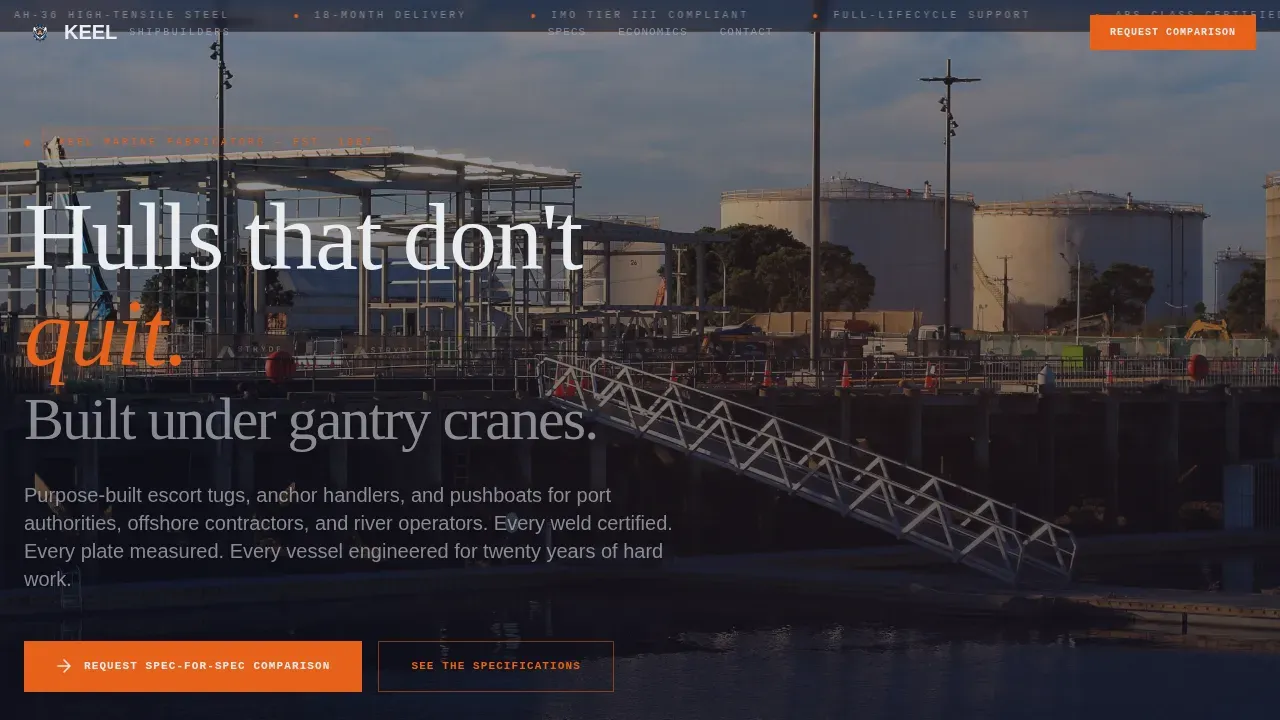
- A cinematic fabrication hall hero with ambient scroll audio, weld-spark overlay, and massive display typography
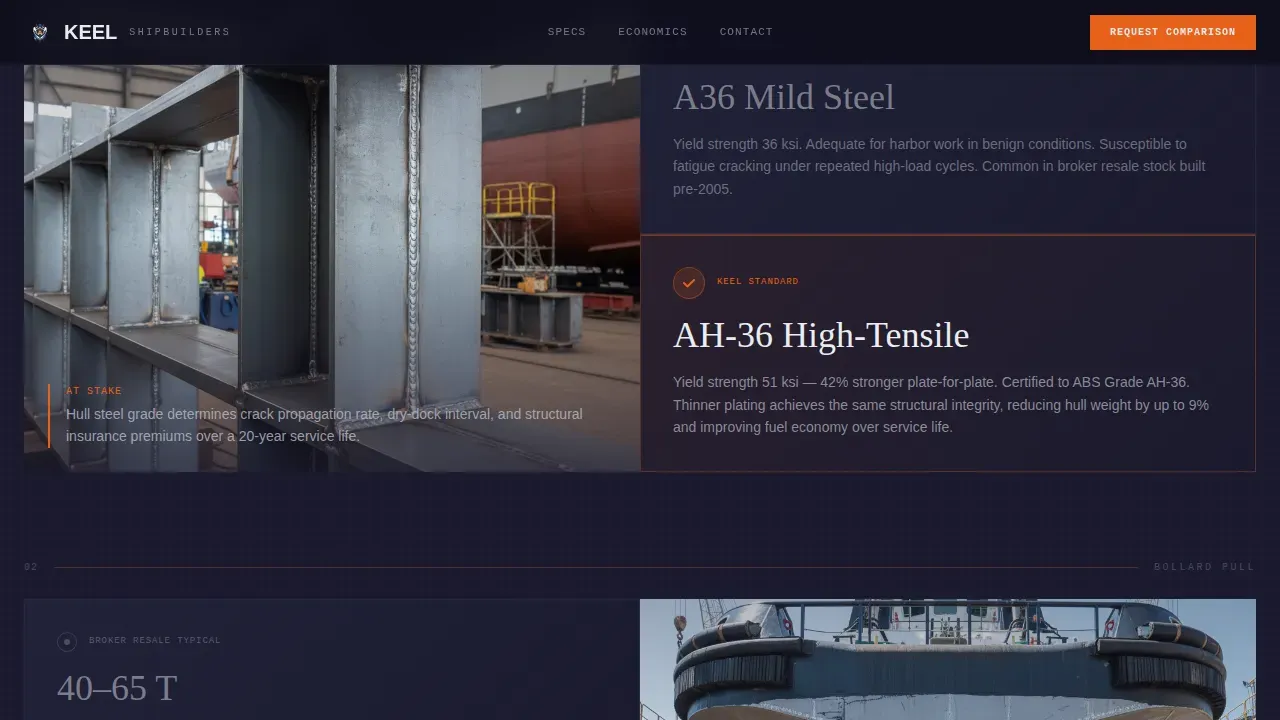
- Six zigzag comparison pairs covering hull steel grade, bollard pull, fuel burn, machinery access, corrosion protection, and delivery timeline
- Two conversion paths: a vessel class request form and a gated PDF download titled "True Cost of Ownership: Custom Build versus. Broker Resale"
Feature list
This shipbuilding landing page template set is supplied with the following built-in capabilities.
Scroll-Triggered Checkmark Animations
Each zigzag dock welding comparison panel fires a checkmark tick animation as the visitor scrolls into view. The animation pattern ties the left-panel industry standard to the right-panel yard answer, making the strength of each spec point immediately visible without requiring the visitor to hold any prior context.
Cinematic Behind-the-Scenes Header
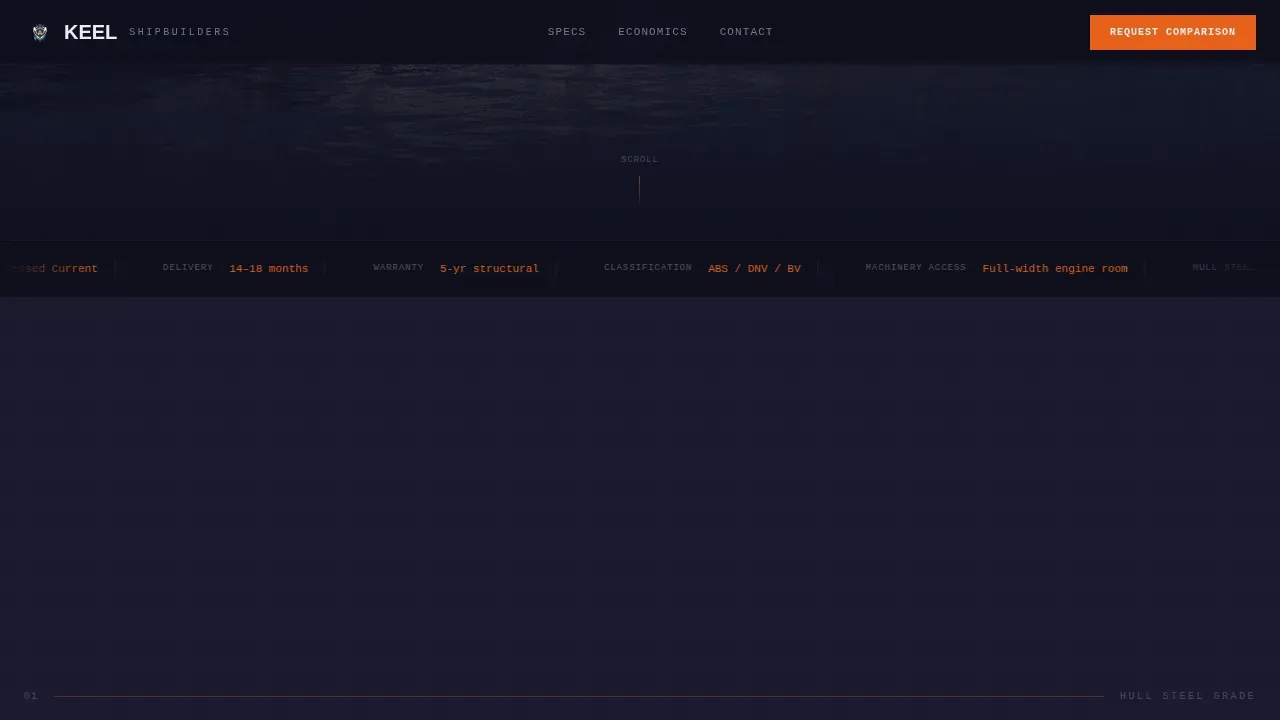
The header opens with a slow dolly shot pushing through a fabrication hall. Sparks shower from an overhead weld. The camera moves between hull sections and emerges at the launch rails where a completed ship sits ready. Ambient audio plays on scroll, including grinders, radio chatter, and chain clank, to create a sense of place that no static image can match.
Dual Conversion Path Design
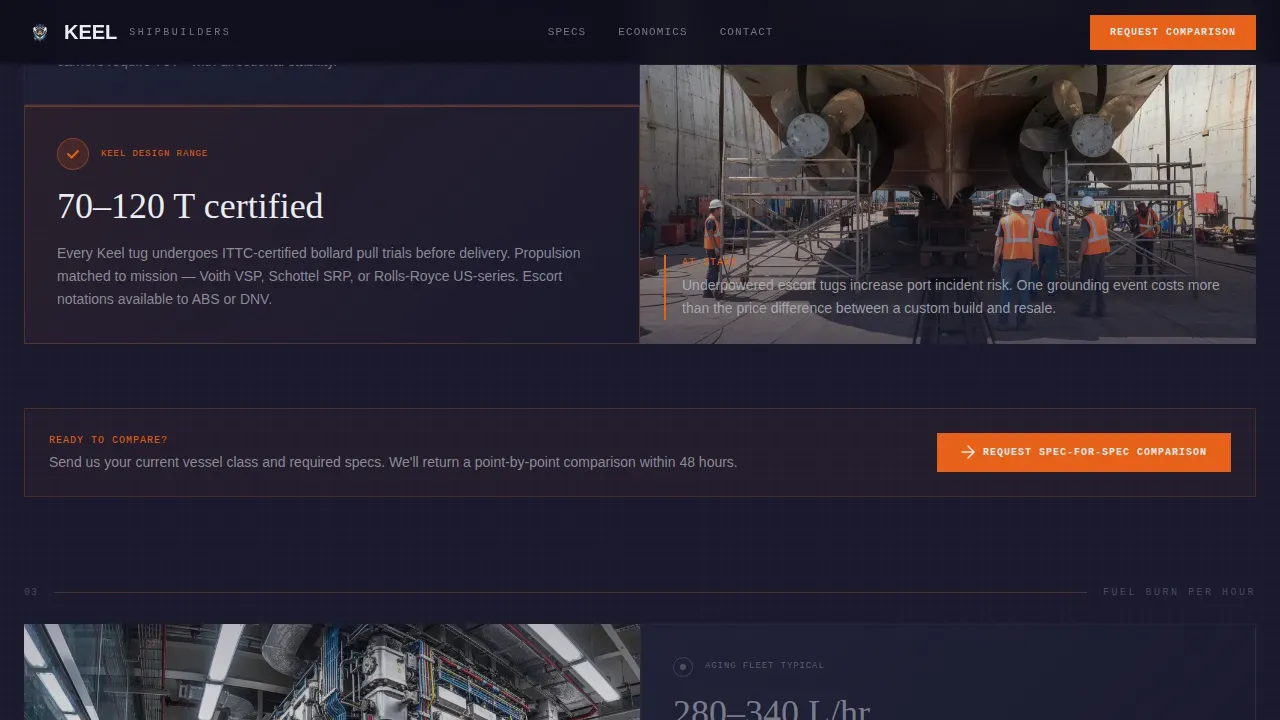
The primary call to action reads "Request a Spec-for-Spec Comparison" and is anchored at the end of every second zigzag pair. A secondary path offers a gated PDF download for leads who are deep in evaluation but not yet ready to talk. Both paths are tied to a short form that collects vessel class, bollard pull range, and operating environment before asking for contact details.
Twenty-Year Lifecycle Cost Visual
The final section before the footer presents a visual cost calculator layout comparing custom ship building manufacturing against broker resale across a twenty-year service life. It reframes the conversation from upfront price to total ownership economics, which is the point at which most procurement decisions are actually made.
Engineering Blueprint Visual System
The page uses a dark industrial design language with technical grid lines, precision callouts in weld-spark orange, and drafting-paper white open space. Typography is set in Fraunces for display headings, DM Sans for body copy, and JetBrains Mono for technical callouts such as dimensions, specs, and material grades.
Zigzag Alternating Layout
Six spec comparison pairs are laid out in a zigzag alternating pattern. Each pair presents an industry-standard position on one side and the yard's answer on the other. The structure escalates from steel grade and bollard pull through fuel burn and machinery access, and ends at corrosion protection and delivery timeline before moving to total lifecycle cost.
Page sections overview
| Section | Purpose |
|---|---|
| Fabrication Hall Hero | Opens with cinematic dock welding video, sparks, and display headline |
| Zigzag Pairs 1 and 2 | Compares hull steel grade and bollard pull against industry standard |
| Zigzag Pairs 3 and 4 | Covers fuel burn per hour and machinery access side by side |
| Zigzag Pairs 5 and 6 | Sets corrosion protection and delivery timeline spec for spec |
| Lifecycle Cost Visual | Shows twenty-year build versus resale economics with final call to action form |
| Linear Footer | Single-row footer with clean navigation and contact scaffold |
Design & branding system
The design follows an Engineering Blueprint theme built on a Carbon Fiber color palette. Every color choice serves a functional reading role, not decoration.
- Deep hull black (#1A1A2E) as the primary background, technical grid gray (#3D3D5C) for structural lines, and weld-spark orange (#E8611A) for all active callout elements and checkmark animations
- Drafting-paper white (#EAEDF0) supplies open space between spec panels, keeping the page clean and readable at any scroll depth
- Fraunces handles display serif headings, DM Sans handles body paragraphs, and JetBrains Mono renders technical data such as keel dimensions, bolts specifications, plate thickness, and longitudinal girder spacing values
Mobile & speed optimization
This template is built desktop-first because ship building procurement decisions happen at workstation screens, not on phones. Mobile responsiveness is included so the page holds up when a stakeholder visits from a tablet or shares a link on a mobile device.
- Sticky scroll sections and beam sweep effects are handled via client-side components to keep the animation set smooth without blocking page load
- Static scaffold sections use server components so the core page structure and text are available immediately on any device and size
How this template helps you convert
Keel is not a brochure. It is a structured argument that moves a buyer from awareness to inquiry across a single scroll session.
- The zigzag comparison layout earns trust early by showing that you are aware of industry-standard specs and willing to set your build quality against them point by point, which gives procurement officers a reason to keep reading
- The dual conversion path means you capture both the buyer who is ready to talk and the one who needs to check a downloadable report and think it over, so you do not lose the lot of leads that fall between those two stages
- Stakes escalate across the page in a deliberate order, from structural materials to lifetime cost, so by the end the visitor is not comparing boats but comparing total dollars over twenty years, making the choice to request a comparison easier to justify internally
Other information about this template
This section covers additional context that may be useful as you plan and select this template.
- The keel spec for spec shipyard build landing page template is located in the Marine and Maritime category, under the Shipbuilding and Repair subcategory, with a niche focus on the Tugboat and Workboat Builder market
- Shipbuilding landing page templates are designed to showcase ship building services and products effectively; this template set follows that purpose while adding a comparison-led conversion layer suited for B2B marine procurement
- Templates for shipbuilding landing pages often include illustrations of engineers working on vessels; this template uses cartoon people vector illustration style assets alongside cinematic video to create visual variety and mark different content zones across the page
- Engineers male characters and male engineers appear across section panels as visual anchors that reinforce the industrial, on-the-dock-floor authenticity of the brand story
- Cartoon people vector illustration elements in dock welding scenes help create recognizable, scan-friendly visuals within the zigzag ship building manufacturing comparison panels
- The template set can be used for various sizes and styles of web presence; users can visit the preview, check sample data, and review pictures before selecting this page for their project
- Keel bolt engineering facts are woven into the template's technical callout layer: keel bolts are specified in high-alloy steel, and the bulb of the keel uses a lead casting with approximately two percent antimony for stiffness
- The minimum longitudinal girder spacing for a keel is 1.83 m; this spec and similar dimensions can be displayed in the JetBrains Mono callout layer supplied within the template's design system
- Building slips can be modified to accommodate different keel lengths; the template's comparison panels are flexible enough to add or adjust spec rows to fit the actual vessel classes in your fleet plan
- The price for shipbuilding landing page templates starts from around $5.00 on many marketplaces; this template represents a specialized tier with a higher degree of creative direction, interactivity, and niche fit for marine industrial B2B use
Theme
Engineering Blueprint
Creative direction
Checklist & Audit
Color system
Carbon Fiber
Style
Zigzag/Alternating
Direction
Comparison/Versus
Page Sections
Scroll-triggered Checkmark Animations
Cinematic Fabrication Hall Header
Dual Conversion Path Design
Twenty-year Lifecycle Cost Visual
Engineering Blueprint Visual System
Zigzag Alternating Comparison Layout
Related questions
Who is this landing page template built for?
Can I adjust the comparison specs in the zigzag sections?
What are the two ways a visitor can convert on this page?
Does this template include the video and audio assets shown in the preview?
What typography and color variables are pre-set in this template?