Offshore Platform Construction Company Website Template
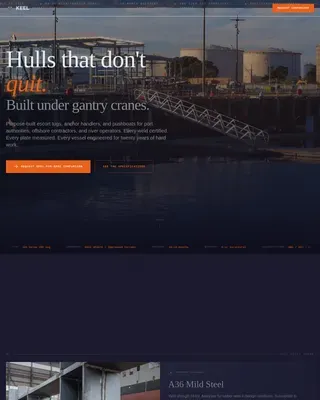
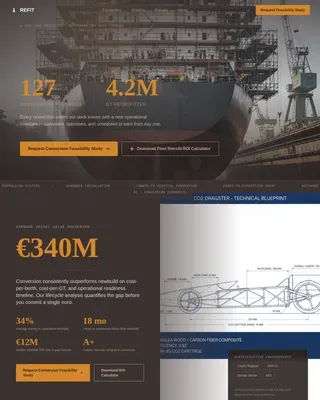
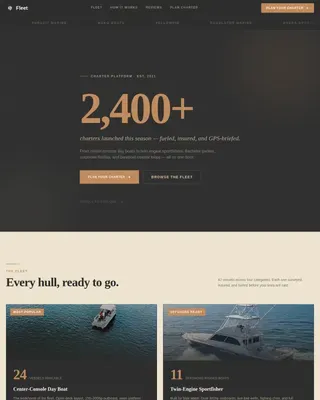
A dashboard-style landing page built for offshore platform construction companies. It combines a full-bleed aerial header, interactive fleet and fabrication data modules, and a lead-qualifying contact form into a single high-impact page. The dark Navy Authority palette and Industry Report layout communicate operational scale and credibility to E&P operators, EPCI contractors, and national oil companies from the first scroll.
by Rocket studio
Quick summary
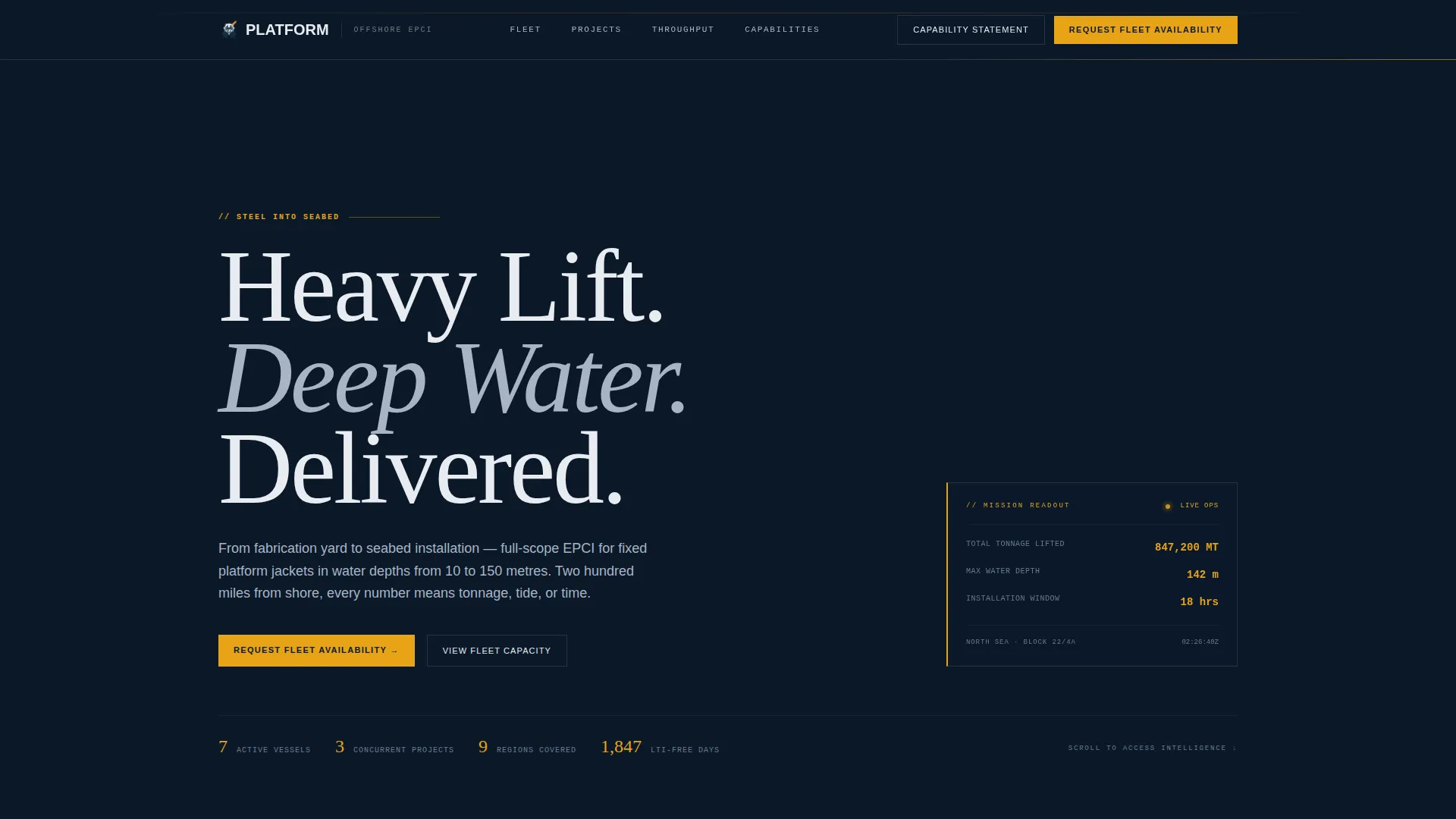
This template is a single-page, data-grid landing page for heavy offshore construction companies. It opens with a dramatic aerial photograph and a mission-readout data overlay, then walks visitors through fleet capacity, project history, and fabrication throughput before closing with a structured lead-capture form. Every section is built to add operational proof and qualify serious buyers.
Who this template is for
The template is designed for companies that build and install fixed offshore structures. It speaks directly to the buyers and decision-makers those companies need to reach.
- Exploration and production (E&P) operators planning field development campaigns and sourcing installation contractors
- Engineering, procurement, construction, and installation (EPCI) contractors looking to subcontract heavy-lift and piling scopes
- National oil companies commissioning fixed platforms in shallow-water concessions
What problem this template solves
Offshore construction companies often lack a web presence that matches the scale and rigor of their actual operations. A generic company website loses credibility the moment a serious procurement officer compares it to the tonnage and safety data they expect to see.
- There is no clear way to communicate fleet capacity, project history, and technical scope in one structured view
- Lead forms that ask generic questions fail to qualify buyers and waste both parties' time
- The visual identity of most industry websites does not convey the operational authority buyers expect at this project scale
What you get with this template
You get a complete, single-page layout with every section pre-built and ready to populate with your own project data. The structure moves from credibility to qualification in a deliberate sequence.
- A full-bleed aerial header with a data overlay showing tonnage, water depth, and installation window
- Interactive fleet capacity, project history map, and fabrication throughput data modules
- A tiered lead-capture system with a primary request form and a secondary capability-statement download gate
Feature list
This template includes six purpose-built layout modules. Each one is designed to add a specific layer of evidence before asking for a commitment.
Full-Bleed Aerial Header with Data Overlay
The header uses a large aerial photograph of a jacket structure being upended by a heavy-lift vessel. The image is lightly desaturated to align with the navy palette. A data overlay in the lower-left corner displays total tonnage lifted, water depth, and installation window in hours, framed as a mission readout rather than a caption.
Interactive Fleet Capacity Asset Table
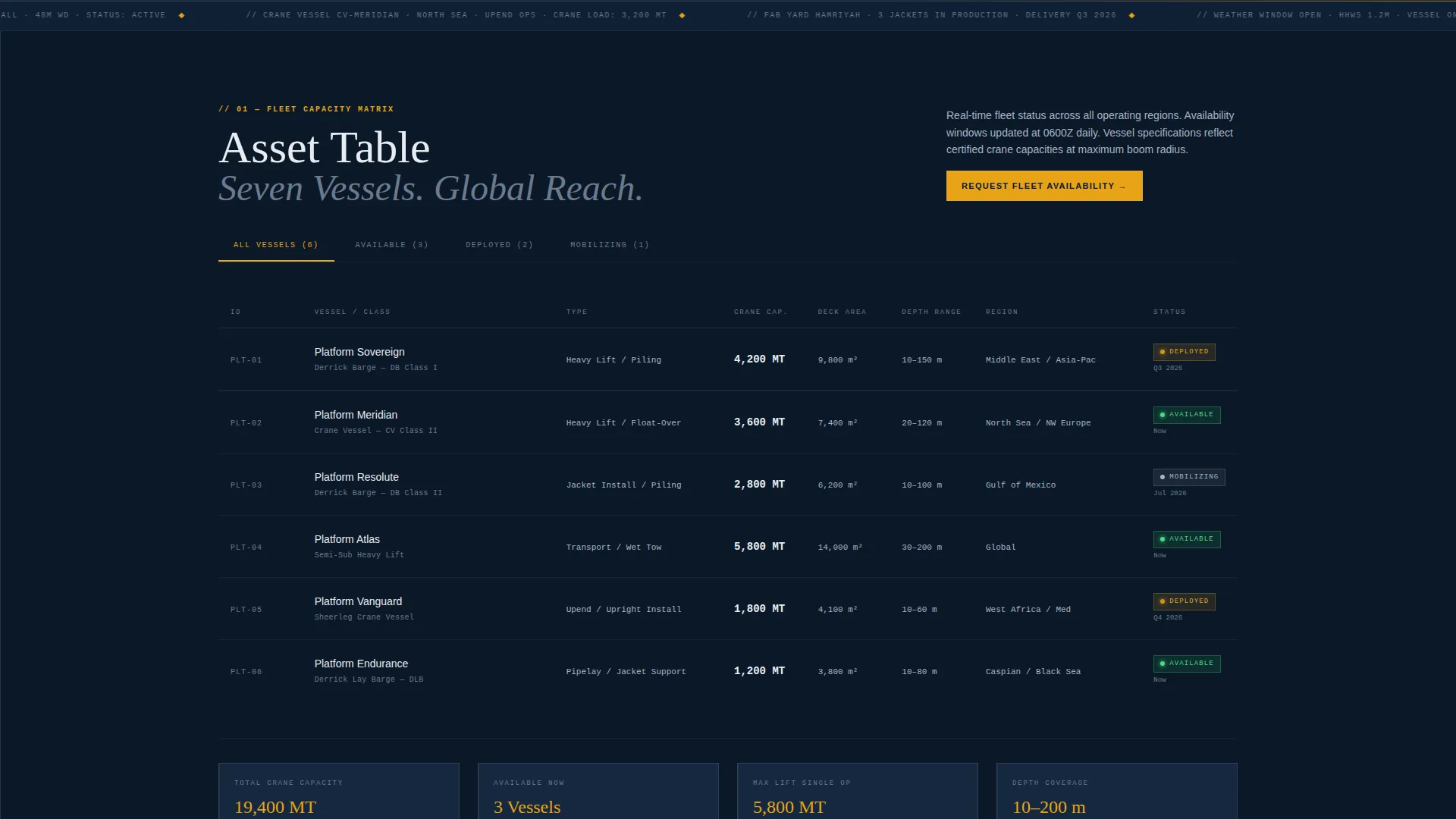
Fleet assets are presented in a structured data table showing vessel class, crane capacity, and current availability status. This gives procurement teams the technical reference they need without requiring a separate capability document.
Project History World Map with Case Study Cards
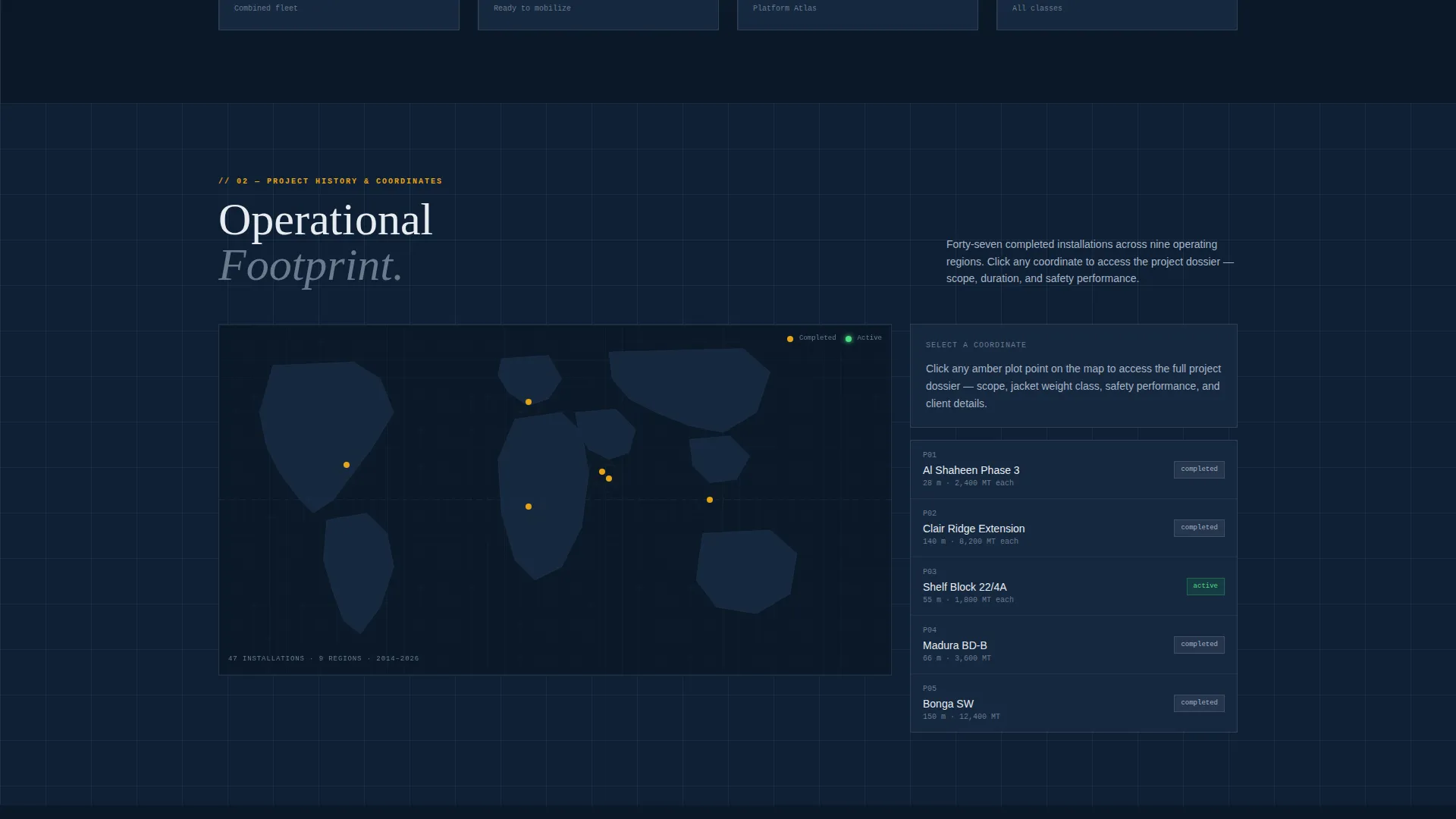
Past projects are plotted as coordinates on a world map. Each point expands into a case-study card showing project scope, duration, and safety metrics. The format builds geographic and operational credibility at a glance.
Year-over-Year Fabrication Throughput Charts
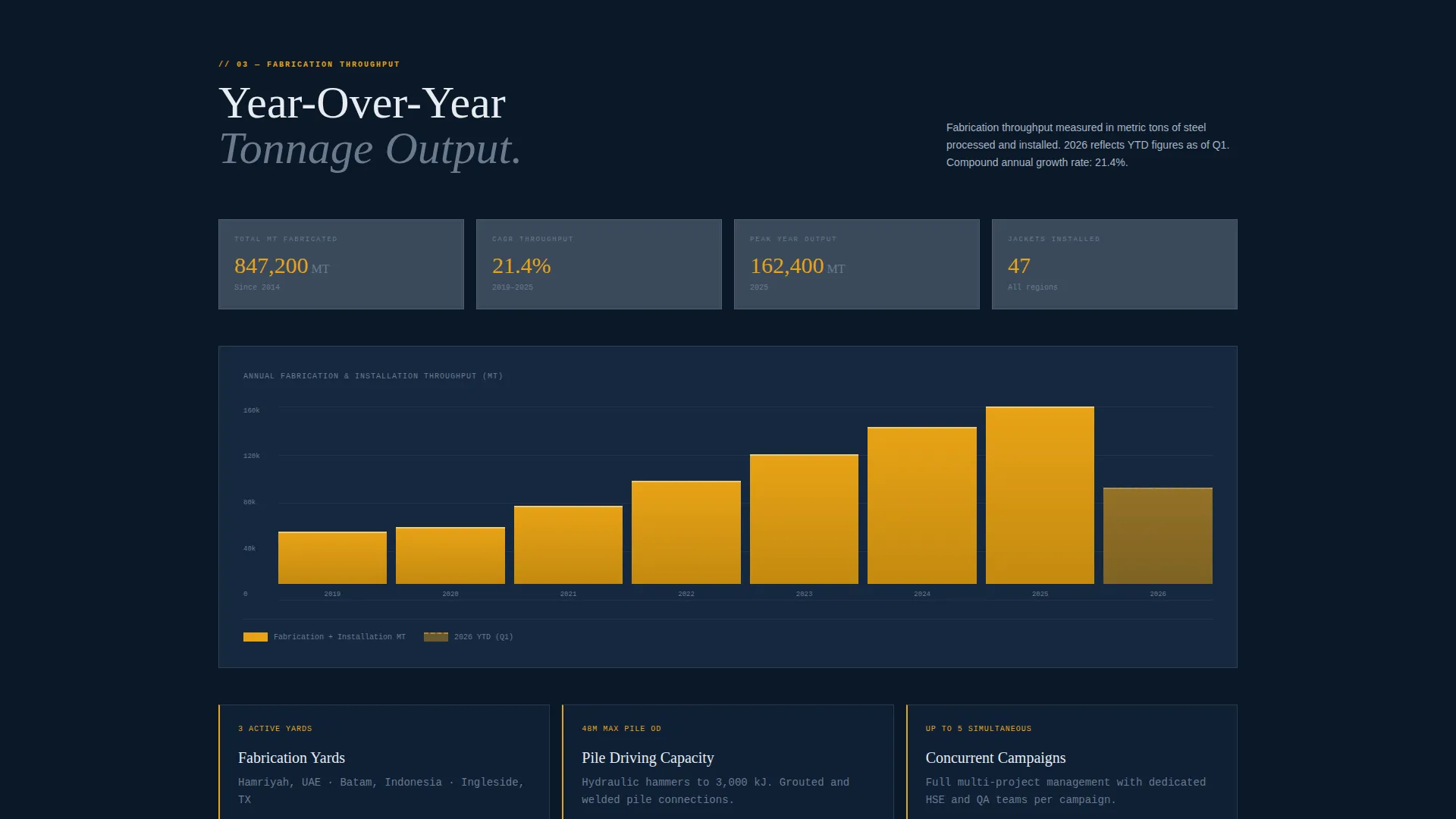
Fabrication output is displayed as annual tonnage charts. The visual format lets visitors compare capacity across years and assess whether the company can absorb their project scope.
Tiered Lead-Capture Form
The primary form at the page base asks for field name, water depth range, estimated jacket weight class, and target installation window. The structured fields prompt buyers to think in project specifics, which improves lead quality before the first conversation.
Capability Statement Download Gate
A secondary conversion path offers a downloadable capability statement. It is gated behind company name and email only, making it easy for earlier-stage prospects to engage without committing to a full project inquiry.
Page sections overview
| Section | Purpose |
|---|---|
| Aerial Header Image | Establish scale and operational context with a photo and live-stat overlay |
| Navigation Bar | House the persistent "Request Fleet Availability" amber call-to-action button |
| Fleet Capacity Table | Present vessel class, crane capacity, and availability in a scannable data grid |
| Post-Fleet call to action | Repeat the primary call-to-action immediately after the fleet module |
| Project History Map | Plot past project coordinates with expandable scope and safety cards |
| Fabrication Throughput Charts | Display year-over-year tonnage output as comparative bar or line charts |
| Lead Qualification Form | Capture field name, water depth, jacket weight class, and installation window |
| Capability Download Gate | Offer a secondary asset gated behind company name and email |
Design & branding system
The visual identity follows a Data Command theme built around the Navy Authority color system. The palette is tight and intentional, every color carrying a specific role.
- Deep operational navy (#0B1929) covers primary backgrounds, signal white (#E8ECF1) handles all typography and data labels, and steel-deck gray (#3A4A5C) defines card surfaces and secondary panels
- Hazard amber (#E8A317) appears exclusively on calls-to-action, live-stat highlights, and interactive hover states, so every amber element signals action or urgency
- The overall aesthetic references a derrick barge bridge console at night: dark, high-contrast, and purposeful, with no decorative color
Mobile & speed optimization
The template is structured for clean rendering across device sizes. The data-grid layout reflows for smaller screens without losing the visual hierarchy that makes the desktop experience credible.
- The asset table and world map modules are designed to adapt to narrower viewports while keeping key data visible
- The amber call-to-action button in the navigation remains persistent on mobile, keeping the primary conversion path accessible at every scroll position
How this template helps you convert
The page is built around a deliberate evidence-accumulation strategy. Each module removes a specific objection before the visitor reaches the form.
- The header data overlay establishes real project scale immediately, so visitors arrive at the fleet module already primed with concrete proof of capability
- The tiered form structure separates ready-to-bid buyers from early-stage prospects, routing each to the right path without friction
Other information about this template
This template sits within the Marine and Maritime category, under the Maritime Services subcategory, with a specific focus on the offshore platform construction niche. It is designed as a dashboard and data-grid style landing page, making it a strong fit for companies operating crane barges, jacket fabrication yards, or heavy-lift vessels in shallow-water and deep-water concession areas.
- The Industry Report creative direction means the page reads like a confidential market intelligence document, which reinforces the sense that the company holds proprietary operational knowledge
- The template style supports offshore construction businesses that need to present jacket installation records, marine spread capacity, and fabrication throughput in a single auditable view
- It is well-suited for companies positioning for fixed-platform scopes in regions where national oil companies and international EPCI contractors are active
Theme
Data Command
Creative direction
Industry Report
Color system
Navy Authority
Style
Dashboard/Data Grid
Direction
Lead Generation
Page Sections
Aerial Header with Mission Data Overlay
Interactive Fleet Capacity Table
Project History Map with Case Study Cards
Fabrication Throughput Charts
Lead-qualifying Project Inquiry Form
Capability Statement Download Gate
Related questions
Who is this landing page template designed for?
Can I use this template if my company handles only fabrication, not marine installation?
What does the lead form ask, and why is it structured that way?
Is there a way to capture prospects not ready to submit a full project inquiry?
How does the color system work in practice?