Federal Port Authority Landing Page Template
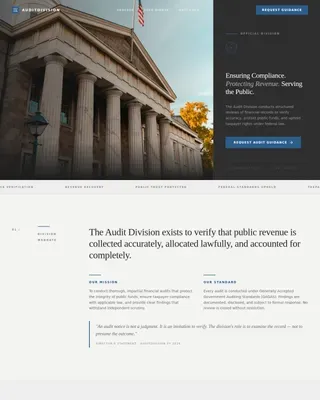
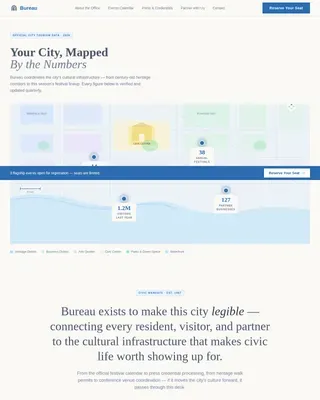
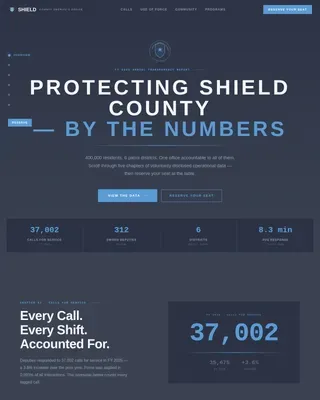
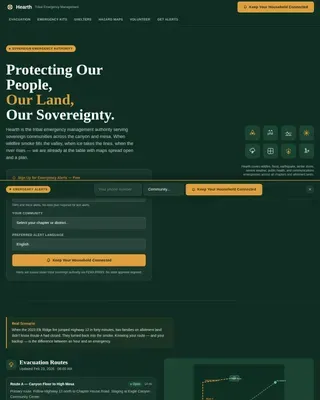
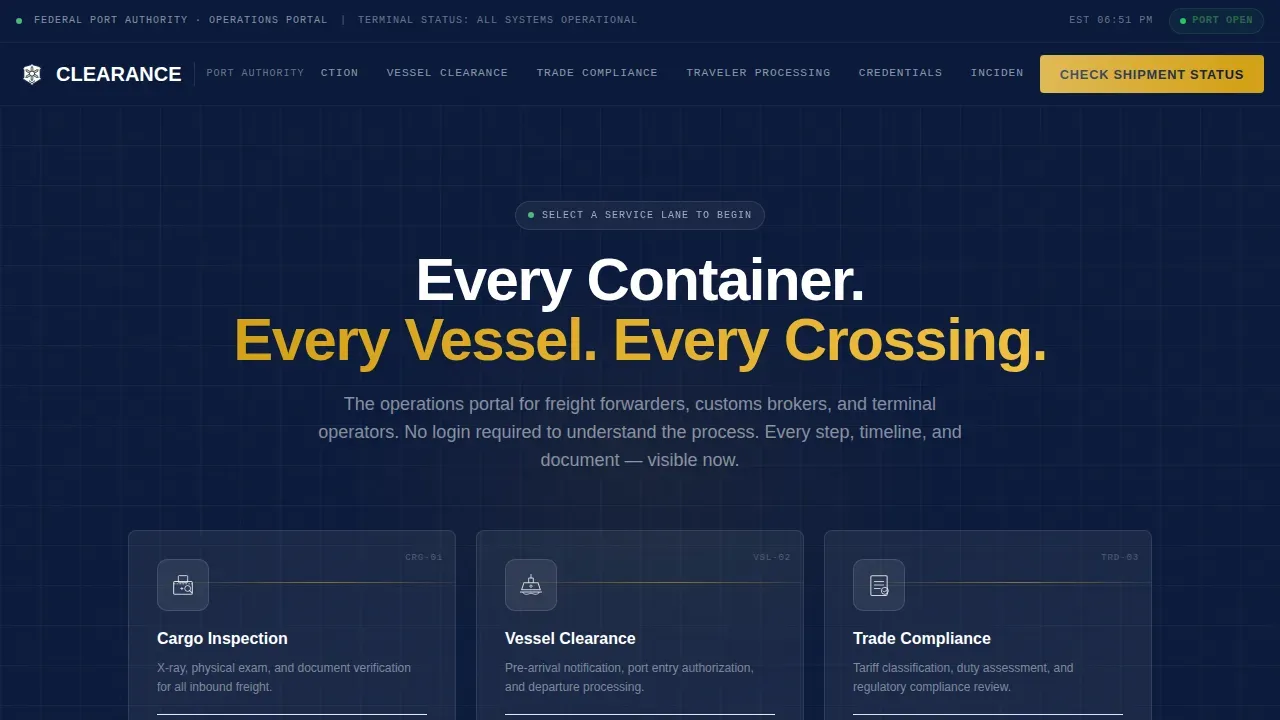
The Clearance Federal Port Authority Hub landing page is a single-page, hub-and-spoke operations portal built for maritime trade professionals. It presents six service lanes through an icon grid, then unfolds each as a numbered process flow with timelines, required documents, and status definitions. The design follows a Civic Service theme using a Navy Authority color system for immediate hierarchy and trust.
by Rocket studio
Quick summary
This template is a hub-and-spoke landing page designed for a federal port authority. It opens with a six-card icon grid, each card anchoring a distinct service lane below. Visitors scroll through numbered process flows, clearance timelines, and plain-language status definitions. The result feels like a staffed operations center, not a brochure.
Who this template is for
This template is built for federal port authority agencies and their core professional audiences. It serves people who need fast, friction-free access to procedural information at any hour.
- Freight forwarders and customs brokers tracking held shipments or filing pre-arrival manifests
- Terminal operators who need updated compliance bulletins and vessel clearance steps
- Importers who have just received a first notice of examination and need to act quickly
What problem this template solves
Port authority websites often bury process details behind login walls or deep PDF archives. Professionals working time-sensitive shipments cannot afford to hunt for the steps they need.
- Critical information such as required documents, clearance windows, and status definitions is hidden or inaccessible without an account
- Visitors bounce when they cannot find an answer fast, eroding trust in the agency
- A single disorganized page forces repeated calls or emails that slow operations on both sides
What you get with this template
You get a fully structured single-page layout that replaces confusion with clarity. Every service lane is a self-contained section with its own process flow, document list, and action path.
- An icon grid hub with six isometric service-lane cards that anchor-navigate to spoke sections below
- Numbered process flows, estimated clearance windows, and plain-language status definitions for each lane
- A persistent amber call-to-action button and secondary text links woven into every spoke section
Feature list
This template's features come directly from its brief. Each one serves a specific operational need.
Six-Card Icon Grid Hub
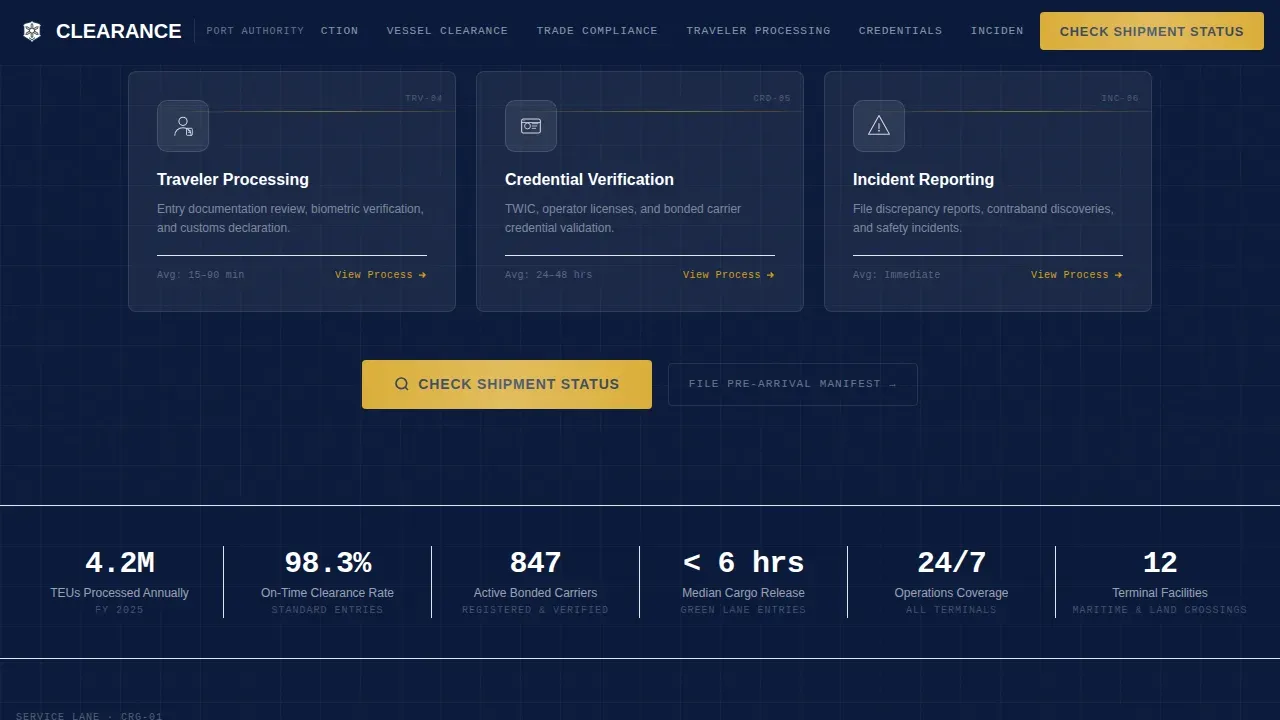
Six cleanly drawn isometric icons sit in a two-by-three grid on a navy field. Each card covers one service lane: cargo inspection, vessel clearance, trade compliance, traveler processing, credential verification, and incident reporting. Every card is a live entry point that anchor-scrolls to its spoke section below.
Persistent Anchor Navigation Bar
The anchor navigation bar stays fixed at the top of the page as the visitor scrolls. Active-state tracking via IntersectionObserver highlights the current section in signal amber. This lets a broker jump between service lanes instantly without losing their place.
Numbered Process Flow Sections
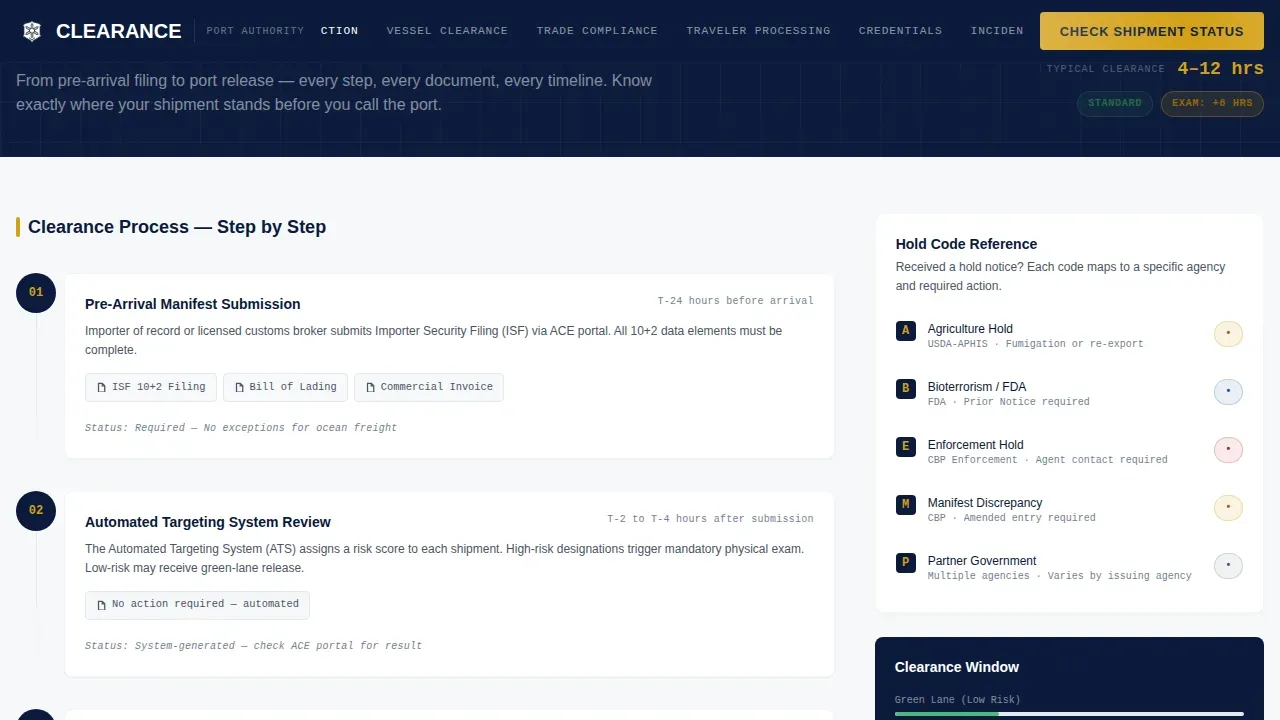
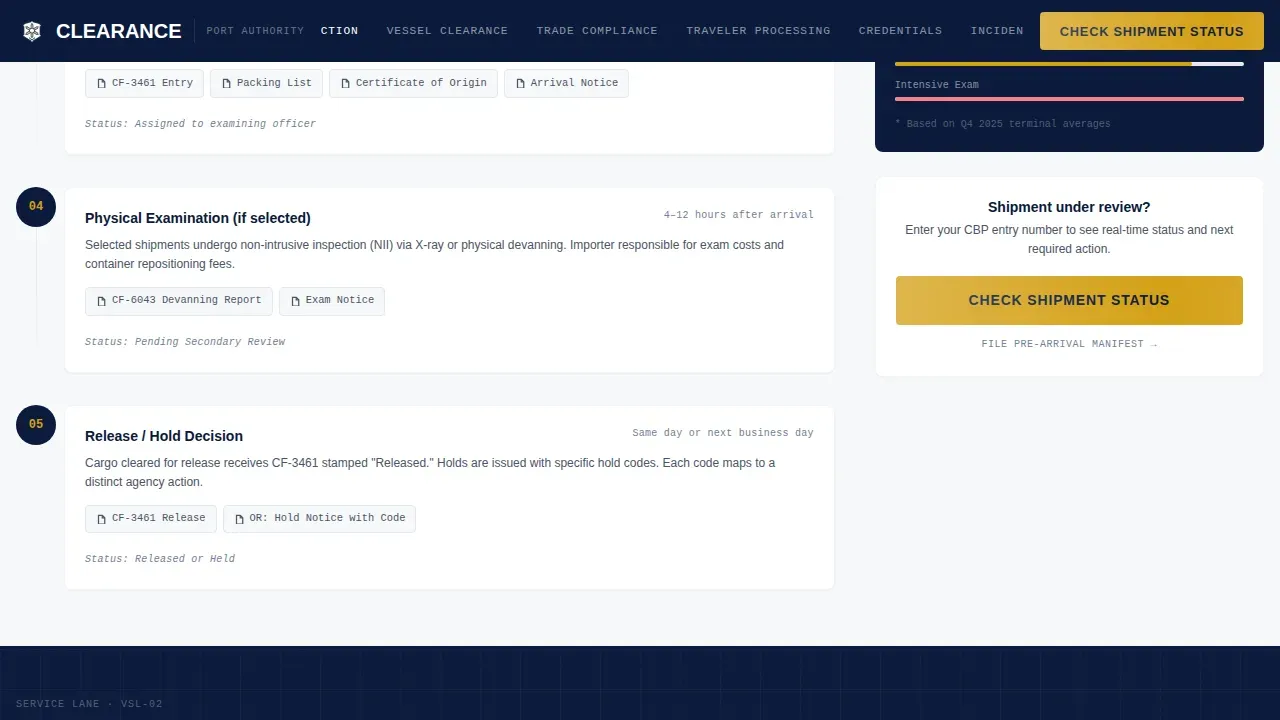
Each spoke section lays out its service lane as a step-by-step numbered flow. Steps include estimated clearance windows and the exact documents required at each stage. Nothing is hidden behind a secondary click or a downloadable file.
Plain-Language Status Glossary
A dedicated glossary section defines every status code a professional might encounter. Terms like "pending secondary review" are explained in plain language so brokers know what action, if any, is required. The glossary closes with an amber alert-level indicator system.
Signal Amber Call-to-Action System
The primary "Check Shipment Status" button is rendered in signal amber and appears in the nav bar and at the close of every spoke section. Secondary paths, "File Pre-Arrival Manifest" and "Request Compliance Review," appear as text links inside their respective sections. The amber color is reserved exclusively for action and alert states.
Stagger-Reveal Scroll Animation
Spoke sections unfold with staggered reveal animations as the visitor scrolls into view. Scan-line effects on cards and a shimmer on amber buttons reinforce the operations-center aesthetic. The nav bar shows an active beam indicator as each section enters the viewport.
Page sections overview
| Section | Purpose |
|---|---|
| Icon Grid Hub | Entry point to all six service lanes via anchor cards |
| Cargo Inspection Spoke | Numbered flow, clearance windows, required document list |
| Vessel Clearance Spoke | Pre-arrival to departure steps with timeline estimates |
| Trade Compliance Spoke | Status definitions and compliance review request link |
| Traveler and Credential Spoke | Dual process flows for traveler processing and credential verification |
| Incident Reporting Spoke | Alert levels, reporting steps, and amber call-to-action close |
| Status Glossary | Plain-language definitions for all port status codes |
| Minimal Footer | Federal agency linear single-row footer pattern |
Design & branding system
The visual identity follows a Civic Service theme that communicates authority without being hostile. Every color and type choice maps to a specific hierarchy role.
- Deep dress-blue (#0B1A3B) covers primary headers and the persistent anchor nav; regulation gray (#4A5568) handles body text and secondary panels; clearance white (#F7F8FA) fills content cards and form backgrounds
- Signal amber (#D4A017) is reserved exclusively for active-state indicators, alert badges, and primary action buttons
- Plus Jakarta Sans is used for all headers while IBM Plex Mono handles status codes and reference numbers, reinforcing the operations-center reading experience
Mobile & speed optimization
The template is designed desktop-first, matching the primary audience of freight forwarders and brokers working on workstations. A mobile fallback layout is included for field access.
- Server Components handle static content sections to keep the page lean on repeated loads
- CSS scroll-behavior smooth is applied site-wide for fluid anchor navigation between hub and spoke sections
- Stagger reveals and scan-line animations are set at medium intensity so they do not interfere with fast information scanning on smaller screens
How this template helps you convert
This template earns the click before asking for it. By the time a visitor reaches the amber button, every procedural question has already been answered.
- The icon grid communicates immediately that this is a place to act, not read, pulling professionals into the relevant spoke section in one click
- Numbered process flows and status definitions remove every remaining reason to call or email, so the only logical next step is tapping "Check Shipment Status"
- The amber call-to-action repeats at the close of every spoke section, meeting each visitor at the moment they are ready to act rather than forcing them to scroll back to the top
Other information about this template
This template is purpose-built for the port authority federal agency niche within the Government and Public category. A few additional details are worth noting before you build.
- The template follows a Hub and Spoke anchor-nav structure, meaning the entire experience lives on one scrollable page with no internal routing or page loads
- The footer uses a minimal linear single-row federal agency pattern consistent with government design standards
- Localization is set for English (United States) with 12-hour time format, imperial measurements, and United States dollar currency references
- No stock photography or hero images are used anywhere; the icon grid itself serves as the visual interface and primary wayfinding system
- The Transparent Process creative direction means process steps, document requirements, and timelines are surfaced directly on the page without requiring a login or account
Theme
Civic Service
Creative direction
Transparent Process
Color system
Navy Authority
Style
Hub & Spoke (Anchor Nav)
Direction
Click-Through
Page Sections
Six-card Isometric Icon Grid
Persistent Anchor Navigation Bar
Numbered Process Flow Spoke Sections
Plain-language Status Glossary
Signal Amber Call-to-action System
Stagger-reveal Scroll Animations
Related questions
Who is this landing page template designed for?
Can I customize the six service-lane cards for a different set of services?
Does this template include the shipment tracking portal itself?
How does the anchor navigation work?
Is this template suitable for a state-level or private terminal authority?