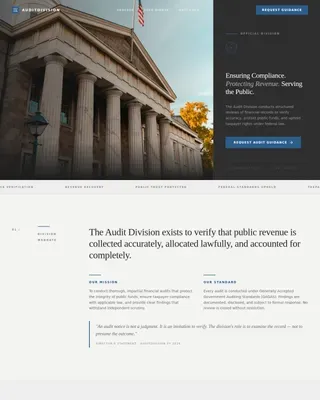
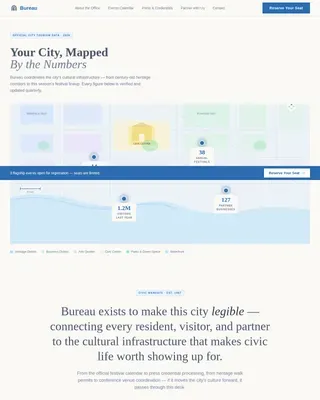
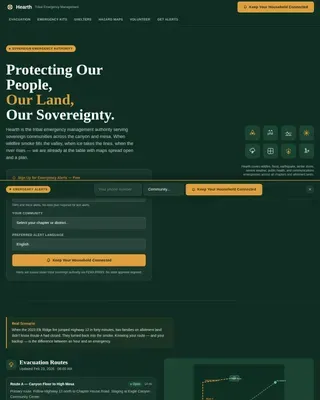
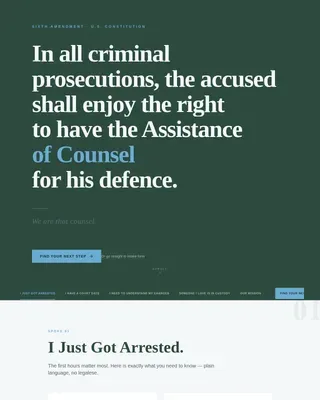
Police & Emergency Booking Website Template
Shield is a hub-and-spoke civic transparency landing page designed specifically for county sheriff's offices. It combines an industry-report scroll with a streamlined event registration form, guiding residents through five data-driven sections before presenting a clear "Reserve Your Seat" call to action for events like Citizens' Academy, Coffee with a Deputy, Ride-Alongs, and National Night Out.
by Rocket studio
Quick Summary
Shield is a civic transparency event registration landing page built for county sheriff's offices serving large resident populations. The page scrolls like an annual transparency briefing, moving through real operational data before arriving at a clean event registration form. It earns the click by informing first and asking second, making sign ups feel like a natural civic step rather than a marketing conversion.
Who This Template Is For
Shield is designed for government communicators, public information officers, and sheriff's office staff who need a professional event website that builds trust before it collects registrations. It serves offices that host recurring community programs and want residents to feel informed, not marketed to.
- County sheriff's offices hosting Citizens' Academy, Coffee with a Deputy, Ride-Along Programs, or National Night Out events
- Public safety communicators who need an event registration page that leads with transparency data rather than promotional copy
- Community outreach teams managing sign ups for multiple in-person programs from a single landing page
What Problem This Template Solves
Most government event landing pages look like generic flyers pasted online. They list an event date, drop a registration form, and expect residents to show up. That approach fails because it skips the trust-building that civic participation requires. Potential attendees need context before they commit.
Shield solves this by restructuring the entire page around transparency first, registration second. The event registration landing page presents five sections of voluntarily disclosed operational data before asking anyone to fill out a form. By the time a resident reaches the event registration form, they feel informed rather than solicited.
- Residents arrive skeptical; the page disarms that skepticism with real data before presenting the registration landing section
- Event organizers lose sign ups when forms ask for too much too soon; Shield keeps the registration form lean and district-routed
- Generic event landing pages fail to communicate institutional credibility; this template leads with operational statistics and deputy pull quotes
What You Get With This Template
This landing page template delivers a fully structured, single-page hub-and-spoke layout with a sticky anchor navigation system. Each anchor point in the nav corresponds to a data chapter that reveals a new transparency section as the visitor scrolls. The event registration section appears as the natural final step after five chapters of disclosed operational information.
- A five-section hub-and-spoke layout anchored by a sticky side-nav with scroll-linked dot activation, connecting the hero through the event registration landing section
- An event registration form with tab-switching between four program types, name, email, and ZIP code fields, plus a secondary bulletin subscribe capture for visitors not ready to register
- Animated data components including an odometer count-up for calls for service, staggered stat reveals, and year-over-year comparison bars for use-of-force trends
Feature List
This section provides a closer look at the core capabilities built into the Shield landing page template.
Hub-and-Spoke Sticky Anchor Navigation
A sticky side-nav keeps every section of the event website reachable from anywhere on the page. Each dot in the nav activates as the visitor scrolls into that chapter, giving most visitors an immediate read on where they are in the transparency briefing. The anchor nav also pins the "Reserve Your Seat" call to action so it is always visible, reducing the distance between interest and registration.
Odometer and Stat Reveal Animations
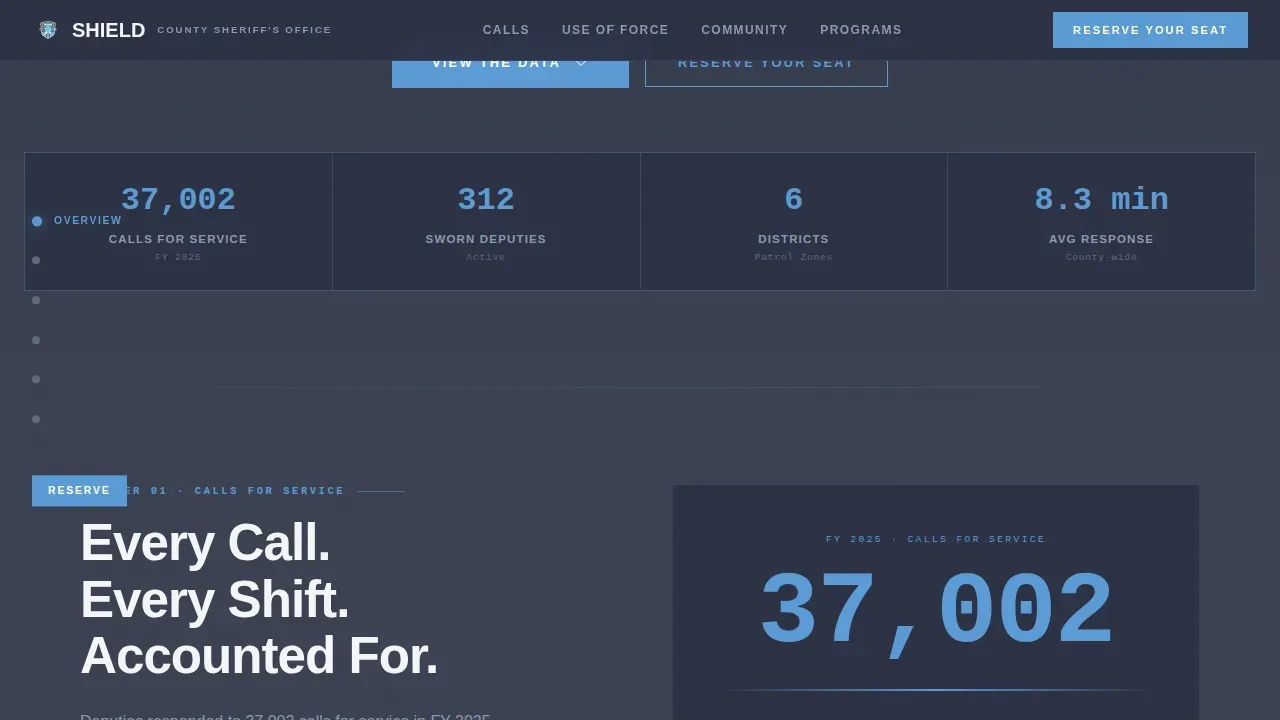
The Calls for Service section uses a live-counting odometer animation that tallies the fiscal year total as the section enters the viewport. Other data sections use staggered stat reveals so important details appear in sequence rather than all at once. This rhythm holds attention and reinforces the industry-report creative direction without relying on a promotional video or carousel.
Tab-Switching Event Registration Form
The event registration form opens with an event selection tab row: Citizens' Academy, Coffee with a Deputy, National Night Out, and Ride-Along Program. Selecting a program tab surfaces the name, email, and ZIP code fields below it. ZIP code routing matters here because the office uses it to direct attendees to the correct district station, making the registration page functionally useful rather than decorative.
Transparency Data Sections with Pull Quotes
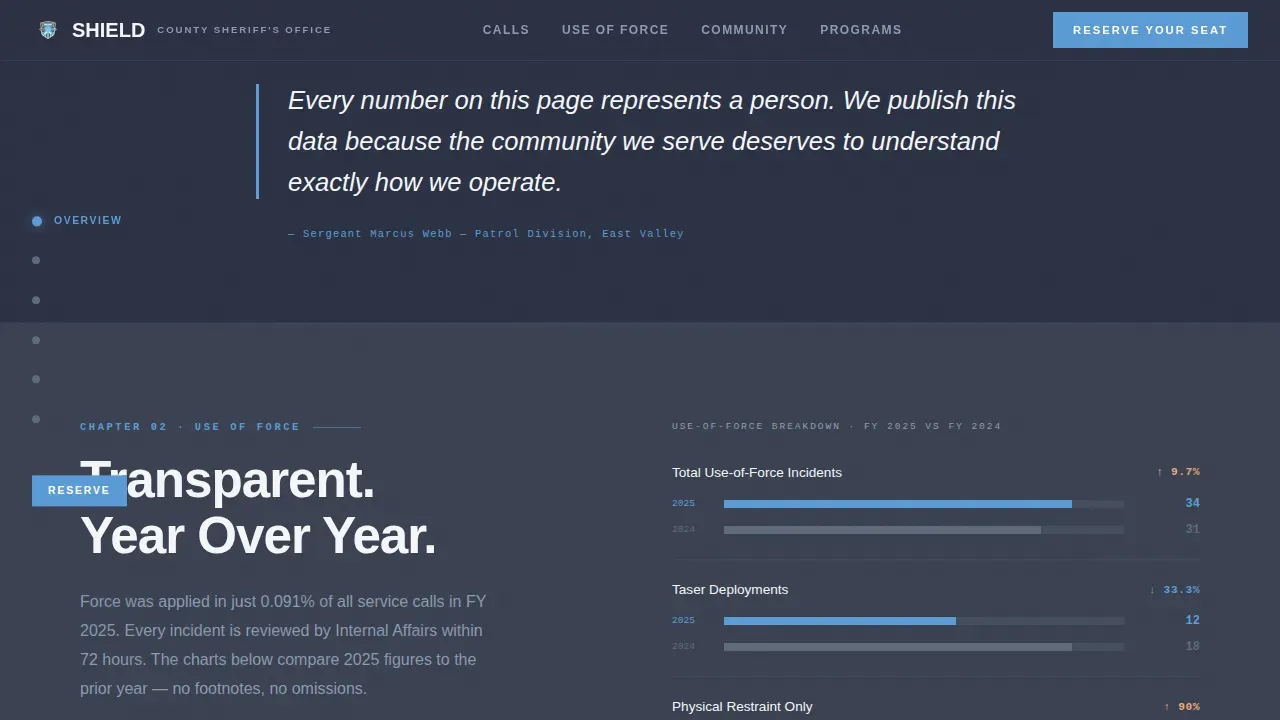
Between each data chapter, single-sentence pull quotes from deputies and residents act as human pauses in the stat-heavy scroll. This stat-story-stat-story rhythm builds cumulative trust. By the time website visitors reach the event registration section, they have already read voluntarily disclosed data on calls for service, response times, use-of-force trends, and community engagement hours.
Secondary Bulletin Subscribe Capture
Visitors who are not ready to attend an event in person can submit a single email address to subscribe to the Sheriff's Bulletin. This sign up form sits alongside the main event registration form, giving the page two conversion paths without splitting focus. The primary call to action remains "Reserve Your Seat"; the bulletin subscribe is a softer fallback that still collects a useful contact for future events.
Civic Typography and Seal Header
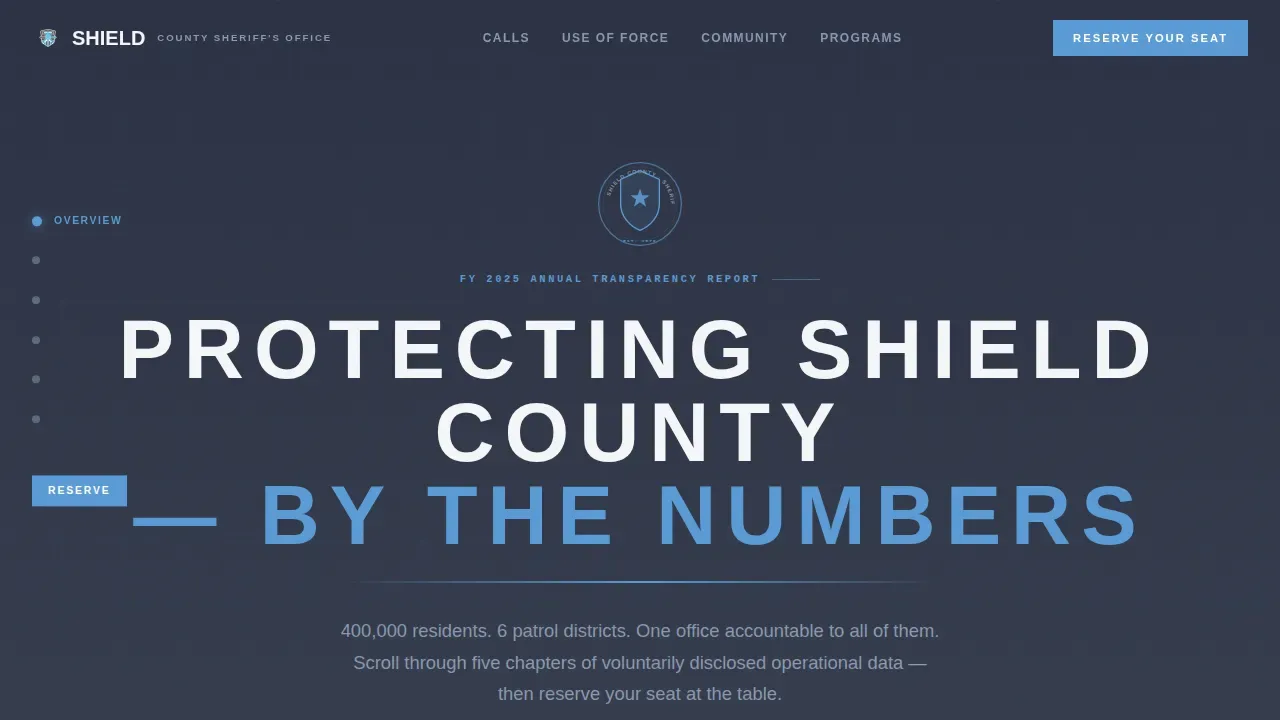
The hero uses a giant all-caps centered headline set in wide-tracked white sans-serif against a deep charcoal field, with the office seal rendered small and precise above it and a single sky-blue rule beneath. No photograph competes for attention. The landing page design relies entirely on institutional typography and the weight of civic language to communicate authority, which is a more credible opening than a stock photo of a patrol cruiser.
Page Sections Overview
| Section | Purpose |
|---|---|
| Hero Anchor Header | Displays the office seal, all-caps headline, sky-blue rule, and sticky anchor nav entry point |
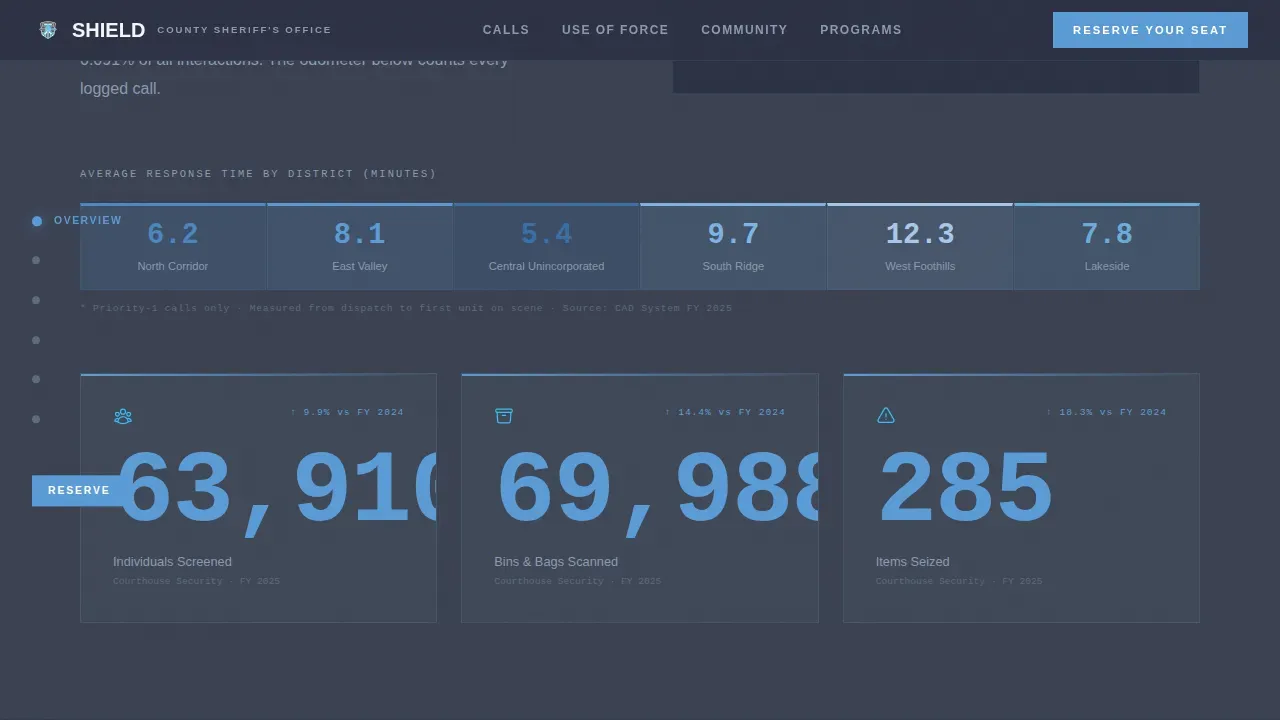
| Calls for Service | Presents fiscal year call volume via odometer animation and district response heat map data |
| Use of Force | Shows year-over-year comparison bars with a transparency pull quote from a deputy |
| Community Engagement | Logs engagement hours, school resource officer data, and victim advocates served |
| Event Registration | Hosts the tab-switching event registration form and the bulletin subscribe sign up form |
| Footer Row | Provides a single-row linear footer with office contact and secondary navigation |
Design & Branding System
The Shield landing page design follows a Civic Service theme built around the Slate and Sky color system. The palette reads like a pressed Class-A uniform against a clear morning sky: authoritative without aggression, approachable without losing gravity. Typography uses Plus Jakarta Sans for headings, DM Sans for body and data text, and JetBrains Mono for all statistics and number displays, keeping data legible and visually distinct from editorial copy.
- Charcoal (#3B4252) anchors the header and footer; gunmetal (#5E6A7A) fills secondary panels; open-sky blue (#5B9BD5) marks every interactive element, link, and anchor-nav dot; dress-white (#F4F6F8) fills content wells and typography fields
- Eye-catching sky-blue accents draw attention to every call-to-action button and registration link the way a badge catches light, making the event page scannable and conversion-ready at first glance
- The visual identity avoids stock photography and carousels entirely, letting civic typography and operational data carry the full persuasive weight of the event landing page
Mobile & Speed Optimization
Shield is built desktop-first because government transparency reports tend to skew toward desktop viewing sessions. However, the template includes full mobile support so the event registration page adapts cleanly to smartphones and tablets. With more than 50 percent of users potentially registering on mobile devices, the layout maintains readability and form usability across all screen sizes.
- The sticky anchor nav collapses gracefully on smaller screens so mobile visitors can still navigate between data chapters without losing their place on the event page
- The tab-switching event registration form and bulletin subscribe field remain fully functional on touch devices, keeping sign ups accessible regardless of device
- Server Components handle static transparency sections for fast initial loads; interactive elements like the odometer counter and the registration form use Client Components to stay responsive without blocking the rest of the page
How This Template Helps You Convert
An event registration landing page that leads with data converts better than one that leads with a pitch. Shield is structured so that every scroll interaction builds credibility before the visitor reaches the registration form. The design keeps only one call to action direction active at any given section: "Reserve Your Seat." This focused approach keeps conversion rate clean by avoiding competing actions.
- The sticky anchor nav pins the "Reserve Your Seat" button throughout the scroll, so potential attendees can act the moment they feel ready rather than hunting for the registration form at the bottom of the page.
- The event registration form asks for only three fields after event selection: name, email, and ZIP code. Keeping the form short reduces friction and improves conversion rate by not deterring potential customers who would abandon a longer form.
- The bulletin subscribe path gives undecided website visitors a lower-commitment option, collecting an email address for follow-up on future events without losing the contact entirely.
Other Information About This Template
Shield is a unique landing page in the civic government category. It draws event landing page inspiration from the industry-report format rather than the typical promotional event website playbook. Where most event landing page examples rely on a promotional video or a speaker lineup photo grid, Shield relies on disclosed operational data and deputy pull quotes. That distinction makes it a good example of how radical transparency can replace traditional persuasion mechanics on a registration landing page.
This is a perfect example of a landing page that treats the event registration landing as the reward for an informed scroll rather than the opening ask. Visitors view details about calls for service and use-of-force trends before they ever see the registration form, which means the people attending an event registered after becoming genuinely informed, not merely marketed to.
- This event registration landing page template can serve as event landing page inspiration for other civic agencies, nonprofit transparency campaigns, or public-safety outreach programs that want to create event landing pages with authority and trust
- The template is designed specifically for the sheriff's office niche but adapts to any government body that hosts in-person community events and wants to create event landing pages that lead with voluntarily disclosed data rather than promotional copy
- You have complete control over all event details displayed in each data chapter: swap in your office's actual calls-for-service numbers, response time data, and community engagement hours to make the event website reflect your jurisdiction's real record
- Past events and previous events can be referenced in pull-quote blocks or data comparison bars, and the year-over-year format makes it easy to acknowledge past attendees and build continuity across future events
- Platform tools like Wix and HubSpot offer free templates for general event registration pages, and Unbounce provides event landing page templates for quick deployment; Shield is purpose-built beyond those general options, designed specifically for civic transparency use cases where the event page must also function as a public-accountability document
- The above examples of successful event landing pages from the conference and tech conference world, such as those from Traffic and Conversion Summit or Adobe Summit, demonstrate how social proof and clear event details drive more attendees; Shield applies those same principles to the civic government context
- For teams looking to create event landing pages that also serve as ongoing transparency references, this template can support past events archives by adapting the data section content year over year
- The examples listed across well-known event landing page examples show that keeping only one call to action direction and placing essential details above the fold are the two most consistent patterns among high-converting event registration pages; Shield applies both
- A landing page template for a civic transparency event must prioritize clarity, trustworthiness, and accessibility to foster community engagement, and Shield's design system is built around exactly those three qualities
Theme
Civic Service
Creative direction
Industry Report
Color system
Slate & Sky
Direction
Event Registration
Page Sections
Hub-and-spoke Sticky Anchor Navigation
Odometer and Staggered Stat Animations
Tab-switching Event Registration Form
Transparency Data Chapters with Pull Quotes
Secondary Bulletin Subscribe Capture
Civic Typography and Seal Hero Header
Related questions
How do you create a landing page for an event?
What is the purpose of a landing page?
What are the two types of landing pages?
What makes an event registration landing page convert well?
Can this template support multiple event types on one registration page?