Kids Photography Academy Landing Page Template
Shutter is a warm, editorial-style landing page template built for kids photography academies serving children aged 6 to 14. It follows a zigzag day-in-the-life layout, walking parents through every chapter of the semester. Real student photographs, tangerine call-to-action buttons, and a dual enrollment path make it easy to convert curious families into enrolled students.
by Rocket studio
Quick Summary
Shutter is a single-page, click-through landing page template designed for children's photography academies and schools. It uses a zigzag alternating layout to guide parents through an emotional story arc, from first camera hold to semester-end exhibition. Warm cream backgrounds, bold tangerine buttons, and real student photographs combine into a page that feels as inviting as a community bulletin board pinned with proud, imperfect art.
Who This Template Is For
This template speaks directly to photography educators and studio owners who teach kids aged 6 to 14. It is equally useful for anyone launching a new photography program or refreshing a school that already runs sessions.
- Creative parents searching for meaningful after-school enrichment for visually curious children
- Gift-giving grandparents who want to offer something richer than another video game
- Photography instructors and academy owners who need a polished, enrollment-ready page fast
What Problem This Template Solves
Most children's activity pages look either too corporate or too cluttered. Parents browsing at school pickup need to feel the warmth of your program immediately and trust it fast. This template solves that disconnect.
- It replaces stock-photo polish with a real, workshop-feel aesthetic that parents and kids both respond to
- It structures the story of your program so families understand the full arc of learning, not just a list of class details
- It removes friction by pairing a prominent enrollment call to action with a softer free-resource path for parents who are not yet ready to commit
What You Get With This Template
You get a fully built-out, section-led landing page that covers every stage of the enrollment conversation. Each block is ready to swap with your own photographs, copy, and session details.
- A full-bleed hero section with a cinematic headline fade-in and dual call-to-action buttons
- Four zigzag content sections, each functioning as a chapter in your program story
- A footer built on the Arc Browser Split pattern, with logo and tagline on the left and navigation links on the right
Feature List
This template ships with a focused set of built-in features, each grounded in what enrolled families actually need to see before they click sign up.
Zigzag Day-in-the-Life Layout
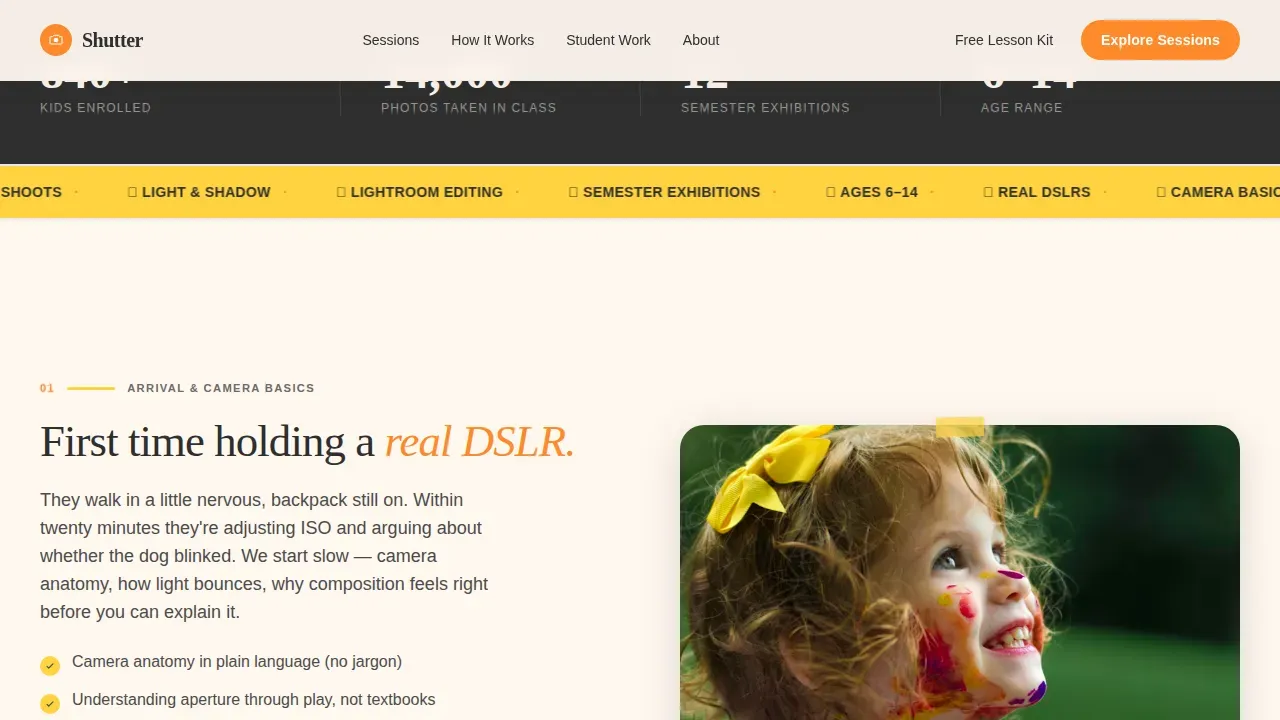
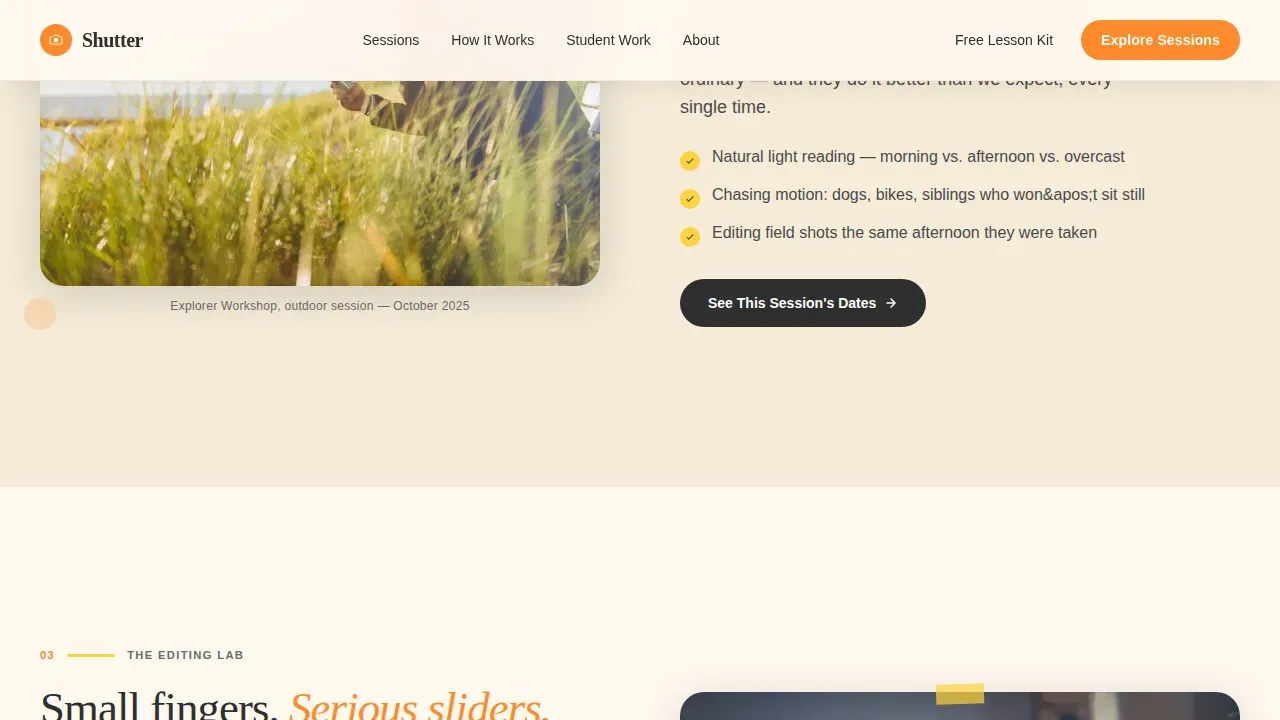
Each alternating section acts as a chapter, moving visitors from arrival and camera basics through the outdoor shoot module, the editing lab, and finally the semester-end exhibition. The structure deepens emotional stakes with every scroll, so parents feel the arc their child would live through before any button is pressed.
Dual Call-to-Action Enrollment Path
The primary button, "Explore Our Sessions," appears first under the hero and repeats at every second section, alternating between tangerine and charcoal. A secondary path offers "Download a Free First-Lesson Kit," capturing an email and the child's age from families who want more time before committing.
Real Student Work Integration Slots
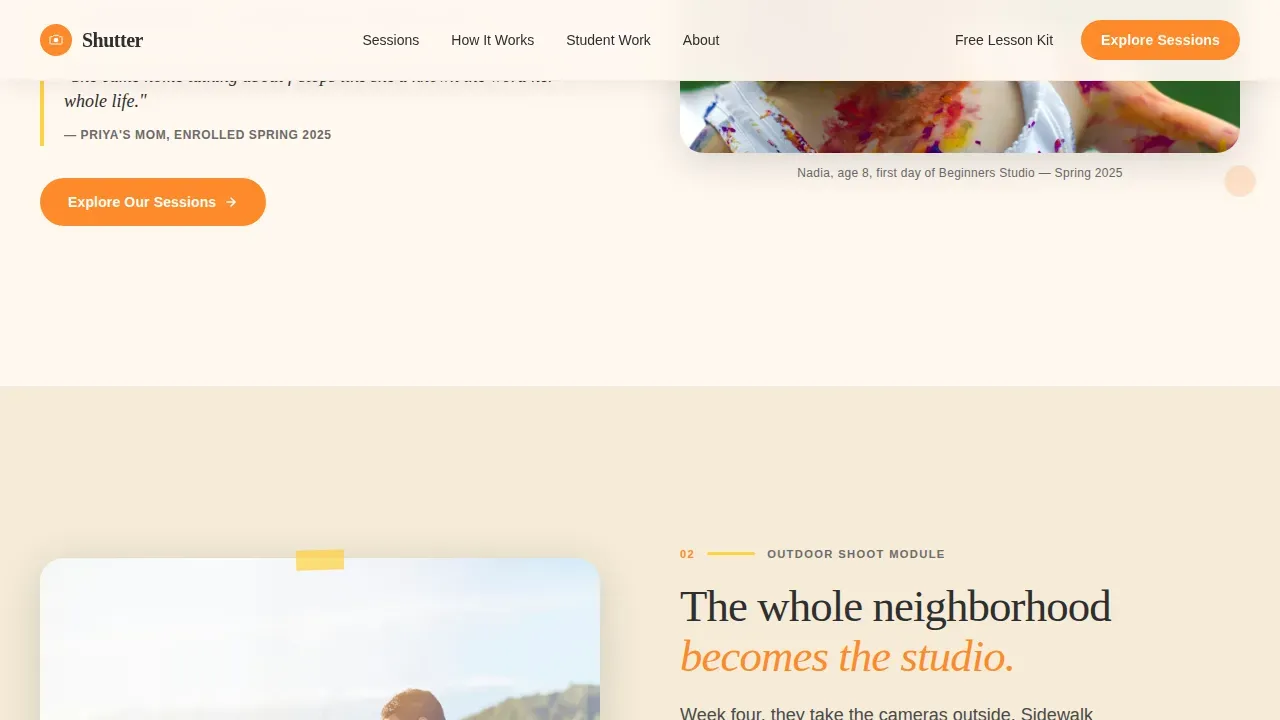
Every section is designed to display photographs taken by kids in the program, not instructor demos or stock imagery. These image slots create undeniable social proof, showing real framing choices, real composition decisions, and real portrait photography moments captured by children.
Scroll-Triggered Animation System
The template includes scroll-triggered reveals, staggered text fades, and subtle hover lifts on calls to action. The hero uses image parallax on load, and all camera-related image blocks support hover zoom so visiting parents can lean in on the detail.
Citrus Burst Color System
Sunlit tangerine fires up buttons and callout badges. Lemonade yellow warms hover states and divider accents. Soft charcoal grounds headlines. Warm cream holds breathing room between sections. The palette creates a playful mood without overwhelming parents who are evaluating a serious educational program.
Mobile-First Responsive Structure
The layout is built mobile-first, reflecting the reality that most parents browse on a phone at school pickup. Large tap targets, stacked zigzag blocks, and prioritized hero loading keep the experience clean and fast on any screen size.
Page Sections Overview
| Section | Purpose |
|---|---|
| Full-Bleed Hero | Sets emotional tone, introduces headline, fires dual calls to action |
| Camera Basics Chapter | Introduces arrival experience and first hands-on camera handling |
| Outdoor Shoot Module | Shows kids photographing interesting subjects outside the studio |
| Editing Lab Chapter | Demonstrates post-processing skills with real student screen shots |
| Exhibition Pride Moment | Closes the arc with printed photographs and parent emotion |
| Arc Split Footer | Holds logo, tagline, and navigation links for clean wayfinding |
Design & Branding System
The visual identity follows a Community Hearth theme. Every design choice reinforces warmth and creative energy without sacrificing the calm confidence parents need when choosing an enrichment program for their child.
- Typography pairs Fraunces serif headlines for editorial warmth with DM Sans body text for clean, friendly readability
- The Citrus Burst palette uses tangerine (#FF8A2B), lemonade yellow (#FFD23F), charcoal (#2E2E2E), and warm cream (#FFF8F0)
- Grain textures and organic layouts echo a community bulletin board covered in real student photographs, not a polished commercial catalog
Mobile & Speed Optimization
Parents browsing on a phone between school pickup and dinner prep need a page that loads cleanly and communicates quickly. This template is structured to meet that reality.
- Images use lazy loading across all sections, with the hero prioritized for immediate display
- CSS animations are handled with GPU-accelerated properties to keep scroll reveals smooth on mobile devices
- The zigzag layout stacks into a clean single-column flow on smaller screens without losing the chapter-by-chapter story structure
How This Template Helps You Convert
The page is designed as a click-through experience, meaning every creative choice serves the enrollment goal. Proof comes before the button, and the path to enrollment stays clear throughout.
- Real student photographs appear in every section, so by the time a parent reaches a call-to-action button, the quality of your program is already demonstrated through actual framing, composition, and portrait work done by children in your class.
- The dual-path call-to-action system means no parent leaves without a next step: either they click through to the session picker or they download the free first-lesson kit, giving you a warm lead with their child's age already captured.
Other Information About This Template
The Shutter inspiring kids photography academy landing page template is one of the most complete options in the Kids and Family category for photography schools. Here are a few additional details worth knowing before you customize it.
- The session picker linked from the primary call to action arrives with age group, semester dates, and location filters pre-expanded, reducing the number of clicks a parent needs to take before enrolling
- Course detail slots are built to clearly list covered skills, including basic camera handling, aperture and ISO settings, exposure fundamentals, framing techniques, storytelling through photographs, portrait photography, and low light composition
- The free kit secondary path is a great idea for building an email list of warm prospects, since it captures intent before a family is fully ready to commit
- Suggestions for student work to display include portrait shots, neighbourhood photo walk images, pet photographs, and even pictures of toys or everyday subjects that kids experiment with during lessons
- The template supports a range of photography ideas for children, from candid portrait photography to window light sessions indoors, bokeh experiments with blurred backgrounds, and zoom techniques that make small subjects pop
- Real photographs from your workshops are the strongest source of trust on this page. Avoid stock imagery wherever possible. Candid shots where kids peer through a viewfinder or drag a slider in the editing room carry far more weight than polished demos
- The template is affordable to launch without custom development work and is fully customizable to match your school's branding, session schedule, and instructor bios
- Instructor credibility sections can be added within any of the zigzag blocks to introduce teachers and mention their experience working with children
- The page layout keeps navigation simplified so the user stays focused on the enrollment goal from the moment they arrive at the door

Theme
Community Hearth
Creative direction
Day-in-the-Life
Color system
Citrus Burst
Direction
Click-Through
Page Sections
Zigzag Day-in-the-life Chapter Layout
Dual Call-to-action Enrollment Path
Real Student Work Image Slots
Scroll-triggered Animation System
Citrus Burst Color and Typography System
Mobile-first Responsive Layout
Related questions
What are the 7 basics of photography?
How do I introduce my photography page to potential students and families?
Does this template include sections for class details and age groups?
Can I use this template for both indoor and outdoor photography sessions?
What kind of social proof works best on this template?