Online Skill Courses Specialist Professional Website Template
Rank is a modular card-grid landing page built for an SEO training online course. It uses a Hero's Journey scroll narrative, a live-animated Search Console graph header, and a quiz-driven primary call to action. The Slate and Sky color system gives it the focused authority of a university lecture hall, built for marketers, freelancers, and developers who want real organic traffic results.
by Rocket studio
Quick summary
Rank is a single-page, card-grid landing page template designed for an SEO training online course. It opens with a data-animated header, guides visitors through a Hero's Journey narrative using modular flip cards, and converts through a seven-question diagnostic quiz. The Institutional Authority theme pairs deep charcoal tones with open-sky blue to create a focused, credible first impression.
Who this template is for
This template is built for course creators and educators who teach practical search engine optimization. It speaks directly to the audience taking the course, and to the instructor selling it.
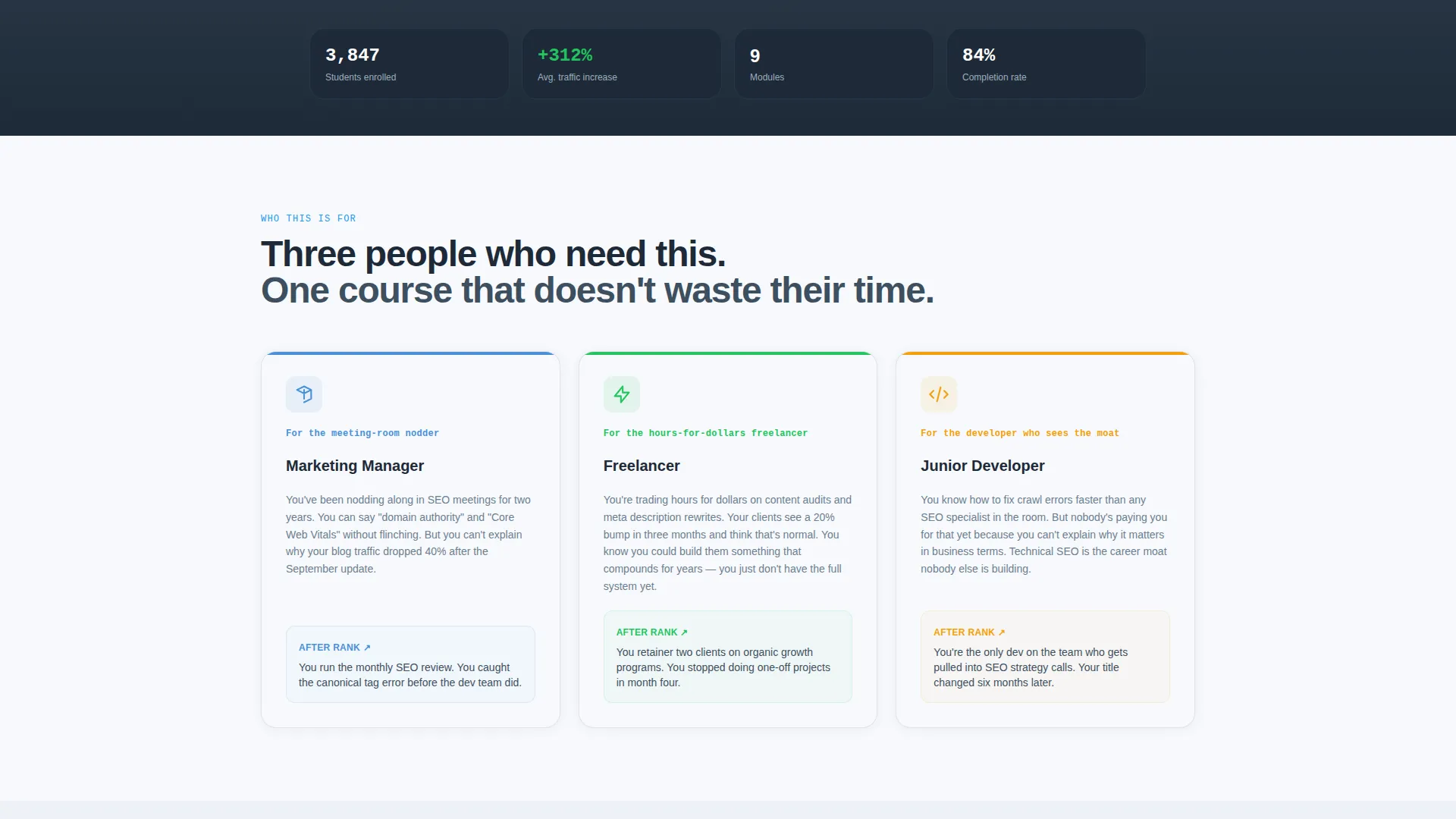
- Marketing managers who need to move from faking SEO knowledge to owning it in meetings
- Freelancers who want to build organic traffic systems instead of trading hours for one-off client work
- Junior developers who see technical SEO as a career skill worth building seriously
What problem this template solves
Most online course landing pages rely on instructor headshots, vague benefit lists, and generic stock imagery. For an SEO course, that approach destroys credibility before the visitor reads a single word.
- Visitors cannot see proof that the course produces real organic traffic results
- Prospective students have no way to know which skills they are missing before committing
- The page fails to reflect the practical, data-driven mindset the course itself teaches
What you get with this template
You get a fully structured, scroll-driven landing page that uses real data visuals, modular flip cards, and a built-in quiz flow to carry visitors from skepticism to sign-up.
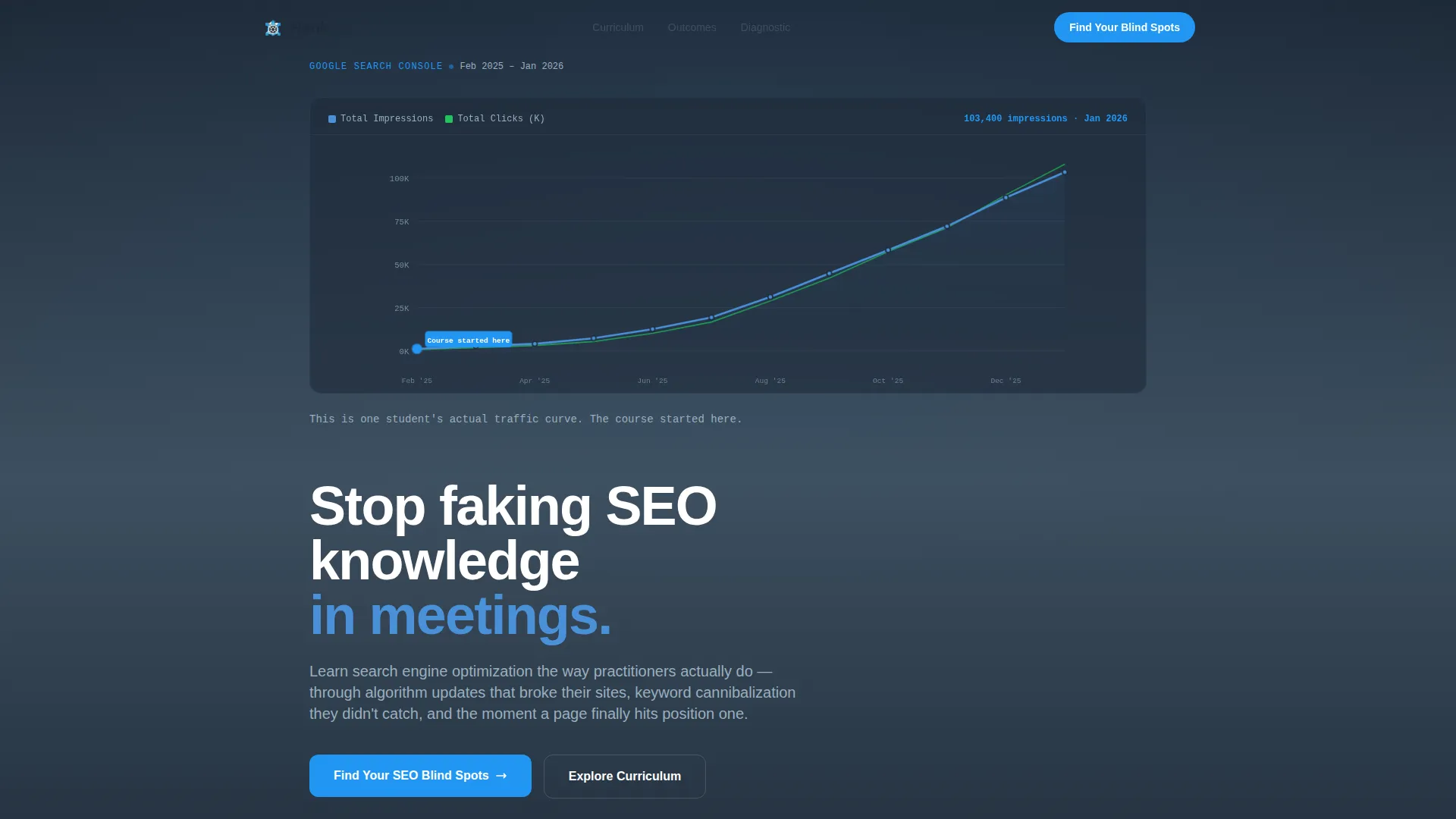
- An animated Search Console graph header that plots a real student traffic curve from zero to 100,000 impressions over twelve months
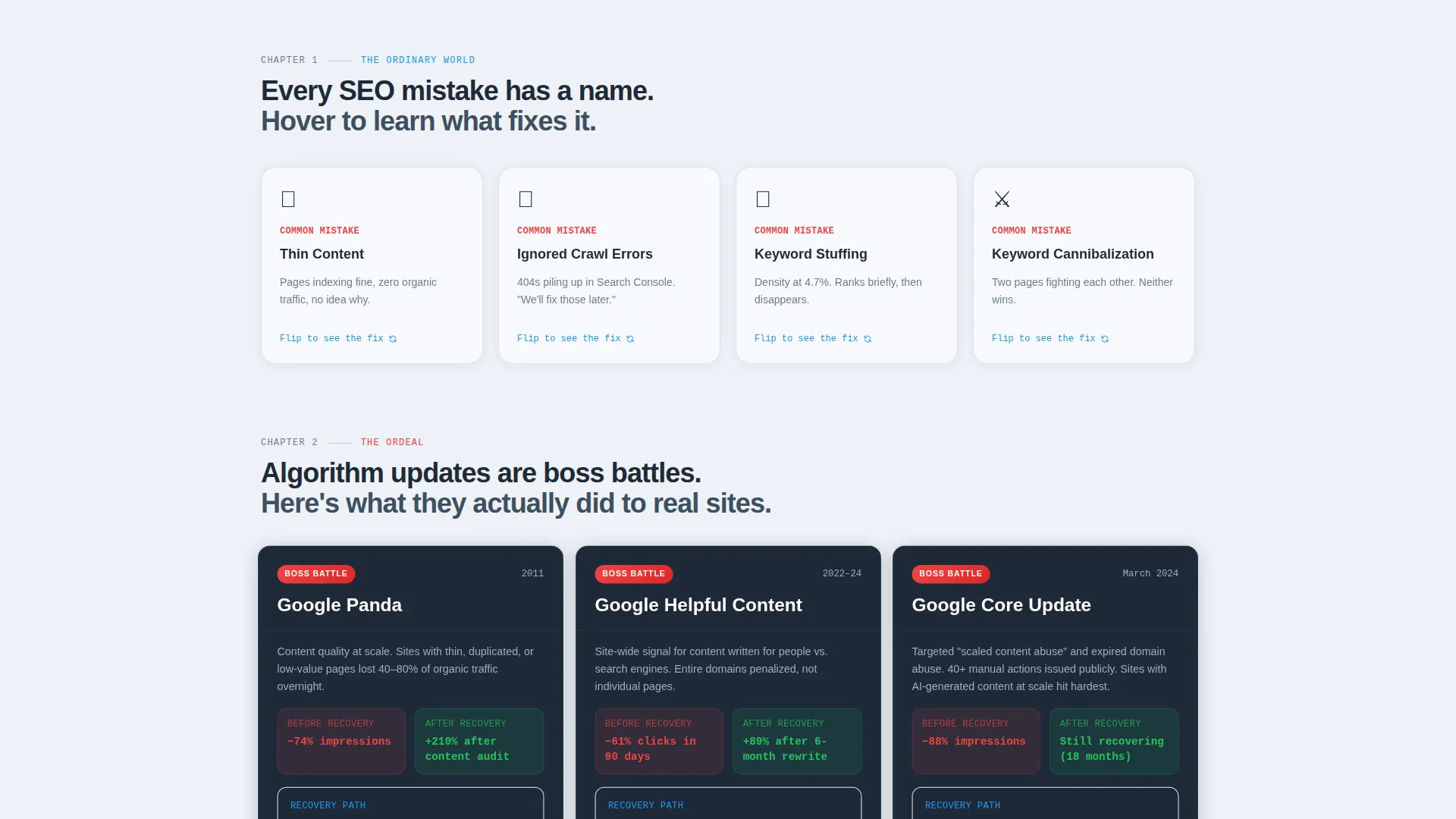
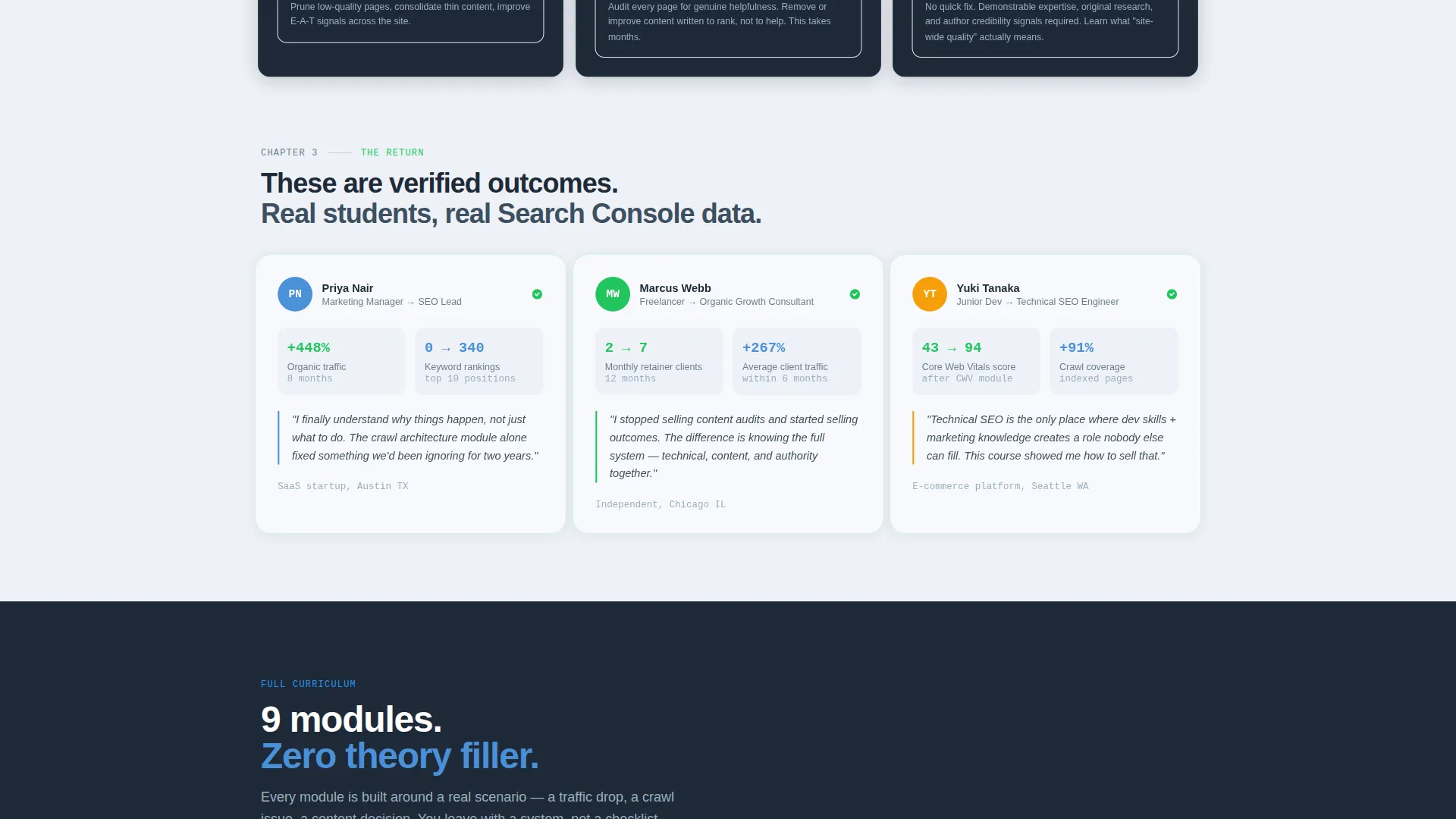
- Three rows of modular Hero's Journey cards covering common mistakes, real algorithm updates, and verified student outcomes
- A primary quiz call to action leading to a seven-question diagnostic with a personalized radar-chart skill-gap report, plus a secondary email-gated free chapter unlock
Feature list
This section describes each major functional component built into the template.
Live-Animated Traffic Graph Header
The header opens with a self-drawing Search Console graph that traces a student's actual traffic curve across twelve months. Real axis labels, real dates, and a pin dropping on month one replace stock photography entirely. A single line of text types itself out below the graph, grounding the data in a course start moment.
Hero's Journey Card Grid
Three rows of modular cards escalate the visitor from ignorance to mastery. The first row shows common SEO mistakes, with each card flipping on hover to reveal the lesson that corrects it. The second row frames real algorithm updates as before-and-after case studies. The third row presents verified student outcome metrics as mini case studies.
Progressive Card Scaling
Cards grow subtly larger and brighter as the visitor scrolls deeper into the page. This visual progression mirrors the student's own capability growth and keeps scroll momentum strong without requiring any extra copy.
Seven-Question SEO Diagnostic Quiz
The primary call to action, labeled "Find Your SEO Blind Spots," leads visitors into a seven-question assessment. Questions use real scenarios rather than textbook definitions. Results include a personalized radar chart showing skill gaps and a recommended module sequence.
Email-Gated Free Chapter Unlock
A secondary conversion point sits on the final card row for visitors who scroll past the quiz without clicking. It offers free access to Module 1 on crawl architecture in exchange for an email address, giving the page two distinct conversion paths.
Institutional Authority Color System
The Slate and Sky palette uses deep lecture-hall charcoal, chalkboard slate, open-sky blue, and crisp whiteboard white. Accent cerulean highlights buttons and progress indicators. Every color decision reinforces the focused, credible tone the course content demands.
Page sections overview
| Section | Purpose |
|---|---|
| Animated Graph Header | Opens with a live traffic curve that establishes data credibility immediately |
| Hero Typing Line | A single auto-typed sentence anchors the graph to a real student start moment |
| Ordinary World Cards | Flip cards reveal common SEO mistakes and the lessons that fix them |
| Algorithm Boss Battles | Before-and-after traffic cards frame real updates as challenges to overcome |
| Student Outcome Cards | Verified metrics and mini case studies show the transformation is real |
| Quiz Primary call to action | Seven-question diagnostic evaluates technical, content, and link-building gaps |
| Radar Chart Results | Personalized skill-gap report with a recommended module sequence |
| Free Chapter Unlock | Email-gated secondary call to action offers Module 1 to visitors who skip the quiz |
Design & branding system
The Slate and Sky color system creates a university-library atmosphere: serious enough to demand focus, open enough to feel encouraging. Every visual element reinforces the idea that this course is built on evidence, not hype.
- Core palette: deep lecture-hall charcoal (#1E2A38), chalkboard slate (#3D4F5F), open-sky blue (#4A90D9), and whiteboard white (#F7F9FC) for card surfaces
- Interactive elements including buttons and progress indicators use accent cerulean (#2196F3), pulsing like a cursor on a search bar
- Section backgrounds alternate between slate and white to create clear visual rhythm without heavy borders
Mobile & speed optimization
The modular card-grid structure is inherently well-suited to responsive layouts. Cards restack cleanly on smaller screens, and the scroll-driven interactions are designed to remain legible at every viewport size.
- Card rows reflow to single-column layouts on mobile without losing the escalating visual progression
- The animated graph header scales to viewport width, keeping axis labels readable on smaller screens
- Interactive quiz elements are touch-friendly and sized for comfortable use on phone screens
How this template helps you convert
The page is built around two deliberate conversion paths, so visitors who engage differently both have a clear next step.
- The primary path leads visitors into the "Find Your SEO Blind Spots" quiz, where a personalized radar-chart result creates immediate, specific motivation to enroll in the right module sequence.
- The secondary path catches high-intent visitors who scroll past the quiz by offering a free chapter unlock gated behind an email address, lowering the commitment barrier for people who are not yet ready to buy.
Other information about this template
This template was built specifically for the SEO training online course niche, where credibility depends on showing real data rather than making claims.
- The Hero's Journey creative direction is a narrative framework embedded directly into the card layout, not just a visual style choice
- The header concept uses data storytelling through a live-animated chart to replace the typical instructor-photo approach common in course landing pages
- The template style is a card-grid modular layout, making it straightforward to reorder, remove, or duplicate rows as a course grows
- The quiz and assessment primary call to action structure is designed to reduce friction by making the first click feel like getting something, not giving something
Theme
Institutional Authority
Creative direction
Hero's Journey
Color system
Slate & Sky
Style
Card Grid (Modular)
Direction
Quiz/Assessment
Page Sections
Live-animated Search Console Graph
Hero's Journey Modular Card Rows
Progressive Scroll Card Scaling
Seven-question SEO Diagnostic Quiz
Email-gated Free Chapter Unlock
Institutional Authority Color System
Related questions
Can I change the color palette to match my own brand?
Do I need real student traffic data for the animated header?
How does the quiz call to action work in this template?
Is this template suited for a brand-new course with no student results yet?
What is the secondary conversion option for visitors who skip the quiz?



