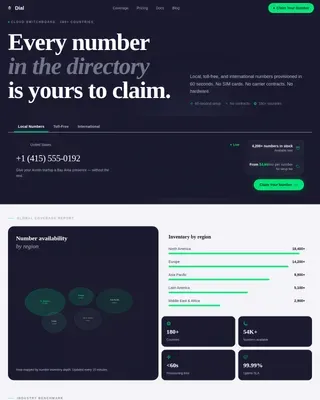
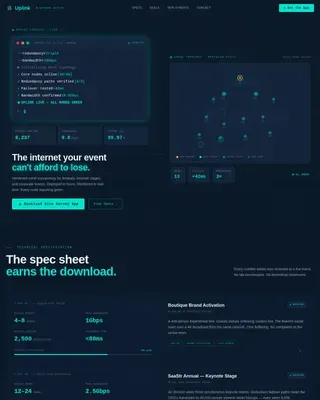
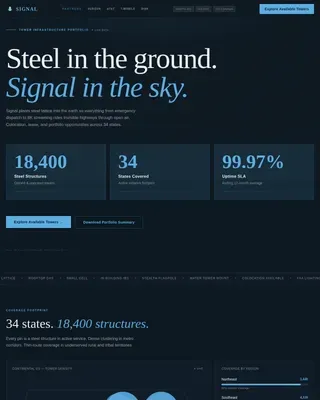
Internet Service Provider Reviews Website Template
Connect is a single-page landing page template built for co-op internet services. It uses a dark Tech Glass aesthetic with Electric Indigo accents to walk visitors through a Problem-to-Solution arc. From a live terminal header to a member dashboard preview, the layout earns the app download by showing real network value before asking for a single tap.
by Rocket studio
Quick summary
Connect is a dashboard-style landing page template for member-owned fiber internet cooperatives. It takes visitors from throttled legacy bills to a glowing co-op member dashboard in one seamless scroll. The design uses a Tech Glass visual system, a terminal-style header, and a zip code field that returns live coverage status before driving toward an app download.
Who this template is for
This template is built for organizations and communities launching or promoting a co-op internet service. It speaks to people who have outgrown the legacy telecom model and want a page that matches that conviction.
- Renters and building associations tired of paying $90 or more for throttled, slow connections
- Remote engineers and heavy upload users who need symmetrical gigabit fiber they can rely on
- Co-op organizers looking to convert neighbors into members and grow node coverage block by block
What problem this template solves
Most internet service provider pages look and feel like they were built by the same people who pad your bill with phantom fees. They bury pricing, hide outage history, and never show you what you actually own. This template flips that model entirely.
- Visitors arrive skeptical and bill-weary; the problem grid shows their pain reflected back in real data
- There is no trust before the call to action; the member dashboard preview builds that trust first
- Coverage uncertainty kills conversions; the zip code field resolves that question instantly, before the download ask
What you get with this template
You get a fully structured, single-page landing page designed around one clear conversion goal: getting qualified visitors to download the member app or start a node vote. Every section is sequenced deliberately.
- An animated terminal header, a diagnostic problem-and-solution scroll arc, and a live network map section
- A zip code input field with three coverage states: fiber live, under construction, or vote-ready
- Platform-specific app download buttons for iOS and Android, preceded by a dashboard preview that earns the click
Feature list
This template delivers a focused set of visual and structural components drawn directly from the brief.
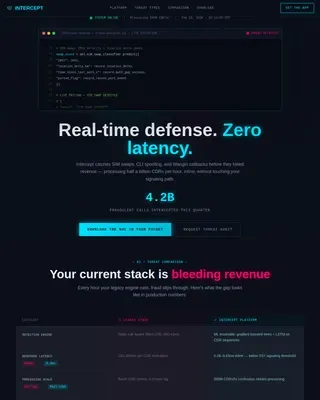
Animated Terminal Header
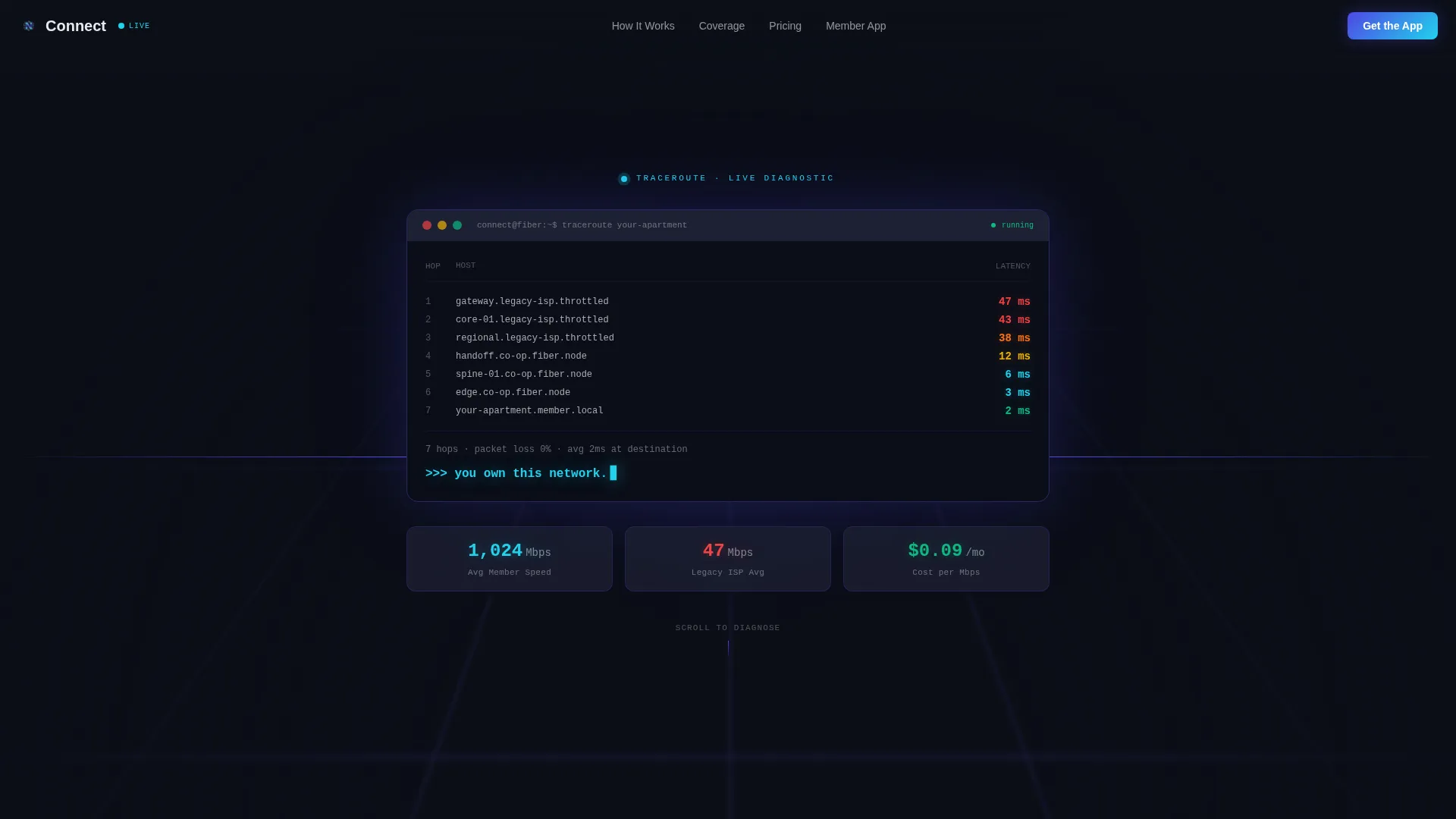
The header renders as a styled, monospaced terminal block. It runs an animated traceroute sequence that hops from a legacy provider node to your apartment, showing latency drop from 47 ms down to 2 ms. The final line returns the message that frames the entire page: you own this network.
Problem-and-Solution Data Grid
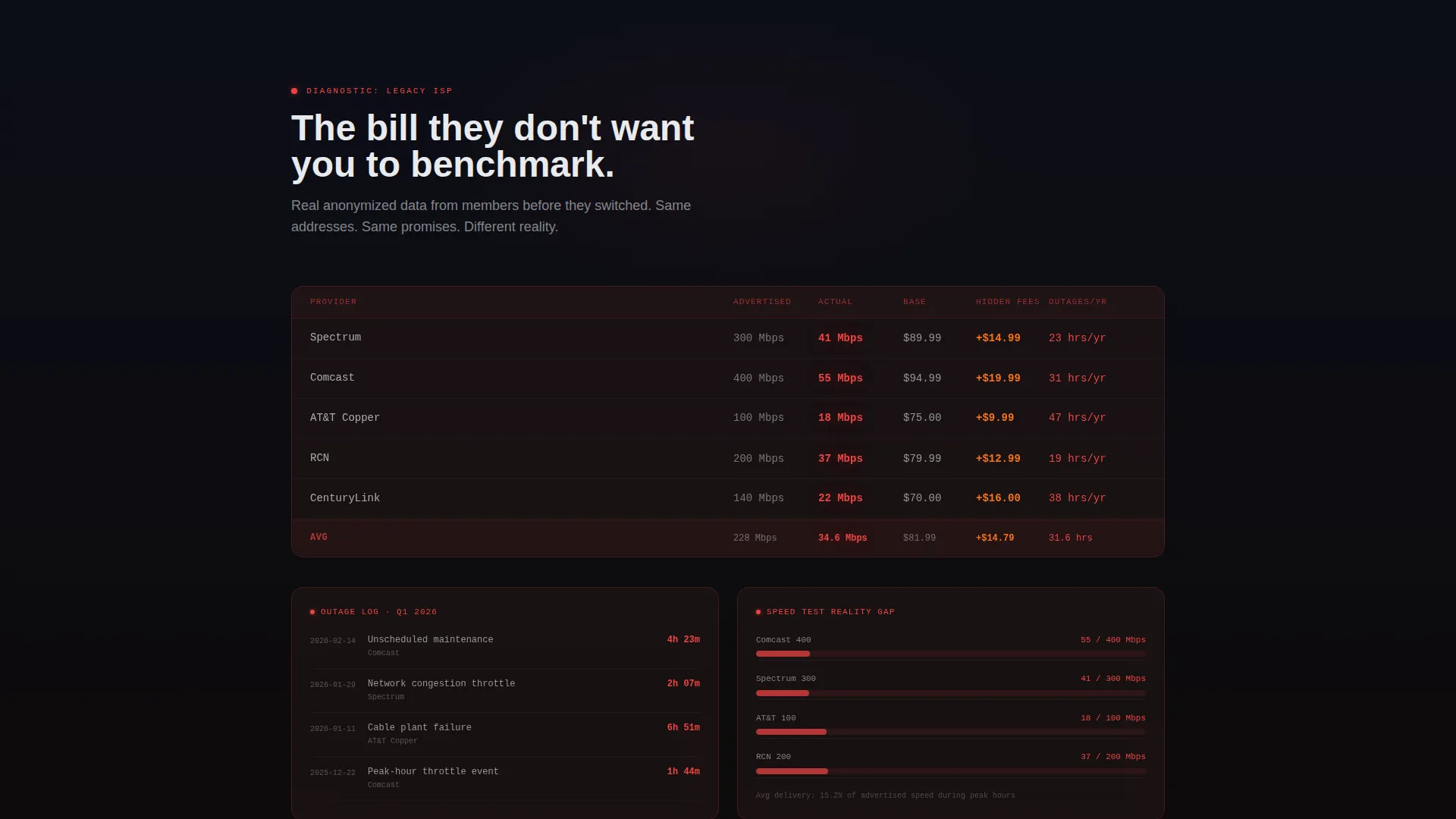
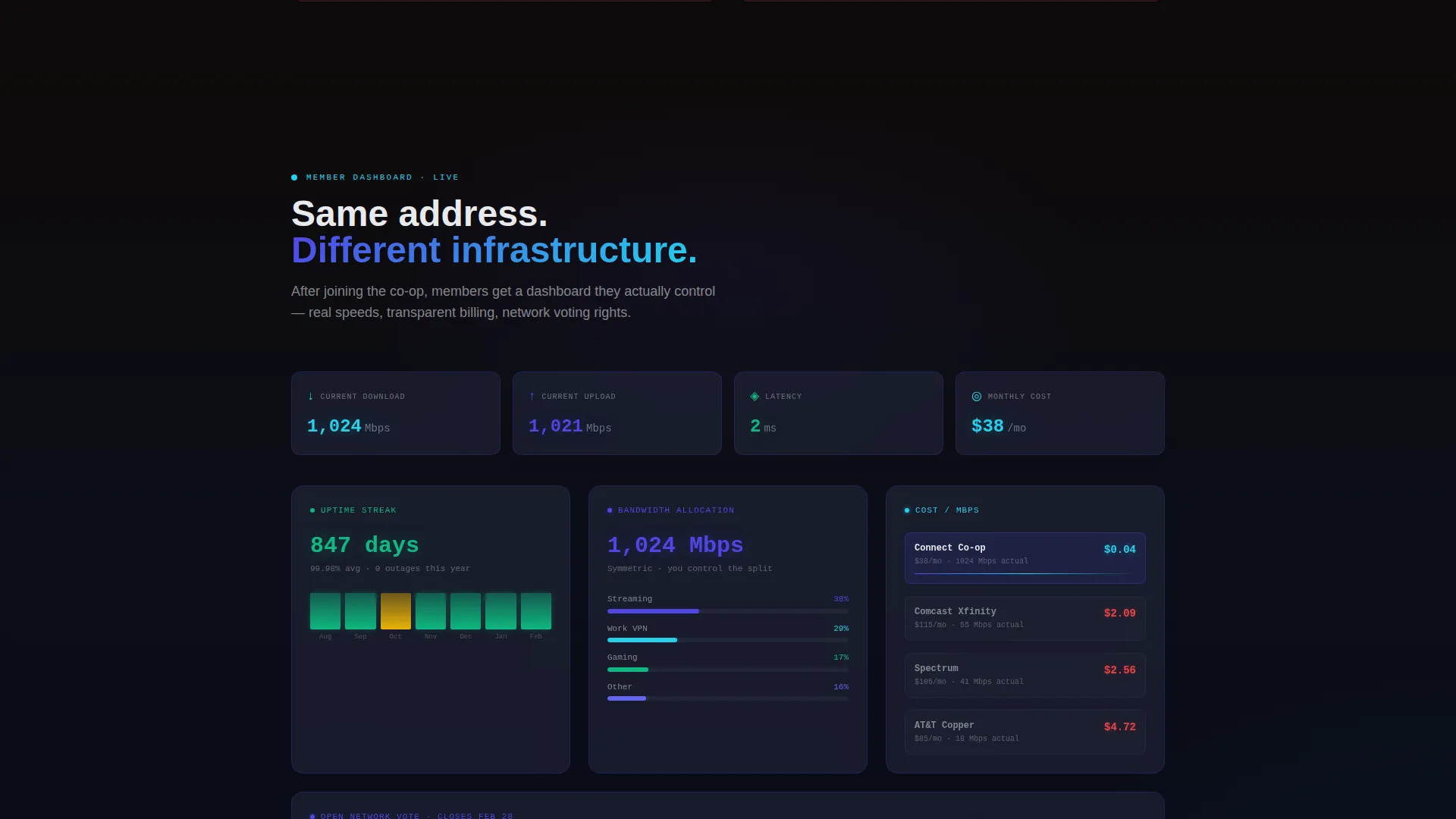
Two mirrored card grids sit side by side in the scroll arc. The first renders legacy provider data in muted red on frosted glass cards: throttled speeds, inflated bills, and outage logs. The second flips the same layout to co-op metrics glowing in indigo and cyan: real throughput, cost per megabit, and uptime streaks.
Live Network Map Section
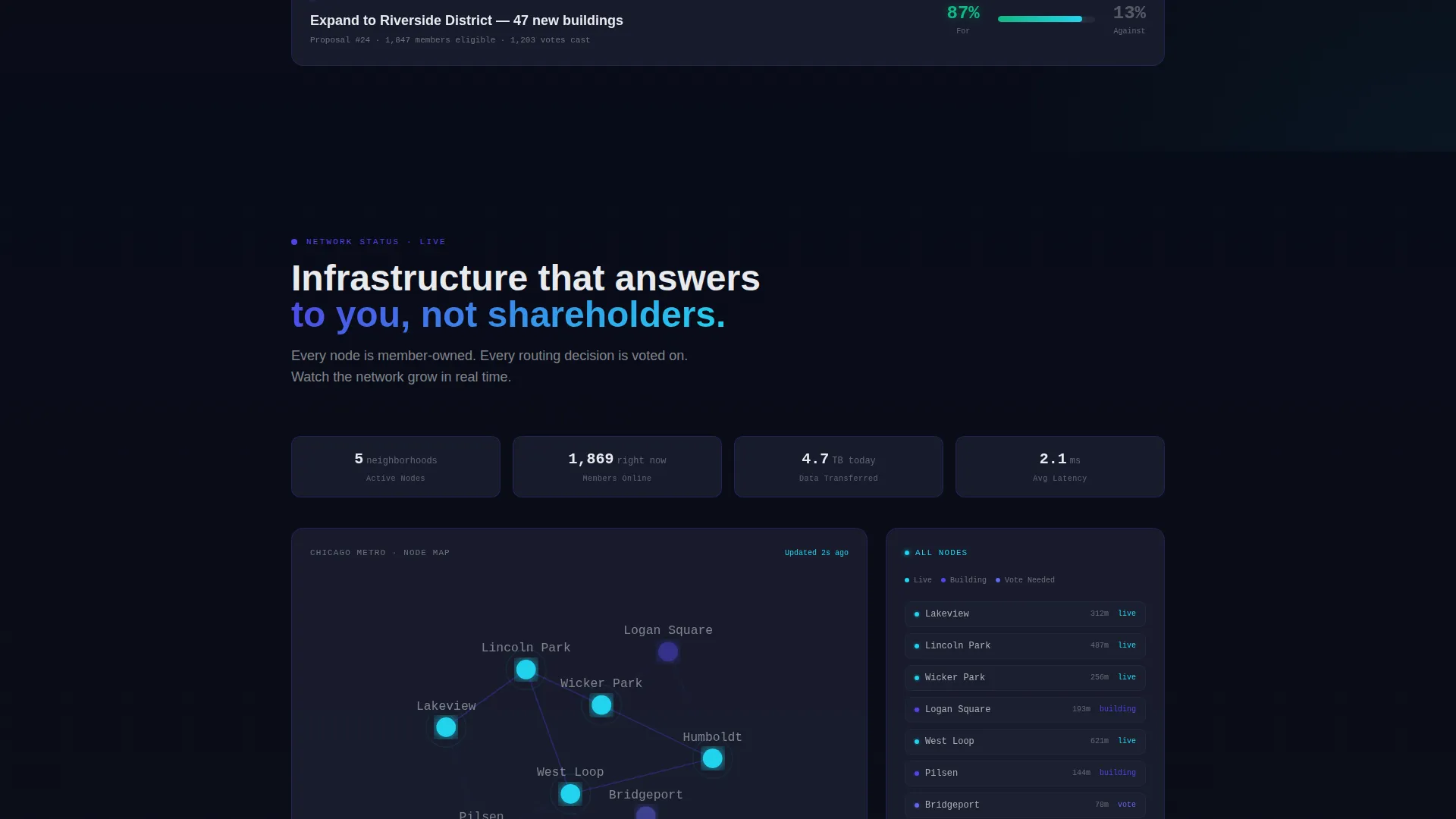
A dedicated section zooms out from individual dashboards to the wider co-op infrastructure. It displays live node count, neighborhoods covered, and members currently online. This gives prospective members a sense of real network momentum rather than a static marketing claim.
Zip Code Coverage Field
A single input field lets any visitor check coverage status for their area instantly. The field returns one of three states: fiber is live, fiber is under construction, or the area is vote-ready. This resolves the biggest objection before the download call to action appears.
Member Dashboard Preview
Before asking for a download, the template shows visitors what the app actually contains. The preview includes bandwidth allocation controls, billing transparency views, and network voting access. Showing the product first is what makes the conversion feel earned.
Dual App Download Call to Action
The primary call to action uses platform detection to surface the correct store button for each visitor, iOS or Android. A secondary path, labeled Start a Node Vote, gives visitors in uncovered areas a meaningful next step that still brings them into the co-op ecosystem.
Page sections overview
| Section | Purpose |
|---|---|
| Terminal Header Block | Opens the page with an animated traceroute and the co-op ownership message |
| Legacy Provider Grid | Shows real anonymized billing and speed data from legacy telecoms in muted red |
| Co-op Dashboard Grid | Mirrors the problem grid with co-op metrics glowing in indigo and cyan |
| Live Network Map | Displays node count, covered neighborhoods, and live member count |
| Member App Preview | Shows the dashboard visitors will control after downloading |
| Zip Code Field | Returns live, in-progress, or vote-ready coverage status for any area |
| App Download call to action | Drives the final conversion with platform-detected iOS and Android buttons |
| Node Vote Path | Gives uncovered visitors a secondary action to rally their building |
Design & branding system
The visual identity is built on a Tech Glass theme using an Electric Indigo color system. Every surface feels slightly translucent, every accent hums with signal, and the overall palette sits one notch above standard dark mode.
- Core palette: void black (#0B0E17) for backgrounds, luminous indigo (#4F46E5) for primary accents, frosted glass panels (#1E2235 at 70% opacity), reactive cyan (#22D3EE) for live data and hover states, and chalk white (#E8EAED) for body text
- Problem-section data uses muted red (#EF4444) to make legacy metrics feel visually broken and urgent
- Typography is monospaced in the terminal header for authenticity; the rest of the page uses clean, readable type that keeps the technical feel without sacrificing clarity
Mobile & speed optimization
The landing page is structured so its visual hierarchy translates cleanly to smaller screens. The scroll arc, card grids, and call to action sequence are all built with a single-column mobile flow in mind.
- The terminal header and data grid cards reflow to a stacked layout on mobile without losing their visual contrast or readability
- The zip code field and app download buttons are designed to be thumb-friendly at the bottom of the conversion sequence
- Scroll transitions between the problem and solution sections are designed to feel progressive and intentional, even on smaller viewports
How this template helps you convert
The conversion strategy embedded in this layout is deliberate. Every section earns the next one before asking for anything.
- The terminal header creates an immediate identity signal; visitors who recognize the feeling of infrastructure finally working for them are already leaning in before they scroll
- The problem-to-solution arc mirrors the visitor's own frustration back at them, then resolves it with co-op data, so the decision to download feels logical rather than pressured
- The zip code field removes the single biggest conversion blocker by answering the coverage question before the call to action, making the download or node vote ask feel timely and relevant
Other information about this template
This template is built for co-op internet service projects but adapts well to any community-owned connectivity initiative that needs a high-trust, data-forward landing page.
- The template style is Dashboard and Data Grid, making it well-suited for any service where showing real metrics builds more trust than generic marketing copy
- The creative direction follows a Problem-to-Solution Arc, a sequencing approach that works especially well for audiences who are actively skeptical of existing providers
- The header concept is a Code Snippet terminal block, which resonates with technically literate audiences such as engineers, developers, and power users who form the core of most co-op membership bases
Theme
Tech Glass
Creative direction
Problem→Solution Arc
Color system
Electric Indigo
Style
Dashboard/Data Grid
Direction
App Download
Page Sections
Animated Terminal Header
Problem-and-solution Card Grids
Live Network Map Display
Zip Code Coverage Checker
Member Dashboard Preview
Dual-path App Download Call to Action
Related questions
Can I use this template for a co-op that is not yet live?
Does the template include actual coverage lookup logic?
How does the page work for visitors who are not technically minded?
Can the member dashboard preview show real co-op data?
Is this template only suitable for city-scale networks?