Asthma Patient Education Landing Page Template
Breathe is a zigzag landing page for an asthma patient education platform. It pairs plain-language answers with alternating illustrated panels, guiding newly diagnosed adults, parents, and school nurses from basic questions to confident asthma management. A trust-building badge ribbon leads visitors toward a free educator session booking form or a downloadable action plan.
by Rocket studio
Quick summary
Breathe turns complex asthma information into clear, jargon-free conversations. The landing page uses an alternating FAQ layout to walk visitors from "What is asthma?" through rescue planning and exercise confidence, then drives them toward booking a free session with a pulmonologist educator. Every section is written so a worried parent or newly diagnosed adult can act on it tonight.
Who this template is for
This template is built for health educators, pulmonology practices, and patient-facing asthma platforms that want to convert anxious visitors into booked consultations. It fits teams who need credible, readable content delivery without overwhelming their audience with clinical language.
- Newly diagnosed adults learning to use an inhaler for the first time
- Parents searching for reliable asthma guidance late at night on a phone
- School nurses who need structured action-plan resources for students
What problem this template solves
Patients with asthma often arrive at a website confused, scared, and unsure which question to ask first. Most health pages either bury answers in clinical text or serve generic advice that feels untrusted. This template solves that gap by presenting pulmonologist-reviewed answers in a calm, progressive sequence that builds from basics to confidence.
- Visitors leave other sites without a clear next step or rescue plan
- Medical jargon creates anxiety instead of easing it
- No obvious booking path means high-intent visitors never schedule a session
What you get with this template
You get a fully structured single-page layout with six distinct content zones, a booking scheduler, and an email capture path. Every section is pre-designed with the Alpine Fresh color system, DM Sans typography, and scroll-triggered animations. The layout is ready to populate with your own questions and illustrated panels.
- A badge-ribbon hero with breathing pulse animation and a primary call-to-action button
- Three FAQ zigzag blocks covering basics, management, and confidence topics
- An embedded booking scheduler plus an email-capture path for the action plan download
Feature list
A single paragraph introduces the feature set: each component below was designed specifically for the asthma education use case, balancing clinical authority with the warmth needed to keep a worried reader on the page.
Award Badge Ribbon Header
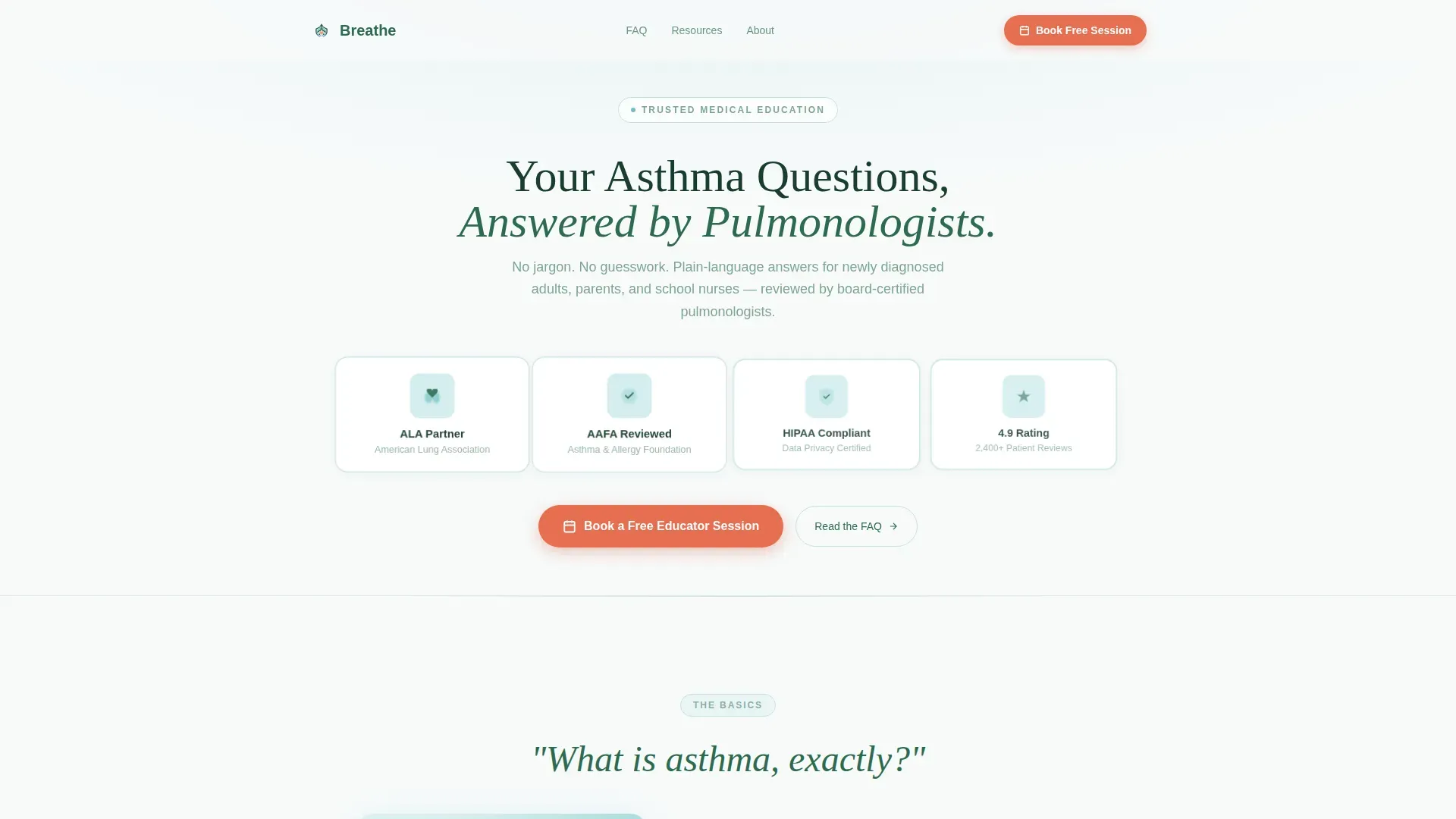
The header displays four trust badges, American Lung Association Partner, Asthma and Allergy Foundation of America Reviewed, HIPAA Compliant, and a 4.9 Patient Rating, rendered in muted pine and glacial blue. Each badge carries a slow breathing-pulse micro-animation that expands and contracts like a pair of lungs, establishing authority before any body copy is read.
FAQ-Driven Zigzag Layout
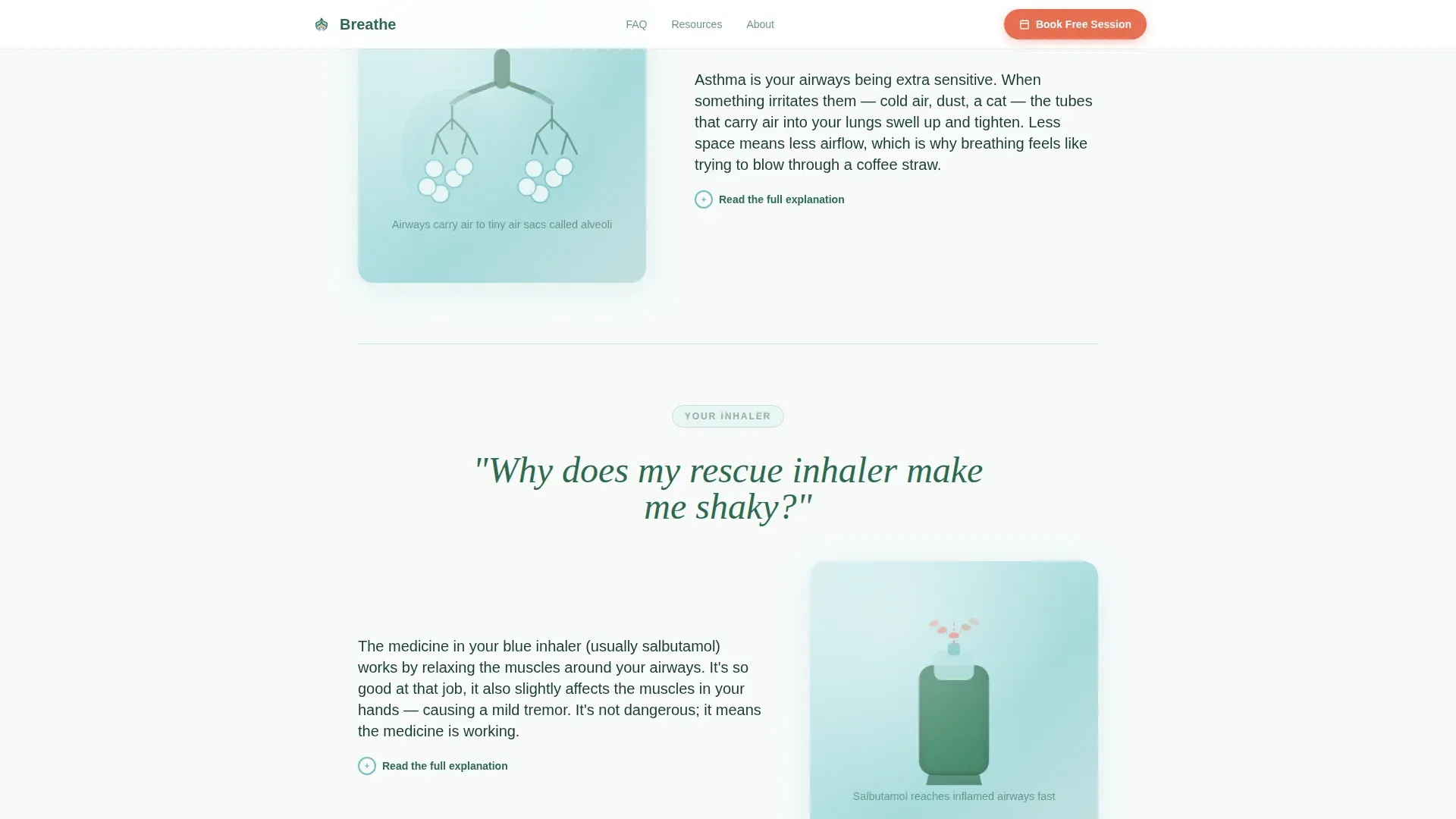
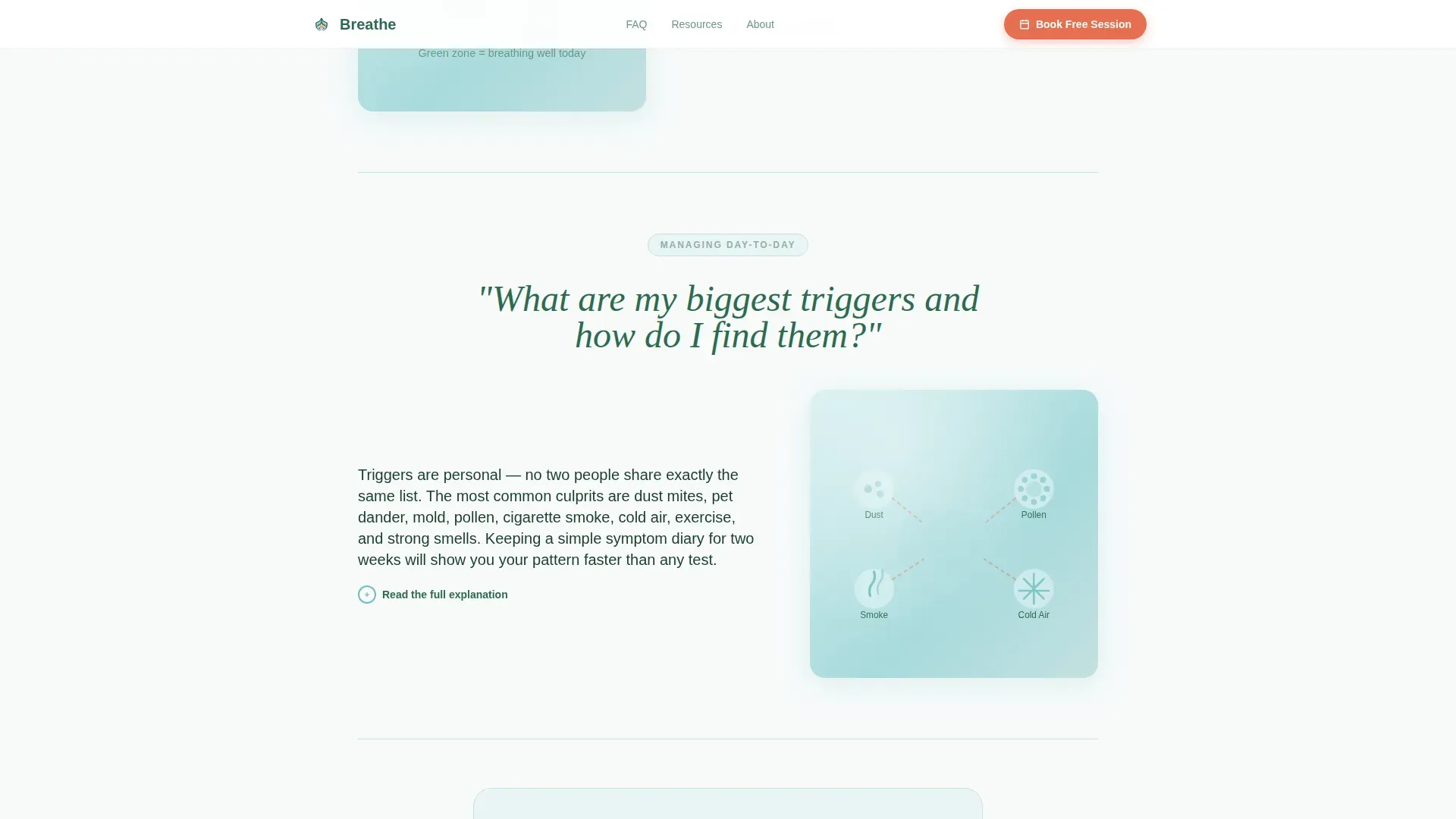
Each content block opens with a real patient question in large conversational type, then alternates illustration-left/answer-right and answer-left/illustration-right. The scroll rhythm mimics measured breathing and progresses from foundational questions through management skills to exercise confidence, keeping readers engaged across the full page.
Embedded Booking Scheduler
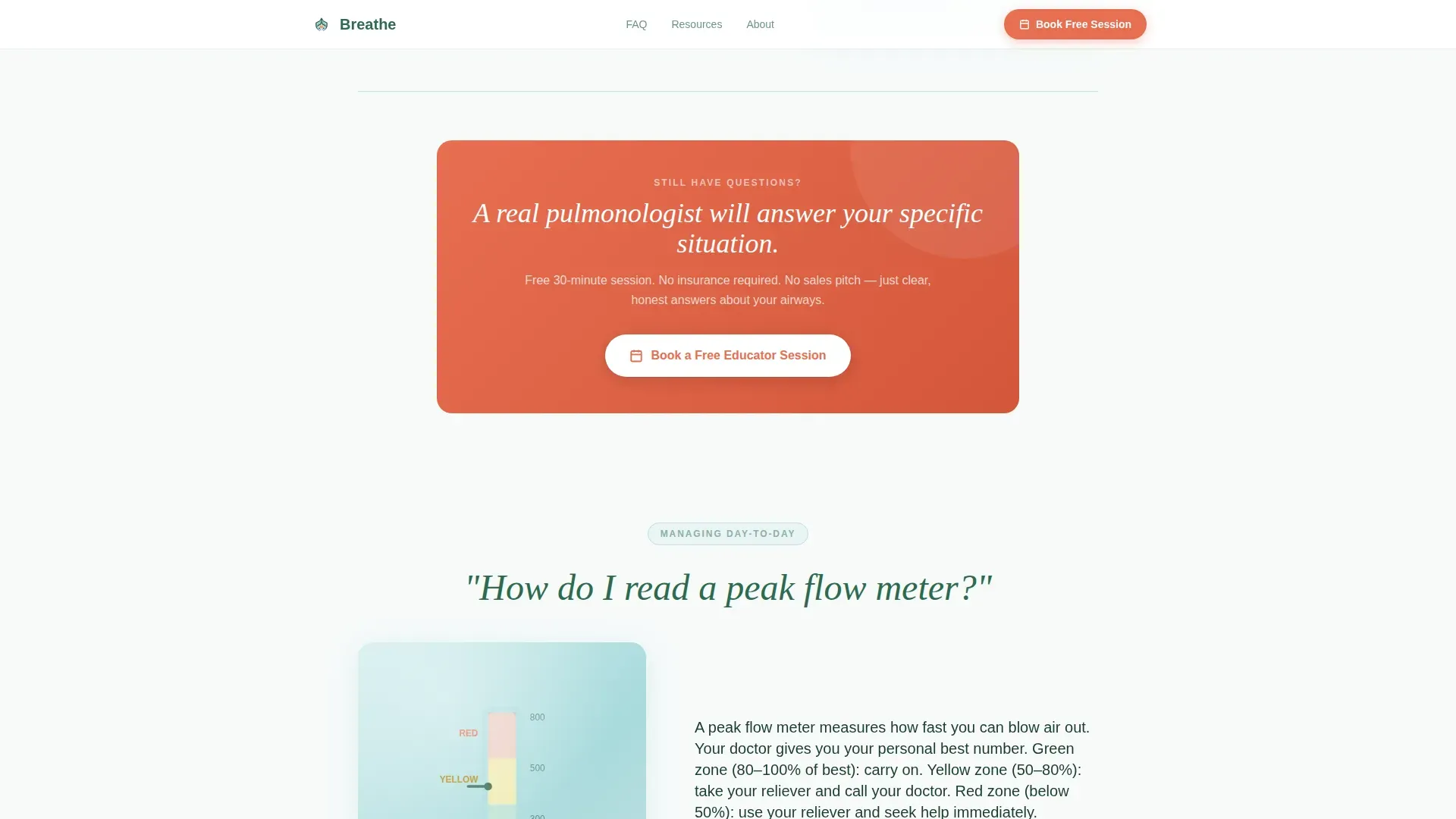
A coral-highlighted call-to-action opens an inline scheduler where visitors choose a preferred date, select a time zone, pick a concern type from a dropdown (new diagnosis, child's asthma, exercise-induced, or medication review), and optionally type their biggest question. The form is built for low friction and high completion.
Email Action Plan Capture
Visitors not yet ready to book can download a personal asthma action plan template by submitting their email address. This secondary conversion path nurtures hesitant visitors toward scheduling, giving the platform two distinct ways to move a single visitor forward.
Coral Call-to-Action Cadence
The primary "Book a Free Educator Session" button appears beneath the badge header and resurfaces automatically after every third FAQ block. The oxygenated coral color is reserved exclusively for these calls to action and alert-level callouts, making every conversion moment visually unmistakable without disrupting the calm reading experience.
Mobile-First Responsive Structure
The layout prioritizes mobile viewing because parents and newly diagnosed patients most often search at night on a phone. Zigzag columns stack cleanly into a single column on small screens, and the booking form adapts to thumb-friendly input sizing.
Page sections overview
| Section | Purpose |
|---|---|
| Badge Ribbon Hero | Display trust credentials and primary call to action |
| FAQ Block One | Cover basics: what asthma is and inhaler side effects |
| Call to Action One | Resurface booking prompt after first FAQ block |
| FAQ Block Two | Address management: peak flow meters and trigger identification |
| Call to Action Two | Resurface booking prompt after second FAQ block |
| FAQ Block Three | Build confidence: exercise and school action plans |
| Call to Action Three | Resurface booking prompt after third FAQ block |
| Booking Scheduler | Capture session preferences and visitor's top question |
| Email Action Plan | Capture email for downloadable action plan template |
| Footer | Single-row linear links and platform information |
Design & branding system
The Alpine Fresh palette channels the feel of a Swiss sanatorium poster from the 1930s: medicinal and inviting at the same time, clean without feeling cold. DM Sans keeps every heading and answer readable at any size, from a desktop monitor to a phone screen glanced at 2 a.m.
- Summit White (#F7FAFA) on open backgrounds, Evergreen Pine (#2D6A4F) for primary text, Glacial Blue (#A8DADC) on cards and illustrated panels
- Oxygenated Coral (#E76F51) reserved exclusively for call-to-action buttons and alert-level callouts, never decorative
- Scroll-reveal animations and zigzag stagger transitions give the page movement without distracting from the clinical clarity
Mobile & speed optimization
The template is designed mobile-first because the primary audience searches on a phone, often under stress and in low-light conditions. Every layout decision favors speed of comprehension as much as visual quality.
- Zigzag two-column sections collapse to a clean single-column stack on small screens
- The booking form and email capture inputs use thumb-friendly sizing for easy mobile completion
- Static FAQ content is structured for server-side rendering while interactive form components load independently
How this template helps you convert
The page earns trust before asking for anything. By the time a visitor has read through six honest, jargon-free answers, the remaining questions feel personal enough to need a live conversation.
- The badge ribbon at the top establishes clinical credibility immediately, reducing the hesitation that causes health-site visitors to leave before scrolling.
- The progressive FAQ sequence builds investment: each answer is slightly more advanced than the last, so readers naturally reach the booking section already engaged and informed.
- Two distinct conversion paths (book a session or download an action plan) mean the page captures both high-intent visitors and those still building trust, maximizing the value of every visit.
Other information about this template
This template is categorized under Health and Medical, specifically within the Asthma Care subcategory. It is designed for the asthma patient education platform niche and carries an intersection match score of 13, reflecting strong alignment between the layout style, creative direction, and use case.
- The template style is Zigzag/Alternating with a Medical Clarity theme and an FAQ-Driven creative direction
- The header concept is Award Badges with breathing-pulse micro-animation; the landing-page direction is Booking and Scheduling
- The color system is named Alpine Fresh and uses four defined hex values: #F7FAFA, #2D6A4F, #A8DADC, and #E76F51
- Typography is set in DM Sans throughout, supporting a clean and trustworthy reading experience at all screen sizes
- Localization is set to English and United States medical context, referencing recognized American health organizations in the badge ribbon
Theme
Medical Clarity
Creative direction
FAQ-Driven
Color system
Alpine Fresh
Style
Zigzag/Alternating
Direction
Booking/Scheduling
Page Sections
Award Badge Ribbon with Breathing Animation
Progressive FAQ Zigzag Layout
Inline Booking Scheduler
Email Action Plan Capture
Coral Call-to-action Cadence
Mobile-first Responsive Layout
Related questions
Can I replace the FAQ questions with my own patient content?
How does the inline booking scheduler work?
Is the email capture path separate from the booking form?
What animations are included in the template?
Does this template use stock photography in the hero section?



