Private Internal Medicine Symptom Assessment Website Template
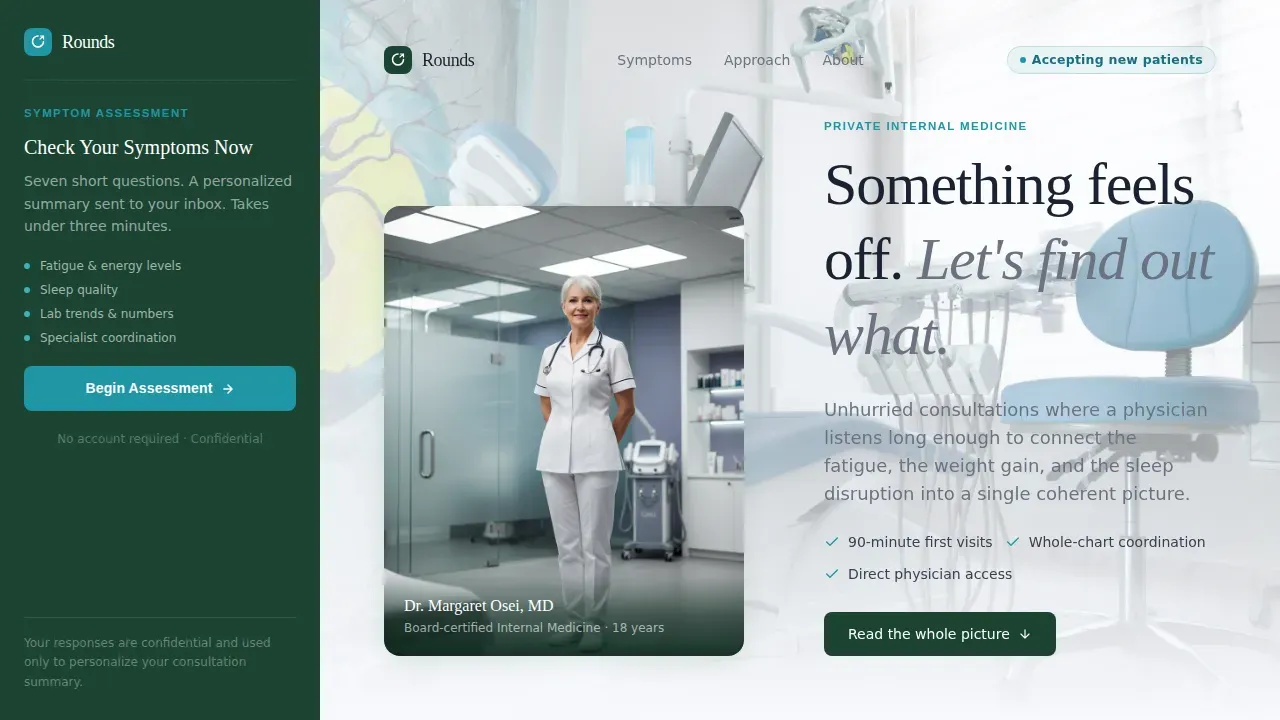
Rounds is a sidebar companion landing page built for a private internal medicine practice. It guides patients through a progressive seven-question symptom assessment, connecting scattered concerns like fatigue, labs trending wrong, and disrupted sleep into a single coherent picture. The design is calm and clinical, with an evergreen sidebar, alpine lake accents, and a portrait-centered hero that feels like a quiet, well-lit physician's office.
by Rocket studio
Quick Summary
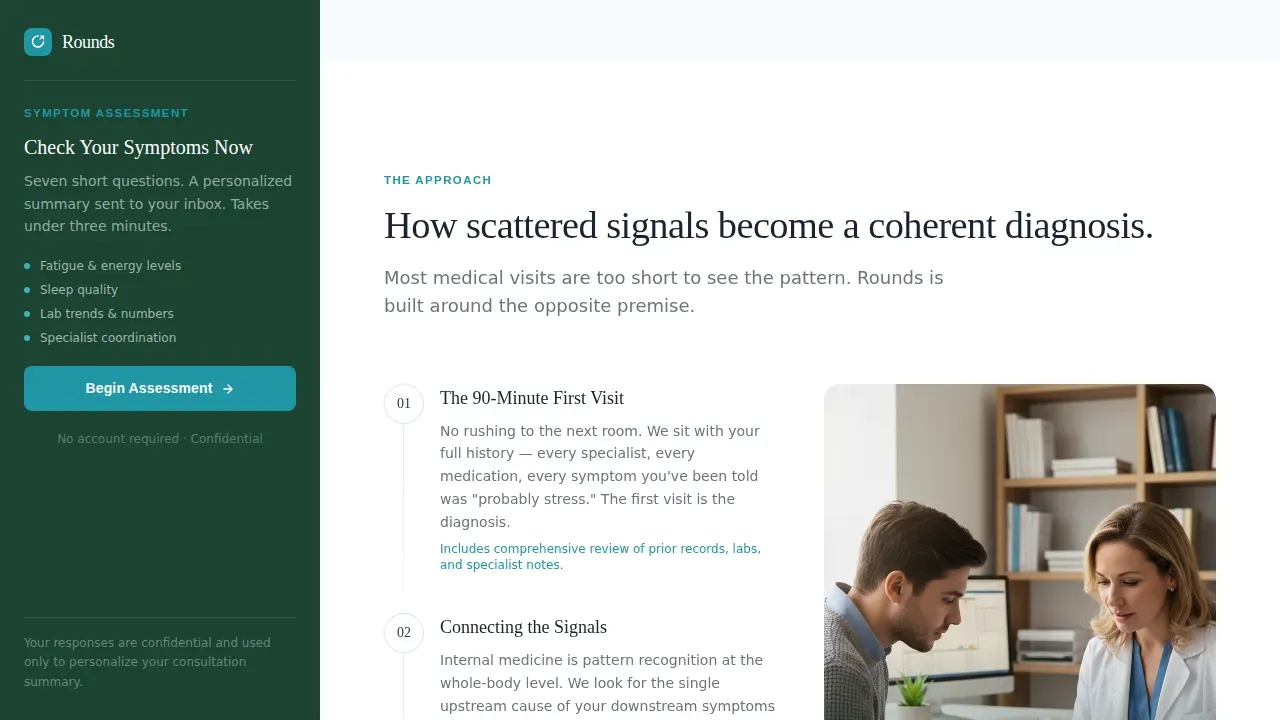
Rounds is a single-page, sidebar companion landing page template for a private internal medicine practice. It opens with a physician portrait and a plain headline, then walks visitors through a progressive symptom assessment that feels less like a marketing funnel and more like a preliminary intake conversation already underway.
Who This Template Is For
This template is designed for internal medicine practices that want to convert website visitors into booked appointments through guided self-reflection rather than passive brochure reading. It suits independent internists, hospital-affiliated outpatient clinics, and practices bridging the gap between fragmented specialist care and whole-person diagnosis.
- Mid-career professionals aged 35 to 55 managing persistent fatigue, cholesterol trends, or sleep disruption
- Retirees juggling multiple specialists and looking for one physician to read the full chart
- Executives whose last real physical was years ago and who respond better to structured self-assessment than traditional calls to action
What Problem This Template Solves
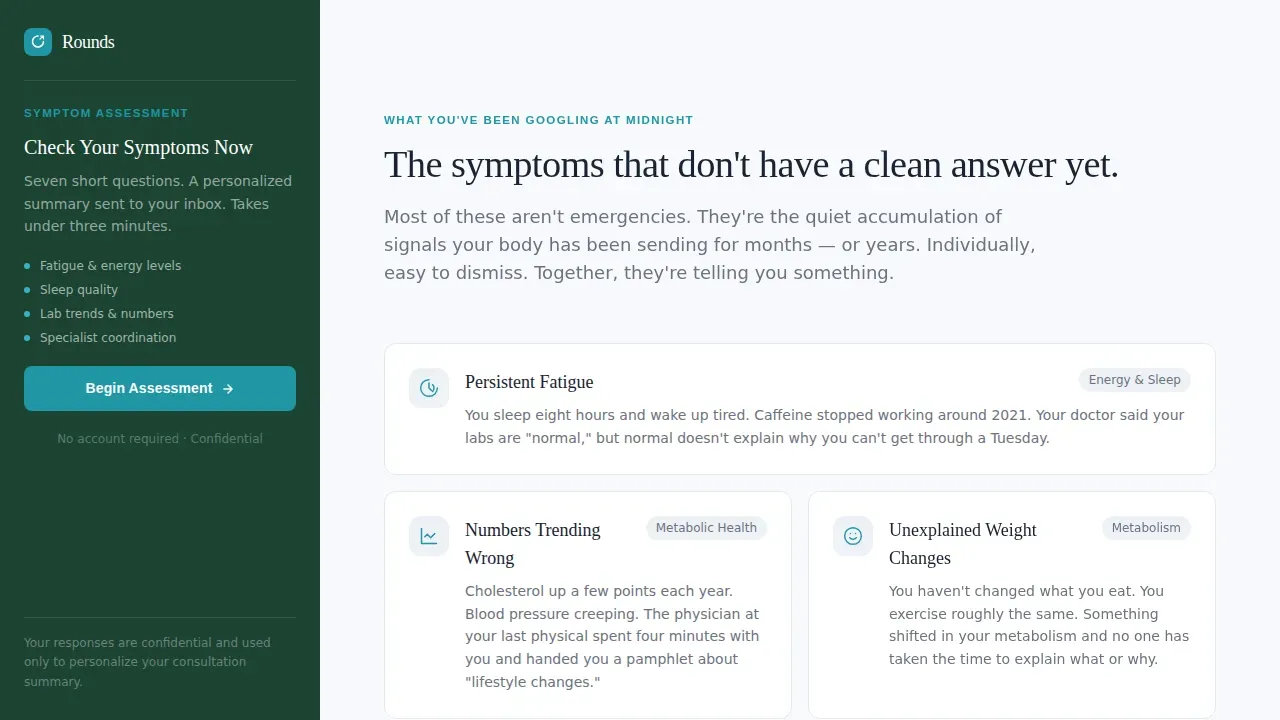
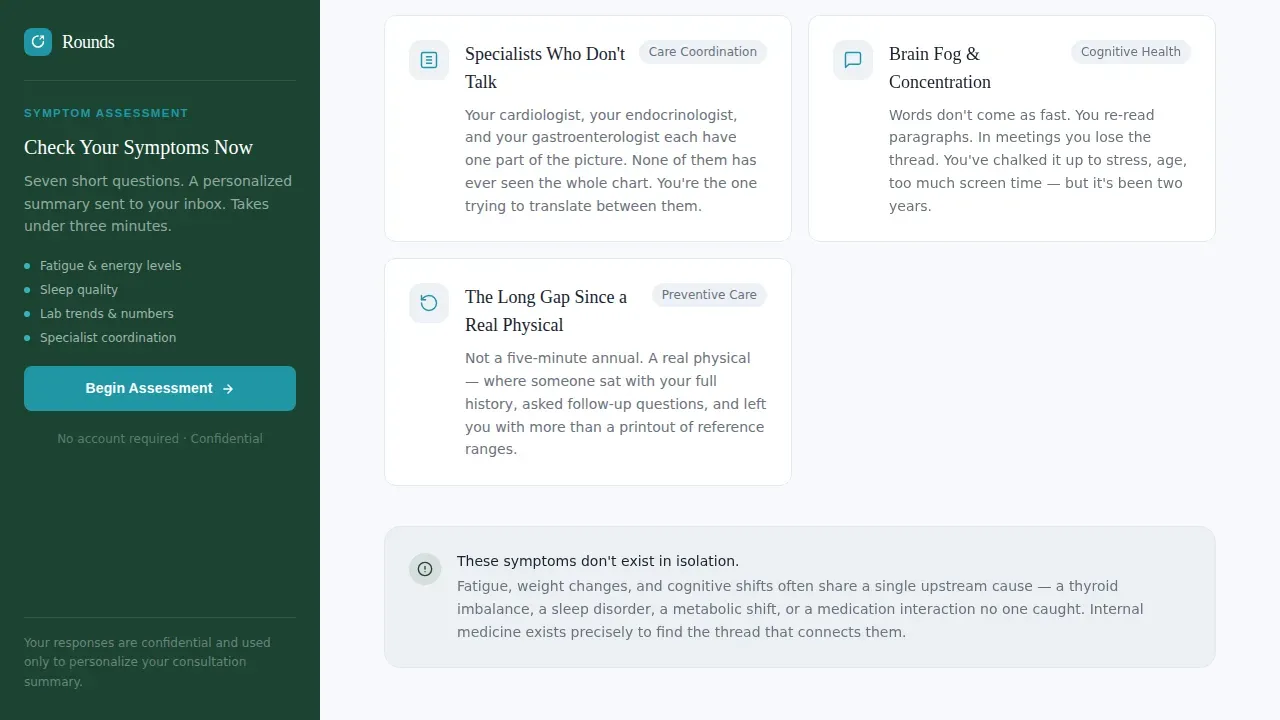
Patients arrive at internal medicine pages with vague, overlapping concerns. They have been checking symptoms online at midnight, unsure whether fatigue, nausea, or numbers trending wrong are connected. Most practice pages present static credentials and a phone number. That is not enough to earn the appointment.
- Visitors leave before booking because the page does not name what they are actually feeling
- Scattered symptoms feel worse when there is no obvious starting point
- Generic contact forms do not create the sense of progress that motivates action
What You Get With This Template
This template gives you a fully structured, high-interactivity landing page ready to present and customize. Every section follows the Problem-to-Solution arc described in the brief, and the persistent sidebar keeps the assessment visible from the first pixel.
- A seven-question progressive symptom assessment embedded in a persistent sidebar, starting with a single low-friction opener
- A portrait-centered hero section with a physician photograph, a calm headline, and immediate quiz visibility
- Five core content sections: hero, symptoms, how it works, social proof, and practice philosophy, plus a footer
Feature List
This template is built around several purpose-built capabilities that are specific to the internal medicine assessment experience.
Persistent Sidebar Assessment
The sidebar stays anchored as the visitor scrolls. It opens with one plain-language question and progressively discloses five to seven follow-ups covering duration, severity, family history, and current meds. At completion, a short form collects name, email, and preferred appointment window before sending a personalized summary and scheduling link.
Portrait-Centered Hero Section
The hero pairs a warmly lit physician photograph against a softly blurred exam room background. A single headline fades in beside the portrait. The sidebar assessment is already visible on load, pulling the visitor into participation before they read a word of body copy.
Problem-to-Solution Scroll Arc
The page scroll begins in the visitor's body. It names the symptoms they have been Googling at midnight: persistent fatigue, digestive irregularity, temperature shifts, vitals trending in the wrong direction. Each section escalates from symptom to system to solution, mirroring how a physician might walk through a chart review.
Progressive Quiz with Form Capture
The quiz itself is the value. By the time visitors reach the intake form at the end, they have already invested enough self-reflection that booking feels like the natural next step. The assessment covers the categories a structured pre-rounding checklist would recognize: vitals trends, labs, imaging history, active problems, and current meds.
Social Proof Section
Patient testimonials are positioned after the how-it-works section with specific, real-outcome language. Demographic details match the target audience, reinforcing trust for both mid-career professionals and retirees who need to see themselves in the page.
Alpine Fresh Color System
Clinical white dominates the main content column. Evergreen anchors the persistent sidebar. Stone gray carries body text. Alpine lake draws the eye to buttons, progress bars, and interactive elements. The palette reads like a modern medical office at elevation: crisp, calm, and trustworthy.
Page Sections Overview
| Section | Purpose |
|---|---|
| Portrait Hero | Opens with physician photo, headline, and visible sidebar quiz |
| Symptoms Naming | Lists vague overnight concerns: fatigue, digestion, sleep, labs |
| How It Works | Explains how internal medicine connects scattered signals |
| Social Proof | Testimonials with specific patient outcomes |
| Practice Philosophy | Credentials and unhurried consultation approach |
| Footer | Horizontal flow pattern with contact and navigation |
Design & Branding System
The design follows a Corporate Precision theme: Medical Minimalism with clean lines, generous white space, and type that earns trust before a word is read. Two typefaces carry the visual identity throughout the page.
- DM Sans handles all body text and user interface elements for clarity and modern readability
- Fraunces serif is reserved for headlines, lending the warmth and authority expected of a physician's voice
- Color roles are fixed: clinical white (#F7F9FC) for content areas, evergreen (#1B4332) for the sidebar, stone gray (#6B7280) for body text, and alpine lake (#2196A4) for buttons and quiz progress indicators
Mobile & Speed Optimization
The template is built desktop-first to support the sidebar layout. On smaller screens, the sidebar stacks below the hero and the quiz transitions into a full-width flow. This keeps the assessment organized and readable without losing progress bar visibility.
- The responsive mobile stack preserves large tap targets for quiz answer options, supporting the over-60-percent of searches that happen on mobile devices
- Scroll reveal animations and sidebar quiz transitions use medium animation intensity, keeping the page feeling alive without becoming distracting
- Static content sections use server-rendered components while the sidebar quiz runs as a client component, keeping the overall page fast to load and interact with
How This Template Helps You Convert
This page is not a passive brochure. Every structural decision is made to move a hesitant visitor toward booking an appointment through gradual, self-directed engagement.
- The sidebar quiz is visible above the fold on load, so visitors can start checking their symptoms before they have read a single paragraph, removing the friction of a cold call-to-action button
- The Problem-to-Solution scroll arc earns trust section by section, naming real concerns, explaining how internal medicine addresses them, and presenting patient outcomes before asking for contact details
- By the end of the assessment, the visitor has reflected on duration, severity, family history, and current meds, making the final form feel like a natural continuation rather than a conversion gate
Other Information About This Template
This template is part of a curated set of templates designed for health and medical communities, specifically the Doctor and Physician Practice subcategory. It fits naturally alongside resources that medical students, residents, interns, and attending physicians recognize from their own rounding workflows.
- The assessment structure mirrors the organized categories a resident or intern would read through during pre-rounding: vitals, labs, imaging, interval events, and a clear assessment and plan section covering active problems for the day
- A pocket notebook or a structured note template on rounds carries the same logic this page applies to patient-facing intake: write down what matters, review what changed yesterday, start today organized
- The checklist-driven flow echoes what students learn early in their rotation: a tight pre-rounding routine, a consistent note template format, and a patient list reviewed before the attending arrives all make rounds easier and safer
- Practices in family medicine, internal medicine, and adjacent specialty areas can adapt the quiz categories and symptom language to match their own census and patient concerns
- The template page loads cleanly in any modern browser and adjusts seamlessly to smaller screens, keeping the assessment readable whether a visitor opens it on a desktop at the hospital or on a phone during their commute
- The "Check Your Symptoms Now" call-to-action button is positioned above the fold, using specific actionable language consistent with best practices for healthcare landing pages
- Trust signals such as board certifications and practice affiliations are expected to be displayed prominently within the practice philosophy section, reinforcing credibility for new patients
- This rounds precision internal medicine assessment landing page template is built for independent practices that want to deal with the gap between fragmented specialist care and whole-person diagnosis, offering a clean, structured alternative to generic contact forms
Theme
Corporate Precision
Creative direction
Problem→Solution Arc
Color system
Alpine Fresh
Direction
Quiz/Assessment
Page Sections
Persistent Sidebar Symptom Assessment
Portrait-centered Hero Section
Problem-to-solution Scroll Arc
Alpine Fresh Color and Typography System
Social Proof and Practice Philosophy Sections
Responsive Mobile Stack with Scroll Animations
Related questions
Who is this landing page template built for?
Can the quiz questions be adapted for family medicine or other specialties?
How does the sidebar quiz work on mobile screens?
Does the template include social proof content?
What design files or customization options come with this template?