Hospitality & Restaurant Design Pre-Launch Website Template
Atelier is a storybook landing page template for an airport lounge design studio preparing to launch its public portfolio. It combines a parallax geometric hero, four cinematic scroll scenes, and a dual-conversion waitlist form into one unhurried, editorial experience. Built for B2B procurement leads, it turns quiet luxury into qualified early inquiries.
by Rocket studio
Quick summary
Atelier is a full-page waitlist landing page template for a specialist airport lounge design studio. Four cinematic scroll scenes guide visitors from tactile materiality to a live early-access form. The warm neutral palette, parallax geometry, and progress-ring form work together to attract serious procurement leads and hospitality operators before the studio's portfolio goes public.
Who this template is for
This template is made for design studios and architectural practices that work in premium airport hospitality and need to build credibility before a full public launch. It suits those pitching directly to institutional buyers, not general consumers.
- Airport authority procurement leads and airline alliance directors reviewing terminal expansion briefs
- Hospitality operators managing multi-site lounge portfolios who are evaluating new design partners
- Architecture and interior design studios launching a specialised practice or a new service line
What problem this template solves
Most coming-soon pages waste attention. They announce a launch date and ask for an email. For a studio selling complex, high-value B2B design commissions, that approach leaves qualified buyers with nothing to hold on to. This template solves that by turning the pre-launch moment into a curated editorial experience.
- Procurement leads need to trust a studio's sensibility before they include it in a shortlist; the cinematic scroll builds that trust before any portfolio exists publicly
- Generic waitlist forms do not filter serious briefs from casual curiosity; the dual-conversion structure separates qualified inquiries from lookbook downloaders
- A blank holding page signals inactivity; the live preview-slot counter signals momentum and creates a reason to act now
What you get with this template
You get a fully structured, single-page template with five distinct layout zones, each designed around a specific moment in the visitor's journey. Every section is built to deliver a feeling before it delivers information.
- A cursor-reactive parallax hero with abstract geometric shapes, a masked display-text reveal, and a saffron call-to-action pill
- Four cinematic scroll scenes covering materiality close-ups, spatial mood boards, an animated concept walkthrough, and studio process imagery
- A dual-conversion waitlist section featuring a primary brief-intake form with a progress ring and a low-friction lookbook download gate
Feature list
This template is built around a small number of considered, high-impact components. Each one is chosen to serve the studio's positioning, not to fill space.
Parallax Geometric Hero
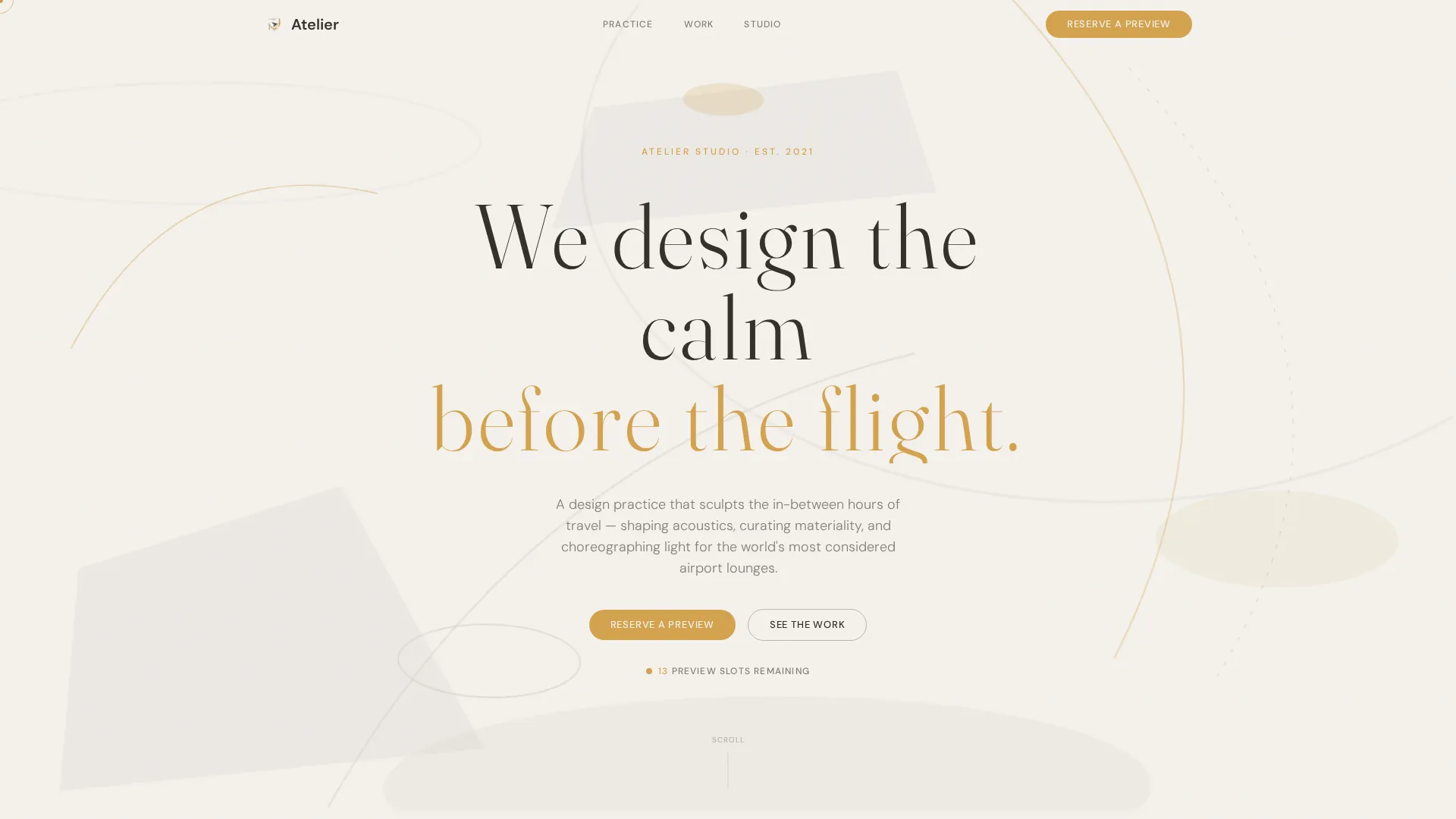
The header uses overlapping arcs, soft trapezoids, and elongated ovals rendered in runway mist and boarding-pass saffron. These shapes drift slowly on scroll, reacting to cursor movement, giving the page an immediately distinctive opening that requires no photography.
Cinematic Four-Scene Scroll
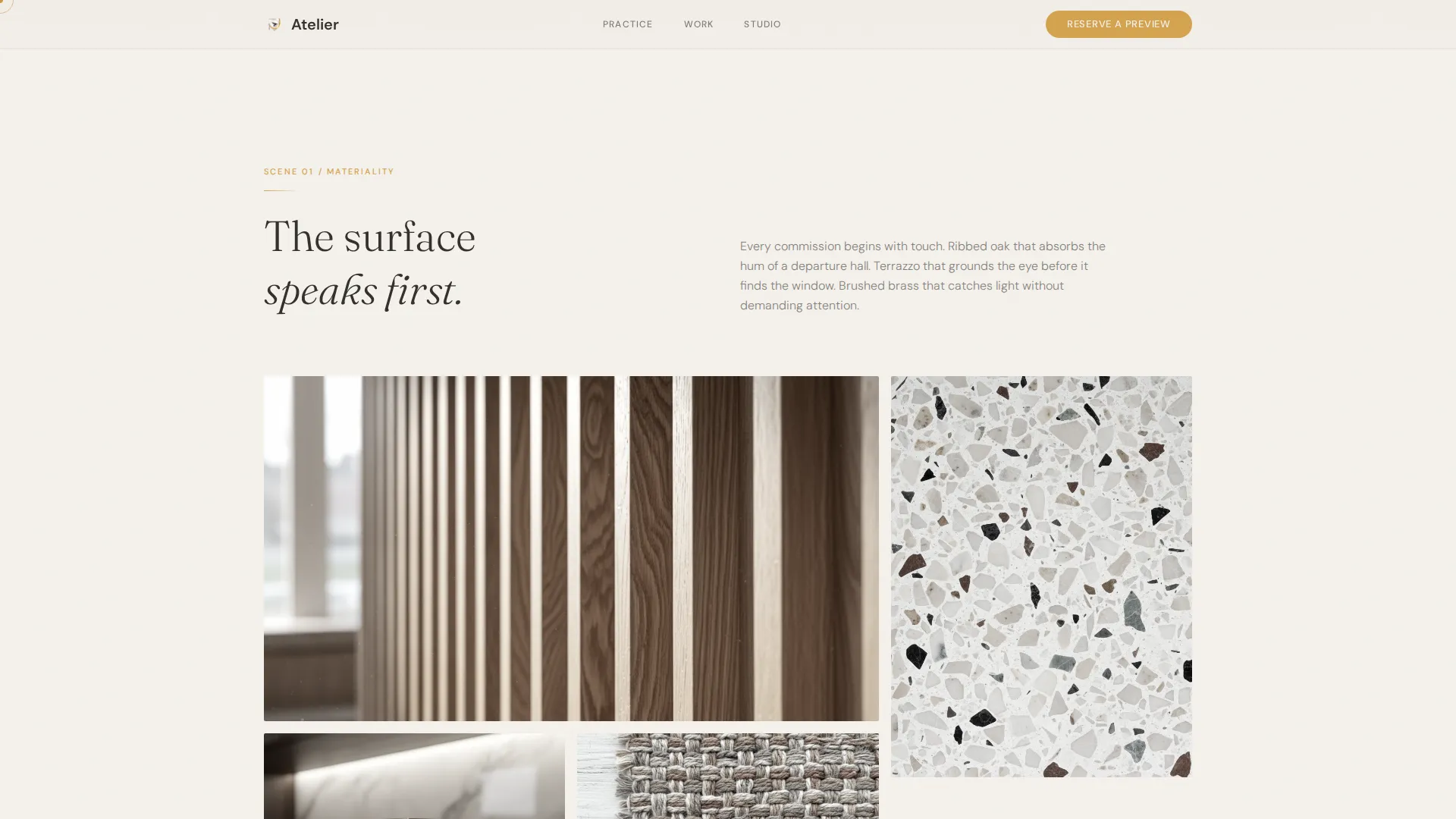
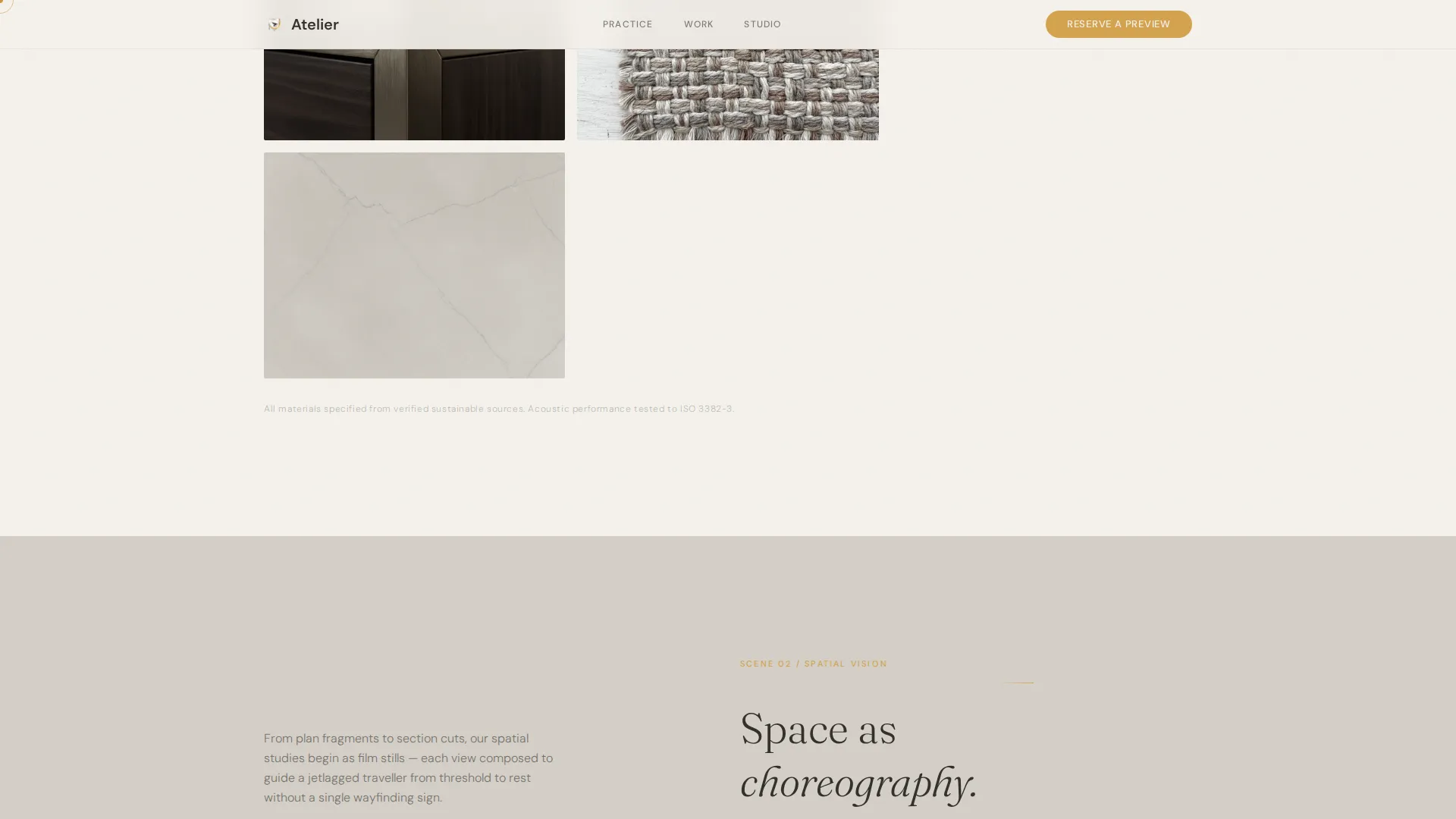
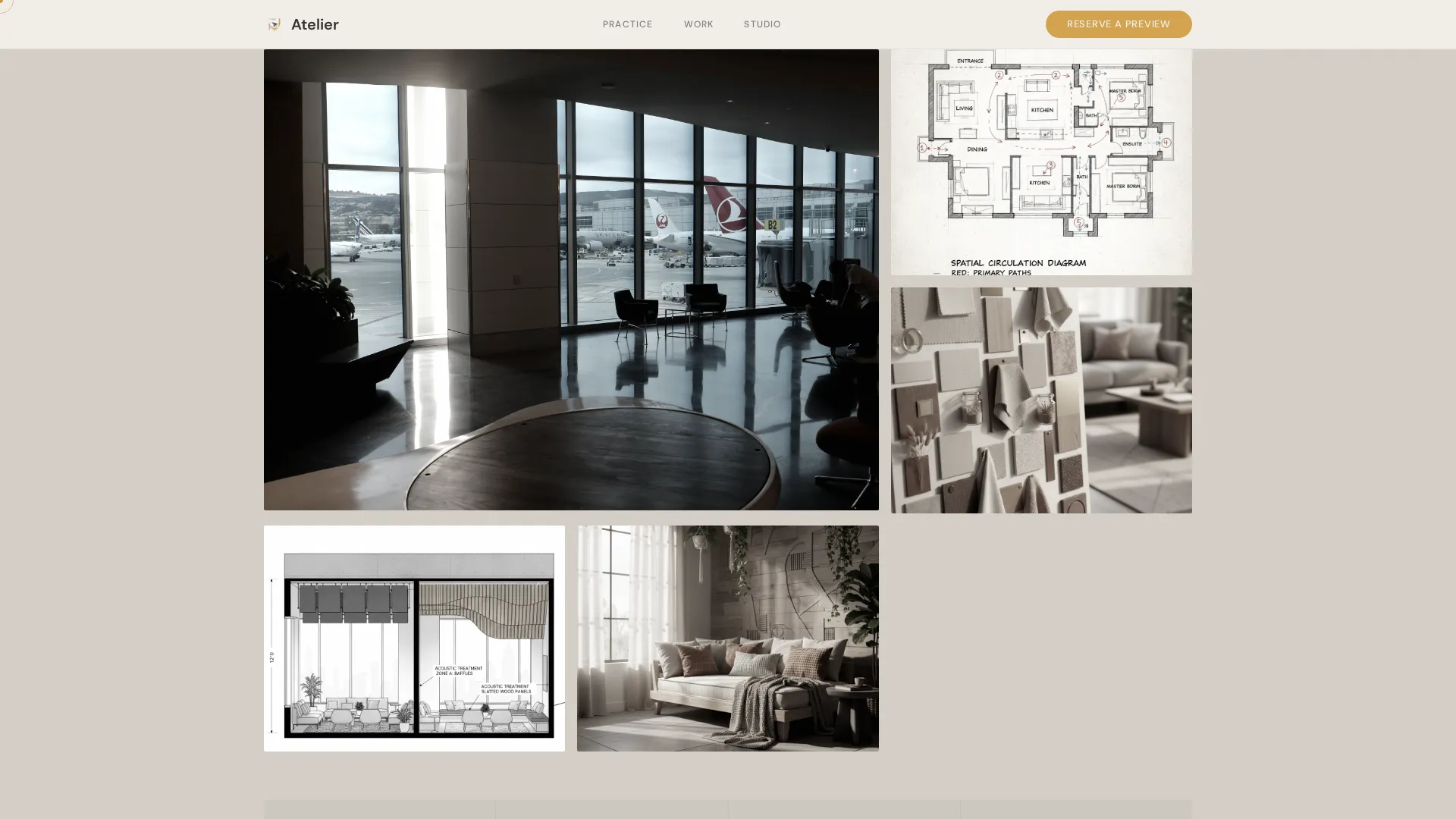
Four full-page sections each function as a film scene. Scene one shows tactile material close-ups. Scene two presents spatial mood boards and plan fragments. Scene three plays an animated lounge walkthrough with shifting light. Scene four introduces studio hands-on process. Soft fade-to-white transitions separate each scene.
Dual-Conversion Waitlist Form
The primary form captures name, company or airline, and a freeform lounge brief. A progress ring beneath the submit button fills as the visitor types, reinforcing engagement. A secondary email-only gate unlocks the studio lookbook for lower-commitment visitors.
Live Preview-Slot Counter
A real-time counter displays how many early preview slots remain. This creates a sense of limited access without relying on aggressive scarcity language, which fits the template's unhurried editorial tone.
Masked Text Reveal and Cursor Trail
On page load, the headline fades in with wide letter-tracking after a deliberate pause. A saffron cursor trail follows the visitor across the hero section, tying interactive moments visually to the accent colour throughout the page.
Editorial Scene Transitions
Each scroll transition between scenes uses a soft fade-to-white, a cinematic breath that mirrors the calm the studio promises. No hard cuts, no jarring motion. The rhythm is consistent with the lounge atmosphere the template is designed to communicate.
Page sections overview
| Section | Purpose |
|---|---|
| Parallax Hero | Opens with geometric shapes, masked headline reveal, and primary saffron call-to-action pill |
| Scene One: Materiality | Extreme close-up grid of ribbed oak, terrazzo, and brushed brass textures |
| Scene Two: Spatial Vision | Editorial mood board layout with plan fragments, section cuts, and colour studies |
| Scene Three: Motion | Animated concept lounge walkthrough with light shifting from morning to evening |
| Scene Four: Studio | Process imagery of hands sketching and models under task lamps |
| Waitlist Form Section | Dual-conversion area with primary brief-intake form and lookbook download gate |
| Minimal Footer | Horizontal footer strip with studio essentials and no visual clutter |
Design & branding system
The visual identity follows a Cloud Canvas palette built from four precisely defined colours. Each colour has a single, disciplined role so the system stays coherent across every scene.
- Cirrus white (#F4F1EC) and runway mist (#D4CFC7) alternate as section backgrounds to create depth without visual weight; altitude charcoal (#33302B) carries all body text
- Boarding-pass saffron (#D4A24E) appears only at points of interaction: buttons, the progress ring, hover states, and the cursor trail, keeping the accent colour precious and purposeful
- Display headings use Fraunces for warmth and editorial character; body text and interface elements use DM Sans for clarity and professional legibility
Mobile & speed optimization
The template is designed desktop-first to match how procurement leads and airline directors review vendor pages, typically on large screens. A full mobile fallback ensures the experience holds at smaller sizes.
- The hero geometry uses static SVG shapes so the parallax opening loads without heavy asset requests
- Images across all four scenes are set to lazy load, so only the visible scene requests assets at any given scroll position
- CSS-first animations keep the motion layer lean; the walkthrough and text reveals rely on stylesheet transitions rather than heavy script bundles
How this template helps you convert
The conversion structure is deliberate and layered. It qualifies visitors by commitment level rather than asking everyone for the same information.
- The saffron call-to-action pill appears immediately after the hero, catching visitors at peak attention before they invest time scrolling; the same button returns at the final scene for those who read everything first
- The progress ring on the brief-intake form rewards visitors as they type, turning form completion into a small satisfying act rather than a chore, which increases the chance they finish and submit
- The lookbook gate captures email addresses from visitors who are not yet ready to submit a brief, giving the studio a second, lower-friction conversion path without cluttering the primary form
Other information about this template
This template sits at the intersection of architectural identity and B2B lead generation for the airport hospitality sector. It is equally useful for a studio launching a new practice as it is for an established firm refreshing its market positioning ahead of a major tender cycle.
- The Storybook and full-page scroll format is well suited to procurement buyers who spend time evaluating vendors; the scroll length mirrors the deliberate, considered review process those buyers use
- The scarcity mechanic, the live slot counter, is implied rather than announced; this fits a high-end B2B context where urgency tactics can feel out of place
- The Atelier Studio theme and Cinematic Sequence creative direction together produce a template that reads as a design artefact in itself, which strengthens the studio's credibility claim before a single portfolio project is shown
Theme
Atelier Studio
Creative direction
Cinematic Sequence
Color system
Cloud Canvas
Style
Storybook/Full-Page
Direction
Waitlist/Coming Soon
Page Sections
Parallax Geometric Hero with Cursor Reaction
Four Cinematic Scroll Scenes
Progress Ring Waitlist Form
Lookbook Email Gate
Live Preview-slot Counter
Cloud Canvas Colour and Typography System
Related questions
Can I use this template without a completed portfolio?
How does the dual-conversion form work?
Is this template designed for desktop or mobile visitors?
What does the live slot counter do?
What kind of studio fits this template best?