Minimalist Architecture Booking Website Template
Atelier is a minimalist architect landing page template built on an asymmetric 60/40 grid. It guides visitors through a cinematic scroll sequence from site reading to inhabitation, using warm paper tones, sparse typography, and a single terracotta accent. Every section earns its space, and two deliberate calls to action move qualified visitors toward the portfolio and consultation booking.
by Rocket studio
Quick summary
Atelier is a single-page landing page template designed for minimalist architecture practices. It uses an asymmetric 60/40 grid, a cinematic scroll sequence, and a restrained Cloud Canvas color palette to communicate the philosophy of architecture by subtraction. Two focused calls to action guide visitors toward a project portfolio and a consultation.
Who this template is for
This template is built for design professionals whose work speaks through what they remove rather than what they add. It suits studios that want their website to feel as considered as the buildings they deliver.
- Private residential architects serving homeowners who have moved beyond maximalism
- Boutique hotel developers and gallery directors who treat negative space as a premium asset
- Architecture practices looking for a landing page that reflects calibrated restraint
What problem this template solves
Most architecture templates crowd every section with galleries, service lists, and contact forms. That approach undercuts studios whose value lies in editing. Atelier solves this by pacing the page like a slow walk through a building under construction, letting conviction build before asking for a click.
- Visitors arrive skeptical and leave persuaded, because the scroll earns trust before presenting a call to action
- The absence of a contact form keeps the page clean and signals that every project starts with a real conversation
- The asymmetric grid prevents the flat, symmetrical feel that makes most portfolio pages look interchangeable
What you get with this template
You get a fully structured single-page landing page with five distinct content sections, a handcrafted collage header, a cinematic scroll sequence, three project vignette slots, and an ultra-minimal footer. Every layout decision is already made, so you start with a finished architecture rather than a blank canvas.
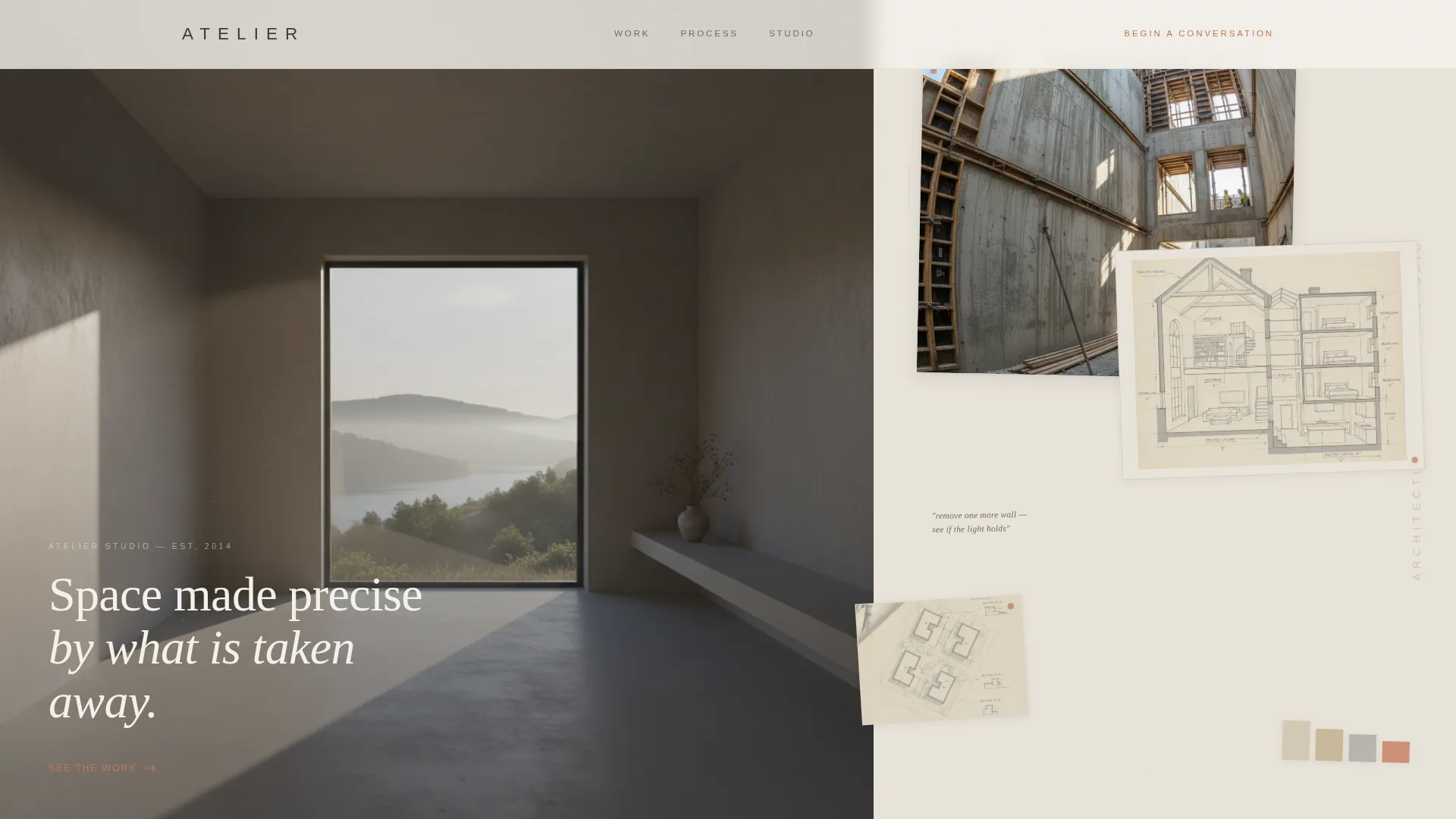
- Hero section with a collage/scrapbook header composition and a first terracotta call to action
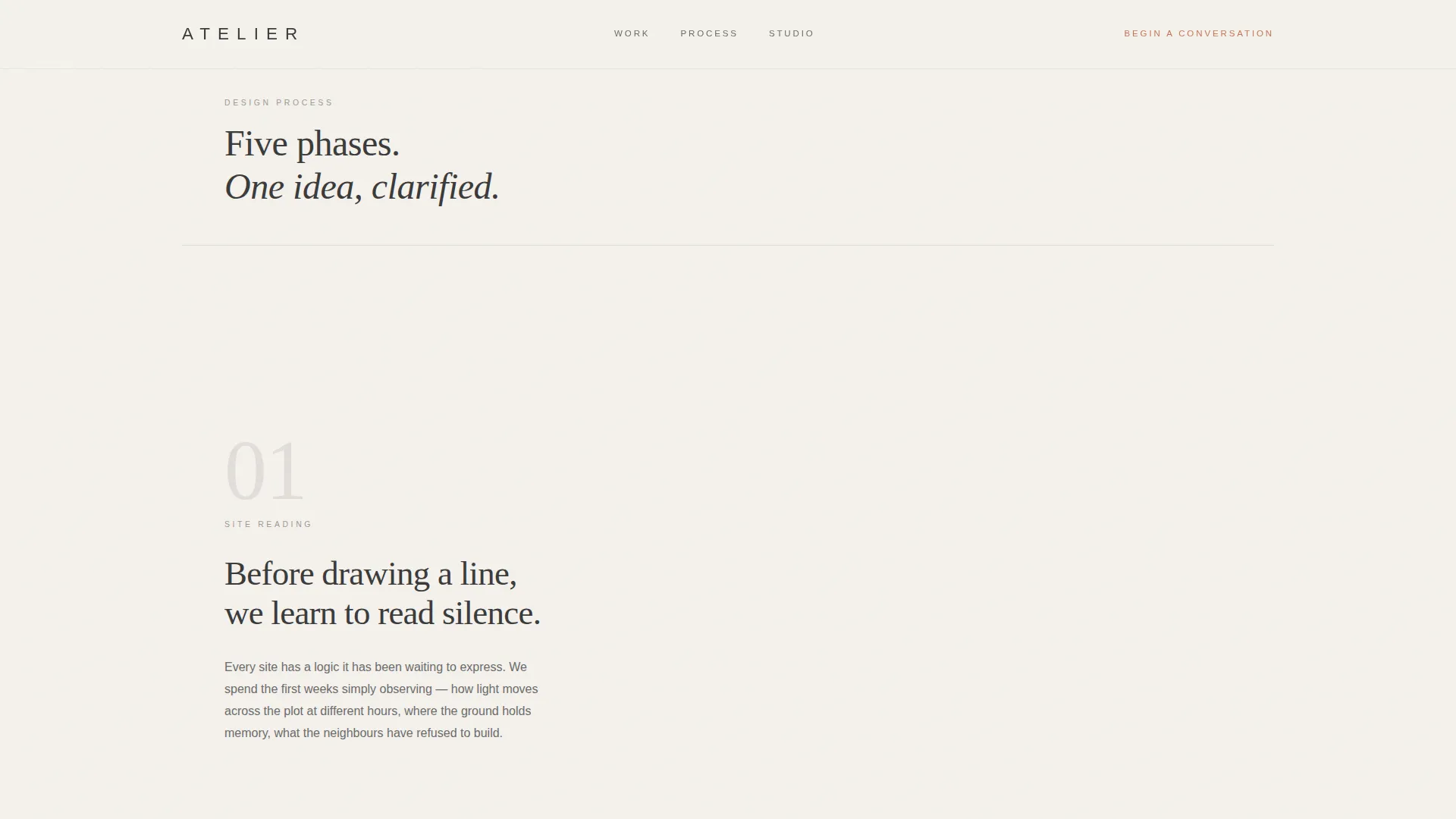
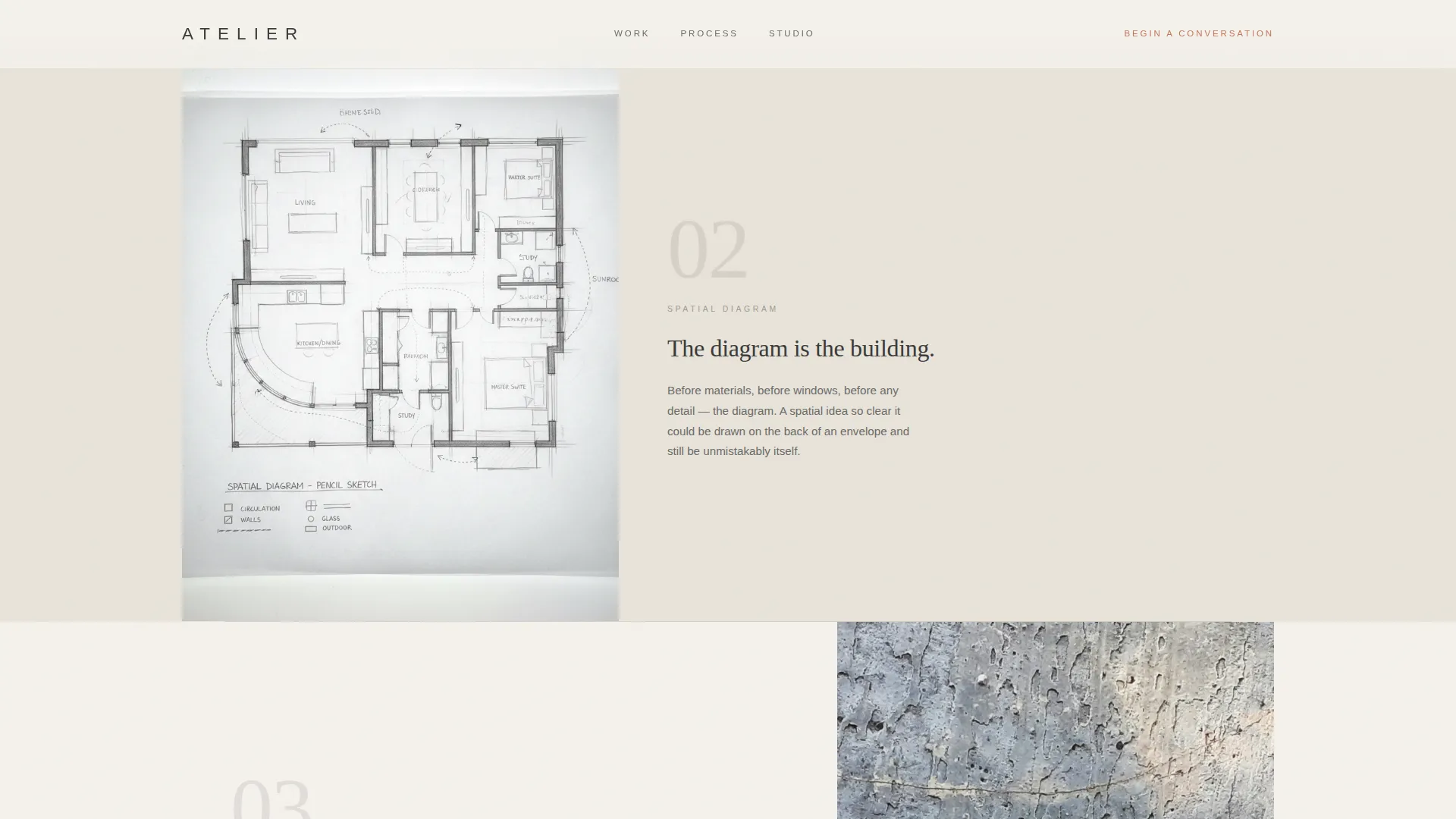
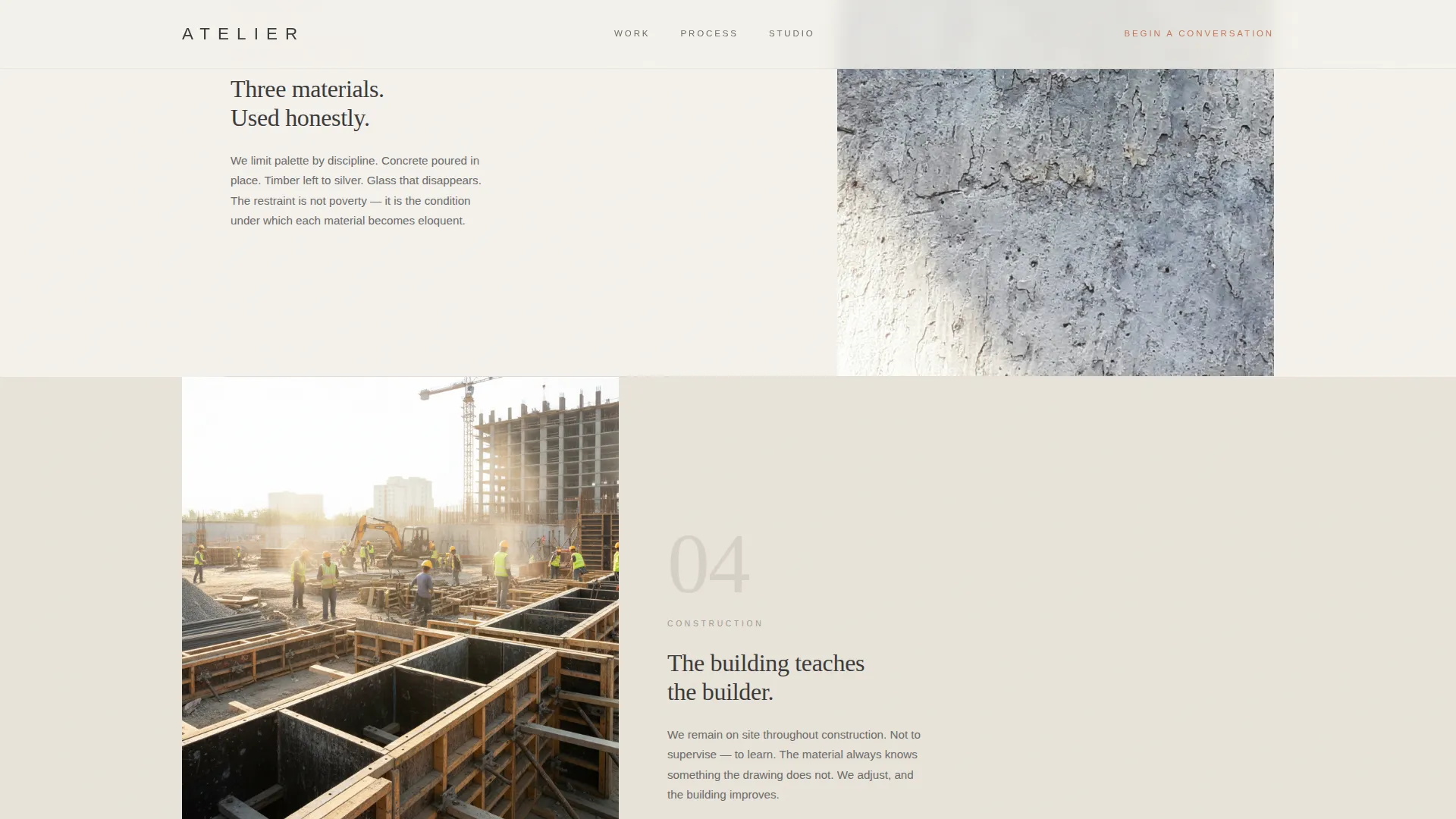
- Scroll-driven process sequence moving through five phases of the design journey
- Philosophy and close section with a testimonial slot, a secondary call to action, and a studio email line
Feature list
This section covers the core capabilities built into the Atelier template.
Asymmetric 60/40 Grid Layout
The page uses a deliberate 60/40 column split throughout. The wider column alternates between full-bleed photography and single-sentence copy depending on the section, while the narrower column holds sketches, swatches, or supporting text. The alternating dominance keeps the scroll rhythm varied and intentional.
Collage/Scrapbook Hero Header
The header opens as a layered composition of torn-edge project photographs, hand-drawn section sketches, material swatches, and a fragment of a site plan. The arrangement feels assembled on a studio wall rather than built in software. The studio name sits in thin, tracked-out capitals in the narrower column.
Cinematic Scroll Sequence
Five scroll-driven phases move the visitor through the entire design process: site reading, spatial diagram, material selection, construction, and inhabitation. Early sections are sparse with pencil drawings and generous white space. Photography and material texture increase as the scroll deepens, so the page itself enacts the studio's philosophy.
Staged Call-to-Action Placement
The primary call to action, "See the Work," appears first as terracotta text at the base of the hero collage. It resurfaces as a solid terracotta button only after the third project vignette, once the scroll has built enough conviction. This staged approach means the click feels earned rather than demanded.
Scroll-Linked Reveal Animations
Sections use IntersectionObserver-based reveals with staggered timing and a subtle grain texture. The hero photograph responds to cursor movement with a parallax effect. Interactive states, including hover effects, use the terracotta accent exclusively, so every visible color change signals something clickable.
Ultra-Minimal Footer
The footer follows a horizontal minimal pattern. It carries only the information the page needs and nothing more, reinforcing the studio's editorial restraint all the way to the last pixel.
Page sections overview
| Section | Purpose |
|---|---|
| Hero Collage Header | Opens the story with layered project photography and sketches |
| Process Cinematic Sequence | Guides the scroll through five phases of design |
| Project Vignettes Grid | Presents three project snapshots in alternating 60/40 layout |
| Terracotta call to action Block | Surfaces the primary button after the third vignette |
| Philosophy and Close | Closes with a testimonial, secondary call to action, and studio email |
| Ultra-Minimal Footer | Anchors the page with restrained horizontal identity |
Design & branding system
The palette is named Cloud Canvas and feels like an architect's worktable at golden hour. Every color choice carries a material reference, and the system is strict about where the accent appears.
- Warm mist white (#F4F1EC) and tracing paper cream (#E8E3D9) alternate as section backgrounds, creating a layered vellum effect
- Pencil graphite (#3B3B3B) is the body text color throughout, grounding the warmth without adding visual noise
- Kiln-fired terracotta (#C4775A) is reserved exclusively for interactive states and the primary call to action, making every occurrence feel intentional
Mobile & speed optimization
The template is built desktop-first to honour the 60/40 grid at full width. On smaller screens, the asymmetric columns stack gracefully so the cinematic sequence and collage composition remain coherent.
- Static sections are built with server components to reduce client-side work
- Scroll-linked animations and the parallax hero are isolated in a client-only observer, keeping the rest of the page lightweight
- The single-page structure limits total asset load to what the five sections actually require
How this template helps you convert
The page is structured as a click-through landing page with one goal: move a convinced visitor to the portfolio and consultation booking page.
- The staged call-to-action strategy withholds the solid button until the scroll has delivered three project vignettes, so the click arrives at the moment of highest trust
- The "Begin a Conversation" close pairs a secondary call to action with a single studio email line and a note that every project starts with a site visit, replacing a generic form with a human signal that converts qualified leads
Other information about this template
Atelier is a strong starting point for any minimalist architecture practice that wants its web presence to match the precision of its built work.
- Typography uses Fraunces for display headings and DM Sans for body text, pairing a refined serif presence with clean, readable body copy
- The template is scoped to English-language content with no currency formatting, making it well suited to USA-based studios
- No third-party integrations, booking systems, or contact forms are included by design; the close section directs visitors off-page to an external portfolio or booking destination
Theme
Atelier Studio
Creative direction
Cinematic Sequence
Color system
Cloud Canvas
Style
Asymmetric Grid (60/40)
Direction
Click-Through
Page Sections
Asymmetric 60/40 Grid Layout
Collage/scrapbook Hero Header
Cinematic Scroll Sequence
Staged Call-to-action Placement
Scroll-linked Reveal Animations
Ultra-minimal Footer
Related questions
Is this template suitable for a solo architect or only for larger studios?
Does this template include a contact form?
Can I replace the terracotta accent with a different color?
How many project slots does the template include?
What fonts does this template use?