Expert Robotics & Automation Cost Estimator Website Template
Actuator is a hub-and-spoke landing page template built for robotic arm manufacturers. It opens with an animated technical infographic header, drives engagement through oversized stat callouts, and guides plant managers, automation integrators, and operations directors from capability proof through an interactive ROI calculator to a progressive lead-capture form.
by Rocket studio
Quick summary
Actuator is a single-page, anchor-nav landing page template designed for industrial robotic arm manufacturers. It leads with a full-viewport animated infographic, escalates through five anchor-linked spoke sections, and closes every section with a primary call to action. The layout is built around a Stats-First Impact creative approach on an Industrial Raw visual theme.
Who this template is for
This template is built for businesses that sell or market industrial robotic arms to a technical, ROI-focused buyer audience. It suits teams that need to communicate hard engineering data alongside a clear financial case.
- Plant managers and operations directors evaluating automation investments for Overall Equipment Effectiveness (OEE) targets
- Automation integrators scoping new production cells who need detailed payload and reach specifications
- Robotic arm manufacturers and their marketing teams who want a professional, lead-generating landing page ready to customize
What problem this template solves
Industrial automation buyers are skeptical. They arrive with spreadsheets, payback-period expectations, and CFO sign-off requirements. A generic product page with lifestyle photography does not close that gap. Actuator solves the credibility problem by leading with measurable proof before any explanatory paragraph appears.
- Buyers absorb key performance numbers instantly, before they read a single sentence of body copy
- The progressive form design removes friction by separating application qualification from contact details
- The built-in ROI calculator lets visitors self-qualify, so every lead that submits the form already understands the value proposition
What you get with this template
You get a fully structured, single-page layout with five anchor-linked spoke sections, an animated infographic header, and two conversion paths. Every design decision reinforces the Industrial Raw theme and Charcoal and Amber color system described in the brief.
- An animated header infographic featuring a rotating six-axis arm silhouette with live stat callouts counting up on page load
- Five anchor-nav spoke sections covering Payload Range, Applications, Integration, ROI Calculator, and Contact
- A two-screen progressive lead capture form and a secondary email-gated PDF spec sheet download path
Feature list
This section covers the core built-in capabilities that make Actuator functional for industrial lead generation.
Animated Infographic Header
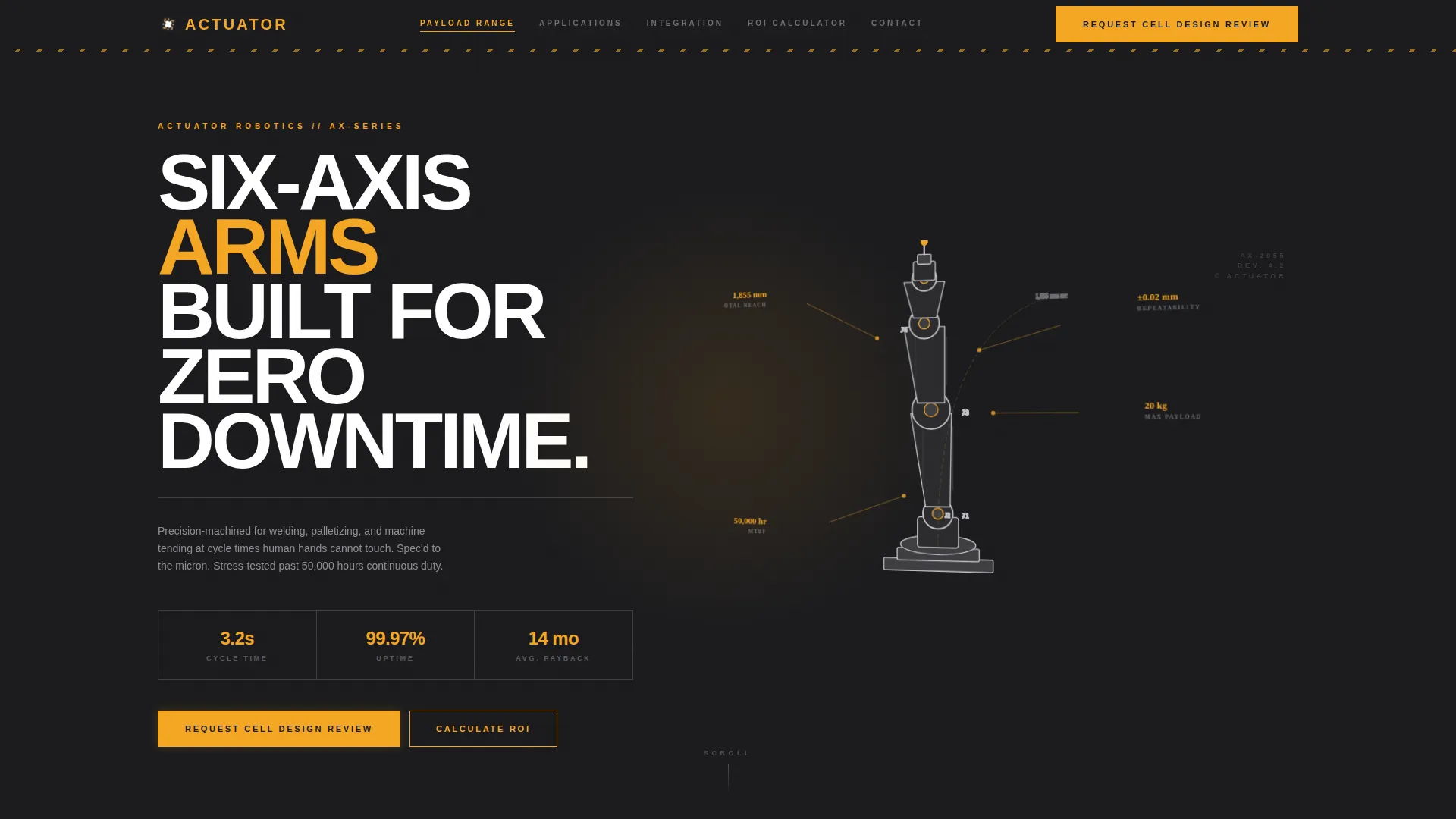
The full-viewport header renders a technical silhouette of a six-axis arm in bare-alloy silver lines on a forge-black background. Animated stat callouts count up from zero on page load, displaying key figures such as repeatability, payload, reach, and mean time between failures. Thin leader lines connect each callout to the relevant joint or end-effector on the arm diagram.
Sticky Anchor Navigation
After the visitor scrolls past the header, the five-spoke navigation bar pins to the top of the viewport. Labels read Payload Range, Applications, Integration, ROI Calculator, and Contact. Each label links directly to its corresponding section, making the page easy to navigate without scrolling manually.
Stats-First Section Openers
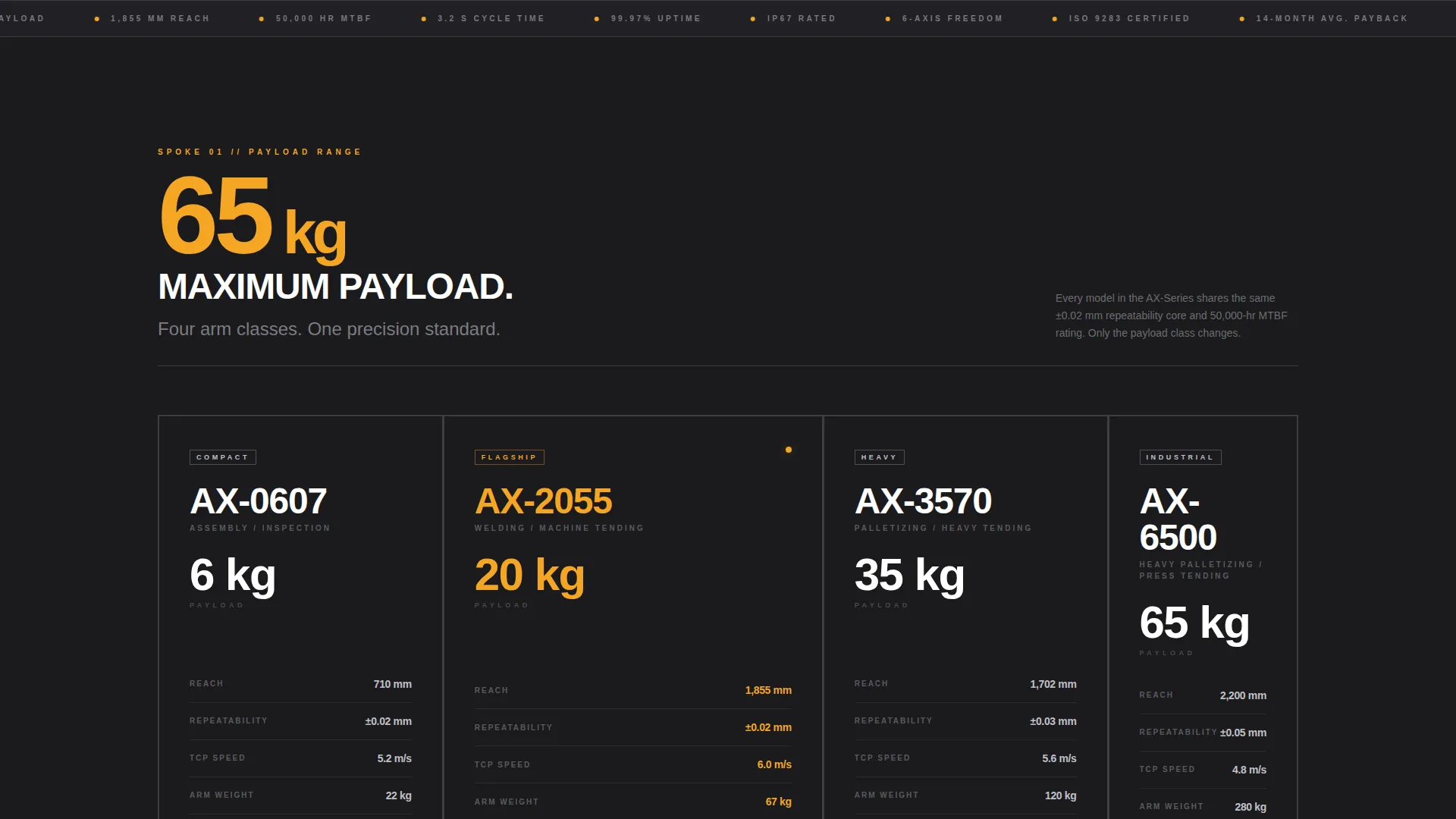
Every spoke section opens with a single oversized amber number before any paragraph text appears. Examples built into the layout include cycle time, uptime percentage, and average payback period. This structure ensures the visitor absorbs the proof point first and the explanation second.
Interactive ROI Calculator
A mid-page calculator accepts three visitor inputs: current labor cost, shift count, and throughput target. It returns an estimated payback period displayed in caution-lamp amber digits. This gives technically minded buyers a personalized financial figure before they reach the contact form.
Progressive Lead Capture Form
The contact form runs across two screens. The first screen asks for application type (welding, palletizing, machine tending, assembly, or other) and current annual volume. The second screen collects name, company, email, and phone number. The primary call to action, "Request a Cell Design Review," appears at the hub center and at the close of every spoke section.
Secondary PDF Download Path
A lighter-intent conversion path offers a downloadable full specification sheet gated behind an email-only form. This captures visitors who are not yet ready to request a cell design review, keeping them in the funnel at a lower commitment threshold.
Page sections overview
| Section | Purpose |
|---|---|
| Infographic Header | Showcases arm specs with animated stat callouts on load |
| Sticky Anchor Nav | Keeps all five spoke links accessible after scroll |
| Payload Range Spoke | Details load capacity and reach specifications |
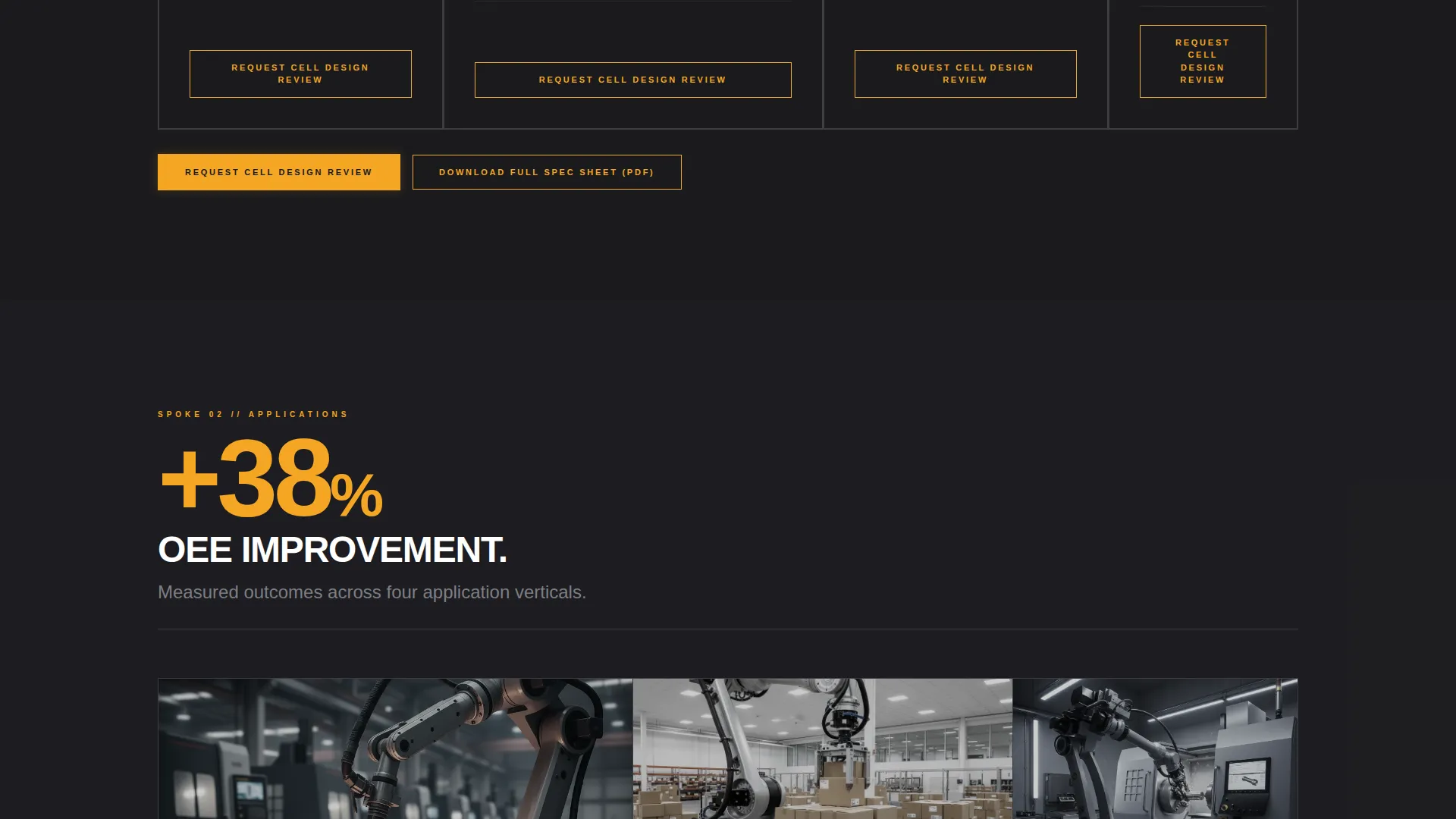
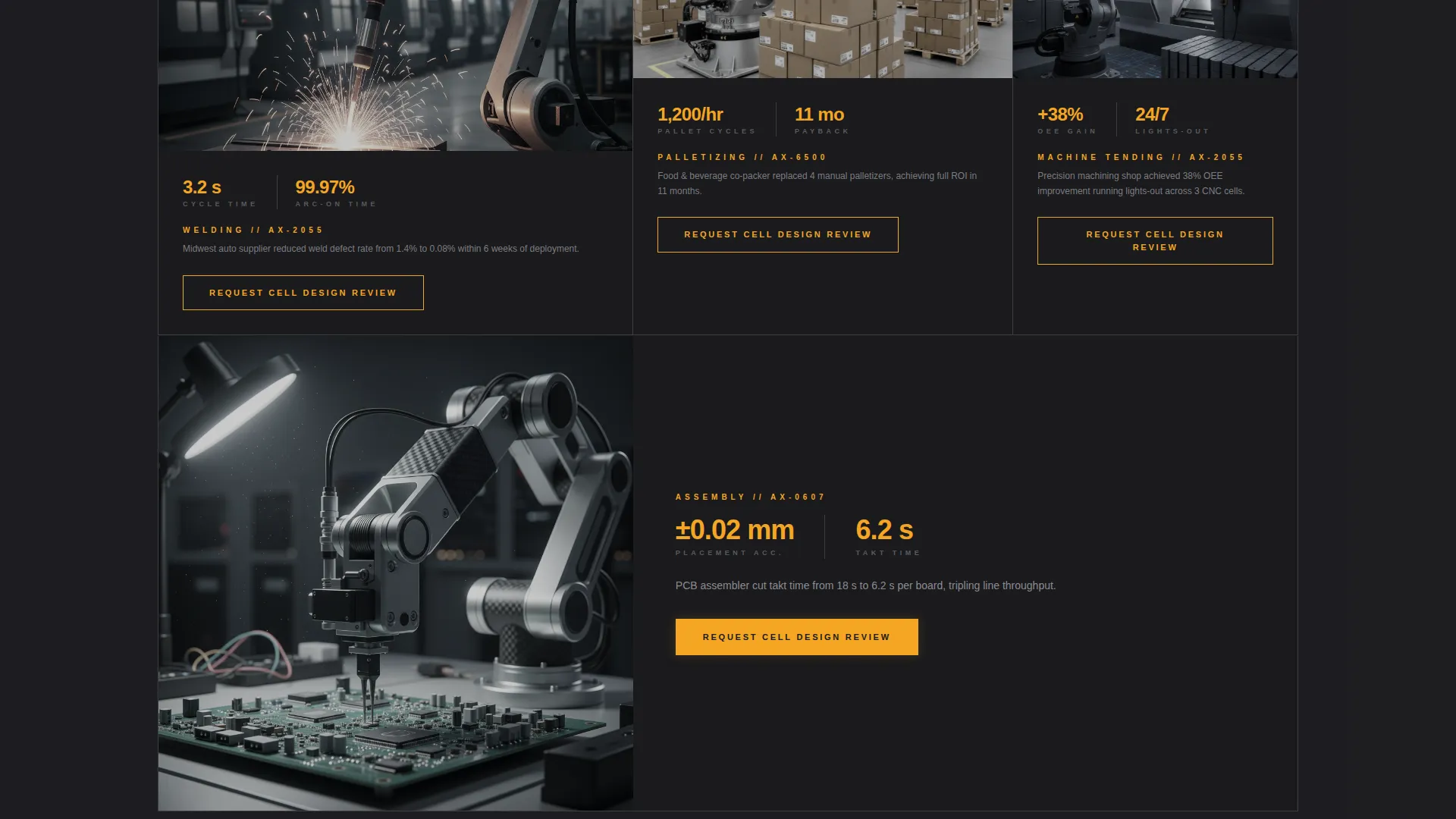
| Applications Spoke | Covers welding, palletizing, machine tending, assembly use cases |
| Integration Spoke | Addresses cell design and compatibility considerations |
| ROI Calculator Spoke | Lets visitors input labor and throughput data for payback estimate |
| Case Study Thumbnails | Displays measurable real-world outcome evidence |
| Contact Spoke | Hosts the two-screen progressive lead capture form |
| Spec Sheet Download | Provides email-gated PDF for lighter-intent visitors |
Design & branding system
The template uses an Industrial Raw theme built around a four-color Charcoal and Amber palette. Every color assignment has a specific role, so the visual hierarchy feels purposeful and never decorative.
- Forge-black (#1A1A1D) dominates section backgrounds; machined graphite (#3D3D40) carries body copy containers; caution-lamp amber (#F5A623) fires on every data callout, call-to-action button, and hover state; bare-alloy silver (#C0C0C8) traces horizontal rules, spec-table borders, and secondary text
- The arm silhouette, leader lines, and table borders all use bare-alloy silver to maintain a consistent precision-engineering aesthetic throughout the page
Mobile & speed optimization
The layout is structured for responsive display across screen sizes. The anchor navigation and stat callouts reflow to maintain readability on smaller viewports.
- The sticky anchor nav collapses gracefully on mobile so all five spoke links remain accessible without occupying excessive screen space
- Oversized amber stat numbers are sized to remain dominant and legible on tablet and phone screens without requiring horizontal scrolling
How this template helps you convert
Actuator is structured to move a skeptical, data-driven buyer through a logical confidence-building sequence before asking for contact details.
- The animated header and oversized stat openers establish numerical credibility in the first few seconds of the visit, reducing bounce before body copy is read.
- The interactive ROI calculator turns a passive browser into an active participant by returning a personalized payback figure, which primes them to complete the progressive lead form immediately after.
Other information about this template
Actuator is well suited for industrial robotics manufacturers who serve multiple buyer personas from a single page. The hub-and-spoke structure means each spoke section can go deep on a specific concern without losing visitors who care about a different topic.
- The template is categorized under Manufacturing and Industrial, with a subcategory focus on Robotics and Automation
- The case study thumbnail area supports measurable outcome storytelling, helping buyers see proof before they reach the form
- The dual conversion path design means the template can capture both high-intent leads ready for a cell design review and early-stage researchers who only want the specification document
- The page is built as a single-page anchor-nav layout, not a multi-page site, so all content lives in one URL and the visitor never loses context between sections
Theme
Industrial Raw
Creative direction
Stats-First Impact
Color system
Charcoal & Amber
Style
Hub & Spoke (Anchor Nav)
Direction
Lead Generation
Page Sections
Animated Six-axis Arm Infographic
Sticky Five-spoke Anchor Navigation
Stats-first Section Openers
Interactive ROI Calculator
Two-screen Progressive Lead Form
Email-gated Spec Sheet Download
Related questions
Who is the primary target audience for this template?
What are the two conversion paths built into this template?
Can I customize the ROI calculator inputs and outputs?
How does the Stats-First layout help with lead quality?
Does the template include case study content?



