
Choosing the right v0 dev alternative is essential for building scalable apps quickly without complex setup or heavy coding. Focus on platforms that offer rapid prototyping, AI assistance, backend flexibility, and code export to support long-term growth. Tools like Rocket.new and other leading alternatives help teams move from idea to deployable apps faster.
How do you pick the right v0 dev alternatives for building apps that can actually scale? Well, the short answer is you don’t just pick the fanciest tool on the shelf. Instead, look for solutions that save time, let you iterate fast, and keep your code clean.
With the low‑code and no‑code market booming, a report by Gartner shows that by 2025, 70 percent of new applications will use low‑code or no‑code technology.
This blog helps you pick the right v0 dev alternatives for faster, cleaner, and scalable app development.
Why v0 Dev Alternatives Matter?
Choosing a v0 alternative isn’t just about picking a tool; it’s about picking a tool that actually grows with your project.
- Handles project scaling for web apps and mobile apps without headaches
- Offers minimal setup for rapid prototyping
- Supports full-stack generation for complex apps
- Integrates AI features to simplify repetitive or complex tasks
- Matches project complexity and future growth needs
The right v0 dev alternative keeps your development smooth, saves time, and ensures your apps can scale without issues over time.
Key Features to Look For
Picking a v0 alternative isn’t just about a pretty interface or flashy ads. The right tool has features that actually make building apps faster, cleaner, and scalable.
These are the things that separate a headache from a smooth ride code export for multiple environments
- Flexible backend logic
- Easy database integration
- UI components and UI generation for speed
- Support for web app and mobile apps development
- Deployment flexibility with instant cloud deployment
- AI assistance or AI tools for repetitive or complex tasks
Some tools even include AI agents that help non-technical founders or indie developers handle backend logic and full-stack development via plain-language prompts.
Rapid Prototyping with Minimal Setup
Sometimes you just need to see your idea in action fast. That’s where rapid prototyping comes in.
- Quick web app or mobile app setup: Get your app running in minutes without complex configurations.
- Internal tools made easy: Build internal dashboards or tools without spending days on setup.
- Less stress on code quality or version control: Focus on testing your ideas, not fighting with technical issues.
- Supports non-technical users: Even team members without coding skills can contribute by using plain-language prompts or AI features.
With minimal setup, you can iterate faster, test features quickly, and move from concept to working prototype without wasting time. Rapid prototyping isn’t just a perk; it’s a shortcut to smarter development.
Popular v0 Dev Alternatives
Not all V0 alternatives are made equal. Here’s a quick snapshot of the top tools you can use to build scalable apps, internal tools, and dashboards without losing your mind over setup or code.
| Tool | Type / Focus | Rapid Prototyping | AI Assistance |
|---|---|---|---|
| Rocket.new | Full-stack apps & internal tools | Minimal setup | Yes, AI agent support |
| Bolt | Internal tools & customizable apps | Fast setup | Limited AI |
| Replit AI | Indie developers & non‑technical users | Fast setup | AI tools for repetitive tasks |
| Lovable | Simple apps & internal dashboards | Moderate | Minimal AI |
| Base44 | Lightweight internal tools | Moderate | Minimal AI |
This table helps you quickly compare V0 alternatives. Rocket leads for full-stack and AI features, while the others are well-suited to specific needs.
Rocket.new: A Solid Choice
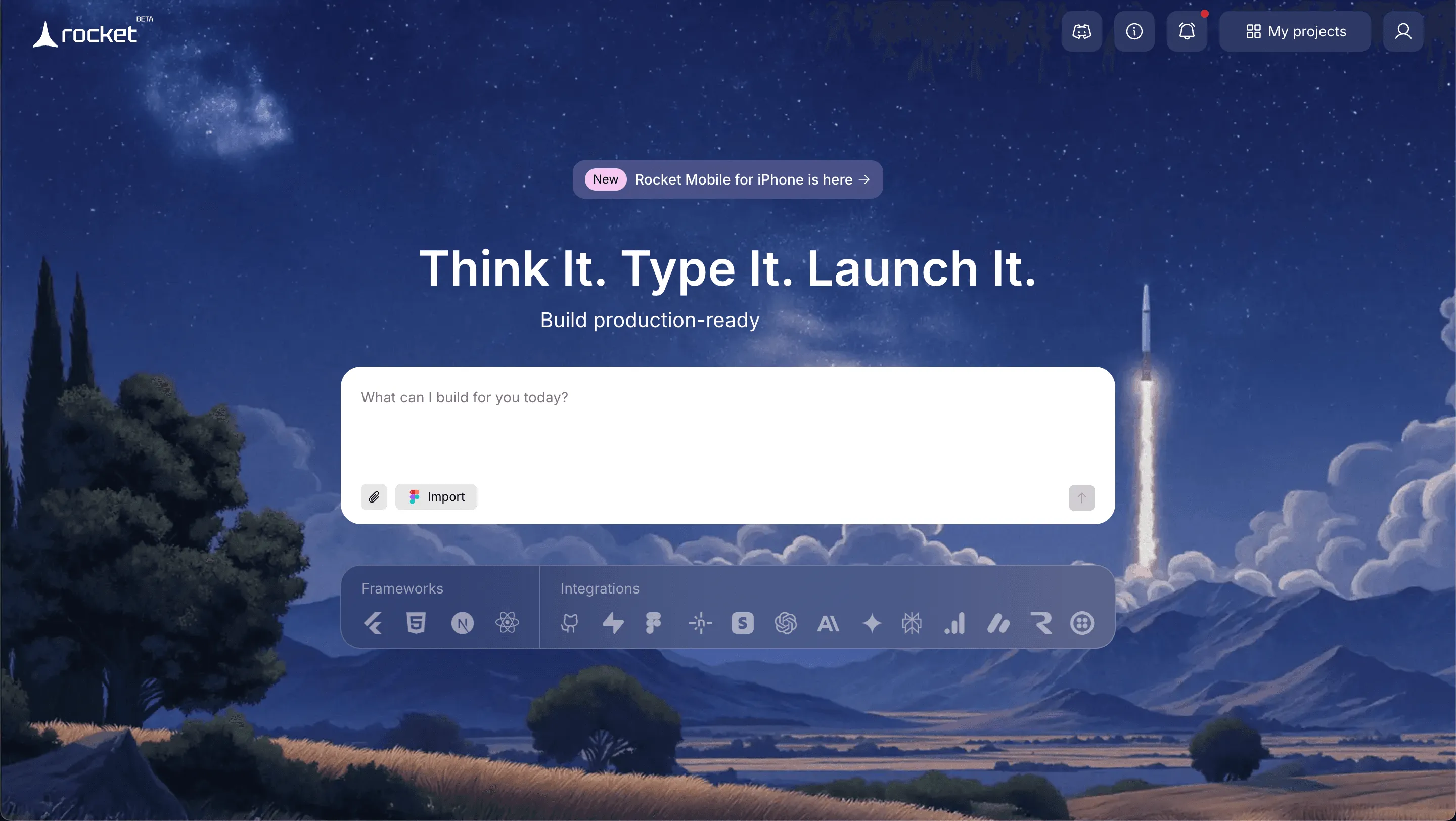
Rocket is a top alternative to v0 for scalable app development. It supports full-stack apps, internal tools, web applications, and mobile apps with minimal setup.
Top features include:
- Prompt to App Creation: Builds apps directly from single prompts
- Figma Import: Converts design files into live, editable layouts
- AI-Powered Backend: Automatically handles logic, data, and workflows
- Custom Domain Support: Publishes projects with a branded domain
- Code Export: Allows developers to extend or customize later
- Live Preview: Shows instant updates while editing
Use Cases:
- Internal Tools: Quickly generate internal tools with generated code and database integration.
- Web App: Build full-stack web applications with instant cloud deployment.
- Mobile Apps: Rapidly prototype and deploy mobile apps with UI generation.
- Teams Building: Enable non-technical users and product managers to contribute through plain-language prompts.
Best For: Full-stack apps, internal tools, web apps, and mobile apps; teams building scalable apps quickly
Pricing: Paid plans start reasonably; free tier available with limited features
Limitations: Slight learning curve for advanced features; fewer templates than some competitors
Rocket makes building scalable apps simple and fast, with AI assistance and minimal setup perfect for teams and non-technical users who want fully functional apps without the usual headaches.
Bolt: Build Internal Tools
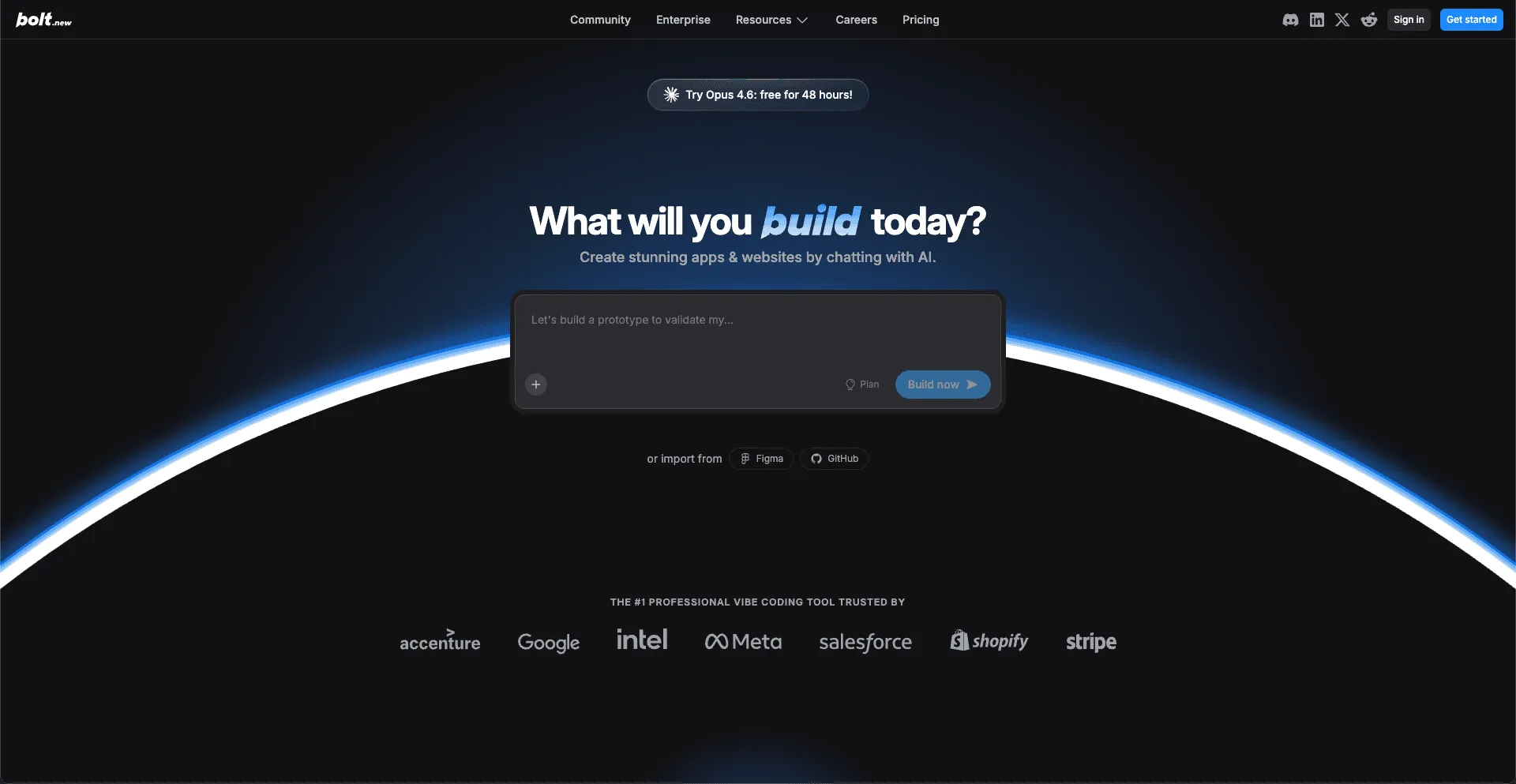
Bolt focuses on building internal tools and customizable apps, ideal for teams who want fast deployment without heavy setup.
Key Features:
- Rapid setup for internal tools
- Customizable UI components
- Supports web apps
- Lightweight backend logic
Best For: Teams building internal tools or customizable dashboards quickly
Pricing: Paid plans start reasonably; free tier available
Limitations: Limited AI assistance, fewer advanced templates
Great for teams needing fast, flexible internal tools without overcomplicating things.
Replit AI: Easy Code Generation
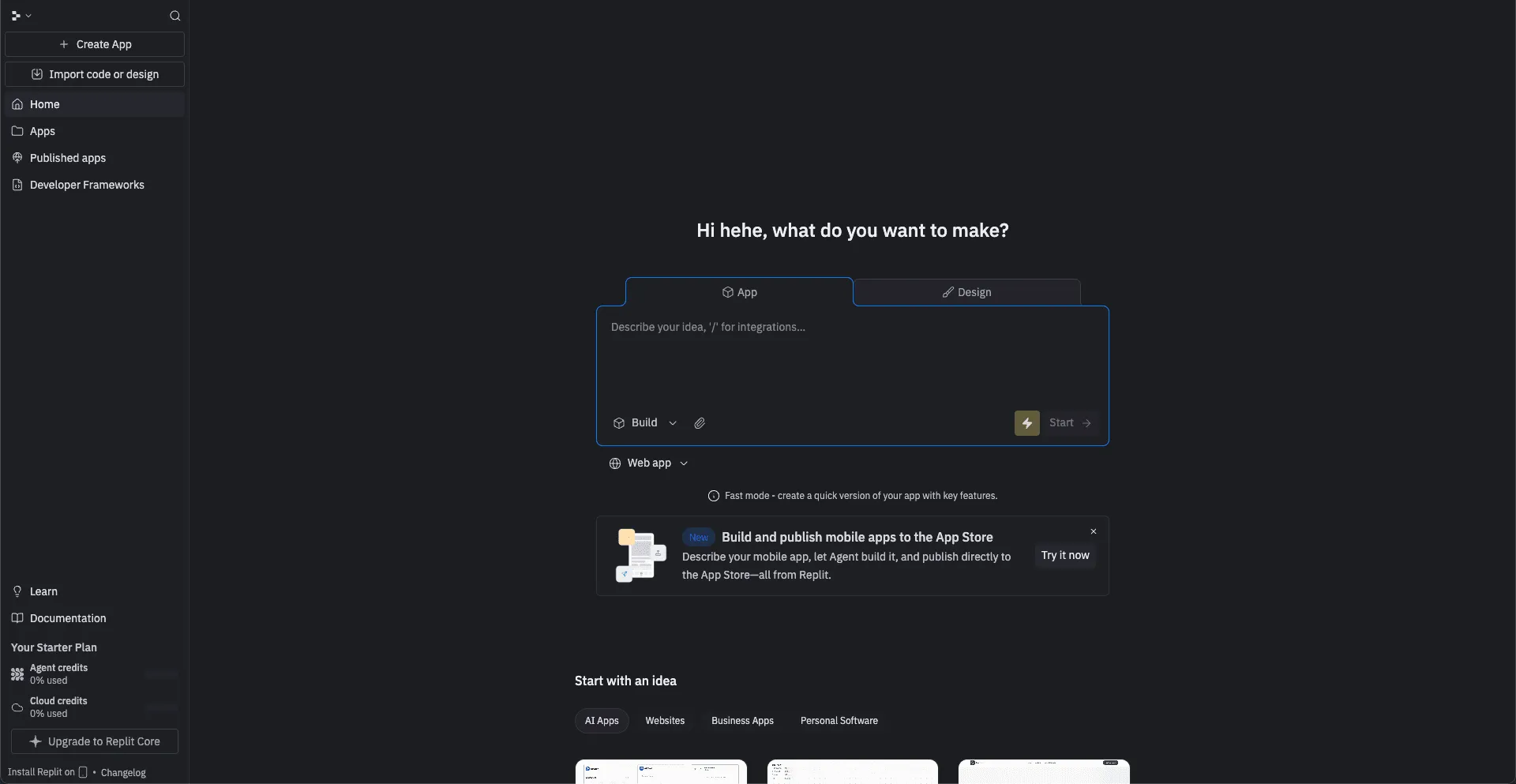
Replit AI focuses on easy code generation and full-stack development, especially for indie developers and non-technical users.
Key Features:
- Code export and full-stack generation
- AI tools for repetitive tasks
- Supports web apps and mobile apps
- Built-in hosting and version control
Best For: Non-technical users, indie developers, rapid prototyping with AI support
Pricing: Paid plans start at $7/month; free tier available
Limitations: Moderate UI customization, slightly less deployment flexibility than Vercel
Perfect for teams wanting AI-powered code generation and minimal setup for full-stack apps.
Lovable: Dashboards and Simple Apps
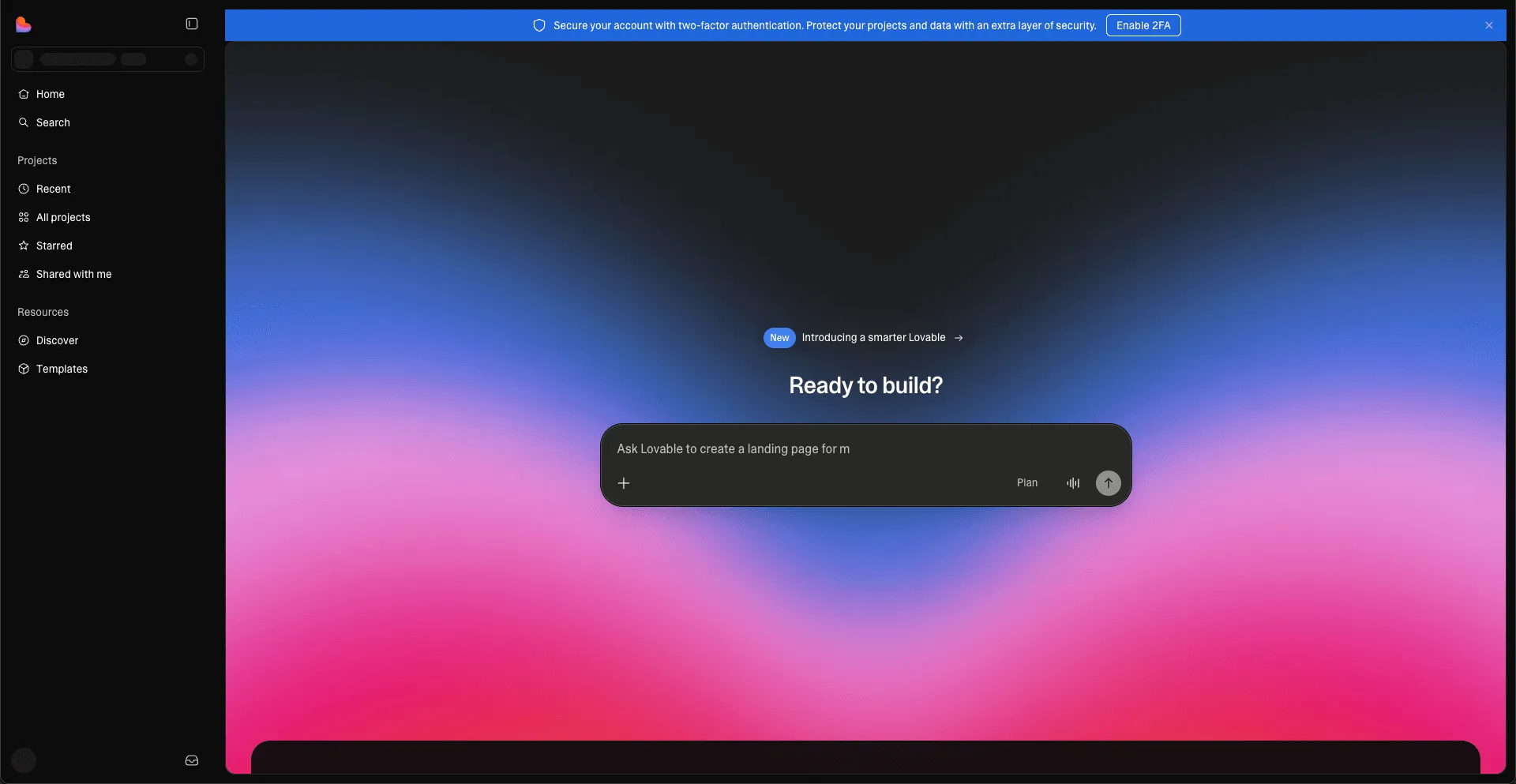
Lovable is designed for simple apps and internal dashboards, perfect for small projects or internal teams needing basic functionality fast.
Key Features:
- Simple UI generation
- Moderate backend logic
- Web app support
- Easy database integration
Best For: Small projects, internal dashboards, and teams needing moderate functionality
Pricing: Mostly free or low-cost plans
Limitations: Minimal AI support, moderate prototyping speed
Ideal for lightweight apps and dashboards where simplicity matters more than advanced features.
Base44: Lightweight Internal Tools
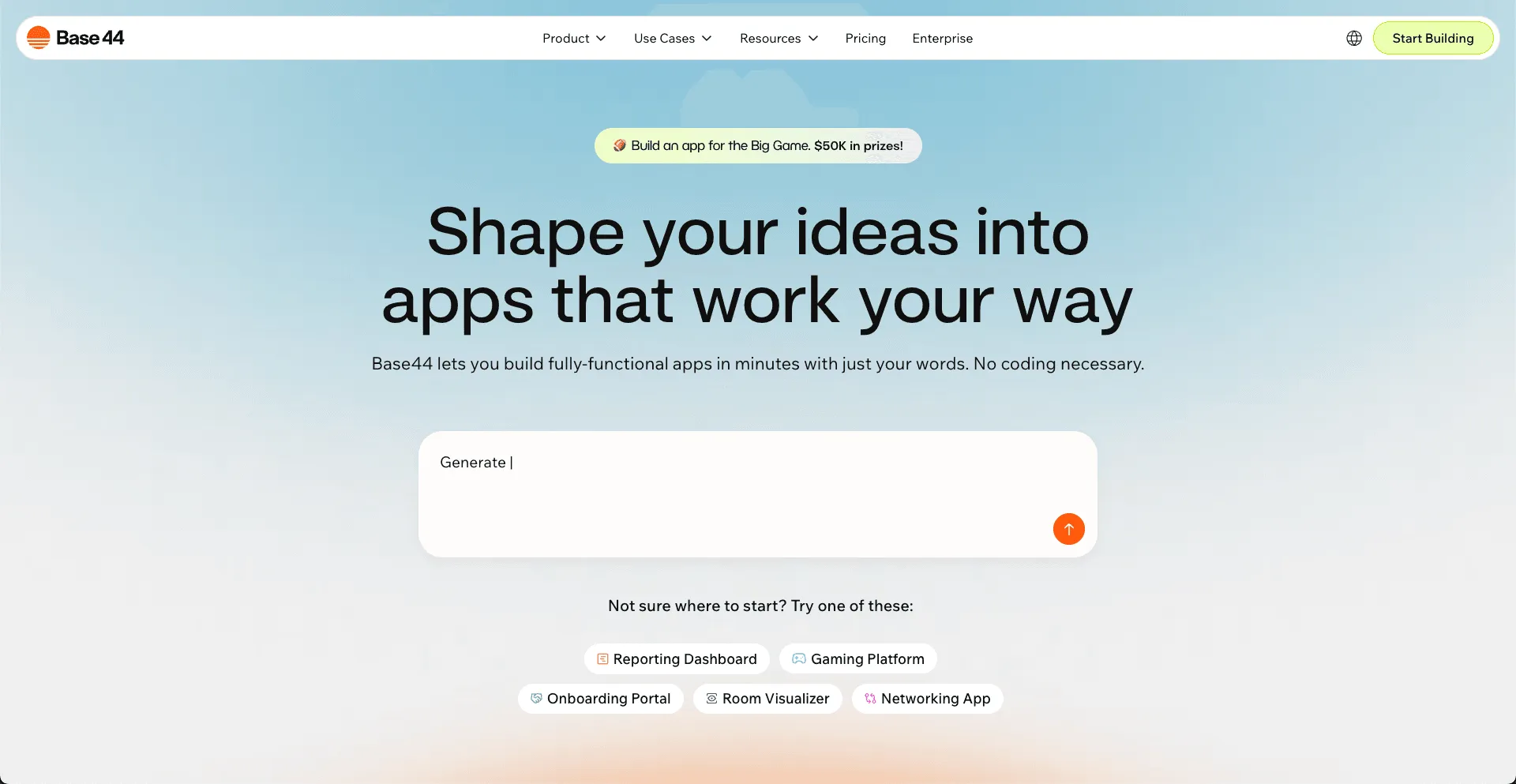
Base44 is focused on lightweight internal tools for teams that want basic functionality and moderate setup time.
Key Features:
- Basic internal tool support
- Simple UI components
- Web app support
- Moderate backend logic
Best For: Teams building lightweight internal tools quickly
Pricing: Mostly free or affordable plans
Limitations: Minimal AI support, limited advanced features
Perfect for quick, no-frills internal tools that don’t need heavy customization.
Community Insight
Real users know what actually works with v0 alternatives.
A Reddit user said Rocket.new helped them get a working app faster than Base44, just by describing it end to end. (Source: reddit.com)
User feedback indicates that the right v0 alternative, such as Rocket, makes app development faster and less stressful.
Choosing v0 Dev Alternatives
Building scalable apps with traditional coding or single-platform tools is slow and messy. Non-technical users often get stuck, and teams spend too much time on repetitive tasks.
Choosing the right v0 dev alternatives enables rapid prototyping, minimal setup, high-quality code, management of backend logic, database integration, and deployment flexibility. Rocket.new offers AI assistance, code export, and UI generation to streamline the process.
Using smart v0 alternatives saves development time, reduces project complexity, and helps teams focus on fully functional apps and internal tools. It’s about working smarter, not harder, while keeping code clean and deployable.
Table of contents
- -Why v0 Dev Alternatives Matter?
- -Key Features to Look For
- -Rapid Prototyping with Minimal Setup
- -Popular v0 Dev Alternatives
- -Rocket.new: A Solid Choice
- -Top features include:
- -Use Cases:
- -Bolt: Build Internal Tools
- -Replit AI: Easy Code Generation
- -Lovable: Dashboards and Simple Apps
- -Base44: Lightweight Internal Tools
- -Community Insight
- -Choosing v0 Dev Alternatives