
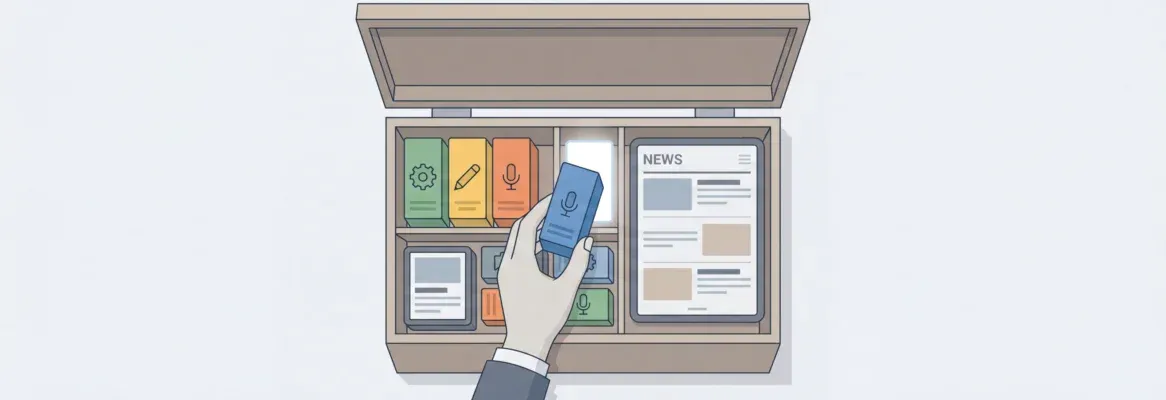
Choosing a news app builder comes down to four things: your budget, your audience, your content workflow, and how fast you need to ship. This guide covers all of them.
Want a news app but not sure where to start?
The right news app builder handles the technical heavy lifting. It covers iOS and Android builds, push notifications, RSS feeds, and app store submission. That way, you focus on content and audience growth.
According to AppTweak's Market Intelligence, the global app economy recorded approximately 112.1 billion app downloads in 2025, with India alone accounting for ~19.1 billion installs.
The market is there. The question is which builder gets you in fastest, without compromising on quality or flexibility.
What is a News App Builder?
A news app builder is a platform that lets you create, design, and publish a mobile news application without writing code from scratch. It handles the infrastructure: cross-platform builds, push notifications, RSS integration, and app store submission.
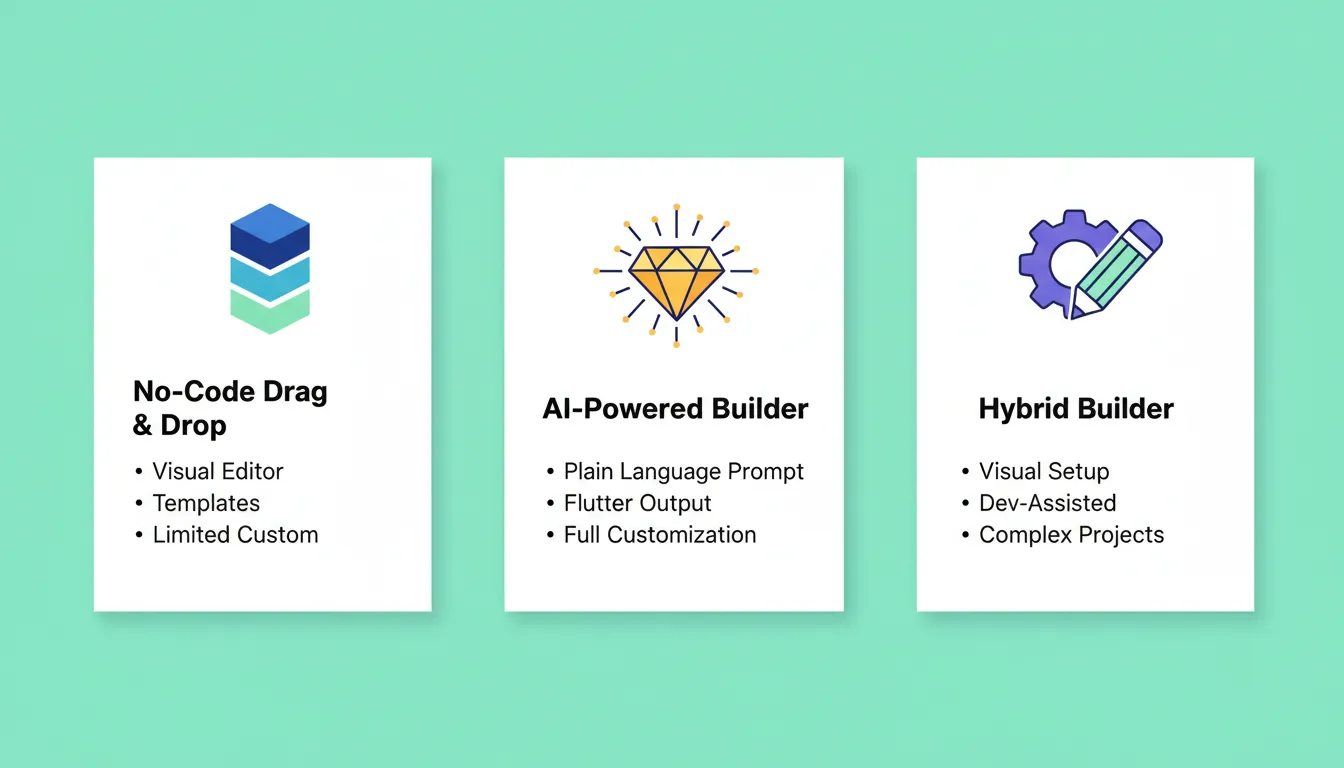
Modern news app builders fall into three categories:
- No-code drag-and-drop builders — visual editors with templates, limited customization (Mobiroller, GoodBarber, AppMySite, Shoutem)
- AI-powered builders — describe your app in plain language, get production-ready mobile apps with full customization (Rocket)
- Hybrid builders — visual setup with developer-assisted customization for complex requirements (Builder.ai)
Understanding which category fits your workflow is the first decision before comparing features or pricing.
Why a News App Matters More Than a Mobile Website
A dedicated news app gives you things a mobile website cannot replicate:
- Push notifications delivered directly to the lock screen, not buried in a browser tab
- Offline reading so users stay engaged without a connection
- Home screen presence that keeps your brand visible every time someone unlocks their phone
- App store discoverability through category browsing and organic search
The retention gap is real. App users return more frequently and spend more time per session than mobile web visitors. For news publishers, that difference compounds over time.
Questions to Ask Before You Choose
Before comparing tools, answer these six questions. They determine which builder category fits your needs.
| Question | Why It Matters |
|---|---|
| Who is your target audience? | Determines platform priority (iOS vs Android) and design approach |
| What is your content workflow? | Manual publishing, RSS feeds, or automated aggregation each need different features |
| What is your budget? | Monthly fees, developer account costs, and add-ons vary significantly |
| Do you need iOS, Android, or both? | Cross-platform builds save time; some builders charge per platform |
| Will you monetize? | Ads, subscriptions, and premium content require specific platform support |
| How fast do you need to launch? | AI builders generate a working app in minutes; traditional builders take days |
Answering these before you open any platform saves hours of backtracking later.
Features to Look For in a News App Builder
Here is what actually matters when picking a news app builder. These are the capabilities that determine whether your app survives past the first month.
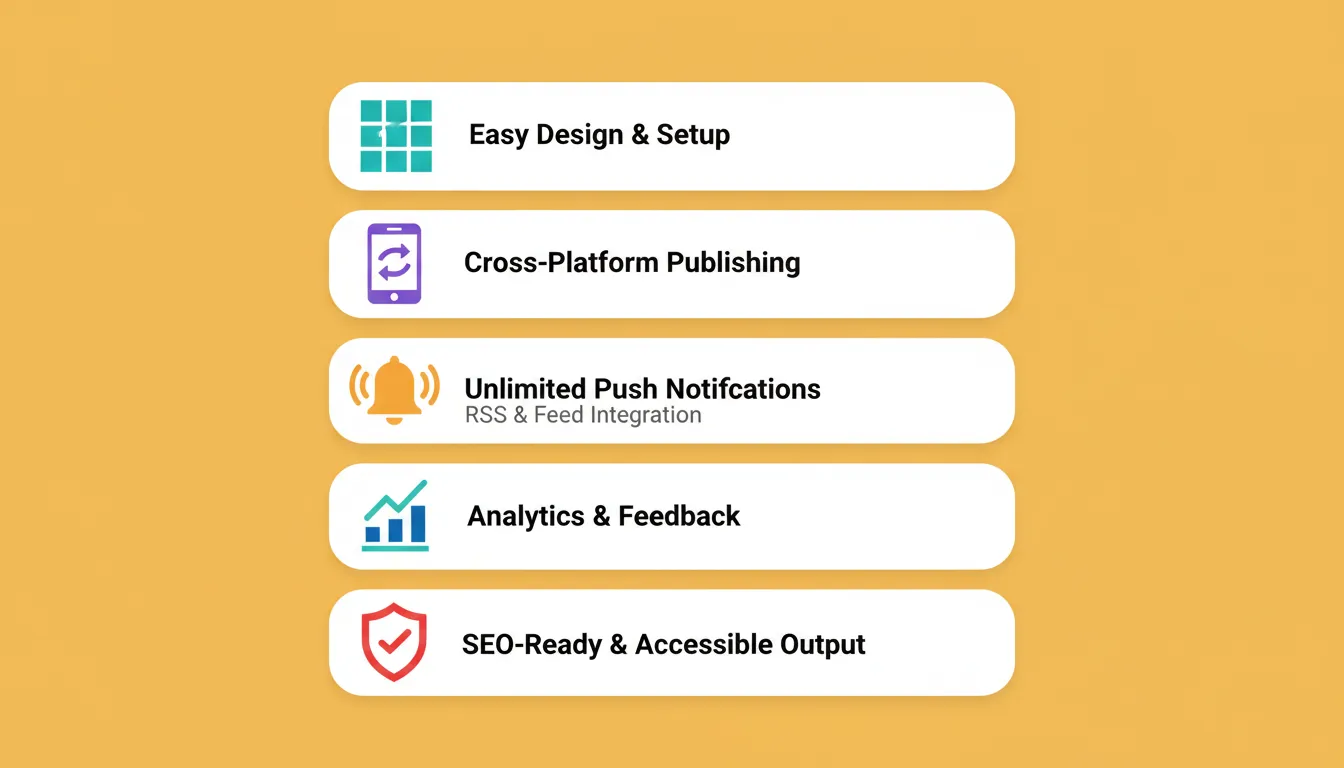
Easy Design and Setup
You should be able to pick a theme, organize news categories, and set up a homepage without a developer. Drag-and-drop editors work for most use cases. AI-powered builders go further: describe your layout in plain language and the app generates itself.
Cross-Platform Publishing
Your builder should produce builds for both the Apple App Store and Google Play Store from a single codebase. Builders that use Flutter or React Native give you true cross-platform output. As a result, you avoid maintaining two separate codebases.
Push Notifications
Push notifications are the primary engagement driver for news apps. Look for unlimited push notifications on your target plan, not just on the highest tier. Builders that cap notifications on lower plans will hurt your audience retention as you grow.
RSS and Feed Integration
If you want a news aggregator app, RSS integration is essential. Check whether the builder supports multiple RSS sources, custom feed parsing, and content deduplication, not just a single feed import.
Analytics and Monetization
Know which stories hit and which flop. Built-in analytics that track session length, article completion rates, and notification open rates give you the data to improve. If you plan to monetize, verify the platform supports your specific method before committing.
Comparing Popular News App Builders
Here is how the main platforms compare across the features that matter most for news publishing.
| Builder | No Code? | iOS and Android | Push Notifications | RSS and Feeds | Monetization | App Store Help |
|---|---|---|---|---|---|---|
| Rocket | Yes (AI-prompt) | Flutter | Unlimited | Yes | Stripe, AdSense | Yes |
| Mobiroller | Yes | Yes | Unlimited | Yes | Yes | Yes |
| GoodBarber | Yes | Yes | Yes | Partial | Yes | Yes |
| AppMySite | Yes | Yes | Yes | Yes | Limited | Yes |
| Shoutem | Yes | Yes | Yes | Yes | Yes | Yes |
| Builder.ai | Hybrid | Yes | Yes | Custom | Yes | Yes |
Once you know your priorities, this table narrows the field quickly. For a detailed walkthrough of the build process, see this guide on how to build a news website from the ground up.
Deep Dive: Each News App Builder
Rocket
 Rocket is an AI-powered platform that builds production-ready Flutter mobile apps and Next.js web apps from a plain-language description. You describe your news app once, including screens, categories, push notification setup, RSS integration, and design system. Then Rocket generates the full codebase.
What makes Rocket relevant for news publishers:
- Flutter output means your iOS and Android apps share one production-grade codebase with dark/light theming, fluid navigation, and staggered animations
- Every build ships with SEO-ready structure, WCAG accessibility compliance, and GDPR coverage by default
- 25+ integrations let you connect Stripe for subscriptions, AdSense for advertising, Mailchimp for newsletters, and Supabase for your backend, all authenticated once and flowing into every build
- Full version history with one-click rollback so you can ship updates without risk
Rocket's Build pillar handles app generation. Solve helps you validate your news app concept and understand your market before you build. Intelligence monitors what competitors in your space are doing continuously.
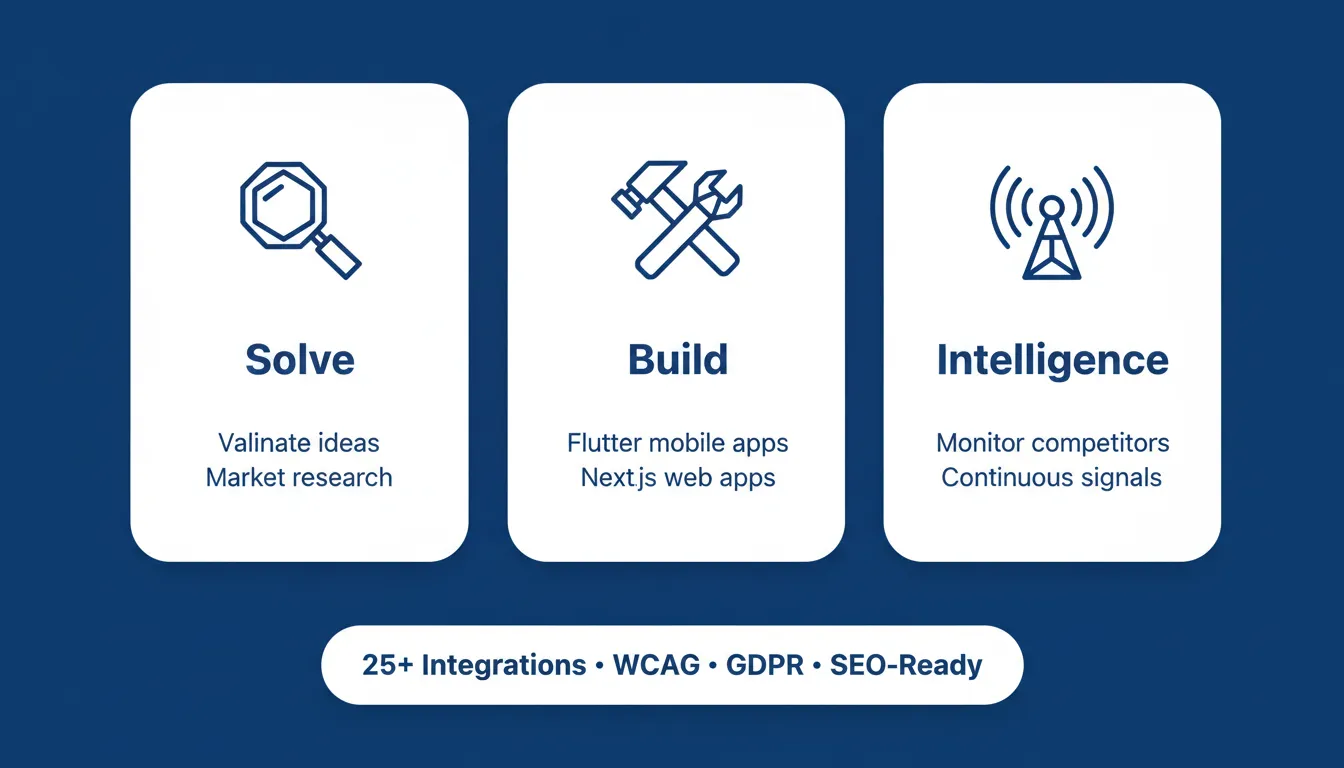
1.5 million people have tried Rocket across 180 countries. Salesforce Ventures and Accel back the platform.
Best for: Publishers who want to move from idea to production-ready app fast, without managing a development team.
Mobiroller
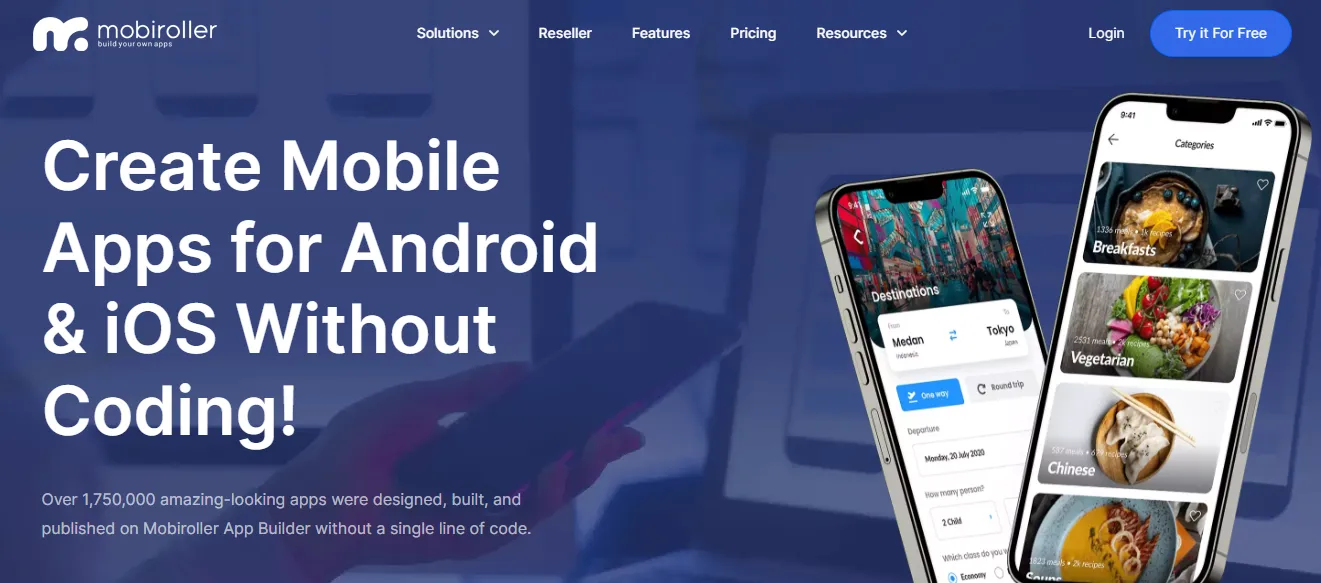 Drag, drop, done. Mobiroller is built for beginners who want a news app without overthinking layouts or code.
It supports unlimited push notifications, RSS feed integration, and publishes to both the Apple App Store and Google Play Store. Easy news category setup makes it approachable for first-time app builders.
Best for: Simple news apps with straightforward content workflows.
GoodBarber
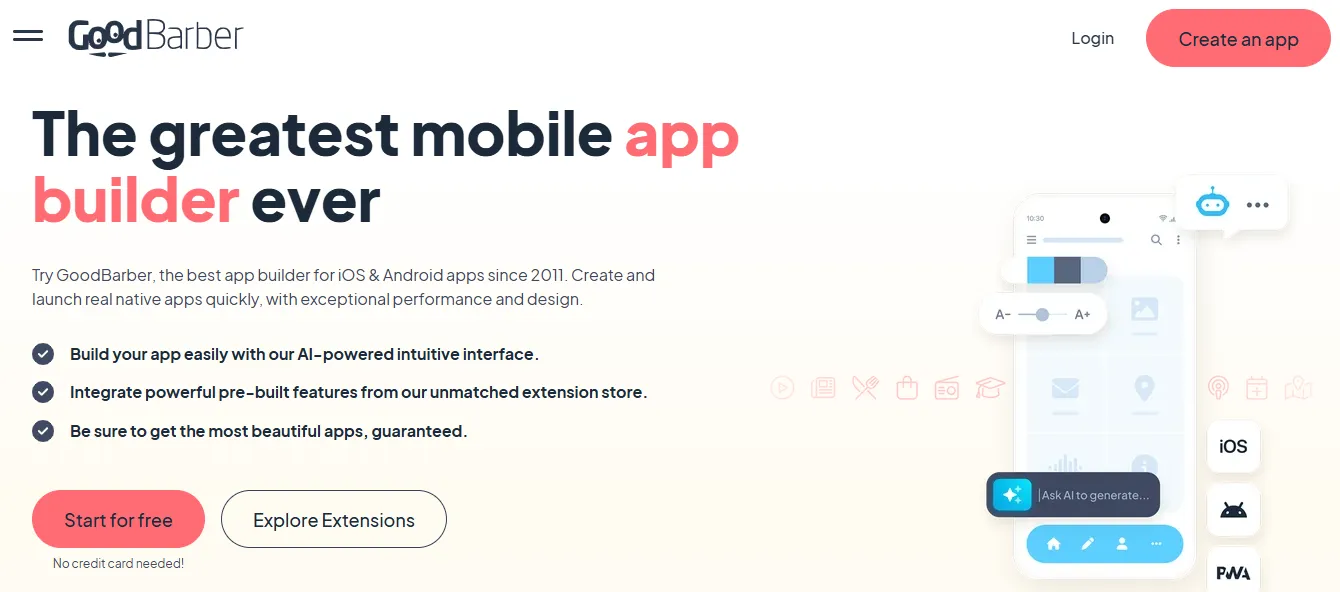 GoodBarber prioritizes design quality. It turns your news application into a polished, stylish experience with solid content management tools and push notifications.
RSS feed support is partial on lower tiers, which limits its usefulness for news aggregator apps. Where it excels is in visual polish and editorial presentation.
Best for: Publishers where design quality is the primary differentiator.
AppMySite
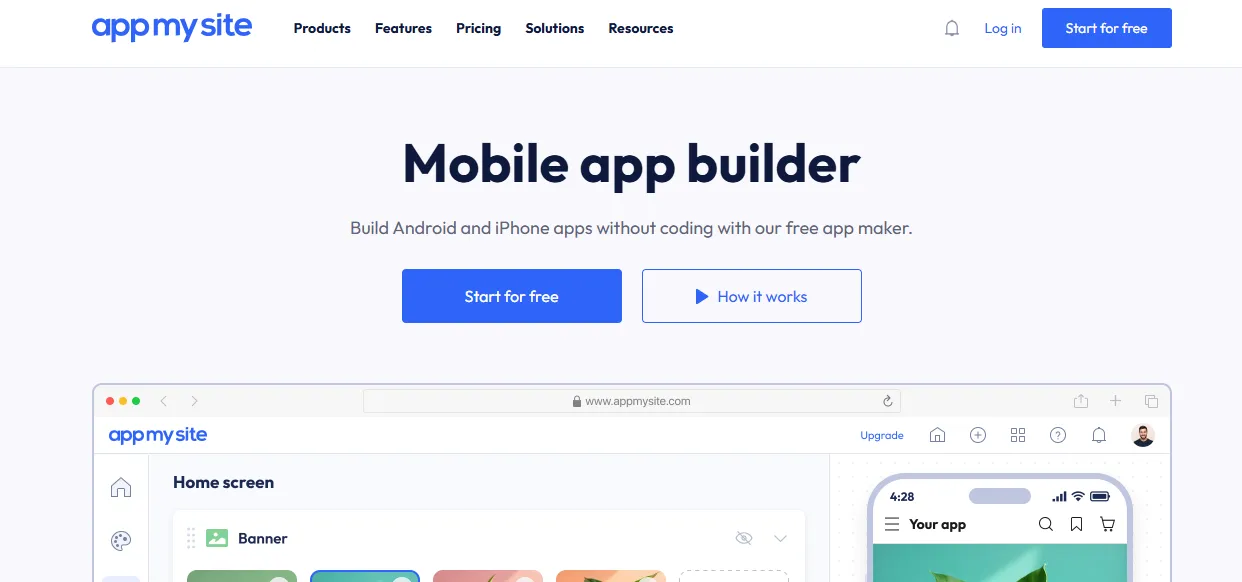 AppMySite converts an existing website into a news app in minutes. If you already have a WordPress or WooCommerce site, this is the fastest path to a companion mobile app.
It supports push notifications and RSS feeds, works on both iOS and Android, and requires minimal setup. Monetization options are more limited compared to other platforms.
Best for: Publishers with an existing website who want a companion app quickly.
Shoutem
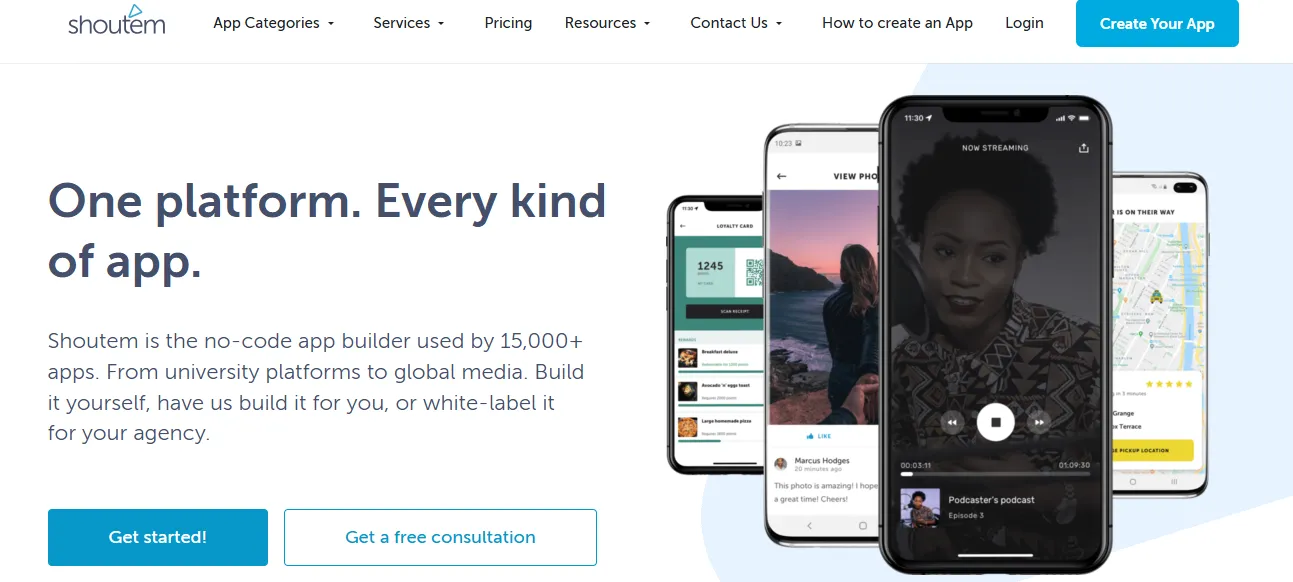 Shoutem gives you control. Templates, add-ons, and feature modules let you configure your mobile application to match exactly what your audience needs.
It has strong RSS support for news aggregator apps, built-in analytics, monetization options, user comments, and push notifications. The platform scales well as your audience grows.
Best for: Publishers who want granular control over features and layout.
How to Build a News App: The Full Workflow
Understanding the build process helps you choose the right platform from the start.
Step 1: Define your content strategy first. Decide what news categories you will cover, how often you will publish, and whether you will aggregate from RSS sources or publish original content.
Step 2: Sign up and select Mobile App. On Rocket, go to the Build tab and select the Mobile App category. You will see example prompts to guide your description.
Step 3: Describe your news app. Write a specific prompt. For example: "Build a news aggregator app for Indian tech news with categories for Startups, AI, and Policy. Include push notifications, dark mode, and a bookmarking feature." Specific prompts produce better first generations.
Step 4: Review and iterate. Rocket generates a live preview of your Flutter app. Use Chat to refine features, Visual Edit to adjust design, or Code view for precise changes.
Step 5: Connect integrations. Authenticate Supabase for your backend, Stripe for subscriptions, or AdSense for advertising. Once connected, they flow into every build automatically.
Step 6: Test on real devices. Download the APK for Android testing or use the web preview link to share with stakeholders before submitting to app stores.
Step 7: Submit to app stores. Rocket generates a signed AAB bundle for Google Play and a build for App Store Connect. You submit through your developer accounts.
How Push Notifications Shape Your News App
Push notifications are the lifeblood of a news app. Without them, your app is a bookmark.
Unlimited push notifications keep users updated on breaking news or their favorite categories. Personalized alerts based on reading history reduce unsubscribe rates. Segmented notifications by topic, such as Sports, Politics, or Tech, let users control what they receive. In turn, that keeps them engaged longer.
Smart notification strategy turns a static app into a daily habit for your readers.
What Developers Say
"One prompt, and I got a fully functional production-ready app. It felt like giving an idea and getting back a startup… clean UX, real logic, mobile-ready." — LinkedIn
News App Builder: A Closer Look at Cost
Before picking a platform, understand the full cost picture. There are three layers: developer account fees, platform fees, and hidden costs.
Developer Account Costs
These fees are mandatory regardless of which news app builder you use.
| Account | Cost | Notes |
|---|---|---|
| Google Play Developer | $25 one-time | Required to publish Android apps |
| Apple Developer | $99 per year | Required to publish iOS apps |
Hidden Costs to Watch For
- Push notification volume limits — "unlimited" is only truly unlimited on higher tiers for some platforms
- Analytics add-ons — some builders charge separately for detailed reporting
- App store submission help — guided submission is a paid add-on on some platforms
- Custom domain — for companion web versions of your news app
For a deeper look at how AI-powered platforms compare on cost and output quality, see this guide on building a mobile native app.
Platform Monthly Fees
| Builder | Starting Price | Key Limitation |
|---|---|---|
| Rocket | Free (20 one-time credits) | Credits consumed per build complexity |
| GoodBarber | From ~$32/month | Higher tiers for advanced features |
| AppMySite | From ~$19/month | Per-app pricing model |
| Shoutem | From ~$19/month | Feature limits on lower tiers |
| Mobiroller | Paid plans | Check current pricing on their site |
| Builder.ai | Custom quote | Hybrid model with developer time |
Knowing the full cost picture upfront prevents budget surprises at launch.
News App Monetization Strategies
Building the app is only half the job. Here is how successful news apps generate revenue.
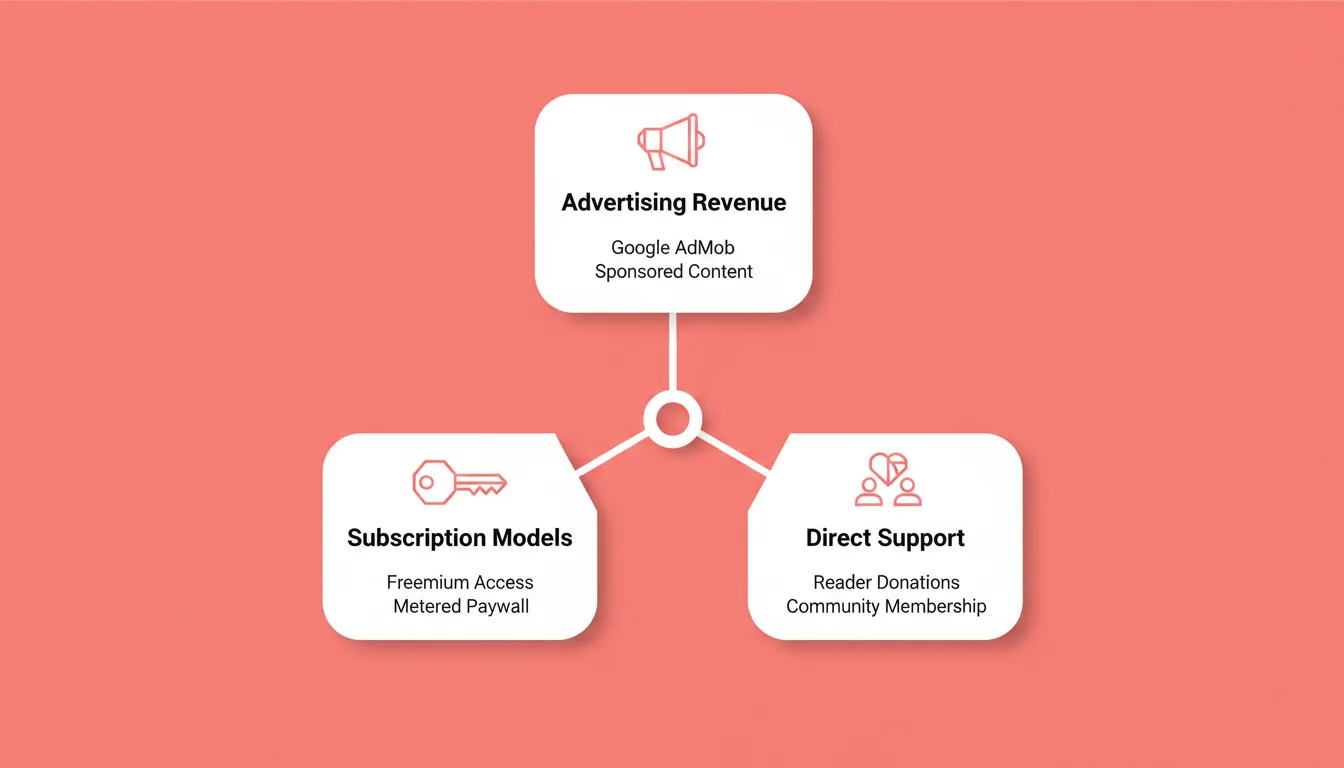
Advertising revenue:
- In-app banner and interstitial ads via Google AdMob or AdSense
- Sponsored content sections with clearly labeled native advertising
- Video pre-roll ads for video news segments
Subscription models:
- Freemium: free access to general news, paid access to premium analysis or exclusive content
- Metered paywall: a set number of free articles per month, then subscribe
- All-access subscription for ad-free reading
Direct support:
- Reader donations and tip jars for independent publishers
- Community membership with exclusive benefits
Verify your intended monetization method is supported before committing to a platform. Not every builder supports paywalls or subscription billing out of the box.
Common Mistakes When Building a News App
These are the pitfalls that trip up first-time news app builders most often.
Skipping the content strategy. Launching with no publishing schedule or RSS source plan leads to a ghost app within weeks. Define your content cadence before you build.
Ignoring push notification strategy. Too many notifications train users to disable them. Start with breaking news only, then expand based on engagement data.
Underestimating app store review time. Apple's review process takes days to weeks. Plan your launch timeline accordingly and submit well before your target date.
Building for one platform only. Choosing iOS-only or Android-only cuts your potential audience significantly. Use a builder that generates both from a single codebase.
Over-engineering the first version. Start with core features: news feed, categories, push notifications, and bookmarking. Add complexity after you have real user data.
How to Pick the Right News App Builder
Your problem is straightforward: you want your news app to stick. The solution is not the most feature-rich builder. It is the one that fits your skills, content workflow, and growth ambitions.
Use this decision framework:
- Fastest path from idea to published app — Rocket (AI generates Flutter app from a prompt)
- Existing website, want a companion app — AppMySite
- Design quality is the top priority — GoodBarber
- Maximum control over templates and add-ons — Shoutem
- Long-term scale with custom requirements — Builder.ai
- Unlimited push notifications at low entry cost — Mobiroller
For publishers exploring no-code app building more broadly, the same decision logic applies across app categories.
The right news app builder keeps your content front and center without wrestling with complicated builds.
The Right News App Builder Starts With the Right Decision
The news app builder market keeps expanding, and the gap between no-code tools and AI-powered platforms keeps widening. Publishers who validate their content strategy, match their builder to their workflow, and ship a focused first version consistently outperform those who over-engineer before launch.
The tools covered here each serve a different moment. The decision is not which one is best. It is which one is right for where you are today.
If you want to go from a plain-language description to a production-ready news app on iOS and Android, start building with Rocket.
Table of contents
- -What is a News App Builder?
- -Why a News App Matters More Than a Mobile Website
- -Questions to Ask Before You Choose
- -Features to Look For in a News App Builder
- -Easy Design and Setup
- -Cross-Platform Publishing
- -Push Notifications
- -RSS and Feed Integration
- -Analytics and Monetization
- -Comparing Popular News App Builders
- -Deep Dive: Each News App Builder
- -Rocket
- -Mobiroller
- -GoodBarber
- -AppMySite
- -Shoutem
- -How to Build a News App: The Full Workflow
- -How Push Notifications Shape Your News App
- -What Developers Say
- -News App Builder: A Closer Look at Cost
- -Developer Account Costs
- -Hidden Costs to Watch For
- -Platform Monthly Fees
- -News App Monetization Strategies
- -Common Mistakes When Building a News App
- -How to Pick the Right News App Builder
- -The Right News App Builder Starts With the Right Decision

