
An AI code generator turns plain-language descriptions into working code, handles debugging, writes unit tests, and cuts the repetitive work that slows every developer down. This blog covers how they work, which tools matter, their real limits, and how to choose the right one.
How do you choose the right AI code generator?
Match it to your workflow, your stack, and your review discipline, not the feature list.
According to the 2024 Stack Overflow Developer Survey, 76% of developers are already using or planning to use AI tools in their development process. The question is no longer whether to use an AI code generator. It is which one fits the work you actually do.
This blog covers how AI code generation works under the hood, a comparison of the tools that matter, the limitations most guides skip, and a step-by-step framework for making the right choice.
What is an AI Code Generator?
An AI code generator is a tool that produces code from natural language prompts, partial code inputs, or structured descriptions. Type "create a Python function that validates email format and returns True or False," and the tool returns working, structured code in seconds.
These tools go well beyond simple autocomplete. A capable AI code generator handles full function and class generation, mid-line code completion, refactoring suggestions, bug detection from error messages, unit test generation, and inline documentation.
Most support multiple programming languages, including Python, JavaScript, TypeScript, Java, C++, Go, and Rust. Many integrate directly into Visual Studio Code (VS Code) and JetBrains IDEs, so the AI coding assistant works inside the development environment the team already uses.
For a practical guide to how natural language maps to code output, natural language to code: a practical guide for developers covers the mechanics in depth.
How AI Code Generation Actually Works
AI code generators are built on large language models (LLMs). These are neural network systems trained on hundreds of millions of lines of code from public repositories, open-source projects, and developer forums.
During training, the model learns statistical patterns. It figures out which tokens (code fragments, keywords, variable names) tend to follow which other tokens in which contexts. When a developer provides a prompt, the model predicts the most probable sequence of tokens that forms correct, idiomatic code for that context.
Three technical factors directly affect output quality:
- Context window size. The amount of code the model reads before generating. Larger windows (32K to 200K tokens) let the model understand more of the project. Smaller windows lose track in long files.
- Fine-tuning. Some tools fine-tune the base model on specific languages or frameworks, which improves accuracy for those domains.
- Retrieval-Augmented Generation (RAG). Advanced tools pull relevant code snippets from the current codebase before generating. This improves consistency with existing patterns and reduces style drift.
For a broader look at how AI fits into the full development cycle, AI for coding: how developers build faster, smarter code covers the workflow in detail.
The AI code generation pipeline: from developer prompt through LLM processing to reviewed, production-ready code.
AI Code Generator vs. Traditional IDE
| Dimension | Traditional IDE | AI Code Generator |
|---|---|---|
| Code completion | Syntax-based autocomplete | Semantic, context-aware generation |
| Debugging | Manual error tracing | Suggests fixes from error messages |
| Documentation | Manual lookup | Inline explanation generation |
| Refactoring | Manual or basic tooling | AI-suggested restructuring |
| Unit test creation | Manual | Automated generation |
| Security review | Manual | Partial (varies by tool) |
Traditional IDEs and AI code generators are not competing categories. Most AI coding assistants run as plugins inside existing IDEs. The distinction is in what the tool does: a traditional IDE helps you write code faster, while an AI code generator writes code for you.
Types of AI Code Generators
There are four main categories, each with different trade-offs.
Full-stack AI builders go beyond code generation to produce complete, deployable products — frontend, backend, database schema, and authentication — from a natural language description. Rocket is an example: it generates production-grade Next.js web apps and Flutter mobile apps, with SEO structure, WCAG compliance, and GDPR coverage built in by default. The output is a deployable product, not a code snippet.
IDE plugins run inside VS Code, JetBrains, or Neovim. They provide inline suggestions and chat with the lowest friction to adopt. Examples include GitHub Copilot, Codeium, and Tabnine.
AI-first IDEs rebuild the entire editor around AI interaction, offering deeper context handling and better multi-file awareness. Cursor is the leading example in this category.
Web-based generators are browser-based tools that work without a local IDE. They lower the setup barrier and are useful for rapid prototyping. Replit AI is a common example.
Why Developers Use AI Code Generators
The productivity case is direct. Repetitive tasks such as boilerplate, CRUD operations, and test scaffolding consume time without requiring deep thinking. AI code generators handle these in seconds, not minutes.
Where the Speed Gains Show Up
Developers using AI coding assistants report the largest gains on boilerplate and scaffolding (authentication flows, API endpoints, database models), unit test generation for existing functions, cross-language translation, and documentation generation from existing code.
The speed benefit compounds across a full workday. A developer who saves 15 minutes per hour on repetitive tasks reclaims two hours in an eight-hour day. For teams, that math scales quickly.
Understanding how to write effective prompts is what separates developers who get consistent results from those who do not. The best practices for using natural language prompts that apply to app building apply equally to AI code generation.
Learning and Onboarding
For developers learning new frameworks or programming languages, AI code generators reduce the friction of unfamiliar syntax. Asking "show me how to set up a Next.js API route with JWT authentication" returns a working code example faster than reading documentation and with fewer errors than trial and error.
Junior developers use AI coding tools to understand patterns they have not encountered before. Senior developers, on the other hand, use them to move faster in languages they know less well.
Code Quality
Well-used AI code generators flag issues before they reach production. These include missing error handling, inefficient data structures, common security patterns, and idiomatic language conventions.
The quality improvement comes from the combination of AI suggestion and developer judgment, not from AI output alone. AI output without review is a liability. AI output with review is an accelerant.
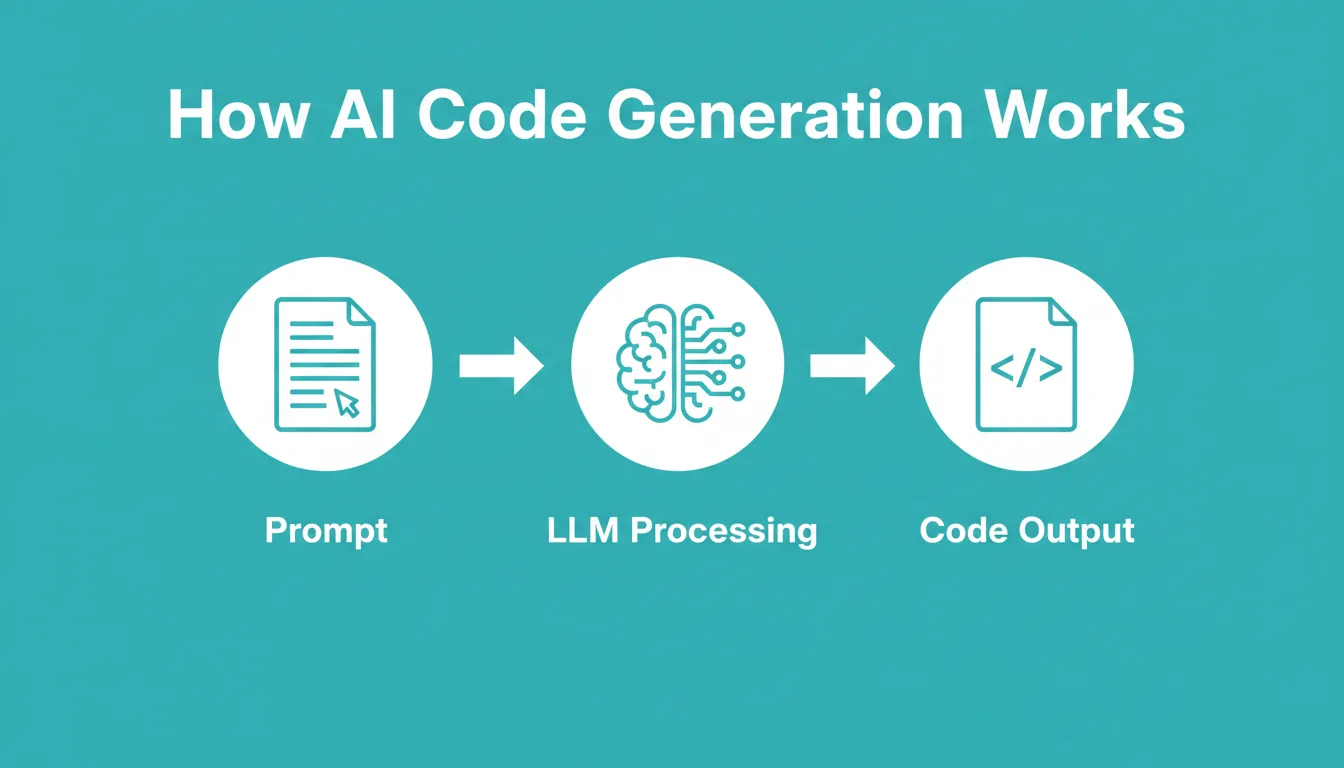
How AI code generators work: natural language prompts flow through LLM processing and RAG retrieval to produce context-aware code output.
Key Features to Look For in an AI Code Generator
Choosing among available tools requires matching features to actual workflow needs. Here is what matters most.
Language and Framework Support
Check whether the tool supports the specific languages and frameworks in your projects. Not just "Python" generically, but the specific libraries you use. Most tools support Python, JavaScript, TypeScript, Java, and C++. Support for Go, Rust, Swift, and Kotlin varies by tool.
Framework-specific support matters more than language support. A tool that understands React hooks, Django ORM patterns, or Spring Boot conventions produces better output than one that only knows the base language.
IDE and Editor Integration
The tool must fit the editor the team already uses. VS Code has the broadest plugin ecosystem, and nearly every AI coding assistant supports it. JetBrains IDEs are the second priority.
GitHub integration also matters for teams. Tools that connect to repositories read existing code patterns and maintain consistency with the codebase.
Code Completion vs. Full Generation
These are different capabilities with different use cases.
Code completion fills in the next line or block based on context. It is fast, low-friction, and works inline. It works best for experienced developers who want speed on familiar tasks.
Full generation produces entire functions, classes, or files from a natural language description. It requires more deliberate prompting and works best for prototyping, unfamiliar domains, and boilerplate.
Security and Privacy
There are two distinct concerns that most comparisons conflate.
Code privacy refers to whether the tool sends your code to external servers. Some tools, such as Tabnine's enterprise tier, offer local model processing so code never leaves the machine. This matters for proprietary codebases and regulated industries.
Output security is a separate issue. Research on AI-generated code has found that developers who accept AI suggestions without careful review produce code with higher rates of security issues than developers writing manually. This is not a reason to avoid AI tools. It is a reason to maintain code review discipline.
For a deeper look at how full-stack code automation fits into modern development workflows, that context helps frame where AI code generators sit in a broader toolchain. For structured approaches to generation, the best strategies for structured AI code generation covers patterns that produce reliable output.
Popular AI Code Generators Compared
| Tool | Type | Primary Use | Language / Framework | Platform | Free Tier |
|---|---|---|---|---|---|
| Rocket | Full-stack builder | Research, decisions, and full-stack generation | Next.js (web), Flutter (mobile) | Browser (rocket.new) | Yes (20 credits) |
| GitHub Copilot | IDE plugin | Inline completion and chat | 30+ languages | VS Code, JetBrains, Neovim | Yes |
| Cursor | AI-first IDE | Deep context generation | All major languages | Built-in (VS Code fork) | Yes (Hobby) |
| Tabnine | IDE plugin | Privacy-focused completion | 30+ languages | VS Code, JetBrains, others | No |
| Codeium | IDE plugin | Fast completion and chat | 70+ languages | VS Code, JetBrains, others | Yes |
| Amazon Q Developer | IDE plugin | AWS-integrated generation | Java, Python, JS, TS | VS Code, JetBrains | Yes |
| Replit AI | Web-based | In-browser generation | All major languages | Replit IDE | Yes |
Rocket
Rocket is a full-stack AI builder that goes beyond code generation. Rather than generating individual functions or files, Rocket takes a description of what you want to build, researches the market and decisions that matter, and generates a complete, deployable product. Web apps are built in Next.js; mobile apps in Flutter.
Every build ships with SEO-ready structure, WCAG accessibility compliance, and GDPR coverage by default. It is the only tool in this list that starts before the first line of code, with built-in market research and strategic decision support.
| Plan | Price | Key Inclusions |
|---|---|---|
| Free | $0/month | 20 credits, web and mobile app generation, unlimited team members |
| Pro | $25/month | 100 monthly credits, Build and Intelligence access |
| Rocket | $50/month | 250 monthly credits, Solve, Build, and Intelligence |
| Booster | $250/month | 1,500 monthly credits, full suite for power users and teams |
GitHub Copilot
GitHub Copilot runs as a plugin in VS Code, JetBrains, Neovim, Eclipse, and Xcode. It provides inline code suggestions and a chat interface. Its strength is GitHub integration: it reads repository context and maintains consistency with existing code patterns.
The free tier covers 2,000 completions per month. Paid tiers add extended context, agent mode, and access to premium models.
| Plan | Price | Key Inclusions |
|---|---|---|
| Free | $0/month | 2,000 completions/month, limited agent requests |
| Pro | $10/user/month | Unlimited completions, agent mode, model selection |
| Pro+ | $39/user/month | Premium models including Opus, audit logs, 4x+ usage |
| Max | $100/user/month | Highest usage limits, priority model access |
Cursor
Cursor is an AI-first IDE built on VS Code. Rather than adding AI as a plugin, the entire editor is designed around AI interaction. Cursor's key differentiator is context handling: it references multiple files simultaneously and maintains a longer understanding of project structure.
Developers who need deep AI integration across a full codebase tend to prefer Cursor over plugin-based tools.
| Plan | Price | Key Inclusions |
|---|---|---|
| Hobby | Free | Limited agent requests, limited Tab completions |
| Individual Pro | $20/user/month | Extended agent limits, frontier models, MCPs |
| Teams | $40/user/month | Centralized billing, team context, Bugbot code review |
| Enterprise | Custom | Pooled usage, SCIM, audit logs, priority support |
Tabnine
Tabnine focuses on privacy and enterprise compliance. It offers flexible deployment options including SaaS, VPC, on-premises, and fully air-gapped environments, with zero code retention and no training on your code.
This makes it a preferred choice for teams working on proprietary software where sending code to external servers is not acceptable. Tabnine does not currently offer a public free tier.
| Plan | Price | Key Inclusions |
|---|---|---|
| Code Assistant | $39/user/month (annual) | AI completions, chat, flexible deployment, GDPR/SOC 2 |
| Agentic Platform | $59/user/month (annual) | Everything in Code Assistant, plus agentic workflows and Context Engine |
Codeium
Codeium offers one of the most generous free tiers in the market: full code completion and chat at no cost. It supports over 70 programming languages and integrates with most major IDEs.
For individual developers and students who want capable AI code generation without a subscription, Codeium is a practical starting point. Codeium does not publish a detailed public pricing breakdown beyond its free tier — check the official Codeium website for current plan details.
| Plan | Price | Key Inclusions |
|---|---|---|
| Free | $0/month | Unlimited code completion and chat, 70+ languages |
Amazon Q Developer
Amazon Q Developer is built for developers working in AWS environments. It understands AWS services, generates infrastructure-as-code, and integrates with the AWS ecosystem.
Outside of AWS-heavy workflows, its advantages narrow compared to more general-purpose tools.
| Plan | Price | Key Inclusions |
|---|---|---|
| Free | $0/month | 50 agentic requests/month, IDE and CLI access |
| Pro | $19/user/month | Increased agentic limits, IP indemnity, admin dashboard |
Replit AI
Replit AI is a browser-based generator built into the Replit IDE. It lowers the setup barrier significantly: no local installation, no configuration, and no IDE to manage. It is useful for rapid prototyping, learning, and environments where local installation is not practical.
Replit does not publish a standalone AI pricing tier — AI features are included across Replit's subscription plans. Check the official Replit website for current plan details.
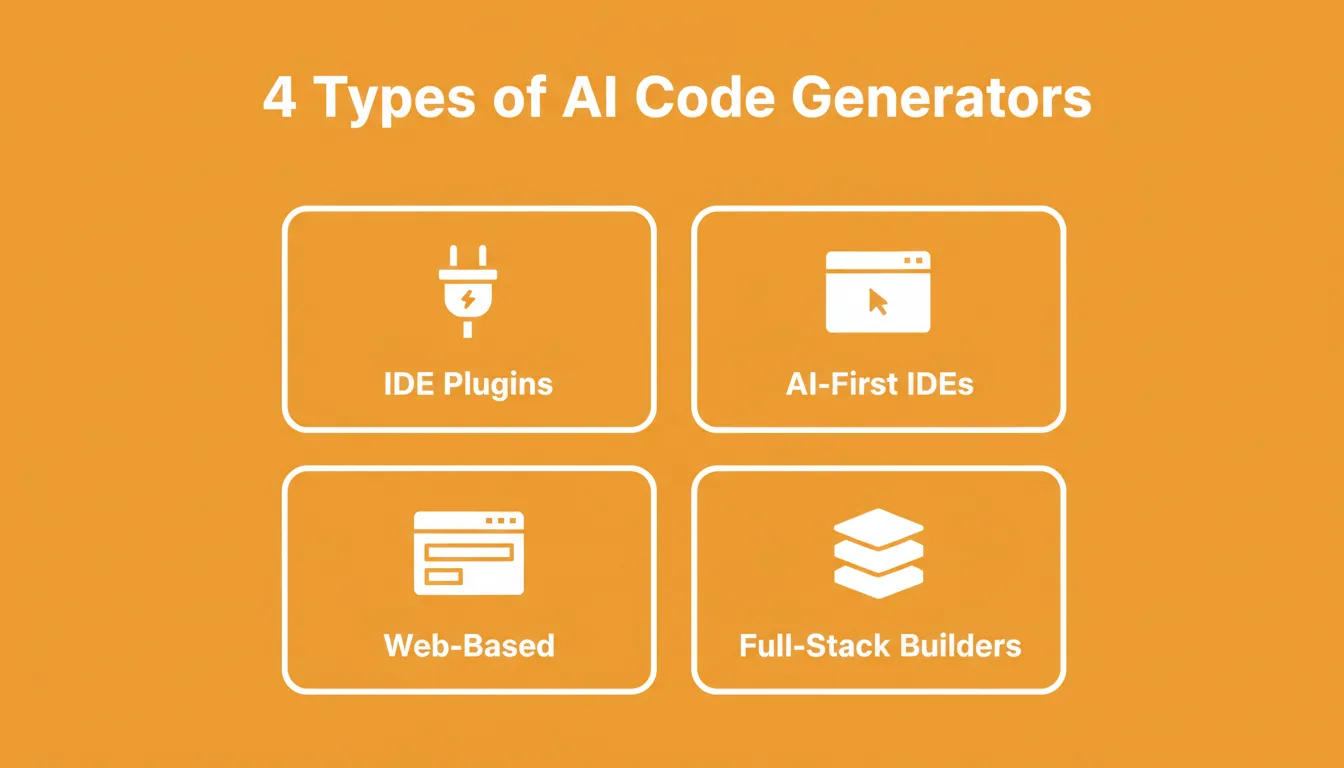
The four categories of AI code generator: each serves a different level of abstraction and developer workflow.
Limitations and Risks of AI-Generated Code
This section is absent from most AI code generator guides. It should not be absent from your decision-making.
Hallucinations and Incorrect Code
AI code generators produce syntactically correct code that is logically wrong more often than developers expect. The model predicts probable token sequences. It does not reason about whether the code will do what the developer intends.
Common failure modes include: functions that return the wrong data type, off-by-one errors in loops, incorrect API usage for APIs the model was not trained on, and missing edge case handling for null inputs, empty arrays, or network failures.
The fix is straightforward: treat AI-generated code as a first draft, not a final answer. Review every line before integrating.
Security Vulnerabilities
Research on AI-generated code has found that developers who accept AI suggestions without careful review introduce security vulnerabilities at higher rates than developers writing manually. Common issues include SQL injection vulnerabilities in database query generation, insecure random number generation, missing input validation, and hardcoded credentials in example code.
These are not reasons to avoid AI code generators. They are reasons to maintain code review discipline, regardless of whether code was written by a human or an AI.
License and Copyright Concerns
Large language models train on public code repositories, which include code under various open-source licenses. As a result, some AI code generators can reproduce snippets that closely match licensed code. For commercial projects, this creates potential legal exposure.
A practical mitigation is to use tools that offer license filtering. GitHub Copilot has this option. It is also worth reviewing generated code for patterns that look copied rather than generated.
Context Limits in Multi-File Projects
Most AI code generators struggle with large, multi-file projects. When the context window fills, the model loses track of earlier code and starts generating inconsistencies. Tools like Cursor address this more directly than plugin-based tools, but no tool eliminates the problem entirely.
For complex projects, break generation tasks into smaller, scoped prompts rather than asking the tool to generate large systems in one pass.
Over-Reliance Risk
Junior developers who rely entirely on AI code generation risk not developing the debugging intuition and pattern recognition that comes from writing code manually. The healthy pattern is to use AI tools to accelerate work you already understand, not to skip understanding entirely.
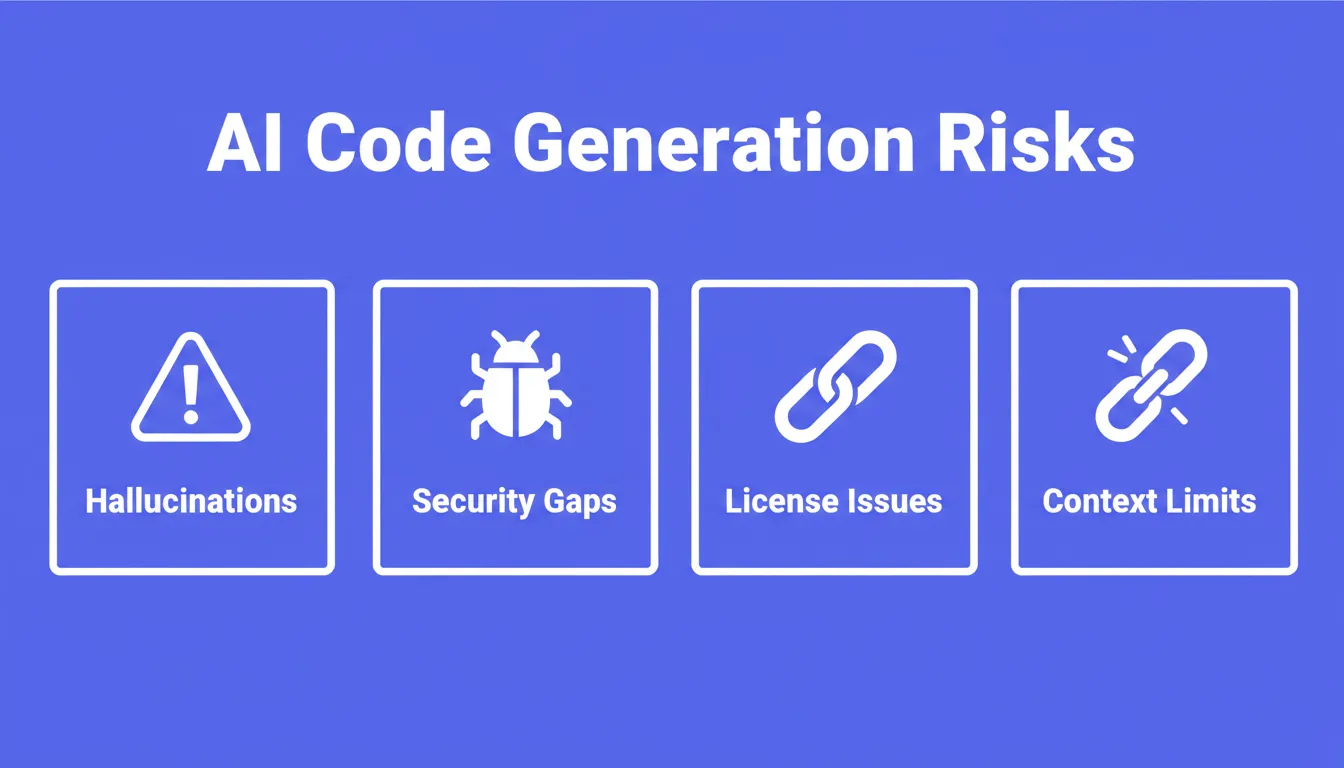
The four key risks in AI-generated code: all require careful human review before committing to production.
How to Choose the Right AI Code Generator
Step-by-Step Evaluation Framework
Step 1: Define your primary use case. Are you looking for inline completion while writing, full generation from prompts, or debugging assistance? Different tools excel at different tasks, so start here.
Step 2: Check language and framework support. Verify the tool explicitly supports the languages and frameworks in your stack, not just the base language but the specific libraries you use.
Step 3: Confirm IDE compatibility. The tool must work in the editor your team uses. Test the plugin before committing.
Step 4: Assess privacy requirements. If your codebase is proprietary or regulated, evaluate whether the tool sends code to external servers and what its data retention policy is.
Step 5: Test on real tasks. Run the tool on actual work from your current project, not toy examples. Ask it to generate a function from your codebase's patterns, debug a real error message, and write a unit test for an existing function.
Step 6: Compare free vs. paid features against your needs. If the free tier covers your workflow, start there. If multi-file context or team features are necessary from day one, factor the paid cost into the decision.
Questions to Ask Before Committing
- Does it support the specific programming languages and frameworks I use daily?
- Does it handle my existing code safely without breaking structured code during updates?
- Does it help debug code and explain error messages, or only generate new code?
- What is the data privacy policy for code I send to the tool?
- What does the free tier actually cover, and where does it hit limits?
When the tool feels predictable, helpful, and fits daily habits, it earns its place in the workflow.
AI Code Generation Best Practices
Writing Effective Prompts
The quality of AI-generated code correlates directly with the quality of the prompt. Vague prompts produce vague code.
Here are the prompt patterns that consistently work:
- Specify the function signature. For example: "Write a Python function
validate_email(email: str)that uses regex to validate email format and handles None input." - State the context. For example: "I am using Django with PostgreSQL. Generate a model for a user profile with fields for bio, avatar URL, and social links."
- Name the constraints. For example: "Write this without external libraries. Use only the Python standard library."
- Ask for tests alongside code. For example: "Generate the function and three unit tests covering the happy path, invalid input, and edge case."
For a structured approach to prompt writing across different task types, prompt engineering best practices covers the techniques that consistently improve AI output quality.
Reviewing and Testing AI Output
Never commit AI-generated code without review. A practical review checklist:
- Does the function do what the prompt asked?
- Are edge cases handled, such as null, empty, or out-of-range inputs?
- Are there any obvious security issues, such as SQL injection, hardcoded values, or missing validation?
- Does the code follow the project's existing style and patterns?
- Do the unit tests actually test the right behavior?
Refactoring with AI
AI code generators handle refactoring well when the scope is bounded. Asking to refactor a specific function or class produces reliable output. Asking for a full codebase refactor, however, produces inconsistent results.
Break refactoring tasks into specific, scoped prompts. Focus on one function at a time, with a clear goal stated upfront. For a detailed look at how AI handles code quality improvements, how an AI code refactoring tool improves code quality covers the patterns that work.
Integrating Into Your Workflow
The most effective integration pattern uses AI code generators for specific, bounded tasks. Use completion for boilerplate and repetitive patterns. Use generation for new functions you understand conceptually but want to write faster. Use chat for debugging by pasting the error message and asking for an explanation and fix.
AI code generators work best as accelerators, not replacements. The developers who get the most from these tools are the ones who stay sharp on fundamentals while using AI to handle the mechanical parts of the work.
For developers exploring how AI tools fit into broader development workflows, the picture extends well beyond code completion into research, architecture, and deployment.
When Code Generation Is Not the Right Starting Point
Most AI code generators start at line one. You arrive with an idea, type a prompt, and get code back. That works well when you already know what to build.
The harder problem is deciding what to build before writing a single line. A developer who builds the wrong feature perfectly has not saved time. They have wasted it. The code was correct. The direction was wrong.
This is the gap that most AI coding tools do not address. They are excellent at the execution step. None of them have an opinion on whether the execution is worth doing.
Where Rocket Fits
Rocket is built for that earlier moment. It is the world's first Vibe Solutioning platform, where research, decisions, and building happen in the same place. You describe what you want to figure out. Rocket researches the market, maps the competitive picture, surfaces the decisions that matter, and then generates a production-grade product from that foundation.
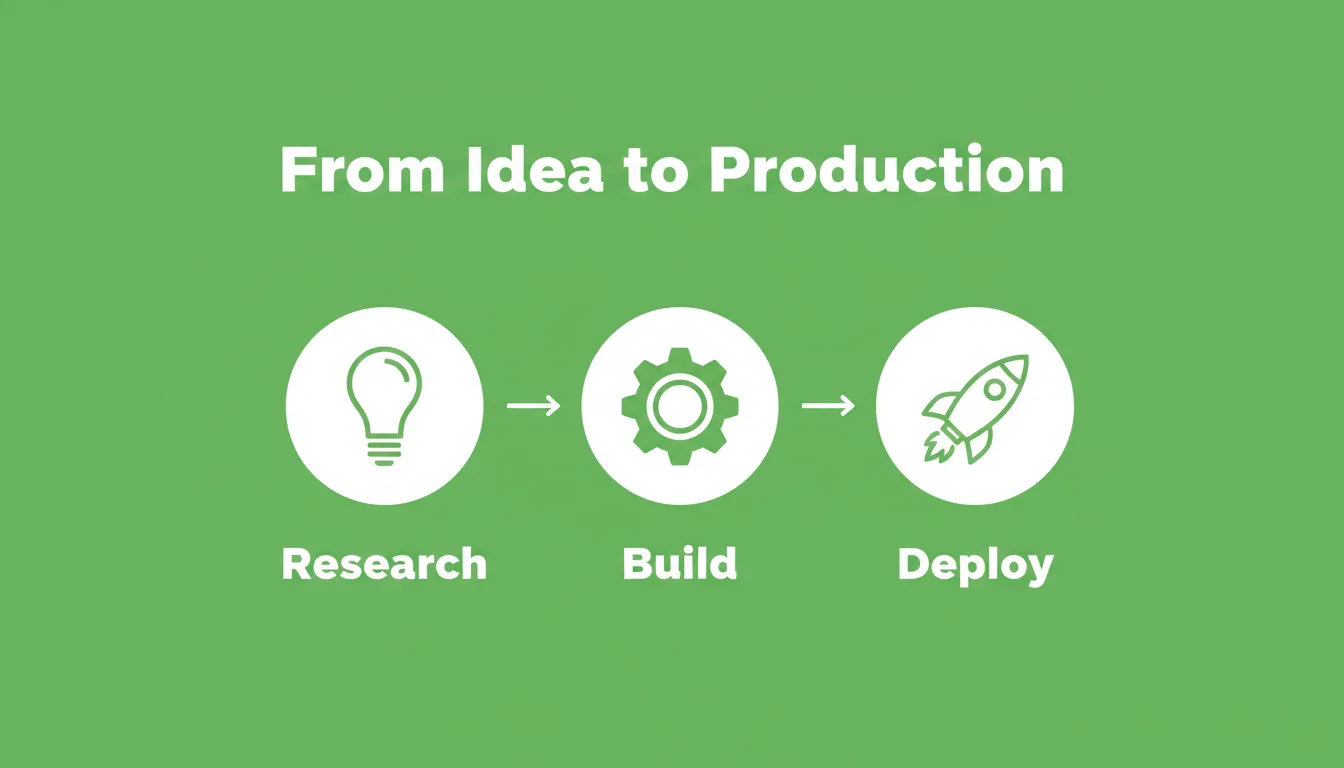
From research to deployed product: Rocket connects strategic decisions directly to production-grade builds in Next.js and Flutter.
Rocket builds web apps in Next.js and mobile apps in Flutter. Every product ships with SEO-ready structure, WCAG accessibility compliance, and GDPR coverage built in by default, not as optional extras. If you want to understand why Rocket generates Next.js and Flutter specifically, that post covers the architectural reasoning behind those choices.
1.5 million people have tried Rocket across 180 countries, from solo founders validating ideas to enterprise teams running strategy and execution on the same platform.
The difference is not a feature comparison. It is a different answer to the question of where the work actually starts. For teams that want to see how vibe coding and AI tools shape modern development workflows, that context helps frame where Rocket sits relative to code generators.
The Right AI Code Generator Starts With the Right Question
Choosing the right AI code generator comes down to three things: workflow fit, language support, and trust in the output. The best tool is the one that works inside your editor, handles the languages you use, and produces code you can review and ship with confidence.
As AI code generation matures, context windows will grow, accuracy on complex tasks will improve, and the line between completion and full generation will blur. The developers who benefit most will be the ones who treat AI output as a starting point, not a final answer. They will review every line, test every function, and stay sharp on the fundamentals.
For teams ready to move past code assistance and into building complete products from a foundation of research and validated decisions, Rocket is where that work happens.
Table of contents
- -What is an AI Code Generator?
- -How AI Code Generation Actually Works
- -AI Code Generator vs. Traditional IDE
- -Types of AI Code Generators
- -Why Developers Use AI Code Generators
- -Where the Speed Gains Show Up
- -Learning and Onboarding
- -Code Quality
- -Key Features to Look For in an AI Code Generator
- -Language and Framework Support
- -IDE and Editor Integration
- -Code Completion vs. Full Generation
- -Security and Privacy
- -Popular AI Code Generators Compared
- -Rocket
- -GitHub Copilot
- -Cursor
- -Tabnine
- -Codeium
- -Amazon Q Developer
- -Replit AI
- -Limitations and Risks of AI-Generated Code
- -Hallucinations and Incorrect Code
- -Security Vulnerabilities
- -License and Copyright Concerns
- -Context Limits in Multi-File Projects
- -Over-Reliance Risk
- -How to Choose the Right AI Code Generator
- -Step-by-Step Evaluation Framework
- -Questions to Ask Before Committing
- -AI Code Generation Best Practices
- -Writing Effective Prompts
- -Reviewing and Testing AI Output
- -Refactoring with AI
- -Integrating Into Your Workflow
- -When Code Generation Is Not the Right Starting Point
- -Where Rocket Fits
- -The Right AI Code Generator Starts With the Right Question