
Learn how to build a CRM tool with AI using no-code platforms. This guide covers every step, from setting goals and choosing tools to automating workflows and launching a smart CRM that manages customer data and supports your sales teams.
Learning how to build a CRM tool with AI is now within reach for any business, thanks to no-code platforms and AI-powered automation. This guide walks you through every step, from defining your goals to launching a smart CRM that manages customer data, automates workflows, and supports your sales teams, all without writing a single line of code.
In fact, the Global CRM software market is expected to reach over $88 billion by 2025, showing how fast businesses are adopting these tools. So, if creating your own intelligent CRM has been on your mind, this guide will take you through the process step by step.
What Is an AI CRM and Why It Matters
Let's keep it simple.
An AI CRM is a system that manages customer relationships while using AI technology to automate tasks, analyze customer behaviour, and support better decisions. It goes beyond a basic CRM system by adding AI capabilities like predictive analytics, AI assistant features, and AI agents that help with customer interactions.
A traditional CRM software stores CRM data. A smart CRM goes further and turns that data into actionable insights.
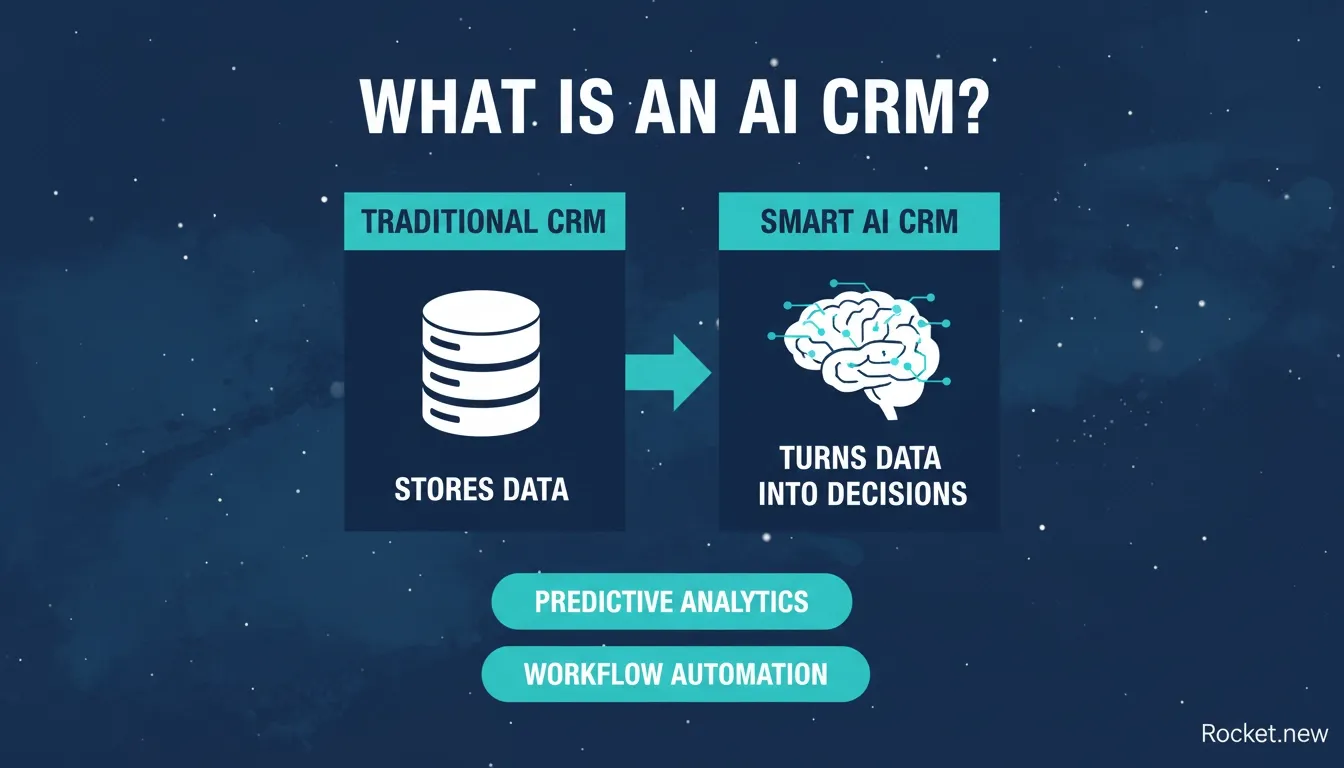 Traditional CRM stores data. A smart AI CRM turns that data into decisions.
Sales teams no longer waste time on manual data entry. Instead, AI-powered systems handle repetitive tasks while sales reps focus on closing deals.
Why Build a Custom CRM Instead of Using a Ready Tool
You might be thinking, "Why not just use HubSpot CRM or Monday CRM?" Fair question.
Tools like HubSpot CRM and Monday CRM are great. They offer strong CRM features, contact management, and lead management. But a custom smart CRM gives you flexibility.
Here's why people build their own:
- Tailored sales processes
- Custom apps for specific workflows
- Better alignment with business operations
- Control over customer data and data privacy
Also, many AI-powered CRM tools now come with a free plan, so you can test ideas before scaling. According to research on CRM adoption, 91% of businesses with more than 10 employees now use a CRM system, making it one of the most widely adopted business tools globally.
Building Your Smart CRM Without Writing Code
You don't need deep technical expertise to build a smart CRM today. Most AI-powered tools handle the heavy lifting, so you can focus on your workflow and customer relationships.
Start simple. A smart CRM grows with your business. You don't need every feature on day one. Focus on what your sales teams actually need.
Step 1: Define Your CRM Goals
Start with clarity.
Ask yourself:
- Do you need a sales-focused CRM?
- Are you targeting customer retention or lead management?
- Do your sales and service teams need shared access?
Your answers will shape your CRM system. Think about customer lifecycle stages, customer interactions, and sales cycle tracking. This helps you design a smart CRM that actually works for your team.
Step 2: Choose a No-Code Platform
Next, pick a builder that supports AI-powered automation and custom workflows.
Look for these essentials:
- Intuitive interface with drag-and-drop builders
- Built-in AI features and workflow automation options
- CRM integration with marketing tools
- Role-based access controls
Rocket is purpose-built for exactly this kind of work. It lets you build internal tools with AI without needing a developer, making it a strong choice for teams that want full control over their CRM without the overhead.
Step 3: Set Up Your Database
Your CRM data is your foundation.
Create fields for:
- Customer data and contact management
- Sales data and lead management
- Customer interaction history
This is where all customer interactions get stored. Keep it clean and simple. Too many fields can slow down your sales operations.
Step 4: Add AI Features
Now comes the fun part.
Add AI-powered features like:
- AI assistant for daily tasks
- AI-driven lead scoring and predictive lead scoring
- Sales forecasting and follow-up reminders
These AI tools help predict customer behaviour and guide sales strategies. This is what turns your CRM into a smart CRM.
Step 5: Automate Your Workflows
Manual work slows things down.
Use automation tools to:
- Assign leads automatically
- Trigger emails for customer communications
- Update CRM data without manual data entry
AI-powered automation helps boost productivity and keeps everything moving. For a deeper look at business workflow automation using AI, see how teams are applying these principles across industries.
Step 6: Add Collaboration Tools
Your sales teams and service teams need to work together.
Add:
- Shared dashboards and task tracking
- Notes on customer interactions
This improves teamwork and helps manage customer relationships better. When your team can see the same customer data in real time, response times improve and nothing falls through the cracks.
Step 7: Connect Marketing and Sales
Your smart CRM should link marketing campaigns with sales efforts.
Use marketing tools to:
- Track potential customers and analyse customer behaviour
- Provide timely and relevant communication
This helps create a smoother customer lifecycle. Connecting your CRM to tools like HubSpot via Rocket's native connector means your marketing and sales data stays in sync automatically.
Key Features to Include in Your Smart CRM
Here's a quick breakdown of must-have CRM features:
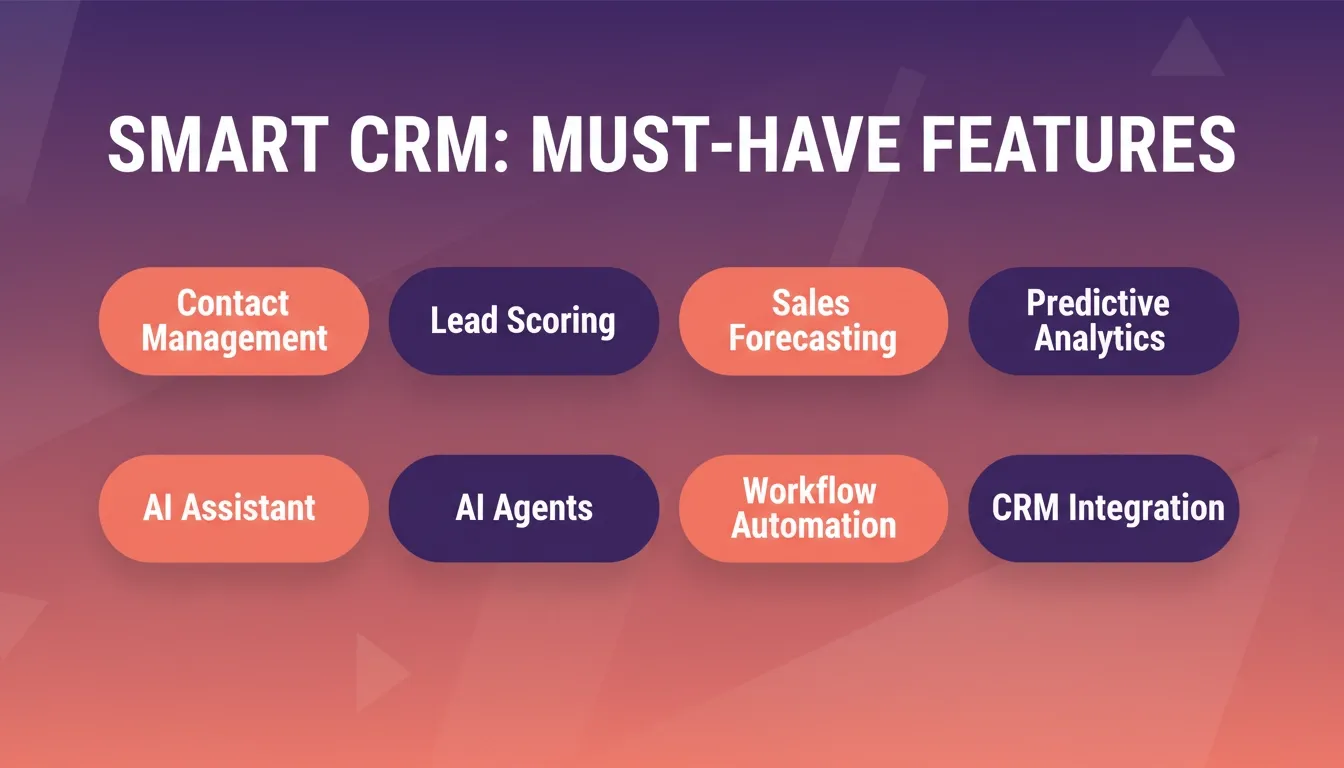 Eight core features every smart CRM needs to deliver real business value.
| Feature | Why It Matters |
|---|---|
| Contact management | Keeps all customer data organised in one place |
| Lead management | Tracks potential customers efficiently through the pipeline |
| Sales forecasting | Helps predict revenue and plan team capacity |
| Predictive analytics | Understands and anticipates customer behaviour |
| AI assistant | Supports daily tasks and reduces manual effort |
| AI agents | Handles repetitive customer interactions automatically |
| Workflow automation | Reduces manual work across the sales process |
| CRM integration | Connects all your tools into one unified system |
A smart CRM with these features can provide actionable insights and improve sales processes.
CRM Market: The Numbers Behind the Trend
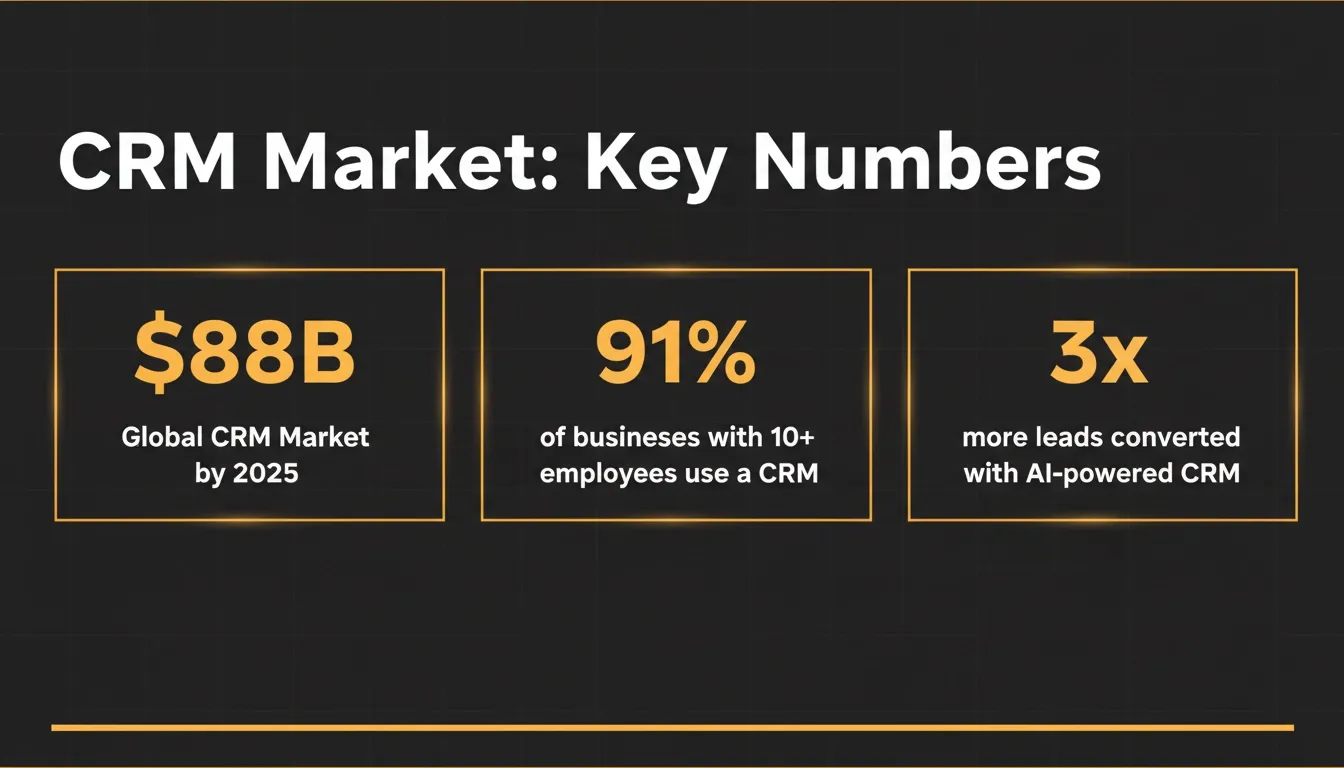 The CRM market is growing fast, and AI is the primary driver of that growth.
The data tells a clear story. The global CRM market is on track to exceed $88 billion, AI-powered CRM tools are linked to significant improvements in lead conversion, and adoption is accelerating across every industry. Building your own smart CRM now means getting ahead of this curve rather than catching up later.
Real-World Feedback
Here's a real LinkedIn build example using Rocket:
"I built a fully functional app in just 15 minutes without writing a single line of code… Built using Rocket.new." — LinkedIn post
The builder created a client onboarding portal complete with login, tracking, file uploads, and automated emails. This shows how AI-powered platforms are being used to build real CRM-style systems, including onboarding portals and internal dashboards.
For verified user reviews of no-code CRM tools, G2's CRM software category provides named testimonials from real users across company sizes and industries.
Build with Rocket
Rocket is a no-code platform designed to help you build a smart CRM using AI-powered tools. It fits perfectly with the idea of creating a custom system without writing code, especially when your goal is to manage customer relationships and streamline sales processes.
For anyone learning how to build a CRM tool with AI, Rocket acts like a shortcut. It combines AI blocks, AI agents, and automation tools into one place so you can handle customer data, workflows, and customer interactions without technical expertise. You can also start from a ready-made CRM app development template to skip the setup and go straight to customising.
Top Features
- AI-powered tools for app creation from a simple prompt
- AI assistant and AI agents for automation
- Workflow automation built in with 26+ integrations
- Custom interface design with visual edit
- Role-based access controls
- One-click deployment with built-in analytics
How to Build a CRM Tool With Rocket
Building a smart CRM with Rocket is simple and prompt-based. You just describe what you need, and the platform sets up your structure using AI-powered features.
Example Prompt:
"Create a smart CRM for lead management and contact management with AI-driven lead scoring, follow-up reminders, and a dashboard for sales teams to track sales processes and customer interactions."
From there, Rocket uses AI blocks and AI agents to:
- Set up your CRM data fields and customer lifecycle stages
- Create workflows for automated lead assignment and follow-ups
- Add AI assistant support for daily task management
- Build dashboards with actionable insights and real-time sales data
It feels more like guiding the system than building it from scratch.
Use Cases
- Client onboarding portal: You can create forms to collect customer data and manage customer relationships from the start. This helps organize customer interactions early in the customer lifecycle.
- Sales tracking dashboard: Track sales data, monitor sales processes, and support sales teams with real-time updates. It keeps your smart CRM aligned with daily sales operations.
- Customer support system: Use AI agents to provide instant support and handle customer interactions. This improves customer satisfaction and keeps responses quick and consistent.
Rocket makes building a smart CRM simple and practical. Instead of dealing with complex setups, you focus on your workflow, customer relationships, and sales processes while the AI-powered system handles the rest. Teams that need to move fast can follow the research-to-launch workflow to go from idea to deployed CRM in a single session.
Best Tools to Consider in 2026
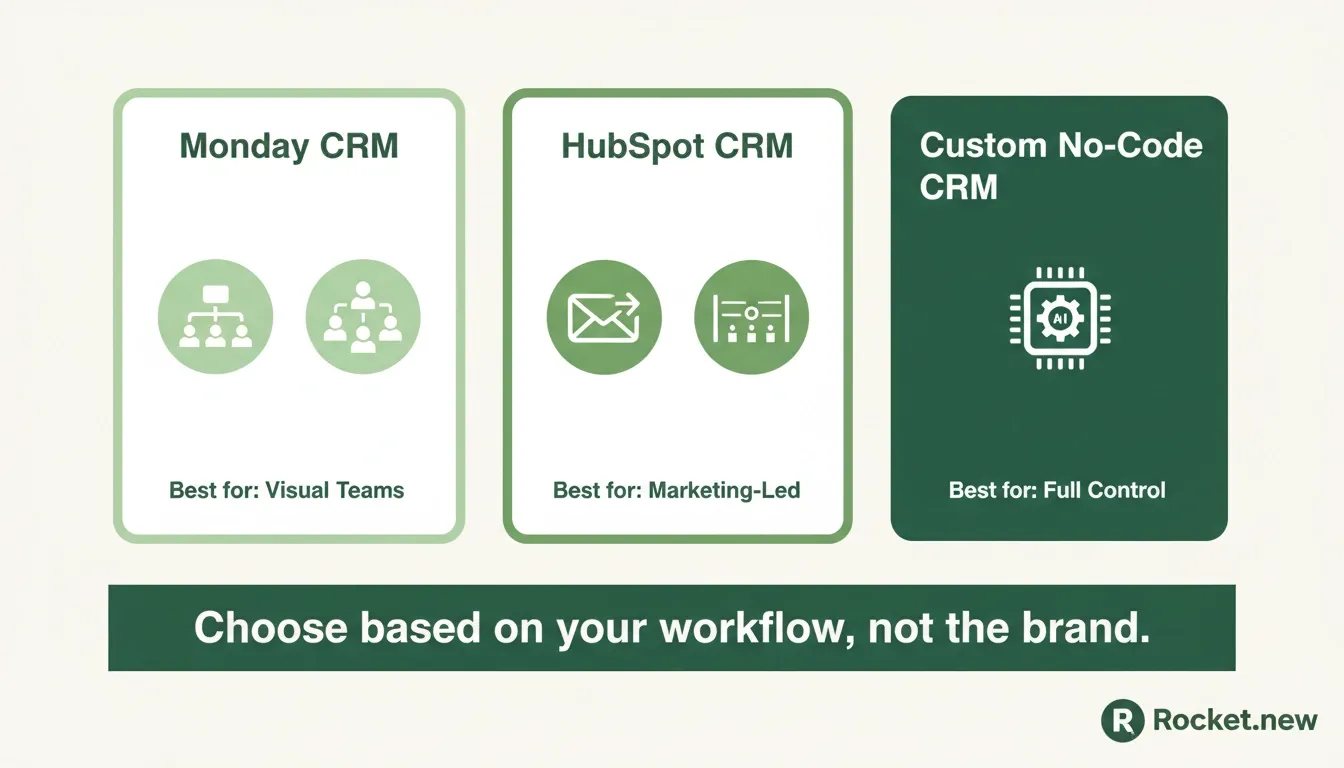 Choosing the right CRM tool depends on your team's workflow, not just the brand name.
Let's compare the leading options for building or using a CRM tool with AI:
| Tool | Best For | Key Strengths | Limitation |
|---|---|---|---|
| Monday CRM | Visual workflows and teams | Drag-and-drop, collaboration tools, AI-driven insights | Less flexible for deep customisation |
| HubSpot CRM | Marketing-led businesses | Email campaigns, customer communications, sales forecasting | Can get expensive at scale |
| Custom no-code CRM (e.g., Rocket) | Full control and custom workflows | Tailored CRM features, AI agents, no coding required | Requires initial setup time |
Choosing the best AI CRM depends on your team size, sales process complexity, and budget. Ready-made tools are fast to start but rigid at scale. A custom-built CRM gives you the exact workflows your team actually uses.
Future Trends in AI CRM
AI CRM is changing quickly. New AI capabilities and smarter systems are shaping how businesses manage customer relationships and sales processes.
Here's what's coming next:
- More advanced AI capabilities in CRM software
- Better predictive analytics for customer behaviour
- Smarter AI agents handling customer interactions autonomously
- Deeper data analysis for data-driven decisions
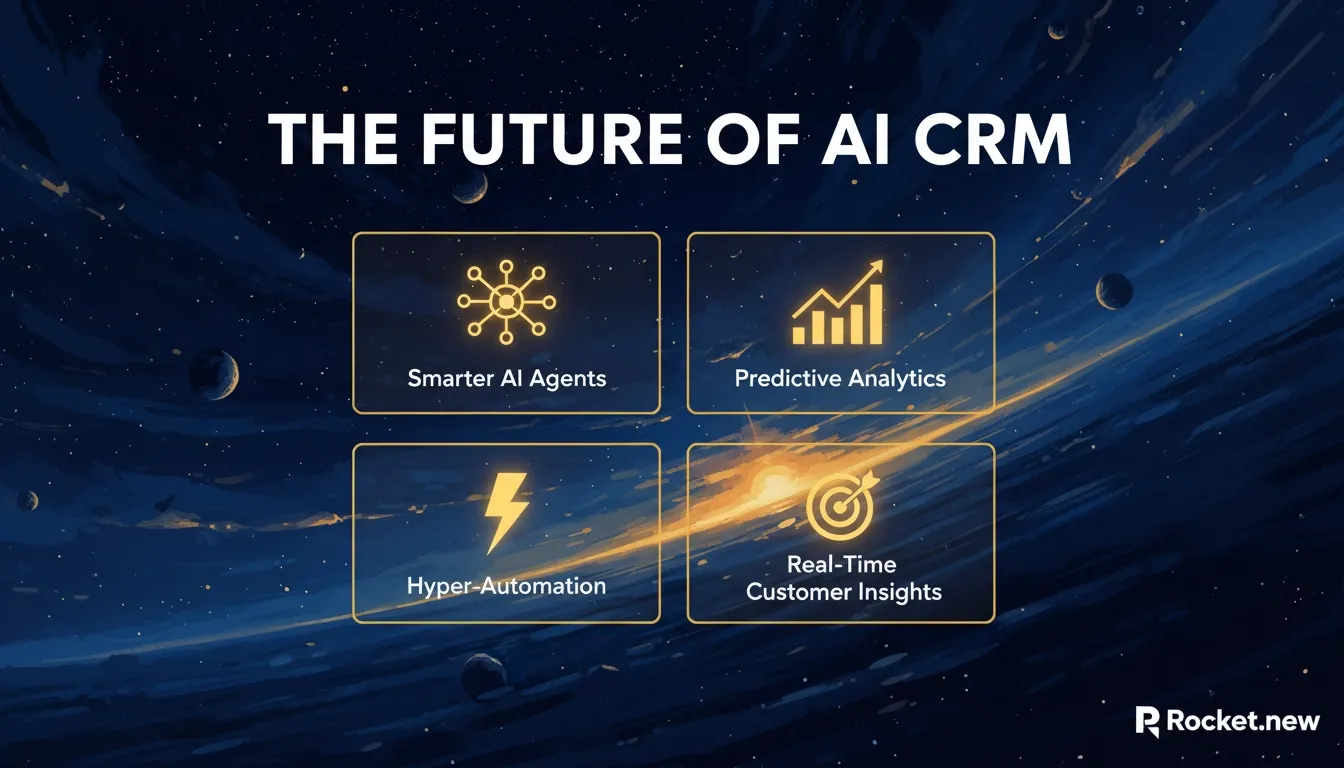 Four trends shaping the next generation of AI-powered CRM systems.
Future sales trends show that AI-powered CRM systems will become standard for sales teams. Staying updated with these trends helps you build a smart CRM that lasts. As AI technology improves, your CRM can grow with it and keep your customer interactions sharp and relevant.
How Smart CRM Improves Your Business
A smart CRM is not just a tool. It becomes part of your daily business operations, helping your team handle customer data, sales processes, and communication more smoothly.
A well-built smart CRM can:
- Improve customer satisfaction and increase customer retention
- Help sales teams close deals faster with AI-driven insights
- Support better sales operations through automation
It also helps provide actionable insights from customer data, making decisions easier. When your smart CRM is set up properly, it supports your team without adding extra work. It keeps customer relationships organized, improves customer communications, and helps you make better data-driven decisions every day.
How to Build a CRM Tool With AI That Actually Works
Many businesses struggle with managing customer relationships, messy customer data, and slow sales processes. Traditional CRM software often needs technical expertise or feels too rigid for growing teams. This creates gaps in customer interactions and slows down sales processes, making it harder for sales teams to stay consistent and organized.
The solution is a smart CRM built with no-code tools and AI-powered features. Start simple and build around your customer lifecycle. A smart CRM works best when it keeps things clear, flexible, and easy to manage. If you want to see what's possible before you start, explore what Rocket can build in just a few minutes from a single prompt.
If you're ready to build a custom CRM without writing code, Rocket.new gives you the AI blocks, automation tools, and no-code interface to launch your smart CRM today.
Start building for free and see how quickly your customer management system comes together.
Table of contents
- -What Is an AI CRM and Why It Matters
- -Why Build a Custom CRM Instead of Using a Ready Tool
- -Building Your Smart CRM Without Writing Code
- -Step 1: Define Your CRM Goals
- -Step 2: Choose a No-Code Platform
- -Step 3: Set Up Your Database
- -Step 4: Add AI Features
- -Step 5: Automate Your Workflows
- -Step 6: Add Collaboration Tools
- -Step 7: Connect Marketing and Sales
- -Key Features to Include in Your Smart CRM
- -CRM Market: The Numbers Behind the Trend
- -Real-World Feedback
- -Build with Rocket
- -Top Features
- -How to Build a CRM Tool With Rocket
- -Use Cases
- -Best Tools to Consider in 2026
- -Future Trends in AI CRM
- -How Smart CRM Improves Your Business
- -How to Build a CRM Tool With AI That Actually Works