

Choosing the right AI coding tool matters. Cursor, Windsurf, and Rocket.new each offer unique strengths for inline editing, multi-file projects, and deployment. Selecting the right tool depends on your workflow and project needs.
Looking for the right AI coding tool, but not sure where to start?
Cursor, Windsurf, and Rocket.new are creating quite the buzz among developers. Choosing the wrong option can waste hours and degrade code quality, so paying attention matters.
According to the 2025 Stack Overflow Developer Survey, 51% of professional developers now use AI tools daily in their coding workflows.
Each tool has its own strengths, quirks, and ideal use cases. Some excel at inline edits, others handle multi-file projects, and some focus on app deployment.
The big question: which tool matches your coding habits, workflow, and project needs?
Let’s break it down in detail.
Before Comparing the Tools
AI coding tools are not all trying to do the same job.
Some sit quietly inside VS Code and help clean up the current file. Some think across multiple files and plan steps ahead. Others care less about editing and more about getting an app live fast.
That’s where confusion usually starts. A tool that works perfectly for one workflow can be annoying in another. Project size matters. Deployment speed matters.
Even personal habits matter. Keeping this in mind makes the comparison easier and helps avoid choosing a tool that looks good but slows things down later.
Rocket.new, Cursor,and Windsurf
Before diving in, here’s a snapshot.
✏️Cursor is built for inline edits and rapid code generation.
🤖Windsurf brings agent capabilities and context management.
🚀Rocket.new focuses on app deployment and AI-assisted development.
The differences may seem subtle, but they affect daily coding.
| Tool | Strengths | Free Plan Availability |
|---|---|---|
| Rocket.new | Web app deployment, AI assistance, custom tools | Free plan with basic usage |
| Cursor | Inline edits, multi-line code completion, VS Code integration | Yes, generous free tier |
| Windsurf | Agent mode, context management, cascade feature | Two-week free trial |
The Tools on the Table
Before breaking down features and pricing, it helps to know which tools are actually being compared. Rocket.new, Cursor, and Windsurf all sit under the AI coding tools umbrella, but they solve very different problems.
One is built to turn ideas into live apps quickly. One works in VS Code and sharpens everyday coding skills. The third handles bigger workflows with agents and multi-file control. None of these tools replaces the others completely.
They exist because developers work in different ways, on different scales, with different goals. With that context set, here’s how each tool really works in practice.
1. Rocket.new: Launching AI Coding into App Deployment
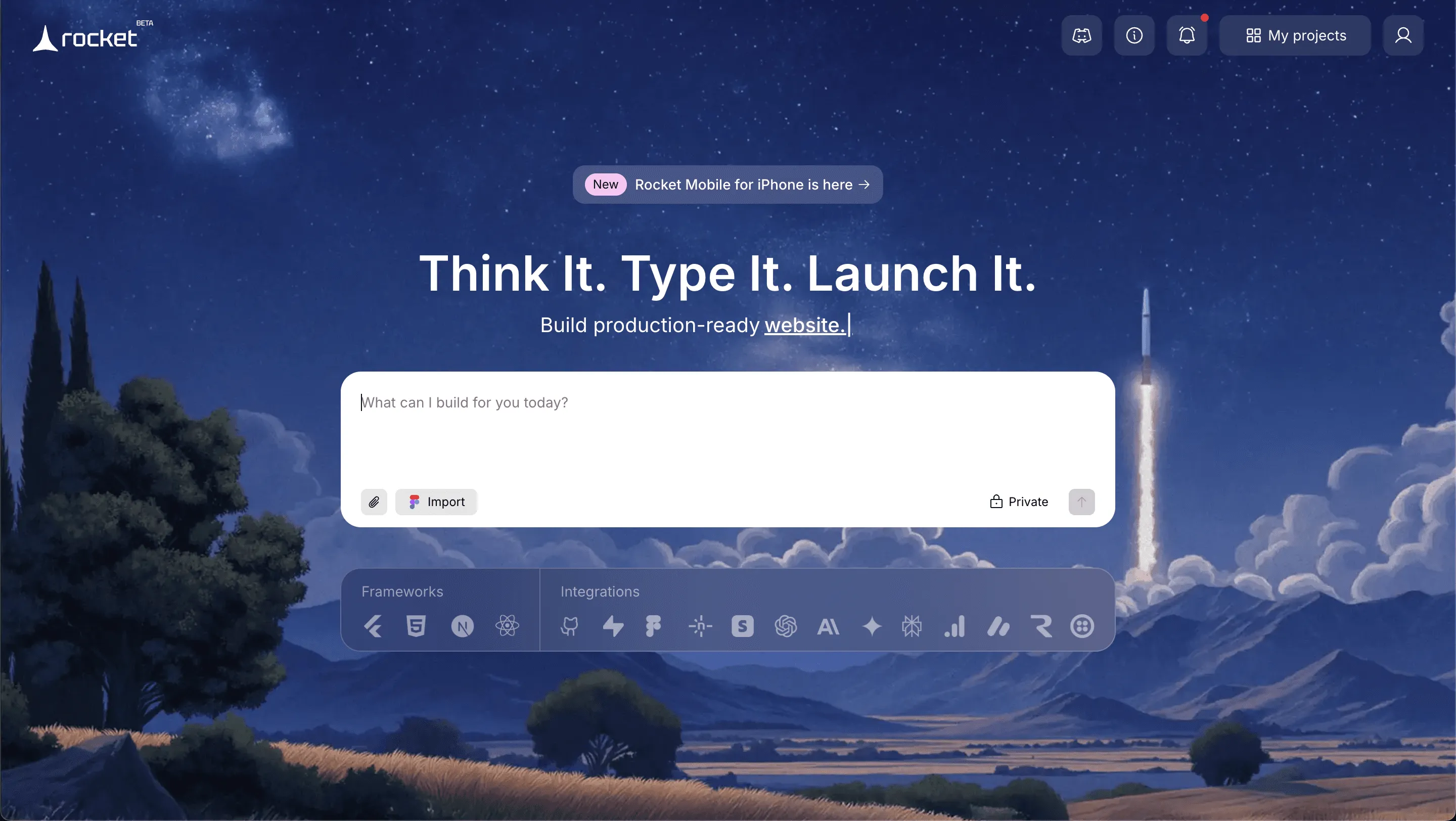
Rocket.new is built for moments when writing code is no longer the hard part. It connects ideas, generated code, and deployment into one straight path.
This tool speaks to builders who think in outcomes, not folders. If the goal is to go from prompt to live app without side quests, Rocket.new sets the pace early.
Features:
- Prompt to App Creation: Builds apps directly from single prompts
- Figma Import: Converts design files into live, editable layouts
- AI-Powered Backend: Automatically handles logic, data, and workflows
- Custom Domain Support: Publishes projects with a branded domain
- Code Export: Allows developers to extend or customize later
- Live Preview: Shows instant updates while editing
Best For:
- Deploying web applications directly
- AI-assisted development with custom tools
- Rapid prototyping and dashboards
Limitations:
- Limited model access compared to Cursor
- Fewer advanced security options than the Windsurf Pro plan
Pricing:
- Free plan: Basic deployment and AI assistance
- Pro plan: $22/month for extra features
- Ultra plan: $40/month for full access
Rocket.new fits perfectly when you want your AI-generated code to go live fast, without juggling multiple tools.
2. Cursor: Focus on Inline Edits and Context
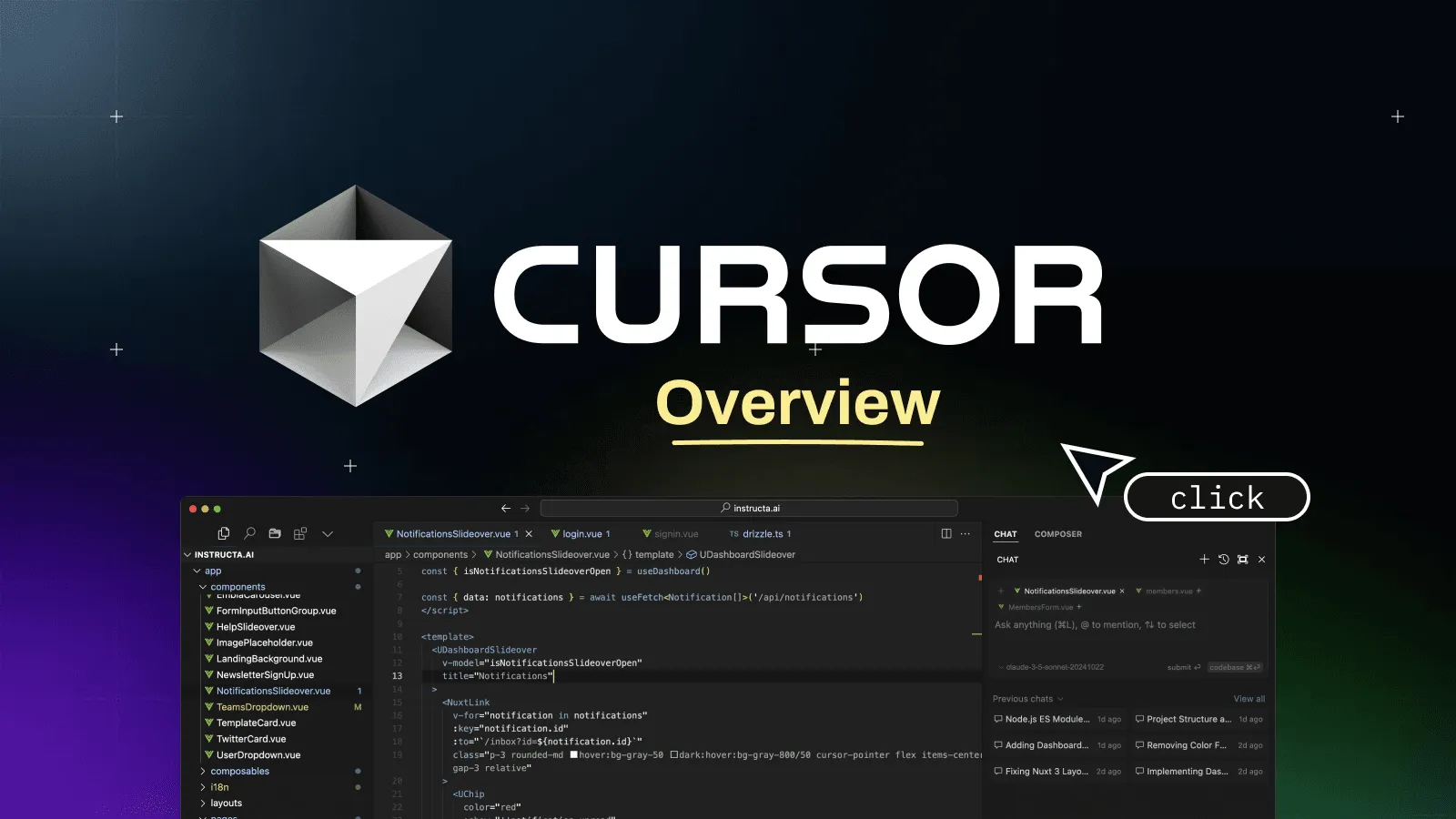
Cursor is designed for developers who work in VS Code and prefer a tight, focused experience. It stays close to the current file and reacts fast to intent.
Instead of managing the entire project, Cursor focuses on day-to-day coding. It works best when clean edits, quick feedback, and control matter more than automation.
Best For:
- Inline code edits and multi-line code completion
- Maintaining code quality
- Solo developers and VS Code users
Limitations:
- Can be overwhelming for very large codebases
- Less effective for multi-file agent workflows
Pricing:
- Free plan: Generous, good for solo projects
- Pro plan: $20/month
- Ultra plan: $35/month
Cursor focuses on efficiency and smooth coding in VS Code, making inline edits a breeze.
3. Windsurf: Agents, Cascade, and Multi-File Mastery
Windsurf targets bigger workflows and longer thinking cycles. It behaves less like a helper and more like a project partner.
With agents and cascade, it reasons across files and steps. This tool suits developers who handle complexity, scale, and planning rather than quick edits.

Best For:
- Large projects with multiple files
- Teams or senior software engineers
- Complex agent workflows and rapid prototyping
Limitations:
- Learning curve for beginners
- Pro plan is required for advanced security and premium models
Pricing:
- Free plan: Two week free trial
- Pro plan: $25/month for advanced features
- Ultra plan: $50/month for premium access
Windsurf is the go-to for larger projects and collaborative coding, with Cascade and Agent capabilities that handle complexity.
Rocket.new vs Windsurf vs Cursor
When comparing Windsurf, Cursor, and Rocket.new, a few differences stand out in how each tool supports developers and builders during the creation process:
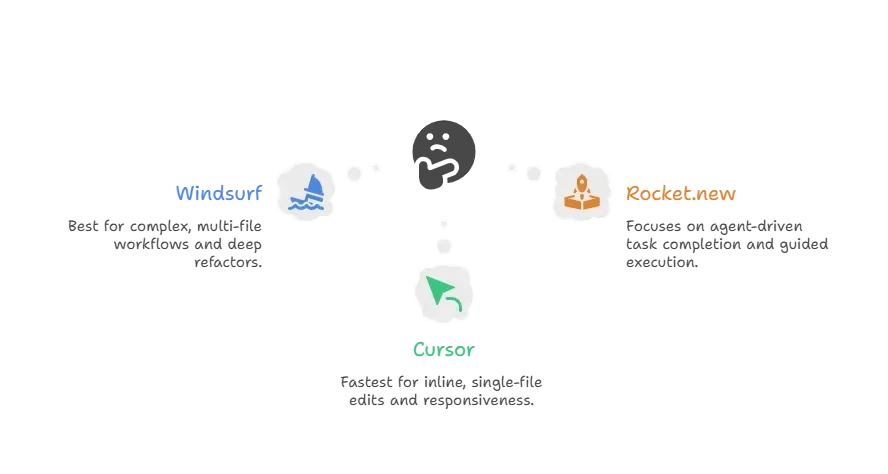
Together, this comparison shows how Windsurf, Cursor, and Rocket.new serve distinct needs depending on whether the goal is precision editing, large-scale refactoring, or end-to-end task completion.
Community Insight
Developers on Reddit share practical experience with Rocket.new. One user noted how it simplifies getting applications live without extra setup:
“Rocket.new made spinning up a dashboard in hours possible. I was already using Cursor for inline edits, but Rocket.new handled deployment without extra setup.”
Choosing the Right Tool
When selecting between these tools, the choice depends on the project's nature and workflow requirements.
- If deploying web applications directly is the main goal, Rocket.new will be your best companion.
- If the project involves multiple files, sensitive data, and advanced security, choose Windsurf’s pro plan.
- For quick inline edits and maintaining code quality in VS Code, Cursor is the way to go.
Each tool serves a distinct purpose, so the best choice comes down to whether your priority is deployment, security, and scale, or fast in-editor productivity.
Choosing from Rocket.new, Cursor and Windsurf
Developers today juggle multiple AI coding tools, each promising better code generation and code quality. Choosing the wrong one wastes time and lowers productivity.
Understanding windsurf vs cursor vs Rocket.new lets you pick a tool based on your workflow. Cursor focuses on inline edits and code completion. Windsurf offers agent mode and cascade for multi-file projects. Rocket.new goes a step further, allowing app deployment directly from generated code.
For solo developers, choose Cursor. For teams handling complex apps, Windsurf’s pro plan is better. For AI-assisted app deployment, Rocket.new is a perfect fit. Your workflow, project size, and desired outcome determine the right pick.
Table of contents
- -Before Comparing the Tools
- -Rocket.new, Cursor,and Windsurf
- -The Tools on the Table
- -1. Rocket.new: Launching AI Coding into App Deployment
- -Features:
- -2. Cursor: Focus on Inline Edits and Context
- -3. Windsurf: Agents, Cascade, and Multi-File Mastery
- -Rocket.new vs Windsurf vs Cursor
- -Community Insight
- -Choosing the Right Tool
- -Choosing from Rocket.new, Cursor and Windsurf

