

Want to launch a successful car rental app? Explore market growth, essential features, development costs, booking system tips, and common pitfalls to avoid while building a competitive, user-friendly platform scalable.
Thinking about building a car rental app with a built-in booking system? The car rental market is growing fast, and customers now expect to book everything from their phones.
Is your business ready to meet that demand?
According to Statista, the global car rental market is set to cross 100 billion dollars in revenue in the coming years. That is a big opportunity. At the same time, competition is rising, and users expect speed, convenience, and simple booking flows.
If you are planning car rental app development, you need clear direction. You need to know what features matter, what it costs, and how to avoid common mistakes. This blog breaks it down step by step.
Why the Car Rental Industry is Moving to Mobile?
The car rental industry has changed a lot. People do not want to stand in long queues. They want rental cars with a few taps. That is where a car rental mobile app comes in.
Mobile apps are now the backbone of the car rental business. Customers compare prices, check car availability, and complete car rental bookings from their phones. The shift to digital platforms has pushed rental agencies and car rental companies to rethink their approach.
And yes, the competitive market is tight. If you want a competitive advantage, your rental app needs to deliver a seamless user experience and match user expectations.
Start With Thorough Market Research
Before writing a single line of code, do your homework. Market research is not boring. It saves money.
Look at popular car rental apps. Study their user interface. Read user feedback on the Apple App Store and Google Play Store. What do users love? What annoys them?
Your market research should answer:
- Who is your target audience?
- Are you targeting tourists, business travelers, or daily commuters?
- Will you offer rental cars for short trips or long subscription plans?
- What is your business model?
Also, study the market value and car rental market trends. The development process should always start with thorough market research. It keeps your rental app development grounded.
Building Your Car Rental Mobile App with Rocket.new
Now let’s get practical. Here’s how to build car rental apps using Rocket.new. Each step follows a clear structure so you can move without confusion.
Step 1: Sign Up and Set Up Your Workspace
You start by creating your account on Rocket.new. This is where your rental app development journey begins. Keep it simple. You are setting the foundation for your car rental platform.
What happens here:
- Sign up with email or social login
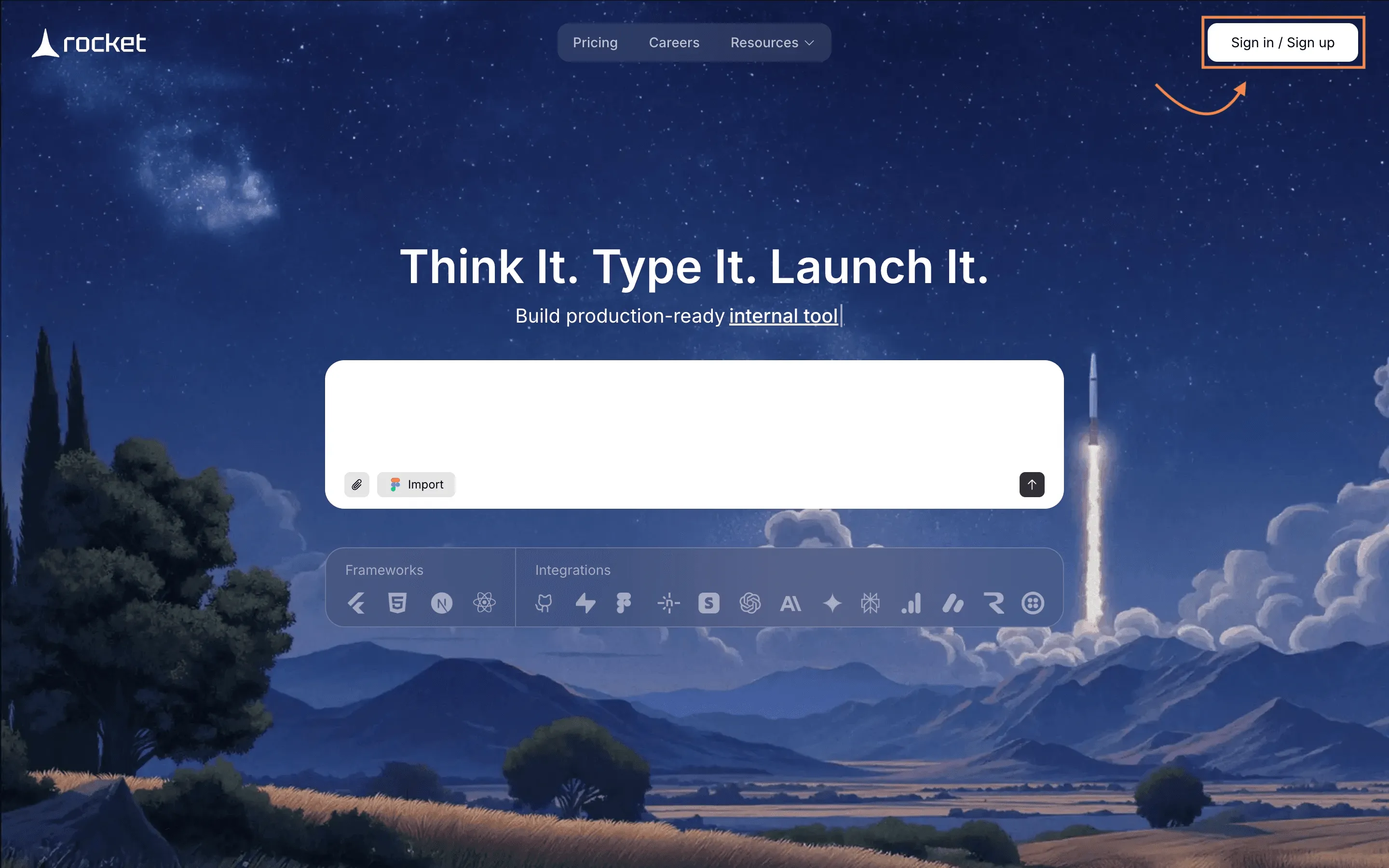
- Create a new project
- Select cross platform deployment option
- Define your project name like “CityDrive Car Rental”
This step prepares your development team space. Clean setup means smoother app development later.
Step 2: Give a Prompt or Choose a Template
You can either describe your car rental mobile app using a prompt or pick a ready template.
Rocket.new supports both approaches. So yes, you can literally type what you want.
What you do here:
- Enter a prompt like “Build a car rental app with booking engine and secure payments”
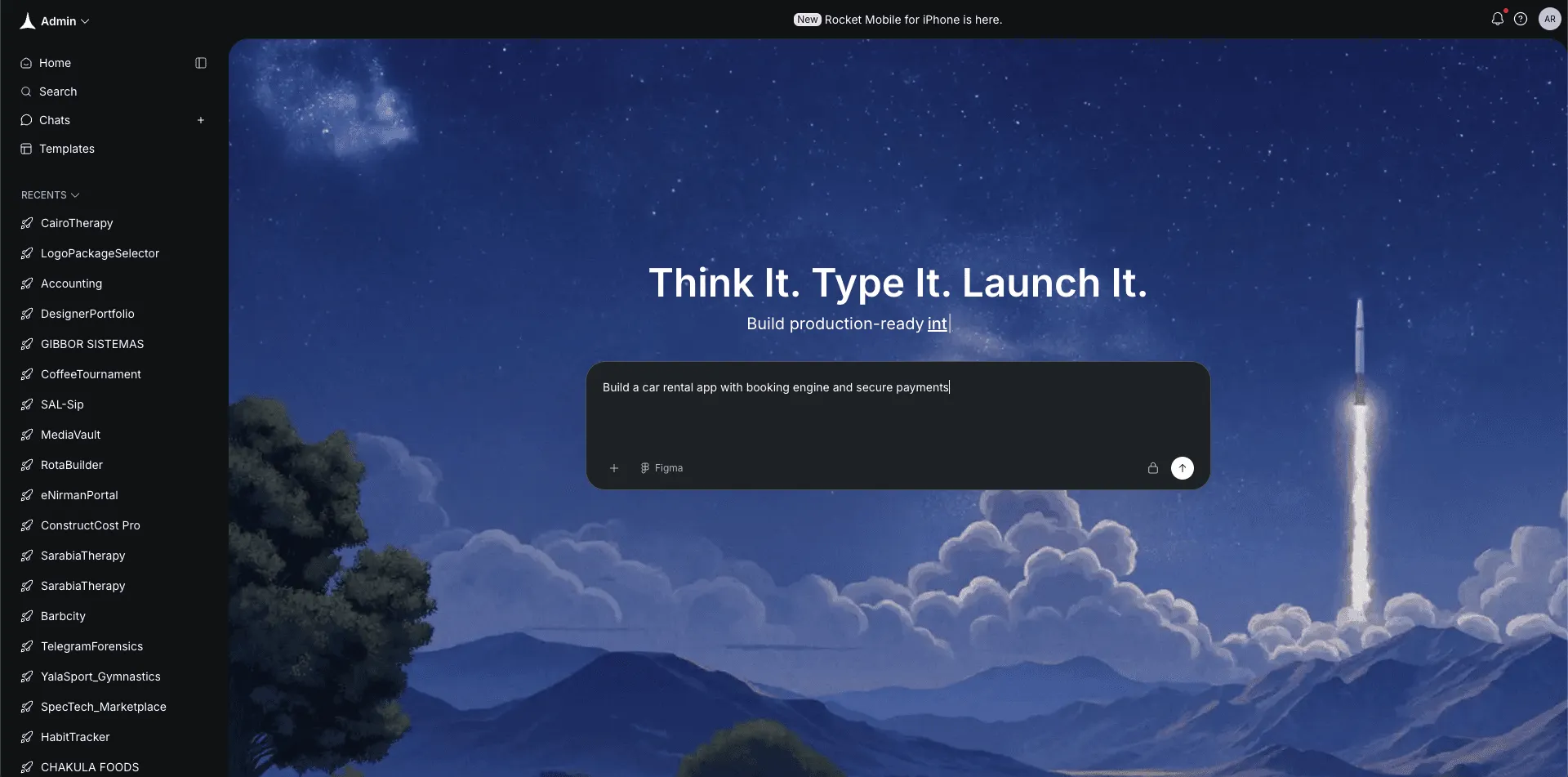
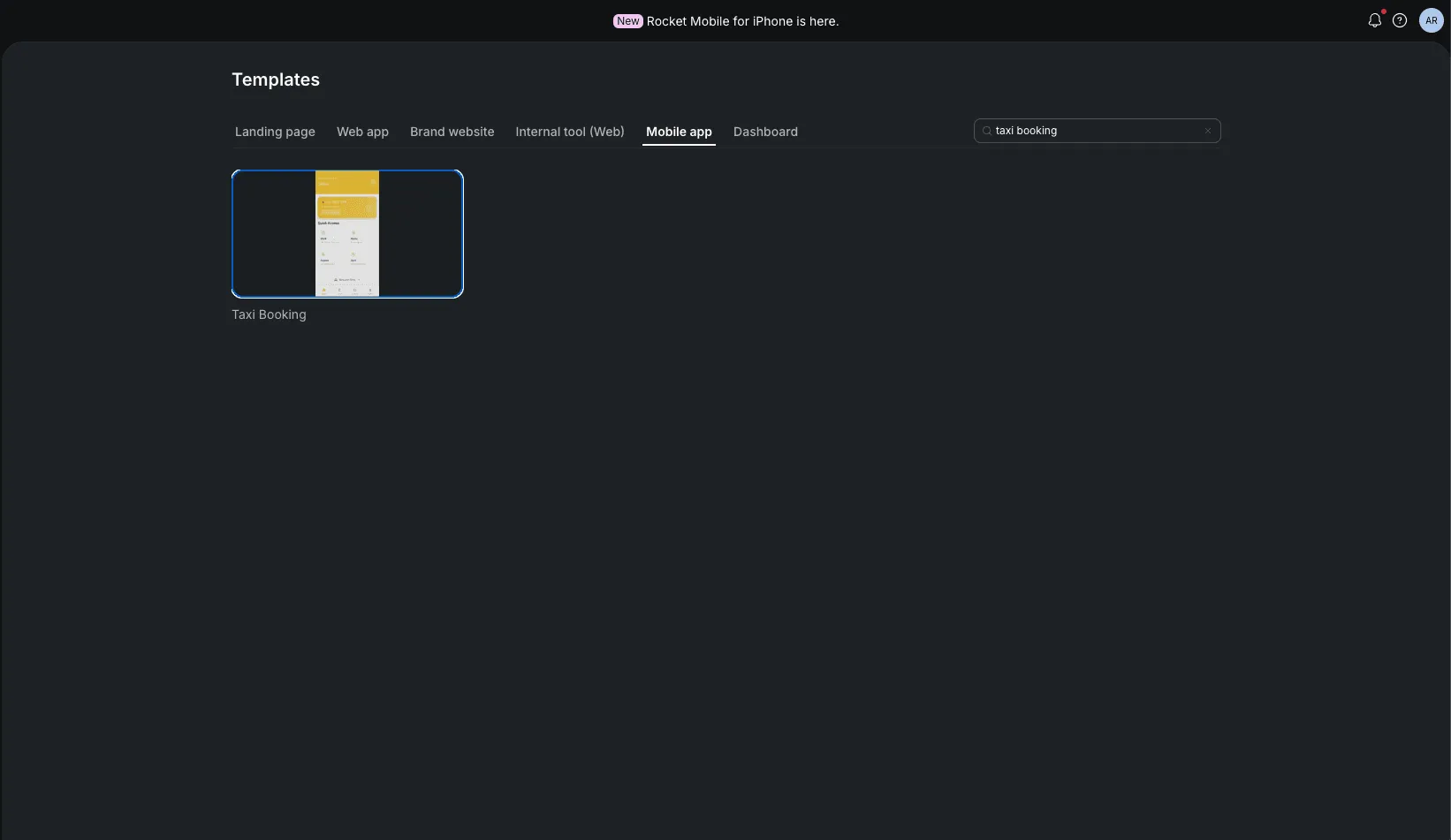
Or select a rental app template, Rocket.new has a template gallery that is already in built and you just need to make the desired template yours as this one template called "Taxi Booking" which is quite relevant to what you are trying to build.
- Choose app type for car rental services
- Define target audience basics
This speeds up rental app development. Instead of building from zero, you start with structure.
Short note here. Be clear in your prompt. The clearer your idea, the better the output.
Step 3: Select the Screens You Need
After the base is ready, you choose screens for your car rental mobile app. This defines the app's functionalities.
Think like a user. What does your rental process look like?
Common screens for car rental mobile:
- User registration and login
- Vehicle listing page
- Car availability calendar
- Booking engine screen
- Secure payments page
- Profile and booking history
- Push notifications settings
You can add core features like real-time car availability and integrated GPS. This is where your app features take shape.
Closing note. Do not overload the rental app. Keep must have features first. Advanced features can come later.
Step 4: Watch Rocket.new Build Your App
Now you sit back for a moment. Rocket.new generates your car rental application based on your selections.
It handles backend development and frontend setup.
What happens automatically:
- Backend development structure created
- Payment gateway integration modules added
- Booking process logic connected
- Car availability system linked
- Push notifications configured
This saves serious time in mobile app development. Instead of weeks of manual setup, you get a working draft fast.
Closing note. This is where you review carefully. Just because it is built fast does not mean you skip checking.
Step 5: Review, Modify, and Refine
Next, you test everything. Tap through the car rental mobile app like a real customer. You refine using commands and built-in features.
Commands you can use:
- "add auth"
- "change app logo"
You can check about them in detail from Here
Things to adjust:
- Improve user interface layout
- Add dynamic pricing rules
- Fine-tune secure payments flow
- Modify booking engine steps
- Adjust integrated gps settings
- Customize push notifications messages
User feedback from early testers helps here. Small tweaks improve customer satisfaction. A successful car rental app is polished, not rushed.
Step 6: Launch to App Stores
Finally, you publish. Rocket.new supports cross platform builds, so you can deploy to both app stores.
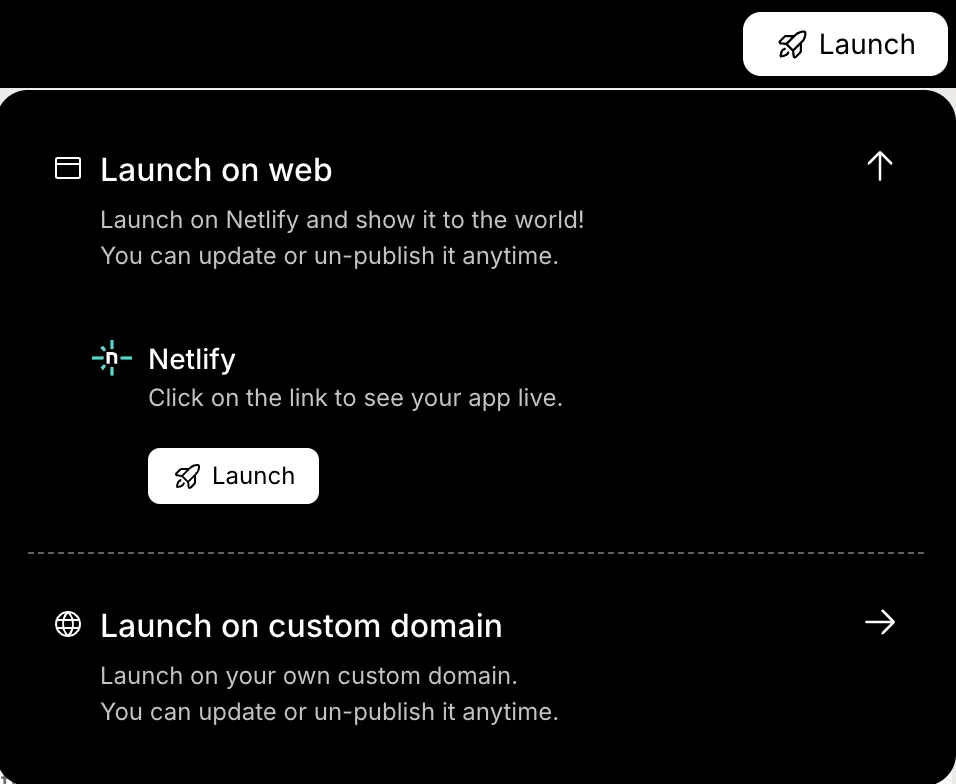
Launch checklist:
- Final testing for car rental bookings
- Check payment gateways and secure payments
- Upload to apple app store
- Upload to google play store
- Add screenshots and description
- Plan digital marketing push
This is where your car rental business meets the real car rental market.
Closing note. Launch is not the end. It is just the start of improvement.
Core and Advanced Features Recap
Before you go all in on features, pause for a second. Not every car rental mobile app needs every advanced feature on day one. Start practically. Grow with user feedback.
Here’s a simple comparison to help you decide what fits your stage of rental app development:
| Feature | Basic Rental App | Advanced Rental App |
|---|---|---|
| User Registration | Yes | Yes |
| Vehicle Listing | Yes | Yes |
| Real Time Car Availability | Basic | Full |
| Secure Payments | Single Gateway | Multiple Gateways |
| Push Notifications | Alerts Only | Smart Triggers |
| Dynamic Pricing | No | Yes |
| Integrated GPS | No | Yes |
| Subscription Plans | No | Yes |
This table keeps your development process grounded. Build the core features first. Add advanced features when your car rental business starts scaling and real user feedback guides the next move.
Community Insight
Here’s a quote from a Reddit thread where folks were talking about car rental booking systems the heart of any good rental app:
“If your booking system feels confusing, users will abandon the whole process. Focus on clarity above all.”
That’s pretty telling, right? You can have shiny screens and cool features, but if the booking engine doesn’t feel smooth, people will bail halfway.
Marketing Your Car Rental Mobile App
Your app is live. Nice. Now comes the part where you actually get people to download it.
Launch day feels great, but growth needs a plan. So let’s keep this simple and practical.
What to focus on:
- Use digital platforms to promote your car rental mobile app
- Run digital marketing campaigns targeting your ideal users
- Offer discounts for first rental cars booking
- Collect user feedback directly inside the rental app
- Improve features based on real user behavior
- Use push notifications to remind users about upcoming rentals
That is how a successful car rental app grows in a competitive market. Stay consistent, listen to user feedback, and keep push notifications helpful. Nobody enjoys being spammed.
Car Rental App Development: Clear Plan, Better Results
Many founders jump into the car rental business without proper market research or a clear development process. They rush into advanced features, stack too many tools, and forget the booking process is the heart of the rental app. When booking feels complicated, users leave. It’s that simple.
The smarter move is to follow a systematic development process using Rocket.new. Start with core features. Add real time car availability, secure payments, and a clean booking engine step by step. Work with a reliable development partner, review everything carefully, and improve based on user feedback. Car rental app development works best when you build lean, stay focused, and grow with purpose.
Table of contents
- -Why the Car Rental Industry is Moving to Mobile?
- -Start With Thorough Market Research
- -Building Your Car Rental Mobile App with Rocket.new
- -Step 1: Sign Up and Set Up Your Workspace
- -Step 2: Give a Prompt or Choose a Template
- -Step 3: Select the Screens You Need
- -Step 4: Watch Rocket.new Build Your App
- -Step 5: Review, Modify, and Refine
- -Step 6: Launch to App Stores
- -Core and Advanced Features Recap
- -Community Insight
- -Marketing Your Car Rental Mobile App
- -Car Rental App Development: Clear Plan, Better Results

