
No-code AI app builders let anyone design, connect, and deploy functional apps without writing code. Visual builders, ready-made integrations, and AI-powered platforms now handle the hard parts automatically.
Building an AI app once felt out of reach for most people. You needed code, servers, and a long setup time. That barrier is fading fast. Visual builders and ready tools now handle the hard parts behind the scenes.
The no-code and low-code platforms market is expected to grow from $28.11 billion to $35.86 billion, expanding at over 27% annually.
Let's see how beginners can build a no-code AI app in minutes without getting lost in tech talk. You will learn what these tools do, how they connect to data, and where AI fits in.
What "No Code" Really Means
"No code" does not mean magic. It means a platform provides a visual interface, logic blocks, built-in hosting, and pre-made components so anyone can assemble a working app. Most of these use visual programming language blocks or chat-style prompts, so you never have to write code.
What types of tools fit here?
- No-code app builder: A tool for creating a web app, dashboard, or mobile app without writing code.
- No-code platforms that include templates, UI builders, and backend automation.
- No-code tools like sheet plugins or browser extensions that extend what you can do.
These let you:
- Build internal templates and dashboards without tech staff.
- Create customer portals that actually work.
- Automate repetitive processes using business process automation tools.
That is a lot of power for people who have never touched code. According to Gartner, by 2026 more than 80% of new app development will use low-code and no-code tools. That shift is already reshaping how teams build software.
Who Should Use No-Code Tools?
No-code tools are not just for beginners. They serve a wide range of people who need to ship fast without depending on a developer for every change.
For a plain-language overview of how these tools work, this guide covers the basics of no-code app builders in detail.
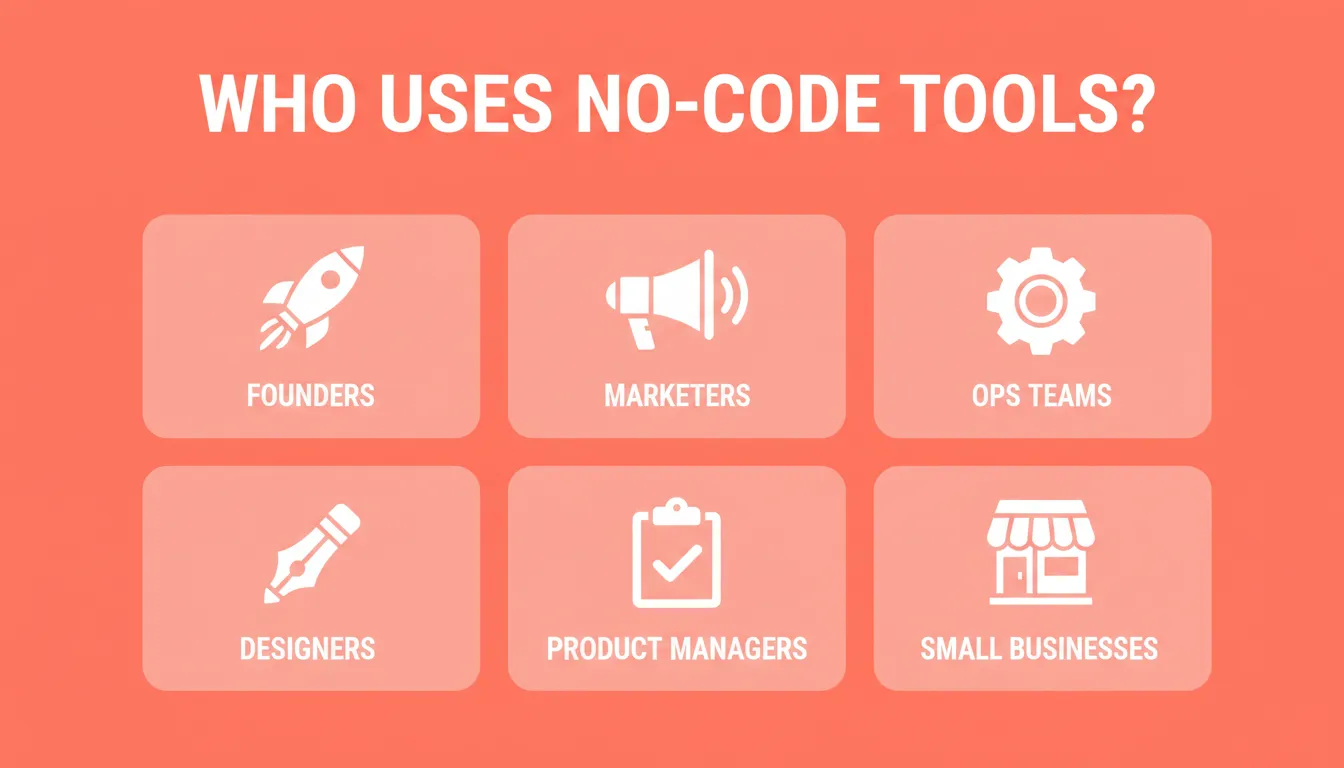
No-code tools serve a wide range of roles, from solo founders to enterprise ops teams, each building different things for different reasons.
| Who | What They Build | Why No-Code Works |
|---|---|---|
| Founders and entrepreneurs | MVPs, SaaS products, landing pages | Validate ideas before hiring engineers |
| Marketing teams | Campaign pages, lead capture forms | Launch without waiting on dev sprints |
| Operations teams | Internal dashboards, approval workflows | Automate processes without custom code |
| Designers | Prototypes, client sites from Figma | Ship designs directly without handoff |
| Product managers | Feature prototypes, user research tools | Test ideas with real users fast |
| Small businesses | E-commerce stores, booking systems | Professional apps at a fraction of the cost |
What Can You Build With No-Code AI Tools?
Modern no-code app builders go far beyond simple landing pages. Here is what you can actually ship:
Web apps: SaaS dashboards, internal tools, marketplaces, AI-powered tools, and customer portals. These are generated in Next.js and are production-grade from the first build.
Mobile apps: iOS and Android apps built with Flutter, ready for App Store and Google Play submission. Both platforms come from a single codebase. For a closer look at mobile-specific options, this breakdown of no-code mobile app builders is worth reading.
Landing pages and marketing sites: Conversion-focused pages with SEO-ready structure, fast load times, and custom domains.
E-commerce stores: Full online stores with product listings, cart, checkout, and payment integrations like Stripe and PayPal.
Internal tools and business infrastructure: OKR trackers, customer health monitors, compliance tools, investor data rooms, and sales enablement platforms, all without an engineering team.
Choosing the Right No-Code App Builder
Here is a comparison of common features across no-code app builders:
| Feature | Typical No-Code App Builder | Advanced AI Builder |
|---|---|---|
| Learning curve | Low to moderate | Very low |
| Backend setup | Manual work | Generated automatically |
| UI design | Drag-and-drop | Generated or imported |
| Hosting included | Usually yes | Yes |
| Custom logic | Limited | Conditional, easily added |
| Code export | Rarely | Yes (download source) |
| Mobile apps | Limited | iOS and Android (Flutter) |
| Integrations | Few | 25+ (Stripe, Supabase, OpenAI, etc.) |
| Best for | Simple apps | Full-stack app generation |
Not all tools make actual full-stack applications. Some stick to simple frontends. The ones worth using handle both frontend and backend, including authentication, database, and deployment.
How to Start Making Your First No-Code App
Here is a simple flow you can follow with most no-code app builders:
- Pick a platform.
- Choose a template or start with a blank project.
- Describe your idea in plain language. Include the app type, key screens, and 3 to 5 must-have features.
- Add screens and logic using blocks or text prompts.
- Connect data sources like Google Sheets, Supabase, or Airtable.
- Set up authentication systems and user flows.
- Test your web app in the live preview.
- Launch on a custom domain.
Most AI-powered builders generate a working app in 1 to 3 minutes. This feels more like building a Lego structure than writing pages of code. You still make decisions, but you do not sit there typing code forever. For a step-by-step walkthrough, this guide on building a mobile app with AI covers the full process.
No-code app development workflow: from idea to live deployment in minutes.
Six Ways to Start a Build
Most people assume no-code means typing a prompt. In practice, modern platforms give you far more starting points:
- From a plain language prompt — describe what you want, and the AI builds it.
- From a Figma design — import your design file, and the platform converts it to working code, preserving typography, spacing, and color systems.
- From a screenshot or image — upload a UI reference, and the builder matches the visual style.
- From a spreadsheet or CSV — upload your data, and get a working app built around it.
- From a GitHub repo — import an existing Next.js TypeScript codebase and continue building from where you left off.
- From a template — browse a library of production-ready templates and customize with chat. Templates consume zero credits to start.
To go deeper on building full-stack apps from a single prompt, this guide on full-stack app generation walks through what that looks like in practice.
Common No-Code Mistakes to Avoid
Even with the best tools, certain habits slow people down. Knowing them upfront saves hours of rework. For a more complete list of pitfalls, this guide on building a web app without coding covers what to watch for at every stage.
- Front-loading every feature in one prompt. Start lean. Describe the core, then add features through chat after the first generation.
- Skipping the preview. Always test after every significant change. Catching issues early prevents them from compounding.
- Using vague prompts. Be specific. "Change the header to dark blue and add a settings page with profile editing" gets far better results than "make it better."
- Ignoring mobile until the end. If you need a mobile app, specify it upfront. The framework choice is made at creation and cannot be changed afterward.
- Over-iterating instead of shipping. A working MVP in front of real users beats a perfect prototype that never launches.
Real Voices From the Community
Here is what someone in the vibe coding community said about using no-code tools. This is a real sentiment from a Reddit thread where builders talk:
"Rocket just getting great feedback and 400k users in just 16 weeks… best way to find out is give it a go? What do you think and have you used it?"
Why So Many People Try No-Code Tools
People want to build apps fast. Whether it is for a business, a side project, or just learning, these tools do most of the heavy lifting. Think of them as:
- Visual playgrounds for app ideas.
- A way to turn mobile app and web app concepts into something real, fast.
- Rapid prototyping platforms that reduce friction and headaches.
They are especially useful for:
- Internal tools for teams without engineers.
- Customer portals.
- MVPs that can be shared with early users or investors.
- Personal dashboards connected to your own data.
If you have ever thought "it would be cool to make this into an app one day," no-code tools make that thought feel like an actual plan.
A Look at Rocket: Research, Build, and Monitor in One Place
Let's talk about something making noise in this space: Rocket.new.
Rocket is a vibe solutioning platform where research, building, and competitive intelligence happen in the same place. 1.5 million people have tried Rocket across 180 countries. It is backed by Salesforce Ventures and Accel.
Three Pillars
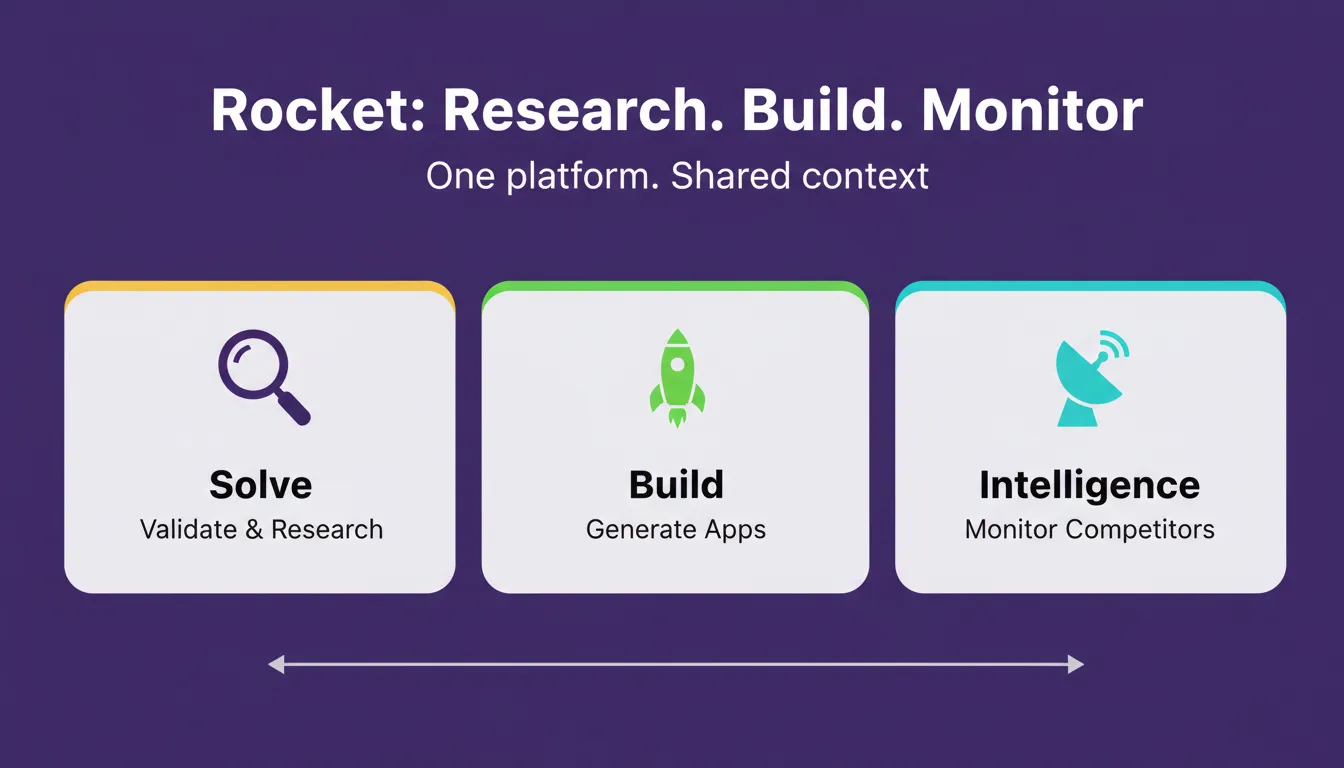
Rocket's three pillars, Solve, Build, and Intelligence, share context so the thinking before the build and the build itself happen in the same place.
Solve: Validate before you build. Type any business question. Rocket researches the market, maps competitors, and delivers a structured report with findings, evidence, and a clear recommendation. Results are ready to export as PDF or PPTX, and they flow directly into whatever you build next.
Build: Generate production-ready apps. Describe what you want in plain language. Rocket generates a fully functional app, including UI, navigation, logic, and production-ready code, in 1 to 3 minutes. Web apps are built in Next.js and mobile apps in Flutter. Every build ships with SEO-ready structure, WCAG accessibility compliance, and GDPR coverage by default. These are the baseline, not optional extras.
After generation, you have three ways to refine your app:
- Chat — give natural language instructions with no change limit.
- Visual Edit — click any element in the live preview to change it directly.
- Code View — browse and edit the generated source files, and download them for local development.
Intelligence: Monitor competitors continuously. Set it up once. Rocket then monitors pricing pages, product updates, social media, job postings, reviews, and ad campaigns across every platform your competitors operate on. Daily briefs are delivered automatically.
What Rocket Handles
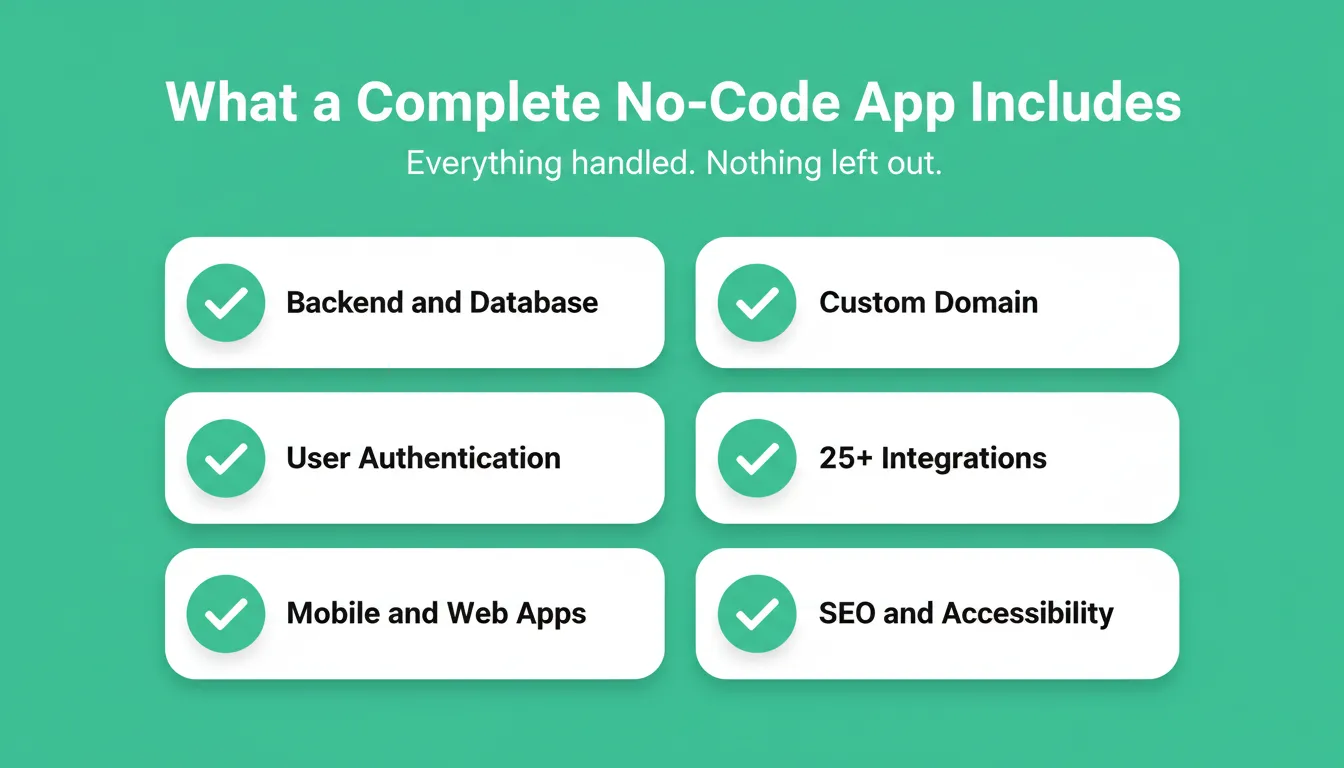
- Backend logic, Supabase database setup, and API endpoints
- User authentication, including social login
- Automatic deployment and hosting with custom domains
- Responsive design across web and native mobile apps
- 25+ integrations including Stripe, Supabase, OpenAI, Anthropic, Gemini, Google Analytics, Airtable, Notion, Linear, Mailchimp, and Twilio. Authenticate once and they flow into every build.
Rocket Pricing
| Plan | Price | Credits | What Is Included |
|---|---|---|---|
| Free | $0 | 20 (one-time) | Build websites, web apps, mobile apps |
| Pro | $25/month | 100/month | Build, plus add credits on top |
| Rocket | $50/month | 250/month | Build, Solve, and Intelligence |
| Booster | $250/month | 1,500/month | Full suite, SSO, and premium support |
All paid plans include unlimited team members. Annual billing saves 20%.
Picking the Best No-Code Platform for You
There are so many no-code platforms that choosing one can feel like opening 50 tabs. The practical approach is to start small and try free plans first. Most platforms offer free tiers so you can test the experience before committing.
When evaluating a no-code app builder, ask yourself:
- Does it generate both web and native mobile apps?
- Can I export or own my code?
- Does it include backend, authentication, and hosting?
- How many integrations does it support?
- Can I start from a Figma design or an existing codebase?
If building feels smooth and natural, stick with it. If it feels like fighting the tool, try another.
Tools That Can Help Alongside No-Code Platforms
You do not have to figure this out alone. A few supporting tools make the whole process smoother:
- Visual design: Figma. Many platforms import Figma files directly.
- Data: Google Sheets, Airtable, or Supabase for your backend data layer.
- Analytics: Built-in analytics or Google Analytics to understand real user behavior.
- Payments: Stripe or PayPal. Most serious builders support these natively.
With these alongside your no-code platform, the app-building journey becomes a lot less complicated.
Build Your No-Code AI App Today
The ability to build a no-code AI app in minutes is no longer a promise. It is the default. As AI builders grow more capable, the gap between having an idea and shipping a product will keep shrinking. The question is no longer whether you can build without code. It is what you will build first.
Rocket combines research, building, and competitive intelligence in one place, so you validate the idea, build the product, and stay ahead of the market without switching tools.
Start building for free on Rocket.new and ship your first app today.
Table of contents
- -What "No Code" Really Means
- -Who Should Use No-Code Tools?
- -What Can You Build With No-Code AI Tools?
- -Choosing the Right No-Code App Builder
- -How to Start Making Your First No-Code App
- -Six Ways to Start a Build
- -Common No-Code Mistakes to Avoid
- -Real Voices From the Community
- -Why So Many People Try No-Code Tools
- -A Look at Rocket: Research, Build, and Monitor in One Place
- -Three Pillars
- -What Rocket Handles
- -Rocket Pricing
- -Picking the Best No-Code Platform for You
- -Tools That Can Help Alongside No-Code Platforms
- -Build Your No-Code AI App Today