
A WordPress website builder alternative is a hosted platform like Wix, Squarespace, Shopify, Webflow, or Rocket that bundles hosting, security, and updates by default, unlike self-hosted WordPress where those responsibilities fall on you. Modern alternatives let growing brands launch faster, skip plugin conflicts, and focus on content or sales instead of server maintenance.
Key takeaways:
- WordPress gives you flexibility but hands you the maintenance bill: hosting, updates, plugin conflicts, security patches.
- About 32% of small businesses now use DIY website builders to launch basic sites without hiring a developer.
- The right alternative depends on your goal: Shopify for e-commerce, Squarespace for visual polish, Webflow for design control, Wix for simplicity, Rocket for full-stack apps and research-backed builds.
- Every platform below includes hosting. None requires you to manage a server.
Is WordPress Still Worth It for Growing Brands?
WordPress is a traditional content management system (CMS). That means it's powerful but requires work.
Setting up themes, configuring plugins, and tweaking layouts often take longer than expected. For a brand trying to move fast, that friction compounds quickly.
- Hosting, backups, and security all fall on you unless you pay for managed WordPress hosting.
- WordPress plugins expand functionality but can conflict with one another.
- Custom code is easy for developers but intimidating for beginners.
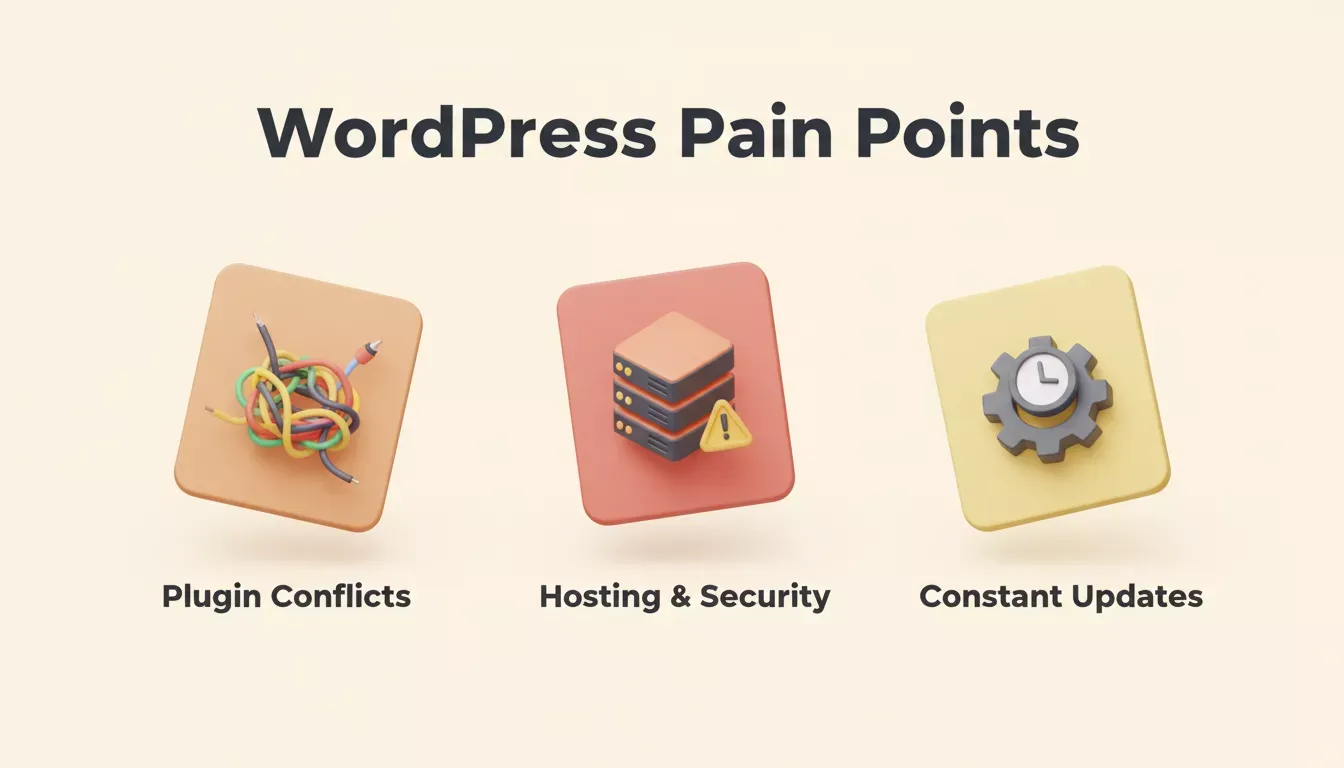
The three most common pain points that push growing brands toward a WordPress website builder alternative
Compared to most modern website builders, WordPress is more flexible but heavier. If your brand is growing fast and you want quick results, a WordPress website builder alternative often makes more sense.
According to data, about 32% of small businesses now use DIY website builders to launch basic sites without hiring a developer, proving that alternatives are gaining serious traction.
Is Wix Better Than WordPress for Beginners?
Yes, for most beginners. Wix removes the hosting, security, and plugin-management burden that makes WordPress steep to start. You get a drag-and-drop editor, built-in SEO tools, and a live site without touching a server. The trade-off is less raw flexibility than self-hosted WordPress, but for a brand that needs to launch quickly, that trade-off is usually worth it.
Hosting, Maintenance, and Security: What Actually Changes
With WordPress, growing your site often means upgrading hosting, managing caching, and constantly optimizing performance.
- You need a web hosting plan or managed WordPress hosting.
- Updates, backups, and security are your responsibility.
- Performance tuning often requires plugins or tech knowledge.
With most WordPress website builder alternatives:
- Hosting is included.
- Security and backups are automatic.
- Updates and performance tweaks are handled behind the scenes.
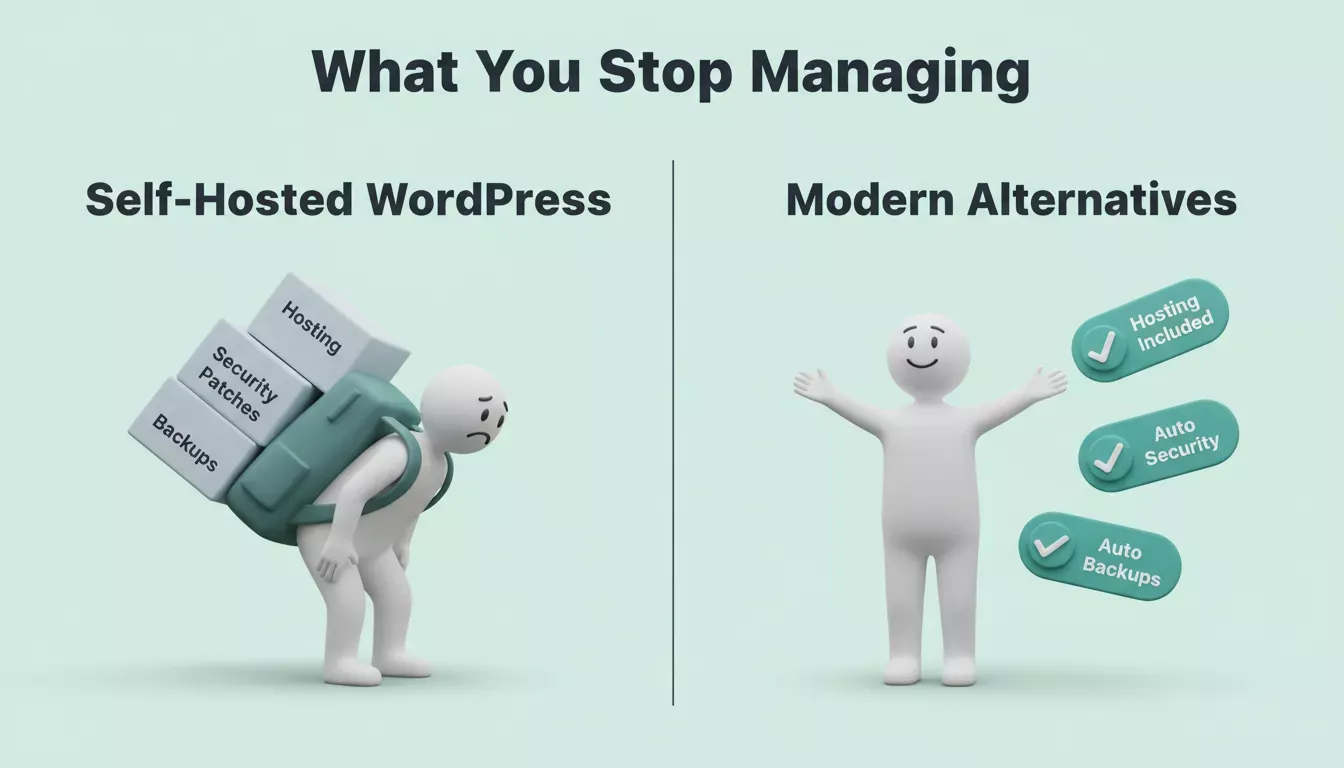
Self-hosted WordPress puts the maintenance burden on you. Modern alternatives handle it automatically.
That frees brands to focus on content, marketing, and online store management, rather than fiddling with servers.
How WordPress Alternatives Compare
This table compares top WordPress website builder alternatives across usability, design, e-commerce, and SEO. Use it as a starting point, not a final verdict. Each platform's strengths show up differently depending on what you're building.
| Platform | Ease of Use | Design Control | Ecommerce | SEO Tools | Best For |
|---|---|---|---|---|---|
| Rocket | High | High | Full-stack (Stripe, cart, checkout) | High | SaaS, apps, e-commerce, research-backed sites |
| Wix | High | Medium | Medium | Medium | Small businesses, blogs |
| Squarespace | Medium | Medium | Medium | High | Creatives, portfolios |
| Shopify | High | Low-Medium | High (native) | Medium | Dedicated e-commerce stores |
| WordPress.com | Medium | Medium | Medium | High | Bloggers, small businesses |
| Webflow | Medium-High | High | Medium | High | Designers, startups |
How to Choose: A Decision Flow
Decision flow for choosing the right WordPress website builder alternative based on your primary goal: Rocket for full-stack apps, Shopify for dedicated stores, Squarespace for creatives, Wix for small businesses, Webflow for designers.
Decision flow for choosing the right WordPress website builder alternative based on your primary goal
Top WordPress Alternatives For Modern Brands
From portfolios to full-stack SaaS products, these platforms give you tools to launch, manage, and grow your brand without managing a server.
1. Rocket
Rocket is not a landing-page tool. It is the world's first Vibe Solutioning platform, a full-stack AI builder where you research what to build, build it, and monitor what matters, all in one workspace. 1.5 million people have tried Rocket across 180 countries, from solopreneurs validating ideas to enterprise teams running strategy and execution on the same platform.
Where other WordPress website builder alternatives start at the build step, Rocket starts before it. The platform has three core pillars:
- Solve: takes any business question and returns a structured, evidence-backed research report (market analysis, competitive teardowns, PRDs, pricing strategy, M&A assessments) in 60 to 90 minutes. Export as PDF or PowerPoint. The output becomes the foundation of your build with no re-explaining of context.
- Build: generates production-grade web apps in Next.js and mobile apps in Flutter from a plain-language description, a Figma file, or an existing GitHub repo. Covers SaaS dashboards, e-commerce stores with Stripe checkout, customer portals, internal tools, marketplaces, landing pages, and multi-page websites. Every build ships with SEO-ready structure, WCAG accessibility compliance, and GDPR coverage by default.
- Intelligence: monitors every public platform a competitor operates on, continuously, and delivers structured Intel cards framed to your role and strategic questions. Nine signal pillars: website changes, social media, news, GTM motions, product and technology, hiring, business and finance, reviews, and community.
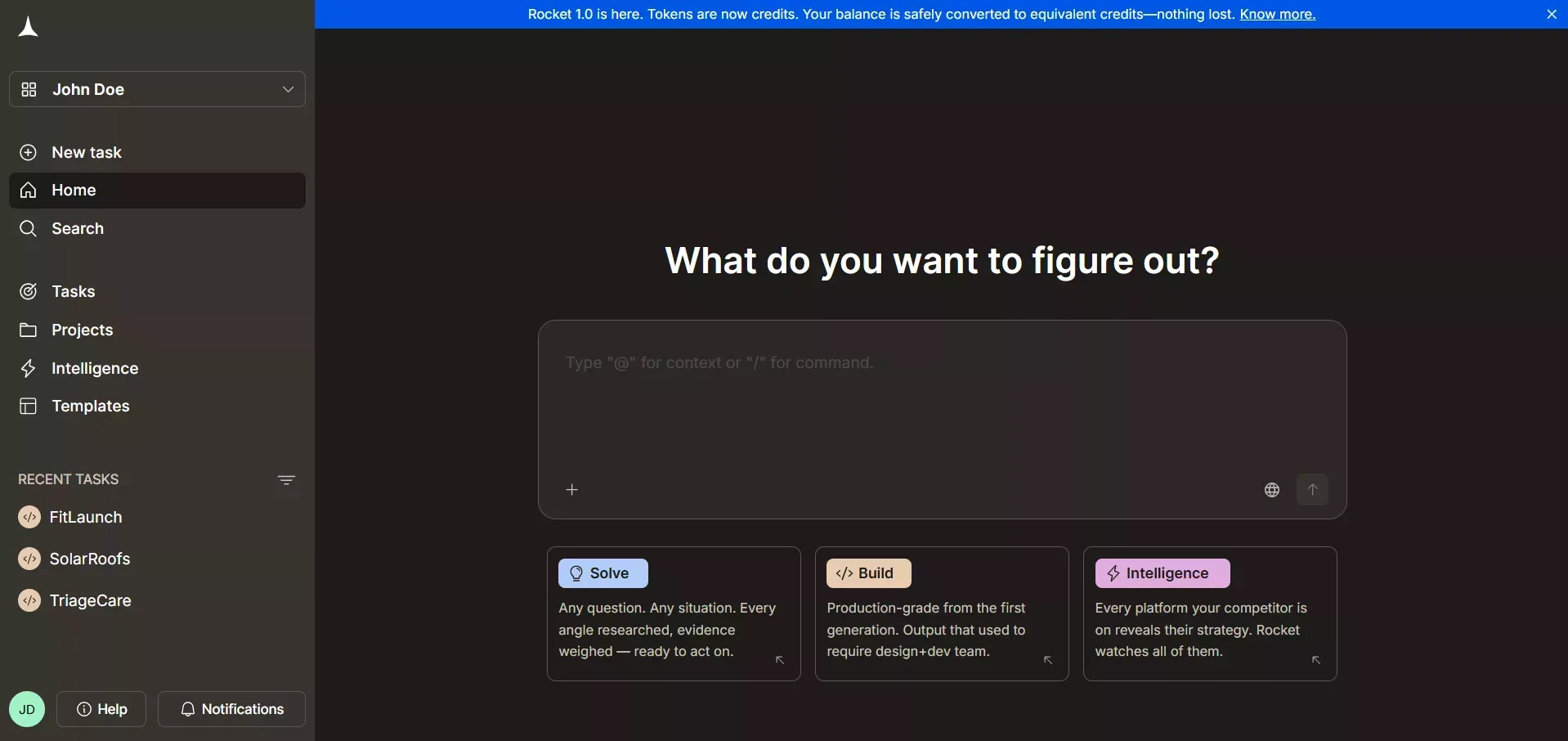
Rocket's three pillars, Solve, Build, and Intelligence
All three pillars share a compound context. The research you ran in Solve is present when you open a Build task; the competitive brief is present when you write the landing page. Nothing is re-explained. Everything compounds.
What you can build with Rocket:
- SaaS apps with authentication, team workspaces, and Stripe billing
- E-commerce stores with product catalogs, cart, checkout, and order management
- Mobile apps for iOS and Android (Flutter, App Store, and Google Play ready)
- Internal dashboards connected to Airtable, Notion, Mixpanel, Linear
- Customer portals, investor data rooms, compliance tools
- Landing pages and multi-page websites
Key integrations: Stripe, Supabase, PayPal, Google Analytics, Mixpanel, Notion, Linear, Airtable, GitHub, Figma, Mailchimp, SendGrid, Twilio, and 25+ more. Authenticate once and they flow into every build.
Starting points: Plain-language prompt, Figma import, GitHub repo (Next.js + TypeScript), URL redesign, or zero-credit templates.
After you ship: Built-in analytics (visitors, conversions, Core Web Vitals), staging and production environments, full version history, one-click rollback.
Pricing: Free plan available. Sign up in 30 seconds; no credit card required. Paid plans unlock deeper Solve research, more build credits, and Intelligence monitoring.
"They build what you tell them to build. Rocket figures out what's worth building, then builds it."
2. Wix
Wix is the most widely used no-code site builder for small businesses and service providers. It combines drag-and-drop editing with built-in hosting, making it one of the most accessible WordPress website builder alternatives for teams without a developer.
Small businesses and service providers can spin up sites without touching code, while still having SEO tools and e-commerce support ready to go.
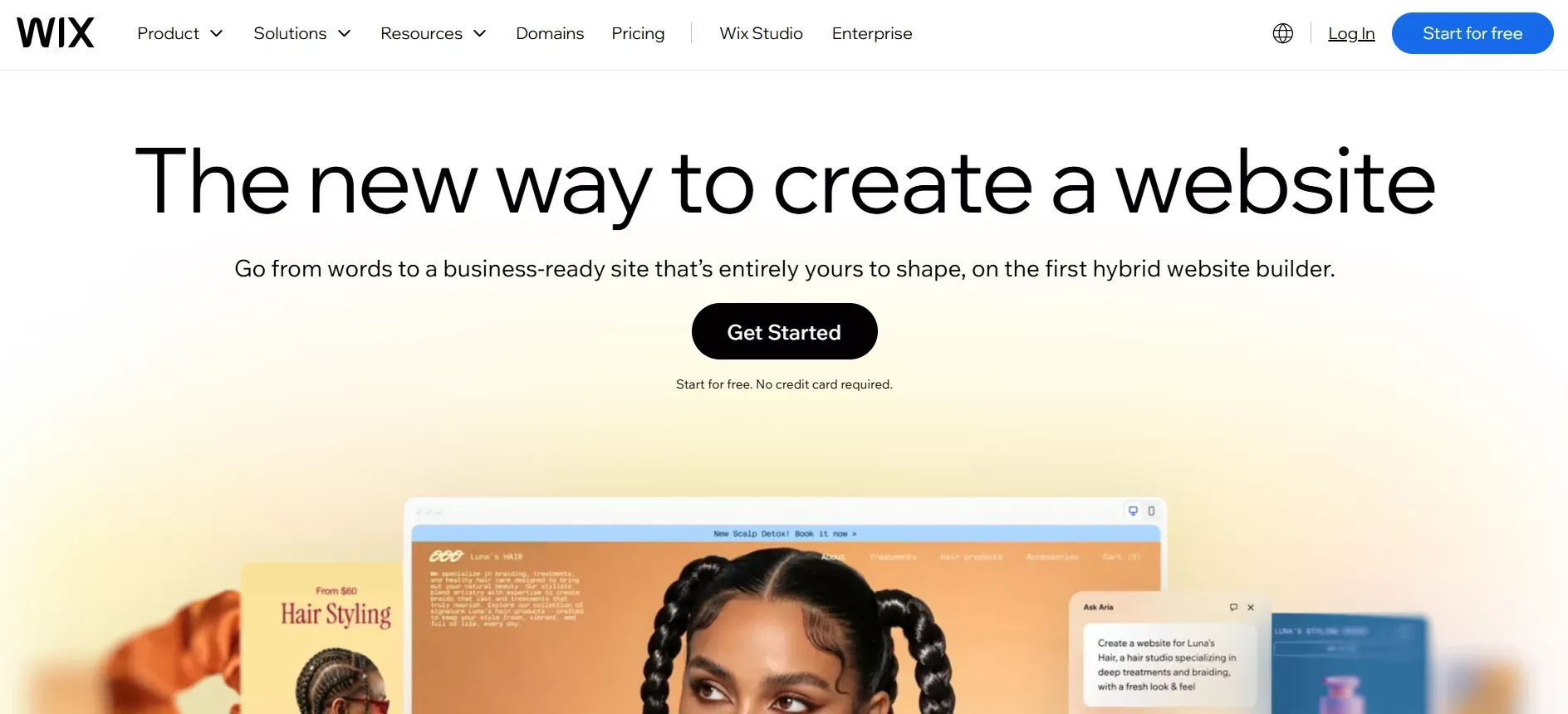
Wix - No code site builder
Key features:
- Intuitive drag-and-drop editor with 800+ templates
- Website builder with hosting included
- Free plan available
- Online store support with ecommerce tools
- Built-in SEO tools and analytics
Best for: Small business sites, service providers, and simple stores.
Limitations: Large, complex sites can feel constrained; design freedom is narrower than WordPress or Webflow.
Pricing: Free plan available; premium plans unlock a custom domain and advanced features.
Wix is the right pick when you want a reliable, user-friendly site live quickly without worrying about hosting or code. For a deeper look at how it stacks up against other options, see this comparison of Wix alternatives.
3. Squarespace
Squarespace is the strongest option when visual quality is the primary requirement. Templates are polished, typography is considered, and the editor is approachable without being as flexible as Webflow.
It's a solid WordPress website builder alternative for creatives, personal brands, and portfolios where the site itself is part of the brand statement.

Squarespaces Homepage
Key features:
- Curated, responsive templates with strong design defaults
- Drag-and-drop editing
- Built-in SEO tools
- Online store functionality with inventory management
- Analytics dashboard
Best for: Creatives, personal brands, photographers, and portfolios.
Limitations: Not ideal for highly complex multi-page sites or apps with custom logic.
Pricing: Paid plans only; no permanent free tier.
Squarespace is the right choice when the site needs to look like a design team built it, and you don't have one.
4. Shopify
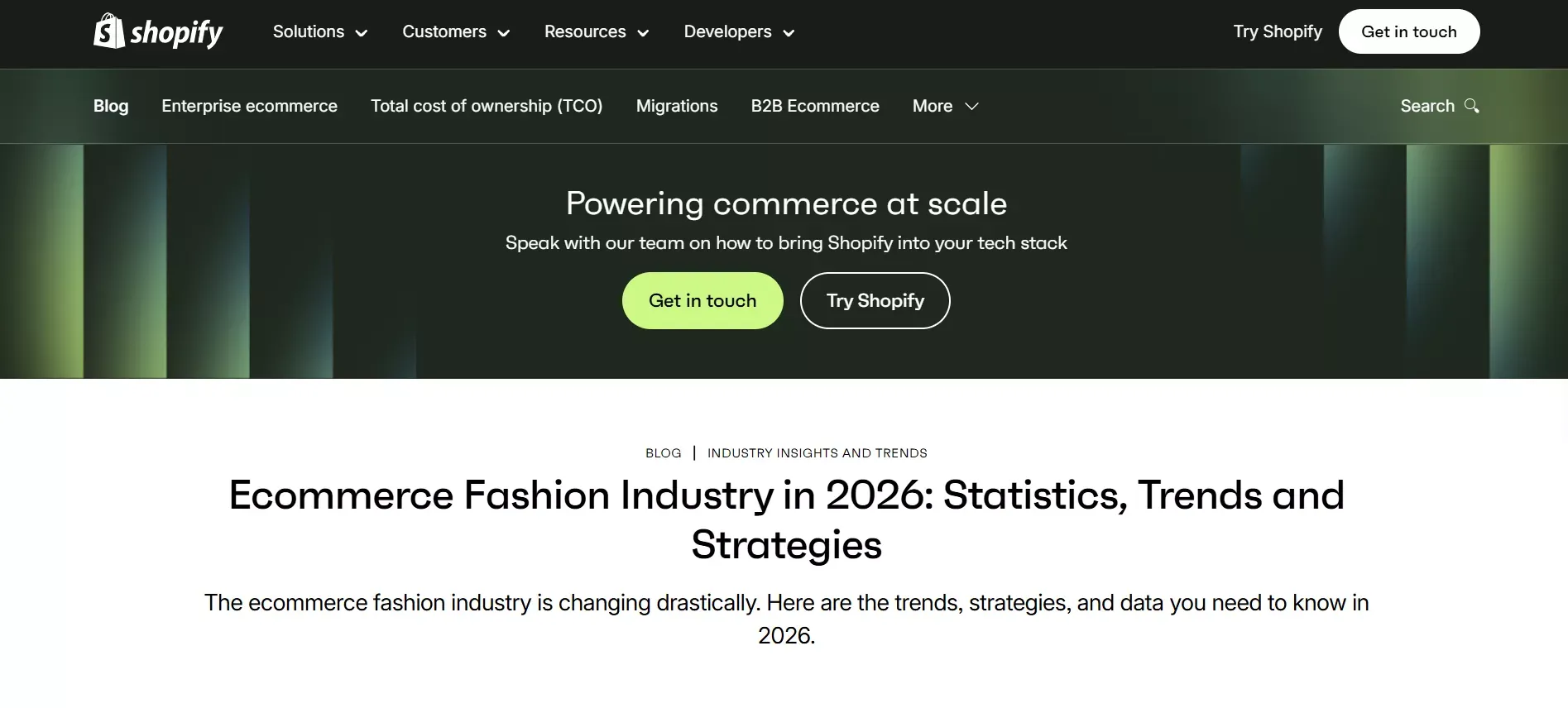
When selling is the primary goal, Shopify is the most purpose-built option in this list. It is not a general website builder; it is an ecommerce platform with a website builder attached, and that distinction matters.
Unlike WordPress with WooCommerce, you don't need to configure plugins to sell products. Shopify handles payments, inventory, and shipping natively.
Shopify - Website Builder
Key features:
- Fully functional online store with native checkout
- Inventory management and order tracking
- Payment gateways (Shopify Payments, Stripe, PayPal)
- Drag-and-drop store editor
- Marketing and analytics tools
Best for: Ecommerce businesses that need inventory, payment systems, and a dedicated storefront.
Limitations: Not designed for content-heavy blogs or apps with custom logic outside of ecommerce.
Pricing: Paid plans; optional app add-ons for extended functionality.
Shopify is the right WordPress website builder alternative when commerce is the entire point and you want the ecommerce infrastructure handled for you.
5. WordPress.com (Hosted Version)
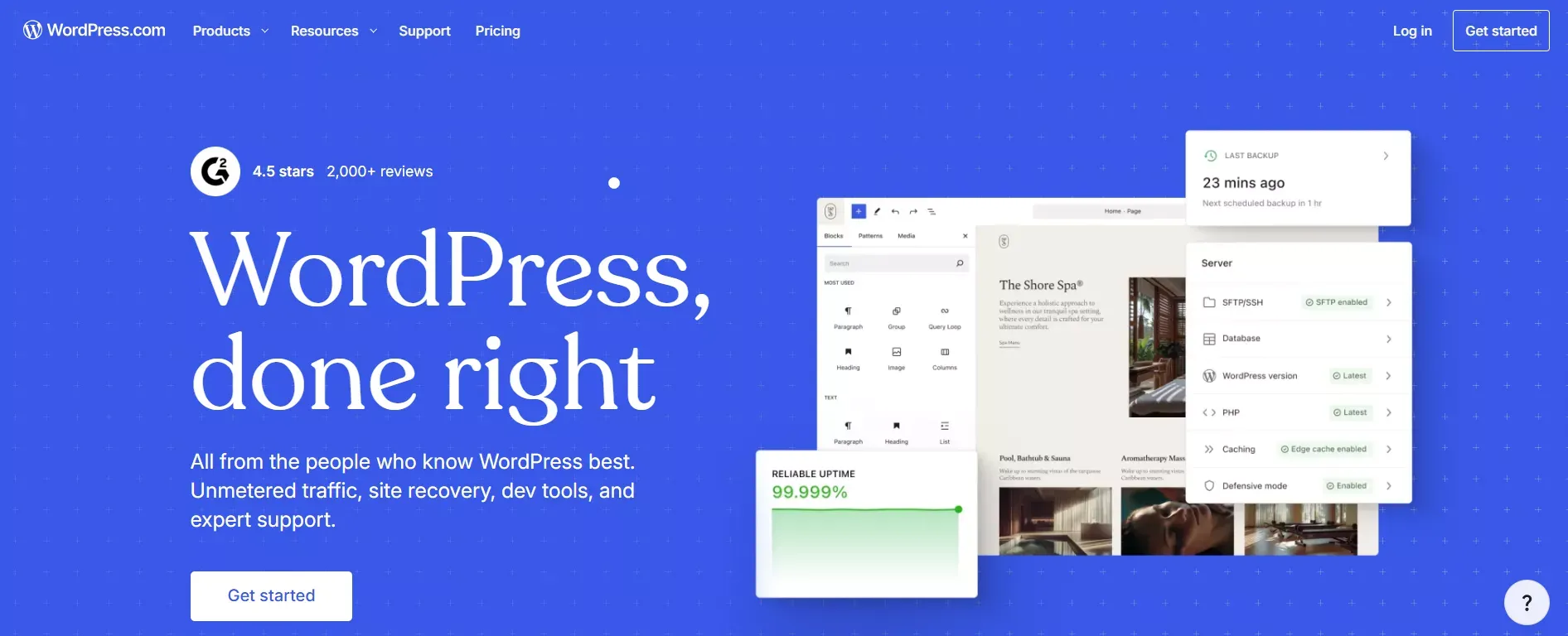
If you like WordPress but want to eliminate the maintenance overhead, the hosted version is the middle ground. You get the familiar WordPress interface with themes, plugins, and the block editor, without managing a server.
The hosted version removes most maintenance headaches while keeping the WordPress ecosystem intact.
WordPress.com
Key features:
- Managed WordPress hosting included
- Blogging platform with full editor
- Built-in themes and plugin access (plan-dependent)
- Ecommerce support via WooCommerce
- SEO features and Jetpack integration
Best for: Bloggers and small businesses that prefer the WordPress interface but don't want to manage hosting.
Limitations: Less control than self-hosted WordPress; some plugins and themes require higher-tier plans.
Pricing: Free plan available; paid plans unlock advanced themes, plugins, and custom domains.
WordPress.com is the right pick if you want the WordPress experience without the server bill.
6. Webflow
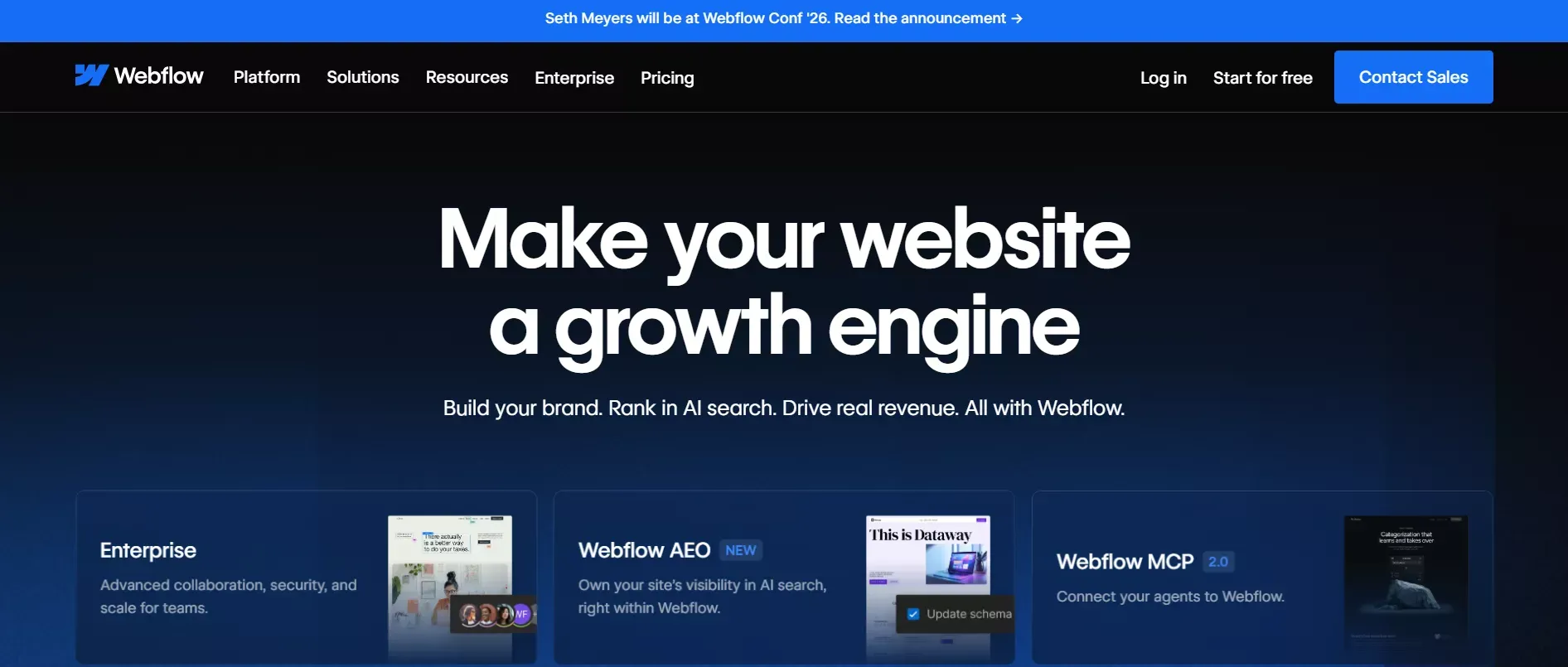
Webflow gives designers and technical founders the highest degree of visual control of any no-code platform. It generates clean, exportable code and supports CMS collections for content-driven sites.
It's a strong WordPress website builder alternative for brands where design precision and animation quality are non-negotiable.
WebFlow - Growth Engine
Key features:
- Visual drag-and-drop editor with CSS-level control
- CMS collections for dynamic content
- Clean, exportable HTML/CSS/JS
- Built-in SEO tools and meta management
- Hosting included
Best for: Designers, agencies, and technical founders who want pixel-perfect layouts without writing code.
Limitations: Steeper learning curve than Wix or Squarespace; ecommerce is functional but not as deep as Shopify.
Pricing: Free plan available; paid plans for custom domains and CMS publishing.
Webflow works best for brands that prioritize precision and design control over speed of setup.
Why These Platforms Beat WordPress for Growing Brands
The core advantage is not just ease of use. It's what you stop having to manage.
Speed to launch: No hosting setup, no plugin configuration, no theme conflicts. Most platforms get you from sign-up to live site in under an hour.
Maintenance is handled: Security patches, performance optimization, and backups happen automatically. Your team focuses on the product, not the infrastructure.
Built-in SEO without plugins: Every platform on this list includes meta tag control, sitemaps, and structured data without requiring a separate plugin.
Ecommerce without WooCommerce: Shopify, Rocket, and Wix all support online stores natively. No plugin stack to maintain.
Design quality from day one: Squarespace and Webflow produce visually polished output without a design team. Rocket generates production-grade UI that looks like a senior designer touched it from the first generation.
What the Community Says
One Reddit user described the switch plainly:
"I switched from WordPress because constantly dealing with plugin conflicts and updates was killing me. Moving to a simpler builder made everything smoother."
That pattern repeats across the user base: the switch is rarely about features. It's about reclaiming time spent on maintenance.
How to Migrate from WordPress to a New Platform
Migration is the step most comparison articles skip. Here's the practical sequence:
- Export your content. WordPress has a built-in export tool (Tools > Export) that produces an XML file of all posts, pages, and media.
- Audit what you actually need. Most sites have 20% of pages driving 80% of traffic. Migrate the valuable content; don't carry dead weight.
- Redirect old URLs. Set up 301 redirects from your old WordPress URLs to the new platform's URLs to preserve SEO equity.
- Rebuild, don't copy-paste. Use the migration as an opportunity to improve structure, not just replicate it.
- Test before you cut over. Run the new site on a staging URL, check all links, forms, and checkout flows before pointing your domain.
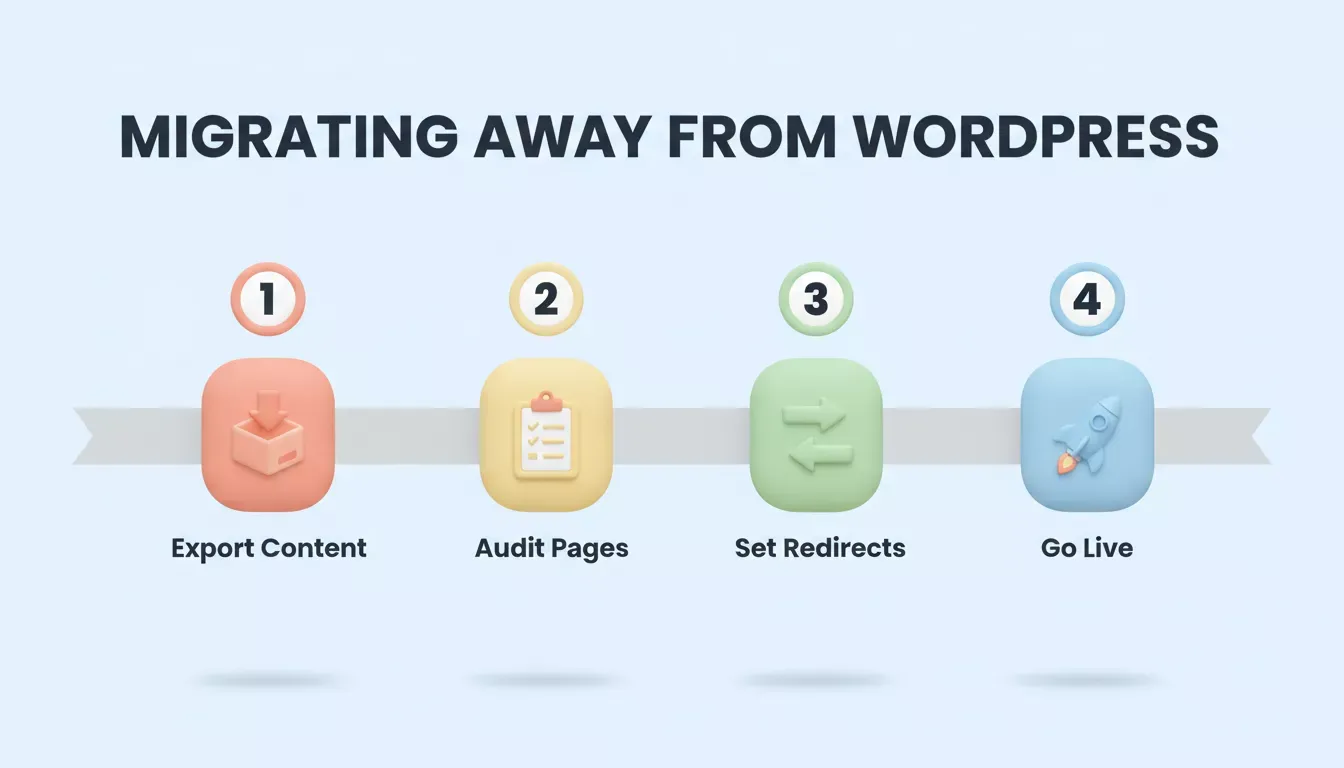
The four-step migration sequence from WordPress to a modern website builder alternative
For Rocket specifically: import your Figma designs or describe your existing site via URL, and Rocket's Redesign feature will rebuild it structurally, preserving content while updating layout, design, and performance.
Growing brands don't need to fight WordPress to get a professional, scalable website. Rocket gives you a faster path: describe what you want, get a production-grade result, and ship.
Market research, competitive intelligence, and full-stack ecommerce are all built into the same platform. Sign up in 30 seconds, no credit card required, and start building for free.
Table of contents
- -Is WordPress Still Worth It for Growing Brands?
- -Is Wix Better Than WordPress for Beginners?
- -Hosting, Maintenance, and Security: What Actually Changes
- -How WordPress Alternatives Compare
- -How to Choose: A Decision Flow
- -Top WordPress Alternatives For Modern Brands
- -1. Rocket
- -2. Wix
- -3. Squarespace
- -4. Shopify
- -5. WordPress.com (Hosted Version)
- -6. Webflow
- -Why These Platforms Beat WordPress for Growing Brands
- -What the Community Says
- -How to Migrate from WordPress to a New Platform