

The top website building platforms in 2026 range from drag-and-drop editors like Wix and Squarespace to AI-native builders like Rocket. Your choice depends on your goal, budget, and whether you need a simple site or a full-stack app.
Which website building platform is right for your project in 2026?
The best website building platforms let you launch a professional site in hours, not weeks.
According to Clutch research, about 72% of businesses now have a website. A Forbes survey found that 38% of users stop engaging with a site if the layout is unattractive.
This blog compares the top builders across pricing, AI features, ecommerce, and ease of use. Use it to pick the right platform fast.
Why Use a Website Builder?
Most people want a smooth, stress-free experience. A good builder lets you design, customize, and launch a new site quickly. The right platform eliminates the need for a developer, cuts launch time, and keeps ongoing costs low.
You can build clean, professional sites in a few hours without any coding. These tools help everyone, from beginners to small business owners, create impressive websites using drag-and-drop editors, AI tools, and a wide range of templates.
So, let's compare key features and find the platform that fits your project without wasting time.
Top Website Building Platforms at a Glance
Before diving in, here is a quick snapshot of the most popular website builders and their 2026 pricing.
| Platform | Best For | AI Tools | Ecommerce | Mobile Apps | Starting Price |
|---|---|---|---|---|---|
| Rocket | Full-stack apps, websites, and AI research | Solve, Build, and Intelligence | Yes, via integrations | Yes (iOS and Android) | Free tier |
| Wix | Beginners, small business | AI design and content | Yes | No | $17/mo |
| Squarespace | Creatives, portfolios | AI-assisted design | Yes | No | $16/mo |
| GoDaddy | Quick simple sites | AI content (Airo) | Limited | No | $10/mo |
| Shopify | Online stores | AI store setup | Strong | No | $29/mo |
| WordPress.com | Blogs, content-heavy sites | AI site builder | Optional | No | $4/mo |
| Webflow | Designers, agencies | AI layout tools | Yes | No | $15/mo |
| Framer | Interactive marketing sites | AI copy and layout | No | No | $10/mo |
| Hostinger | Budget-conscious users | AI builder | Limited | No | $2.99/mo |
| Strikingly | Single-page and simple sites | AI site builder | Yes (limited) | No | Free / $16/mo |
Whether you want a full online store, a professional portfolio, or a no-code website, there is a website building platform for every project and skill level.
No-Code vs AI-Native: The 2026 Shift
Website building has gone through three distinct generations. Understanding where each tool sits today helps you choose the right one.
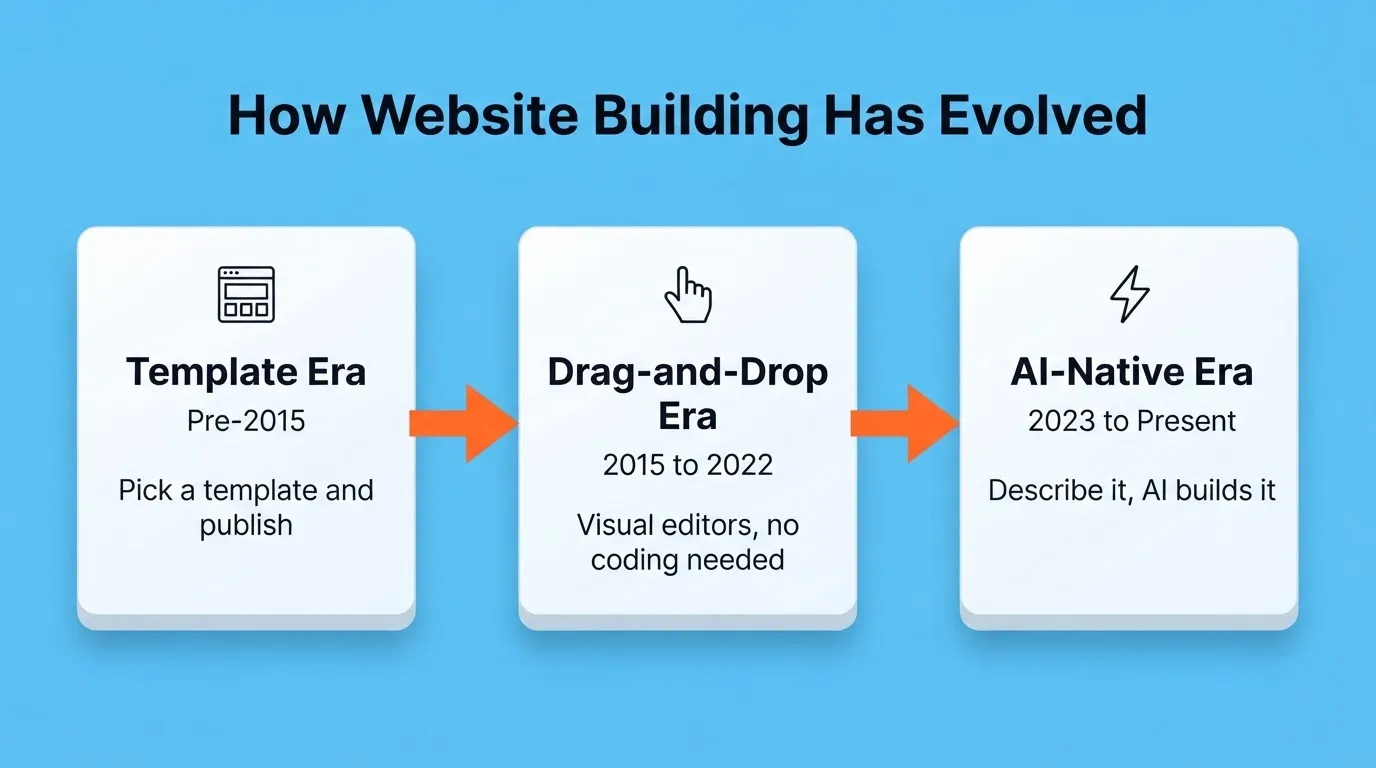
- Template era (pre-2015): Pick a template, fill in your content, and publish. Fast but rigid.
- Drag-and-drop era (2015 to 2022): Visual editors like Wix and Squarespace gave non-developers real creative control without code.
- AI-native era (2023 to present): Describe what you want in plain language. The platform generates UI, logic, content, and in some cases a full backend.
Most website building platforms today sit between generations two and three. They have added AI features on top of drag-and-drop editors. A smaller number were built AI-first from the ground up. For those platforms, the AI is not a bolt-on feature; it is the entire creation engine.
The practical difference: a drag-and-drop builder with AI suggestions still requires you to assemble the site manually. An AI-native platform generates a working, deployable product from a single description.
Best For: Quick-Answer Guide
| Goal | Best Platform | Why |
|---|---|---|
| Best for beginners | Wix | Intuitive drag-and-drop, large template library, no coding |
| Best for ecommerce | Shopify | Purpose-built for stores, strongest payment and inventory tools |
| Best for creatives and portfolios | Squarespace | Premium design quality, consistent aesthetics out of the box |
| Best for blogs and content | WordPress.com | Massive plugin ecosystem, best long-form publishing tools |
| Best for SaaS and full-stack apps | Rocket | Builds web apps, mobile apps, and runs market research in one platform |
| Best free option | Strikingly | Unlimited free plan with real ecommerce on paid tiers |
| Best for designers and agencies | Webflow | Pixel-level CSS control, clean exportable code |
| Best budget option | Hostinger | AI builder from $2.99/mo with free domain and SSL |
| Best for high-converting pages | Framer | AI-generated layouts, fast performance, SaaS-ready |
| Best for quick simple sites | GoDaddy | Fastest path from zero to live with minimal decisions |
1. Rocket: Research, Build, and Monitor in One Platform
 Rocket is not a website builder in the traditional sense. It is a Vibe Solutioning platform. That means it is a single AI environment where you research markets, build production-ready web and mobile apps, and monitor competitors without switching tools. 1.5 million people have tried Rocket across 180 countries, from solopreneurs to enterprise teams.
Most platforms on this list help you build a website. Rocket helps you figure out what to build, build it, and track how competitors respond, all from one workspace.
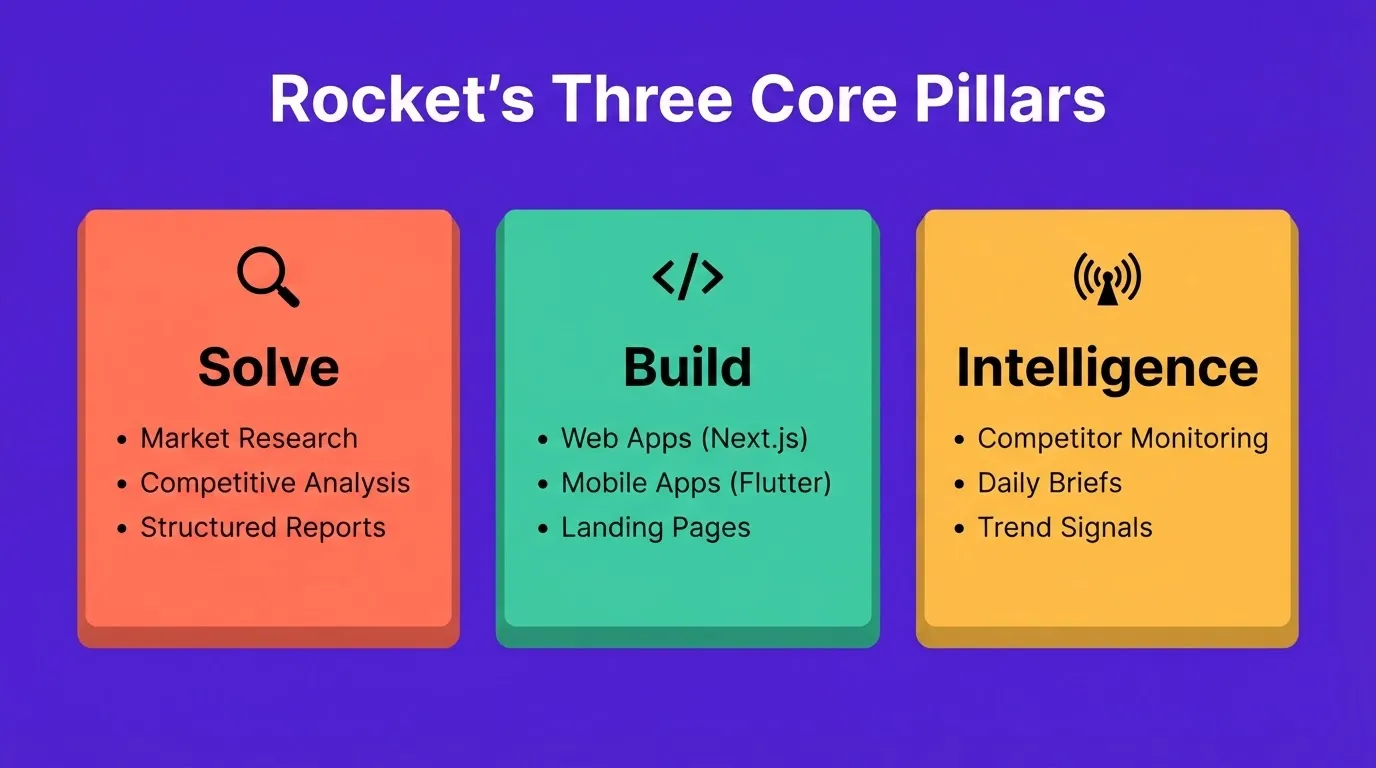
Solve
Solve is Rocket's research engine. Type any business question in plain language and get back a structured, evidence-backed report. It covers market sizing, competitive teardowns, pricing strategy, and product direction. Solve runs parallel research agents and delivers an executive-grade document, not just a chatbot response.
Build
Build is the AI app builder. Describe what you want, and Rocket generates a fully functional app with UI, navigation, logic, and production-ready code. Build produces Next.js web apps and Flutter mobile apps for iOS and Android. Both are submittable directly to the App Store and Google Play. You can start from a text prompt, a Figma design, an existing URL, or a GitHub repository.
Every product ships with SEO-ready structure, WCAG accessibility compliance, GDPR coverage, and performance optimization by default. These are the baseline, not optional extras.
Intelligence
Intelligence is continuous competitor monitoring. It covers website changes, social and news activity, customer reviews, and advertising signals. It watches companies you follow and delivers ranked Intel cards framed to your role and strategic context. Rather than raw alerts, you get interpreted signals that tell you what changed and why it matters.
The three pillars connect naturally. A Solve report can scope what you monitor in Intelligence. An Intelligence signal can trigger a new Solve question. Solve findings then feed directly into a Build task through shared context.
Redesign
Rocket also includes a Redesign pillar. Point it at any live website URL and choose from eight slash commands that control the depth and direction of change. Options include a full website makeover, a mobile-first rebuild, a heatmap-driven redesign, and conversion issue fixes. No other platform on this list reads an existing site structurally and selectively improves it.
Key Features
- Prompt-to-app generation: Describe an app in plain language. Rocket plans the architecture, writes production-ready code, and shows a live preview.
- Web and native mobile: Build produces Next.js web apps and Flutter iOS/Android apps from a single workflow. Mobile builds are submittable to the App Store and Google Play.
- Figma-to-code and GitHub import: Import a Figma file or an existing Next.js TypeScript repo and Rocket continues from where you left off.
- 25+ integrations: Wire Stripe, Supabase, HubSpot, Airtable, OpenAI, Resend, and more into your app from a single prompt.
- Built-in analytics: Every deployed project includes visitors, conversions, and Core Web Vitals monitoring with zero setup required.
- Staging and production environments: Full version history and one-click rollback are included.
- Code export: Download the full codebase as a .zip for further customization (paid plan required).
Pricing
| Plan | Price | Credits | What's Included |
|---|---|---|---|
| Free | $0 | 20 (one-time) | Build production-ready apps + Light Solve |
| Pro | $25/mo | 100/month | Build + Light Solve (Full Solve not included) |
| Rocket | $50/mo | 250/month | Build + Consultant-grade Solve (auto-routed) + Intelligence |
| Booster | $250/mo | 1,500/month | Build + Consultant-grade Solve + Intelligence, high-volume usage |
Annual billing saves 20%. All paid plans include unlimited team members. Unused credits roll over month-to-month on monthly plans.
Who It Is For
Rocket is best for founders, product teams, and technical marketers who need more than a website. It suits teams that want to validate an idea, build a production-ready product, and track competitors from a single platform.
2. Wix
 Wix is best for beginners and small businesses that want creative control without writing a single line of code. It remains one of the most popular website building platforms in 2026, with a large template library and a mature App Market.
Key Features
- Fully flexible drag-and-drop editor: place any element anywhere on the canvas
- 900+ website templates for blogs, businesses, restaurants, photographers, and more
- Built-in marketing tools: email campaigns, contact forms, and social media integration
- AI tools that suggest layouts and generate copy based on your niche
- Wix Payments, Wix Stores, and Wix Bookings for ecommerce and service businesses
Worth noting: once you choose a Wix template, you cannot switch it without rebuilding from scratch. If you are evaluating other options, see Wix alternatives you can trust for faster website building.
| Plan | Price | Key Feature |
|---|---|---|
| Light | $17/mo | Basic site, 2 GB storage |
| Core | $29/mo | Ecommerce, 50 GB storage |
| Business | $39/mo | Advanced ecommerce |
| Business Elite | $159/mo | Priority support, unlimited storage |
A free plan is available with Wix-branded hosting. Annual billing saves approximately 30%.
3. Squarespace
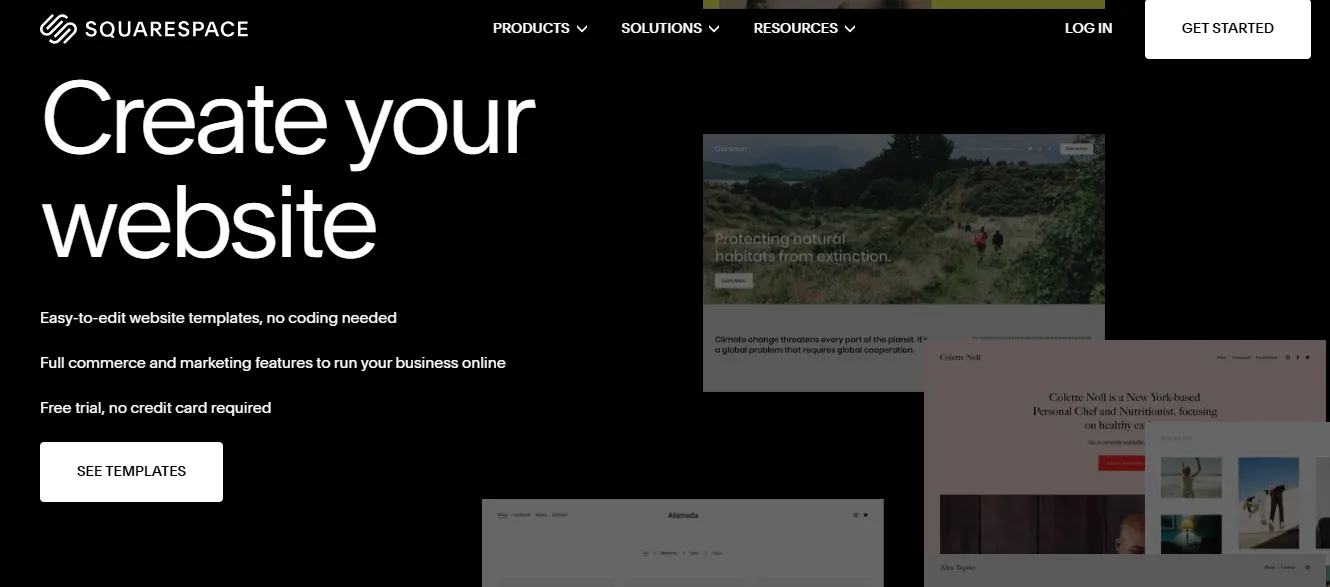 Squarespace is best for creatives, photographers, and brand-driven businesses that prioritize design quality over deep customization. It is the go-to website building platform when how your site looks matters as much as what it does.
Key Features
- Clean, modern design with premium typography and layout control
- Structured drag-and-drop editor that enforces visual consistency
- Professional website templates for creatives, service providers, and portfolios
- Built-in web hosting, SEO tools, analytics, and email marketing
- Squarespace Commerce for product sales and subscription management
Worth noting: Squarespace offers fewer third-party integrations than WordPress and less layout flexibility than Wix.
| Plan | Price | Key Feature |
|---|---|---|
| Personal | $16/mo | Basic site, no ecommerce |
| Business | $23/mo | Ecommerce with 3% transaction fee |
| Commerce Basic | $28/mo | Full ecommerce, 0% transaction fee |
| Commerce Advanced | $52/mo | Subscriptions and abandoned cart recovery |
No free plan is available, but a 14-day trial is offered.
Best for: Creatives, photographers, consultants, and brand-driven businesses where aesthetics are a priority.
4. GoDaddy Website Builder
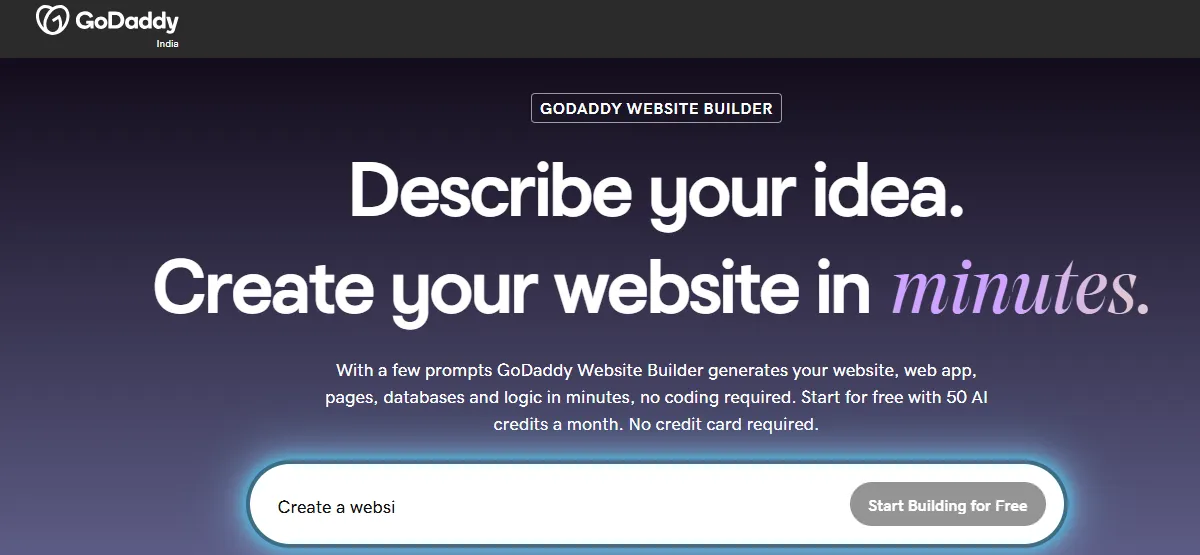 GoDaddy Website Builder is best for users who need a simple site live as fast as possible with minimal setup decisions. It is the fastest path from zero to published among all the website building platforms on this list.
Key Features
- Beginner-friendly editor with simple drag-and-drop content blocks
- GoDaddy Airo: AI-powered onboarding that generates a starter site, logo, and social media content from a short business description. Most users are live within 10 minutes.
- Custom domain included with yearly plans
- Basic SEO tools and essential business features
Worth noting: GoDaddy offers very limited design customization. It is not suitable for anything beyond a basic brochure site.
| Plan | Price | Key Feature |
|---|---|---|
| Basic | $10/mo | Simple site, one page |
| Premium | $15/mo | Ecommerce and marketing tools |
Best for: Users who need a basic site live fast with no desire for deep customization.
5. Shopify
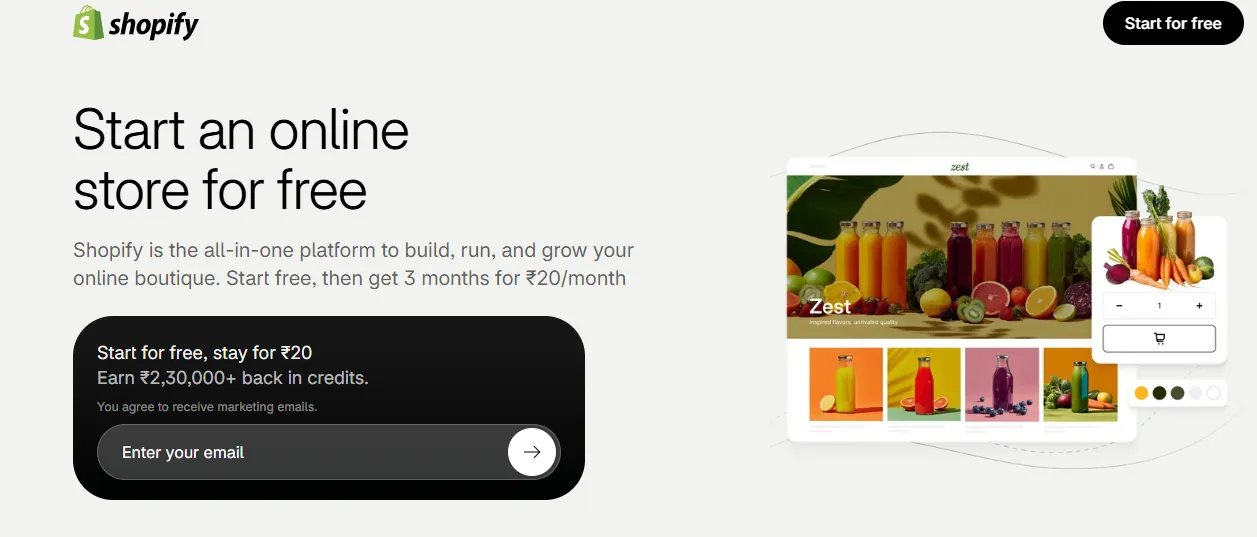 Shopify is best for businesses whose primary goal is selling products online. It is the strongest dedicated ecommerce website building platform available in 2026, purpose-built for stores rather than adapted from a general-purpose builder.
Key Features
- Drag-and-drop store sections for flexible layout design
- Powerful ecommerce tools: payments, inventory, shipping, and marketing
- AI features for store layout and product description generation
- Supports both digital and physical product sales
- 8,000+ apps for extending store functionality
Worth noting: transaction fees of 0.5% to 2% apply unless you use Shopify Payments. App costs also add up fast.
| Plan | Price | Key Feature |
|---|---|---|
| Basic | $29/mo | 2 staff accounts, basic reports |
| Shopify | $79/mo | 5 staff accounts, professional reports |
| Advanced | $299/mo | 15 staff accounts, custom reports |
A 3-day trial is available.
Best for: Ecommerce businesses of any size, from solo sellers to high-volume stores.
6. WordPress.com
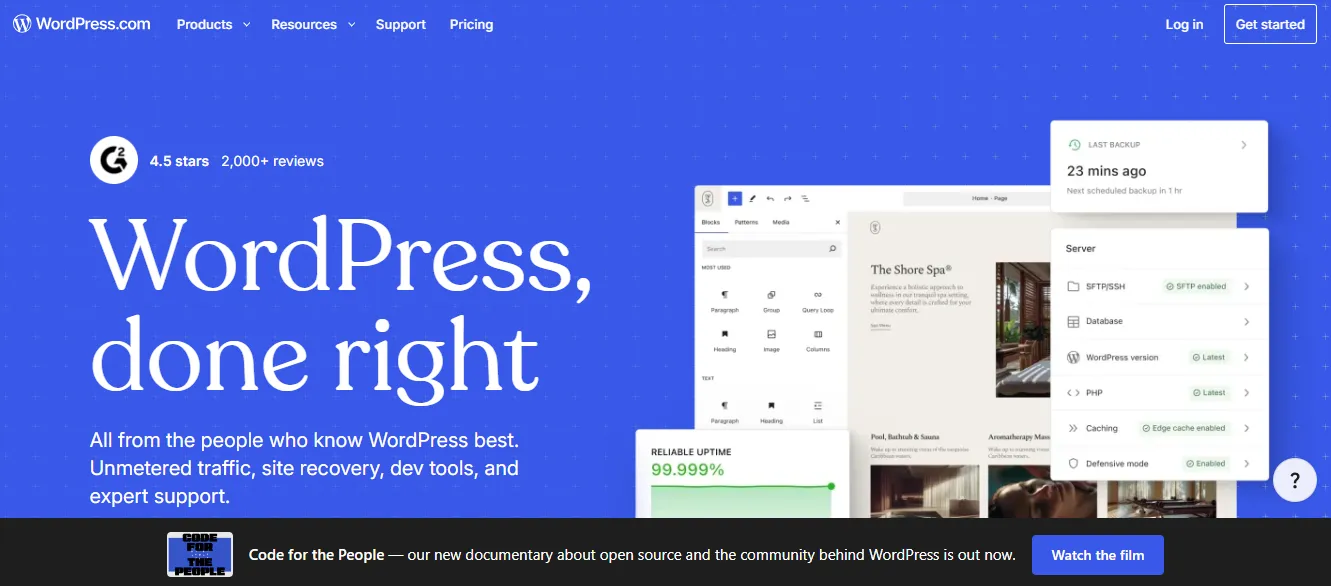 WordPress.com is best for bloggers, writers, and content-heavy websites that need long-form publishing tools and a large plugin ecosystem. It is the most established content platform on this list, powering approximately 43% of all websites on the internet (W3Techs, 2026).
A key distinction worth understanding: WordPress.com is a hosted service where Automattic manages the servers, updates, and security. WordPress.org, on the other hand, is the open-source software you self-host. WordPress.org gives you complete control and access to 60,000+ plugins, but it requires your own hosting, domain, and maintenance.
Key Features
- AI site builder that generates copy, layouts, and images from prompts
- Block editor for flexible page building
- Massive ecosystem of plugins, themes, and integrations
- Strong blogging and publishing tools for long-form content
Worth noting: the Entrepreneur plan ($45/mo) is required to install plugins. The $4/mo Starter plan is significantly limited for anything beyond basic publishing.
| Plan | Price | Key Feature |
|---|---|---|
| Starter | $4/mo | Basic blog, WordPress.com ads shown |
| Explorer | $8/mo | Custom domain, no ads |
| Creator | $25/mo | Monetization tools |
| Entrepreneur | $45/mo | Full plugin access |
Best for: Bloggers, content publishers, and teams that prioritize long-form content and customization over visual polish.
What You Gain With Each Builder
Picking the right website building platform is not just about looks. As you compare options, keep in mind that each platform comes with perks that directly impact your launch speed, ongoing costs, and growth potential.
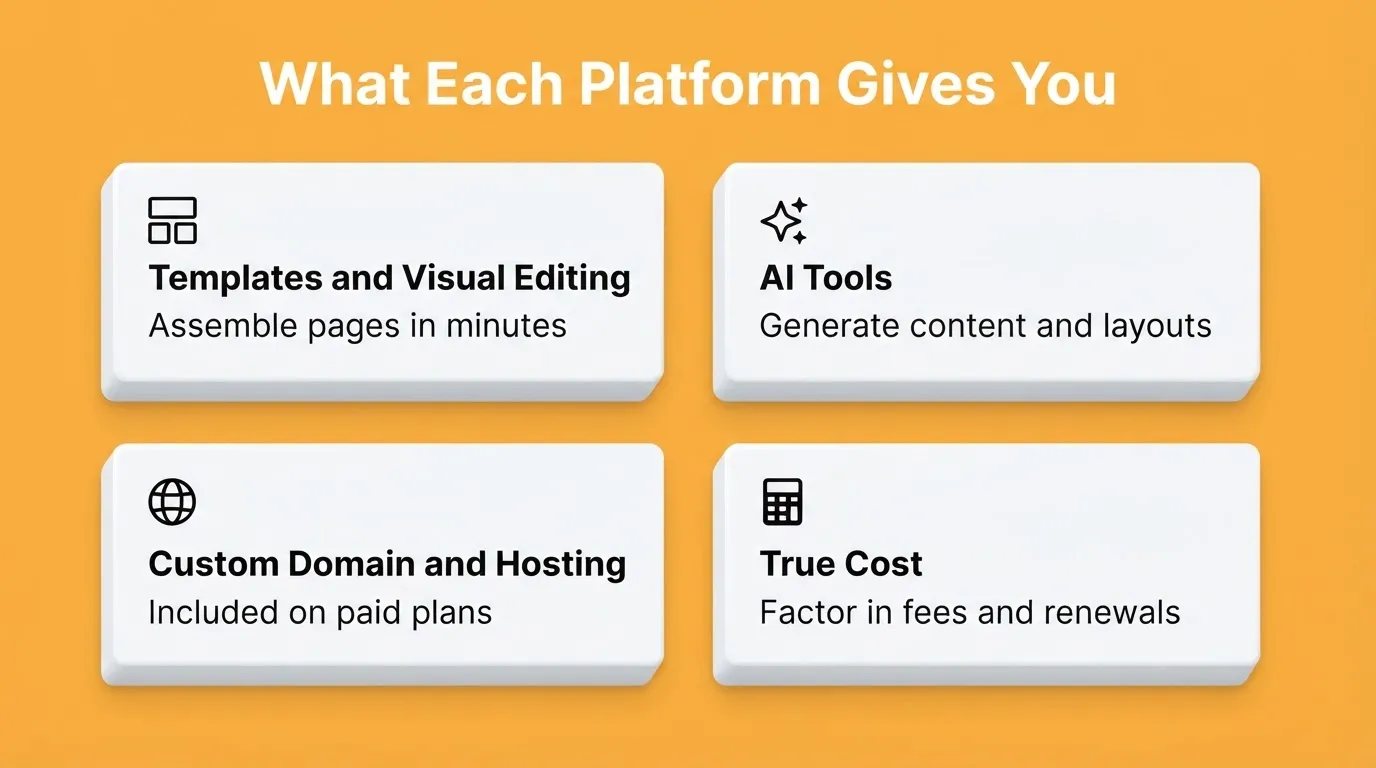
Templates and visual editing: Most builders offer a wide range of website templates. With drag-and-drop editors, you can assemble a layout in minutes and fine-tune it to fit your brand.
AI tools: Many website building platforms now mix traditional editing with AI tools that write content, suggest layouts, and optimize for search engines. AI-native platforms go further by generating entire apps from a description.
Custom domain and hosting: Paid plans usually include a custom domain and web hosting. Most free plans use a branded subdomain, so upgrading to a custom domain typically requires a paid plan.
True cost beyond sticker price: Factor in transaction fees, add-on app costs, renewal pricing, and domain registration. The cheapest monthly plan is rarely the cheapest annual cost.
Which Website Building Platform Is Best for SEO?
SEO performance varies significantly across platforms. Here is how each one handles the fundamentals:
- Webflow: Strongest SEO defaults. Full control over meta tags, schema, canonical URLs, and clean semantic HTML.
- Rocket: Ships every build with SEO-ready structure, XML sitemap, and mobile-responsive layouts by default. Use
/Generate SEO Reportand/Fix SEO Issuesslash commands for deeper optimization. Rocket also supports GEO (Generative Engine Optimization) for AI search visibility. - Squarespace: Solid built-in SEO tools, automatic sitemap, clean URLs, and SSL. Limited schema control.
- **WordPress.com:** Best for content SEO via plugins like Yoast and RankMath on the Entrepreneur plan.
- Wix: Has a built-in SEO wizard, though URL structure is less clean than Webflow or Rocket.
- Shopify: Strong for product and ecommerce SEO. Less suited for blog or content SEO.
- GoDaddy, Hostinger, Strikingly: Basic SEO tools only. Not recommended for SEO-driven growth strategies.
The bottom line: if organic search is a primary growth channel, Webflow and Rocket offer the most control. If you just need the basics covered, Squarespace and Wix handle them well out of the box.
7. Webflow
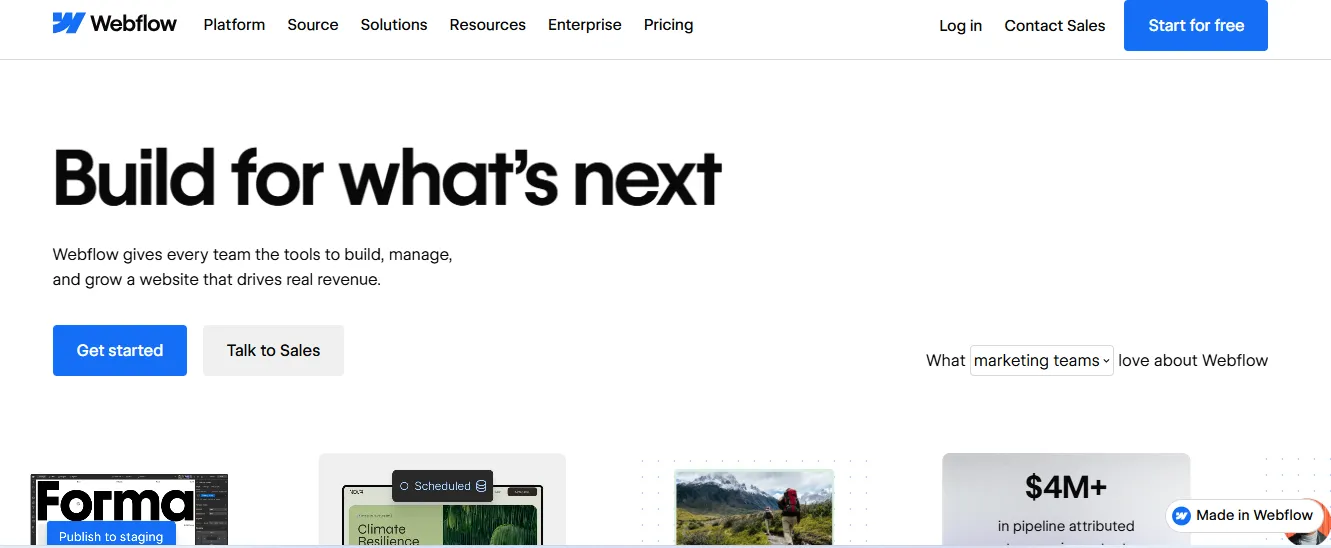 Webflow is best for designers and agencies that need pixel-level control over every layout detail without writing code. It bridges the gap between no-code website building and professional design.
If you are evaluating Webflow alternatives for modern website building, understanding what Webflow does well first helps you identify where alternatives actually improve on it.
Key Features
- Visual CSS editor with full layout control
- CMS-powered sites for dynamic content management: design the template once and every new entry inherits it automatically
- Clean, exportable HTML/CSS code output
- Interactions and animations built without JavaScript
- Strong SEO controls and fast hosting via Fastly CDN
Worth noting: Webflow has a steep learning curve. It is not suitable for non-technical users without significant time investment.
| Plan | Price | Key Feature |
|---|---|---|
| Basic | $15/mo | Static site, 150 pages |
| Premium | $25/mo | CMS, 50 GB bandwidth |
Workspace plans for teams start at $19/month.
Best for: Designers and agencies who need fine-grained design control and clean code output.
8. Framer
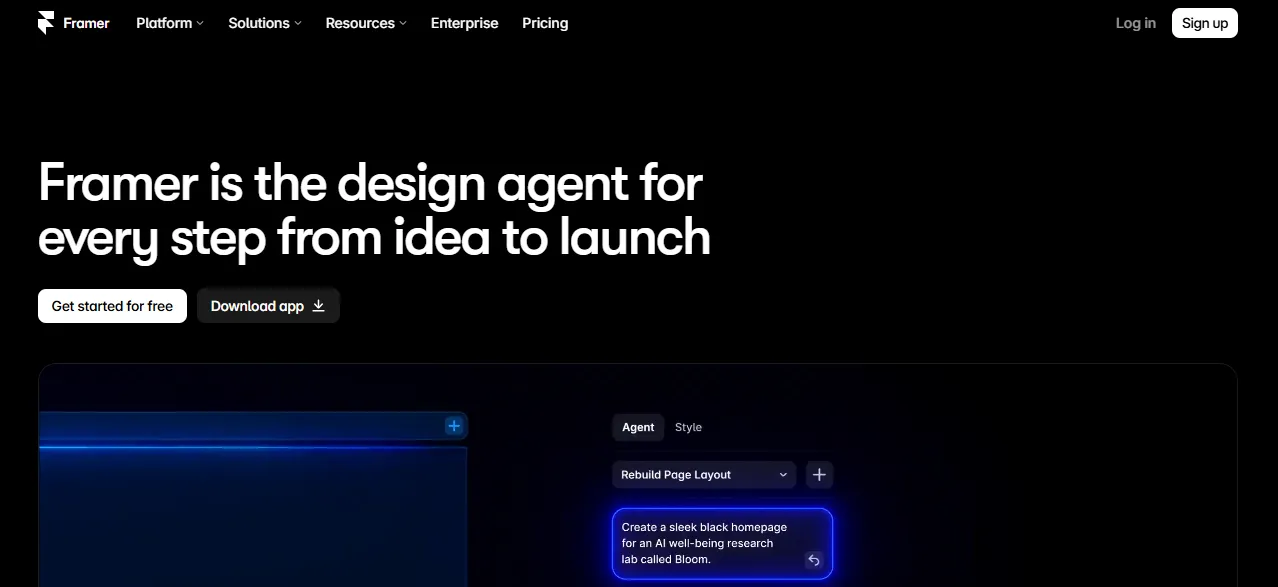 Framer is best for startups and SaaS teams that need a fast, high-converting marketing site without a developer. It has evolved from a prototyping tool into a full-featured website building platform with strong AI capabilities.
Key Features
- AI-generated layouts and copy from a single prompt
- Component-based design system for consistent branding
- Built-in CMS for blog and dynamic content
- Fast performance with automatic image optimization
Worth noting: Framer has no native e-commerce support and limited CMS for complex content structures.
| Plan | Price | Key Feature |
|---|---|---|
| Mini | $10/mo | 1 site, basic features |
| Basic | $20/mo | Custom domain, 1,000 pages |
| Pro | $30/mo | Unlimited pages and CMS |
A free plan is available with a Framer-branded domain.
Best for: Startups and SaaS companies that want a polished marketing site without a developer.
9. Hostinger Website Builder
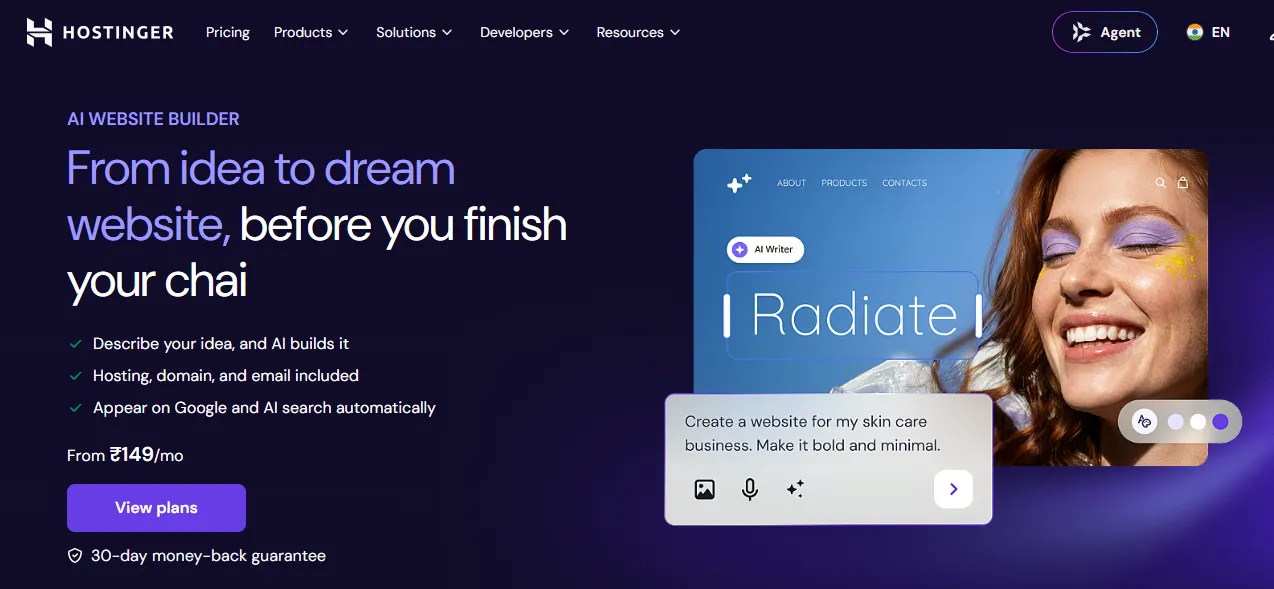 Hostinger is best for budget-conscious users who still want AI-powered site creation. It offers one of the most affordable website building platforms in 2026, with a free domain and SSL included on annual plans.
Key Features
- AI website builder that generates a full site from a short description
- Drag-and-drop editor with 150+ templates
- Free domain and SSL certificate on annual plans
- Built-in SEO tools and Google Analytics integration
Worth noting: Hostinger offers fewer integrations than competitors. Introductory prices also increase significantly on renewal, with $2.99/mo often renewing at $7.99 to $11.99/mo.
| Plan | Price | Key Feature |
|---|---|---|
| Premium | $2.99/mo | 100 websites, free domain |
| Business | $3.99/mo | Ecommerce and daily backups |
Best for: Budget-conscious users, students, and small businesses that want a professional site at the lowest possible cost.
10. Strikingly
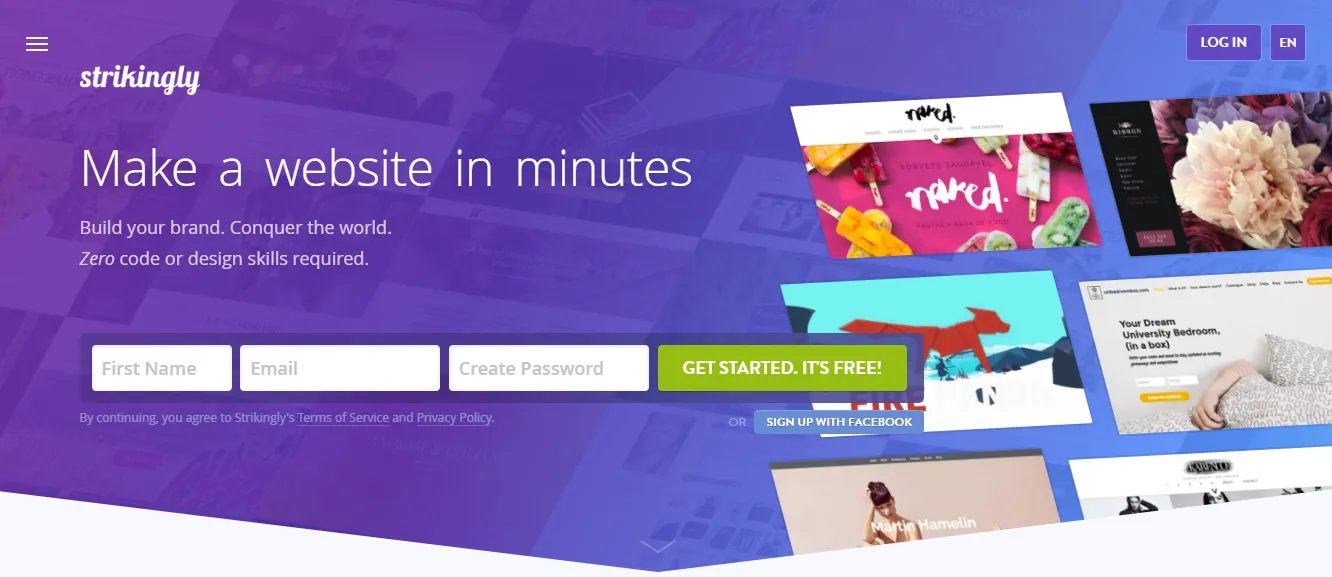 Strikingly is best for personal projects, event pages, and simple business sites that need a genuinely free starting point. It is one of the few website building platforms with an unlimited free plan that includes real ecommerce capability on paid tiers.
Key Features
- Single-page and short multi-page website creation
- Drag-and-drop editor with mobile-optimized templates
- Free plan includes unlimited sites with a Strikingly subdomain
- Sell a single product on the free plan and up to 300 products on Pro
- Built-in site memberships, password protection, and custom forms on paid plans
- 24/7 live chat support on all plans
Worth noting: Strikingly's single-page focus limits SEO for multi-topic businesses. Search engines have less content to index across separate URLs, which reduces ranking potential for sites covering multiple topics.
| Plan | Price | Key Feature |
|---|---|---|
| Free | $0 | Unlimited sites, Strikingly subdomain |
| Pro | $16/mo | Custom domain, 300 products |
| VIP | $49/mo | Unlimited products, 0% transaction fees |
Best for: Personal projects, event pages, and simple business sites that want to start and grow into ecommerce or memberships.
How to Choose: A Decision Framework
Use this framework to narrow your choice before comparing features in detail.
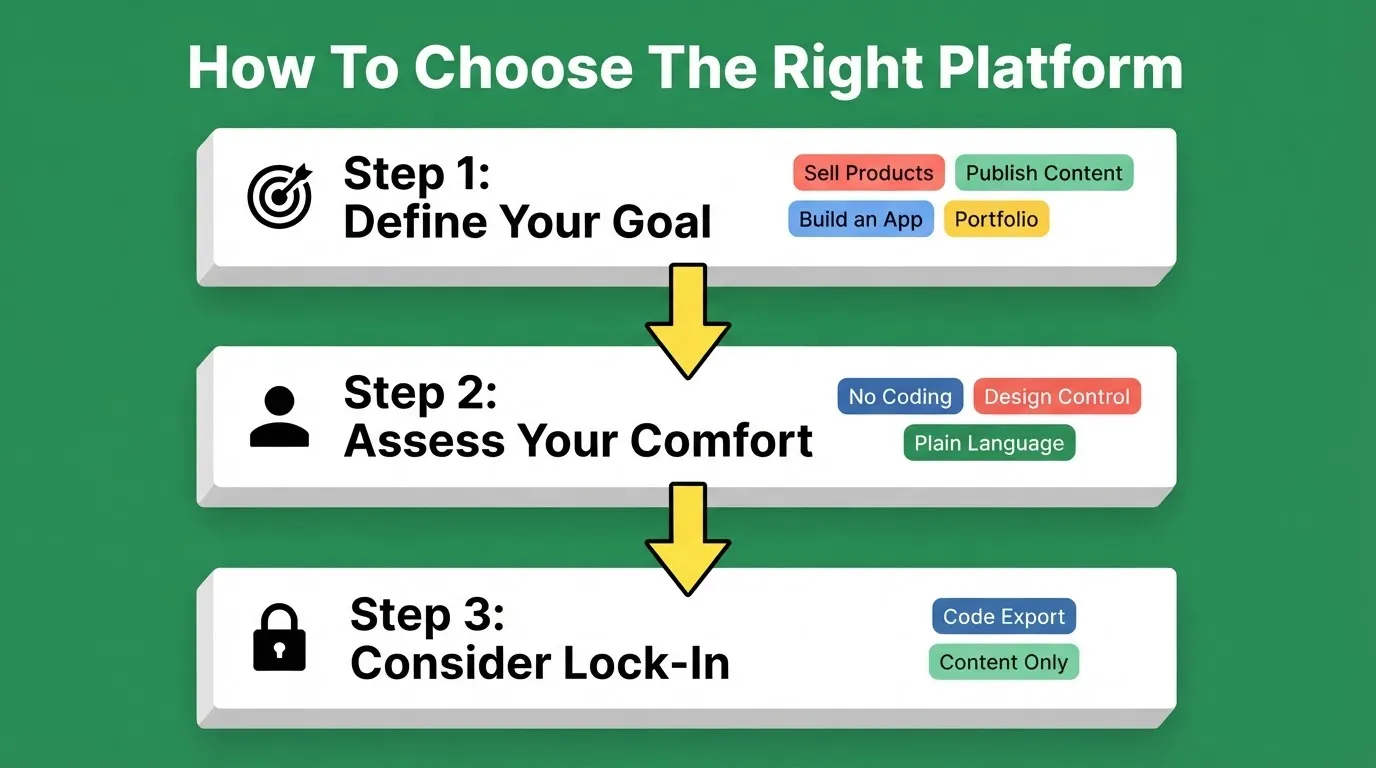
Step 1: Define your primary goal.
- Selling products: Shopify
- Publishing content: WordPress.com
- Portfolio or creative showcase: Squarespace
- Full-stack app or SaaS product: Rocket
- Simple brochure site, fast: GoDaddy or Strikingly
Step 2: Assess your technical comfort.
- No coding, want maximum flexibility: Wix
- No coding, want design control: Squarespace or Webflow (steeper learning curve)
- Comfortable describing what you want in plain language: Rocket or Framer
Step 3: Consider lock-in.
Do you own your code if you leave? Rocket exports the full codebase on paid plans. Webflow exports clean HTML/CSS. WordPress.com exports content. Wix, Squarespace, GoDaddy, and Shopify do not export your site design, only your content. Switching platforms after launch can cost $2,000 to $10,000 or more in rebuild time, so this decision matters more than it seems upfront.
The Right Website Building Platform Starts With the Right Question
Whether you want to sell products, showcase your work, or start a blog, there is a builder that fits. From drag-and-drop editors to AI-native platforms, the goal is the same: a professional site without the friction.
No matter your skill level, there is a platform that gets your site live in hours. With website templates, AI tools, and built-in marketing tools, even beginners can create a polished, functional website that looks like it was made by a team.
You describe the idea. Rocket researches the market, builds the product, and tracks what competitors do next, all in one place.
The Smarter Way to Build in 2026
The right website building platform is not the one with the most features. It is the one that matches how you work and where you want to go. As AI reshapes what is possible, the gap between platforms that help you build and platforms that help you think before you build will only widen. Rocket sits at that frontier: research, build, and monitor from a single workspace, with every decision compounding into the next.
Describe what you want to build. Rocket handles the rest. Start building on Rocket.new.
Table of contents
- -Why Use a Website Builder?
- -Top Website Building Platforms at a Glance
- -No-Code vs AI-Native: The 2026 Shift
- -Best For: Quick-Answer Guide
- -1. Rocket: Research, Build, and Monitor in One Platform
- -Solve
- -Build
- -Intelligence
- -Redesign
- -Key Features
- -Pricing
- -Who It Is For
- -2. Wix
- -Key Features
- -3. Squarespace
- -Key Features
- -4. GoDaddy Website Builder
- -Key Features
- -5. Shopify
- -Key Features
- -6. WordPress.com
- -Key Features
- -What You Gain With Each Builder
- -Which Website Building Platform Is Best for SEO?
- -7. Webflow
- -Key Features
- -8. Framer
- -Key Features
- -9. Hostinger Website Builder
- -Key Features
- -10. Strikingly
- -Key Features
- -How to Choose: A Decision Framework
- -The Right Website Building Platform Starts With the Right Question
- -The Smarter Way to Build in 2026

