
Webflow alternatives range from AI-powered full-stack builders to beginner-friendly drag-and-drop tools. This blog covers seven platforms with honest trade-offs and current pricing to help you choose and ship faster.
Looking for the best Webflow alternatives that actually fit your project?
Webflow is powerful, but it is not the only option worth considering. About 32% of small businesses now use DIY website builders to create a basic site without coding or hiring a developer. This shows how these platforms have become the go-to choice for many brands.
This blog compares seven platforms, from AI-powered full-stack builders to ecommerce-first tools, with honest pros, cons, and pricing to help you choose and ship faster.
Why People Look For Webflow Alternatives
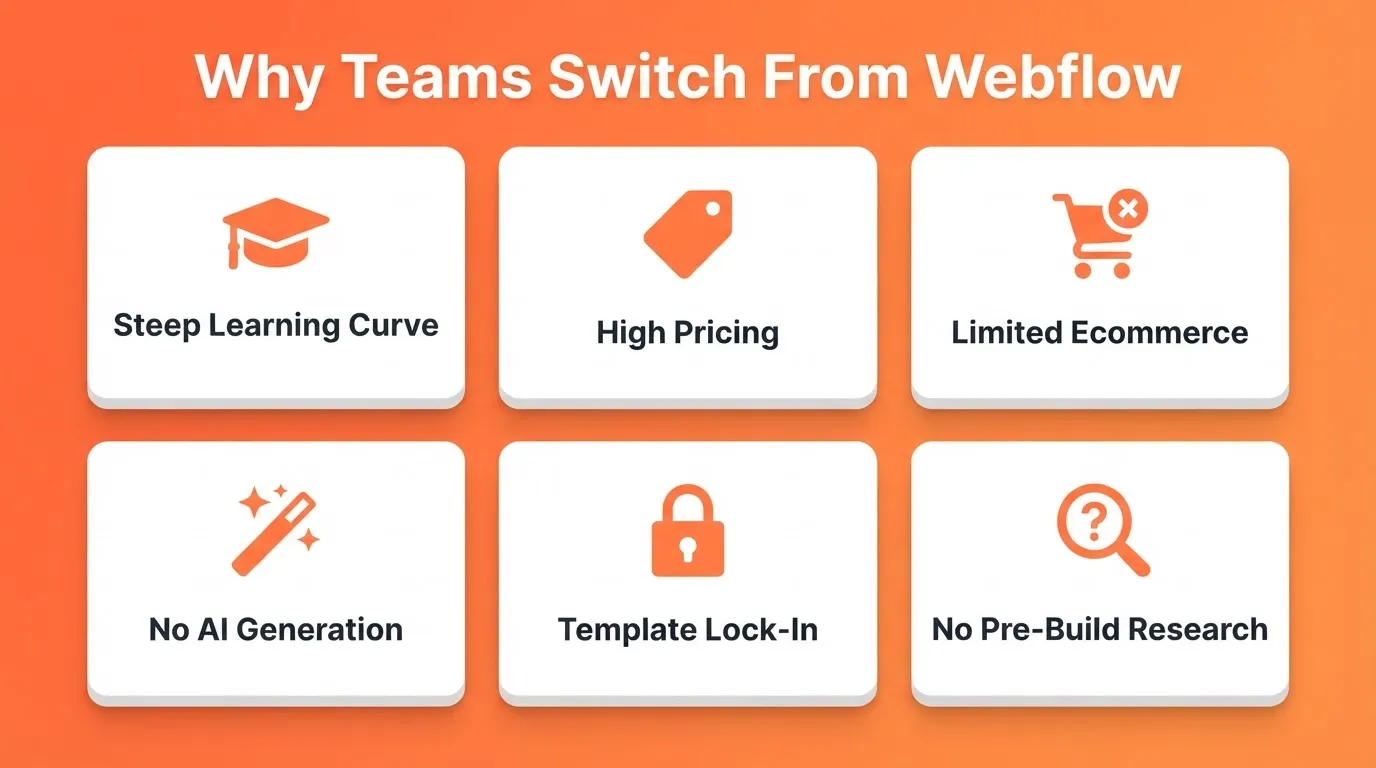
Here are the most common reasons people search for alternatives to Webflow:
- Steep learning curve. Webflow's visual editor is powerful but takes time to master. Many users want a no-code path to launch fast.
- Pricing. Webflow's paid plans can feel expensive for small projects or solo creators.
- Limited ecommerce. Webflow's online store features are functional but not as mature as dedicated platforms like Shopify.
- No built-in AI generation. Webflow requires manual design. Newer platforms generate production-ready pages from a text prompt.
- Template lock-in. Some users find Webflow's template system restrictive once they want to diverge from a starting layout.
- No pre-build research layer. Webflow has no way to validate your idea before you start designing. Newer platforms connect research directly to what gets built.
When Webflow Still Makes Sense
Before jumping to alternatives, it is worth being honest: Webflow is genuinely excellent for certain use cases.
Choose Webflow if you are a professional web designer who wants pixel-level visual control without writing CSS manually. It also works well if you need a CMS-powered marketing site with complex content structures. If neither of those describes your situation, the alternatives below will likely serve you better.
How to Pick Webflow Alternatives
Before jumping into platforms, get clear on what actually matters for your project.
- Do you want drag-and-drop ease with no learning curve?
- Do you need AI to generate your site from a prompt?
- Are marketing tools and SEO tools a must?
- Is a free plan important, or are you ready to pay from day one?
- Will you need a mobile app alongside your website?
The right Webflow alternative depends on your project size, technical comfort, and whether you need ecommerce features or just a clean landing page. If you want to skip the design process entirely, read our guide on how to create a no-code website before choosing a platform.
Top Webflow Alternatives For Modern Website Building
Each tool here solves a different problem. Whether the goal is speed, design control, or business-ready features, the right pick depends on what needs to go live today.
1. Rocket — Best For AI-Powered Full-Stack Builds
 Rocket is the world's first Vibe Solutioning platform, backed by Salesforce Ventures and Accel. It is a production-grade AI builder that goes far beyond simple website creation. You describe what you want in plain language, and Rocket generates a complete, deployable web app, mobile app, landing page, or multi-page website.
Every build ships with SEO-ready structure, WCAG 2.1 AA accessibility, and GDPR compliance by default. These are the baseline, not optional extras. The design decisions are intentional: considered typography, real visual hierarchy, and design identity specific to each project. Nothing reads as AI-made.
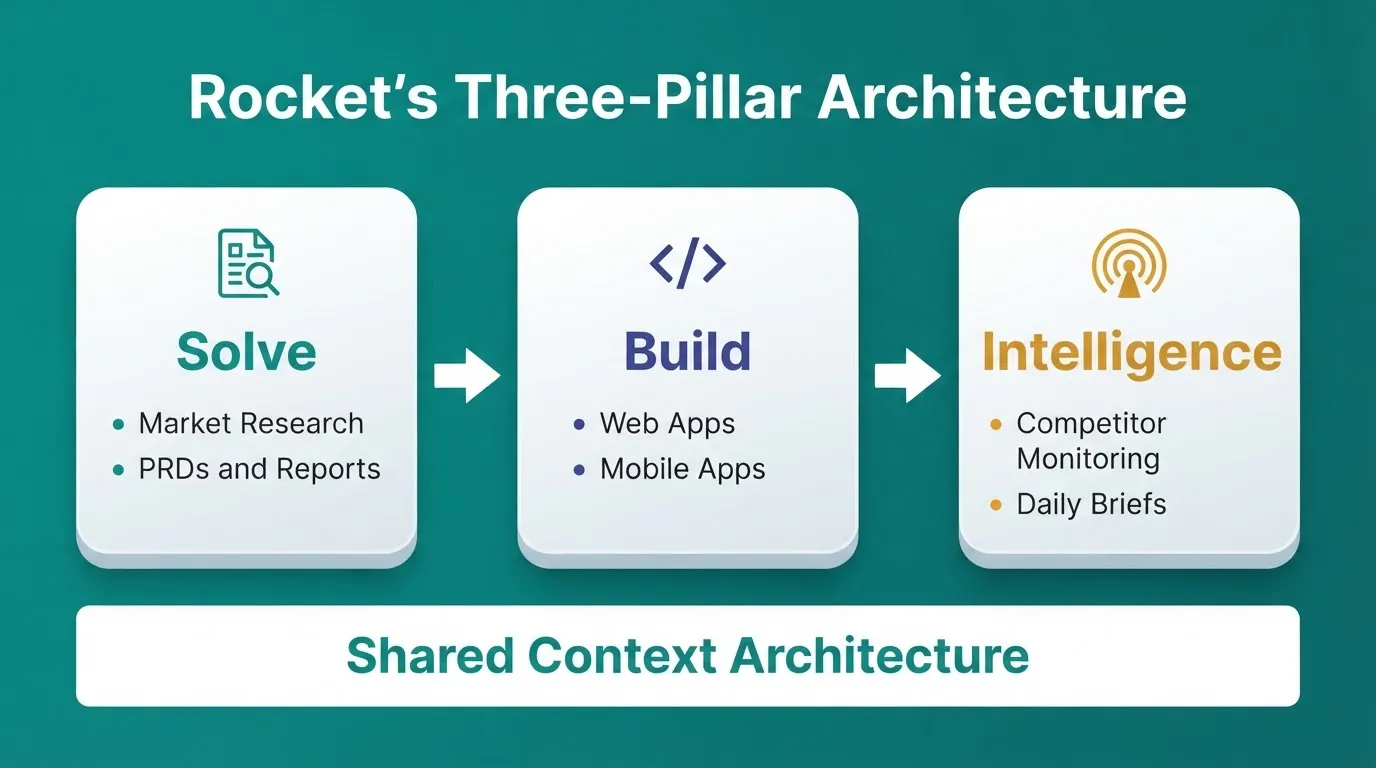
What makes Rocket different from every other alternative to webflow is its three-pillar architecture. Most builders solve only the "how to build" problem. Rocket solves the "what to build and why" problem first, then builds it, then monitors what matters. Everything happens in one connected workspace.
Solve validates your idea, runs market research, creates PRDs, and delivers structured reports with data, insights, and actionable recommendations. Full Solve runs thousands of queries across 150+ sources simultaneously. It delivers in 60 to 90 minutes what would take a research team days. You can export results as a PDF or a full presentation deck.
Build generates production-ready Next.js web apps and Flutter mobile apps from natural language, a Figma file, an image or PDF attachment, or an existing GitHub repository (Next.js TypeScript only). There are six ways to start: from an idea, from an attachment, from Figma, from GitHub, from a template (zero credits), or by redesigning an existing URL.
Intelligence monitors competitors continuously across nine signal pillars: website, social, news, GTM, traffic, product, people, business, and reviews. It delivers automated daily, weekly, or monthly briefs. Intelligence tells you not just what changed, but what it means for your business specifically.
The three pillars share context and feed into each other. The Solve output that validated your idea becomes the foundation of your Build task automatically. An Intelligence signal triggers a Solve analysis. A Build task reveals a new research need.
What you can build with Rocket:
- Web apps (SaaS dashboards, internal tools, marketplaces, AI-powered tools, customer portals)
- Mobile apps (iOS and Android from a single Flutter codebase, ready for App Store and Google Play)
- Landing pages and multi-page marketing sites
- E-commerce stores with product listings, cart, checkout, and payment integrations
- Internal tools (OKR trackers, compliance dashboards, investor data rooms)
Key Features:
| Feature | What It Does |
|---|---|
| Prompt to App | Describe your idea. Rocket generates a fully functional app with UI, navigation, logic, and production-ready code in 1 to 3 minutes. |
| Figma Import | Converts Figma designs to working code, preserving typography, spacing, visual hierarchy, and color system. |
| GitHub Codebase Pickup | Import any existing Next.js TypeScript project and continue it inside Rocket. |
| Redesign (8 Slash Commands) | Reimagine any existing website: full makeover, mobile-first rebuild, heatmap-driven redesign, fix conversion issues, and more. |
| 25+ Integrations | Stripe, Supabase, Notion, Airtable, Mailchimp, OpenAI, Anthropic, Gemini, Perplexity, Google Analytics, Mixpanel, Linear, Typeform, Cal.com, Twilio, SendGrid, and more. Authenticate once; they flow into every build. |
| Built-in Analytics | Tracks visitors, conversions, accessibility, and Core Web Vitals after launch. Zero setup required. |
| Staging and Production | Separate environments, full version history, one-click rollback. |
| Custom Domain | Purchase directly through Rocket or connect your own, with automatic HTTPS. |
| Team Collaboration | Three-level role-based access (Admin, Creator, Viewer), inline comments, per-user credit allocation. |
| Templates | Browse by category: SaaS, landing page, e-commerce, health, blog, and more. Templates cost zero credits. |
Best for: Founders, developers, designers, and agencies who want to go from validated idea to production-grade product, web or mobile, without managing separate tools for research, building, and monitoring.
Pricing:
| Plan | Price | What's Included |
|---|---|---|
| Free | $0 | 20 credits on signup, no credit card required |
| Build | Paid | More credits, advanced build features |
| Solve + Build | Paid | Build plus strategic research via Solve |
| Solve + Build + Intelligence | Paid | Full platform access |
| Intelligence Add-On | $100/month per competitor | Continuous competitor monitoring (500 credits/month per competitor) |
Credits roll over month-to-month on all paid plans. 1.5 million people have tried Rocket across 180 countries.
2. Wix — Best For Beginners and Small Business Sites
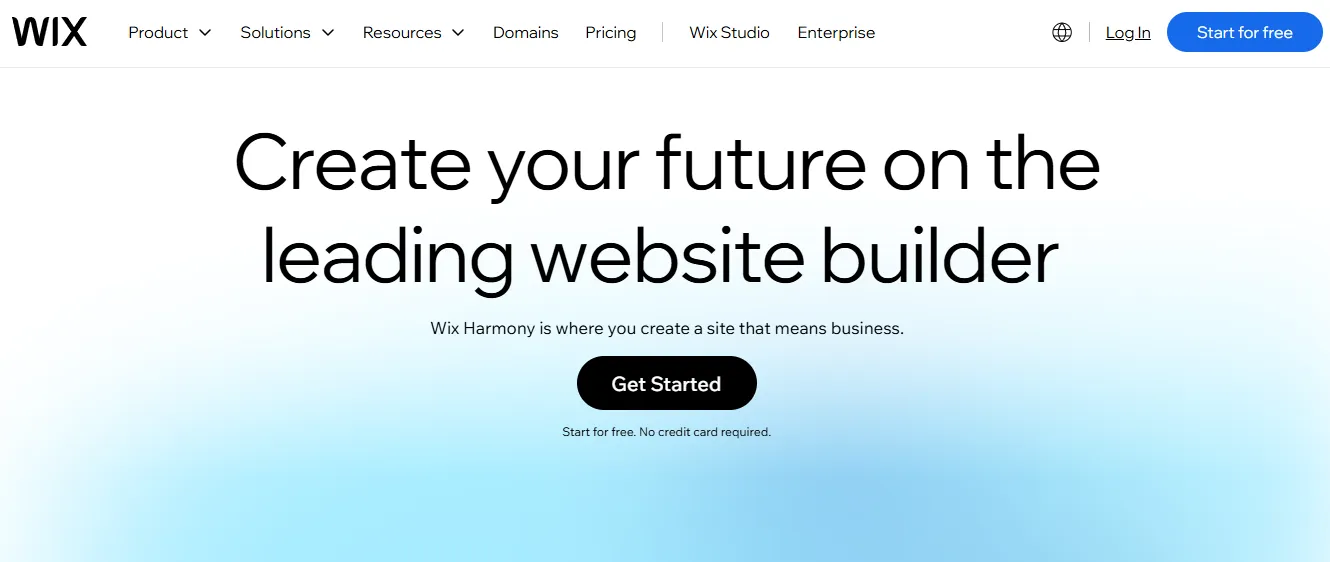 Wix is one of the most popular Webflow alternatives. If you want a true drag-and-drop website builder with a user-friendly interface and no learning curve, it delivers. In recent years, Wix has added an AI website generator called ADI that builds a starter site from a few questions.
Key Features:
- Drag-and-drop editor with hundreds of templates
- Wix ADI: AI-generated starter sites from a short questionnaire
- Online store support with e-commerce features via Wix Stores
- Built-in SEO tools, meta tag editor, and Google Search Console integration
- App Market with 300+ third-party integrations
Limitations:
- You cannot switch templates after your site is published
- The free plan shows Wix ads on your site
- Less design freedom than Webflow for pixel-perfect layouts
Best for: Small business owners, service websites, local businesses, and anyone who wants a site live quickly without technical knowledge.
| Plan | Price (Billed Annually) | Key Features |
|---|---|---|
| Free | $0 | Wix-branded domain, limited storage |
| Light | $17/mo | Custom domain, 2GB storage |
| Core | $29/mo | 50GB storage, basic ecommerce |
| Business | $36/mo | Full ecommerce, subscriptions |
| Business Elite | $159/mo | Priority support, unlimited storage |
3. Squarespace — Best For Creatives and Portfolio Sites
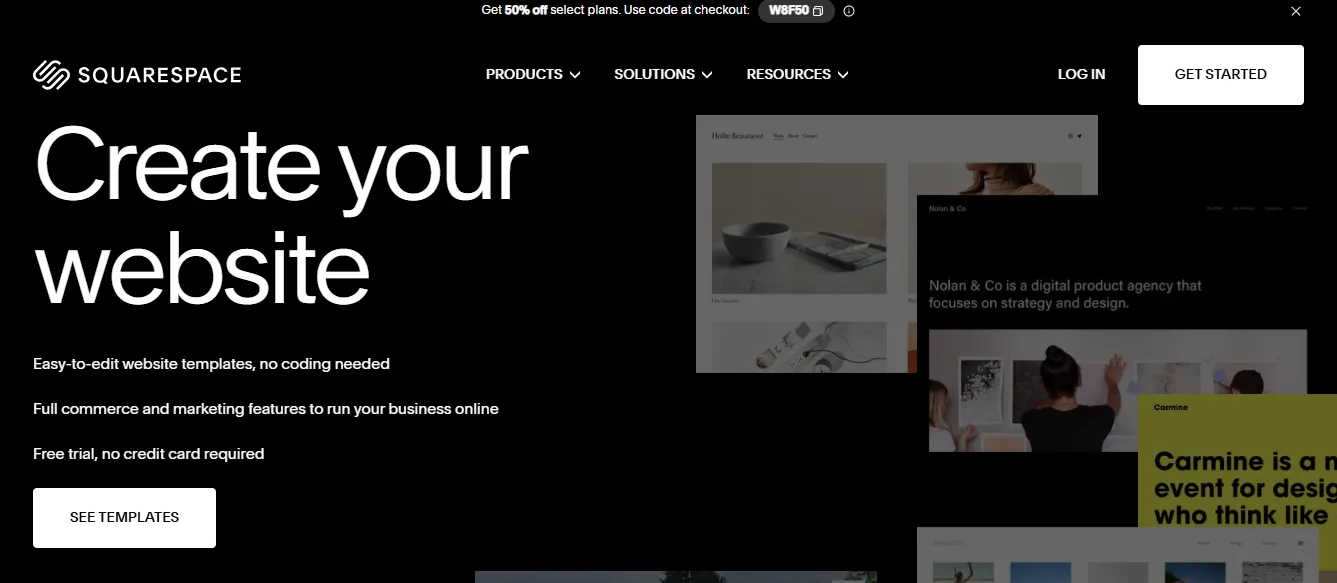 Squarespace is the go-to platform for designers, photographers, and creative professionals. It delivers a polished, visually refined online presence. Every template is mobile-responsive by default, and the editor enforces design consistency throughout.
Key Features:
- Professionally designed, award-winning templates
- Built-in blogging platform with scheduling and SEO tools
- Online store and e-commerce tools via Squarespace Commerce
- Advanced analytics dashboard included on all plans
- Member areas for gated content and subscriptions
Limitations:
- No free plan (14-day free trial only)
- Less flexible than Webflow or WordPress for complex custom layouts
- App integrations are more limited than Wix
Best for: Creatives, photographers, designers, consultants, and anyone who wants a beautiful professional website with minimal setup stress.
| Plan | Price (Billed Annually) | Key Features |
|---|---|---|
| Personal | $16/mo | 2 contributors, basic pages |
| Business | $23/mo | Advanced analytics, third-party integrations |
| Commerce Basic | $28/mo | No transaction fees, product reviews |
| Commerce Advanced | $52/mo | Abandoned cart recovery, subscriptions |
4. Shopify — Best For Online Stores and Ecommerce
 If your focus is an online store with strong ecommerce features, Shopify beats most webflow alternatives in that area. Shopify is purpose-built for commerce. It is not a website builder that added a store. Instead, it is a commerce platform that also lets you build pages. Shopify powers over 1.7 million businesses in 175 countries (Shopify, 2024).
For a broader comparison of ecommerce platforms, see our guide to the best Shopify alternatives for ecommerce businesses of all sizes.
Key Features:
- Online store with product listings, variants, and inventory management
- 100+ payment gateways including Shopify Payments with no transaction fees
- App Store with 8,000+ apps for every business need
- Marketing tools: email campaigns, abandoned cart recovery, discount codes
- Multi-channel selling across Instagram, TikTok, Amazon, and eBay
Limitations:
- Transaction fees apply on non-Shopify Payments plans
- Not ideal for content-heavy sites or blogs due to limited CMS
- App costs add up quickly for advanced features
Best for: Online stores of any size that need strong ecommerce features, inventory management, and multi-channel selling.
| Plan | Price (Billed Monthly) | Price (Billed Annually) |
|---|---|---|
| Basic | $39/mo | ~$29/mo |
| Shopify | $105/mo | ~$79/mo |
| Advanced | $399/mo | ~$299/mo |
| Plus | $2,300/mo | Custom |
5. WordPress + Elementor — Best For Complex, Scalable Sites
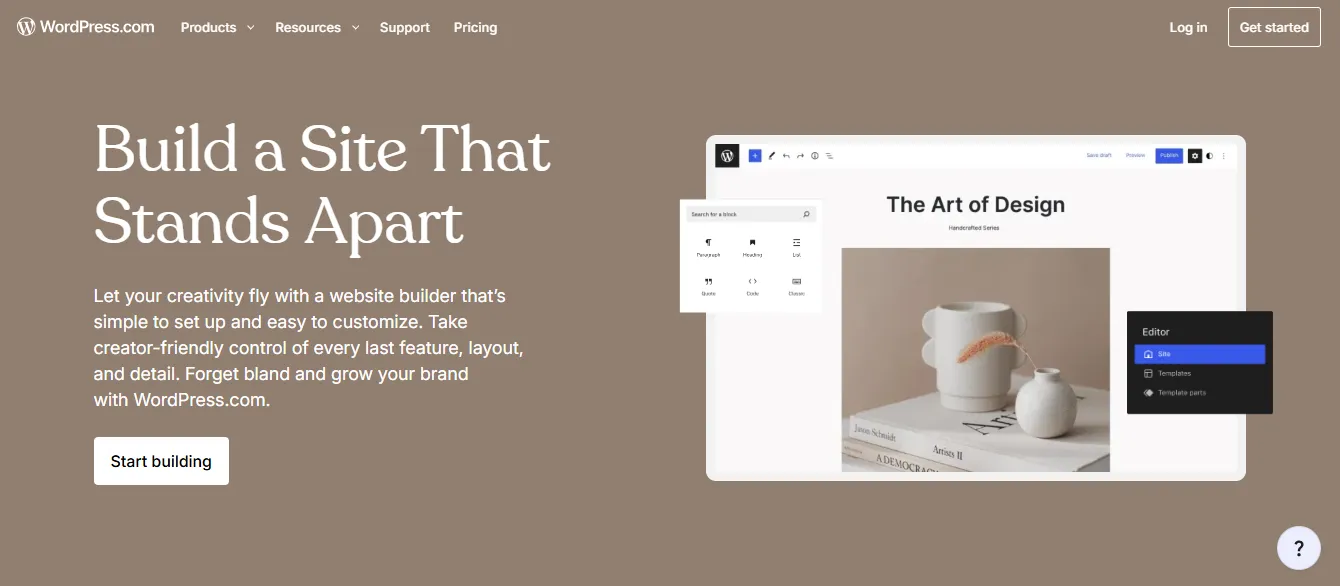 WordPress combined with Elementor is not just a website builder. It is a website-building platform with serious muscle. WordPress powers over 43% of all websites on the internet (W3Techs, 2024). Add Elementor as a visual page builder plugin, and you get a drag-and-drop interface with deep design control and access to thousands of plugins.
Key Features:
- Full drag-and-drop visual editor via Elementor
- 50,000+ plugins for any feature imaginable
- Complete custom code access (PHP, CSS, JavaScript)
- SEO plugins including Yoast and Rank Math with advanced optimization controls
- WooCommerce for full e-commerce functionality
Limitations:
- Requires separate hosting setup, which is not included
- More maintenance required: updates, security, and backups
- Performance depends heavily on hosting quality and plugin choices
Best for: Complex websites, blogs, membership sites, and projects needing extensive customization or long-term scalability.
| Component | Cost |
|---|---|
| WordPress Core | Free |
| Elementor Free | Free |
| Elementor Pro | From ~$59/year |
| Hosting | $3 to $30+/month depending on provider |
6. Weebly — Best For Absolute Beginners on a Budget
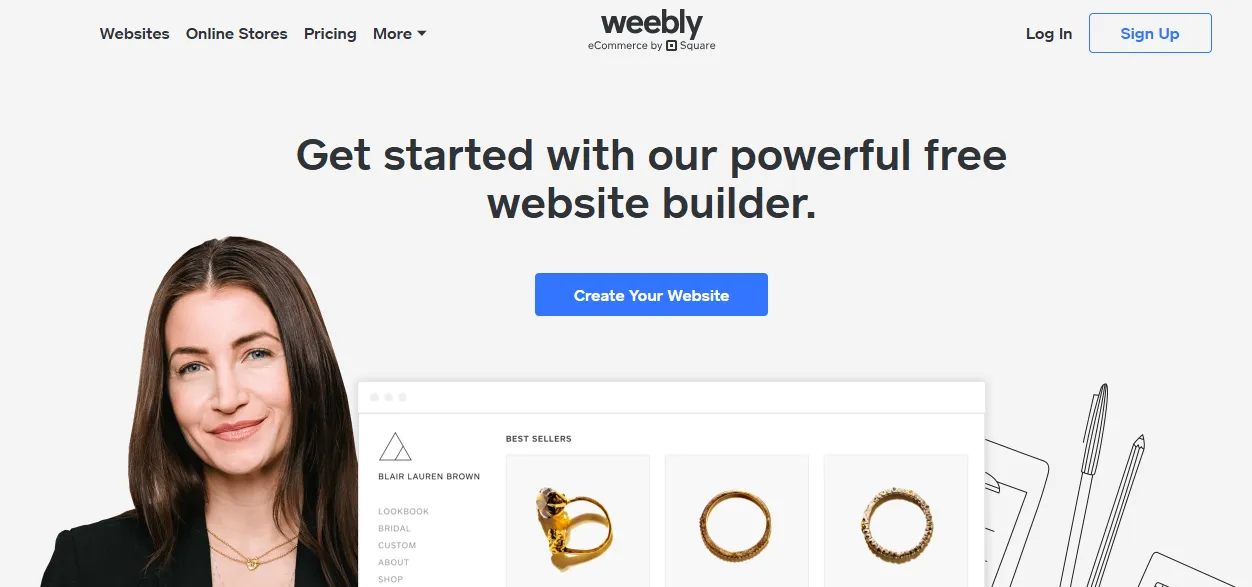 Weebly, now part of Square, is one of the simplest website builders available. It is designed for people who have never built a website before and want something functional online quickly. Weebly integrates tightly with Square for payments, making it a solid choice for small local businesses that already use Square POS.
Key Features:
- Simple drag-and-drop builder with a minimal learning curve
- Free plan with Weebly-branded domain
- Square integration for payments and in-person selling
- Basic SEO tools including meta titles, descriptions, and alt text
- Online store for small-scale selling
Limitations:
- Very limited design customization compared to Webflow or Wix
- Smaller template library and app ecosystem
- Weebly's development has slowed since the Square acquisition
Best for: Absolute beginners, small local businesses, and anyone who needs a simple, reliable site without complexity.
| Plan | Price (Billed Annually) | Key Features |
|---|---|---|
| Free | $0 | Weebly-branded domain, limited storage |
| Personal | $10/mo | Custom domain, basic pages |
| Professional | $12/mo | Unlimited storage, site search |
| Performance | $26/mo | Priority support, advanced ecommerce |
7. Framer — Best For Design-Led and Interactive Sites
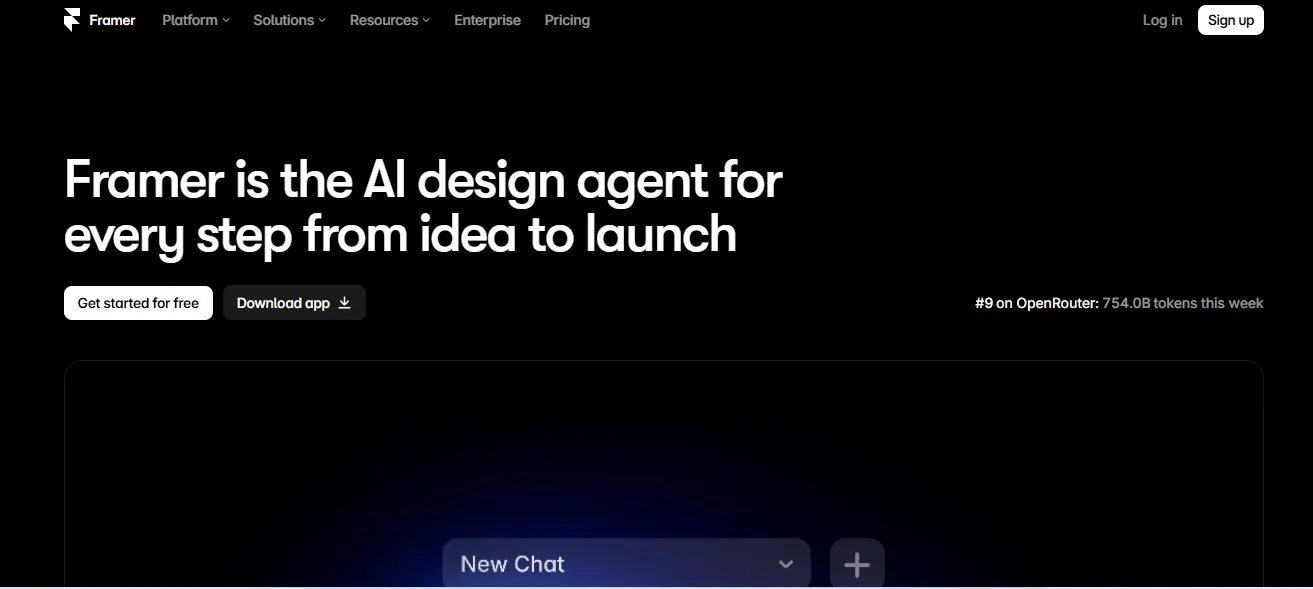 Framer has emerged as one of the top Webflow alternatives for designers and creative teams. It started as a prototyping tool and evolved into a full website builder focused on motion, interaction design, and visual polish. It is particularly popular among SaaS companies and startups that want a marketing site that feels alive.
Key Features:
- Visual editor with advanced animation and interaction controls
- AI-powered site generation from text prompts
- Component system for consistent design across pages
- CMS for dynamic content including blog posts, case studies, and team pages
- SEO controls including meta tags, sitemaps, and Open Graph
Limitations:
- Steeper learning curve than Wix or Squarespace for non-designers
- Ecommerce is limited and requires third-party integrations
- Less mature CMS than WordPress or Webflow
Best for: Web designers, SaaS marketing teams, and creative studios focused on visually distinctive, interaction-rich websites.
| Plan | Price (Billed Annually) | Key Features |
|---|---|---|
| Free | $0 | Framer subdomain, limited pages |
| Mini | $5/mo | Custom domain, 1 page |
| Basic | $15/mo | Unlimited pages, CMS |
| Pro | $30/mo | CMS, password protection |
| Team Plans | Custom | Multiple editors |
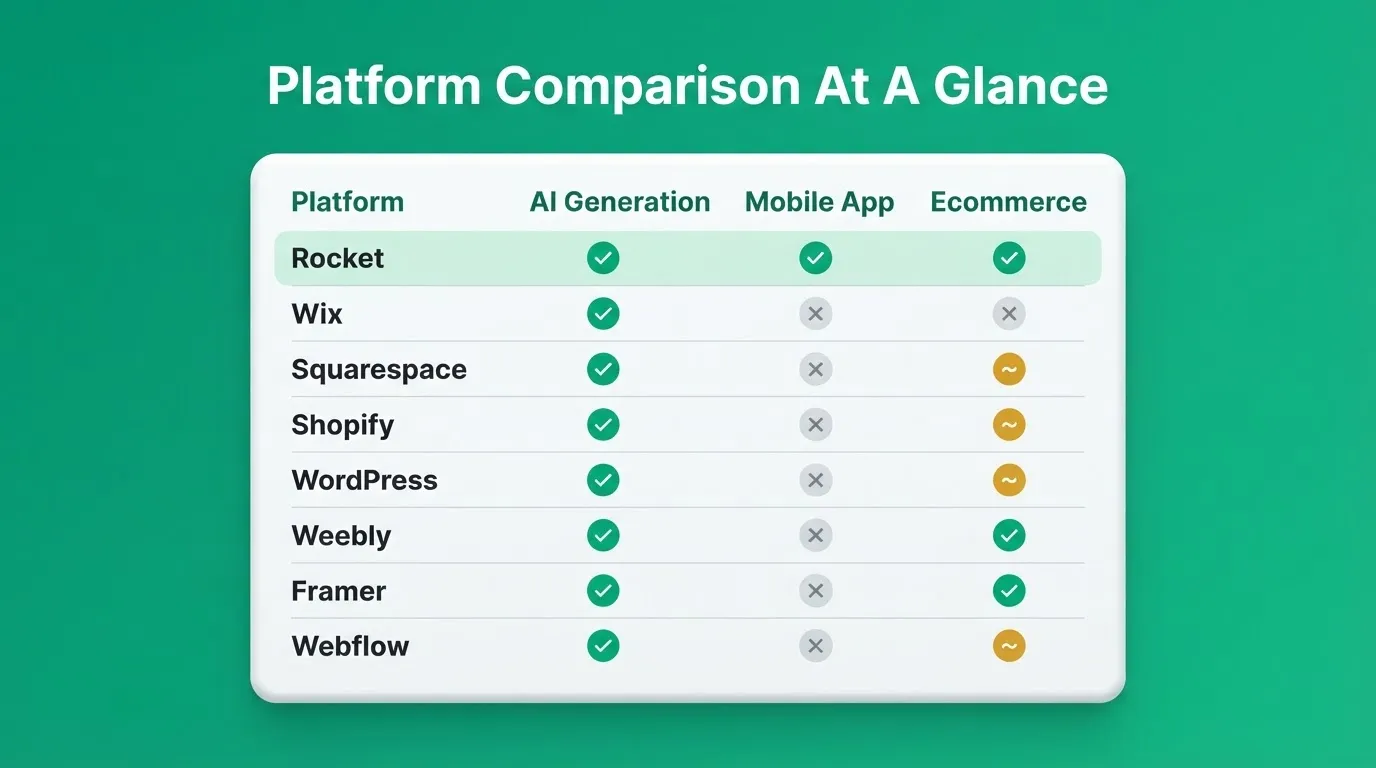
Quick Comparison: Webflow Alternatives at a Glance
Use this decision flowchart to match your project type to the right webflow alternative.
| Platform | Best For | Learning Curve | Free Plan | Ecommerce | AI Generation | Mobile App | Starting Price |
|---|---|---|---|---|---|---|---|
| Rocket | Full-stack AI builds, web + mobile apps | Medium | Yes (20 credits) | Yes | Yes (full-stack + research) | Yes (Flutter) | $0 |
| Wix | Beginners, small business | Low | Yes | Yes | Basic (ADI) | No | $17/mo |
| Squarespace | Creatives, portfolios | Low to Medium | No (14-day trial) | Yes | No | No | $16/mo |
| Shopify | Online stores | Low | No (3-day trial) | Yes (best-in-class) | No | No | $39/mo |
| WordPress + Elementor | Complex, scalable sites | Medium to High | Free (self-hosted) | Via WooCommerce | No | No | $3/mo (hosting) |
| Weebly | Absolute beginners | Very Low | Yes | Basic | No | No | $10/mo |
| Framer | Design-led, interactive sites | Medium | Yes | Limited | Basic | No | $5/mo |
| Webflow | Design-heavy, CMS sites | High | Yes (limited) | Yes | No | No | $14/mo |
Community Insight: What Real Users Say
Real users on Reddit share honest thoughts about Webflow alternatives when the goal is easier site building.
"I was handed a Webflow website and transitioned it to Wix Studio. I am not a web designer. Wix Studio was easier to learn in my opinion. Webflow was overkill for this site I was handed." — Reddit user, r/WIX
This reflects a common pattern: Webflow is often chosen for its reputation, then replaced when the actual project needs don't justify the complexity. The best alternative to Webflow is the one that matches your real workflow, not the most impressive-sounding tool.
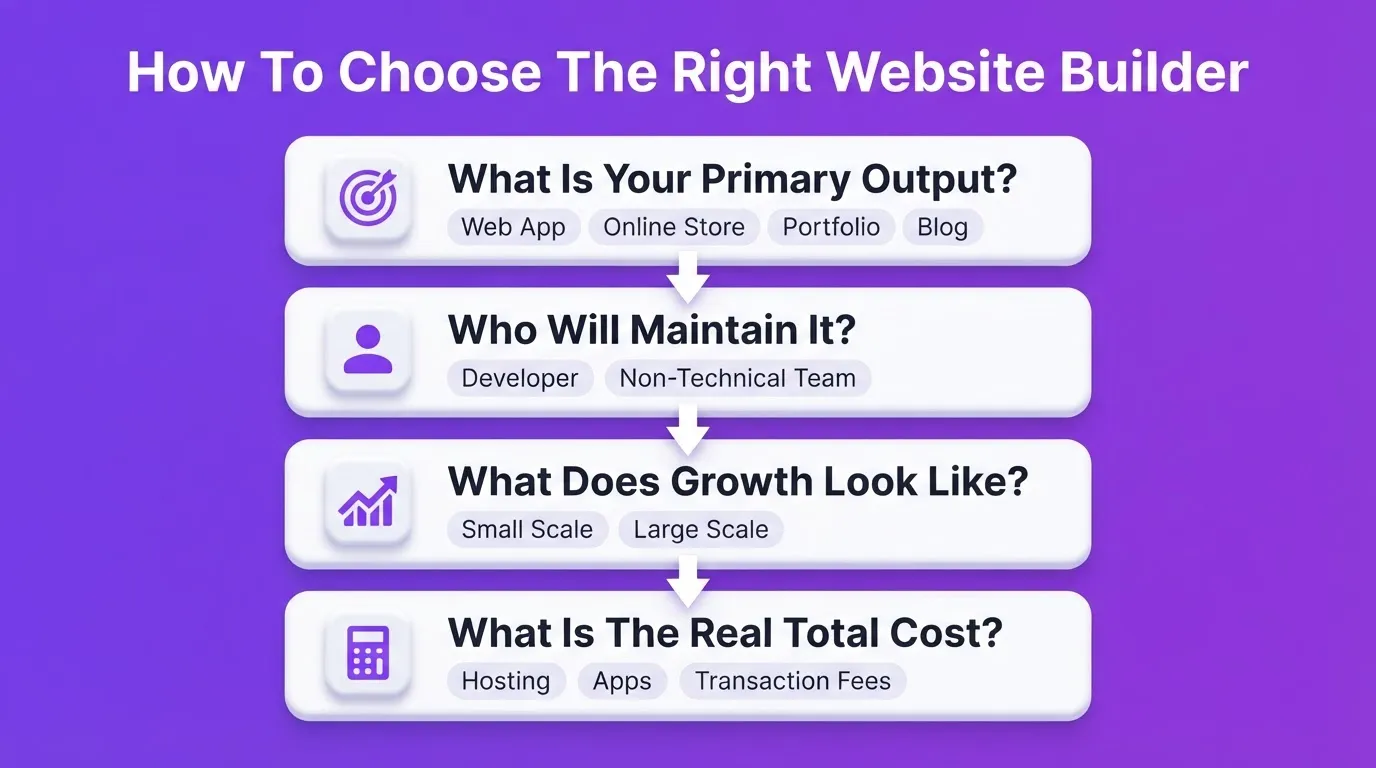
How to Choose a Webflow Alternative: A Practical Framework
When choosing a website builder, ask these four questions before committing.
1. What is the primary output? A marketing site, an online store, a web app, a portfolio, and a blog all have different requirements. Don't use a commerce-first platform for a portfolio, and don't use a portfolio platform for a store.
2. Who will maintain it? If a non-technical team member will make updates, prioritize ease of use over power. If a developer will maintain it, WordPress or Rocket's code export may be better fits.
3. What does growth look like? A platform that works for 100 visitors may struggle at 100,000. Shopify, Rocket, and WordPress scale well. Weebly and basic Wix plans have ceiling limits.
4. What is the real total cost? Free plans often come with branded domains, limited pages, or transaction fees. Calculate the true cost including hosting, apps, and transaction fees before deciding.
Quick decision checklist:
- Speed over depth? Need AI generation? Choose Rocket.
- Design-first portfolio? Go with Squarespace or Framer.
- Selling products? Shopify wins on ecommerce features.
- Maximum customization? WordPress + Elementor is your best bet.
- Absolute beginner on a budget? Weebly or Wix.
If you're evaluating Wix specifically, see our breakdown of Wix alternatives you can trust for faster website building for a deeper comparison.
The Right Webflow Alternative Starts With the Right Question
The best Webflow alternatives in 2026 cover every use case, from AI-powered full-stack generation to ecommerce-first platforms. The decision isn't about which tool is most impressive. It's about which one matches what you're actually building today.
As AI generation becomes standard across website builders, the gap between platforms will increasingly come down to depth. How much thinking happens before the build, how well the output scales, and how much you own after you ship all matter. That gap is where the real choice gets made.
You type what you want to build. Rocket researches the market, generates the product, and monitors what matters, all in one place. 1.5 million people have tried Rocket across 180 countries. Start building on Rocket.new.
Table of contents
- -Why People Look For Webflow Alternatives
- -When Webflow Still Makes Sense
- -How to Pick Webflow Alternatives
- -Top Webflow Alternatives For Modern Website Building
- -1. Rocket — Best For AI-Powered Full-Stack Builds
- -2. Wix — Best For Beginners and Small Business Sites
- -3. Squarespace — Best For Creatives and Portfolio Sites
- -4. Shopify — Best For Online Stores and Ecommerce
- -5. WordPress + Elementor — Best For Complex, Scalable Sites
- -6. Weebly — Best For Absolute Beginners on a Budget
- -7. Framer — Best For Design-Led and Interactive Sites
- -Quick Comparison: Webflow Alternatives at a Glance
- -Community Insight: What Real Users Say
- -How to Choose a Webflow Alternative: A Practical Framework
- -The Right Webflow Alternative Starts With the Right Question