
Building a social app used to mean months of development and a six-figure budget. AI-powered social app builders have changed that. This blog covers what to look for, how leading tools compare, and how to go from idea to live community today.
Is building a social app still out of reach without a developer?
Not anymore. AI-powered platforms now generate complete social networks from a single plain-text description in under three minutes. The right social app builder removes the technical barrier entirely. You describe the community you want to build. The platform handles the architecture, backend, and deployment.
This blog covers what separates capable builders from fragile ones, how the leading options compare, and how to go from idea to a live social network today.
What is a Social App Builder?
A social app builder is a platform that lets you create, customize, and launch a social media application without traditional software development. Modern builders fall into two categories: no-code drag-and-drop tools and AI-powered generators that produce full-stack applications from natural language prompts.
The difference matters. No-code tools require you to assemble components manually. In contrast, AI social app builders generate the entire app, including backend, database, authentication, and UI, automatically from your description.
Why Social Apps Are Harder to Build Than Regular Apps
Social media apps carry unique technical requirements that standard web apps do not. As a result, they take longer to build and require more infrastructure from day one.
- Real-time feeds that update as users post
- User authentication with profile management and role-based access
- Follow/unfollow relationships stored in a relational database
- Media uploads for images and video content
- Notification systems for likes, comments, and messages
- Moderation controls to manage community behavior at scale
A capable social app builder handles all of these automatically. The builder you choose determines whether these features take hours or months.
What to Look for in a Social App Builder
These six criteria separate tools that ship production-ready social platforms from those that produce fragile prototypes.
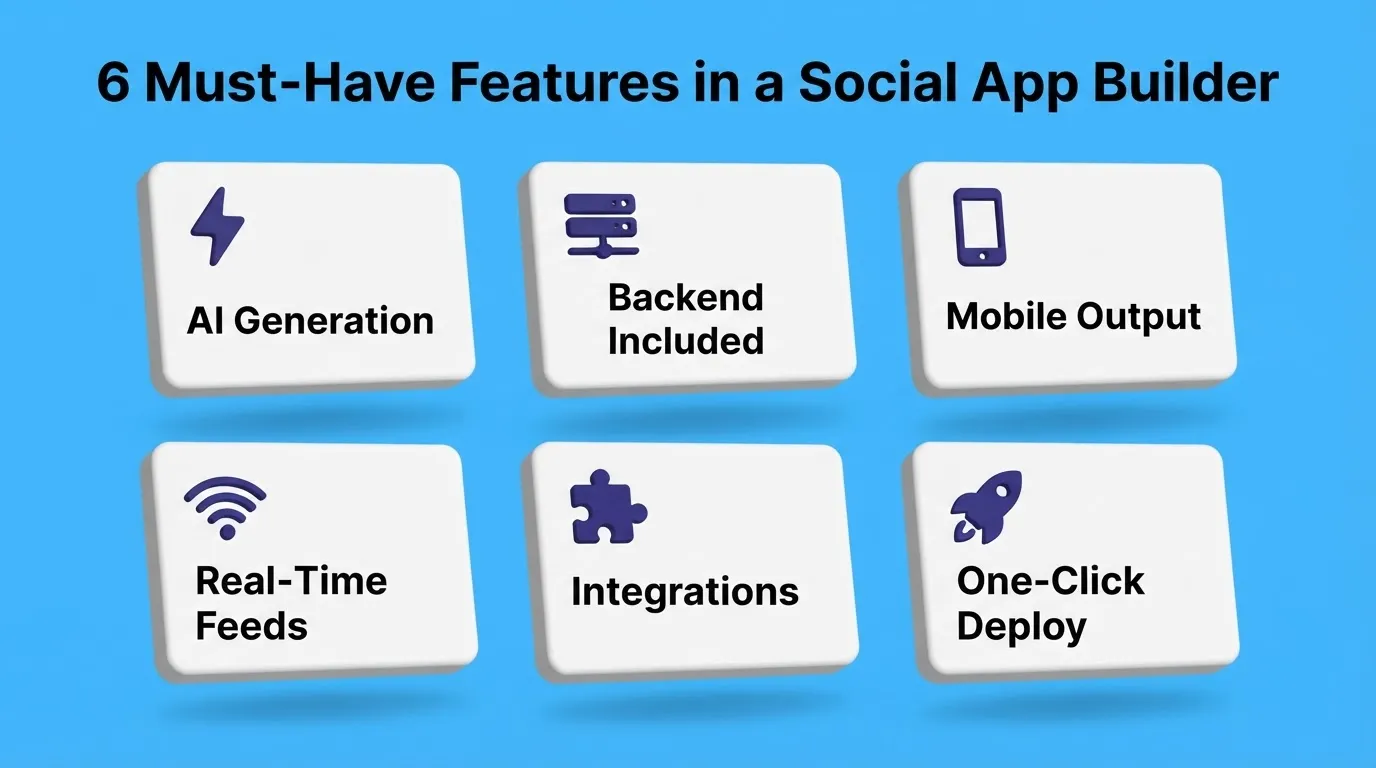
| Feature | What It Does | Why It Matters for Social Apps |
|---|---|---|
| AI Generation | Builds from plain-text prompts | Eliminates weeks of manual setup |
| Backend Included | Database, auth, APIs auto-generated | Social apps need user data storage |
| Mobile Output | iOS and Android from one codebase | Most social users are on mobile |
| Real-time Capabilities | Live feeds and notifications | Core to social engagement |
| Integration Support | Stripe, Supabase, email, analytics | Monetization and growth tools |
| One-click Deployment | Publish instantly to live URL | Get feedback from real users fast |
Focus on backend depth first. A social app without a reliable database and authentication layer will break the moment real users join. If you are also evaluating options for a startup context, this guide on the best no-code app builder for startups covers the broader landscape.
How Long Does It Take to Build a Social App?
This is the most common question from first-time builders. The answer depends entirely on the tool you choose.
- Traditional development: 3 to 6 months with a developer team
- No-code platforms (Bubble, Adalo): 2 to 6 weeks of manual assembly
- AI social app builders (Rocket): Most apps generate in 1 to 3 minutes. Full customization and launch take a few hours.
The speed difference comes from how AI builders work. Instead of assembling components one by one, you describe the app you want. The AI plans the architecture, writes production-ready code, and renders a live preview. You iterate through conversation, with no rebuilding from scratch.
What Does It Cost to Build a Social App?
Understanding the real cost helps you choose the right approach for your budget and timeline. Here is a clear breakdown across the main options.
| Approach | Time to Launch | Estimated Cost |
|---|---|---|
| Hire a developer team | 3 to 6 months | $50,000 to $200,000+ |
| Freelance developer | 1 to 3 months | $10,000 to $50,000 |
| No-code (Bubble, Adalo) | 2 to 6 weeks | $100 to $500 per month |
| AI builder (Rocket) | Hours to days | See Rocket pricing below |
For most founders and small teams, an AI builder delivers the best return. You get production-ready code you own, can export, and can hand to a developer later.
Rocket: Build a Social App with AI
Rocket is a full-stack AI platform that generates production-ready social apps from natural language. Describe your community, and Rocket's Build capability produces the complete application, including UI, navigation, backend logic, database schema, and authentication, in one generation.
1.5 million people have tried Rocket across 180 countries, from solo founders validating their first idea to enterprise teams shipping production products.
What Rocket Generates for Social Apps
Rocket produces two types of output depending on your target platform.
Web apps are built in Next.js, production-grade, SEO-ready, WCAG 2.1 AA accessible, and with a GDPR compliance baseline by default. Mobile apps are built in Flutter, iOS and Android from a single codebase, with real design systems, dark and light theming, fluid navigation, and staggered animations.
Every generated social app ships with user authentication (including social login via Supabase), profile management, content feeds with likes and comments, follow and unfollow systems, media upload support, notification infrastructure, and performance optimization. After launch, Rocket's built-in analytics tracks visitors, conversions, and Core Web Vitals with no additional tools required.
For founders who want to validate their community idea before building, Rocket's Solve capability runs market research, maps the competitive landscape, and scopes your feature set, all inside the same platform before a single line of code is written.
How to Build a Social App on Rocket
The process is straightforward. You start with a description, and Rocket takes it from there.
How to Build a Social App Step by Step
Once you understand the flow, the actual build process is quick. Follow these seven steps to go from idea to a live social app.
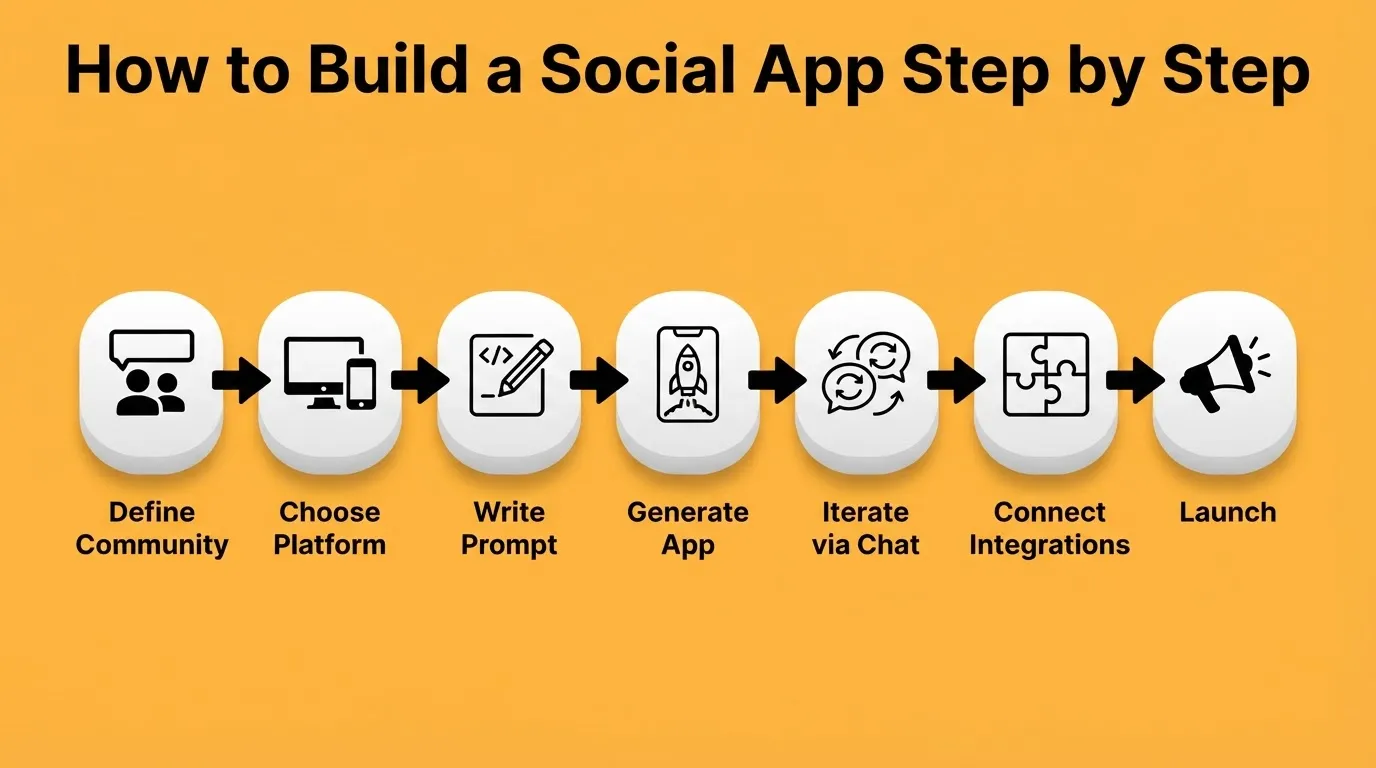
- Define your community: Who is it for? What brings them together? What actions will they take daily?
- Choose your platform: Web app (Next.js) for desktop-first communities. Mobile app (Flutter) for on-the-go engagement.
- Write your prompt: Describe the app in plain language. Include core features, target users, and design preferences.
- Generate and preview: Watch Rocket build in real time. Interact with the live preview like a real user.
- Iterate through chat: Add features, change layouts, and fix flows through natural language. There is no change limit.
- Connect integrations: Add Supabase for your database, Stripe for monetization, and Mailchimp for email. Authenticate once.
- Launch: Click Launch for an instant live URL. For mobile apps, download the APK for Android testing or submit to the App Store and Google Play.
Once your app is live, Rocket's Intelligence capability keeps you informed on how your community grows. You iterate with context, not guesswork.
Prompt Examples for Building a Social App
One of the fastest ways to get started is using a proven prompt. Copy any of these directly into Rocket's Build input.
| App Type | Starter Prompt |
|---|---|
| Community feed | "Build a social media web app with a public feed, user profiles, post creation with images, likes, comments, and a follow system." |
| Niche network | "Create a mobile social app for photographers with a portfolio feed, photo uploads, comments, follower counts, and a discovery page." |
| Professional network | "Build a professional networking web app with user profiles, skill tags, connection requests, a news feed, and direct messaging." |
| Interest community | "Create a social app for book readers with reading lists, book reviews, a community feed, follow system, and reading challenge tracking." |
| Local community | "Build a neighborhood social app with a local events feed, community posts, user profiles, neighborhood groups, and a map view." |
The more specific your prompt, the less Rocket needs to ask. Include the platform (web or mobile), the core audience, and the three to five features that matter most. Rocket starts building immediately when the prompt is clear enough.
For a deeper look at building community-focused apps with AI prompts, this guide on building a community platform walks through proven prompt patterns.
Integrations for Social Apps
Rocket connects 25+ services directly into your build. For social apps, the most relevant integrations are:
- Supabase: backend database and authentication, including social auth with Google, Apple, and GitHub
- Stripe: monetization, subscriptions, and paid memberships
- Mailchimp, SendGrid, Brevo: email notifications and newsletters
- Twilio: SMS notifications and phone verification
- Google Analytics, Mixpanel: user behavior and engagement tracking
- OpenAI, Anthropic, Gemini: AI-powered content moderation or recommendations
Authenticate once and these integrations flow into every build automatically.
Rocket Pricing
Rocket uses a credit-based system. One credit balance covers everything, including Build generation, research, and intelligence monitoring. There is no separate billing for compute, storage, or hosting.
| Plan | Monthly Price | Credits Per Month | Best For |
|---|---|---|---|
| Free | $0 | 20 (one-time) | Testing and prototypes |
| Pro | $25 | 100 | Personal projects and side projects |
| Rocket | $50 | 250 | Teams needing research and intelligence |
| Booster | $250 | 1,500 | Power users and fast-moving teams |
No credit card is required to start. Sign up with Google, Apple, or email in about 30 seconds. Unused credits roll over month to month on all paid plans.
Use Cases Built on Rocket
- Startup MVPs: Generate a working social platform in hours to validate your idea before hiring developers. Rocket produces UI, backend, and data logic in one generation.
- Niche communities: Creators build focused social apps, including interest groups, professional networks, and local communities, and launch the same day.
- Side projects: A Reddit user built CoworkMatch, a professional interest-matching app prototype, entirely through Rocket's AI generator.
- Internal social tools: Teams build internal community platforms, knowledge-sharing tools, and employee engagement apps with AI-driven logic and live data connections.
Other Notable Social App Builder Tools
Several other platforms are worth understanding. Each has a different philosophy and tradeoff profile, so the right choice depends on your needs.
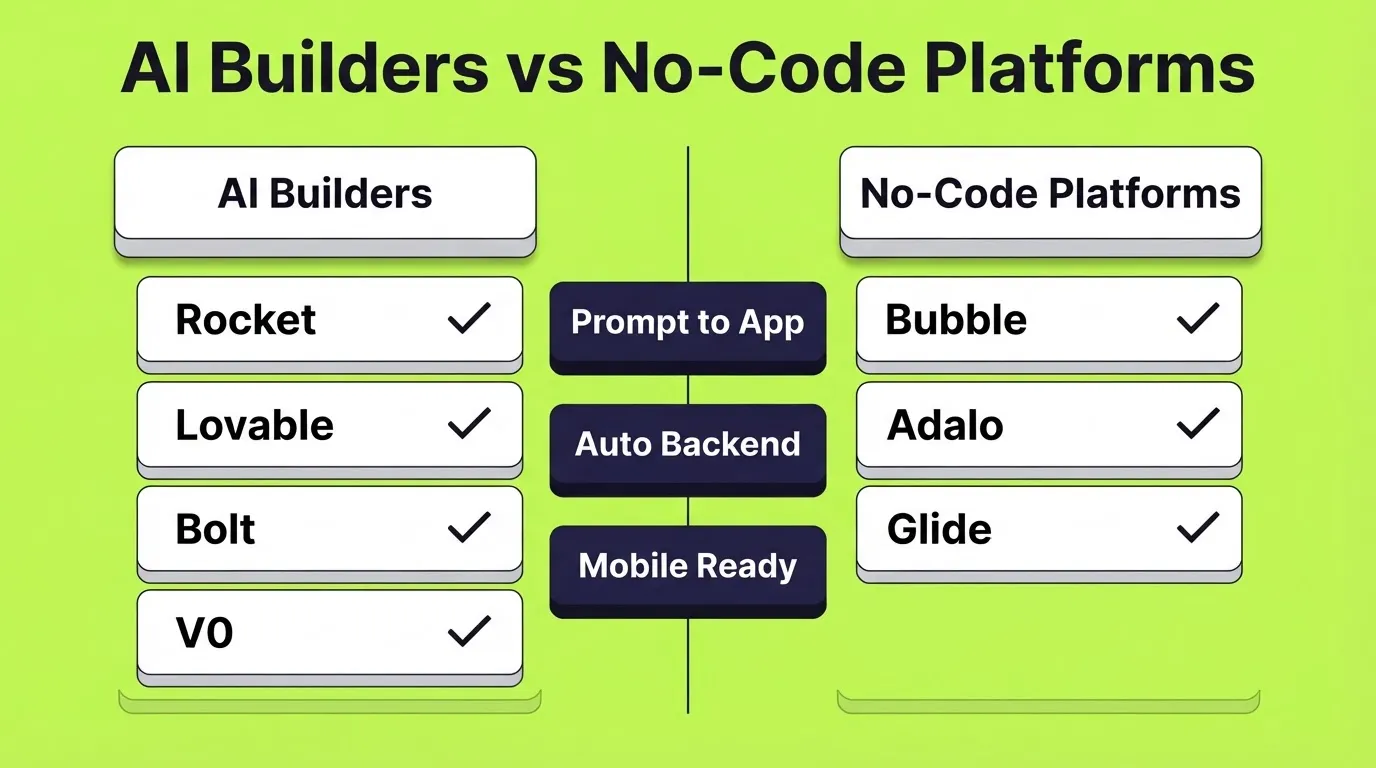
AI-Powered Builders
- Lovable.dev: Well-suited for quick web-based social projects. Focuses on clean layouts and simple flows. Good for small communities or early-stage ideas.
- Bolt.new: Combines AI generation with manual editing. Suits builders who want control over logic and structure while saving time on setup.
- V0.dev: Popular for fast UI prototyping. Generates components and interfaces quickly. Best for testing ideas before committing to a full build.
Classic No-Code Platforms
These tools use visual building rather than AI prompts. They suit builders who prefer to assemble every component manually.
- Bubble: Flexible and handles complex workflows. Works well for larger community platforms with custom logic.
- Adalo: Mobile-first focus. Often used for social and content-based apps with simple navigation.
- Glide: Turns spreadsheet data into functional apps quickly. Best for lightweight social tools or internal communities.
How the Tools Compare
With so many options available, a side-by-side view makes the differences easier to spot.
| Capability | Rocket | Lovable | Bolt | Bubble | Adalo |
|---|---|---|---|---|---|
| AI generation from prompt | Yes | Yes | Yes | No | No |
| Web app output | Next.js | React | React | Custom | No |
| Mobile app output | Flutter (iOS and Android) | No | No | No | Yes |
| Backend included | Yes (auto) | Partial | Partial | Yes (manual) | Yes (limited) |
| 25+ integrations | Yes | Partial | Partial | Yes | Limited |
| One-click deployment | Yes | Yes | Yes | Yes | Yes |
| Pre-build research | Yes | No | No | No | No |
| Free plan available | Yes | Yes | Yes | Yes | Yes |
Each option has tradeoffs. Some focus on speed; others focus on customization. The right choice depends on the level of control the project requires and the pace at which it needs to move.
For a detailed breakdown of what AI builders actually save versus hiring a developer, this comparison of how AI app builders save development costs breaks down the real numbers.
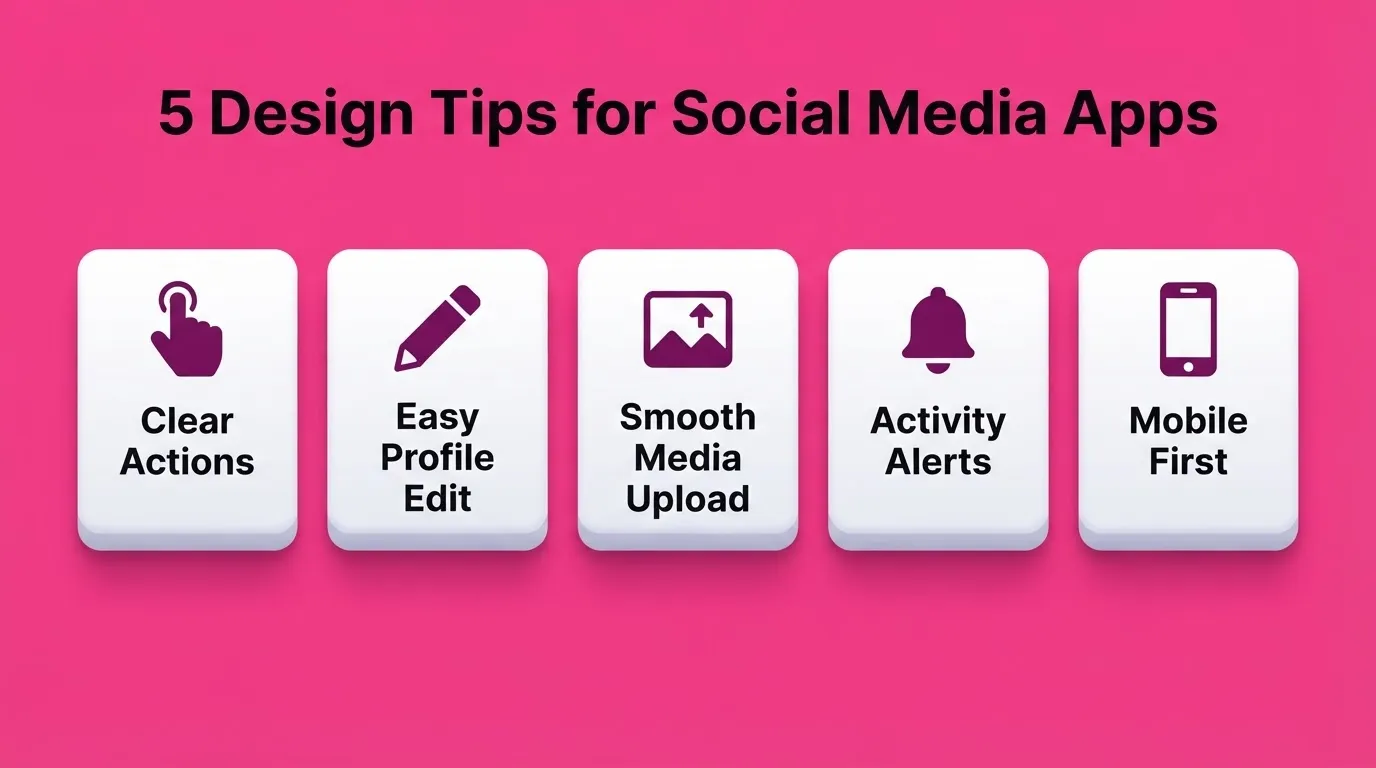
Design Tips for Social Media Apps
Design is where a social media app either feels welcoming or quietly pushes users away. Small choices make a big difference when people open the app multiple times a day.
- Keep main actions obvious: Likes, comments, and shares should be easy to spot and tap. When buttons are clear, interaction feels effortless and natural.
- Make profiles easy to edit: Profiles are personal. Let users update photos, bios, and details without digging through menus. A smooth profile edit flow keeps people engaged.
- Let users upload images and media smoothly: Media sharing is central to most social media apps. Uploads should feel fast and reliable. Clunky image uploads drive users away quickly.
- Add alerts for new messages or activity: Notifications help users stay connected. Simple alerts for messages, likes, or comments keep conversations active without feeling intrusive.
- Design for mobile first: Over 90% of social media consumption happens on mobile devices. Build for small screens first, then scale up to desktop.
Good design stays out of the way. When everything feels intuitive, users focus on connecting, sharing, and enjoying the community.
If you are building a social media scheduler alongside your app, this guide on how to build a social media scheduler without writing code covers the full process.
Build Your Social App Today
The social app builder you choose determines how fast your community reaches real users. AI generation has compressed what used to take months into hours. The gap between a good idea and a live platform is now a well-written prompt. As AI builders continue to improve, tools that combine research, building, and monitoring in one place will pull further ahead.
Start with a clear idea of who your community is for. Write a specific prompt. Iterate from real user feedback. Build your social app on Rocket and launch your community today. Sign up and start building.
Table of contents
- -What is a Social App Builder?
- -Why Social Apps Are Harder to Build Than Regular Apps
- -What to Look for in a Social App Builder
- -How Long Does It Take to Build a Social App?
- -What Does It Cost to Build a Social App?
- -Rocket: Build a Social App with AI
- -What Rocket Generates for Social Apps
- -How to Build a Social App on Rocket
- -How to Build a Social App Step by Step
- -Prompt Examples for Building a Social App
- -Integrations for Social Apps
- -Rocket Pricing
- -Use Cases Built on Rocket
- -Other Notable Social App Builder Tools
- -AI-Powered Builders
- -Classic No-Code Platforms
- -How the Tools Compare
- -Design Tips for Social Media Apps
- -Build Your Social App Today