
The best no-code app builder for rapid app creation lets founders, designers, and teams ship production-ready web and mobile apps in minutes — no development team, no coding knowledge, and no wasted time building the wrong thing.
Can you really build a production-grade app without writing a single line of code?
The answer is yes. The tools making it possible have matured far beyond simple drag-and-drop prototypes.
No-code app builders now generate real, deployable products. They handle authentication, databases, payments, and cross-platform deployment.
According to Statista, by 2025, 65% of all app development projects will use low-code or no-code platforms. For startups and small teams, that shift means faster time-to-market, lower costs, and the ability to iterate before committing to a full engineering team.
This blog covers what separates a strong no-code platform from a weak one, how leading options compare, and what to look for when choosing the best no coding app builder for rapid app creation.
What is a No-Code App Builder?
A no-code app builder is a platform that lets you create fully functional applications using visual interfaces, natural language prompts, or drag-and-drop tools. You build without writing code. The output ranges from simple internal tools to production-grade SaaS products, mobile apps, and e-commerce stores.
The key distinction is output quality. Early no-code tools produced throwaway prototypes. Today's best platforms generate apps in frameworks like Next.js and Flutter. These are the same stacks engineering teams use at scale. Understanding what a no-code app builder actually is helps set the right expectations before choosing one.
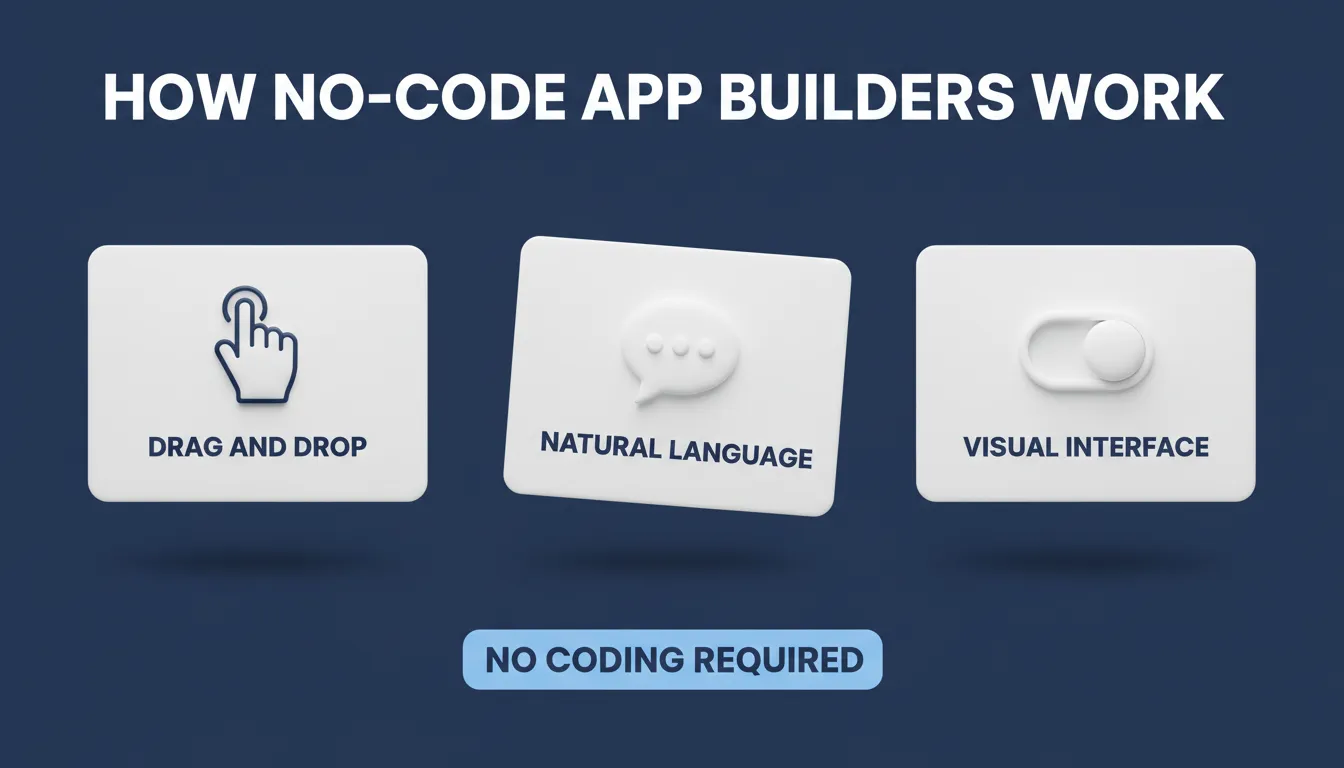
How No-Code App Builders Work — three core interaction models that make app building accessible to everyone.
What Makes a No-Code App Builder Stand Out?
Not all no-code app builders are created equal. Some excel at web apps, others at native mobile. Choosing the right one depends on your goals.
- Output quality: The best platforms produce production-ready code. Look for apps that ship with SEO-ready structure, WCAG accessibility compliance, and GDPR coverage by default.
- Ease of use: Drag-and-drop interfaces and visual programming language features reduce the learning curve for non-technical users.
- Cross-platform support: Build web apps, progressive web apps, and mobile apps that work across platforms from a single workflow.
- Integration capabilities: Connect to third-party apps, databases, payment processors, and APIs without manual setup.
- Advanced customization: Some no-code platforms let you write custom code or import existing codebases when needed.
- Enterprise-grade security: Role-based access, environment variable management, and row-level security matter for apps handling sensitive data.
- Speed to first build: The best platforms generate a working app in 1 to 3 minutes from a plain-language description.
These features enable the creation of apps for internal tools, client portals, and enterprise applications without traditional development timelines.
Popular No-Code Platforms Compared
Here is a balanced overview of the leading no-code platforms for rapid app creation.
| Platform | Output Type | Frameworks | AI-Powered | Best For |
|---|---|---|---|---|
| Rocket | Web + Mobile | Next.js, Flutter | Yes | Full-stack apps, MVPs, SaaS |
| Bubble | Web | Proprietary | Limited | Complex web logic |
| Glide | Web + Mobile | Proprietary | Limited | Google Sheets-backed apps |
| Adalo | Mobile | Proprietary | No | Native mobile apps |
| Thunkable | Mobile + Web | Proprietary | Yes | Mobile apps with AI features |
| AppGyver (SAP) | Cross-platform | Proprietary | No | Enterprise cross-platform |
Each platform has a different strength. Bubble handles complex web logic well. Glide works fast for Google Sheets-backed apps. Adalo and Thunkable focus on mobile. Rocket covers the full stack, including web, mobile, and the research layer before the build. For a broader comparison of the low-code and no-code landscape, the complete beginner's guide to low-code and no-code development is a useful starting point.
How No-Code Changes Workflows
Adopting a no-code app builder changes how teams operate. Development cycles shrink, and the barrier to testing ideas drops significantly.
No-code app development workflow: from idea to live production app.
Designers, product managers, and analysts can all contribute to app building without learning to write code. As a result, feedback loops shorten, cost per feature drops, and products reach users weeks earlier than traditional development allows.
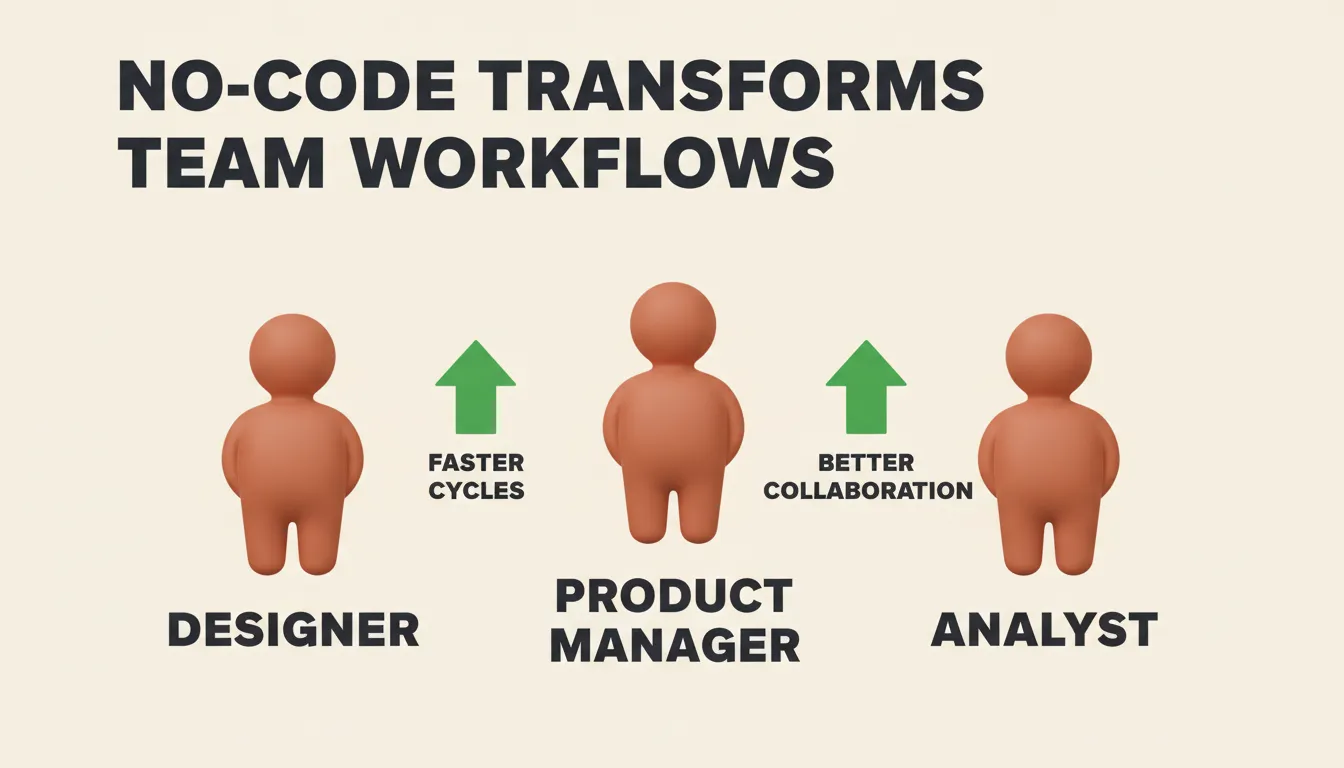
No-Code Transforms Team Workflows — every team member can contribute without a development bottleneck.
Rocket: Research, Build, and Monitor in One Platform
Rocket is the world's first Vibe Solutioning platform, according to its official documentation. It combines strategic research, AI app building, and competitive intelligence into a single product. The core idea: validate your idea, build the product, and track your competitors without switching tools.
Rocket's Build pillar generates production-ready apps from natural language descriptions, Figma files, or existing GitHub repositories. Most apps generate in 1 to 3 minutes. The output is not a wireframe. It is a working, deployable product.
What Rocket Builds
- Web apps: Built in Next.js — SaaS dashboards, internal tools, marketplaces, customer portals
- Mobile apps: Built in Flutter — iOS and Android from a single codebase, ready for App Store and Google Play submission
- Landing pages: Conversion-focused pages with SEO-ready structure and fast load times
- E-commerce stores: Full stores with product listings, cart, checkout, and payment integrations
Every app Rocket generates ships with SEO-ready structure, WCAG accessibility compliance, GDPR coverage, and performance optimization by default. These are baselines, not optional extras.
For a deeper look at how to build apps without coding, the full guide covers the process from prompt to deployment.
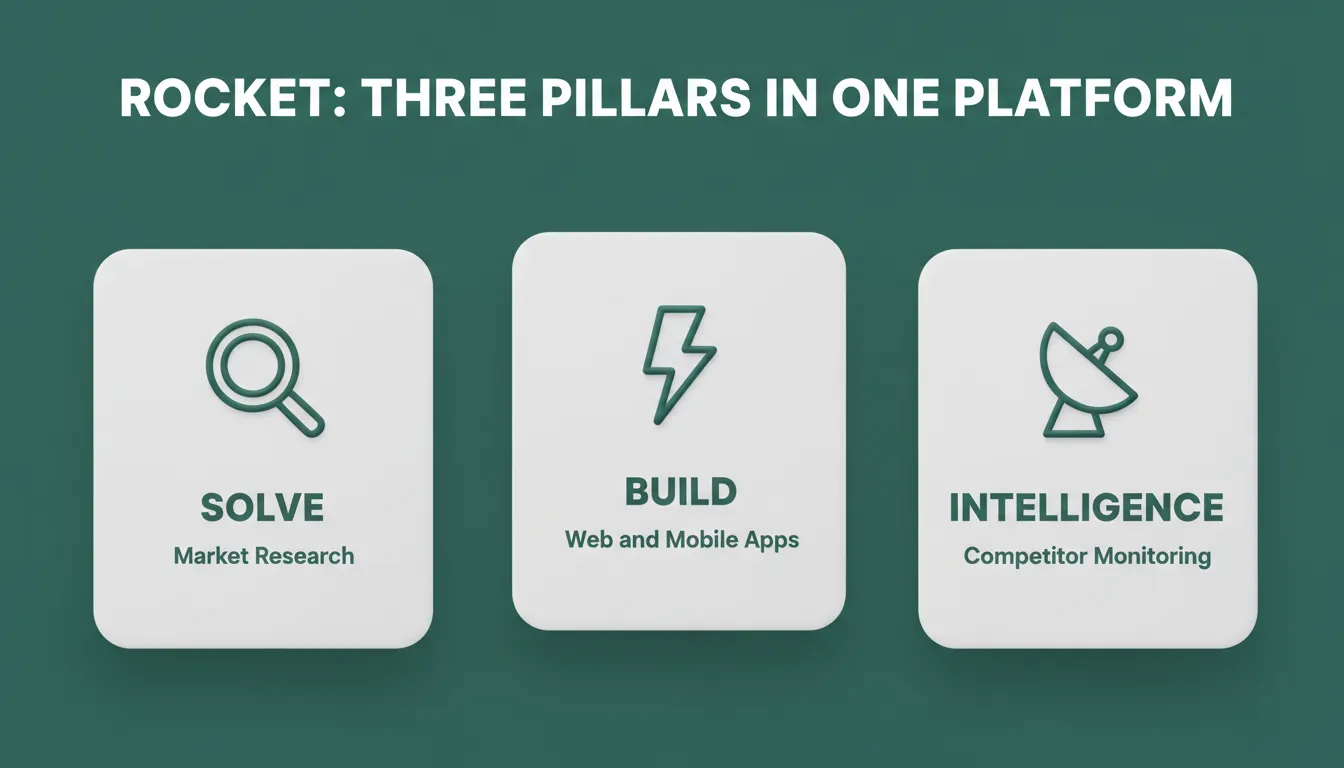
Rocket: Three Pillars in One Platform — Solve, Build, and Intelligence work together inside a single shared-context workspace.
How to Start a Build
| Starting Method | Best For |
|---|---|
| Plain-language prompt | Starting fresh from a description |
| Figma file import | Converting completed designs to production code |
| GitHub repository | Continuing an existing Next.js TypeScript codebase |
| Template (zero credits) | Common patterns — SaaS, landing page, e-commerce |
Beyond Building: Solve and Intelligence
What separates Rocket from traditional no-code tools is what happens before and after the build.
Solve runs market research, validates ideas, creates PRDs, and delivers structured reports with data, insights, and recommendations. You run this before writing a single prompt to Build. The research that validated your direction becomes the foundation of the build. Nothing is re-explained; everything compounds.
Intelligence monitors competitors continuously. It delivers automated daily briefs, pricing change alerts, and trend signals, all from the same platform. A competitor changes their pricing. Rocket sees it, connects it, and tells you what it means.
25+ Built-In Integrations
Rocket connects directly to Stripe, Supabase, Google Analytics, Mixpanel, Airtable, Notion, Linear, Mailchimp, OpenAI, Anthropic, Gemini, Perplexity, Twilio, Calendly, and more. Authenticate once, and they flow into every build.
Traction
1.5 million people have tried Rocket across 180 countries, from solopreneurs validating their first idea to enterprise teams. Rocket is backed by Salesforce Ventures and Accel, and built by the team that previously shipped 300+ apps with DhiWise.
Real-World Use Cases
No-code platforms are being used across a wide range of scenarios:
- Startup MVPs: Teams launch minimum viable products quickly without a full development team. Source
- Figma-to-production: Designers convert completed Figma designs into functional web and mobile apps without developer handoff. Source
- Internal tools: Teams create dashboards, OKR trackers, and customer health monitors connected to Mixpanel, Airtable, and Notion.
- Client demos: Founders build proof-of-concept apps rapidly to gather stakeholder feedback before committing to a full build.
- SaaS products: Teams launch subscription-based products with Stripe billing, Supabase authentication, and role-based access, all from a single prompt.
On Reddit, one startup founder wrote:
"Switching to a no-code app builder cut our MVP launch time in half. We went from idea to live in just three weeks. Rocket allowed us to convert designs into fully functional apps and scale quickly."
Choosing the Best No-Coding App Builder
When evaluating the best no coding app builder for rapid app creation, these dimensions matter most:
- Output quality: Does the generated app look and perform like something a design team built? The best platforms produce intentional typography, real hierarchy, and visual identity specific to the product.
- Code ownership: Can you export the source code, connect a GitHub repository, and deploy to your own infrastructure?
- Speed vs. control: Some platforms prioritize rapid deployment; others offer deeper customization. The best offer both.
- Scalability: Does the platform support staging and production environments, version history, and one-click rollback?
- Pre-build intelligence: Does the platform help you validate what to build before you build it, or does it assume you already know?
For teams specifically building their first product, the guide on the best no-code app builder for startups covers how top platforms perform across real-world use cases.
Mobile, Web, and Progressive Web Apps
No-code platforms let teams target multiple platforms from a single workflow:
- Mobile apps: Native iOS and Android apps built in Flutter can be created without coding knowledge. Teams submit them directly to the App Store and Google Play.
- Web apps: Build responsive web applications in Next.js with full functionality, SEO optimization, and performance tuning.
- Progressive web apps (PWAs): PWAs allow mobile app-like experiences without app store submission. They are ideal for fast distribution and early testing.
Cross-platform apps reduce development overhead and provide consistent user experiences. Teams manage a single codebase across multiple platforms, making the best no coding app builder for rapid app creation one that supports all three output types.
Mobile App Distribution Options
| Distribution Method | Speed | Audience | Cost |
|---|---|---|---|
| Web preview link | Instant | Anyone with link | Included |
| APK download (Android) | Minutes | Testers with devices | Included with paid plan |
| Google Play Store | Days to weeks | Public | $25 one-time |
| Apple App Store | Days to weeks | Public | $99/year |
Tips for Smooth No-Code App Building
- Start with clear workflows before building. Map your key screens and user flows first.
- Use pre-built components to reduce development time and maintain visual consistency.
- Test integrations early. Connect Supabase, Stripe, or Google Sheets in the first session, not the last.
- Keep the first version lean. Ship a focused core, then add features through iteration based on real user feedback.
- Use version history. Every significant change should create a checkpoint you can roll back to.
- Validate before you build. Confirm the market exists before investing in the full build.
Following these practices keeps the app launch timeline tight. They also reduce the risk of building the wrong thing fast.
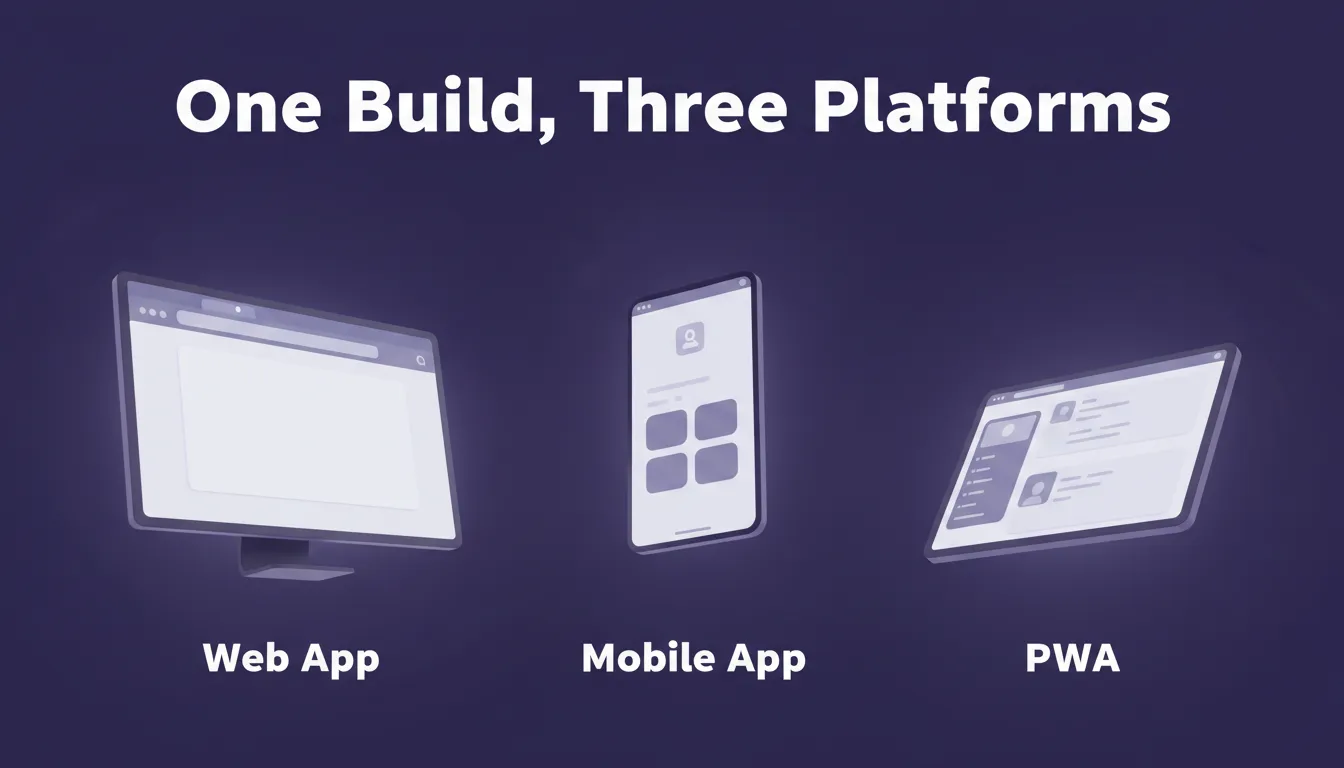
One Build, Three Platforms — web, mobile, and PWA deployment without separate codebases.
The Right Platform for Rapid App Creation
The best no-code app builder for rapid app creation is not the one with the most features. It is the one that produces code you can own, deploys to real infrastructure, ships with accessibility and compliance by default, and helps you think through what to build before you build it.
No-code has moved well past the era of limited, template-bound tools. Today's leading platforms generate production-grade applications that look and perform like a design and engineering team built them. As AI-powered generation continues to improve, the gap between no-code output and custom development will keep narrowing.
The question is no longer whether you can build without a developer. It is whether your no-code platform is good enough to be your only platform, from the first research question to the live product to the competitive signals that shape what you build next.
You describe the problem. Rocket researches it, recommends a direction, and builds from that direction. Start building on Rocket.new and go from idea to live app in minutes.
Table of contents
- -What is a No-Code App Builder?
- -What Makes a No-Code App Builder Stand Out?
- -Popular No-Code Platforms Compared
- -How No-Code Changes Workflows
- -Rocket: Research, Build, and Monitor in One Platform
- -What Rocket Builds
- -How to Start a Build
- -Beyond Building: Solve and Intelligence
- -25+ Built-In Integrations
- -Traction
- -Real-World Use Cases
- -Choosing the Best No-Coding App Builder
- -Mobile, Web, and Progressive Web Apps
- -Mobile App Distribution Options
- -Tips for Smooth No-Code App Building
- -The Right Platform for Rapid App Creation