
A no code website builder lets anyone create professional websites, online stores, and web apps without writing code. Choosing the right one depends on what you are building, not just how fast you want to launch.
Can you build a professional website without coding? Yes, and faster than you think.
A no-code website builder is a platform that lets you create and publish websites visually, without writing HTML, CSS, or JavaScript. You arrange elements using a drag-and-drop interface, choose from customizable templates, configure settings through menus, and publish with a single click. The platform handles all the technical execution behind the scenes.
According to recent research, 83% of small businesses now have a website. The rise of easy no-code tools made site creation accessible without design or tech skills. Whether you need a landing page, a web app, or a full online store, these tools turn an idea into a live website in hours.
For a step-by-step walkthrough of the process, how to create a no code website covers it in detail.
What is a No-Code Website Builder?
A no-code website builder removes the technical barrier between your idea and a live site. You describe what you want, design it visually, and publish. No developer is required.
The key difference from traditional web development is that you never touch code unless you choose to. Everything is abstracted into a visual interface. This removes the dependency on a developer for every small change. You ship faster and iterate on your own schedule.
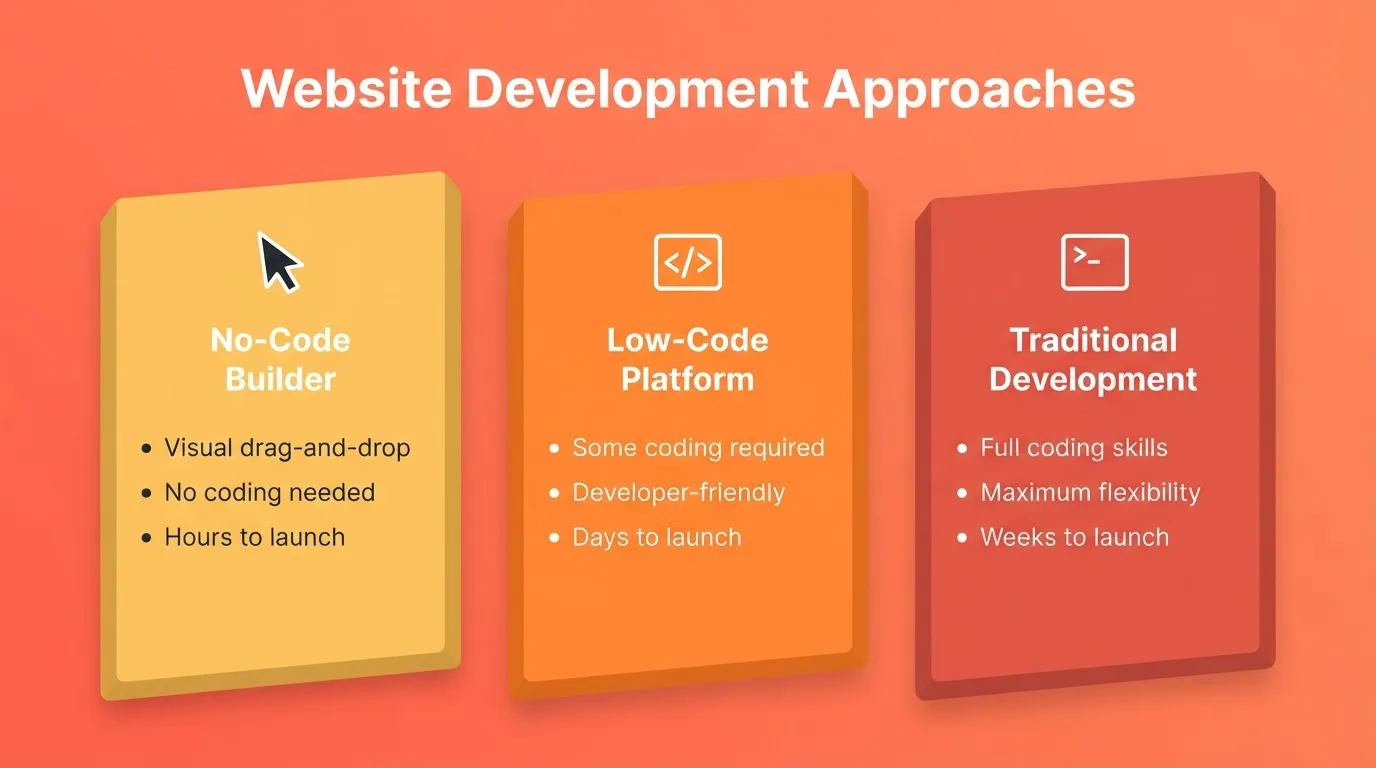
No-Code vs Low-Code vs Traditional Development
Understanding where no-code sits in the broader landscape helps you choose the right tool:
| Approach | Who It's For | Technical Skill Required | Time to Launch |
|---|---|---|---|
| No-code builder | Non-technical users, small businesses, founders | None | Hours to days |
| Low-code platform | Developers and technical teams | Some coding | Days to weeks |
| Traditional development | Professional developers | Full-stack skills | Weeks to months |
| AI-powered builder | Anyone, from founders to enterprises | None | Minutes to hours |
No-code builders sit at the accessible end of this spectrum. AI-powered builders push even further. They generate production-ready code from plain language, so you get the speed of no-code with the quality of professional development.
Why People Choose No-Code Website Builders
The biggest reason is speed. You can launch a professional site in hours with drag-and-drop tools. But speed is just the start.
Key benefits include:
- Free plan to try before committing: Most no-code website builders offer a free plan. You can experiment with layouts, templates, and features without paying a dime.
- E-commerce websites with inventory tools and checkout features: No-code builders include inventory management, shopping carts, and checkout features. Your online store runs smoothly without technical headaches.
- Built-in SEO tools: These tools help your site appear in Google search results, manage meta tags, and optimize images. You get found faster.
- Advanced customization options: Even without coding, some platforms let you tweak layouts, colors, and fonts. You get creative freedom to make a site that feels unique.
- No ongoing developer dependency: Make changes yourself, on your schedule. You do not need to wait for a developer or pay for every small update.
- Integrated hosting: Most builders include hosting, SSL certificates, and CDN delivery out of the box.
- Mobile responsiveness by default: Google ranks mobile-first. Every page your builder creates should look and perform well on phones and tablets automatically.
No-code platforms make life easier for business owners, designers, and side-project enthusiasts alike.
How a No-Code Website Builder Works: The Full Workflow
Understanding the end-to-end process helps you get your site live faster. Most no-code website builders follow the same core workflow:
- Choose a starting point: a blank canvas, a pre-built template, or an AI prompt
- Design visually: drag elements, adjust layouts, upload images, and set colors and fonts
- Add functionality: forms, ecommerce, booking systems, and integrations
- Configure SEO and domain: set page titles, meta descriptions, and connect a custom domain
- Publish: go live with one click; most platforms handle hosting automatically
The complete workflow for building and publishing a site with a no code website builder
For a detailed breakdown of what to look for in an AI-powered builder, see features of an AI website builder.
Top No-Code Website Builders Compared
Here is a side-by-side comparison of the best no-code website builders available today. Each platform serves different needs, budgets, and skill levels.
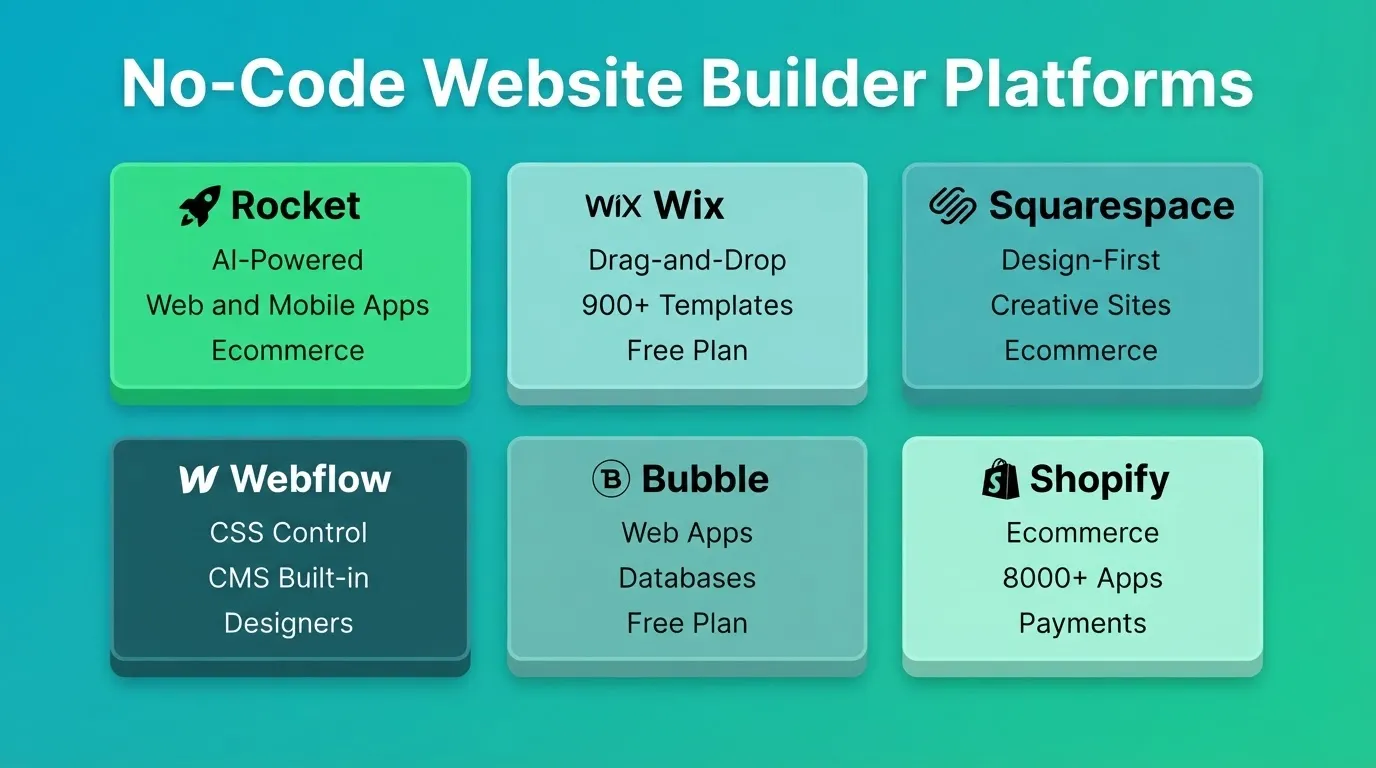
| Builder | Best For | Free Plan | Ecommerce | AI-Powered | Mobile Apps |
|---|---|---|---|---|---|
| Rocket | AI-driven sites, apps, and full-stack products | Yes (20 credits) | Yes | Yes | Yes (Flutter) |
| Wix | All-around small business sites | Yes | Yes | Partial | No |
| Squarespace | Stylish creative and portfolio sites | No (14-day trial) | Yes | Partial | No |
| Webflow | Designer-grade custom websites | Yes | Yes | No | No |
| Bubble | Interactive web apps and databases | Yes | Limited | No | No |
| Shopify | Dedicated online stores at scale | No (3-day trial) | Yes | Partial | No |
Rocket
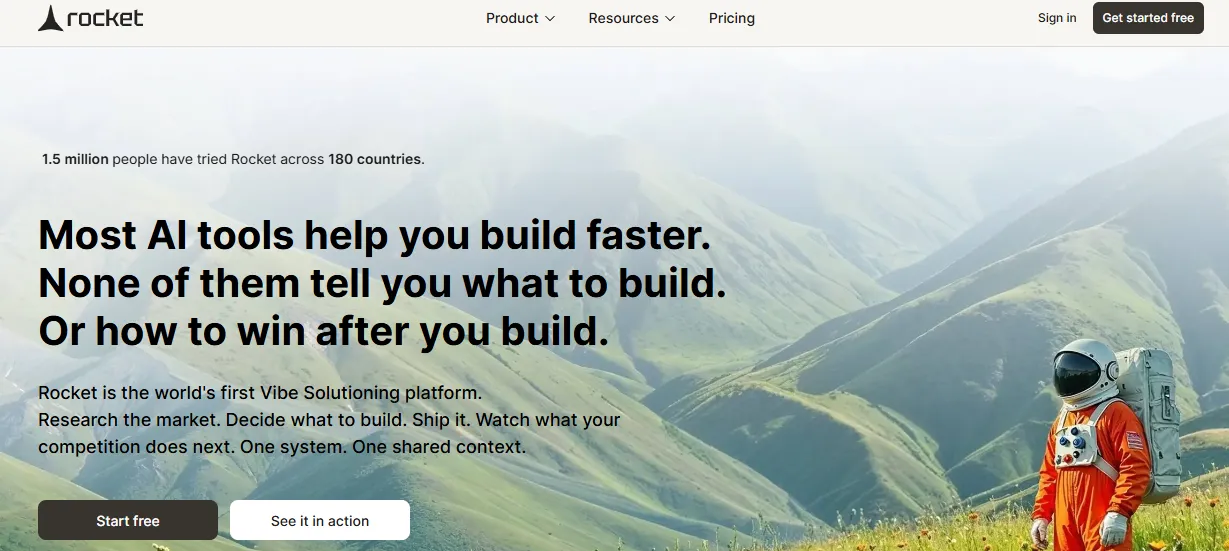 Rocket is not a traditional drag-and-drop builder. It is the world's first Vibe Solutioning platform. It is a production-grade AI builder that generates fully functional websites, web apps, mobile apps, and online stores from plain language descriptions, Figma designs, or existing codebases.
Where most no-code builders give you templates to customize, Rocket generates a unique product from scratch. It applies real design hierarchy, intentional typography, and production-ready code (Next.js for web, Flutter for mobile). 1.5 million people have tried Rocket across 180 countries, from solopreneurs to enterprise teams.
What Rocket Builds
- Marketing websites and multi-page sites
- SaaS dashboards and web applications
- E-commerce stores with product listings, cart, checkout, and payment integrations
- iOS and Android mobile apps, ready for App Store and Google Play submission
- Landing pages, portfolios, and internal tools
- Customer portals, compliance tools, and investor data rooms
Three Pillars That Set Rocket Apart
What makes Rocket different from every other no code website builder is that it covers the complete arc from idea to live product. It does not just handle the build step.
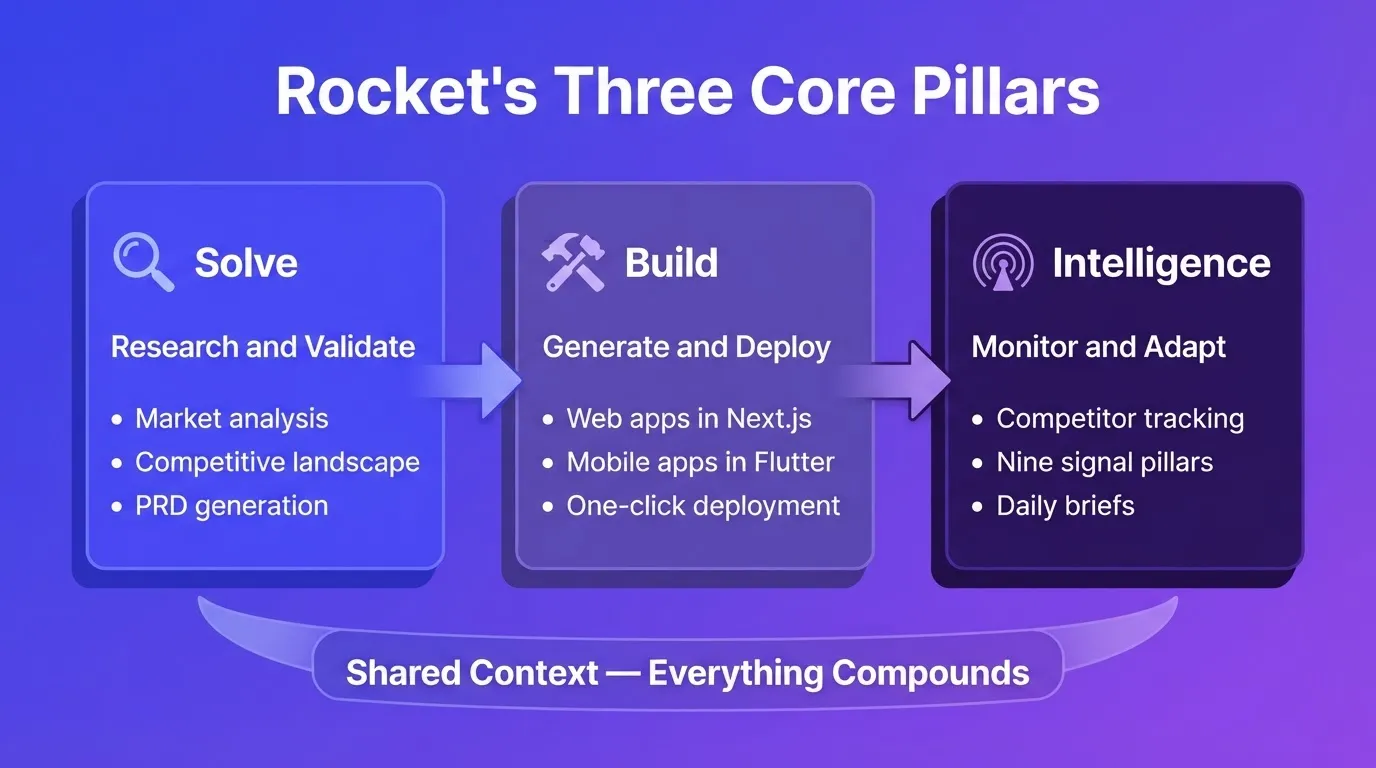
Solve turns any business question into a structured research report. Before you build, Solve validates your idea, maps the competitive landscape, sizes the market, and generates a PRD. It runs thousands of queries across 150+ sources simultaneously. Findings are ready in 60 to 90 minutes. Output exports as PDF or presentation deck.
Build generates production-ready web apps (Next.js) and mobile apps (Flutter) from plain language. Every build ships with SEO-ready structure, WCAG accessibility compliance, GDPR coverage, and performance optimization by default. You can start from a prompt, a Figma design, a screenshot, a template (zero credits consumed), or an existing GitHub repository (Next.js TypeScript only).
Intelligence monitors competitors continuously across nine signal pillars: website, social, news, hiring, traffic, product, GTM, finance, and reviews. It delivers ranked, personalized Intel cards to your dashboard. You know not just what changed, but what it means for your business.
All three pillars share context. The Solve research that validated your idea becomes the foundation of your Build task. The Intelligence signal from last week informs this week's product decision. Nothing is re-explained. Everything compounds.
How to Start Building on Rocket
- Go to Rocket.new and sign in. No credit card is required.
- Click New task and select Build, or type your idea directly into the home screen chat.
- Describe your site using the category tabs: Website, Landing Page, SaaS, E-commerce, or Mobile App.
- Answer any clarifying questions. Specific prompts skip this step and start building immediately.
- Watch Rocket generate your site in 1 to 3 minutes with a live preview.
- Refine through Chat (natural language), Visual Edit (click any element), or Code (edit source directly). There is no change limit.
- Click Launch. Your site goes live instantly with a shareable URL. Connect a custom domain or download the source code on paid plans.
Six Ways to Start a Build
| Starting Method | Best For |
|---|---|
| From a prompt | Starting fresh with a plain language description |
| From a template | Common patterns like SaaS or landing page. Zero credits consumed. |
| From Figma | Completed designs ready to become production code |
| From an attachment | Screenshot, wireframe, or PDF to build from |
| From GitHub | Existing Next.js TypeScript codebase to enhance |
| Redesign (from a URL) | Reimagining an existing website via eight slash commands |
Rocket Pricing
| Plan | Monthly Price | Credits Per Month | What's Included |
|---|---|---|---|
| Free | $0 | 20 (one-time) | Websites, landing pages, web apps, mobile apps |
| Pro | $25 | 100 | Websites, landing pages, web apps, mobile apps |
| Rocket | $50 | 250 | Full suite including research and competitive intelligence |
| Booster | $250 | 1,500 | Full suite for power users and fast-moving teams |
All plans include unlimited team members. Credits roll over month-to-month on monthly plans. Annual billing saves 20%. When credits run out, Rocket pauses generation. Your work stays safe. You can wait for the next cycle or add more credits.
Wix
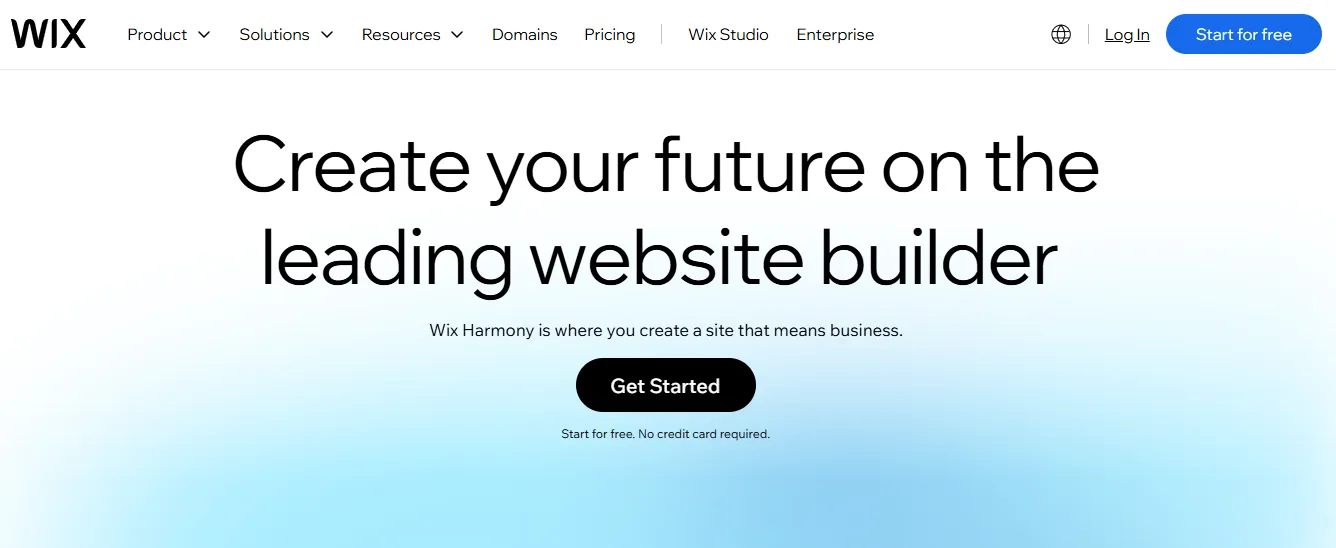 Wix is one of the most widely used no-code website builders for small businesses and personal sites. Its drag-and-drop editor makes moving elements intuitive. It covers nearly every common website use case.
Best for: small businesses, restaurants, service providers, personal portfolios, and bloggers.
- Drag-and-drop editor with 900+ customizable templates
- Wix ADI answers a few questions and builds a site automatically
- Built-in SEO tools and Google Search Console integration
- Ecommerce with shopping carts, checkout, and payment processing
- Free plan available on a Wix subdomain; upgrade for a custom domain
Once you choose a template, you cannot switch to a different one without rebuilding. The free plan displays Wix branding on your site.
Squarespace
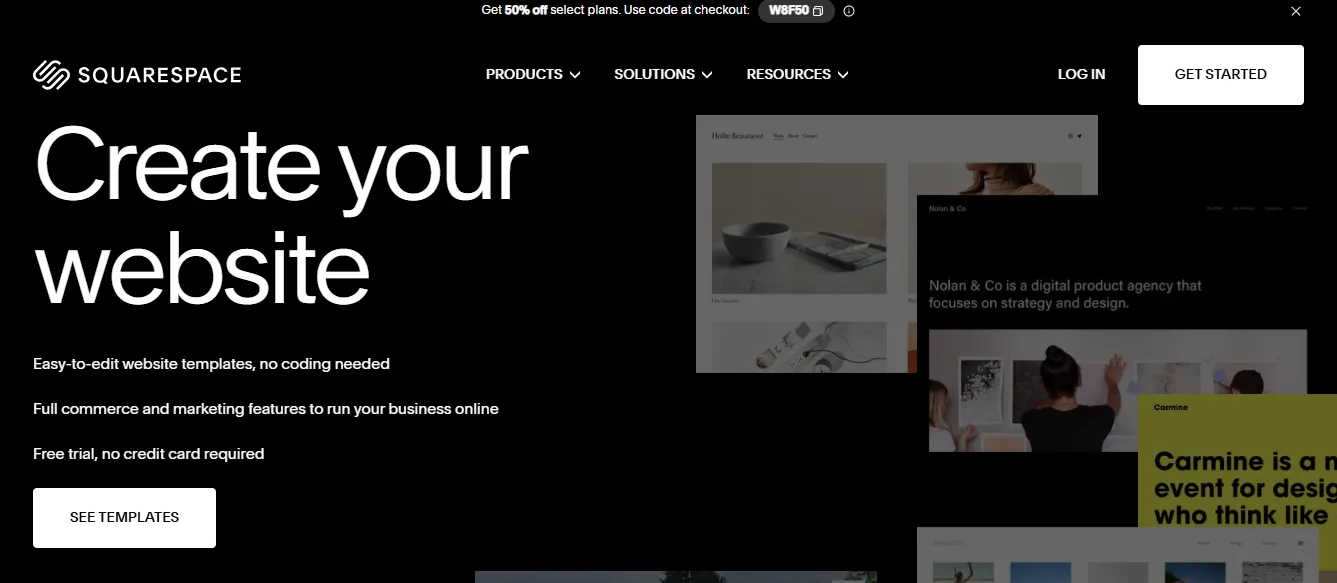 Squarespace is the go-to no-code website builder for creatives, photographers, and brands that prioritize visual polish. Every template is professionally designed and mobile-responsive.
Best for: photographers, artists, designers, boutique brands, bloggers, and restaurants.
- Award-winning design templates with consistent visual quality
- Built-in blogging, portfolio, and ecommerce tools
- Email marketing integration via Squarespace Email Campaigns
- Analytics dashboard for traffic and sales
No free plan is available. A 14-day free trial applies. Paid plans start around $16 per month. According to Squarespace, modern website builders now bundle SEO, analytics, and ecommerce into a single interface. This makes it easier than ever to launch without a developer.
Webflow
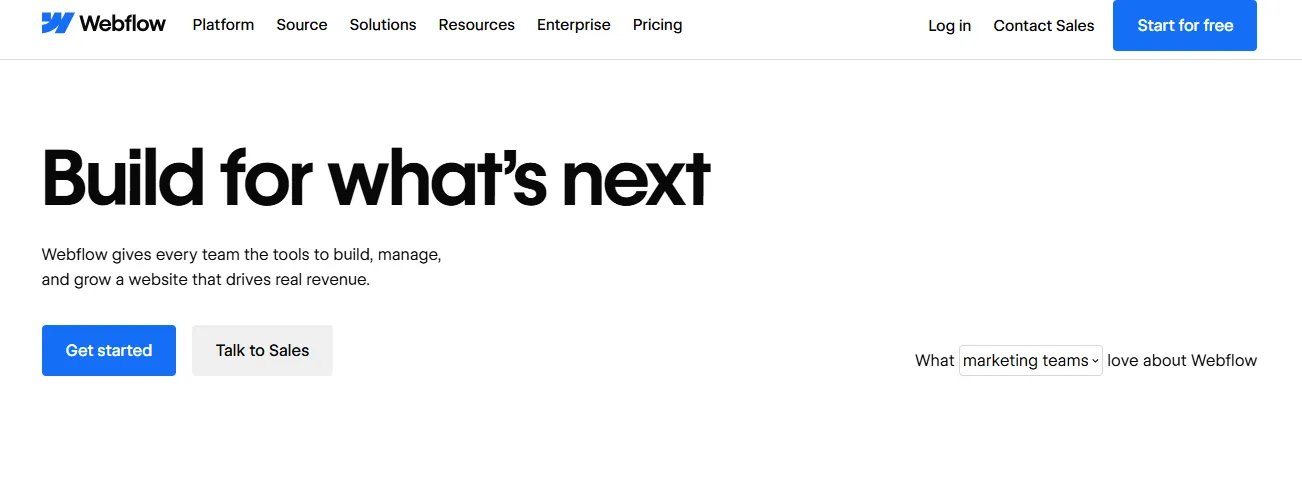 Webflow is the no-code website builder of choice for designers who want full creative control. It generates clean, semantic HTML and CSS. You get pixel-level control over every element without writing code.
Best for: designers, agencies, marketing teams, content-heavy sites, and CMS-driven projects.
- Visual CSS editor to control every property without writing code
- Webflow CMS to build dynamic content collections such as blog posts, team members, and products
- Ecommerce with advanced product management
- Interactions and animations without JavaScript
- Free plan available on a Webflow subdomain
The learning curve is steeper than other options on this list. It is not the best starting point for complete beginners.
Bubble
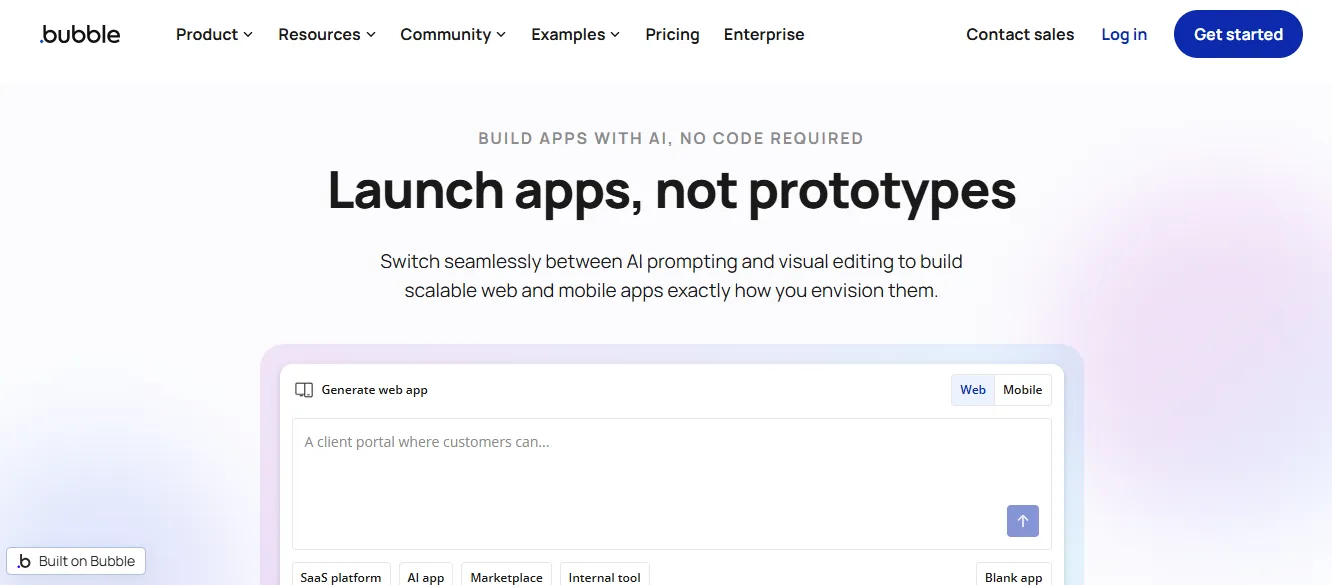 Bubble is built for creating interactive, database-driven web applications without coding. It supports user authentication, complex workflows, and relational databases. This makes it the most capable no-code builder for functional web apps.
Best for: SaaS founders, marketplace builders, app prototypers, and non-technical founders building complex products.
- Visual database builder with relational data
- Workflow editor for complex business logic
- User authentication and role-based access
- Plugin ecosystem for extending functionality
- Free plan available
The learning curve is steeper than visual website builders. Performance can slow on highly complex apps. There is no native mobile app output.
Shopify
 Shopify is a dedicated ecommerce platform, not a general website builder. It is purpose-built for selling online at scale. It offers the most comprehensive set of commerce tools available.
Best for: online retailers, dropshippers, and brands selling physical or digital products.
- Product management, inventory tracking, and order fulfillment
- 100+ payment gateways including Shopify Payments
- Abandoned cart recovery, discount codes, and gift cards
- App Store with 8,000+ integrations
- Analytics and sales reporting
No free plan is available (3-day trial only). Monthly transaction fees apply unless you use Shopify Payments. It is not suited for non-ecommerce sites.
What to Look For in a No-Code Website Builder
Choosing the right platform depends on your goals. Here are the features that matter most before you commit.
Essential features to check:
- Custom domain support: Your site should live at yourbrand.com, not yourbrand.wix.com. Most paid plans include custom domains. Check whether domain purchase is included or costs extra.
- Mobile responsiveness: Google ranks mobile-first. Every page your builder creates should look and perform well on phones and tablets automatically.
- SEO tools: At minimum, you need editable page titles, meta descriptions, image alt text, and clean URL structures. Better platforms add structured data, XML sitemaps, and canonical tags.
- Performance: Slow sites lose visitors and rank lower. Look for platforms that optimize images, use CDNs, and score well on Core Web Vitals.
- Ecommerce capability: If you plan to sell, check for product management, checkout flows, payment gateway options, and inventory tools.
Advanced features worth checking:
- Integration ecosystem: Can you connect your email marketing tool, CRM, analytics platform, and payment processor?
- Content management: If you plan to blog or publish regularly, check whether the CMS is easy to use and supports the content types you need.
- Analytics: Built-in traffic and conversion tracking saves you from setting up Google Analytics separately.
- Support quality: Live chat, documentation, and community forums matter when you hit a problem before a launch.
- Version history and rollback: Can you undo a bad change without losing everything?
Community Insight
Real users often give the clearest perspective on no-code tools. One LinkedIn user shared this experience building a site without writing code at all:
"Building a website used to be stressful and expensive. Not anymore. This weekend I launched my own site. No code. No designer. Just a vision and the right tools."
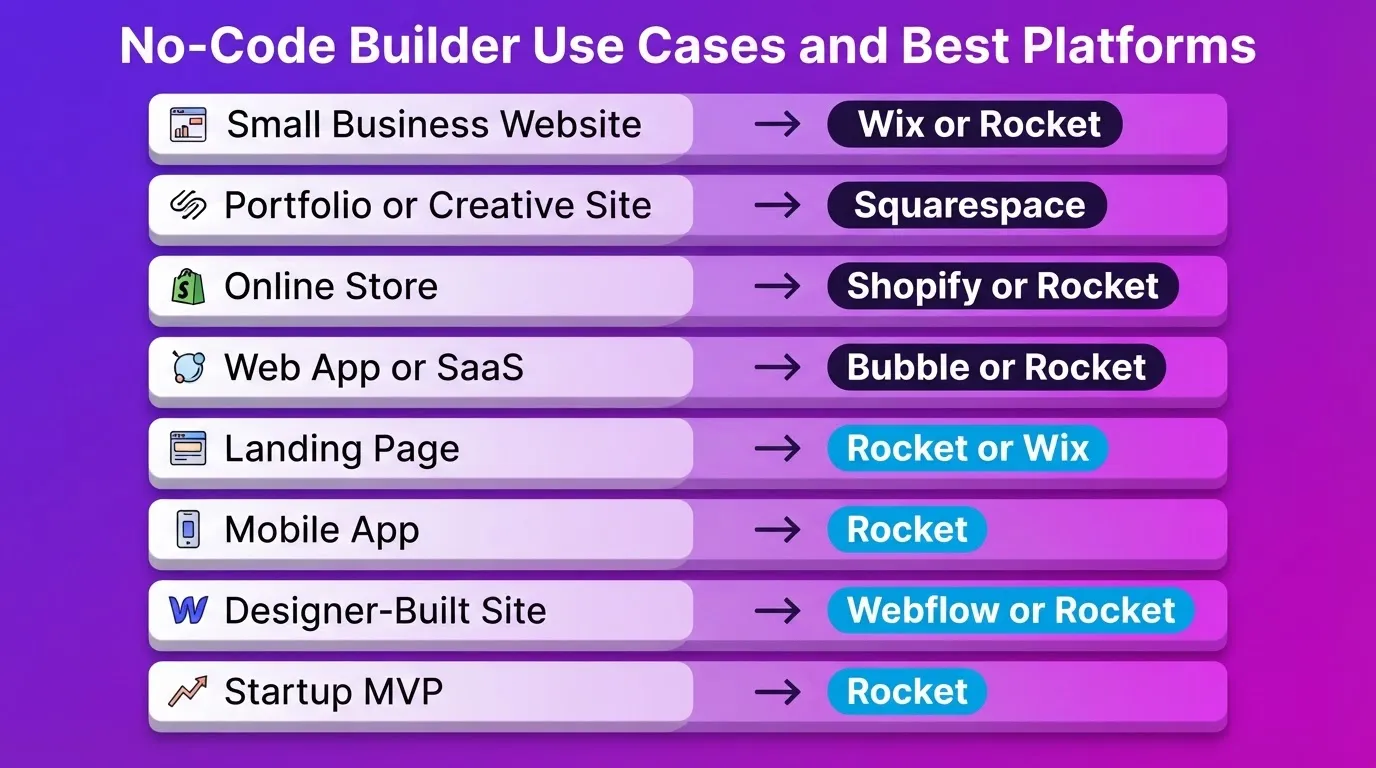
Best No-Code Website Builder for Each Use Case
Different goals call for different platforms. Here is a direct recommendation for each common scenario.
| Use Case | Best Platform | Why |
|---|---|---|
| Small business website | Wix or Rocket | Wix for simplicity; Rocket for AI generation and full-stack capability |
| Portfolio or creative site | Squarespace | Best design quality out of the box |
| Online store | Shopify or Rocket | Shopify for pure ecommerce scale; Rocket for stores with custom web apps |
| Web app or SaaS | Bubble or Rocket | Bubble for complex logic; Rocket for production-grade apps with AI |
| Landing page | Rocket or Wix | Rocket generates conversion-focused pages from context; Wix for manual control |
| Mobile app | Rocket | Only platform that generates iOS and Android apps (Flutter) alongside websites |
| Designer-built site | Webflow or Rocket | Webflow for CSS control; Rocket for Figma-to-code conversion |
| Startup MVP | Rocket | Validate idea, build the product, and monitor competitors, all in one platform |
| Existing site redesign | Rocket Redesign | Eight slash commands reimagine any live website without starting from scratch |
Specific recommendations by user type:
For business owners: Look for ecommerce websites, checkout features, and inventory management. Wix and Squarespace work well for simpler stores. Rocket handles complex, full-stack commerce builds.
For designers: Webflow provides CSS-level control. Rocket converts your Figma files directly to production code, preserving every spacing decision.
For personal websites: Any platform with professionally designed templates works. Free plans are perfect for experimentation.
For web apps: Bubble handles complex database logic. Rocket generates production-grade Next.js apps from plain language and ships them with built-in analytics, integrations, and deployment.
For mobile apps: Rocket is the only no-code platform that generates native iOS and Android apps using Flutter, ready for App Store and Google Play submission.
For startups: Rocket's Solve feature validates your idea before you build it. You get market sizing, a competitive landscape, and a PRD. So you ship the right product, not just a fast one.
No-Code Website Builder Pricing: What to Expect
Understanding the cost structure helps you avoid surprises. Here is what each pricing tier typically includes across platforms:
| Tier | Typical Price | What You Get | Best For |
|---|---|---|---|
| Free | $0 | Builder subdomain, limited features, platform branding | Testing and learning |
| Starter or Basic | $10 to $20/month | Custom domain, no branding, basic SEO | Personal sites, small projects |
| Business | $20 to $50/month | Ecommerce, analytics, more storage, integrations | Small businesses, online stores |
| Advanced or Pro | $50 to $300/month | Priority support, advanced analytics, team features | Growing businesses, agencies |
Key things to check before committing to any paid plan:
- Whether the custom domain is included or costs extra
- Whether ecommerce transaction fees apply on top of the monthly price
- Whether team members cost additional seats
- Whether annual billing offers a meaningful discount
When to Consider Custom Code
No-code builders handle the vast majority of website and app use cases. That said, some scenarios call for custom code:
- Highly unique functionality: Complex calculations, custom algorithms, or interactions that no builder supports out of the box
- Deep third-party integrations: Connecting to internal APIs, legacy systems, or enterprise software with non-standard authentication
- Regulatory or compliance requirements: Certain industries require specific data handling that hosted platforms cannot accommodate
For most projects, including production-grade SaaS products, ecommerce stores, and mobile apps, no-code and AI-powered builders are fully sufficient. Platforms like Rocket let you download the source code (Next.js or Flutter) and continue development in your own environment if your needs evolve. For a broader look at the no-code landscape, see best no-code platform.
The Right No-Code Website Builder Starts With the Right Question
The best no code website builder is the one that matches what you are actually trying to build. For visual simplicity, Wix and Squarespace deliver. For design control, Webflow leads. For ecommerce at scale, Shopify is purpose-built. For complex web apps, Bubble handles the logic.
As AI reshapes how websites are built, the gap between "no-code" and "production-grade" is closing fast. The next generation of no code website builders will not just generate pages. They will research the market, validate the direction, and monitor what happens after launch. That shift is already here.
You describe the site. Rocket researches, builds, and deploys it. Start building on Rocket, no credit card required.
Table of contents
- -What is a No-Code Website Builder?
- -No-Code vs Low-Code vs Traditional Development
- -Why People Choose No-Code Website Builders
- -How a No-Code Website Builder Works: The Full Workflow
- -Top No-Code Website Builders Compared
- -Rocket
- -What Rocket Builds
- -Three Pillars That Set Rocket Apart
- -How to Start Building on Rocket
- -Six Ways to Start a Build
- -Rocket Pricing
- -Wix
- -Squarespace
- -Webflow
- -Bubble
- -Shopify
- -What to Look For in a No-Code Website Builder
- -Community Insight
- -Best No-Code Website Builder for Each Use Case
- -No-Code Website Builder Pricing: What to Expect
- -When to Consider Custom Code
- -The Right No-Code Website Builder Starts With the Right Question