

Choosing the right app deployment tools is what separates chaotic release days from predictable ones. This blog covers the tools, strategies, and practices that help teams ship faster and recover faster.
Does your team dread release day?
The right app deployment tools can change that. They automate, coordinate, and manage the process of moving application code from development into production environments. They handle the mechanical work so teams can focus on building rather than managing error-prone manual steps.
At their core, deployment tools solve three problems: speed (reducing time from code commit to live release), consistency (ensuring software behaves identically across all environments), and safety (catching failures before they reach real users).
What deployment tools commonly handle:
- Automating repetitive deployment tasks and build pipelines
- Managing configuration settings, secrets, and environment variables
- Supporting continuous deployment and continuous delivery workflows
- Reducing human error during software deployment
- Providing visibility through dashboards, logs, and alerting
- Enabling rollback when a release introduces a regression
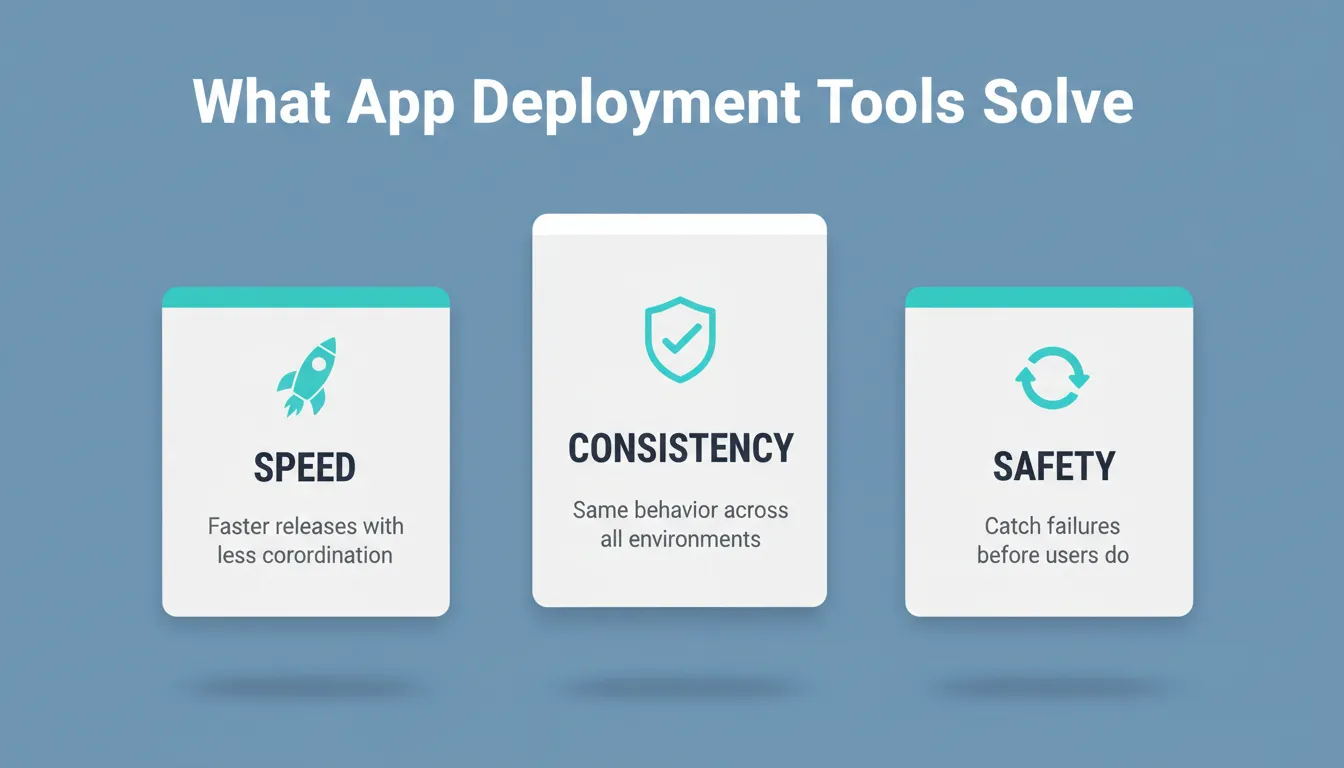
What App Deployment Tools Solve: speed, consistency, and safety
What App Deployment Tools Solve: speed, consistency, and safety are the three core problems every deployment toolchain must address.
The Software Deployment Process, Step by Step
The software deployment process defines how software moves from a developer's machine to end users. It starts long before release day and continues well after deployment finishes.
A complete software deployment process typically includes these stages:
- Plan — Define what is being released, who is affected, and what success looks like
- Build — Compile source code, resolve dependencies, and create a deployable artifact
- Test — Run automated unit, integration, and end-to-end tests against the artifact
- Stage — Deploy to a staging environment that mirrors production for final validation
- Release — Push the validated artifact to production environments
- Monitor — Track performance metrics, error rates, and user behavior post-release
- Respond — Roll back, hotfix, or iterate based on what monitoring surfaces
Managing multiple environments is central to this flow. Development, staging, and production environments must stay aligned in configuration. When teams maintain consistency across environments, software behaves the same everywhere. This protects critical systems and reduces the "it works on my machine" class of failures.
For a deeper look at how these stages connect into a repeatable system, the application deployment automation best practices guide covers the full workflow in detail.
Deployment Automation: Why Manual Releases Break at Scale
Deployment automation eliminates manual steps that slow down releases or introduce errors. Instead of a developer SSH-ing into a server and running commands by hand, scripts and pipelines handle the work in a repeatable, auditable way.
Research from GitLab shows that teams using CI/CD practices deploy code up to 46% more frequently. They also recover from failures much faster.
Deployment automation supports both continuous delivery and continuous deployment. In continuous delivery, every code change is automatically built and tested. A human then approves the production push. In continuous deployment, that final push also happens automatically when tests pass.
Clear benefits of deployment automation:
- Faster, more frequent releases with lower coordination overhead
- Fewer errors from manual processes and full audit trails of every deployment
- Automated scaling that responds to traffic changes without manual intervention
- More stable production environments with consistent configurations
Shift-Left Testing: Catching Bugs Earlier
A key principle in modern deployment automation is shift-left testing. This means moving quality checks earlier in the pipeline rather than waiting for staging to surface problems. Automated unit tests, linting, security scanning, and dependency audits run on every code commit. This catches issues when they are cheapest to fix.
CI/CD Pipelines: The Engine of Modern Software Delivery
The CI/CD pipeline sits at the center of modern software development. CI/CD pipelines connect continuous integration and continuous delivery. Together, they enable teams to release updates reliably at any time.
Continuous integration (CI) checks code quality early. Every code commit triggers automated builds and tests. Problems surface within minutes rather than days. Continuous delivery (CD) prepares validated code for release without delay. It produces a deployable artifact that is ready for production at any moment.
CI/CD pipelines integrate closely with version control systems and support multiple programming languages. They provide built-in monitoring that enables teams to track build failures, test trends, and deployment frequency over time.
Popular CI/CD tools include Jenkins, GitLab CI, GitHub Actions, and Azure DevOps. These tools help teams deploy code faster while keeping the deployment environment stable and auditable.
Understanding how software development automation fits into the broader engineering workflow helps teams make better toolchain decisions from the start.
The Deployment Pipeline: From Testing to Production
The deployment pipeline focuses on how releases progress after testing. It defines the ordered steps required to move a validated artifact into production environments.
Many teams rely on Docker containers within their deployment pipeline. Containers package software with all their dependencies. This makes application deployment more predictable across different environments and operating systems. Container orchestration platforms like Kubernetes manage scaling, availability, and recovery across clusters of containers.
Common Deployment Strategies
| Strategy | How It Works | Best For |
|---|---|---|
| Rolling deployment | Replace instances gradually, one at a time | Low-risk updates with backward-compatible changes |
| Blue-green deployment | Run two identical environments; switch traffic instantly | Zero-downtime releases requiring instant rollback |
| Canary release | Route a small percentage of traffic to the new version first | High-risk changes needing real-user validation |
| Feature flags | Deploy code but control activation per user or segment | Gradual rollouts and A/B testing without redeployment |
| Recreate deployment | Shut down old version, start new version | Simple apps where brief downtime is acceptable |
Progressive delivery combines canary releases with feature flags. This gives teams fine-grained control over who sees new features and when. The approach lowers risk and limits the blast radius of any regression.
Configuration Management: The Invisible Foundation
Configuration management keeps settings, credentials, and infrastructure consistent across development, staging, and production environments. Without it, software that works in one environment often fails in another.
Configuration management tools automate tasks that would otherwise rely on error-prone manual input. They support infrastructure management across virtual machines, containers, and cloud platforms.
Common configuration management tools:
- Ansible — Agentless automation using YAML playbooks; strong for infrastructure provisioning
- Puppet — Declarative configuration management for large-scale infrastructure
- Chef — Ruby-based infrastructure automation with strong compliance tooling
- Terraform — Infrastructure as code for provisioning cloud resources across providers
These tools help teams maintain consistency across operating systems and different cloud environments. They also support regular software updates and custom packages, keeping systems reliable and auditable over time.
Environment Variables and Secrets Management
A critical subset of configuration management is secrets management. It stores API keys, database credentials, and tokens securely so they never appear in source code or version history. Modern deployment tools handle environment variables at the server level. This keeps credentials out of client code and prevents accidental exposure in public repositories.
Popular App Deployment Tools Compared
| Tool | Category | Primary Use | Best Fit For |
|---|---|---|---|
| Jenkins | CI/CD | Build and test automation | Custom, self-hosted pipelines |
| GitLab CI | CI/CD | End-to-end DevOps workflows | Teams wanting all-in-one visibility |
| GitHub Actions | CI/CD | Workflow automation | GitHub-native teams |
| Kubernetes | Orchestration | Container management at scale | Scalable, distributed systems |
| Ansible | Config management | Infrastructure provisioning | Agentless automation tasks |
| Azure DevOps | Lifecycle management | Enterprise planning to deployment | Microsoft ecosystem teams |
| Netlify | Hosting and deployment | Static and JAMstack deployment | Frontend and web app teams |
| Vercel | Hosting and deployment | Next.js and frontend deployment | React and Next.js projects |
| Terraform | Infrastructure as code | Cloud resource provisioning | Multi-cloud infrastructure |
This mix shows how deployment covers far more than just pushing code live. It spans infrastructure, testing, configuration, and observability.
The Role of Cloud and Infrastructure in Modern Deployment
Cloud platforms have fundamentally changed how deployment works. Many teams now deploy applications across multiple cloud providers to ensure scalability, reliability, and geographic redundancy.
Cloud environments allow teams to create and destroy resources on demand. When combined with deployment automation, this flexibility enables faster software development cycles. It also eliminates the bottleneck of waiting for physical hardware.
Key cloud deployment concepts:
- Infrastructure as code (IaC) — Define cloud resources in version-controlled configuration files so environments are reproducible and auditable
- Immutable infrastructure — Replace servers rather than modifying them in place, eliminating configuration drift
- Auto-scaling — Automatically add or remove compute resources based on traffic
- Multi-region deployment — Distribute applications across geographic regions for lower latency and higher availability
Teams building serverless architectures take this further. They remove infrastructure management almost entirely. The guide to building serverless architecture walks through how that model fits into a modern deployment strategy.
Security in the Deployment Pipeline (DevSecOps)
Security is no longer a post-deployment concern. The DevSecOps approach integrates security checks directly into the CI/CD pipeline. This way, vulnerabilities get caught before they reach production.
Security practices to embed in your deployment pipeline:
- Static application security testing (SAST) — Scan source code for vulnerabilities on every commit
- Dependency scanning — Check third-party libraries for known CVEs automatically
- Container image scanning — Audit Docker images for vulnerabilities before deployment
- Secrets detection — Prevent API keys and credentials from being committed to version control
- Infrastructure security scanning — Validate Terraform and Ansible configurations against security benchmarks
According to the Snyk 2024 State of Open Source Security report, 70% of security vulnerabilities originate in open-source dependencies. This makes automated dependency scanning in the deployment pipeline a critical control.
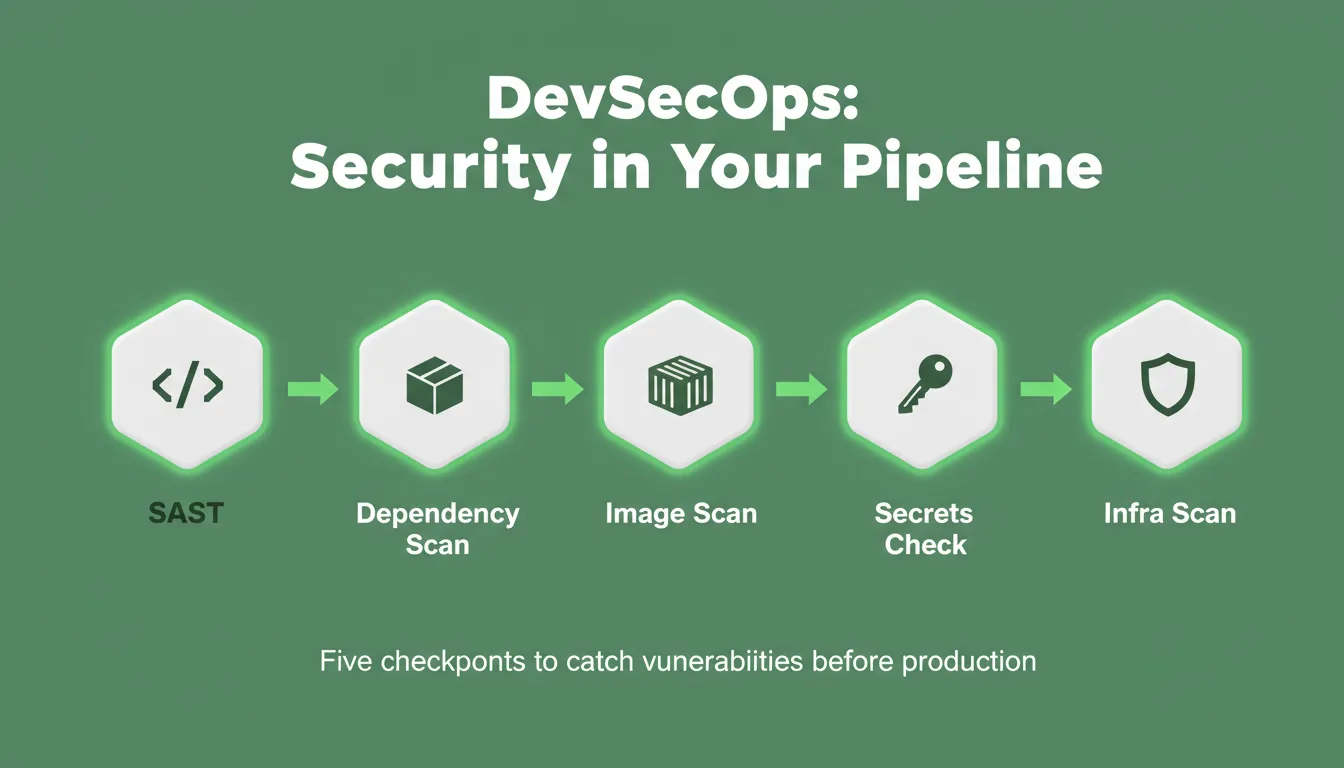
DevSecOps: Security in Your Pipeline
DevSecOps: Security in Your Pipeline — five checkpoints that catch vulnerabilities before they reach production.
Monitoring and Observability After Deployment
Deployment does not end when code reaches production. Post-deployment monitoring separates teams that catch problems in minutes from those that learn about them from users.
Core observability pillars:
- Metrics — Quantitative measurements of system behavior (request rate, error rate, latency, CPU and memory usage)
- Logs — Timestamped records of events and errors for debugging and audit trails
- Traces — End-to-end records of individual requests flowing through distributed systems
| DORA Metric | What It Measures | High-Performer Benchmark |
|---|---|---|
| Deployment frequency | How often code reaches production | Multiple times per day |
| Lead time for changes | Time from commit to production | Less than one hour |
| Change failure rate | Deployments that cause incidents | Below 15% |
| Mean time to recovery (MTTR) | Time to restore service after an incident | Less than one hour |
These four DORA metrics come from the DevOps Research and Assessment program. They are the industry standard for measuring software delivery performance. High-performing teams use them to benchmark their deployment process and identify where to invest in tooling or process improvements.
For teams evaluating AI-powered options, this overview of best AI app deployment tools covers how AI is changing the deployment landscape.
Team Collaboration and Deployment Culture
Deployment affects how teams work together as much as it affects the software itself. Strong deployment practices support development and operations teams working as one unit. This is the core principle behind DevOps culture.
Shared dashboards, version control, and clear deployment workflows reduce misunderstandings between teams. This collaboration shortens feedback loops and improves software quality over time. When teams trust the deployment system, releases feel routine instead of risky.
According to Atlassian's DevOps research, organizations with mature deployment practices report significantly higher team satisfaction. They also see lower incident rates and faster time-to-market for new features.
How to Choose the Right App Deployment Tools
With dozens of deployment tools available, choosing the right combination requires matching tools to your team's specific context. Here is a practical framework:
Step 1: Assess your current state. Map your existing deployment process. Identify where manual steps occur and where errors most commonly happen. Note your current deployment frequency.
Step 2: Define your requirements. Consider team size, application type (web, mobile, microservices), cloud provider(s), compliance requirements, and budget.
Step 3: Match tools to your situation:
| Situation | Recommended Starting Point |
|---|---|
| Small team, web app, fast start | Netlify or Vercel with GitHub Actions |
| Existing GitHub workflow | GitHub Actions for CI/CD |
| Enterprise, multi-cloud | Azure DevOps or GitLab CI with Terraform |
| Container-heavy architecture | Kubernetes with Helm |
| Infrastructure at scale | Terraform for IaC, Ansible for config management |
| Mobile app deployment | Fastlane, Firebase App Distribution, or App Store Connect |
Step 4: Start simple, then add complexity deliberately. The most common mistake is adopting too many tools at once. Start with a simple CI pipeline that runs tests on every commit. Then add staging environments, deployment strategies, and observability incrementally.
Step 5: Measure and iterate. Track your DORA metrics from day one. Use deployment frequency and MTTR as leading indicators of whether your toolchain is working.
Common Deployment Mistakes to Avoid
Even experienced teams make these deployment errors:
- Skipping staging environments — Deploying directly to production without a staging validation step is the fastest path to user-facing incidents
- Hardcoded secrets — Placing credentials in source code creates security vulnerabilities and audit failures
- No rollback planning — Every deployment should have a tested rollback procedure before it goes live
- Infrequent large deployments — Bundling too many changes at once makes it harder to isolate what broke
- No post-deployment monitoring — Deploying without alerts means problems surface through user complaints rather than automated detection
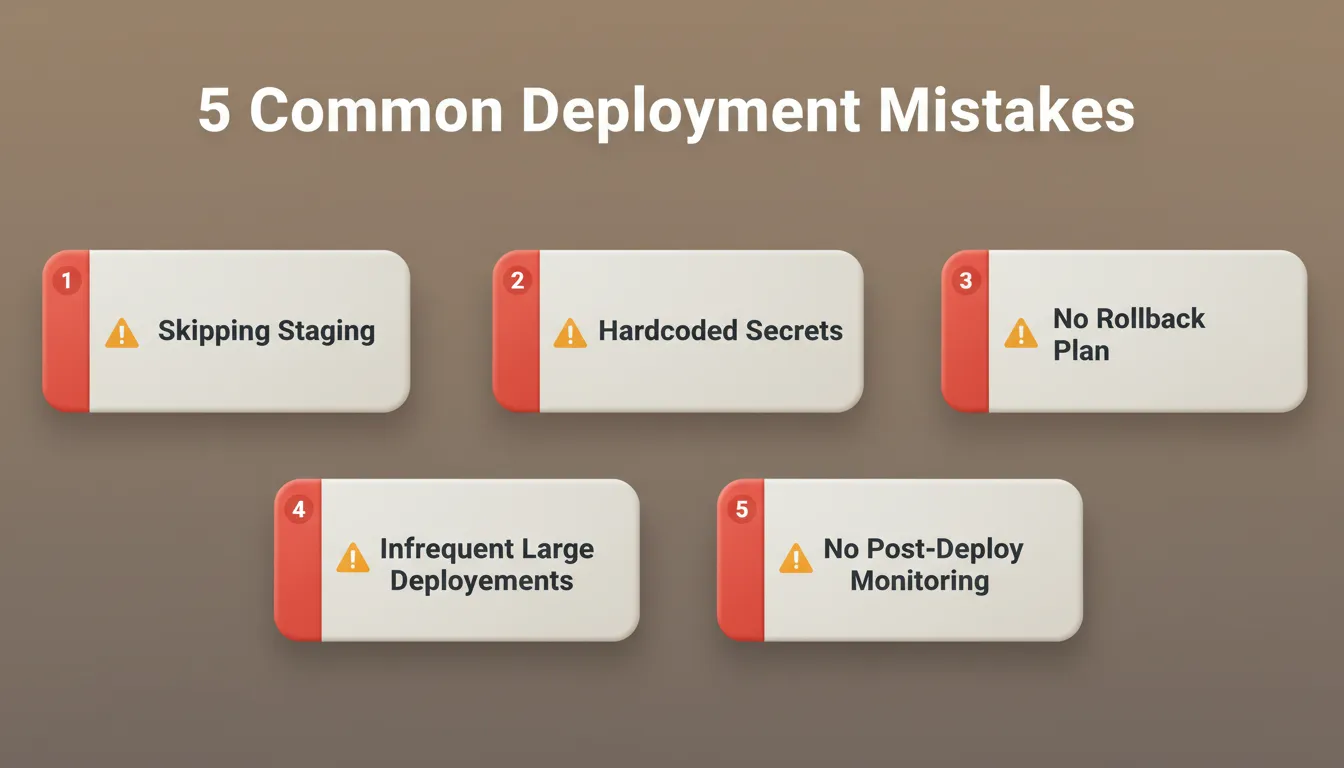
5 Common Deployment Mistakes
5 Common Deployment Mistakes: each one is preventable with the right process and tooling in place.
Community Insight from the Field
Real-world experience often explains deployment better than documentation.
A LinkedIn practitioner shared this perspective:
"We can demonstrate having experience using several CI/CD tools, primarily Jenkins, GitHub Actions, and GitLab CI/CD, integrated into our automation testing pipelines."
This reflects how automated deployments and progressive delivery change daily work in practice. Teams spend less time reacting to deployment failures. They spend more time improving the product.
Deploying Apps Built with Rocket
For teams building web and mobile apps, Rocket handles the full deployment workflow natively. This removes the need to configure separate deployment infrastructure.
Rocket's Build pillar generates production-ready Next.js web apps and Flutter mobile apps from natural language descriptions. Every app ships with SEO-ready structure, WCAG 2.1 AA accessibility compliance, GDPR coverage, and performance optimization as defaults. Before you build, Solve validates the idea and shapes the product direction. After launch, Intelligence monitors competitors continuously so you know when the market moves.
Rocket's deployment capabilities (verified from official documentation):
- One-click deployment — Publish instantly to a staging URL via Netlify; no separate hosting configuration required
- Staging and production environments — Separate deployments with distinct URLs for validation before going live
- Custom domain support — Connect your own domain with automatic DNS configuration and HTTPS provisioned automatically
- Full version history — Every generation and significant edit creates a new version; browse and restore any previous version
- One-click rollback — Revert to any previous version instantly without redeploying from scratch
- Built-in analytics — Track visitors, conversions, and Core Web Vitals (LCP, INP, CLS) without additional tooling
- 25+ integrations — Stripe, Supabase, Google Analytics, Mixpanel, Notion, Linear, and more authenticate once and flow into every build
- Environment variables — API keys and secrets stored securely at the server level, never exposed in client code
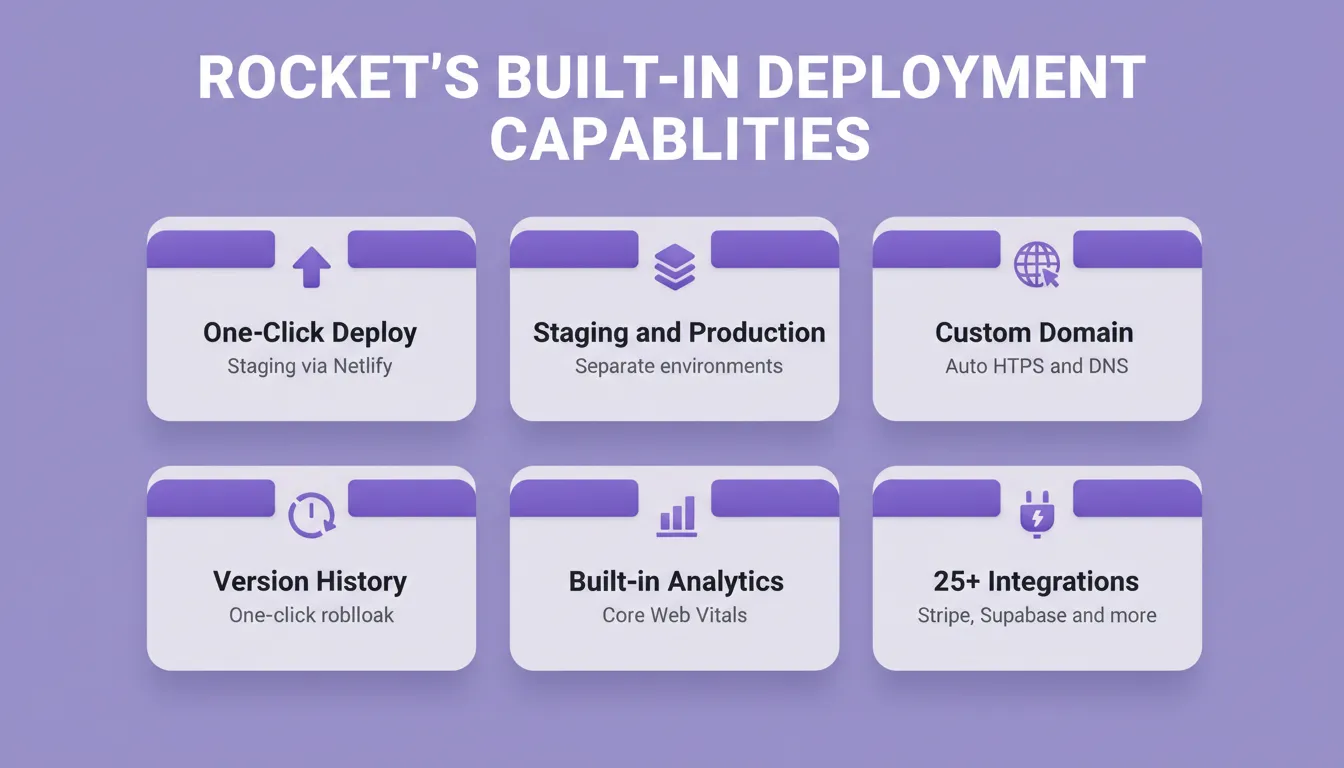
Rocket's Built-In Deployment Capabilities
Rocket's Built-In Deployment Capabilities: six verified features that handle the full path from build to live production.
Why Deployment Matters to End Users
Deployment affects users more directly than it might appear. Slow or unstable releases frustrate users and erode trust. Smooth application deployment keeps users engaged and confident in the product.
Every deployment decision shapes the user experience. How often you ship, how you validate changes, and how quickly you recover from failures all matter. Teams that deploy frequently with low failure rates consistently outperform those that deploy rarely with high-risk releases. This holds true in both user satisfaction and business outcomes.
The Path Forward for App Deployment
The best app deployment tools are not the most sophisticated ones. They are the ones your team will actually use consistently. Start with a CI pipeline that runs tests automatically, a staging environment that mirrors production, and monitoring that alerts you before users notice problems. Build from there.
As AI-generated apps, serverless architectures, and multi-cloud deployments become the norm, the teams that invest in solid deployment practices today will ship faster, recover faster, and build more trust with their users tomorrow. Rocket brings research, building, and deployment into one system. The thinking before the build and the path to production are part of the same workflow. Start building at Rocket.new.
Table of contents
- -The Software Deployment Process, Step by Step
- -Deployment Automation: Why Manual Releases Break at Scale
- -Shift-Left Testing: Catching Bugs Earlier
- -CI/CD Pipelines: The Engine of Modern Software Delivery
- -The Deployment Pipeline: From Testing to Production
- -Common Deployment Strategies
- -Configuration Management: The Invisible Foundation
- -Environment Variables and Secrets Management
- -Popular App Deployment Tools Compared
- -The Role of Cloud and Infrastructure in Modern Deployment
- -Security in the Deployment Pipeline (DevSecOps)
- -Monitoring and Observability After Deployment
- -Team Collaboration and Deployment Culture
- -How to Choose the Right App Deployment Tools
- -Common Deployment Mistakes to Avoid
- -Community Insight from the Field
- -Deploying Apps Built with Rocket
- -Why Deployment Matters to End Users
- -The Path Forward for App Deployment

