An AI CRM builder turns a plain-language description of your sales process into a working CRM in hours: no code, no developer, no Salesforce contract. Rocket builds it around how your team actually sells.
Building a custom AI CRM no longer requires a developer or months of setup. Describe your sales process in plain language and get a working system back, one that fits how your team actually closes deals. Businesses using AI in their CRM are 83% more likely to exceed sales goals.
What Is an AI CRM Builder?
An AI CRM builder is a no-code platform that generates a fully functional customer relationship management system from a plain-language description of your sales process.
You describe your pipeline stages, the fields your team tracks, how follow-ups should trigger, and which integrations you need; the platform produces a working CRM with database schema, automation rules, dashboards, and built-in AI functionality already configured.
No developer has to spend time writing code. No consultant charges by the hour to configure Salesforce.
The output is not a template. It is a CRM built around your specific sales motion, your vocabulary, your pipeline logic, your team's workflow.
Why Do Standard CRMs Like Salesforce And HubSpot Fall Short?
A team adopts Salesforce or Zoho CRM, spends months on setup, and still ends up with a customer relationship management system that doesn't match how they actually close deals, making stronger customer relationships harder to support when teams must force-fit their process into generic software.
The global CRM market was valued at $112.91 billion in 2025, and the biggest driver of that growth is sales teams searching for CRM software that genuinely fits their process.
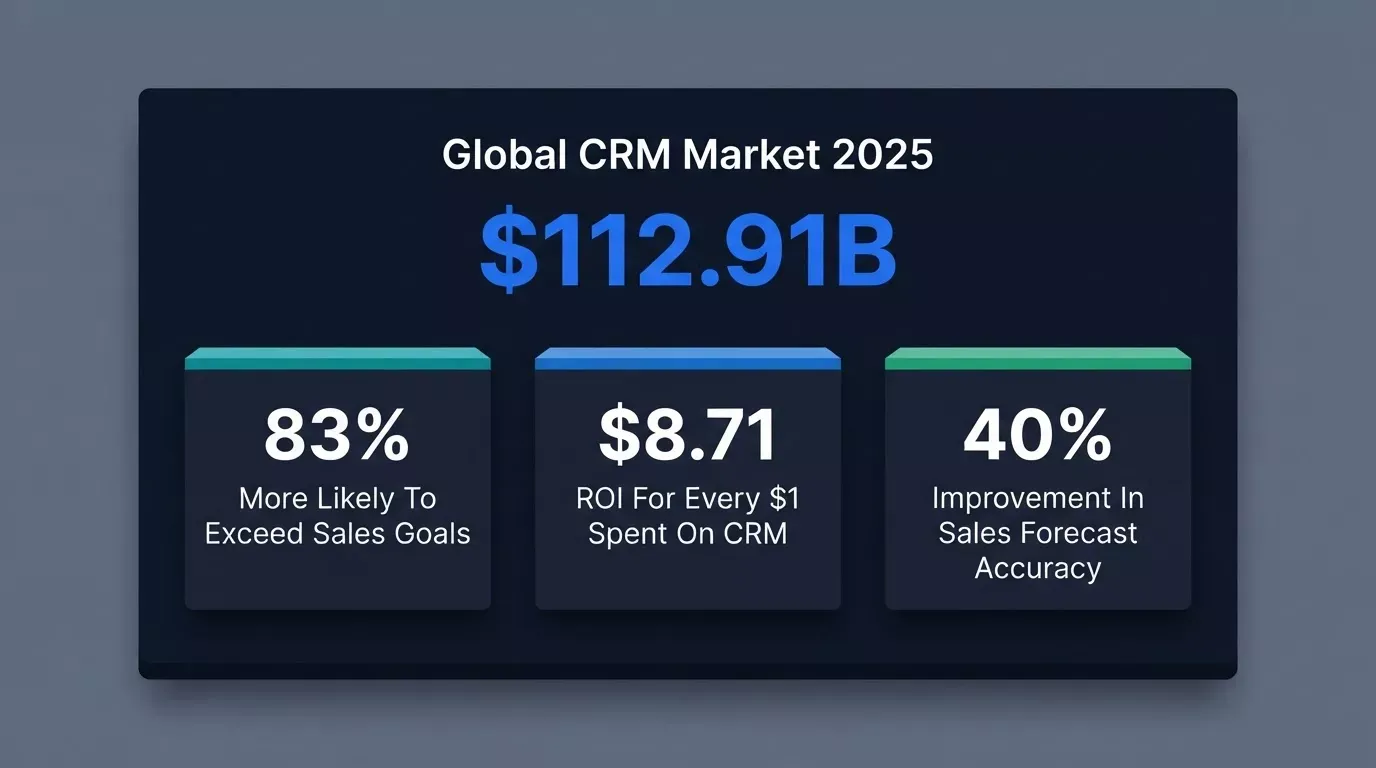
Businesses earn $8.71 ROI for every $1 spent on CRM, yet most teams still report fields and modules they never use. The problem is not the investment; it is the fit.
- Generic CRM systems force your team to adapt to the software, not the other way around. Sales reps end up doing manual data entry just to bridge gaps the tool never covered.
- Zoho CRM and Microsoft Dynamics 365 both carry a steep learning curve and hidden costs that compound over time. Salesforce Enterprise can average $300 per user per month after add-ons, while HubSpot CRM offers paid plans starting from $9 per user per month.
- Customer data gets scattered across fields no one uses, making CRM data unreliable and pipeline forecasts inaccurate.
Salesforce's Einstein GPT performs over 1 trillion predictive analyses weekly, but that level of advanced capability still does not solve the fit problem for many teams.
The result is that sales teams spend their time managing the system instead of selling. That gap is where a custom AI CRM builder wins.
How To Build A Custom AI CRM With Rocket (Step-By-Step)
Building a custom AI CRM with Rocket follows four steps; no technical background required at any stage.
From plain-language description to deployed CRM: no code written at any stage.
Step 1: Describe Your Sales Pipeline In Plain Language
Type your sales process in plain English. From the start, list any business data sources you want connected as well. Include your pipeline stages, the fields your team tracks, how follow-ups should work, and which tools you already use. If needed, this can also reflect adjacent workflows like project management.
The more specifically you describe your actual process with actual data and real examples, the closer the first generation will be to what your team needs.
Step 2: Let Rocket Generate Your CRM Schema And Automations
Rocket's AI uses artificial intelligence to build the database schema, CRM structure, and automation rules from your description, including custom workflows and, when needed, multi-step workflows based on the process you describe.
No code is written by you. No schema is designed manually. Embedded AI tools can also automate repetitive setup logic without you writing rules manually. What comes back is a working CRM with your pipeline stages, your field names, and your follow-up logic already wired in.
Step 3: Review, Adjust, And Go Live In Hours
Walk through the generated CRM. Adjust fields, rename pipeline stages, add or remove automation triggers, and refine intelligent workflows; all through conversation, not configuration menus. Setup time is measured in hours, not months. This is especially useful for service businesses that need field-friendly process changes fast.
Try Step 1 now, describe your CRM →
What Features Does A Custom AI CRM Include?
When these features combine into a single system, the CRM starts to feel less like a reporting tool and more like an AI sales assistant working continuously in the background. A well-built AI CRM uses AI capabilities to support the full sales cycle and strengthen customer interactions without the modules you'll never use.
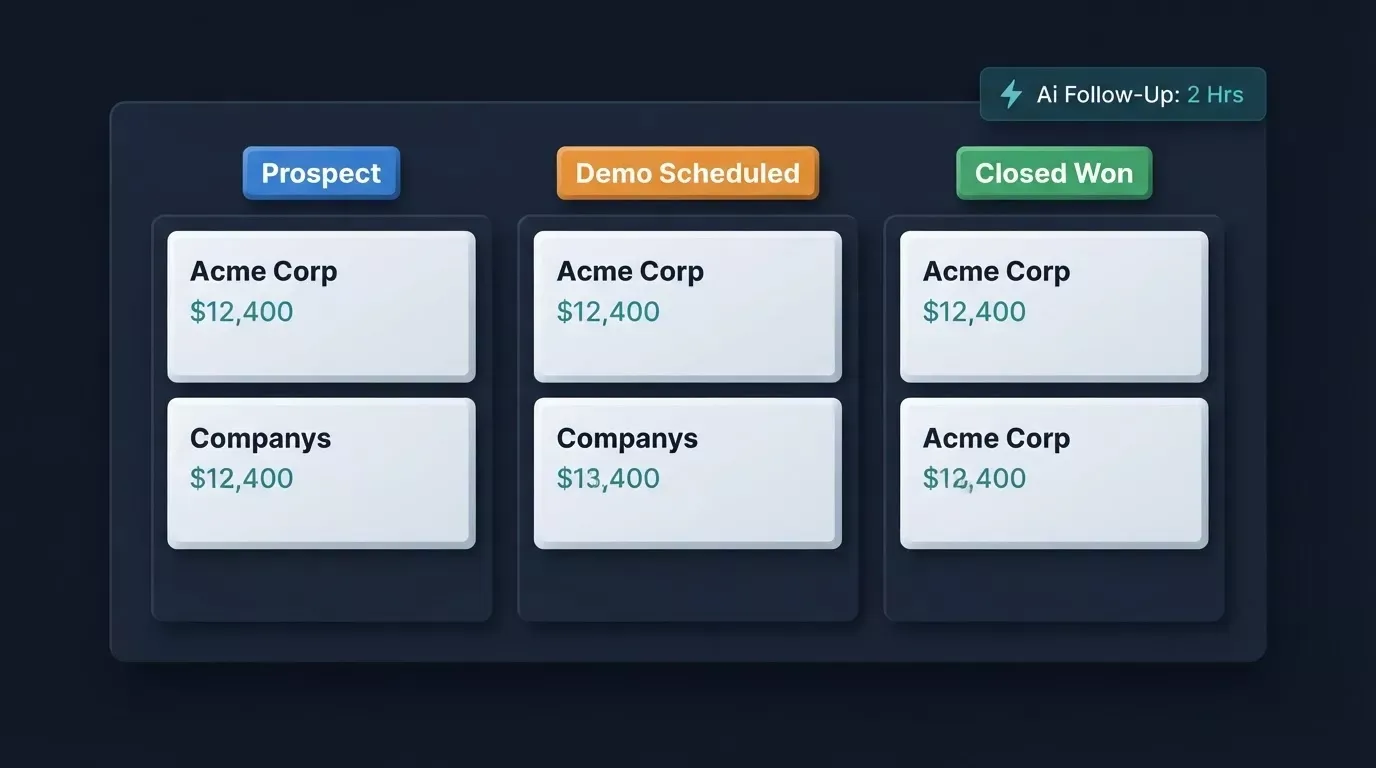
A custom AI CRM surfaces the right actions at the right time, without manual effort from the rep.
- Lead management that tracks interactions automatically: Every call, email, and meeting is logged without human input, so CRM records stay clean and CRM data stays trustworthy.
- Custom fields and custom objects that match your sales vocabulary: If your pipeline stages don't map to Salesforce's defaults, you shouldn't have to fake it or buy a plugin.
- Automated follow-ups triggered by deal events, not by someone remembering to click: so teams can automate tasks and other routine tasks like outreach handoffs or reminder-based actions.
- AI agents that surface next-step recommendations: As an AI assistant layer, delivering AI-powered insights inside the workflow based on deal value, contact history, and customer behavior.
- Predictive lead scoring: AI improves sales forecast accuracy by over 40%. Broader predictive analytics can also predict customer behavior from patterns in the pipeline, so teams act with greater confidence and fewer surprise losses at quarter-end.
- Workflow automation across the full sales cycle: From first contact to closed-won, with dashboards that reflect real pipeline health.
- Google Calendar and Google Sheets sync: So your tools stay connected without manual exports.
- Role-based access so each team member sees only what's relevant to their work.
AI-driven chatbots provide instant support and help improve customer satisfaction. Zoho CRM's AI assistant, Zia, provides predictive lead scoring and anomaly detection.
AI CRM Builder vs Off-the-Shelf CRM: Platform Comparison
Not every team shopping for AI CRM software is choosing between generic platforms, many are comparing the best AI CRM software on flexibility, embedded AI features, and real total cost.
| Platform | AI Features | Custom Fields | Free Plan | Starting Price | Best For |
|---|---|---|---|---|---|
| Salesforce | Einstein, Agentforce | Extensive | No | $25/user/mo | Enterprise |
| HubSpot | Breeze Copilot | Limited (free tier) | Yes | $15/user/mo | SMB + marketing |
| Microsoft Dynamics 365 | Copilot AI | Yes | No | $65/user/mo | Microsoft ecosystem |
| Zoho CRM | Zia AI | Yes | Yes (3 users) | $14/user/mo | Small teams |
| Rocket | Full custom AI agents | Unlimited | Yes | Usage-based | Teams wanting control |
Pipedrive starts at $14 per seat per month, Vtiger AI starts at $12 per user per month, and Zendesk AI plans start at $55 per user per month.
Salesforce and Microsoft Dynamics 365 carry hidden costs in consulting fees and custom configuration just to get a working CRM out of the box. Buyers comparing the best AI CRM also tend to look at how deep the automation and reporting actually go, not just the headline feature list. HubSpot and Zoho CRM gate workflow automation and deeper AI features behind higher-tier plans.
Custom-built platforms match your exact sales processes from day one; no locked features, no learning curve on tools you don't need, and no reliance on a software engineer to maintain the system. Rocket is the better fit for teams that want to build their own CRM instead of adapting their workflow to packaged software.
Can Your Team Build A Custom CRM Without Hiring A Developer?
Yes, and this is the question teams should ask before committing to another Salesforce or HubSpot contract, because teams can build a smart CRM without hiring a developer.
A Reddit user on r/smallbusiness described the cost shock plainly: "We hit 15 people and suddenly our Salesforce bill went from ouch to 'are you kidding me.' Signed up two years ago when we were 5 people, got the startup discount, didn't read the fine print. Every renewal it just gets worse."
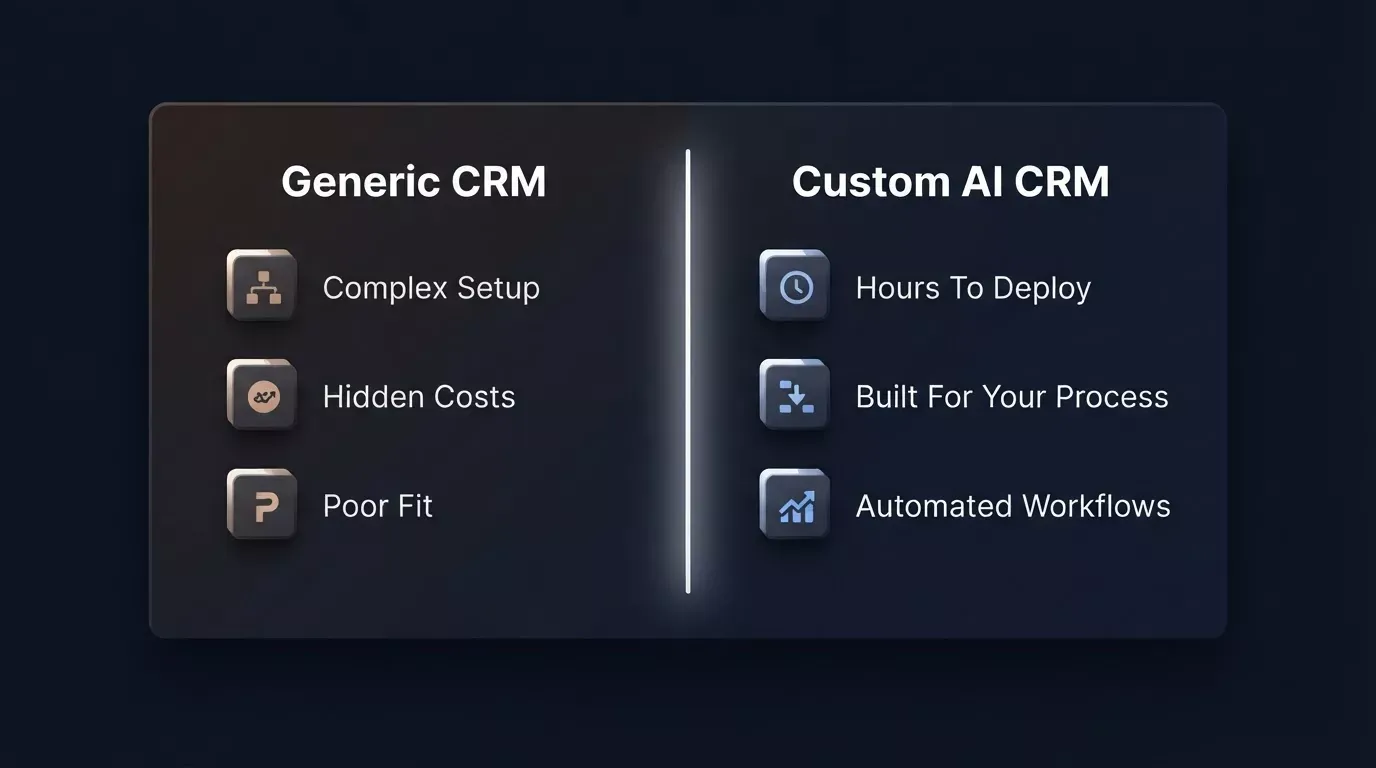 The numbers behind why sales teams keep switching CRM platforms.
The gap between what generic CRMs promise and what custom AI CRM builders deliver.
What you can build without writing a line of code:
- A complete CRM with custom fields for every deal stage your team uses; not a generic template, but your actual sales vocabulary.
- Pipeline tracking that mirrors your real sales motion, with pipeline data tied to outcomes your team actually measures.
- Automated follow-ups triggered by client interactions, with follow-up reminders generated automatically instead of relying on reps to remember them.
- A database schema that matches your products, your customer journey, and your specific business; without paying a consultant to configure it.
This kind of setup improves operational efficiency by cutting manual admin across the sales process.
Modern AI CRMs can predict customer retention with up to 90% accuracy, which helps teams act earlier on at-risk accounts.
Build a CRM Without Waiting on a Dev Sprint
What used to take a development team is now a plain English description. You describe your ideal customer relationship management setup, the fields, the logic, the integrations, the user roles, and the platform translates it into a fully working CRM. When your business needs change, you describe the change and the system updates accordingly.
Ready to build your own sales CRM without waiting on a development sprint? Rocket gives your team a fully working, custom AI CRM, built around how you actually sell, deployed in hours, and yours to change as your process evolves. Your engineers can focus on the harder problems only they can solve.
Table of contents
- -What Is an AI CRM Builder?
- -Why Do Standard CRMs Like Salesforce And HubSpot Fall Short?
- -How To Build A Custom AI CRM With Rocket (Step-By-Step)
- -Step 1: Describe Your Sales Pipeline In Plain Language
- -Step 2: Let Rocket Generate Your CRM Schema And Automations
- -Step 3: Review, Adjust, And Go Live In Hours
- -What Features Does A Custom AI CRM Include?
- -AI CRM Builder vs Off-the-Shelf CRM: Platform Comparison
- -Can Your Team Build A Custom CRM Without Hiring A Developer?
- -Build a CRM Without Waiting on a Dev Sprint