
Which AI app builder truly meets expectations? Explore leading platforms, comparing features, pricing, and performance to help you choose the right solution in a rapidly expanding no-code market.
Which AI app builder actually delivers on its promises?
The truth is, not all app builders are created equal. Some let you create apps in minutes with natural language prompts, while others require a bit of patience.
According to Statista, the global no-code market is projected to reach $102.5 billion by 2030. Choosing the right platform can save time, frustration, and even a few headaches.
Let's break down features, pricing, and performance to make it easier to choose the right AI app.
What Makes an AI App Builder Stand Out?
Not all app builders think the same way.
Some are built for quick and simple apps. Others are designed for serious full-stack apps and complex internal tools. Before choosing an AI app builder, it helps to know what really matters.
Here are the key things to look at:
- Types of apps you can build: Some platforms focus on simple web apps. Others help create native mobile apps. A few support full-stack apps and more complex internal tools. Your app idea decides what you need.
- AI features and automation: Strong AI features make a big difference. Look for backend logic automation, functional app components, and smart workflow automation. The better the AI support, the smoother the app creation process.
- Data connections: Many app builders let you sync data with Google Sheets or Airtable. This is helpful for internal tools and data-driven applications. Easy data handling saves time and keeps things organized.
- Pricing and scalability: Some platforms offer a free plan to test your app idea. Others charge for advanced features like unlimited users, complex logic, or code export. Always match pricing with your app complexity.
In short, the right AI app builder depends on what you are trying to build. A simple internal tool does not need the same setup as a full-stack app. Focus on your goals, review the core features, and choose the platform that best fits your needs without adding unnecessary complications.
Popular AI App Builders with Camparison
There are many AI app builders on the market.
Let’s break down a few of the best AI app builders.
There are many AI app builders on the market. Some focus on simple internal tools. Others handle full-stack apps and complex apps. A few try to do everything. Some actually pull it off.
Below is a quick snapshot before we break each one down properly.
| AI App Builder | Primary Focus | Ideal Users | App Types Supported |
|---|---|---|---|
| Rocket.new | Rapid AI app creation | Non-technical users & startups | Web apps, mobile apps, internal tools |
| Glide | Spreadsheet-powered apps | Teams & operations | Web apps, simple apps |
| Bubble | Full stack development | Founders & advanced builders | Full stack web applications |
| Adalo | Mobile-first apps | Creators & small businesses | Native mobile apps |
| BuilderX | Code-friendly UI builder | Designers & dev teams | Native mobile apps, web apps |
Now let’s break them down one by one.
1. Rocket.new- Makes App Creation Easy as Typing
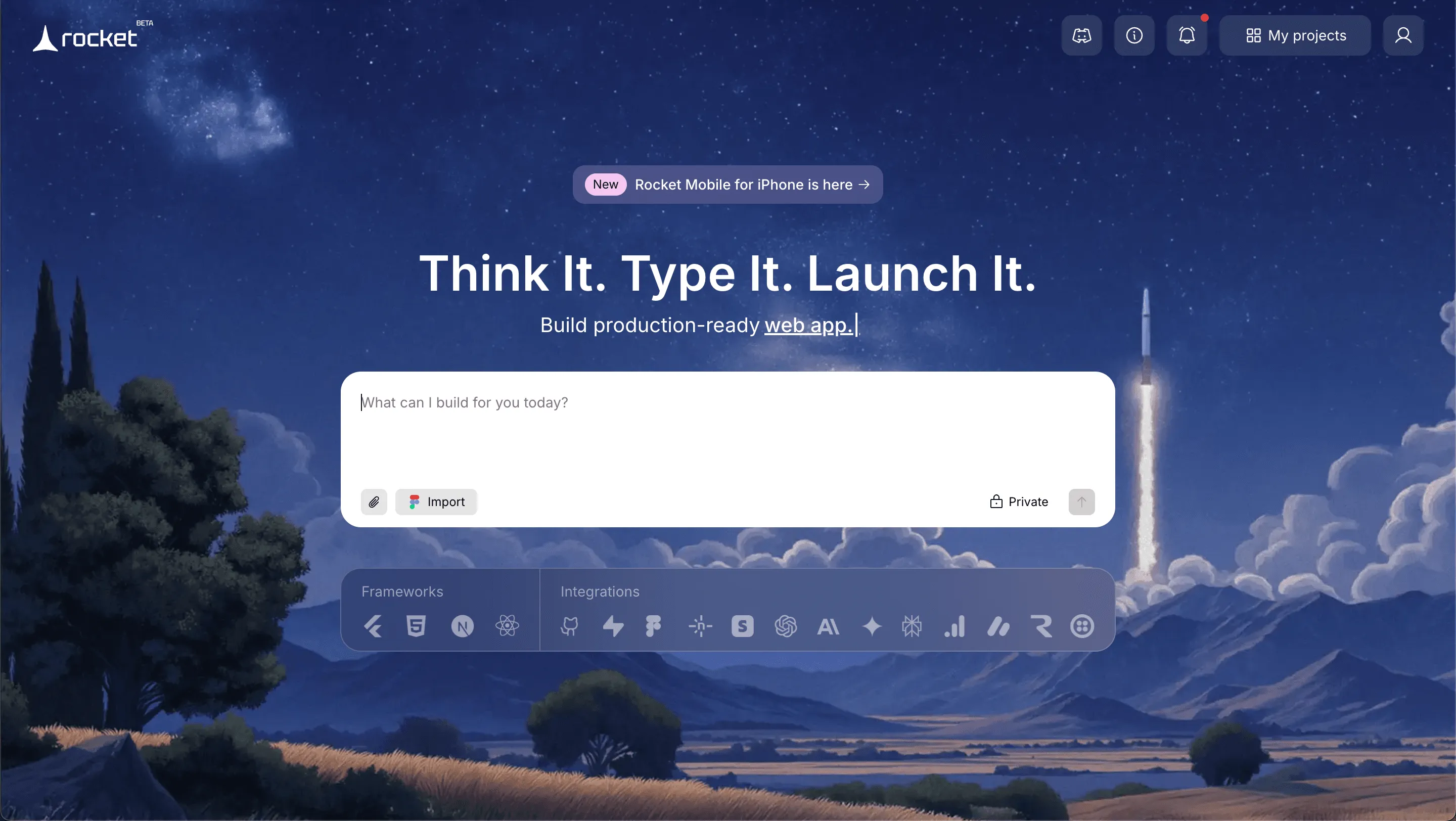
Rocket.new sits among modern AI app builders that focus on speed and simplicity. It converts natural language prompts into a functional app without requiring a complex setup.
Rocket uses AI to let anyone build real, ready-to-use apps simply by describing their needs. No coding skills are required. It manages research, design, and deployment, turning ideas into functional applications quickly and making app creation accessible to everyone, not only developers.
Features
- Prompt to App Creation: Builds apps directly from single prompts
- Figma Import: Converts design files into live, editable layouts
- AI-Powered Backend: Automatically handles logic, data, and workflows
- Custom Domain Support: Publishes projects with a branded domain
- Code Export: Allows developers to extend or customize later
- Live Preview: Shows instant updates while editing
Best For
Non-technical users, Founders testing an app idea, Teams building internal tools, Client portals, Simple apps that need to go live fast
Pricing
- Free plan available
- Paid tiers unlock advanced backend logic and unlimited users
- Higher plans support scalable apps
Learn more about the Rocket pricing plan here.
Use Cases for Rocket.new
Internal Tools: Build simple internal tools for HR, operations, or reporting. Connect data sources and manage workflow automation without touching traditional app development.
Client Portals: Create secure client portals with user accounts and user authentication. Perfect for agencies or service businesses.
Business Apps: Launch business apps for scheduling, inventory, or tracking. Sync data from Airtable or Google Sheets easily.
Rapid Prototypes: Validate an app idea fast. Generate a functioning app and collect real user feedback before investing in traditional development.
Rocket.new works best when speed matters. It helps create usable apps fast while keeping the learning curve low. If the goal is practical app building without noise, this tool makes sense.
2. Glide
Glide is popular among teams that already live inside Google Sheets. It transforms spreadsheet data into web apps with minimal setup.
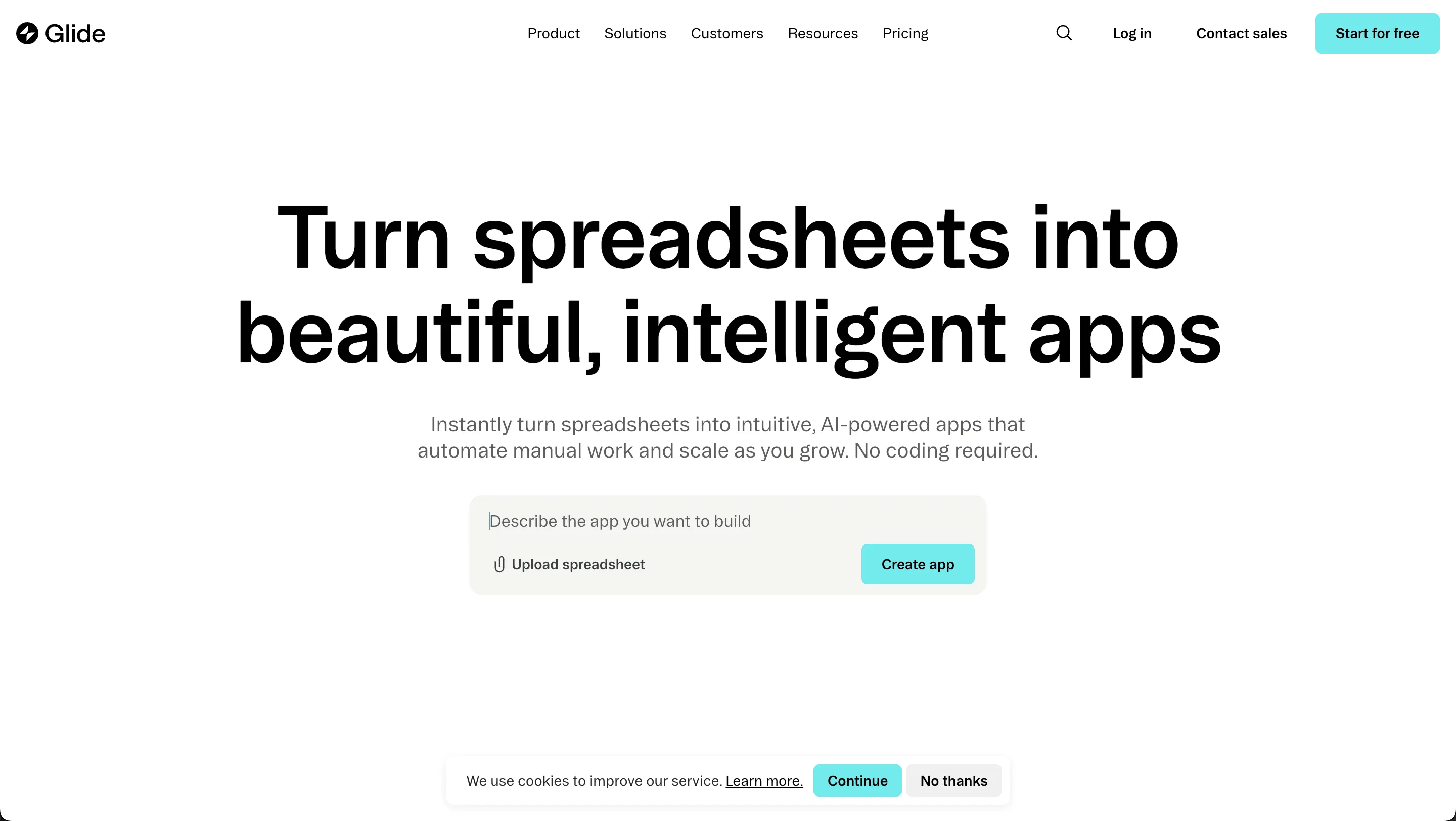
It focuses heavily on simple apps and internal tools. If spreadsheets run your workflow, Glide feels natural.
Features
- Connects directly to Google Sheets
- Simple visual editor
- Natural language interface for layout suggestions
- Workflow automation for internal tools
- Drag and drop ui components
Best For
Simple internal tools, Operations dashboards, Data-driven applications, Non-technical users
Pricing
- Free plan available
- Paid plans for advanced branding and data limits
Limitations
- Not built for full stack apps
- Limited flexibility for complex apps
Glide shines for straightforward app creation. If the goal is to build quick web apps powered by spreadsheets, it delivers with minimal effort.
3. Bubble
Bubble is closer to traditional app development, but still runs as a no-code platform. It supports full stack web applications and deeper backend logic.
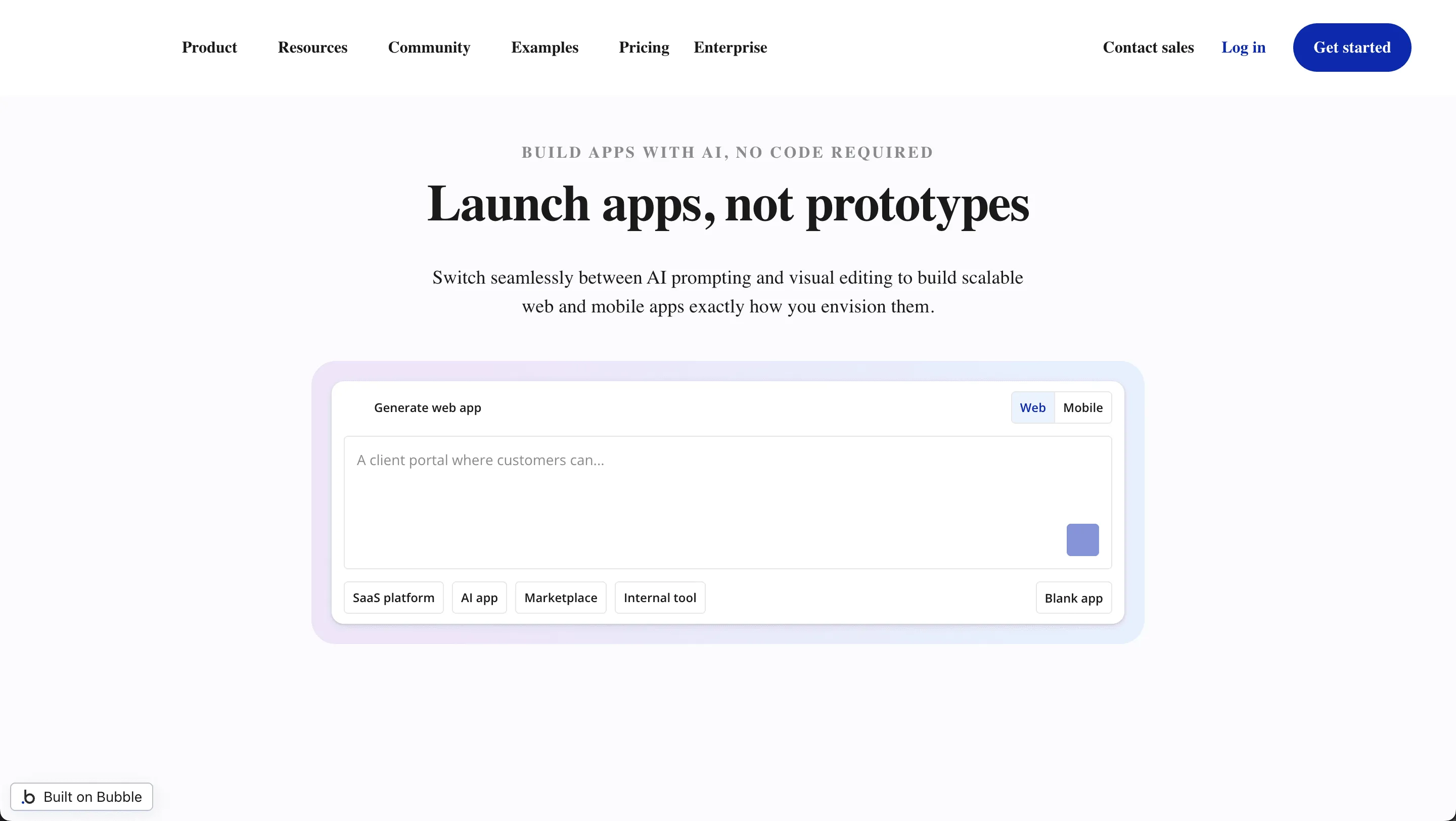
Bubble is closer to traditional app development, but still runs as a no-code platform. It supports full stack web applications and deeper backend logic.
It offers more control than many AI-powered app builders, but it also has a steeper learning curve.
Features
- Advanced backend logic
- Visual editor with deep control
- Data models configuration
- Complex logic workflows
- Code export options
Best For
Startups building scalable apps, Founders comfortable with a learning curve, Teams building full stack apps
Pricing
- Free plan available
- Paid plans scale based on usage and performance
Limitations
- Steeper learning curve
- Can feel heavy for simple apps
Bubble works well for ambitious builds. If the plan includes scalable apps with layered backend logic, it is a better fit than lighter app builders.
4. Adalo
Adalo focuses on mobile apps and clean design. It makes it easier to create mobile apps for app stores.
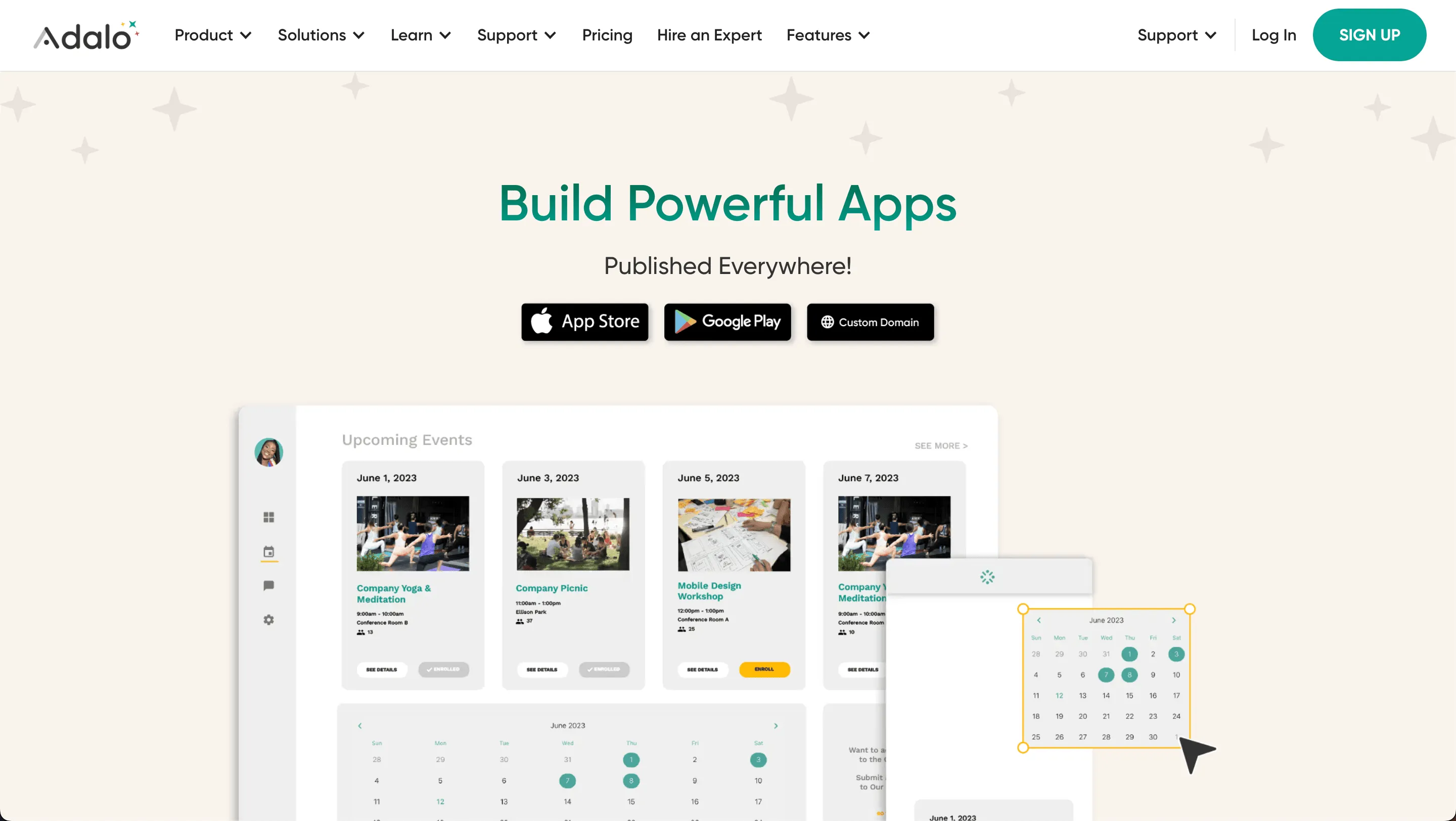
It is friendly for beginners and suits smaller business apps.
Features
- Drag and drop ui components
- Mobile devices preview
- User authentication built in
- Basic backend logic
- Workflow automation support
Best For
Creators building mobile apps, Small business apps, MVP testing
Pricing
- Free plan available
- Paid tiers required for publishing to app stores
Limitations
- Limited control for full stack apps
- Not ideal for highly complex apps
Adalo makes it easier to build mobile apps without writing code. It works well for functional app builds that do not require deep customization.
5. BuilderX
BuilderX blends no-code design with code generation. It is closer to a bridge between designers and developers.
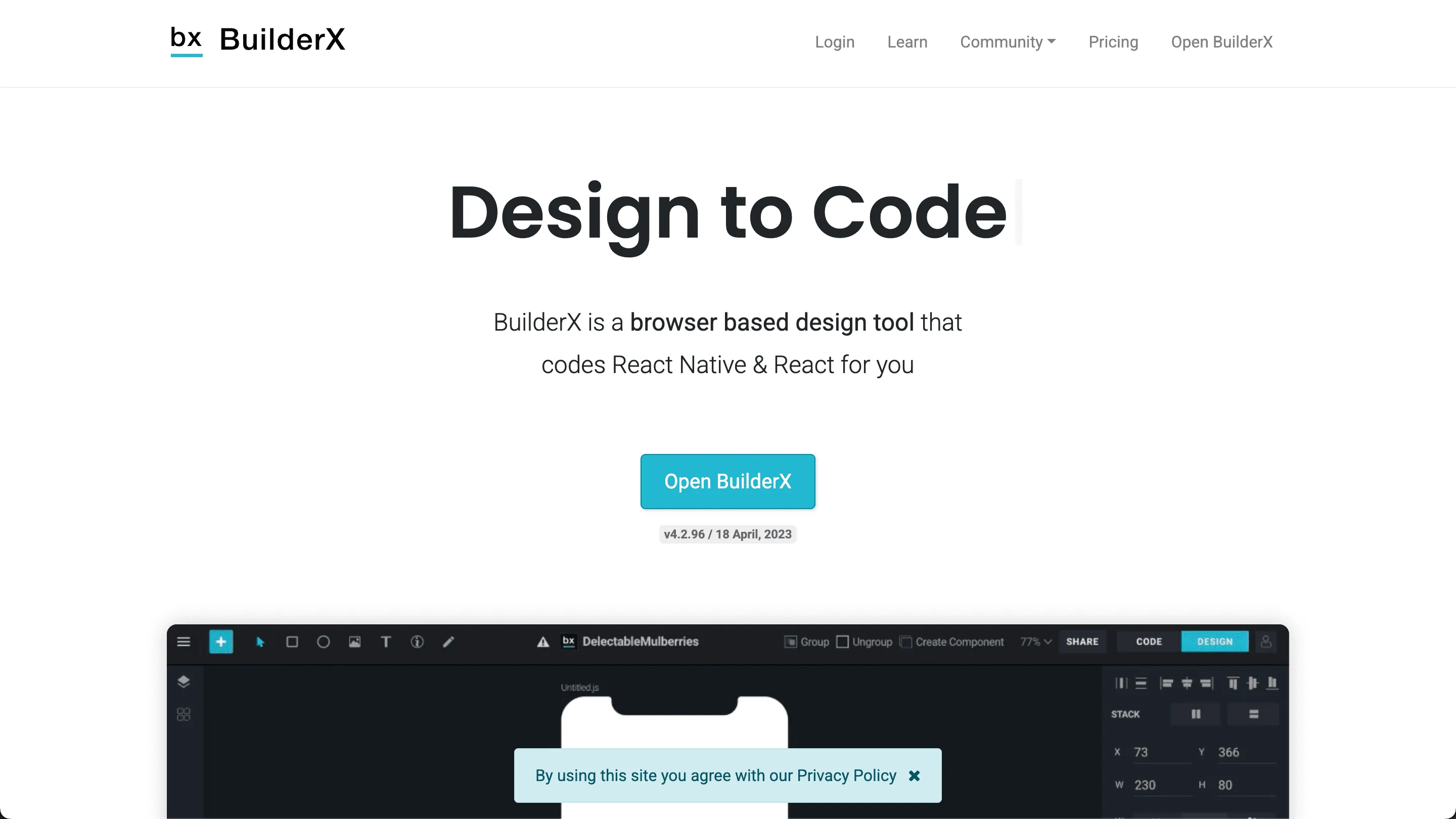
It helps generate code while retaining control for teams that prefer traditional development workflows.
Features
- UI focused visual editor
- Code generation
- React and React Native support
- Export clean code
- Works with other apps and workflows
Best For
Designers who want code export, Teams mixing no code and traditional development, Functional app projects with dev involvement
Pricing
- Free trial
- Paid subscription model
Limitations
- Requires technical knowledge
- Not ideal for non technical users
BuilderX fits teams that want both no-code speed and traditional development flexibility. It works best when developers stay in the loop.
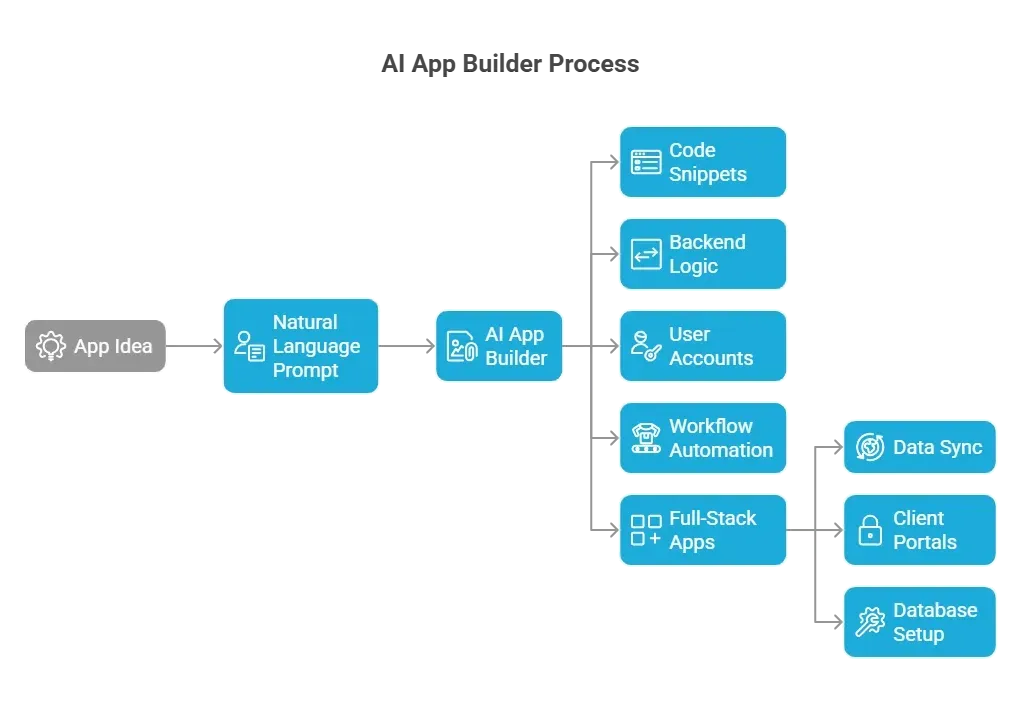
How AI App Builders Help With App Creation
AI app builders let you create apps without coding. You can make mobile apps, web apps, or internal tools. Many use natural language prompts to turn their app idea into a functioning app.
Community Insight
Real user feedback often tells the real story. Listening to people who’ve tried AI app builders shows what actually works and what feels like smoke and mirrors.
“I’m trying to build an app using AI, but I’m stuck on where to start. Tried a few tools and the results have been mixed. Still learning which platform actually helps me get to a usable app.”- Reddit
This captures the real struggle many face when picking the right tool.
Tips for Picking the Right AI App Builder
Choosing between so many app builders can feel like scrolling through a food delivery app when you're hungry.
Everything looks good. Not everything actually fits. Instead of guessing, focus on what truly aligns with your app idea and goals.
Here’s what to check before committing:
- Decide on app type: native mobile apps, web apps, full stack apps, or internal tools.
- Check whether the platform supports natural-language prompts.
- Look for Google Sheets or Airtable sync.
- Evaluate AI features for backend logic and workflow automation.
- Consider code export if you want to move to traditional development later.
- Check learning curve and community feedback.
- Compare pricing for free plan vs paid plan for scalability.
The right AI app builder depends on your app complexity, budget, and comfort level. Match the tool to the task, and app building becomes simple. Pick blindly, and even the best AI app builders can feel harder than they need to be.
AI App Builder Comparison Made Simple
Traditional app development is slow, expensive, and complicated for non-technical users. Many people with great app ideas struggle to build mobile, web, or internal tools on their own.
AI app builders provide an easier way. You can use natural language prompts, functional app components, and backend logic automation to create apps quickly. Free plans allow testing simple apps, while paid plans handle complex apps and full-stack web applications.
Choosing the right platform depends on your app idea, app complexity, and desired features. With the best AI app builders, non-technical users can efficiently create mobile apps, web apps, or internal tools. The AI app builder comparison highlights which platforms are better suited to simple versus complex apps, saving time and effort.
Table of contents
- -What Makes an AI App Builder Stand Out?
- -Popular AI App Builders with Camparison
- -1. Rocket.new- Makes App Creation Easy as Typing
- -Features
- -Best For
- -Pricing
- -Use Cases for Rocket.new
- -2. Glide
- -Features
- -Best For
- -Pricing
- -Limitations
- -3. Bubble
- -Features
- -Best For
- -Pricing
- -Limitations
- -4. Adalo
- -Features
- -Best For
- -Pricing
- -Limitations
- -5. BuilderX
- -Features
- -Best For
- -Pricing
- -Limitations
- -How AI App Builders Help With App Creation
- -Community Insight
- -Tips for Picking the Right AI App Builder
- -AI App Builder Comparison Made Simple