Wander - Immersive Destination Landing Page Template
Wander is a single-column flow landing page template built for city and destination guides. It pairs full-bleed photography with intimate editorial writing to place visitors inside a specific moment in a specific city. The Dark Emerald color system, gaslight amber call-to-action buttons, and a scroll-triggered ambient color shift make this template feel more like a journey than a webpage.
by Rocket studio
Quick summary
Wander is a destination guide landing page template designed for writers and publishers who sell city moment guides directly to readers. It moves through seasons and cities in a single scrolling column, earning reader trust with one free city moment before presenting a clean, low-friction purchase path. The design is dark, immersive, and precise.
Who this template is for
This template is built for creators who write about cities with depth and specificity. It works especially well for independent travel writers, destination guide publishers, and remote-work location scouts who want to sell their writing directly to readers without a complicated storefront.
- Travel writers selling curated city or destination guide editions
- Publishers offering seasonal or moment-based destination content
- Remote work and slow travel content creators monetizing their city knowledge
What problem this template solves
Most travel content pages either read like brochures or hide their best writing behind a paywall visitors never reach. Readers leave before they feel anything, and the sale never happens. Wander solves this by letting visitors experience one full city moment before any purchase prompt appears.
- Visitors scroll through immersive writing before seeing a price, so trust is built first
- A sticky bundle bar and individual section price cards make the offer clear without interrupting the reading experience
- The single-field email and direct checkout removes every barrier between decision and purchase
What you get with this template
You get a fully structured single-column landing page that functions as both an editorial experience and a direct sales page. Every section has a clear job, and the visual system ties everything together without requiring design expertise to customize.
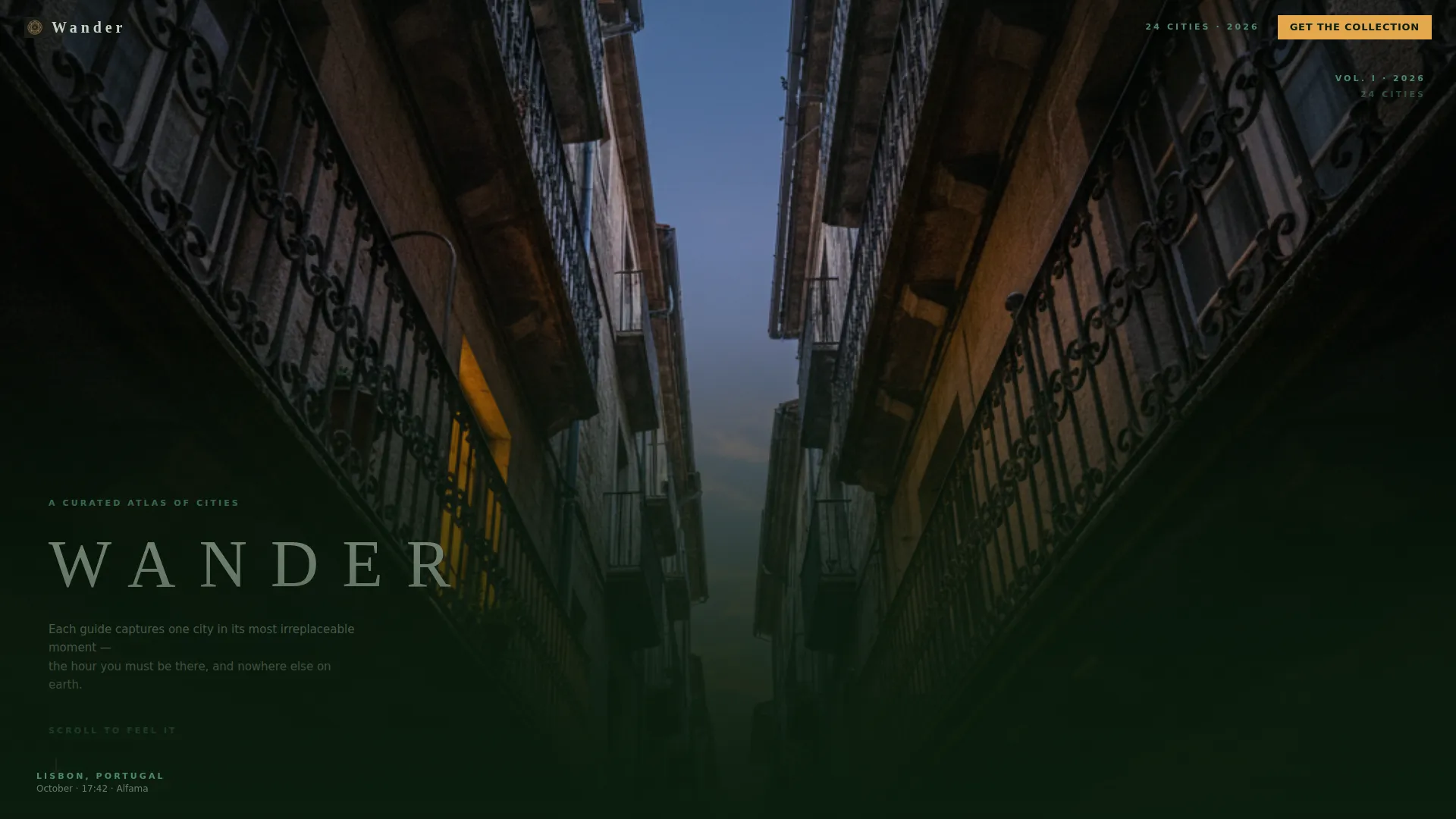
- A portrait-orientation hero header with a thin serif title overlay and a pulsing scroll arrow
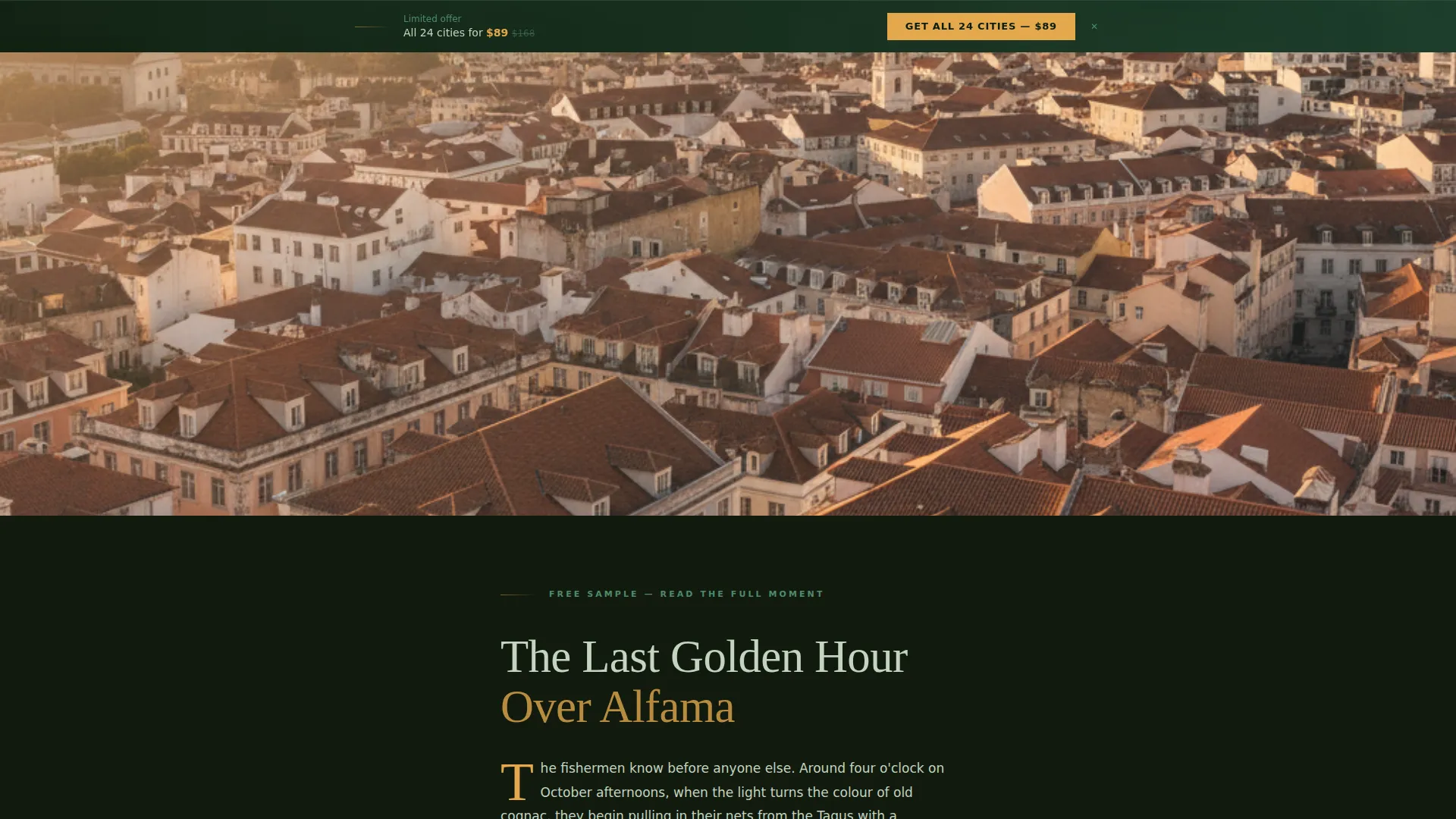
- Alternating full-bleed photo sections and editorial text blocks for each city moment
- Per-section price cards with gaslight amber call-to-action buttons and a sticky bottom bundle bar
Feature list
This template ships with a focused set of built-in design and layout features, each serving the editorial-to-sale journey described in the brief.
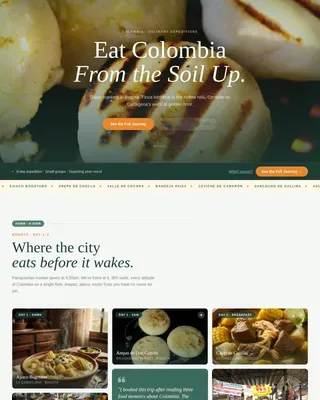
Portrait Hero Header
A single tall image fills the full viewport in portrait orientation. The guide title sets in a thin, wide-tracked serif over the image's darkest quarter. A small animated arrow pulses downward to invite scrolling without text instructions.
Scroll-Triggered Ambient Color Shift
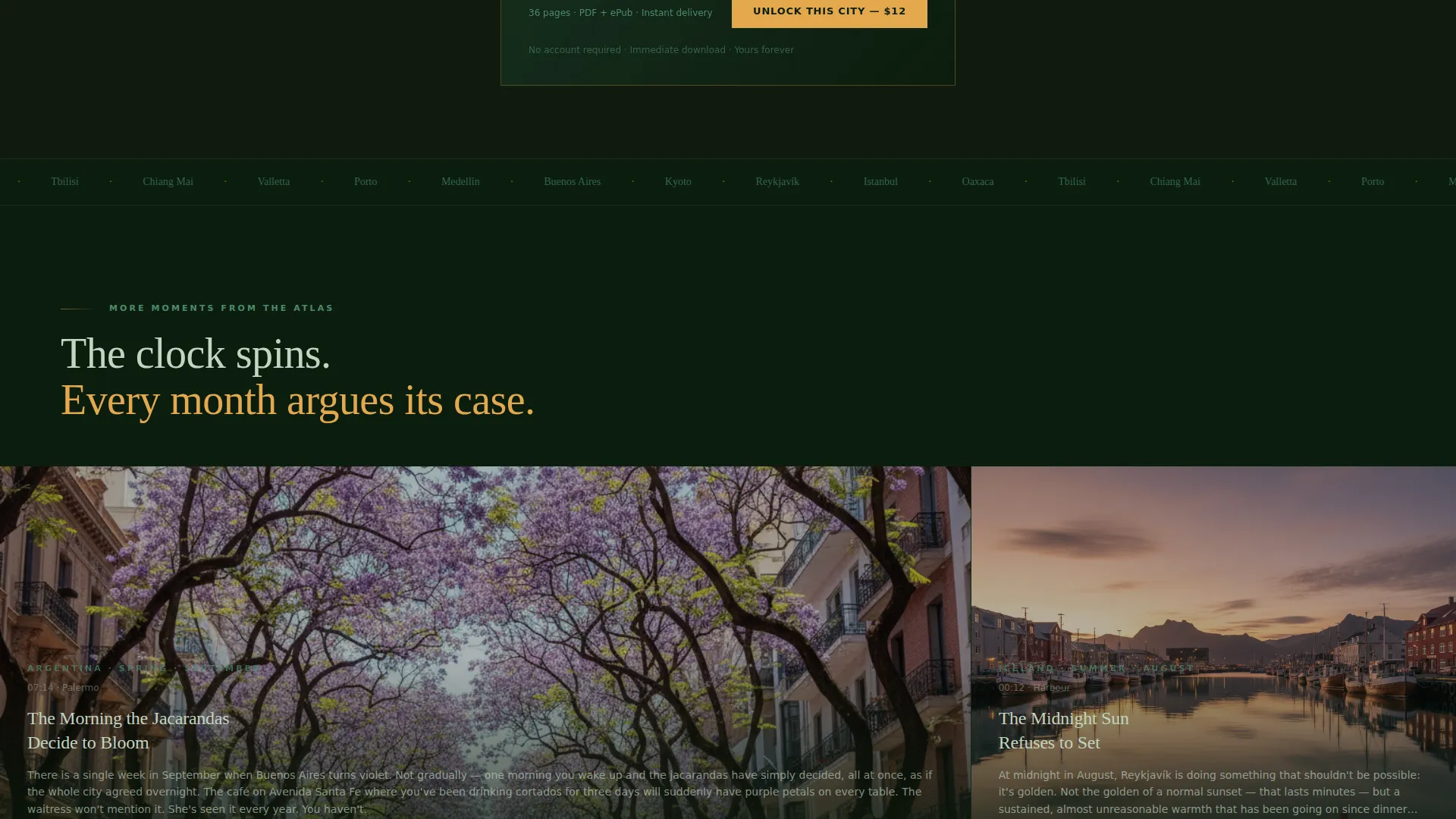
As visitors scroll through each seasonal city section, the emerald background subtly warms or cools to mirror the season being described. Spring mornings and August midnights each carry a distinct temperature. The effect is atmospheric without being distracting.
Alternating Section Layout
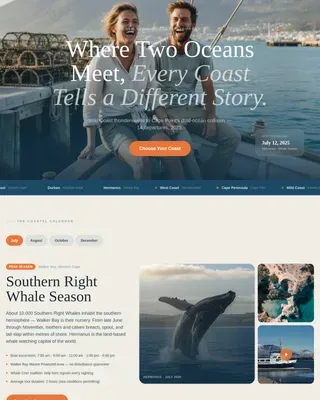
Each city moment section alternates between a full-bleed photograph and a tight editorial text block. The photography bleeds edge to edge with no padding, making the column feel like a portal rather than a content grid.
Per-Section Price Cards
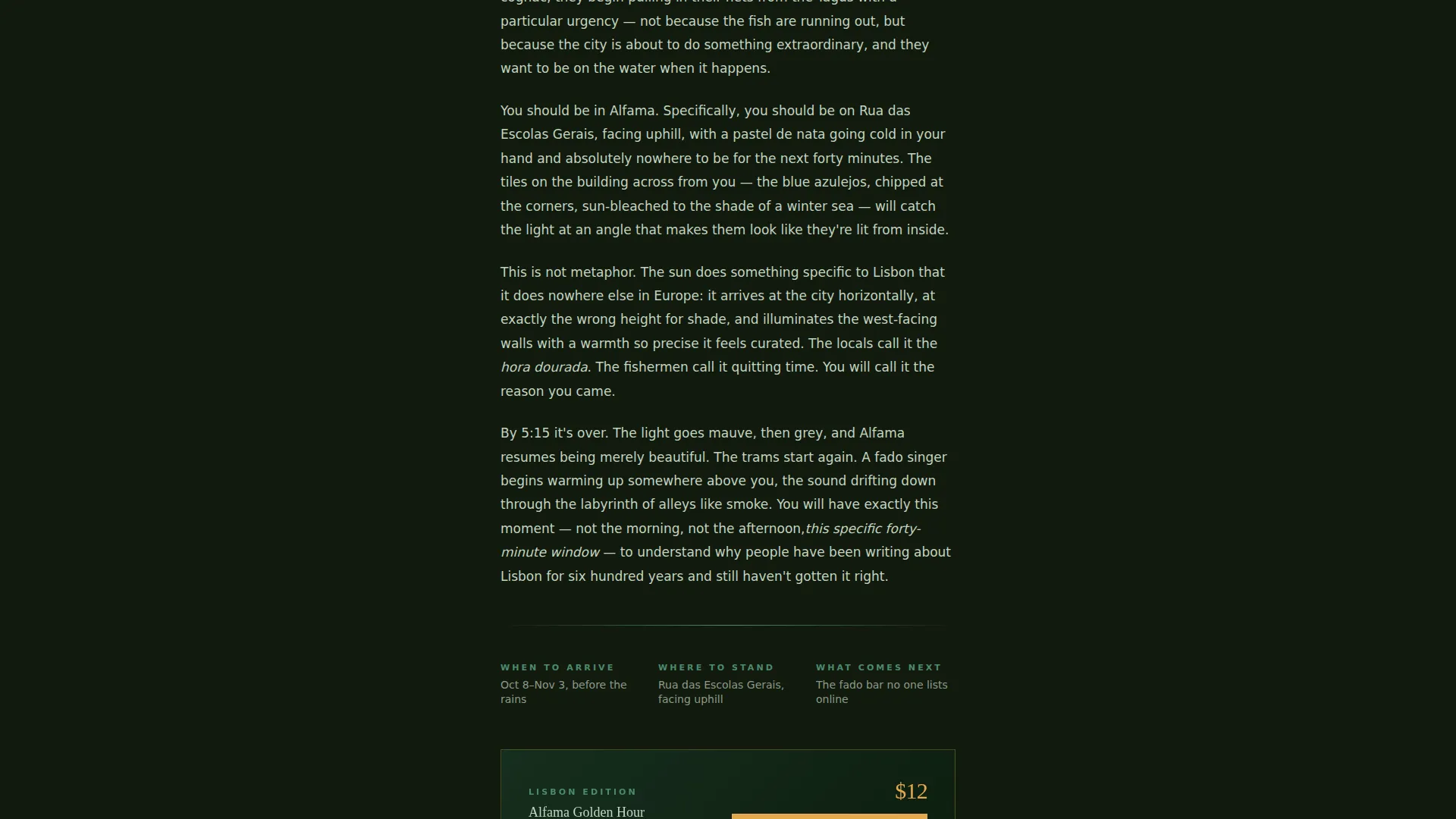
Every destination moment section closes with a price card showing the guide edition name and a call-to-action button reading "Unlock This City" in gaslight amber. The card appears after the reader has already experienced the writing, so the ask feels earned.
Sticky Bundle Bottom Bar
After the visitor passes the third section, a sticky bar appears at the bottom of the screen. It presents the full annual collection offer with a crossed-out original price to reinforce bundle value. The bar stays visible without covering the reading area.
Single-Field Checkout Flow
The purchase path opens with a single email field, then moves directly to a payment screen. There is no account creation and no password required. The only input beyond the email is the card number.
Page sections overview
| Section | Purpose |
|---|---|
| Portrait Hero Header | Sets the emotional tone and signals editorial quality immediately |
| City Moment One | Delivers the first free seasonal destination story with full-bleed photography |
| City Moment Two | Continues the scrolling journey with a second temporal city slice |
| City Moment Three | Completes the free preview tier and triggers the sticky bundle bar |
| Per-Section Price Card | Converts single-city interest into an individual guide purchase |
| Sticky Bundle Bar | Presents the full collection offer with crossed-out pricing for bundle context |
| Email Checkout Entry | Captures the buyer's email and opens the direct payment screen |
Design & branding system
The visual identity is built on a Dark Emerald palette that feels like a lantern-lit garden at midnight. Every color has a specific role, and the system is intentionally restrained so the photography and writing remain the dominant elements.
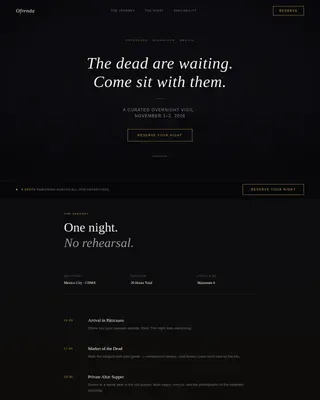
- Background is deep jungle black (#0B1D0E), body text is soft sage (#C2D4C0), and smoked emerald (#1A3C2A) provides structural depth
- Aged verdigris (#4E8A6E) handles secondary text and dividers, while gaslight amber (#E4A84C) is reserved strictly for call-to-action buttons, price tags, and hover states
- Typography uses a thin, wide-tracked serif for headlines, keeping the editorial tone consistent from the hero image down through every city section
Mobile & speed optimization
The single-column layout is inherently well-suited to narrow screens. Full-bleed photography and stacked text blocks translate cleanly from desktop to mobile without requiring separate layout logic.
- The portrait hero header and vertical image orientation are already optimized for phone viewports
- The sticky bundle bar is designed to appear at the bottom of the screen, which maps naturally to the thumb-reach zone on mobile devices
- Alternating photo and text sections reflow without horizontal overflow or clipped content
How this template helps you convert
The conversion strategy is built into the editorial structure itself. Every design decision moves the visitor from curious reader to paying customer in a logical, unhurried sequence.
- Visitors read one full city moment at no cost, which demonstrates the writing quality before any purchase is presented
- Individual price cards appear at the natural end of each section, meeting readers exactly when their interest peaks
- The sticky bundle bar activates after three sections, surfacing the higher-value offer at the moment visitors are most engaged and most likely to consider the full collection
Other information about this template
Wander is categorized under Travel and Hospitality, specifically within the Travel Blog and Guide subcategory, targeting the City and Destination Guide niche. It is built as a single-column flow landing page with a Dark Immersive theme, a Seasonal and Moment creative direction, and a Direct Sales conversion approach. The template is designed for creators who want a polished, editorial-quality destination guide page without a complex build process.
- The template style is Single Column Flow, keeping the reading experience linear and distraction-free
- The header concept is Vertical and Portrait, which differentiates it visually from standard travel landing pages that use wide landscape banners
- The Dark Emerald color system and gaslight amber accent are ready to use as designed, or can be adapted to a different destination brand's palette
Theme
Dark Immersive
Creative direction
Seasonal/Moment
Color system
Dark Emerald
Style
Single Column Flow
Direction
Direct Sales
Page Sections
Portrait Hero with Animated Scroll Prompt
Scroll-triggered Ambient Color Shift
Alternating Full-bleed and Editorial Sections
Per-section Price Cards with Amber Ctas
Sticky Bundle Bar with Crossed-out Pricing
Single-field Email and Direct Checkout Flow
Related questions
Can I use this template for multiple cities or just one?
Does the template include a live payment or checkout connection?
How much writing do I need to fill each city moment section?
Can the color palette be changed to match a different brand?
Is this template only for paid guide sales, or can I use it for a free travel blog?