Product Launch Event Specialist Booking Website Template
Unveil is a gallery and detail landing page template built for product launch event venues. It guides visitors through an atmospheric scroll experience, shifting from raw daylight shots to dramatic lighting states, with floating testimonials and a pinned call-to-action bar. The page is designed to move serious buyers toward a booking inquiry without a single form field.
by Rocket studio
Quick summary
Unveil is a single-page, click-through template for a converted industrial loft venue that hosts product launch events. The scroll journey takes visitors from an empty, daylight-lit space through dramatic lighting transformations, ending at a pinned "Reserve Your Launch Date" bar. It is built for venues where the atmosphere does the selling.
Who this template is for
This template is built for venue owners and event professionals who need their space to speak before the pitch begins. It works best when the venue itself is the product.
- Launch directors at direct-to-consumer brands who need to book a space fast and show stakeholders what it looks like on camera
- Agency producers scouting for venues that photograph well without heavy styling or set dressing
- Chief marketing officers who want a venue page that feels as considered as their own brand
What problem this template solves
Most venue pages lead with amenity lists and floor plans. They describe a room rather than making a visitor feel something. That gap costs bookings from buyers who make emotional decisions first and logistical decisions second.
- Visitors leave without a sense of the atmosphere, so they default to the venue they already know
- Launch teams need to sell a venue internally to stakeholders, and a flat spec page gives them nothing to share
- No urgency signal means inquiries drift, and high-value dates go unprotected
What you get with this template
You get a fully structured, single-page layout that guides visitors through an emotional arc and ends with a clear action step. Every section is purposeful and tied directly to the buyer journey described in the brief.
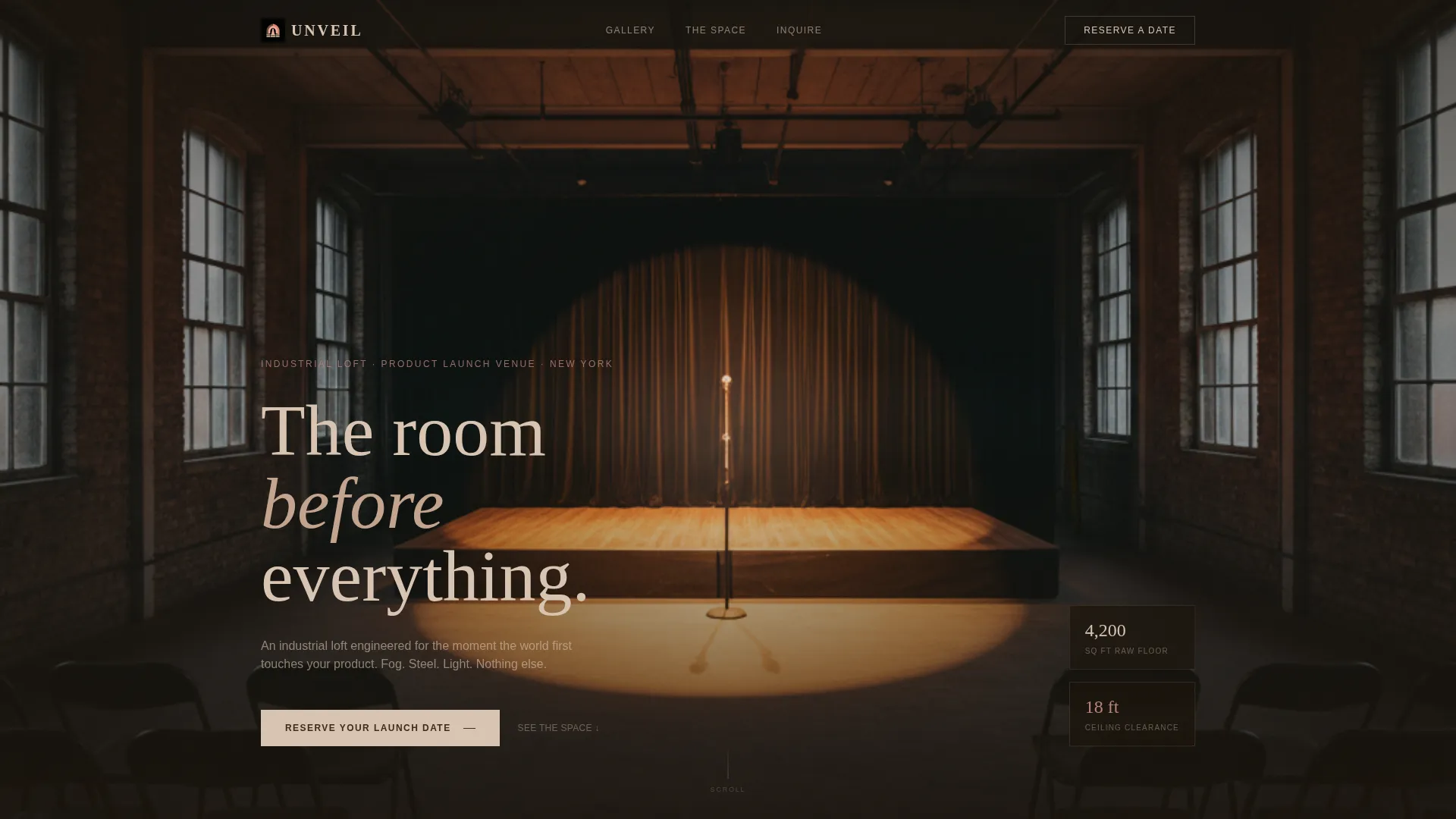
- A full-bleed header photo section featuring an empty, illuminated stage platform shot from the back of the venue
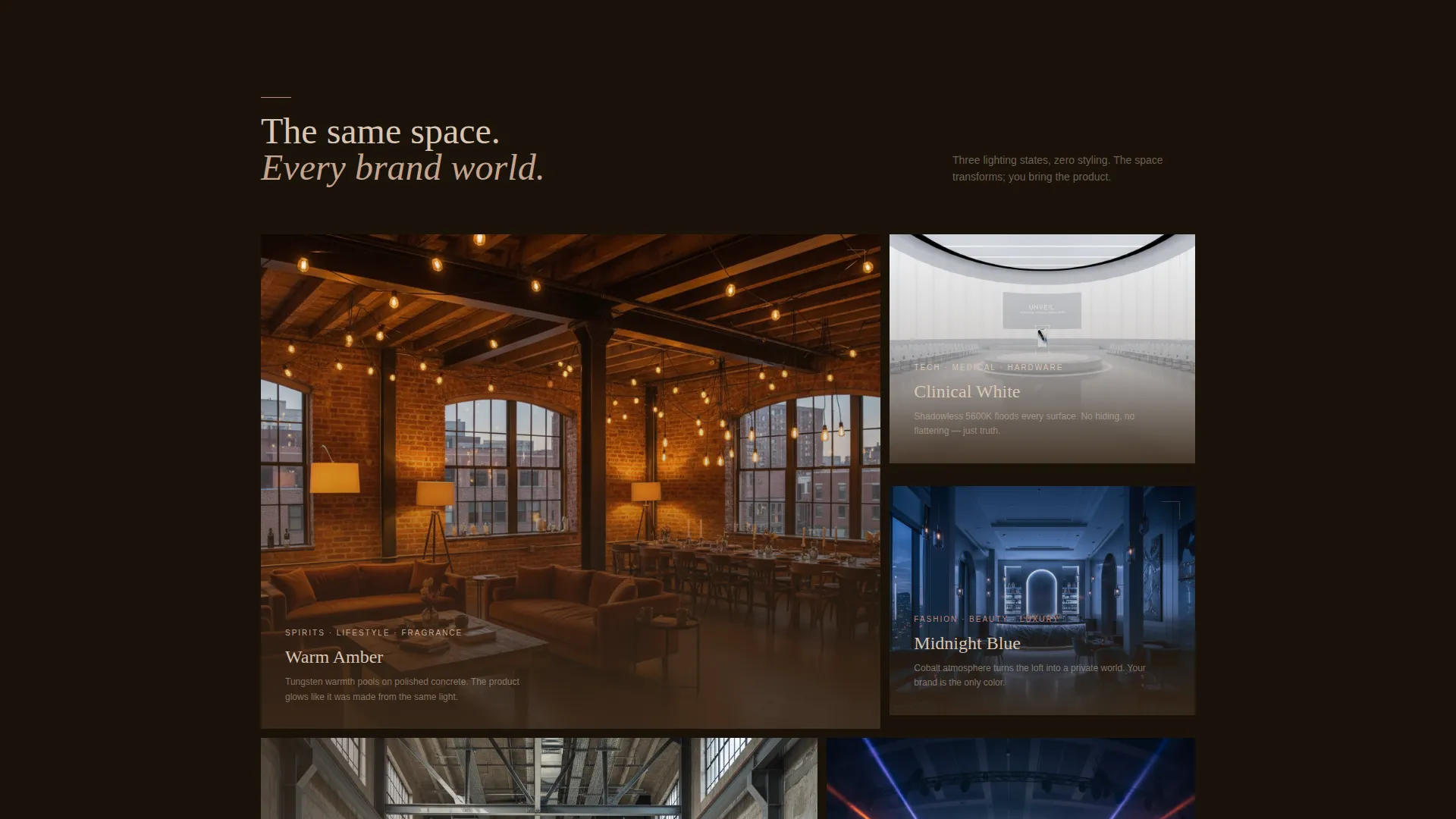
- A gallery cluster system that shows the same space across multiple lighting states, grouped by brand mood
- A pinned bottom call-to-action bar with a live date-scarcity counter and a secondary email-capture text link for the downloadable lookbook
Feature list
This template is built around a small number of high-impact components. Each one earns its place in the scroll flow.
Full-Bleed Venue Header
The opening section fills the entire viewport with a photo taken from the back of the venue, looking toward a single illuminated stage platform. No product sits on the stage yet. The emptiness creates immediate atmosphere and sets the emotional tone before any text appears.
Atmospheric Gallery Clusters
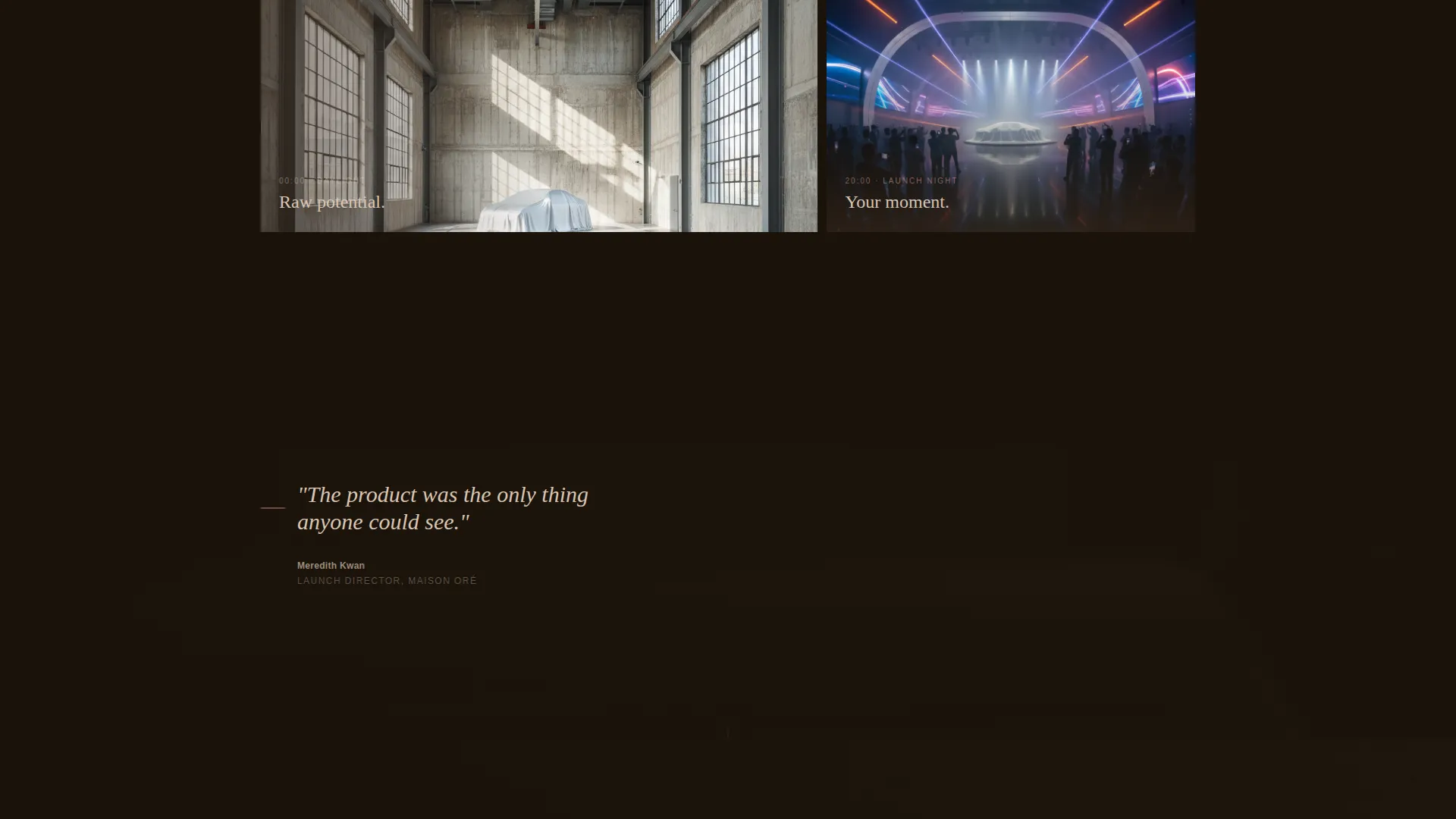
Multiple gallery groupings show the same space transformed under different lighting states: moody blues, warm ambers, and clinical whites. Each cluster demonstrates how the venue adapts to different brand worlds without requiring visitors to imagine it themselves.
Parallax Testimonial Floats
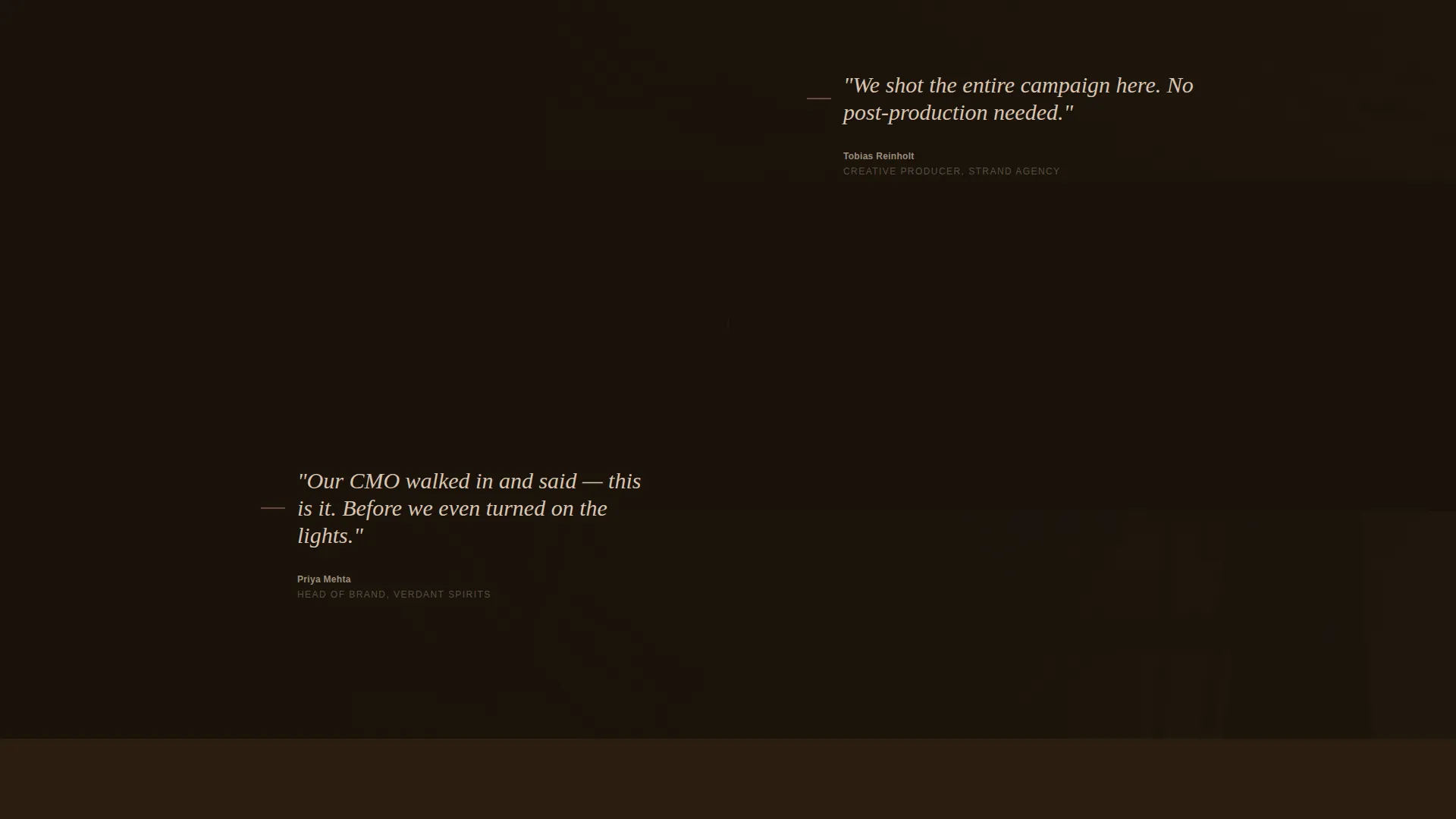
Between gallery sections, single-line testimonials from launch directors appear over slow-parallax detail photography. The textures shown include raw concrete grain, brushed brass hardware, and fog curling past cable runs. These moments break the scroll rhythm and add social credibility at exactly the right points.
Pinned Call-to-Action Bar
A minimal bottom bar carries the primary call to action. It gains opacity as the visitor scrolls deeper, becoming more prominent the more engaged the visitor becomes. Clicking it moves the visitor to a calendar-first booking inquiry page with no form on this page.
Date Scarcity Counter
A subtle counter near the call-to-action bar displays remaining available dates for the current quarter. This creates honest urgency without aggressive language and gives motivated buyers a concrete reason to act now rather than later.
Lookbook Download Link
A secondary text link labeled "Download the Lookbook" sits near the primary call to action. It captures contact details from visitors who are still in the consideration phase, extending the venue's reach beyond visitors who are ready to book immediately.
Page sections overview
| Section | Purpose |
|---|---|
| Full-bleed header | Establishes atmosphere and draws the visitor into the venue's world immediately |
| Daylight venue gallery | Shows the raw, unlit space so buyers understand the physical canvas |
| Lighting state clusters | Demonstrates venue versatility across three distinct brand moods |
| Parallax testimonial floats | Builds credibility through launch director quotes set against texture detail shots |
| Venue detail photography | Highlights concrete, brass, and fog-haze textures that photograph without styling |
| Pinned call to action bar | Anchors the booking action with a scarcity counter and lookbook link |
Design & branding system
The template uses a Luxe Minimal visual identity built around the Desert Rose color system. The palette is deliberately restrained so that whatever product a client brings into the venue becomes the visual center, not the page itself.
- Core tones include muted sand, sun-bleached blush, and a deep umber shadow that anchors dark sections and exposed-steel moments
- A dried-flower pink accent appears on hover states and fine accent lines, keeping interactive moments tactile without being loud
- Typography and layout spacing follow the same logic: generous whitespace, minimal decoration, and a quiet confidence that lets photography carry the weight
Mobile & speed optimization
The page layout is structured so that the atmospheric scroll experience translates clearly on smaller screens. Proportions and section weights are considered from the start, not retrofitted.
- Gallery clusters are arranged so that lighting-state groupings remain coherent on narrower viewports without losing the mood shift between clusters
- The pinned call-to-action bar is designed to remain accessible and legible throughout the scroll journey on both desktop and mobile screen sizes
How this template helps you convert
Every design and layout decision in this template serves one goal: moving a motivated venue buyer from first impression to booking inquiry with as little friction as possible.
- The atmospheric scroll arc mirrors the emotional experience of an actual launch night, so visitors feel the venue before they evaluate it, which shortens the decision cycle significantly
- The pinned call-to-action bar with the date scarcity counter keeps the booking action visible without interrupting the experience, so high-intent visitors always have a clear next step ready
Other information about this template
This template sits within the Wedding and Events category, specifically targeting the product launch event venue niche. It is a strong fit for any venue operator competing for bookings from brand-side buyers rather than general event planners.
- The click-through structure means the page carries no form, keeping the experience clean and the layout free of distraction
- The lookbook download link functions as a secondary conversion path, designed to convert visitors who are researching rather than ready to commit
- The template style is Gallery and Detail, combining editorial photography display with just enough contextual information to support the booking decision
- The creative direction follows an Atmosphere and Mood approach, meaning the scroll sequence is designed as a narrative arc rather than a list of features
- The header concept is a Full-Bleed Photo, which requires a strong hero image to function as intended; the brief specifies a back-of-venue shot looking toward an empty illuminated stage platform
Theme
Luxe Minimal
Creative direction
Atmosphere & Mood
Color system
Desert Rose
Style
Gallery + Detail
Direction
Click-Through
Page Sections
Full-bleed Venue Header
Atmospheric Gallery Clusters
Parallax Testimonial Floats
Pinned Call-to-action Bar
Date Scarcity Counter
Lookbook Download Link
Related questions
Does this template include a booking form?
Can the gallery show the venue in multiple lighting setups?
What does the 'Download the Lookbook' link do?
Is the date scarcity counter editable?
Who is this template best suited for?



