Transmit — Action-Able Distributed Work Landing Page Template
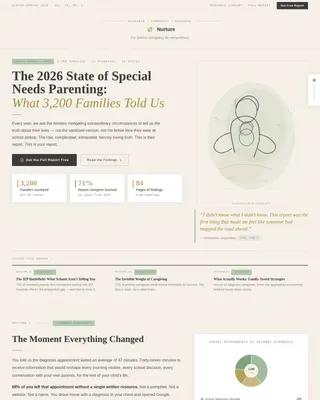
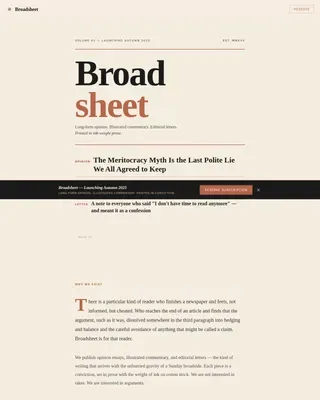
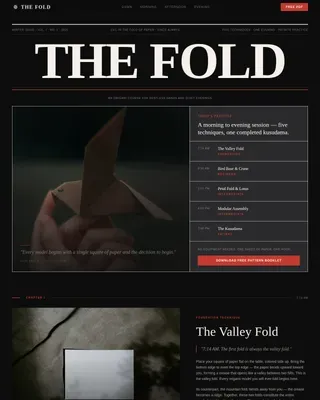
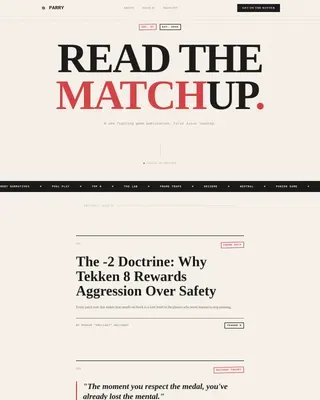
Dispatch is a hub and spoke landing page template built for a weekly remote work newsletter. It guides visitors through a day-in-the-life scroll journey, from fresh job listings to long-form async essays, before asking for their email. The warm Atelier Studio design and click-through structure earn trust by showing the newsletter first.
by Rocket studio
Quick summary
Dispatch is a single-page newsletter landing page template designed for remote work content publishers. It uses a hub and spoke anchor navigation to walk visitors through four themed content sections, each representing a part of the working day. The goal is simple: let visitors experience the newsletter before they subscribe.
Who this template is for
This template suits newsletter creators who publish curated remote work content for a professional audience. It works especially well if your readers are already living the remote lifestyle and want relevant, well-presented opportunities delivered to them weekly.
- Mid-career remote professionals such as developers, copywriters, and operations managers seeking location-independent roles
- Newsletter publishers who want to convert visitors by previewing content rather than leading with a sign-up form
- Independent creators building a remote work jobs and opportunities newsletter with a strong editorial identity
What problem this template solves
Most newsletter landing pages lead with a form. Visitors have no sense of what they are signing up for, so they leave. Dispatch flips that sequence by letting the product speak first.
- Visitors bounce when they cannot preview the newsletter, so this template puts a live archive link above the fold
- Readers distrust generic job boards, so the template positions the newsletter as curated and editorially intentional
- Friction at the subscribe form kills conversions, so the template ends with a minimal one-field form and no name field or dropdowns
What you get with this template
You get a fully structured single-page layout that doubles as a content showcase and a conversion tool. Every section is pre-built and editable, so you can replace placeholder content with your own job listings, company profiles, salary data, and essays.
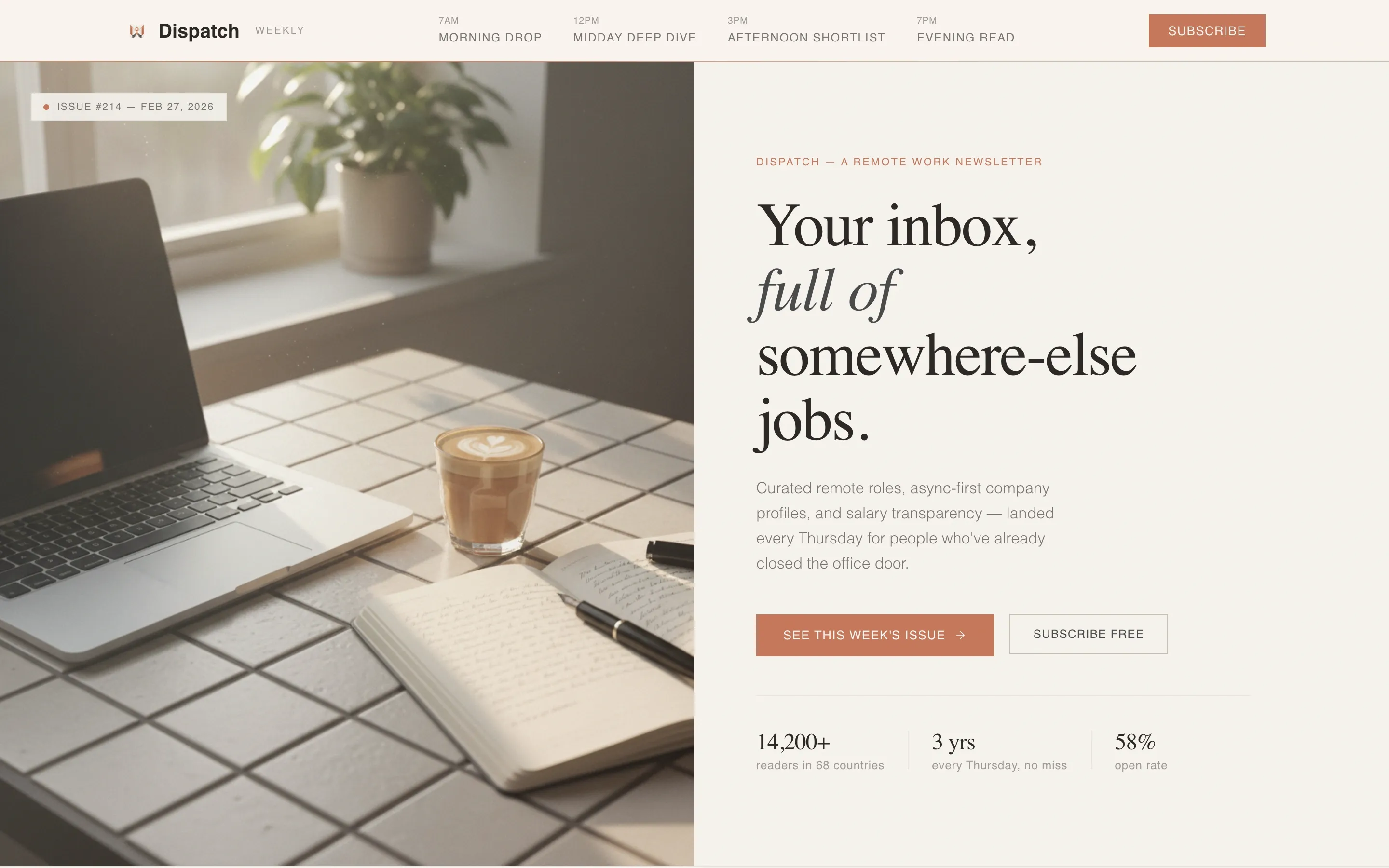
- A half-page photo and text hero with a terracotta call-to-action button linking to the latest newsletter archive
- Four anchor-navigated content spokes, one per content pillar, each with a floating repeat call to action
- A minimal footer subscribe form asking only for an email address, with reassurance copy beneath the button
Feature list
This section details the built-in capabilities that make Dispatch work as both a showcase and a conversion landing page.
Sticky Anchor Navigation with Time-Stamped Spokes
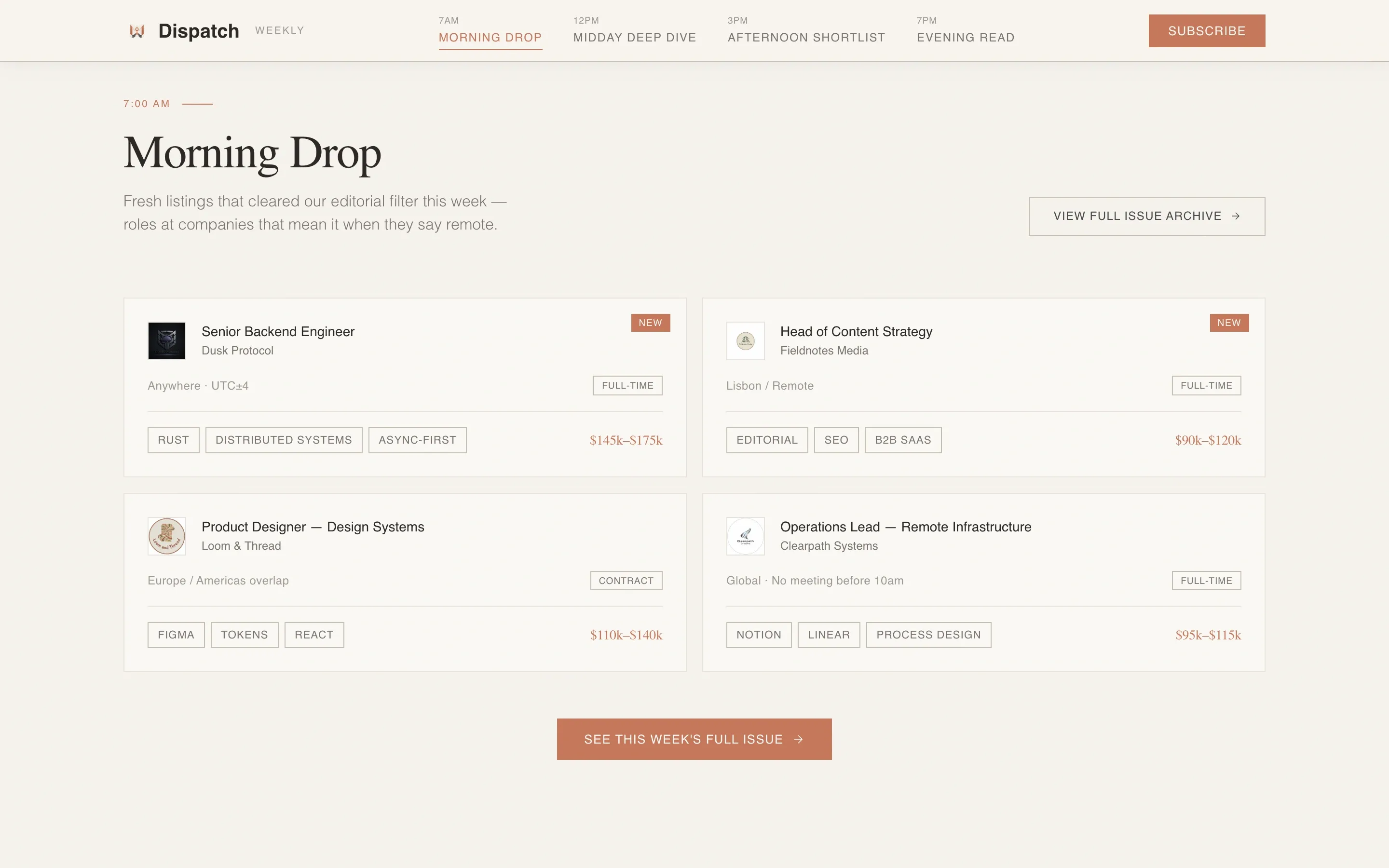
A navigation bar pins to the top of the page as visitors scroll. It displays four time-stamped labels: Morning Drop, Midday Deep Dive, Afternoon Shortlist, and Evening Read. Each label links smoothly to its corresponding content section, so visitors always know where they are and where to go next.
Half-Page Hero with Photo and Text Split
The header divides the screen into two halves. The left side holds a softly overexposed workspace photograph with warm morning light. The right side presents a large serif headline and a single subtitle line, paired with a terracotta subscribe button. The composition feels personal rather than polished.
Day-in-the-Life Scroll Journey
The page scrolls as a temporal arc through a remote worker's day. Background tones shift subtly from morning warmth to golden-hour softness to desk-lamp cool as the visitor moves through sections. This keeps the reading experience cohesive and immersive without feeling like a separate page.
Click-Through Primary Conversion Path
The primary call to action is "See This Week's Issue," placed once beneath the hero and once as a floating element at the bottom of each spoke section. Both instances link to the latest newsletter archive, letting visitors evaluate the content before committing to a subscription.
Minimal Footer Subscribe Form
The page closes with a single email input field and a button labeled "Start Receiving Thursdays." A short reassurance line beneath reads "One email. Every Thursday. Unsubscribe whenever." There is no name field, no dropdown, and no multi-step flow. The reduced friction is intentional.
Social Proof Layer
The template includes a dedicated social proof area featuring a subscriber count, testimonial quotes, and featured company logos. These elements build credibility without interrupting the editorial flow of the content sections.
Page sections overview
| Section | Purpose |
|---|---|
| Hero Header | Introduce the newsletter and direct visitors to the archive |
| Morning Drop | Preview fresh remote job listings with role cards |
| Midday Deep Dive | Showcase async-first company culture profiles |
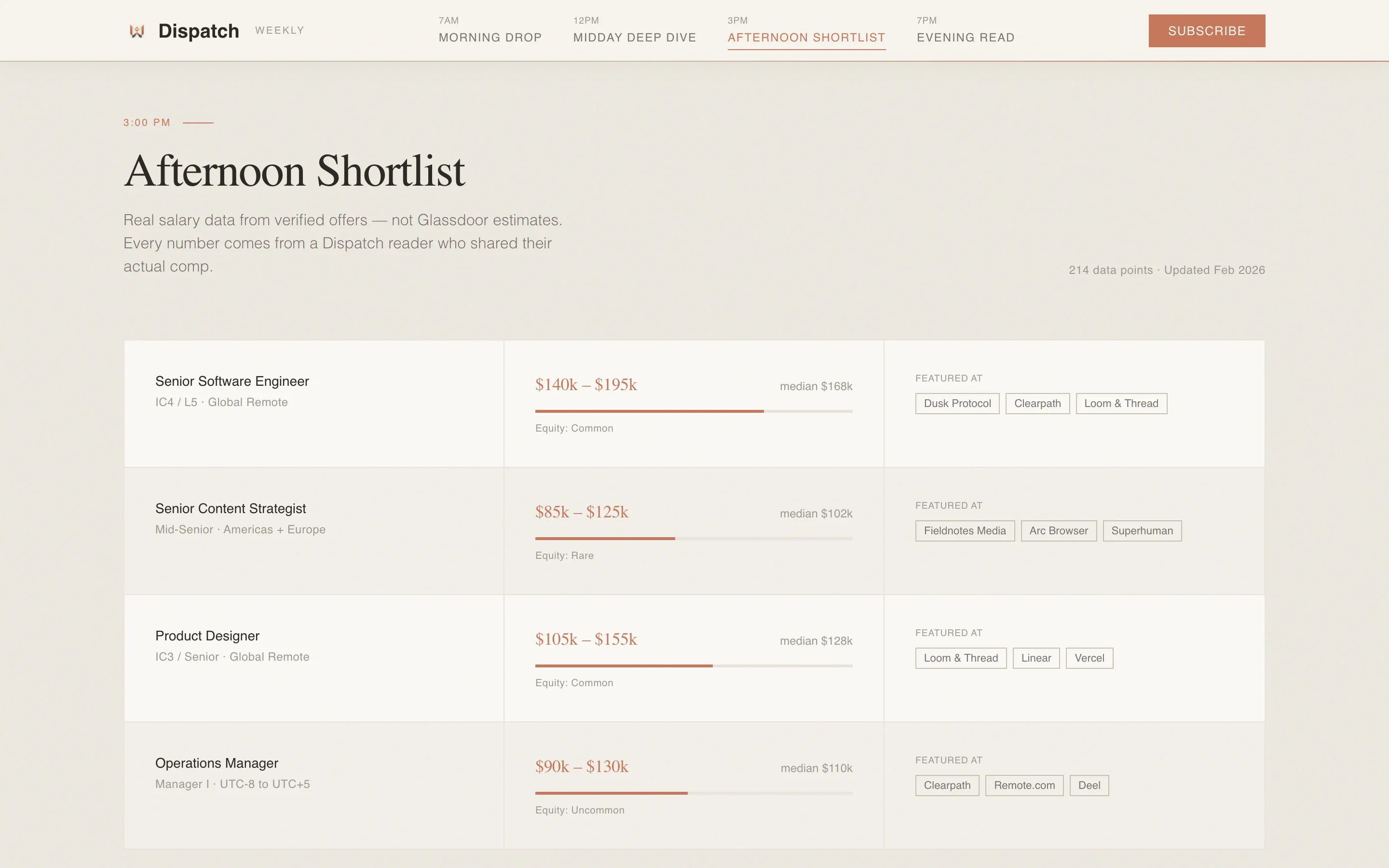
| Afternoon Shortlist | Present salary transparency breakdowns |
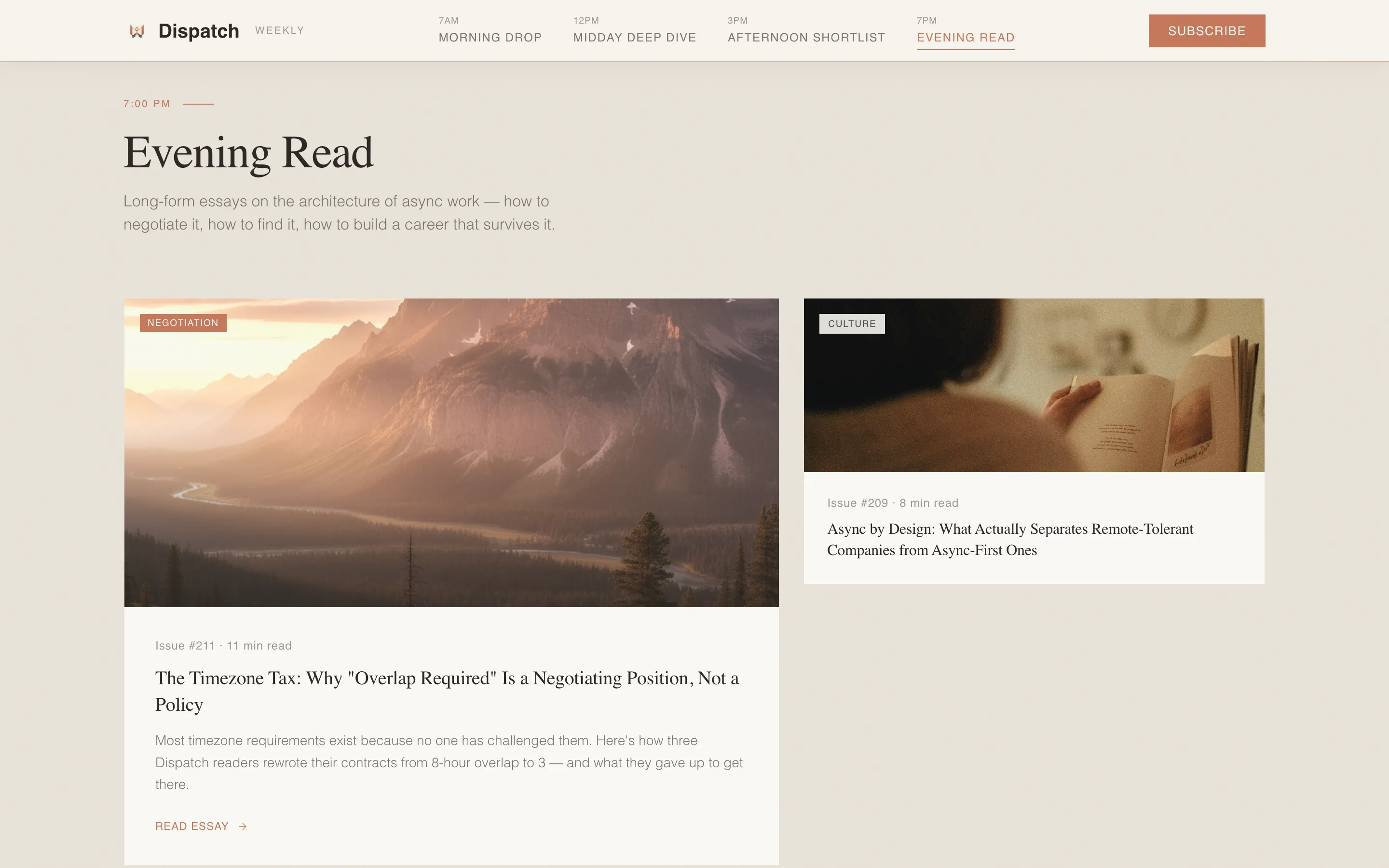
| Evening Read | Preview long-form async work philosophy essays |
| Social Proof Strip | Display subscriber count, testimonials, and featured logos |
| Footer Subscribe Form | Capture email addresses with minimal friction |
Design & branding system
The visual identity follows an Atelier Studio approach using the Soft Mist color system. Every palette choice is deliberate: warm, receding backgrounds that never compete with the editorial content sitting in front of them.
- Primary background is linen white (#F6F3EE), body text is pencil graphite (#4A4A4A), dividers and secondary surfaces use washed stone (#C7BFB3), and the single accent color is muted terracotta (#C4785B) on buttons and active navigation states
- Typography pairs Fraunces, a refined serif, for display headlines with DM Sans for all body text, creating a readable contrast between editorial warmth and functional clarity
- Backgrounds alternate between linen white and a faint stone wash, shifting subtly as the visitor scrolls through each time-of-day section
Mobile & speed optimization
The template is designed desktop-first to match the early morning laptop context of its target audience, but it includes full mobile support so subscribers arriving from a phone or tablet still get a clean, readable experience.
- Static newsletter preview cards and optimized image treatments keep the page light and responsive across screen sizes
- Scroll reveal animations, a parallax photo treatment on the hero, and daylight background shifts are all scoped to perform without disrupting the reading flow
- The sticky anchor navigation and smooth scroll behavior adapt to both desktop and mobile viewports
How this template helps you convert
Dispatch is built around a trust-first conversion sequence. Visitors are shown the product before they are asked for anything, which reduces resistance and increases the quality of subscribers who do sign up.
- The hero places a terracotta "See This Week's Issue" button above the fold, sending visitors directly to the newsletter archive so they can read an actual edition before deciding
- Each of the four content spokes ends with a floating repeat of the same call to action, reinforcing the archive link at natural pausing points during the scroll
- The footer subscribe form removes every possible friction point, asking only for an email address with reassurance copy confirming the low commitment involved
Other information about this template
This template was designed specifically for the remote work jobs and opportunities newsletter niche. It is suited to creators who want their landing page to feel as considered as the newsletter itself.
- The template style is hub and spoke with anchor navigation, meaning all content lives on one scrollable page rather than across multiple linked pages
- The creative direction is Day-in-the-Life, using time-of-day metaphors and shifting background warmth to guide the scroll experience
- The header concept is Half-Page Photo and Text, which works well with candid, lightly imperfect workspace photography rather than polished stock imagery
- The landing page direction is click-through, prioritising archive visits over immediate form fills
- The footer follows a split layout with the logo and tagline on the left and navigation links on the right
Theme
Atelier Studio
Creative direction
Day-in-the-Life
Color system
Soft Mist
Style
Hub & Spoke (Anchor Nav)
Direction
Click-Through
Page Sections
Sticky Anchor Navigation
Half-page Hero Layout
Day-in-the-life Scroll Experience
Click-through Archive Call to Action
Minimal One-field Subscribe Form
Social Proof Integration
Related questions
Do I need coding skills to use this template?
Can I connect my newsletter archive to the call-to-action buttons?
Is the subscribe form connected to an email platform?
Can I rename the time-of-day section labels in the navigation?
Does this template work for newsletters outside the remote work niche?