Thali — Authentic Indian Restaurant Landing Page Template
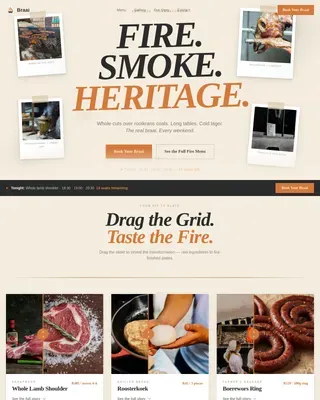
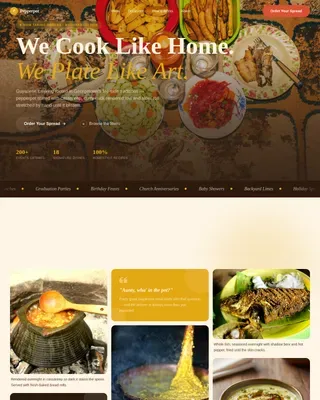
Thali is a Neo-Retro restaurant landing page template built for Indian thali dining experiences. It uses a modular card grid to build appetite through sensory food photography, dish-by-dish storytelling, and a pulsing order call to action. The Desert Rose color palette, illustrated mascot, and animated scroll reveals make every section feel warm, inviting, and unmistakably desi.
by Rocket studio
Quick summary
Thali is a single-page restaurant template designed to sell the full thali experience before a customer even reads the menu. The modular card grid assembles the meal visually, dish by dish, until ordering feels like the only natural next step. It is built for direct sales and table reservations, with a mobile-first layout and a rich Neo-Retro visual identity.
Who this template is for
This template is made for thali restaurants and Indian regional cuisine spots that want to turn online visitors into paying customers. It works especially well for businesses serving urban office workers, families, and homesick students who connect deeply with authentic home-style food.
- Thali restaurant owners who want to drive delivery orders and dine-in bookings from one page
- Food businesses with a strong visual identity looking for a template that matches their warmth and character
- Restaurant operators targeting mobile-first customers in India or the Indian diaspora
What problem this template solves
Most restaurant pages treat the menu as a list. They show prices but not appetite. Thali flips that: it leads with sensory storytelling, close-up dish photography, and one-line descriptions that make visitors feel the food before they order it.
- Visitors leave generic restaurant pages without ordering because nothing builds genuine hunger or trust
- A plain menu grid cannot convey the cultural weight of a seventeen-dish thali or justify its value
- Restaurants lose table reservations because the booking path is buried or disconnected from the food story
What you get with this template
You get a fully structured, single-page layout that guides visitors from first impression to confirmed order. Every section is purposeful and visually connected, from the illustrated mascot header to the streamlined order flow at the bottom.
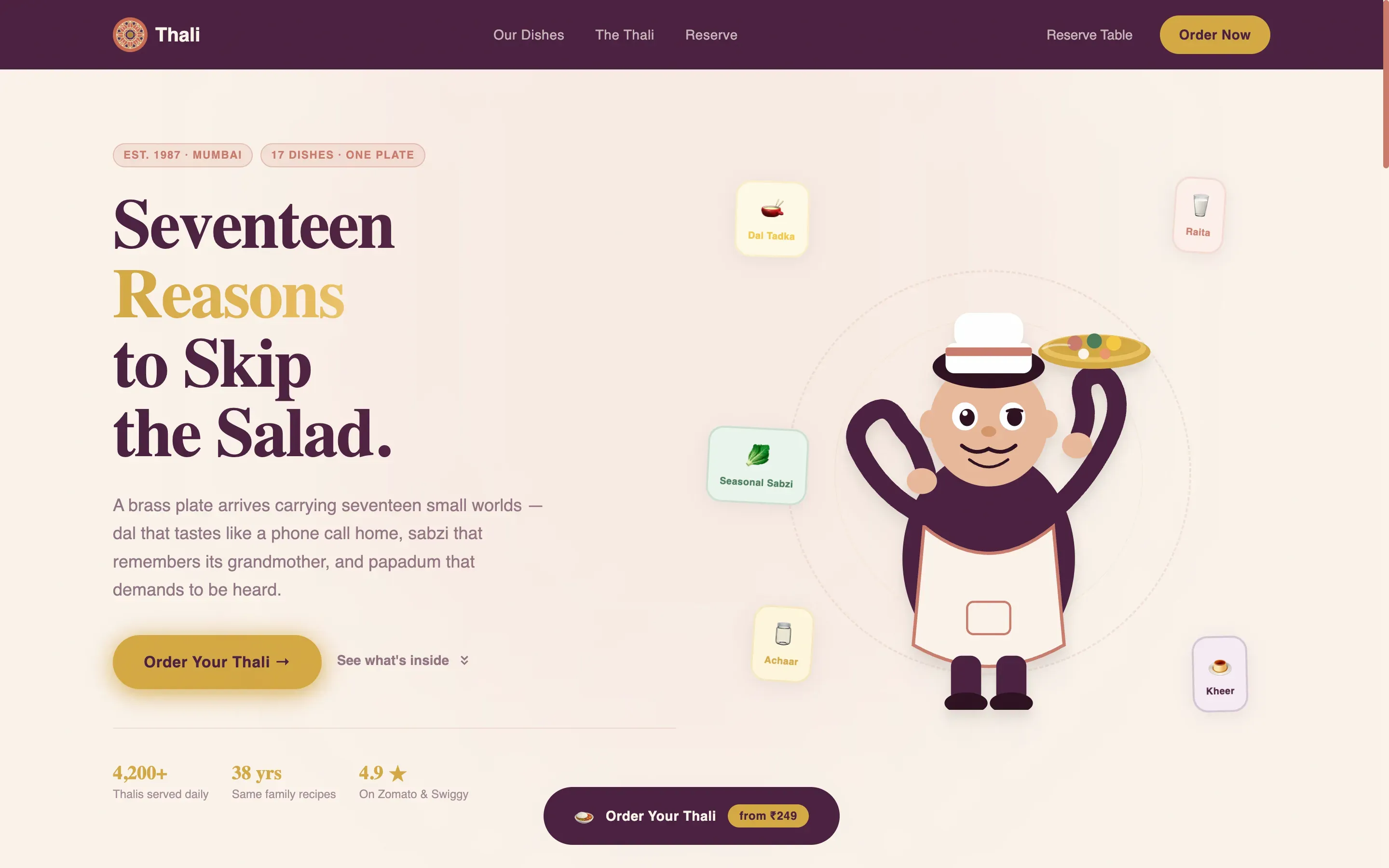
- A hero section with an animated mascot, floating katori illustrations, and a bold serif headline
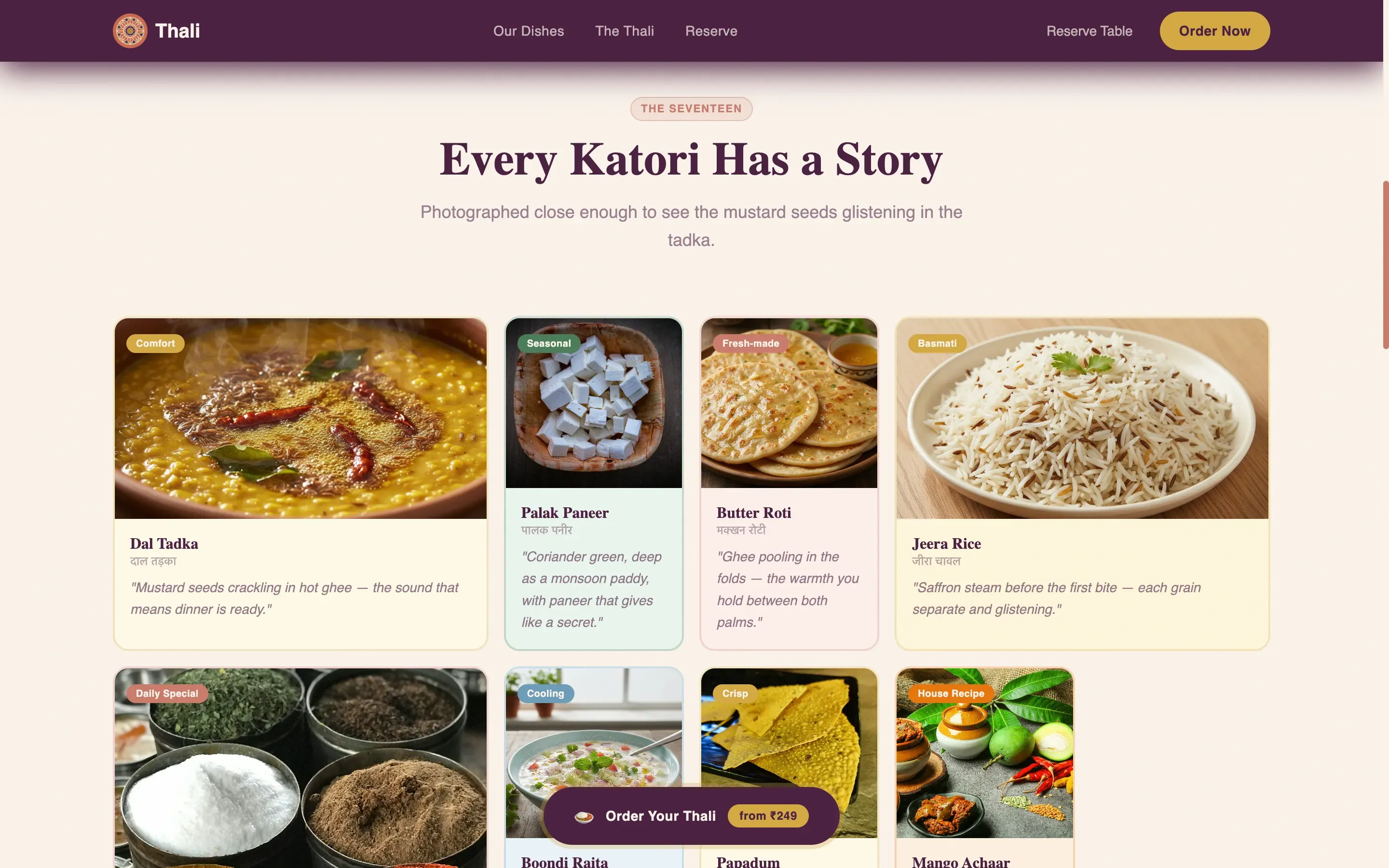
- A modular dish grid with close-up food photography cards and sensory one-line descriptions
- A built-in order flow covering thali tier selection, rice or roti preference, a visual extra-katori picker, and delivery details
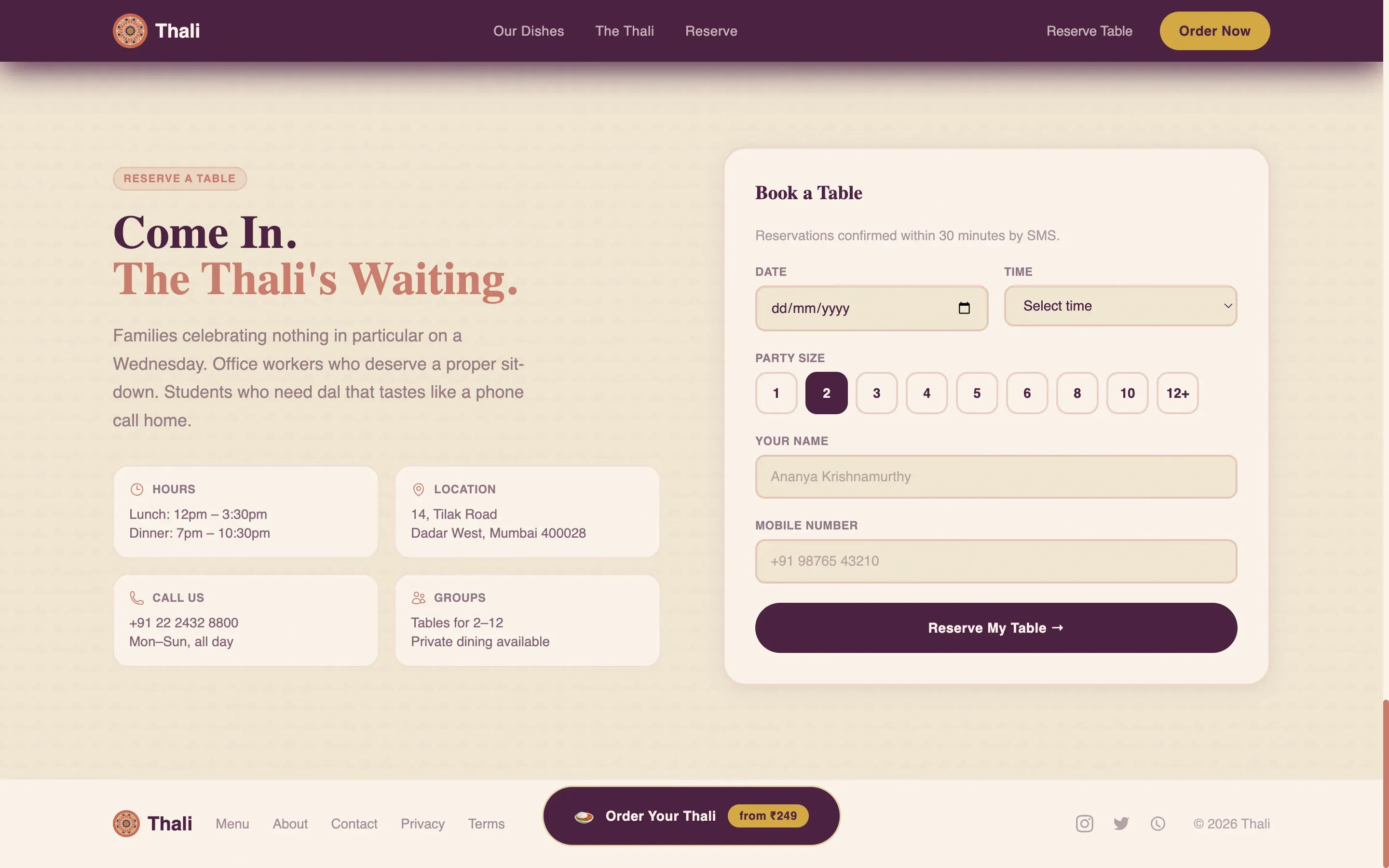
- A table reservation section with date, time, and party-size inputs
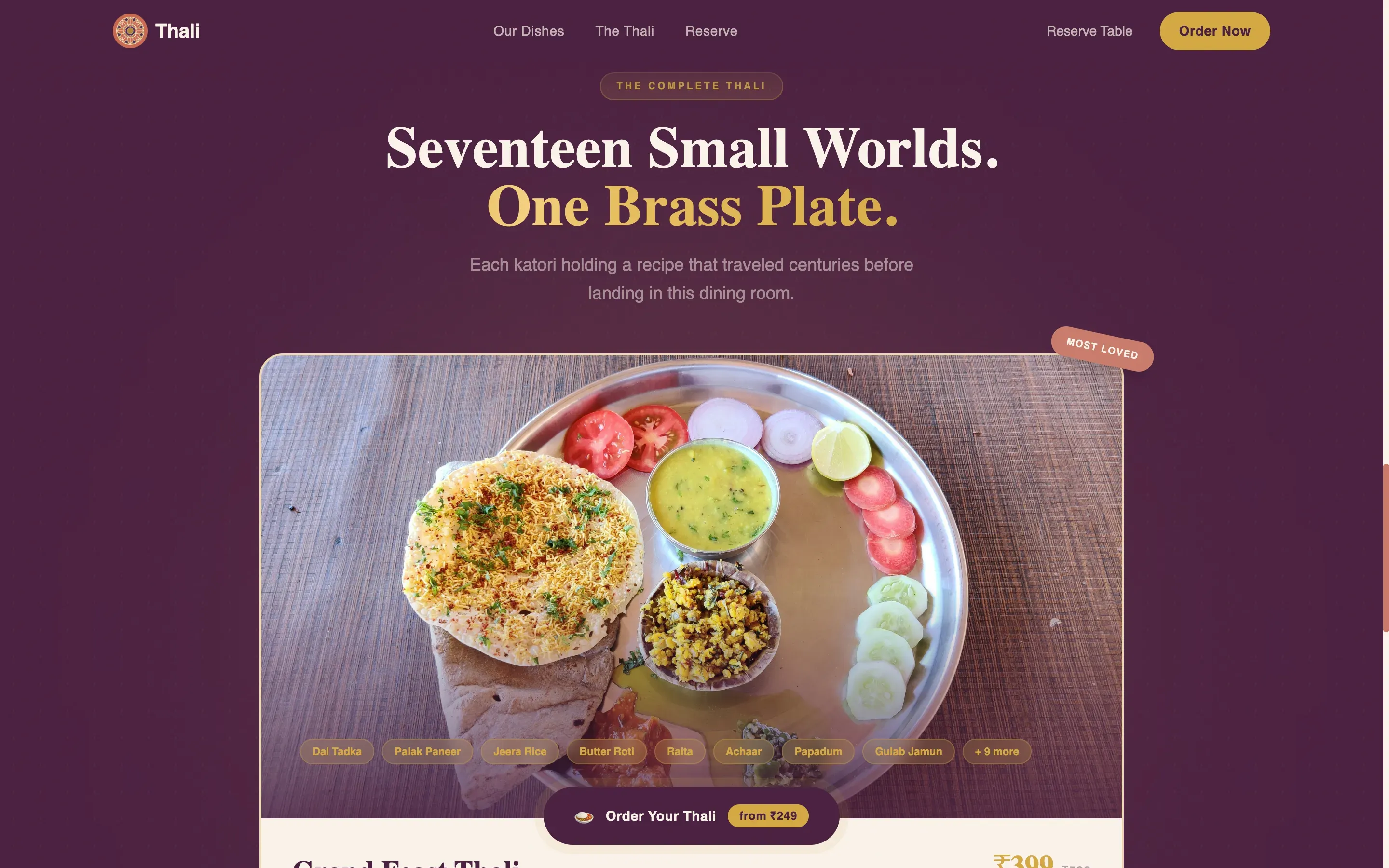
- A full thali hero card at twice the standard card size, acting as the visual anchor before the call to action
Feature list
This template comes with a carefully scoped set of interactive and visual features, each tied directly to the brief.
Illustrated Mascot Hero
The header introduces a round, mustachioed thali-wala character rendered in terracotta and jamun purple with brass gold highlights. He stands against a curd white background, one arm balancing a loaded brass thali overhead. Floating katori illustrations drift around him, animated gently on load.
Modular Sensory Card Grid
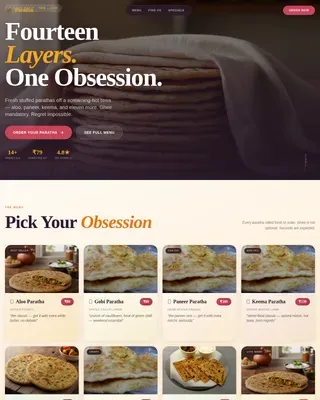
Dish cards are laid out in a staggered modular grid. Each card displays a close-up food photograph alongside a single sensory description line. Cards reveal in sequence using scroll-triggered animations, building appetite with every new row.
Full Thali Hero Card
As visitors scroll deeper, individual dish cards give way to a full thali composition card at twice the standard size. This card anchors the appetite-building arc and sits directly above the primary call to action, making the decision to order feel natural.
Tiered Order Flow Modal
Tapping the primary call to action opens a streamlined order modal. Visitors choose a thali tier (Weekday Classic, Grand Feast, or Festival Special), select rice or roti, add extra katoris from a visual picker, and enter delivery details, all within one focused flow.
Table Reservation Section
A dedicated reservation section offers a date picker, time selector, and party-size input. It runs parallel to the delivery flow, giving dine-in customers an equally clear path to booking their table.
Persistent Pulsing Call to Action
The "Order Your Thali" button in brass gold on jamun purple is pinned to the bottom of the viewport. It activates with a gentle pulse animation after three seconds of scroll, keeping the conversion path visible without interrupting the food story.
Page sections overview
| Section | Purpose |
|---|---|
| Hero with Mascot | Introduce brand character and headline |
| Dish Sensory Grid | Build appetite through close-up food cards |
| Full Thali Hero Card | Anchor the meal narrative before ordering |
| Order Flow Modal | Guide visitors through tiered thali ordering |
| Reserve a Table | Capture dine-in bookings with simple inputs |
| Footer | Linear single-row brand and contact links |
Design & branding system
The template uses a Desert Rose color system built around four tones that evoke a hand-painted Bollywood poster found in a Rajasthani antique shop. Every color has a specific structural role, keeping the layout warm and legible without becoming chaotic.
- Curd white (#FAF3EB) grounds card surfaces; terracotta (#C97B6B) borders them; jamun purple (#4A2040) anchors headlines and navigation
- Brass gold (#D4A843) highlights prices, call-to-action buttons, and hover states, giving interactive elements a natural visual weight
- Typography pairs Fraunces serif for headlines with DM Sans for body text, balancing retro warmth with clean readability
Mobile & speed optimization
The template is designed mobile-first, which directly reflects how most thali delivery orders are placed. Animations use GPU-accelerated transforms to keep scroll reveals smooth on lower-powered devices.
- GSAP ScrollTrigger powers card reveals and floating mascot animations without blocking the main thread
- The order modal and reservation form are touch-friendly and sized for one-handed use on standard smartphone screens
- Images are structured for optimized delivery, keeping the visual-heavy card grid fast to load on mobile connections
How this template helps you convert
Every design and layout decision in Thali points toward one outcome: a confirmed order or table booking. The page earns the click through accumulated appetite rather than hard selling.
- The modular card grid builds craving progressively, so by the time visitors reach the full thali hero card, the value of ordering feels self-evident rather than pitched.
- The persistent brass gold call-to-action button stays in view throughout the scroll, removing any friction between the moment of hunger and the moment of ordering.
- The tiered order flow (Weekday Classic, Grand Feast, Festival Special) lets customers self-select at their comfort level, reducing abandonment by matching price point to occasion.
Other information about this template
This template is part of a broader Food and Beverage category built for direct-to-consumer restaurant experiences. It is particularly suited to Indian Street Food and Regional Cuisine businesses that rely on emotional connection and cultural identity to drive repeat orders.
- The Neo-Retro theme and Bollywood poster aesthetic are intentional differentiators, making the page stand out from generic white-background restaurant layouts
- Localization details are baked into the brief: pricing in Indian Rupees (INR), dates in DD/MM/YYYY format, and IST timezone support for reservation inputs
- Hindi dish names with English descriptions are supported in the card grid, serving both local and diaspora audiences
- The template style is Card Grid (Modular), making it straightforward to expand the dish grid as the menu grows
- Social proof touchpoints such as dish origin stories and years-of-recipes context are supported within the card and hero sections
Theme
Neo-Retro
Creative direction
Sensory Appeal
Color system
Desert Rose
Style
Card Grid (Modular)
Direction
Direct Sales
Page Sections
Illustrated Mascot Hero Header
Modular Sensory Dish Card Grid
Full Thali Composition Hero Card
Tiered Order Flow with Visual Katori Picker
Persistent Pulsing Call-to-action Button
Table Reservation Section
Related questions
Can I change the thali tiers to match my actual menu?
Does the order flow connect to a payment gateway?
Is this template suitable for an Indian restaurant outside India?
Can I remove the table reservation section if I only offer delivery?
How do I replace the food photography in the dish cards?