Shutter - Captivating Teambuilding Landing Page Template
Shutter is a gallery and detail landing page built for team building event photographers. It walks visitors through a full event day using a timeline-driven scroll, showcases work in expandable thumbnail grids, and drives bookings with tiered pricing cards and a sticky booking drawer. The warm merlot and smoke color system makes every section feel polished and personal.
by Rocket studio
Quick summary
Shutter is a single-page template designed for team building event photographers who want to turn portfolio visitors into paying clients. It combines a timeline-progression gallery layout with direct-sales packaging to move HR coordinators, event planners, and learning and development managers from browsing to booking in one smooth scroll.
Who this template is for
This template speaks directly to photographers who specialize in corporate team building events and offsite retreats. It is built for solo photographers and small studios that sell directly to business buyers rather than through agencies.
- HR coordinators and event planners who need visual proof of your work before approving a budget
- Learning and development managers booking quarterly offsites who want to see real candid documentation
- Team building event photographers ready to sell tiered packages without a separate sales call
What problem this template solves
Most photography portfolio pages show pretty pictures with no clear path to purchase. Corporate buyers comparing vendors need pricing, availability, and deliverables in one place. Shutter closes that gap.
- Visitors leave without booking because they cannot find package details or turnaround times
- Planners comparing vendors need low-friction availability checks before committing to a consultation
- Generic portfolio layouts do not communicate the emotional value of candid team event photography
What you get with this template
You get a fully structured landing page that handles both inspiration and conversion. Every section is purposeful, from the full-viewport seasonal header to the sticky booking drawer that follows visitors as they scroll.
- A timeline-progression gallery that walks through one event day from arrival candids to the slideshow-reveal moment
- Three tiered pricing cards with plain-count deliverables and champagne-colored booking buttons
- A sticky booking drawer with a date picker and headcount field, plus a low-friction availability quick-check
Feature list
This template is built around a clear set of purposeful components, each designed to reflect how corporate photography clients actually shop and decide.
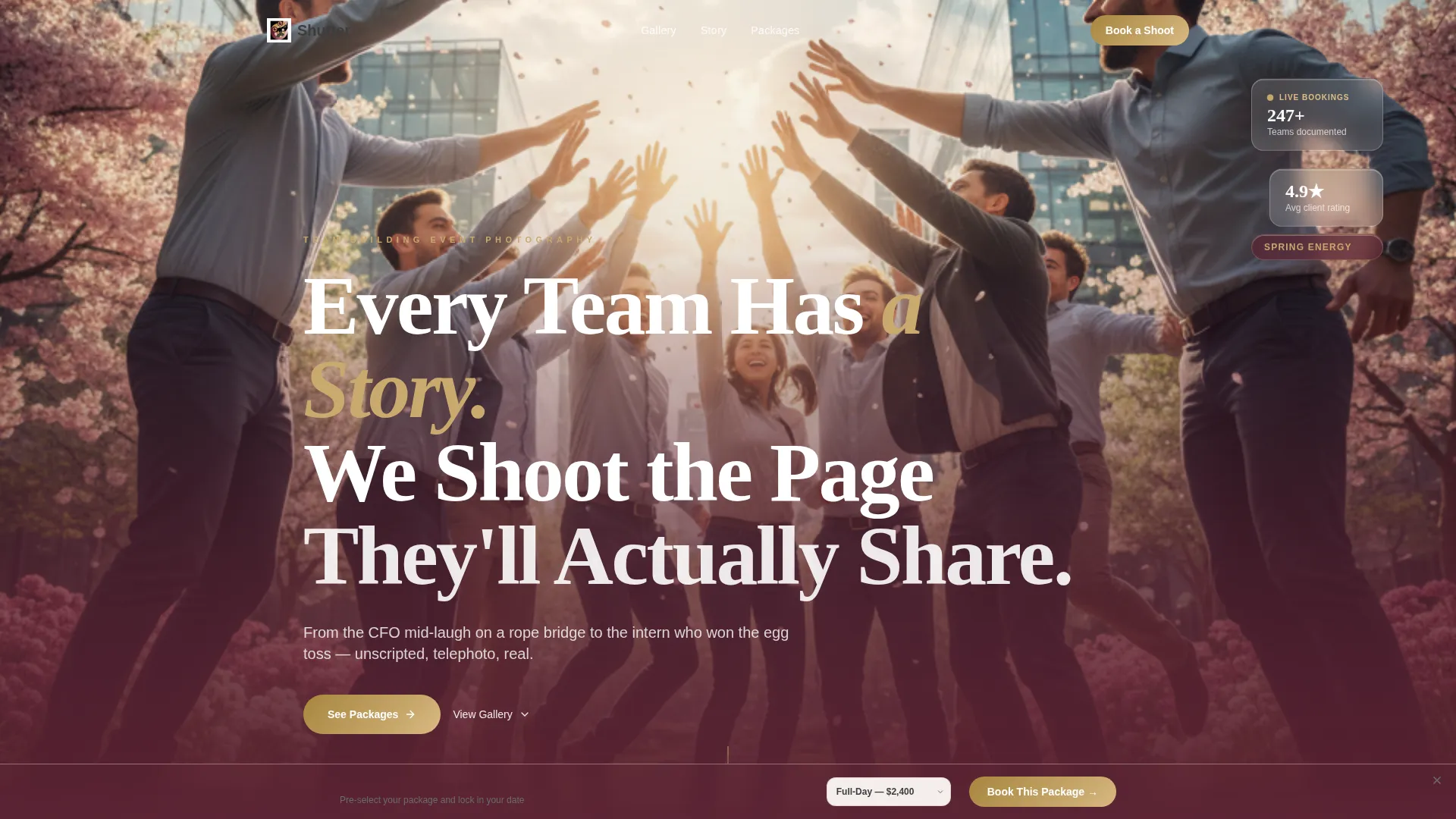
Seasonal Full-Viewport Header
The header fills the entire screen with a mid-action photograph that shifts with the calendar. A merlot-to-transparent gradient rises from the bottom edge and carries the headline naturally into the page without hiding the image.
Timeline Progression Gallery
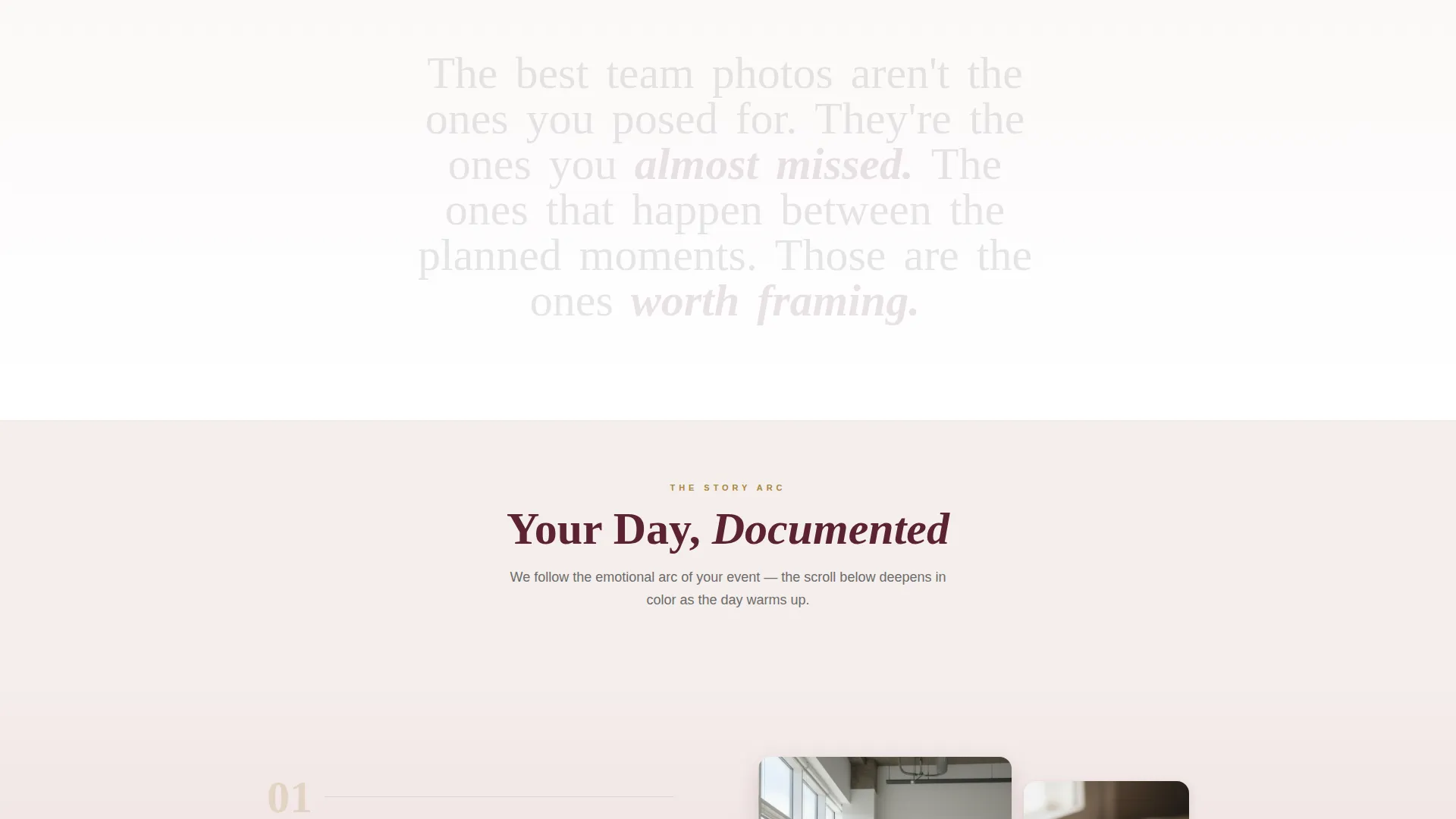
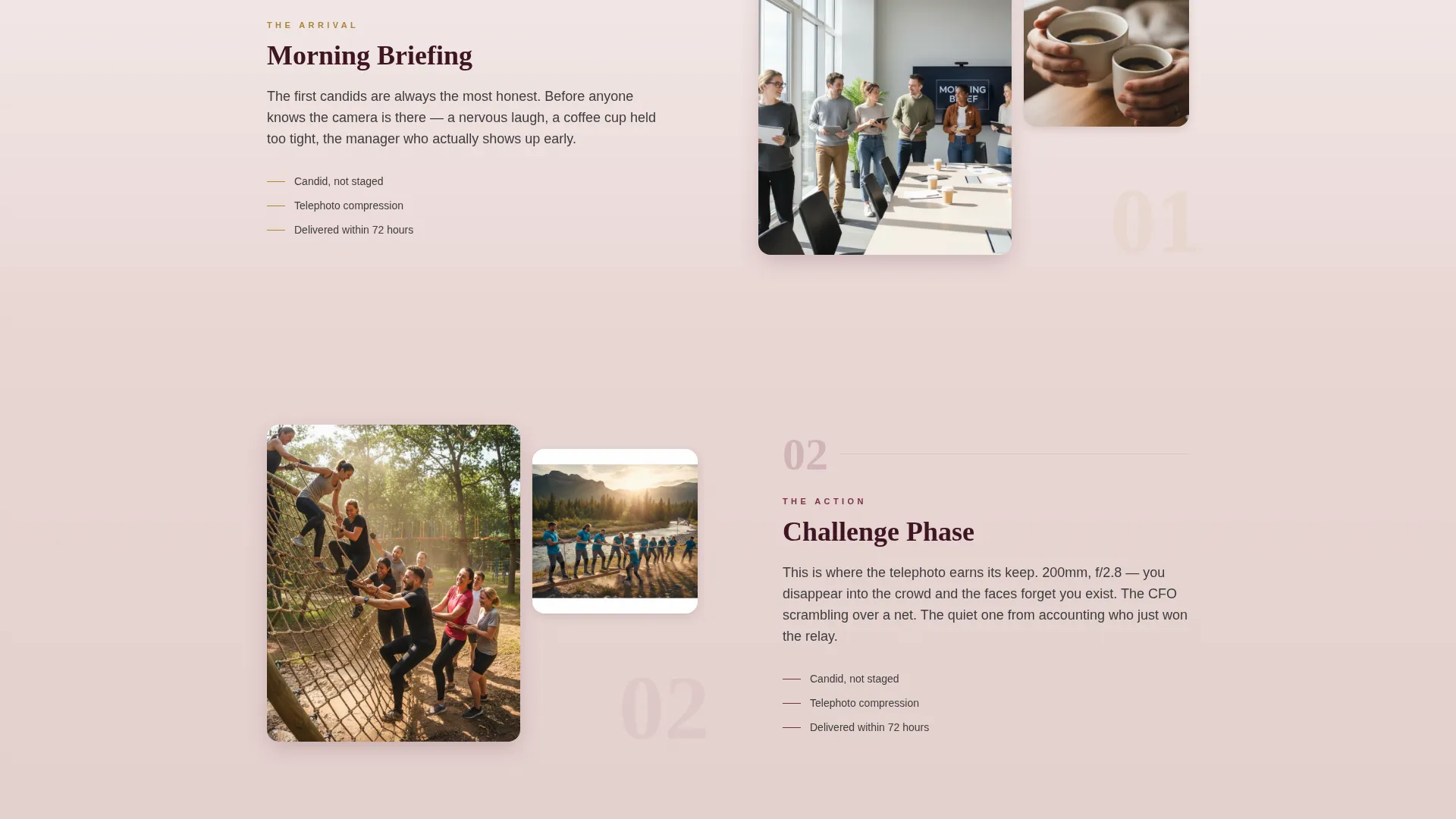
The scroll follows a single event from morning briefing candids through challenge-phase action shots, the golden-hour group portrait, and the slideshow-reveal moment. Section backgrounds deepen from blush fog into full merlot, mirroring the emotional arc of the day.
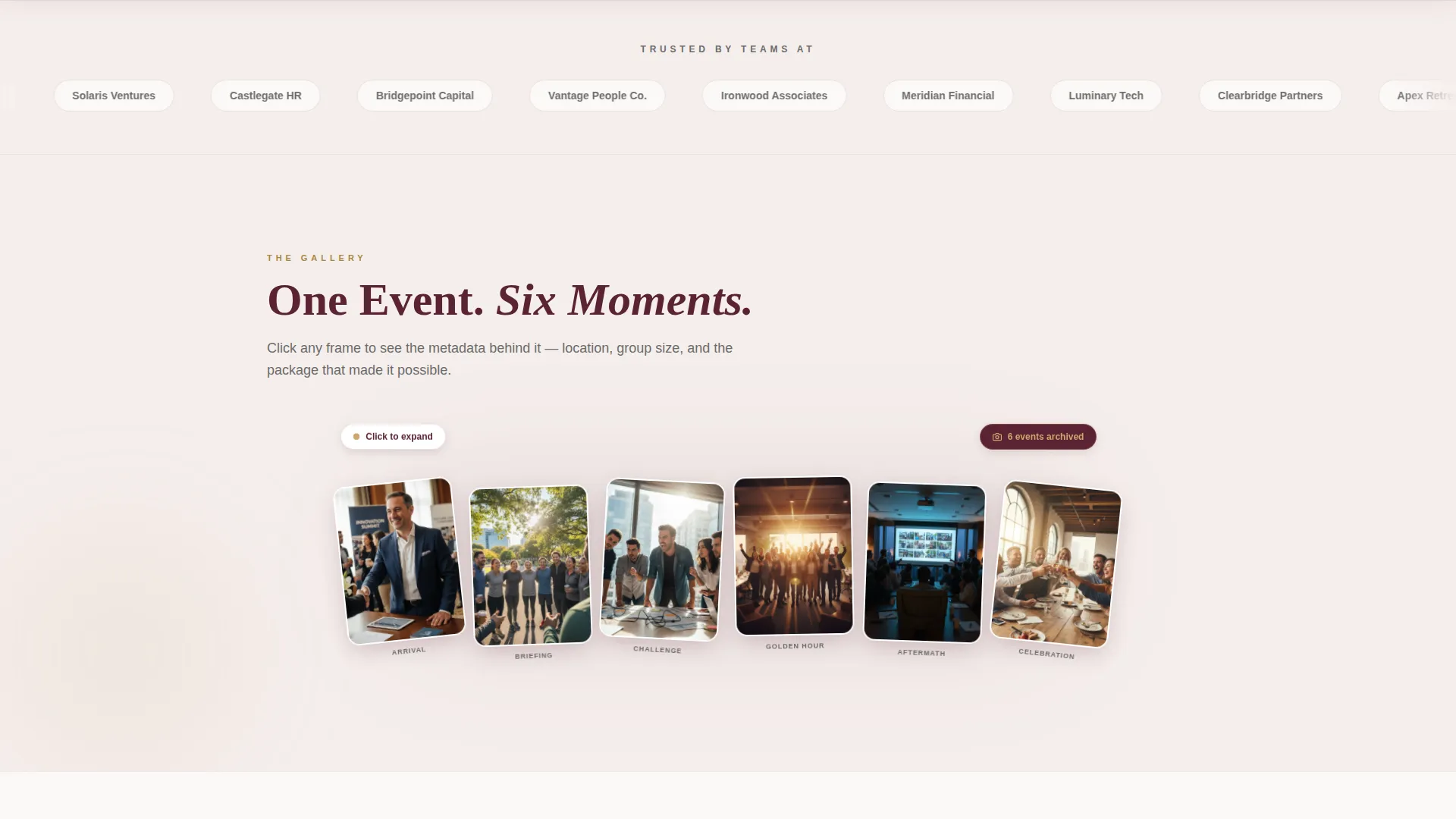
Expandable Thumbnail Grid with Detail Views
Thumbnail grids open on click into full detail views. Each detail view displays subtle metadata including location, group size, and the package used, giving prospective clients useful context alongside the imagery.
Tiered Pricing Cards
Three smoke-bordered cards cover Half-Day, Full-Day, and Multi-Day Retreat packages. Each card lists edited image counts, turnaround days, and highlight reel inclusion in plain language so buyers can compare without guessing.
Sticky Booking Drawer
A booking drawer slides up after the third scroll section. It includes a date picker and headcount field, and it pre-selects the package the visitor last hovered. This keeps the conversion path open without interrupting the browsing experience.
Availability Quick-Check Path
A secondary call to action lets planners check date availability using only an email address and a preferred date. This low-friction entry point serves clients who are still comparing vendors and are not yet ready to commit to a full consultation.
Page sections overview
| Section | Purpose |
|---|---|
| Full-Viewport Header | Opens with seasonal action photography and the primary headline |
| Arrival Candids | Showcases morning briefing moments to set the event-day tone |
| Challenge Action Shots | Displays mid-event activity photography with expandable thumbnails |
| Golden-Hour Portrait | Highlights the group portrait moment with warm color depth |
| Slideshow Reveal Moment | Recreates the team seeing their photos for the first time |
| Tiered Pricing Cards | Presents Half-Day, Full-Day, and Multi-Day Retreat packages |
| Sticky Booking Drawer | Captures date, headcount, and package preference on scroll |
| Availability Quick-Check | Offers a fast email-plus-date path for planners still comparing |
Design & branding system
The Merlot and Smoke color system gives this template a warm, after-hours atmosphere that feels appropriate for corporate clients without being stiff. Colors shift intentionally as the visitor scrolls deeper into the page.
- Deep merlot anchors headers and pricing cards; charcoal smoke handles body text for comfortable reading contrast
- Blush fog washes across section backgrounds in soft gradients that warm progressively into full merlot toward the lower sections
- Warm champagne activates on hover states, selected thumbnails, and every call-to-action button to draw the eye at decision moments
Mobile & speed optimization
The layout is built with a mobile-first scroll experience in mind. Corporate buyers often review vendor options on a phone between meetings, so the template keeps key actions reachable without pinching or zooming.
- The sticky booking drawer remains accessible on smaller screens so visitors can capture their preferred date without scrolling back to the top
- Thumbnail grids reflow cleanly into single-column layouts on mobile, keeping the timeline progression intact and readable
How this template helps you convert
Shutter is structured to reduce the distance between inspiration and action. Every layout decision nudges the visitor toward a booking rather than a bounce.
- The timeline gallery builds emotional investment before the visitor reaches pricing, so the value of the work feels earned by the time they see the numbers.
- Pre-selecting the last-hovered package in the sticky booking drawer removes a decision step at the moment of commitment, making it easier for planners to move forward.
Other information about this template
Shutter fits within the Wedding and Events category and is specifically matched to the team building event photography niche. It is suited to photographers who want a direct-sales page that handles the full buyer journey on a single scroll.
- The template style is Gallery and Detail, meaning it balances portfolio display with conversion-focused components in one unified layout
- The Soft Gradient theme and Seasonal Imagery header concept work together to make the page feel fresh across different times of year without requiring a full redesign
- This template is a strong fit for photographers already using tools like HoneyBook or Pixieset to deliver galleries, as the booking drawer and availability check can be paired with those workflows
Theme
Soft Gradient
Creative direction
Timeline Progression
Color system
Merlot & Smoke
Style
Gallery + Detail
Direction
Direct Sales
Page Sections
Seasonal Full-viewport Header
Timeline Progression Gallery
Expandable Thumbnail Grid
Tiered Pricing Cards
Sticky Booking Drawer
Low-friction Availability Check
Related questions
Who is the Shutter template built for?
Can I customize the pricing packages shown on the page?
How does the sticky booking drawer work?
Does the availability quick-check replace a full booking form?
Can this template work for photographers who cover multiple event types?



