Time & Attendance Booking Website Template
Roster is a shift scheduling landing page template built for workforce operations platforms. It features a departure-board digit ticker, a modular stats bento grid, an embedded overtime savings calculator, industry-specific use case cards, and a five-question "Score Your Schedule" quiz. The design uses a Teal Catalyst color system to project calm authority with urgent, data-led conversion pulses.
by Rocket studio
Quick summary
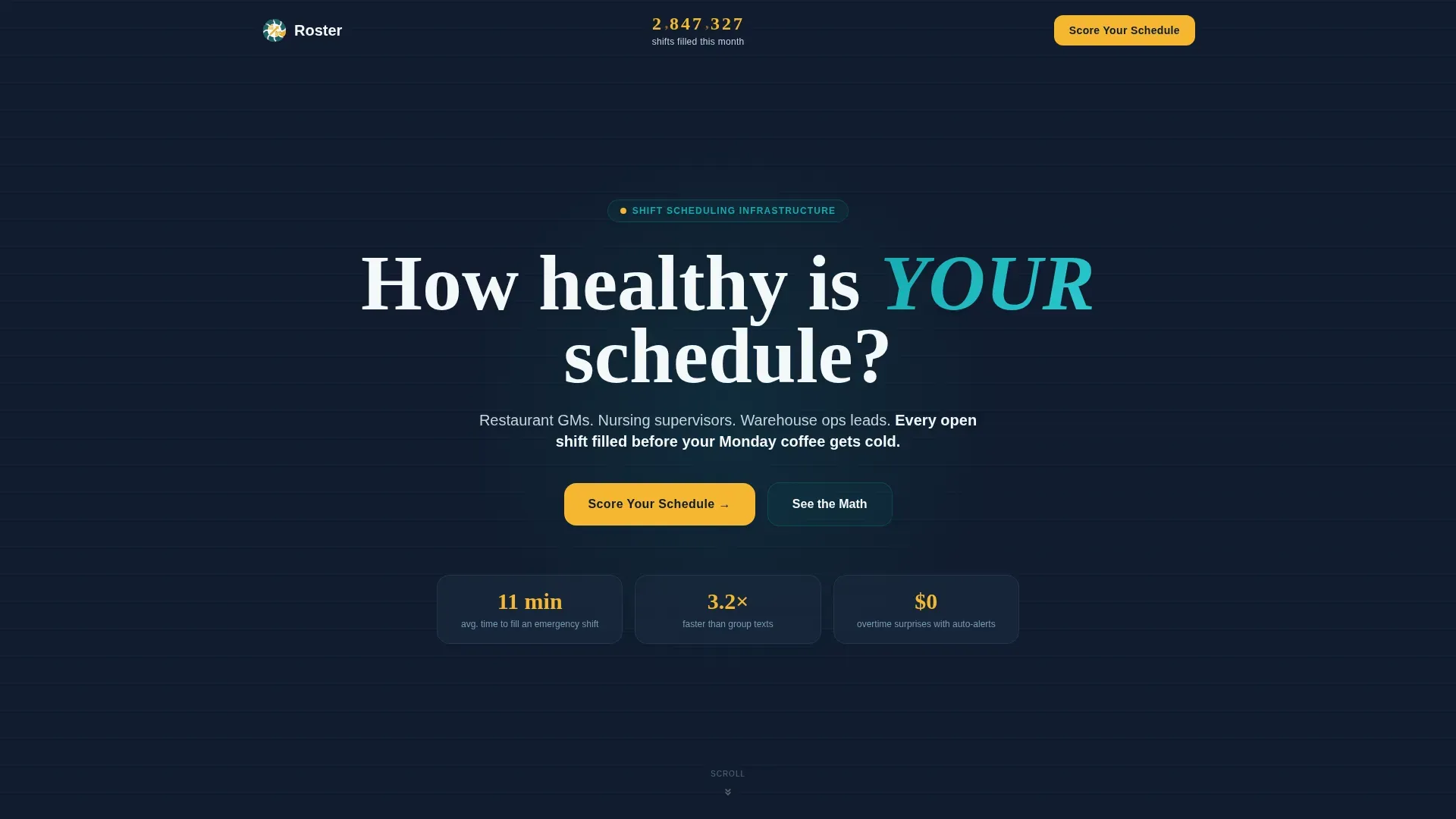
Roster is a single-page template designed for shift scheduling platforms targeting restaurant, healthcare, and warehouse operations teams. It leads with a live rolling digit ticker, moves through a modular proof-point card grid, and converts visitors through a personalized schedule health quiz. Every section earns attention with numbers before explanation.
Who this template is for
This template is built for B2B software teams selling workforce scheduling tools to frontline operations managers. It speaks directly to the people whose days break down when a shift goes unfilled.
- Restaurant general managers handling part-time staff with overlapping availability conflicts
- Nursing supervisors covering floor schedules against last-minute call-outs
- Warehouse operations leads who track the dollar cost of every no-show
What problem this template solves
Scheduling platforms struggle to communicate real operational value to busy managers who have seen too many software promises. This template skips vague benefit statements and leads with verified numbers, letting data do the persuading before a single feature is named.
- Managers scan, not read. The modular card grid lets visitors graze across cost, time, and retention proof points at their own pace.
- A quiz-first conversion path replaces a generic sign-up form with a personalized result, lowering resistance and raising relevance.
- An embedded calculator delivers immediate, tangible value without requiring an email address, building trust before asking for commitment.
What you get with this template
You get a fully structured landing page with high-interactivity components, a data-forward visual system, and two distinct conversion paths designed for operations decision-makers.
- A rolling digit hero ticker, a bento-style stats card grid with hover-expand micro-animations, and an inline overtime savings calculator
- A five-question "Score Your Schedule" quiz modal that delivers a personalized letter grade and three identified inefficiencies, gated behind a work email
- Industry-specific use case cards for restaurant, healthcare, and warehouse segments in an asymmetric layout
Feature list
This template is built around high-interactivity components that carry the persuasion load before the visitor reads a single paragraph.
Rolling Digit Hero Ticker
The header displays a live-style counter showing total shifts filled, with individual digits flipping upward like a departure board. Each numeral renders in catalyst yellow against the midnight dashboard background, signaling scale and credibility at first glance.
Stats Bento Card Grid
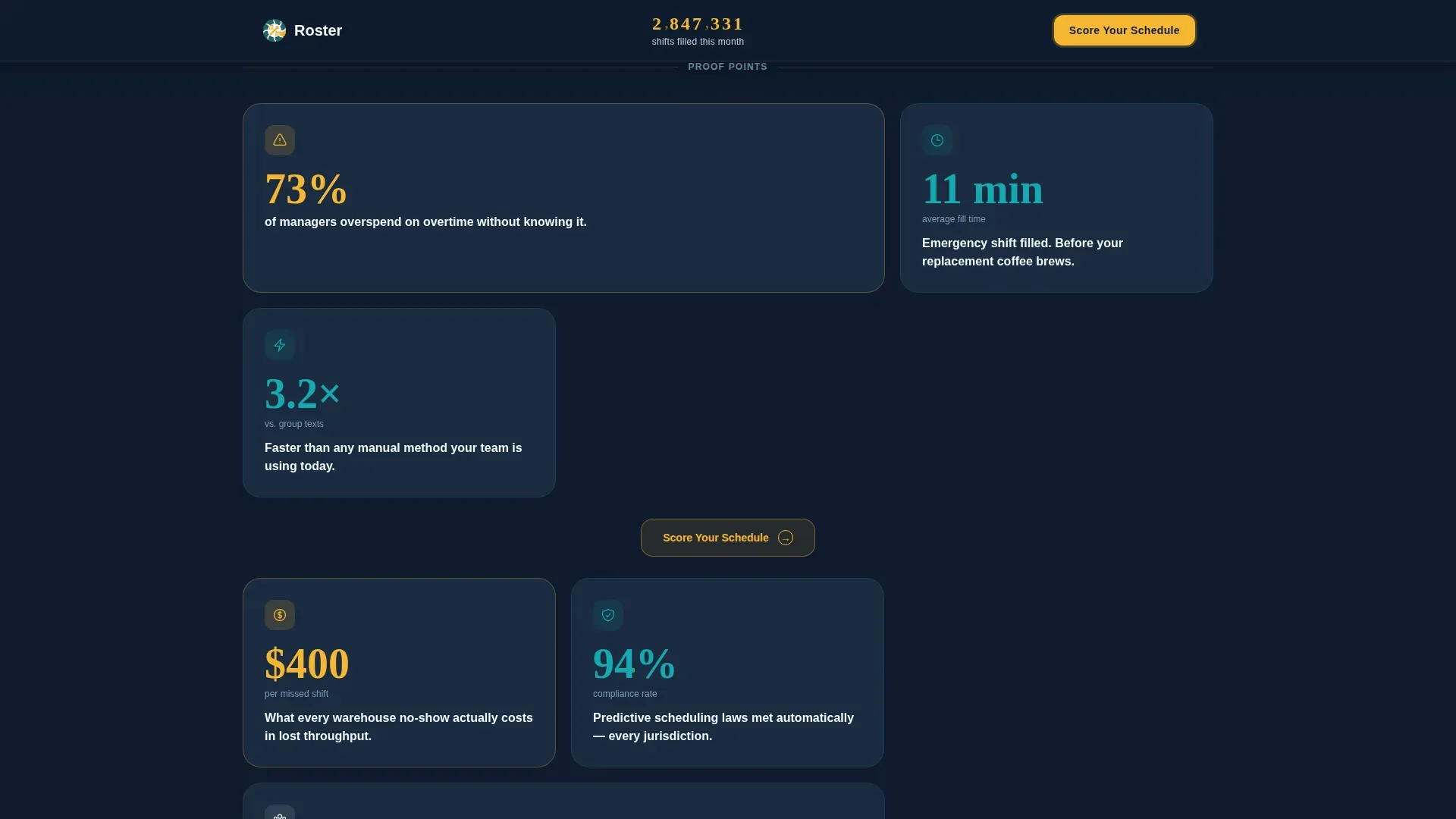
The core of the page is a modular grid where every card leads with a number. Cards cover cost overruns, fill speed, compliance, and retention angles. Hovering or tapping each card expands it with a short explanation and a micro-animation that builds a simple chart or icon.
Inline Overtime Savings Calculator
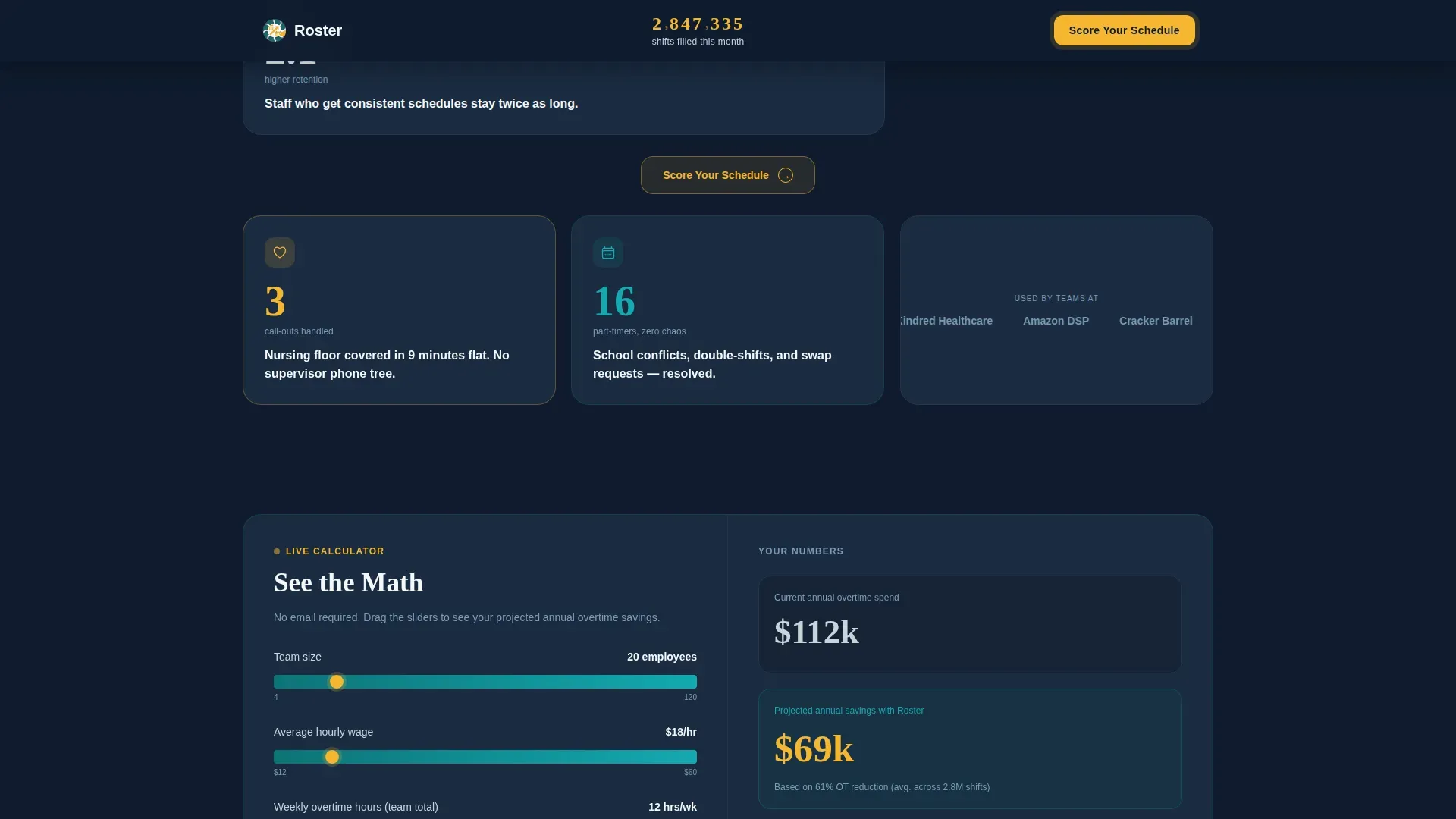
An embedded calculator card lets visitors enter their hourly wage and team size to see projected annual overtime savings. No email is required to use it. This delivers immediate, concrete value and earns trust before the deeper quiz conversion ask.
Score Your Schedule Quiz
A five-question diagnostic modal asks about team size, current scheduling method, weekly overtime hours, monthly no-shows, and biggest frustration. Results return a personalized Scheduling Health Score with a letter grade and three specific inefficiencies, revealed after a work email is entered.
Industry Use Case Cards
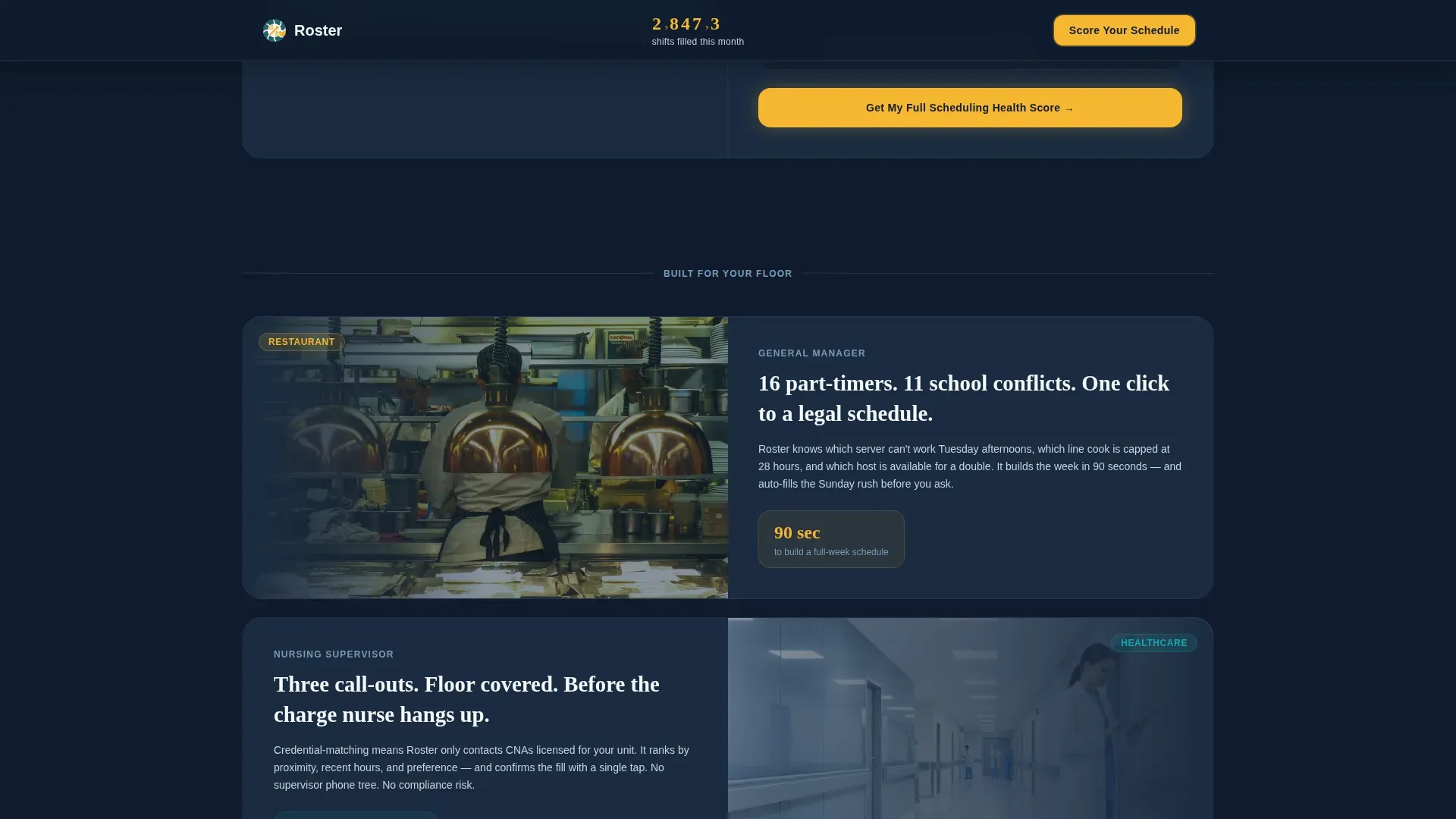
Three dedicated cards cover restaurant, healthcare, and warehouse scenarios in an asymmetric layout. Each card presents segment-specific outcomes, making the platform feel relevant to the exact industry a visitor manages.
Pinned and Repeated Call to Action
The primary "Score Your Schedule" call to action is pinned in the header and repeated after every third row of cards. This persistent placement keeps the conversion path visible throughout the full scroll without interrupting the browsing flow.
Page sections overview
| Section | Purpose |
|---|---|
| Hero Ticker Header | Establish scale and credibility with a live digit counter and a single sharp subline |
| Stats Bento Grid | Deliver modular proof points across cost, time, compliance, and retention angles |
| Overtime Savings Calculator | Provide immediate value with an email-free embedded savings estimator |
| Industry Use Case Cards | Show segment-specific outcomes for restaurant, healthcare, and warehouse teams |
| Score Your Schedule call to action | Launch the five-question quiz modal with a letter grade preview to drive email capture |
| Footer | Single-row linear footer with minimal navigation |
Design & branding system
The visual identity follows an Educational Guide theme with a Teal Catalyst color system. The palette reads like a staffing dashboard at 5 a.m., calm and authoritative with sharp yellow pulses wherever action is needed.
- Deep operational teal (#0D7377) as the primary anchor, midnight dashboard (#0F1B2D) for card backgrounds and data surfaces, and scrubs white (#F4F7F9) for open breathing room
- Catalyst yellow (#F5B731) used exclusively on interactive hotspots, calls to action, live counters, and quiz triggers to direct attention without noise
- DM Sans for body text and user interface copy, Fraunces for display numbers and headlines to contrast data weight with editorial authority
Mobile & speed optimization
The template is designed desktop-first for operations managers working at workstations, but includes a solid mobile fallback for managers checking schedules on the go.
- Static sections use server-rendered components to keep the base page fast, while the ticker, calculator, and quiz run as client-side components
- The card grid reflows cleanly to a single column on smaller screens, and hover-expand interactions translate to tap-expand for touch devices
How this template helps you convert
Every structural decision in this template serves one of two conversion paths: quiz completion or calculator engagement, both designed to reduce friction and build trust before asking for anything.
- The modular card grid lets visitors self-select the proof point most relevant to their pain, whether that is overtime cost, fill speed, or no-show frequency, before they ever reach a call to action.
- The calculator card offers immediate, personalized savings data with no email gate, creating a natural moment of belief that primes the visitor for the higher-commitment quiz ask that follows.
Other information about this template
This template is a strong fit for teams building or relaunching a workforce scheduling platform page, particularly when the target buyer is a time-pressed operations manager who responds to data faster than narrative copy.
- The template follows a Stats-First Impact creative direction, meaning numbers always lead before explanatory copy appears in any card or section
- The Quiz/Assessment conversion path is a deliberate alternative to standard demo-request or free-trial forms, and is particularly effective in HR technology and workforce operations niches
- The User Count Ticker header concept reinforces platform credibility by communicating volume and activity at a glance, before the visitor reads a single feature claim
- The card grid layout supports a non-linear browsing pattern, letting visitors jump between cost, compliance, and retention cards without following a prescribed scroll order
- Typography pairing of DM Sans and Fraunces is intentional: DM Sans keeps interface copy readable and neutral, while Fraunces gives statistical headlines the visual weight they need to stop a scan
Theme
Educational Guide
Creative direction
Stats-First Impact
Color system
Teal Catalyst
Style
Card Grid (Modular)
Direction
Quiz/Assessment
Page Sections
Rolling Digit Hero Ticker
Stats Bento Card Grid
Inline Overtime Savings Calculator
Score Your Schedule Quiz Modal
Industry Use Case Cards
Pinned Repeated Call to Action Placement
Related questions
Who is the ideal buyer for this template?
Does the quiz require a developer to configure?
Can the calculator be used independently from the quiz?
Can I update the statistics shown in each card?
Is this template suited for a multi-location scheduling product?



