Wedding Officiant FAQ Website Template
Officiant is a single-page landing page template built for wedding officiants who need to present themselves with quiet authority. It walks visitors through legal requirements, ceremony customization, day-of logistics, and pricing in an alternating FAQ layout. The design uses a monochrome steel palette with muted gold accents, and the lead form earns its click only after trust is fully built.
by Rocket studio
Quick summary
Officiant is a lead generation landing page template for professional wedding officiants. It uses a zigzag FAQ layout to walk couples through every pre-ceremony question, building confidence section by section. The design is stark, typographic, and composed, with a warm gold accent that keeps the page from feeling cold. The primary call to action appears after three trust-building sections.
Who this template is for
This template is built for wedding officiants who want to present a polished, professional online presence without looking like a generic directory listing. It suits independent officiants handling everything from elopements to interfaith ceremonies.
- Solo officiants and small officiant practices looking for a dedicated booking page
- Ceremony coordinators who handle legal paperwork and want to clarify their process upfront
- Officiant services targeting newly engaged couples, anxious parents, and elopement planners
What problem this template solves
Most couples searching for a wedding officiant land on pages that are either too sparse to trust or too cluttered to read. The result is doubt, comparison shopping, and lost bookings. This template removes that friction.
- Visitors arrive with specific anxieties about legal requirements and ceremony logistics
- A scattered or vague page leaves those anxieties unresolved and the visitor unconverted
- This template answers each concern in sequence, so booking feels like the natural next step
What you get with this template
You get a fully structured single-page layout designed around an FAQ consultation flow. Every section resolves one concern before introducing the next, and the form only appears once trust has been established.
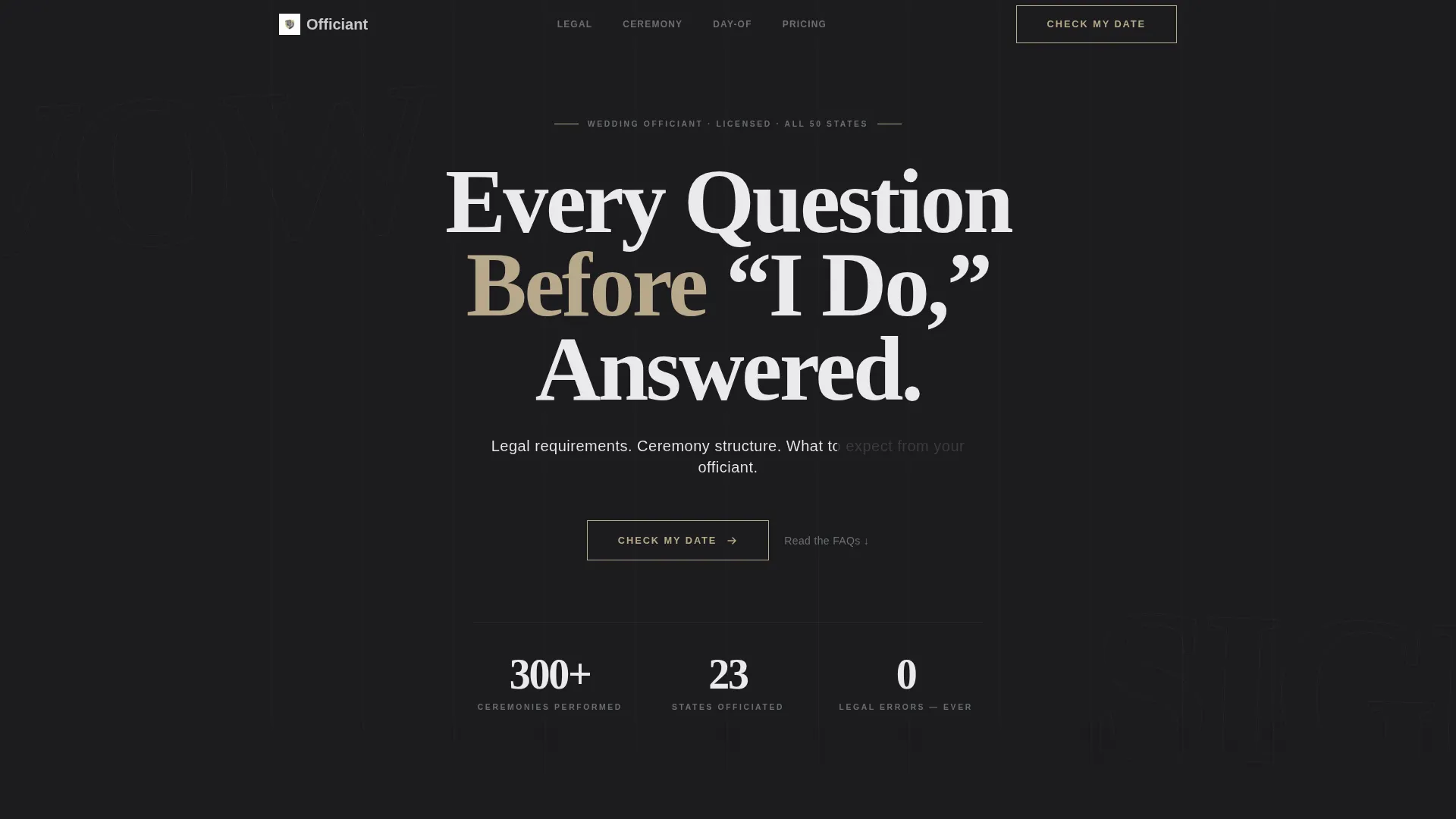
- A giant headline hero section with no imagery, built entirely on confident typography
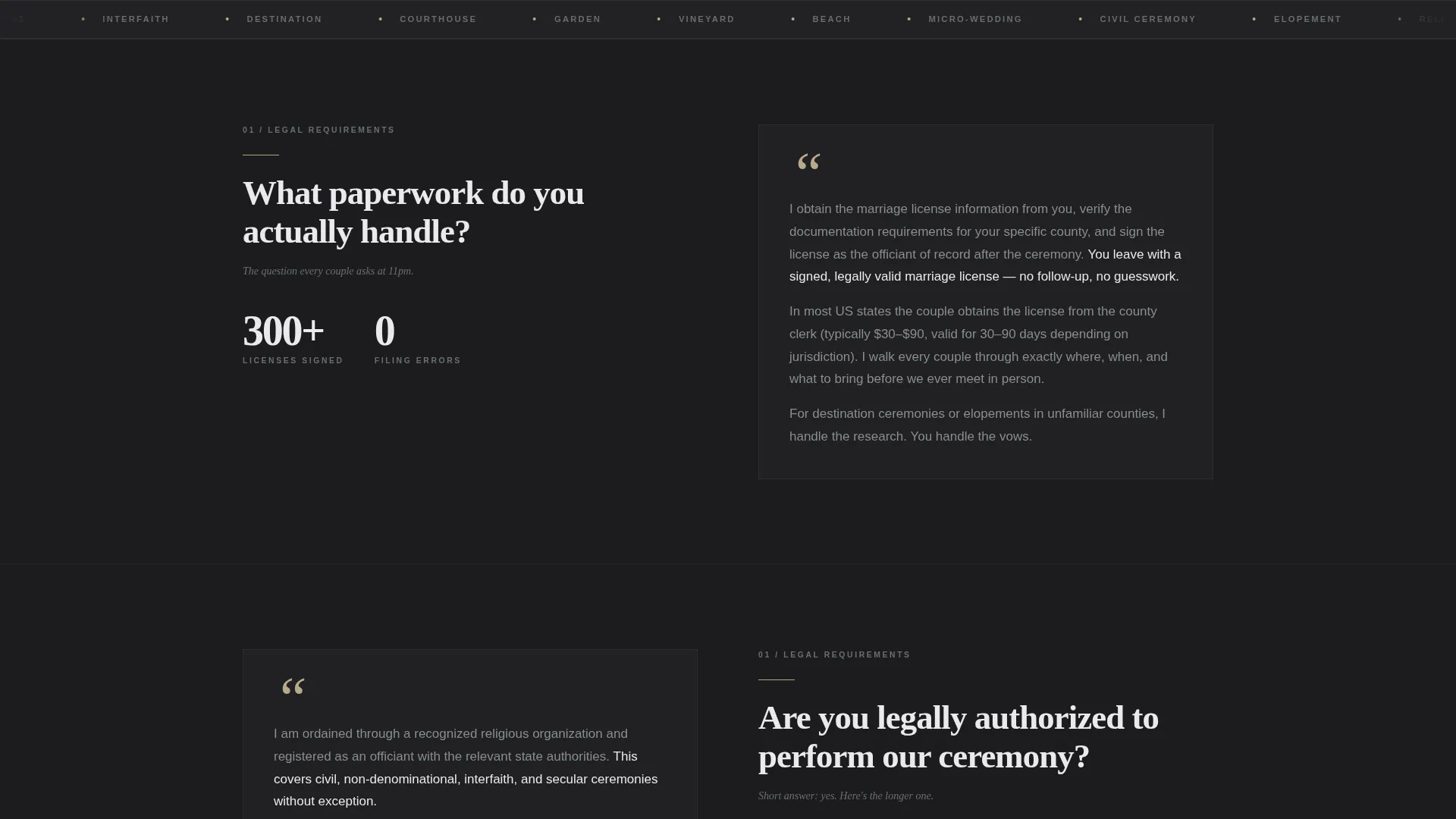
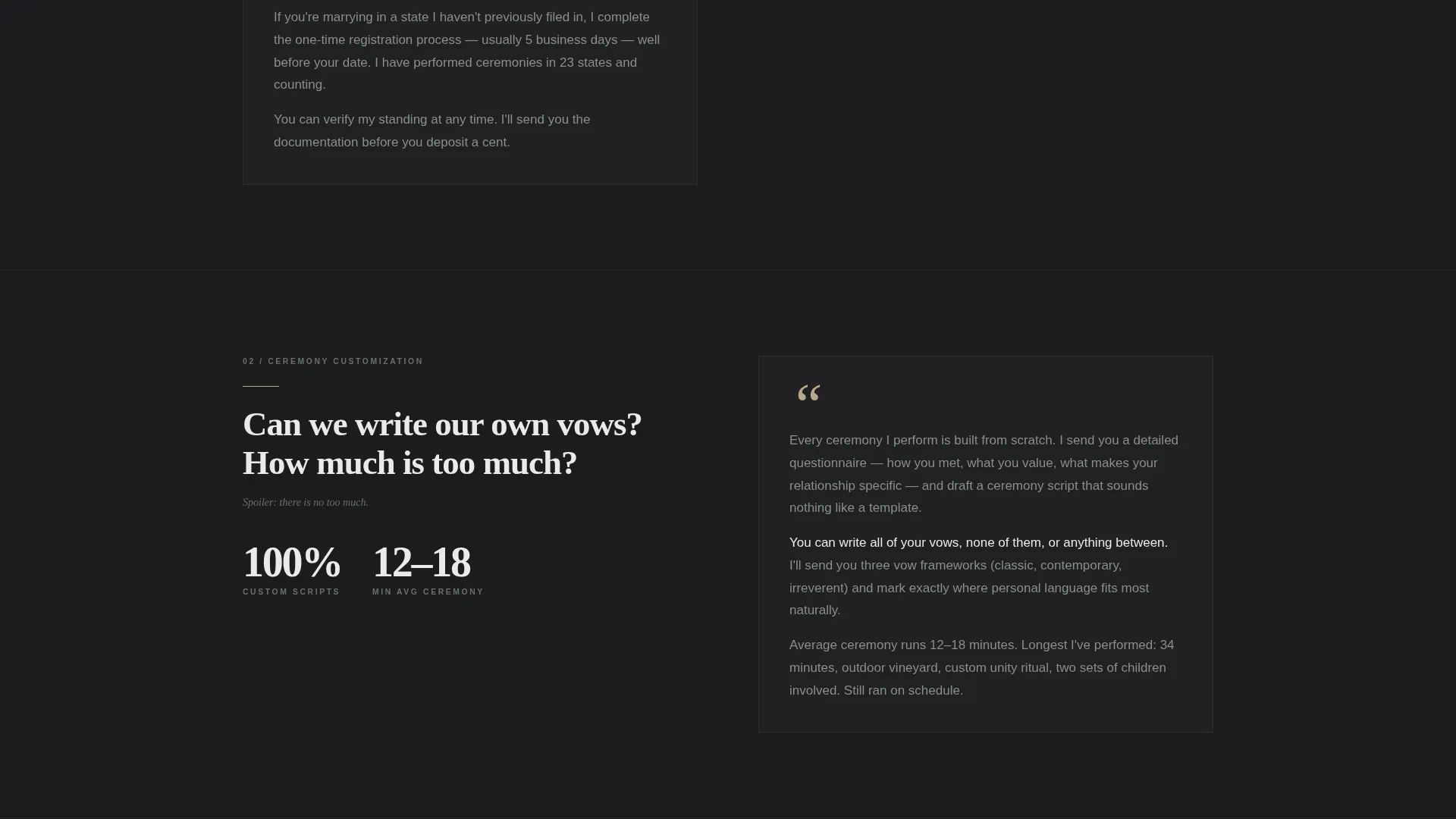
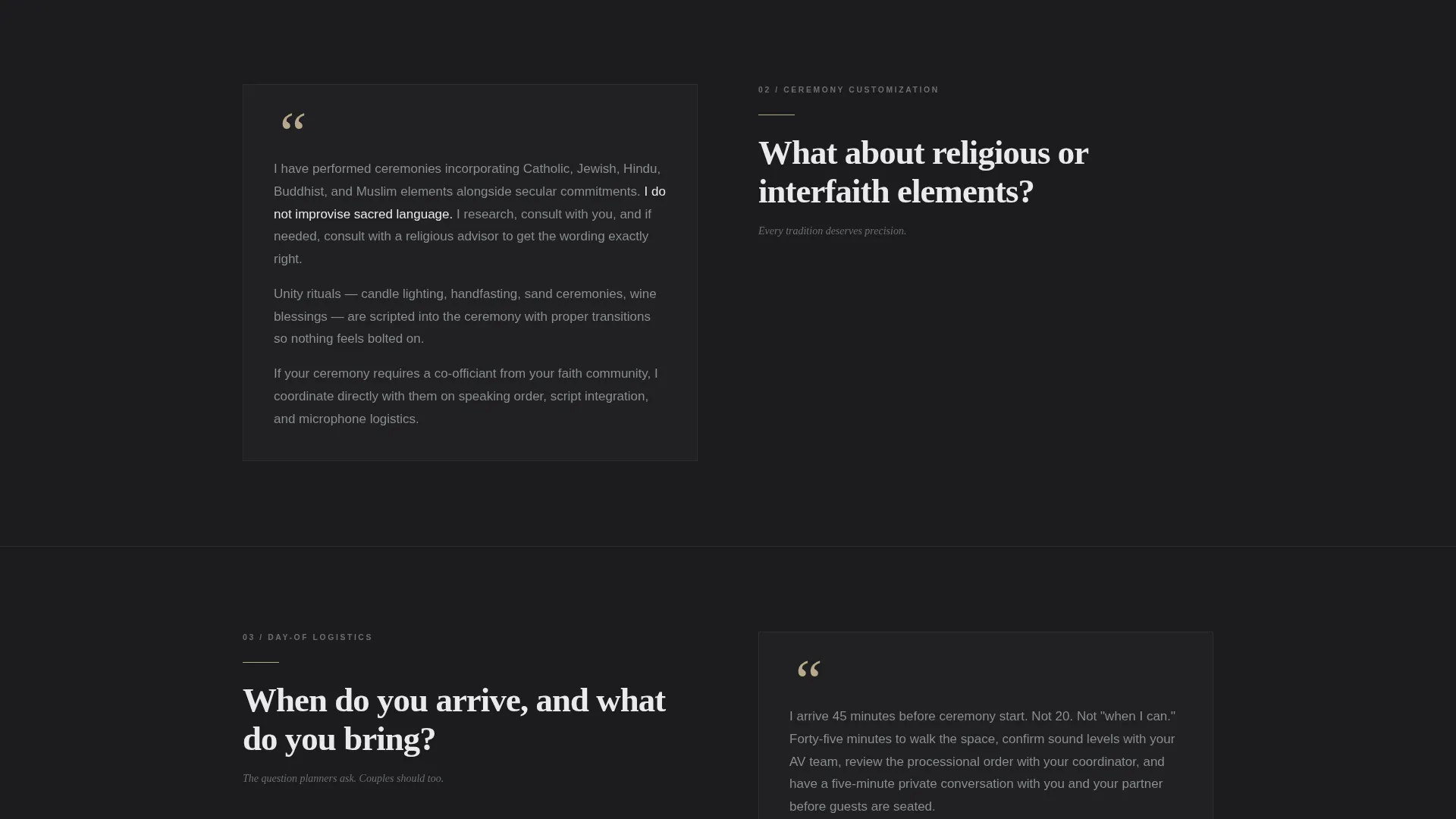
- Four zigzag FAQ clusters covering legal requirements, ceremony customization, day-of logistics, and pricing transparency
- A lead capture form with a date picker, ceremony type selector, and a short free-text field
- A sticky secondary contact button that stays visible throughout the scroll
Feature list
This template was designed with a clear editorial and functional brief. Every component listed below is drawn directly from that brief.
Giant Headline Hero Section
The header opens with stark white serif type on a deep charcoal background at enormous scale. The headline reads "Every Question Before 'I Do,' Answered" with a single steel-gray subline beneath it. No photography, no illustration. The emptiness around the words carries the design.
Zigzag FAQ Consultation Layout
Each FAQ cluster sits in an alternating left-right section. The question appears in large type on one side, and the answer fills the opposite column. Scrolling through the page feels like a real consultation unfolding, one resolved anxiety at a time.
Structured Lead Capture Form
After the third FAQ section, the primary call to action appears. It includes a date picker, a ceremony type selector covering elopement, civil, religious, and interfaith options, and a short text field labeled "Anything we should know." The form is positioned where trust is highest.
Sticky Secondary Contact Button
A secondary button labeled "Ask a Quick Question" remains fixed in the bottom corner throughout the entire page. It opens a minimal contact form. Visitors who are not yet ready to book still have a low-friction way to reach out.
Monochrome Steel Color System
The palette uses deep charcoal, brushed steel mid-tone, pale silver-white, and a single muted gold accent. Gold appears only on links, call-to-action borders, and pull-quote marks. The restraint in color use reinforces the officiant's composed, professional character.
Ceremony Type Selector
The lead form includes a built-in selector for ceremony type. Couples can identify their ceremony as elopement, civil, religious, or interfaith before submitting. This gives the officiant useful context immediately and reduces back-and-forth before the first conversation.
Page sections overview
| Section | Purpose |
|---|---|
| Hero Headline | Establishes authority with stark typographic impact |
| Legal Requirements FAQ | Addresses marriage license and legal paperwork questions |
| Ceremony Customization FAQ | Covers vow writing, structure, and personal touches |
| Day-of Logistics FAQ | Resolves timing, location, and coordination concerns |
| Pricing Transparency FAQ | Clarifies fees, packages, and what is included |
| Lead Capture Form | Collects date, ceremony type, and context from the visitor |
| Sticky Contact Button | Provides a low-commitment contact option at all scroll positions |
Design & branding system
The visual identity follows a Corporate Precision theme. The palette is Monochrome Steel with a single warm accent, and the typography does nearly all the expressive work.
- Deep charcoal (#1C1C1E) for backgrounds, brushed steel (#6B6E73) for supporting text, and pale silver-white (#EAEAEC) for primary type
- Muted gold (#B8A88A) reserved exclusively for links, call-to-action borders, and pull-quote marks
- High-contrast serif typeface at large scale in the hero, with restrained sizing across FAQ sections to maintain a composed, editorial feel
Mobile & speed optimization
The zigzag layout collapses cleanly on smaller screens. The sticky contact button remains accessible without covering key content on mobile viewports.
- Alternating columns stack vertically on narrow screens so the question-and-answer flow stays readable
- The lead capture form fields resize to full width on mobile, keeping the date picker and ceremony selector easy to interact with
- The sticky button is sized and positioned to remain usable without obstructing the main content scroll
How this template helps you convert
The page is built around a deliberate trust sequence. It earns the booking action rather than demanding it.
- The hero section establishes authority immediately through typography alone, filtering for visitors who respond to precision and composure rather than decoration.
- Each FAQ cluster resolves a specific anxiety in order, so the visitor arrives at the lead form already feeling understood and confident in the officiant's expertise.
- The sticky "Ask a Quick Question" button captures visitors who are still undecided, giving them a path to engagement before they leave the page.
Other information about this template
This template sits within the Professional Services category with a specific focus on wedding officiant online presence. It is designed as a single landing page, not a multi-page site.
- The intersection niche is wedding officiant booking, so the layout prioritizes booking intent and legal clarity over lifestyle imagery
- The template style draws from a comparison and educational guide approach, making it suitable for officiants who want to differentiate their process from competitors
- The theme is an educational guide structured around genuine buyer questions rather than promotional copy
- This template works well for officiants serving couples who are searching for information at midnight and need to feel reassured before they reach out
Theme
Educational Guide
Creative direction
Stats-First Impact
Color system
Monochrome Steel
Style
Comparison Table
Direction
Booking/Scheduling
Page Sections
Giant Headline Hero Section
Zigzag FAQ Consultation Layout
Structured Lead Capture Form
Sticky Secondary Contact Button
Ceremony Type Selector
Monochrome Steel Visual System
Related questions
What type of officiant business is this template built for?
Does this template require photography or lifestyle images?
Where does the lead capture form appear on the page?
What ceremony types can visitors select in the booking form?
Is this a single landing page or a multi-page website?



