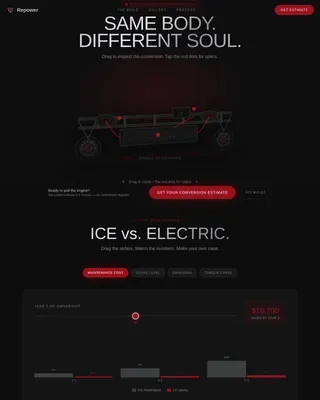
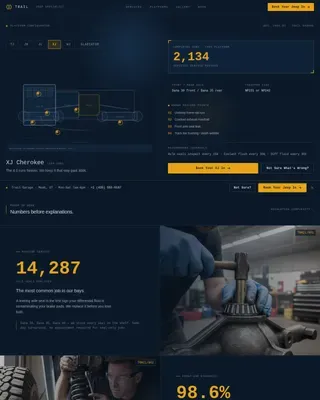
Air Medical Transport Landing Page Template
This medevac precision air medical transport landing page template is built for critical care air ambulance providers. It combines an immersive Engineering Blueprint visual style with a high-interactivity layout: a before/after hero slider, an annotated aircraft explorer, a scrollable mission timeline, a flight estimator, and a progressive three-step lead form. Every section is designed to move coordinators, families, and case managers toward a flight request.
by Rocket studio
Quick summary
This single-page template serves air medical transport providers who need to convert high-urgency visitors into qualified leads. It opens with a dramatic before/after slider and unfolds like a flight plan, section by section, building trust through clinical precision and clear calls to action. The result is a landing page that feels as prepared as the crew on the tarmac.
Who this template is for
Hospital discharge coordinators, families of critically ill patients, and insurance case managers all approach air medical transport with urgency and very different questions. This template is designed to answer all of them without making anyone wait.
- Hospital discharge coordinators arranging interfacility transfers who need documented, bed-to-bed accountability
- Families moving a loved one closer to a specialist, who need trust and clarity fast
- Insurance case managers who require transport timelines and crew credentials before approving a flight
What problem this template solves
Requesting a medical transport flight at 4 a.m. is not the moment for a confusing website. Visitors arrive under pressure, and a poorly structured page loses them in seconds. This template removes every friction point between arrival and contact.
- Leads are lost when safety credentials and crew qualifications are buried or absent
- Complex request forms frustrate users under stress, especially on mobile
- Generic pages fail to convey the clinical authority that air medical services demand
What you get with this template
You get a fully structured, single-page layout with six purpose-built sections and a cohesive Engineering Blueprint visual system. Each section carries a defined job, from establishing trust to capturing a lead.
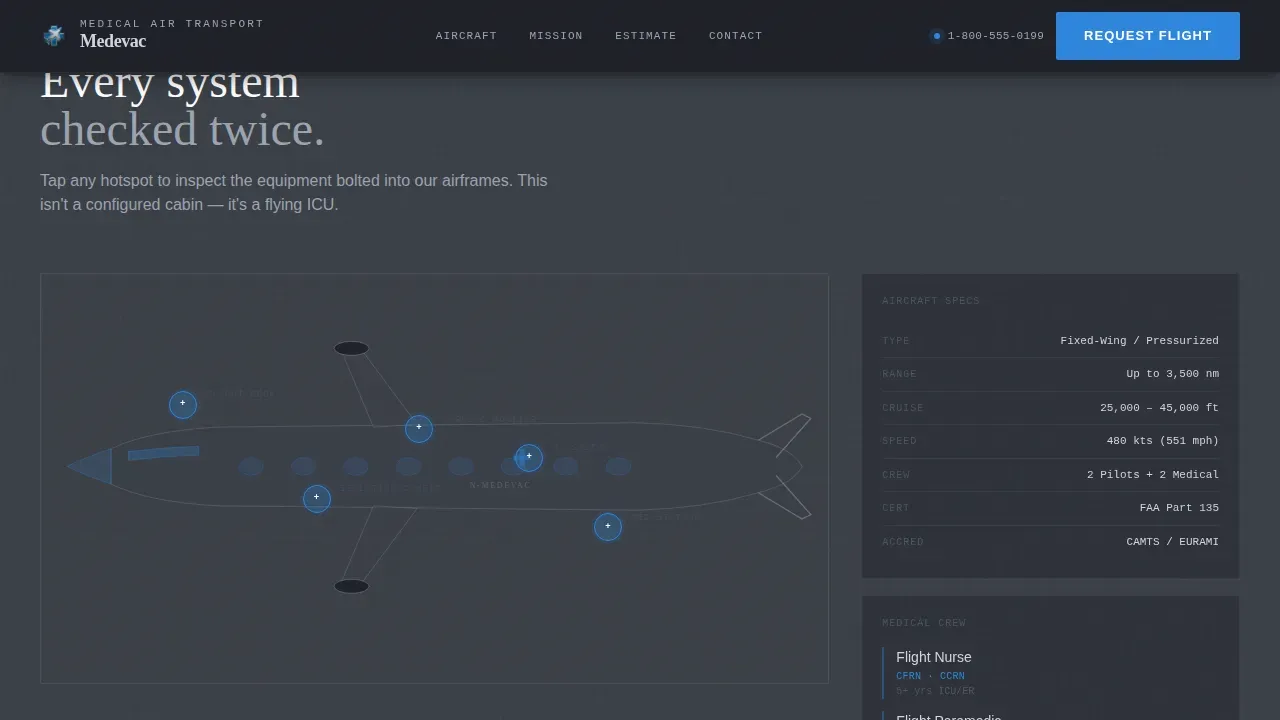
- An interactive aircraft explorer with annotated hotspots covering oxygen systems, cardiac monitors, and pilot compartment details
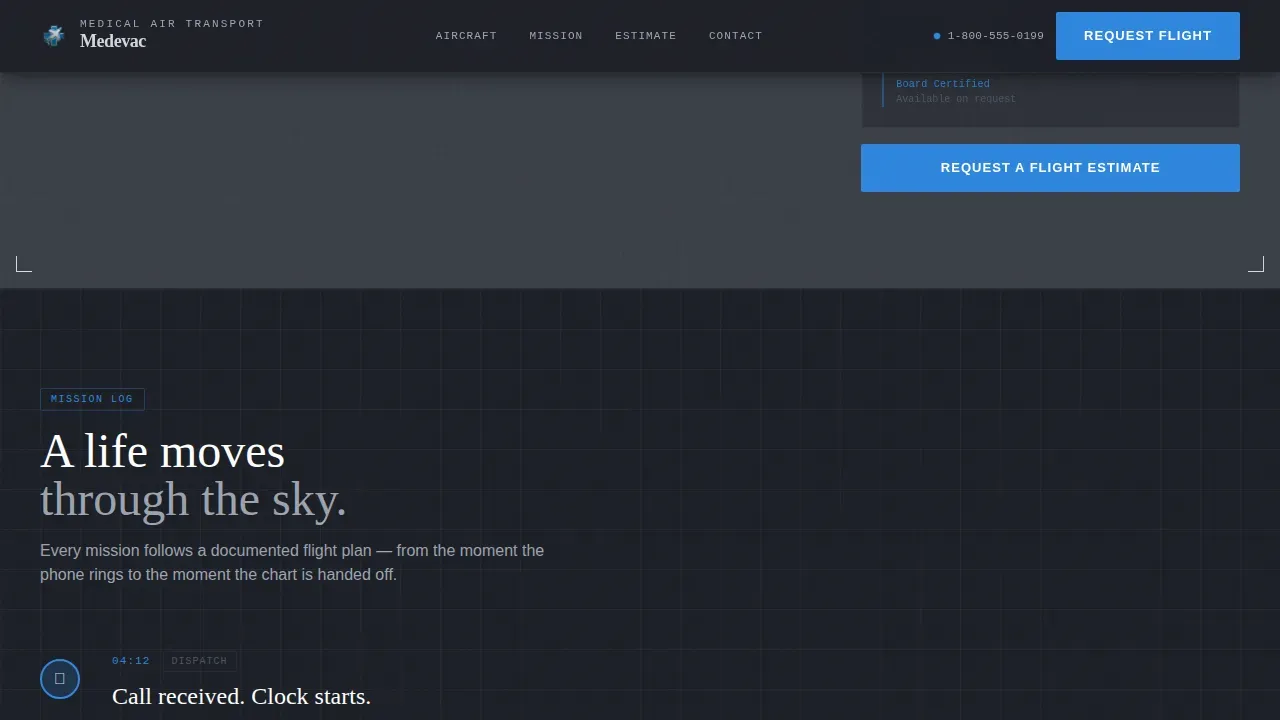
- A scrollable mission timeline from dispatch call to bedside delivery, structured like a flight log
- A progressive three-step lead form and a prominent click-to-call secondary conversion path
Feature list
This template is equipped with high-interactivity components designed specifically for a critical care air ambulance service.
Before/After Hero Slider
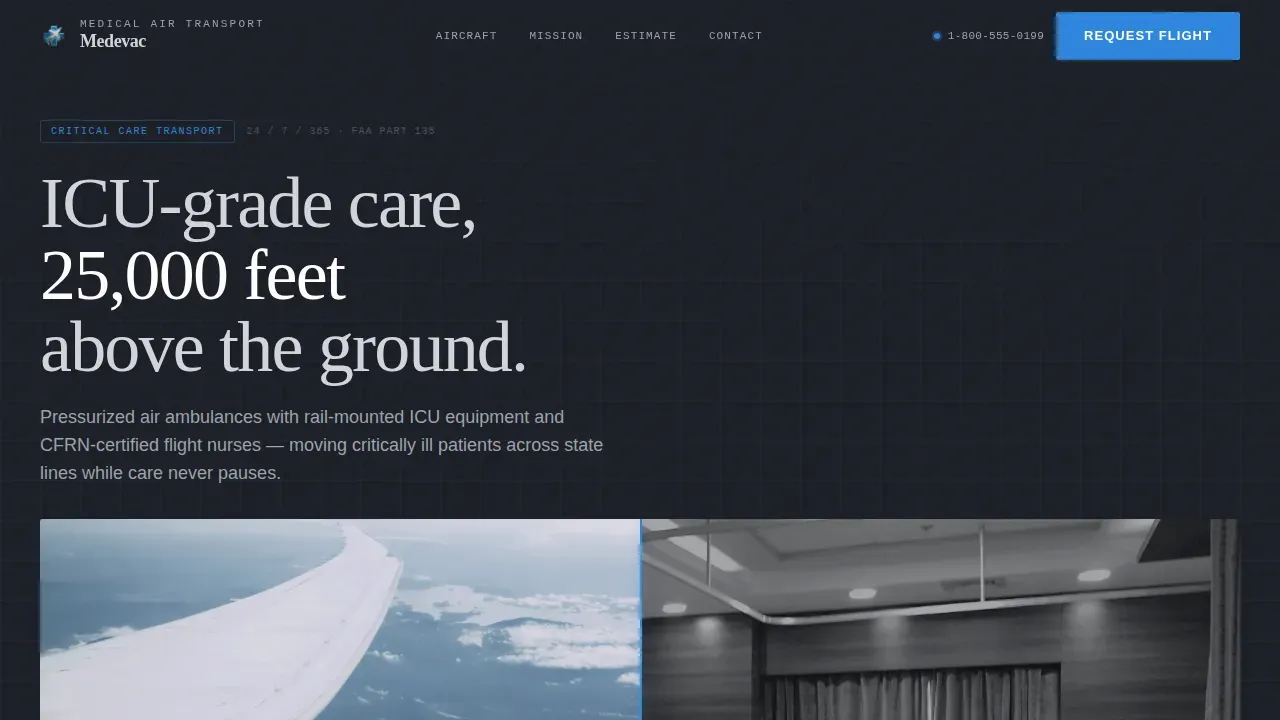
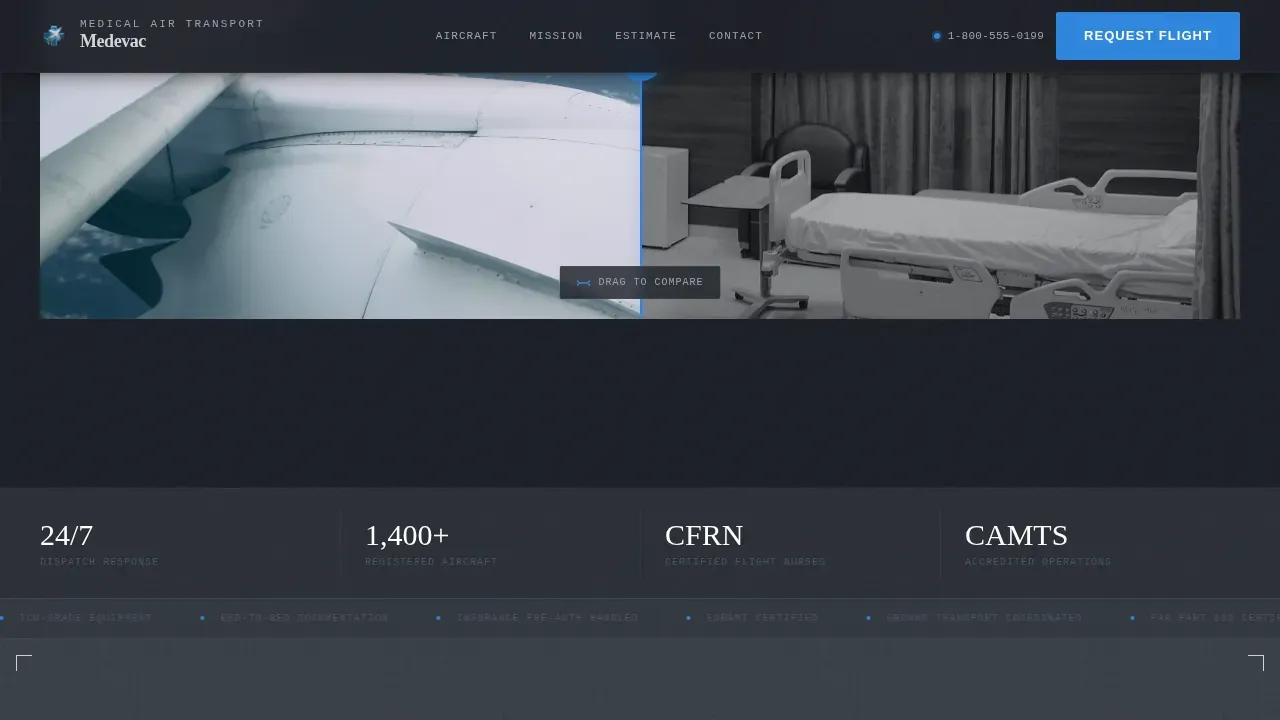
The hero section opens with a draggable divider. The left side shows a rural hospital room. The right reveals the interior of a configured air ambulance, with the same patient secured on an aeromedical stretcher and monitors rail-mounted. A single line appears after interaction: "Same patient. Same care team. Three states closer to the surgeon."
Interactive Aircraft Explorer
Visitors tap or click hotspots on a cutaway diagram of the aircraft. Each hotspot expands with blueprint-style annotations covering oxygen delivery, cardiac monitors, isolation configurations, and the pilot compartment. The approach makes technical credibility visual and immediate.
Scrollable Mission Timeline
Section three tracks a real mission from dispatch to landing at the receiving hospital. Each timestamp is a full-page panel the visitor scrolls through like turning pages in a flight log. The sequence builds stakes: every scene in the timeline reinforces that this crew is ready before the call comes in.
Flight Estimator Tool
Visitors input an origin city and destination to see estimated flight time, aircraft type, and medical crew composition. The estimator makes an abstract transport decision feel concrete and plannable, which matters when patients need to be transferred across state lines quickly.
Progressive Three-Step Lead Form
Step one captures patient location and destination. Step two asks about transport urgency and whether the patient is ventilated or on cardiac support. Step three collects the requester's name, role, and direct phone number. Only essential fields appear at each step, keeping the experience calm under pressure.
Click-to-Call Dispatch Button
A secondary conversion path, "Speak With a Flight Coordinator Now," surfaces a click-to-call button on mobile and a direct phone number on desktop. Because in genuine emergency situations, a phone number is faster than any form.
Page sections overview
| Section | Purpose |
|---|---|
| Hero Slider | Contrasts care environments and anchors the core value message |
| Aircraft Explorer | Builds clinical trust through interactive hotspot annotations |
| Mission Timeline | Shows the full transport sequence from dispatch to arrival |
| Flight Estimator | Lets visitors plan a route with aircraft and crew details |
| Request Estimate Form | Captures qualified leads through a calm three-step flow |
| Footer Row | Provides contact details and credential badges in a single line |
Design & branding system
The visual identity follows an Engineering Blueprint theme. The palette is drawn from materials found inside an aircraft fuselage: riveted aluminum, matte avionics housings, and a single glowing monitor cutting through the dim.
- Colors: Structural titanium (#1C1F26) for backgrounds, instrument-panel gray (#3A3F47) for alternating sections, medical-grade stainless (#D1D5DB) for body text, and alert-blue (#2E86DE) for interactive elements and critical callouts
- Typography: DM Sans handles body text and interface copy for clarity; Fraunces provides authoritative serif display moments at key headlines
- Texture: Faint engineering-style grid lines run behind each section like technical schematics, reinforcing the blueprint aesthetic without competing with content
Mobile & speed optimization
Over 63% of users on urgent medical searches are on mobile phones. This template is built mobile-first, with every interactive element scaled for touch and every conversion path reachable without pinching or zooming.
- Large, touch-friendly tap targets on hotspots, form steps, and the click-to-call button meet the 48x48 pixel minimum for safe one-handed use
- The click-to-call dispatch button surfaces prominently on mobile, so users in genuine emergency situations never have to search for a number
- Static sections use server-side rendering while interactive components load as client elements, keeping the page responsive under real-world conditions
How this template helps you convert
The layout is engineered to move each visitor type toward a single action: requesting a flight estimate or making a direct call. Every section earns its position in the sequence.
- The hero slider creates immediate emotional and clinical relevance, stopping the scroll and establishing that this service is different from a standard air ambulance page
- The aircraft explorer and mission timeline build layered credibility, so that by the time the request form appears, the visitor already trusts the crew and the process
- The three-step form and click-to-call button cover both deliberate and urgent conversion paths, ensuring no lead is lost regardless of how much time the visitor has
Other information about this template
This template is purpose-built for the medical air transport niche and incorporates safety and operational context that coordinators and case managers expect to see.
- Air medical transport includes both fixed-wing aircraft and rotor-wing helicopters. Helicopters are often utilized for critical trauma patients because time directly affects survival outcomes. Fixed-wing aircraft carry patients across greater distance, between states and countries.
- Helicopter safety protocols cover several important aspects of ground operations. A proper landing zone should be at least 100 feet by 100 feet and must be relatively flat. The area must be free of debris, loose objects, and hazards such as trees, power lines, and towers. Each corner should be marked clearly so the pilot can identify the pad on approach.
- Ground personnel need to be aware of rotor blades and the tail rotor at all times. Bystanders and crowds should stay at least 100 feet from the landing zone. Vehicles must remain at least 50 feet back. Any obstruction near the landing zone is a danger. Objects that could be sucked into rotors must be removed or secured before the helicopter lands.
- The flight crew follows strict guidelines for exiting and entering the aircraft on scene. Approval from the pilot is required before any personnel approach the helicopter. This precaution covers both EMS ground crews and receiving medical personnel.
- Night landing precautions include using colored strobes to mark the landing zone rather than bright white lights, which can blind the pilot on approach.
- The decision to utilize air medical transport must weigh patient eligibility, weather conditions, and distance against the clinical benefit of faster arrival at a specialist facility.
- Credential display is an essential part of this template's trust architecture. Accreditation badges, certification marks, and crew qualification details are built into the layout to cover the social proof that medical transport buyers expect before following through on contact.
- This is the medevac precision air medical transport landing page template for providers who need to signal authority, safety, and operational readiness from the first second a visitor lands on the page.
Theme
Engineering Blueprint
Creative direction
Interactive Explorer
Color system
Monochrome Steel
Direction
Lead Generation
Page Sections
Before/after Hero Slider
Interactive Aircraft Explorer
Scrollable Mission Timeline
Flight Estimator Tool
Progressive Three-step Lead Form
Click-to-call Dispatch Button
Related questions
Who should use this landing page template?
What interactive features does the template include?
Is this template suitable for mobile users making urgent calls?
Can this template support both helicopter and fixed-wing transport services?
What credentials and trust signals does the template display?