Last-Mile & Delivery Cost Calculator Website Template
Fleet is a single-column landing page template built for autonomous delivery robot companies targeting logistics decision-makers. It opens with an interactive cost-savings estimator, flows through full-width robot specification data cards, and closes with a two-stage lead capture form. The Data Command visual style uses dark charcoal surfaces, sky-blue telemetry accents, and monospaced data typography throughout.
by Rocket studio
Quick summary
Fleet is a single-column landing page template designed for autonomous delivery robot operators. It leads with a live cost-savings estimator that calculates annual savings, fleet size, and carbon reduction from three inputs. Spec Sheet data cards and a deployment map build technical credibility. Two conversion paths capture both ready buyers and early-stage evaluators.
Who this template is for
This template is built for B2B logistics and operations teams that need to convert skeptical, data-driven buyers. It works best for companies selling or deploying autonomous last-mile delivery robots at scale.
- University logistics directors managing high-volume daily meal and package delivery across campuses
- Last-mile delivery managers at regional grocery chains looking to reduce driver payroll costs
- Hospital operations leads who need continuous, driverless movement of lab samples and pharmacy orders between buildings
What problem this template solves
Logistics decision-makers do not respond to hero images and tagline copy. They need numbers before they trust a product. This template solves the cold-start credibility problem by putting a live return-on-investment calculator at the very top of the page.
- Visitors arrive skeptical and leave only when they see their own savings figure, not a marketing claim
- Spec-heavy buyers need published tolerances and production-grade data, not concept renderings
- Two separate lead capture stages mean early-stage researchers and ready-to-buy operators are both converted
What you get with this template
You get a complete, single-column landing page structured around mission-control visual logic. Every section earns its place by delivering a data point, a specification, or a conversion action.
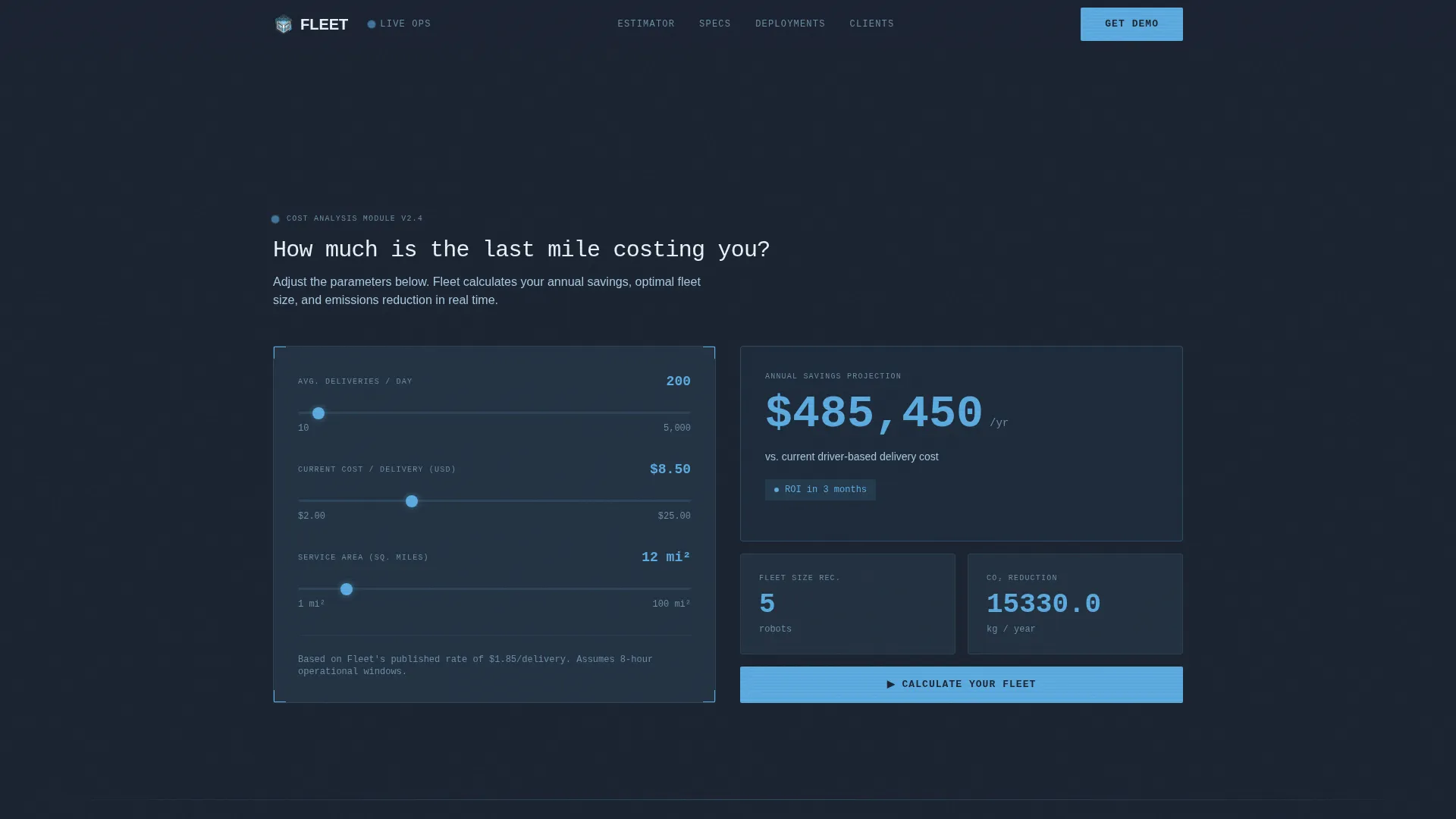
- An interactive estimator header with three inputs and a live animated output panel showing annual savings, fleet recommendation, and estimated carbon dioxide reduction
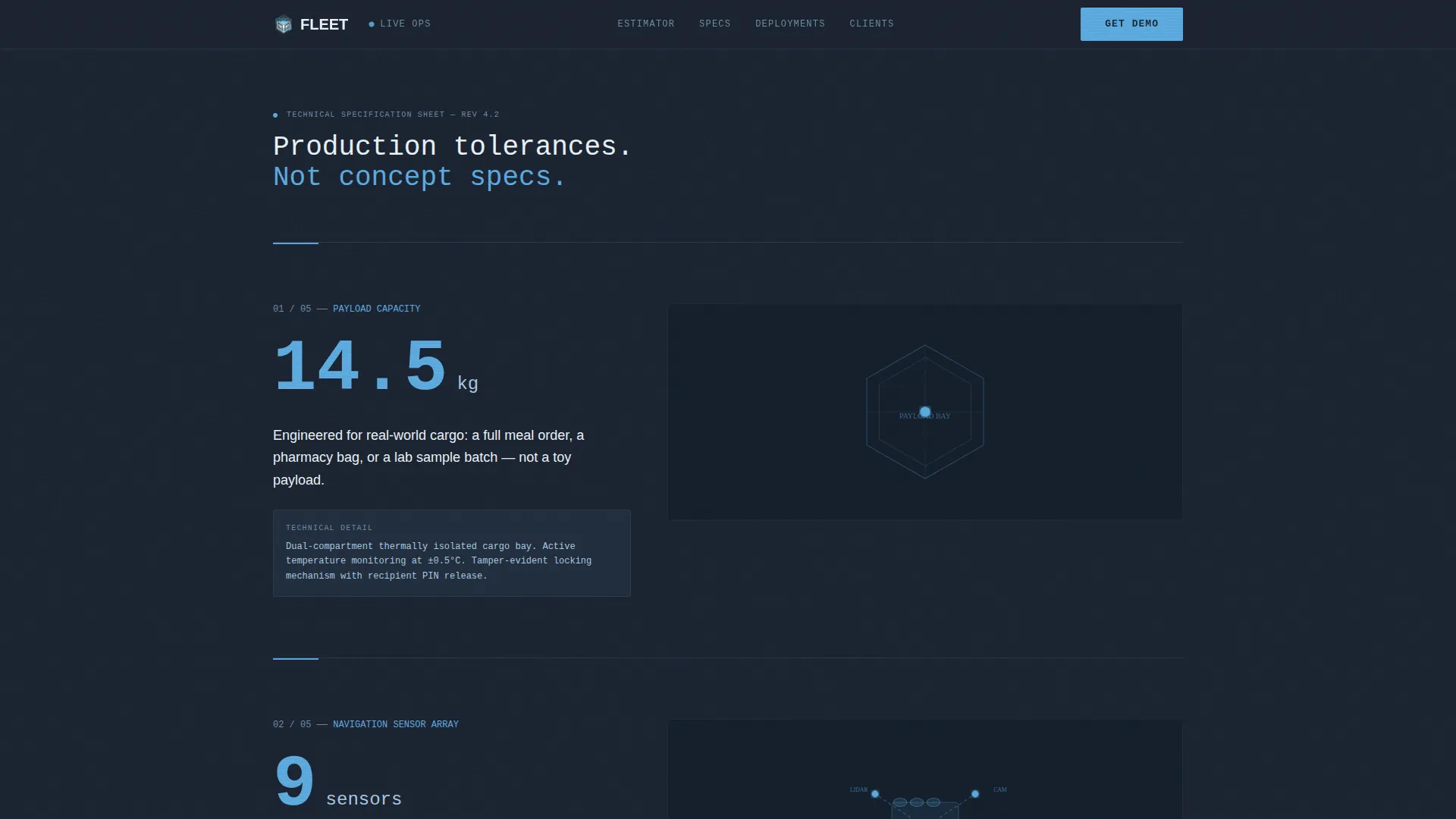
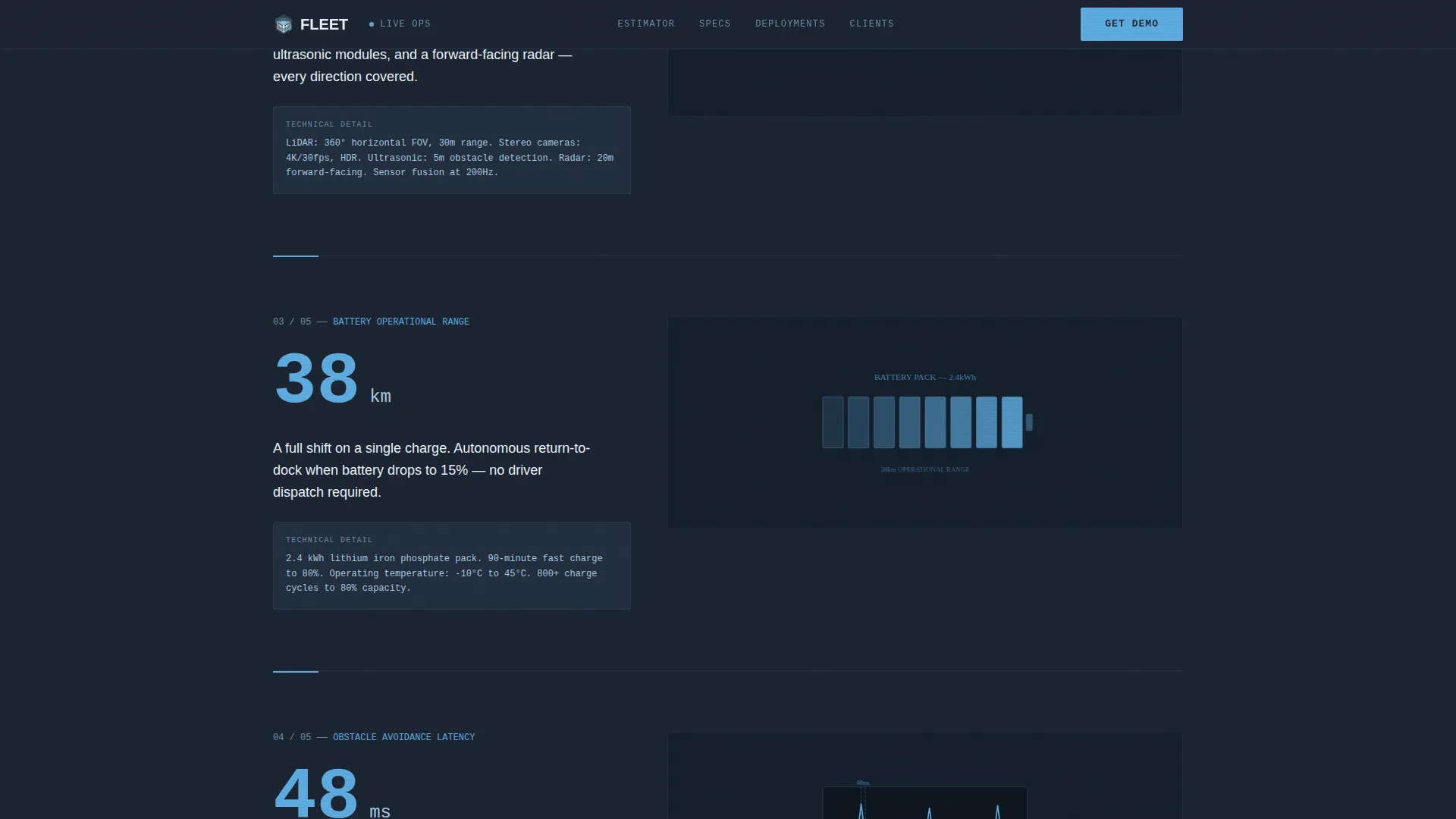
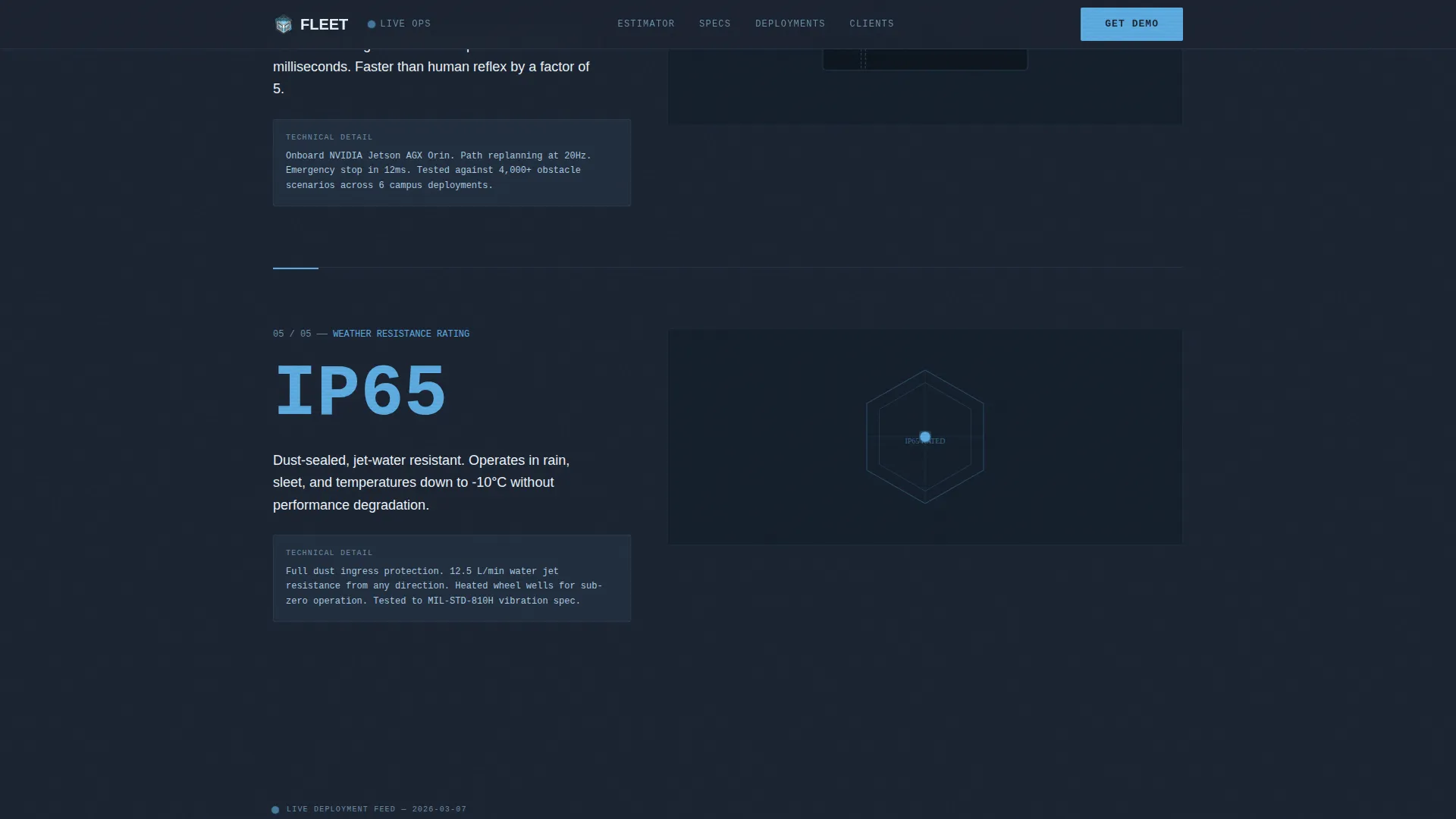
- Full-width Spec Sheet data cards covering payload capacity, sensor array, battery range, obstacle avoidance latency, and weather resistance rating
- A two-stage lead capture flow with a primary "Calculate Your Fleet" form and a secondary "Download Full Spec Sheet" email capture
Feature list
Live Cost-Savings Estimator
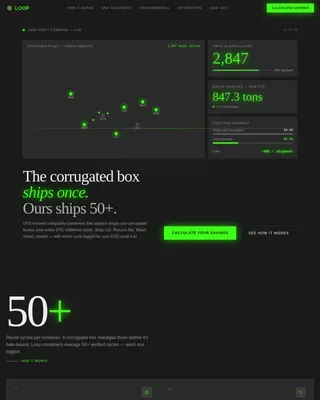
The page opens directly on an interactive calculator. Visitors enter average deliveries per day, current cost per delivery, and service area in square miles. The output panel instantly renders annual savings, a fleet size recommendation, and an estimated carbon dioxide reduction figure. Sky-blue digits animate in real time against the dark slate background as inputs change.
Full-Width Specification Data Cards
Each scroll section presents one robot specification as a full-width data card. Stats covered include payload capacity in kilograms, navigation sensor array breakdown, battery range in kilometers, obstacle avoidance latency in milliseconds, and weather resistance rating. Each card pairs a large left-aligned typeset stat with a technical illustration or annotated diagram on the right.
Animated Live Deployment Map
Midway through the page, a deployment map renders real active-deployment dots moving across real campus and urban grids. This section grounds every specification in operational reality and reinforces that the robot is a production unit, not a prototype.
Two-Stage Lead Capture Flow
The primary call to action, "Calculate Your Fleet," unlocks a short form after the estimator results. It collects work email, company name, and a delivery volume dropdown. The secondary call to action, "Download Full Spec Sheet," appears at the bottom and requires only an email address, capturing evaluators who are not yet ready to request a demo.
Data Command Visual System
The dark operations-room interface uses deep charcoal panels, instrument-panel slate card backgrounds, sky-blue accent digits, and signal-white body text. JetBrains Mono handles all numerical and data display. DM Sans handles body copy. The result feels like a live mission dashboard, not a marketing brochure.
Scroll-Triggered Stat Reveals
Each specification data card animates into view on scroll. Stats tick up from zero, route lines animate, and the map responds to cursor position. The scroll rhythm is intentionally metronomic: one stat, one proof element, one scroll, repeated through the spec section.
Page sections overview
| Section | Purpose |
|---|---|
| Sticky Navigation Bar | Logo and persistent "Get Demo" call to action |
| Cost-Savings Estimator | Primary interactive conversion tool at page entry |
| Estimator Output Panel | Animated savings, fleet size, and carbon figures |
| "Calculate Your Fleet" Form | Primary lead capture unlocked after estimator use |
| Spec Sheet Data Cards | Full-width robot specification cards with diagrams |
| Live Deployment Map | Animated dot map showing active field deployments |
| "Download Spec Sheet" Form | Secondary email capture for evaluation-stage leads |
| Minimal Footer | Single-row developer-minimal footer layout |
Design & branding system
The visual identity follows a Data Command theme. Every design decision prioritizes function and information density over decoration. The color palette reads like the glow of a control tower instrument panel at dusk.
- Deep operations-room charcoal (#1B2432) for page background, instrument-panel slate (#3D4F5F) for card and panel surfaces, clear-altitude sky (#5DADE2) for all accent digits and active data elements, and signal white (#EBF5FB) for body text and data callouts
- JetBrains Mono is used for all numerical readouts, specification values, and estimator outputs; DM Sans is used for all body copy and navigation labels
- Animation is high-intensity and purposeful: live number ticking, animated deployment route lines, scroll-triggered stat reveals, and cursor-reactive map behavior
Mobile & speed optimization
The template is desktop-first by design, reflecting the reality that logistics directors and operations leads review data at their desks. Tablet responsiveness is included so the page works in field and boardroom contexts.
- The single-column flow maintains readability at tablet breakpoints without collapsing the data card layout
- Static page sections use server-side rendering while the calculator and map use client-side components, keeping interactive elements snappy without slowing the full page load
- The estimator, data cards, and deployment map are each structured as distinct component layers, making targeted updates straightforward
How this template helps you convert
The conversion strategy is built around the estimator doing the persuasion before any form appears. By the time a visitor reaches the lead capture section, they have already calculated their own savings number.
- The cost-savings estimator creates a personalized ROI moment at page entry, replacing skepticism with a specific dollar figure the visitor generated themselves
- The Spec Sheet data card sequence builds production-grade credibility through published tolerances, sensor data, and operational statistics before any commitment is requested
- The two-stage form structure captures both high-intent buyers with the "Calculate Your Fleet" path and early-stage researchers with the "Download Full Spec Sheet" email gate
Other information about this template
This template is part of a broader single-column flow template library designed for high-stakes B2B product categories. It is particularly well-suited for autonomous delivery robot operators who serve enterprise clients in education, healthcare, and grocery logistics.
- The footer follows a GitHub Developer Minimal single-row pattern, keeping the page end clean and professional without adding marketing noise
- Delivery volume segmentation in the primary form uses three tiers: under 500 deliveries per day, 500 to 5,000 per day, and 5,000 or more per day, making lead qualification automatic
- The template supports both USD-denominated cost inputs and metric specification values, reflecting real-world logistics standards where range is measured in kilometers and payload in kilograms
Theme
Data Command
Creative direction
Spec Sheet
Color system
Slate & Sky
Style
Single Column Flow
Direction
Lead Generation
Page Sections
Live Cost-savings Estimator Header
Full-width Spec Sheet Data Cards
Animated Live Deployment Map
Two-stage Lead Capture Flow
Data Command Visual System
Scroll-triggered Stat Animations
Related questions
Who is the primary audience for this landing page template?
Does the estimator require a backend integration to work?
Can I adapt this template if my robot serves a different industry vertical?
What does the two-stage lead form actually collect?
Is this template suitable for an early-stage deployment company?