Modern Ghost Kitchen Platform Landing Page Template
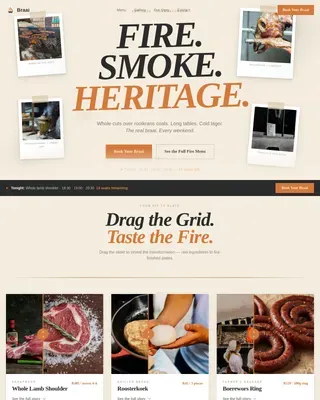
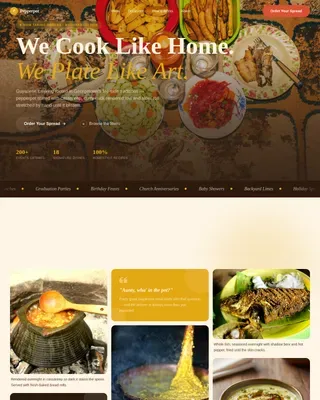
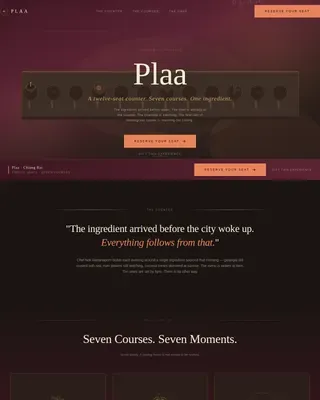
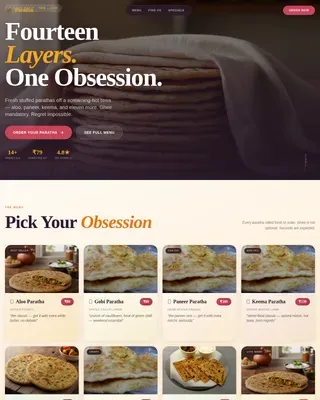
Griddle is a Neo-Retro multi-brand cloud kitchen landing page built for ghost kitchen operators running six restaurant brands under one roof. The masonry layout, warm stone color system, and staggered food photography create a sensory scroll experience that pulls in late-night customers and event planners alike, then converts them through a slide-in event registration panel.
by Rocket studio
Quick summary
Griddle is a single-page masonry landing page designed for multi-brand cloud kitchen businesses. It showcases six restaurant brands through staggered food photography, punchy menu-note copy, and a slide-in event registration panel. The Neo-Retro warm stone palette and high-animation design work together to attract customers, hold attention, and move planners toward booking a tasting event.
Who this template is for
This landing page is built for operators who run several virtual restaurant brands out of one kitchen. It serves both direct-to-consumer and business-to-business catering audiences from a single, confident page.
- Event planners sourcing a multi-cuisine caterer for 20 to 500-plus person events
- Office managers coordinating large group lunch orders across varied tastes
- Cloud kitchen founders who need a professional landing page to attract customers and build brand credibility fast
What problem this template solves
Running a cloud kitchen with multiple brands creates a real communication challenge. Customers land on your page and cannot immediately understand the breadth of what you offer. A generic page loses the sale before the menu even loads.
- No clear way to show six distinct brand identities without fragmenting the design
- Event planners need logistics and variety proof on the same page, not two separate sites
- Most food delivery landing page templates treat a single brand, not a multi-brand kitchen studio
What you get with this template
This template delivers a complete, high-interactivity landing page with every section built out and ready to customize. Designers and non-designers alike can adapt it to their own cloud kitchen without writing layout code from scratch.
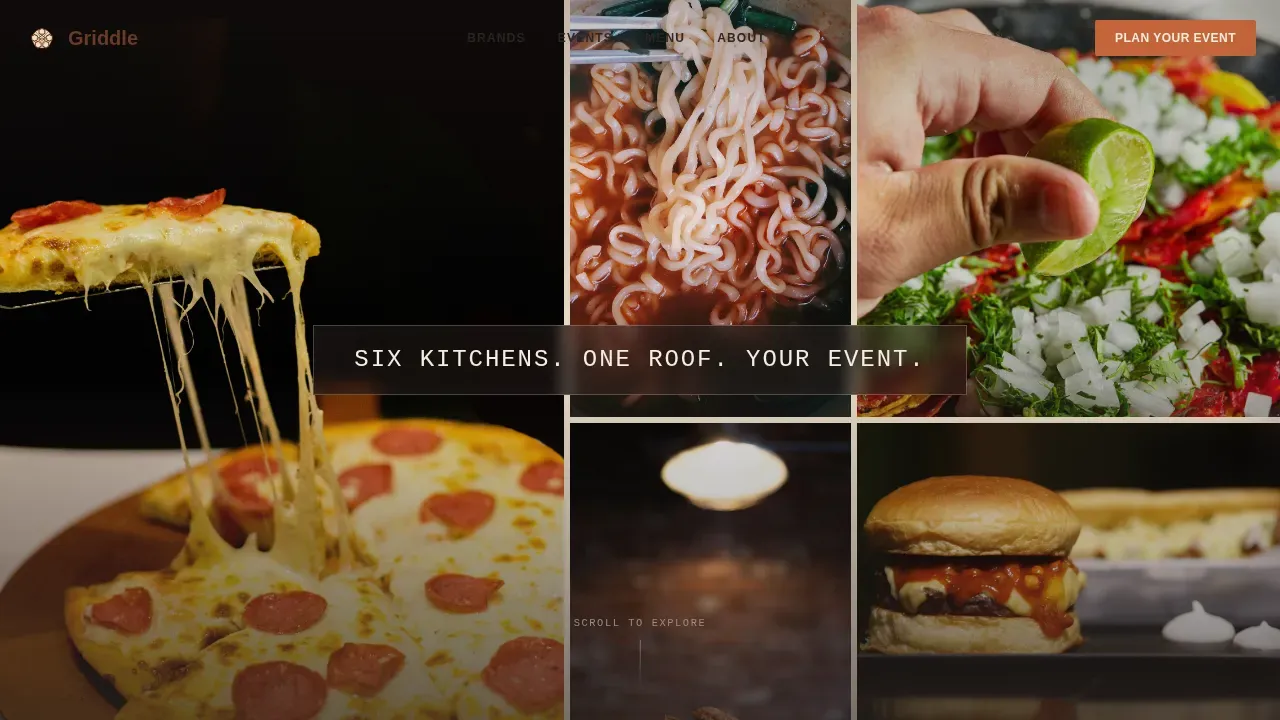
- A nine-tile photo mosaic hero with staggered fade-in animation and a bold brand headline
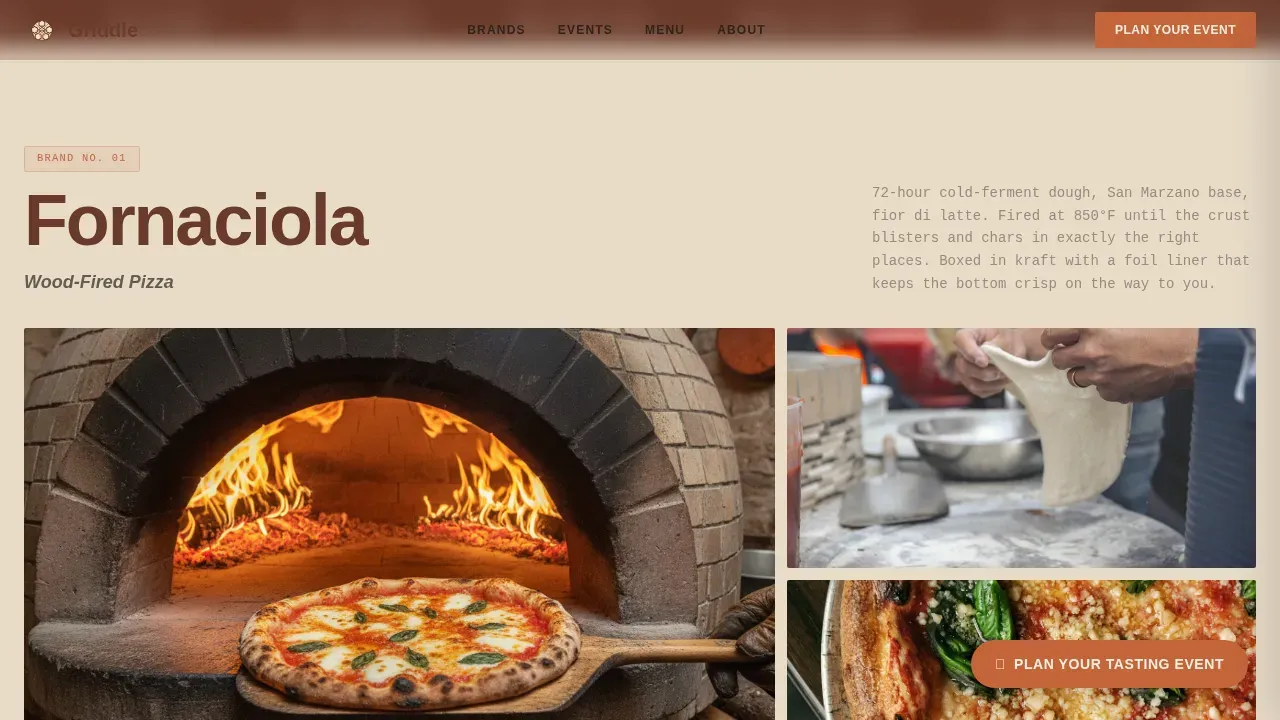
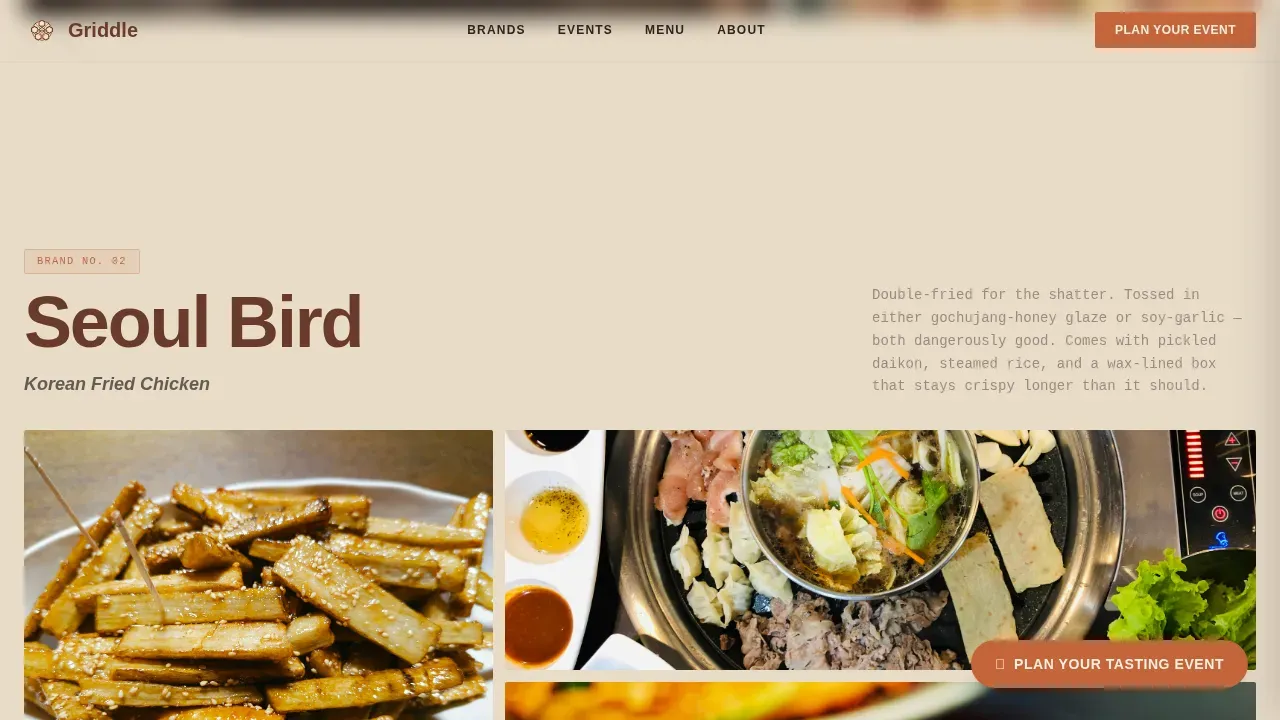
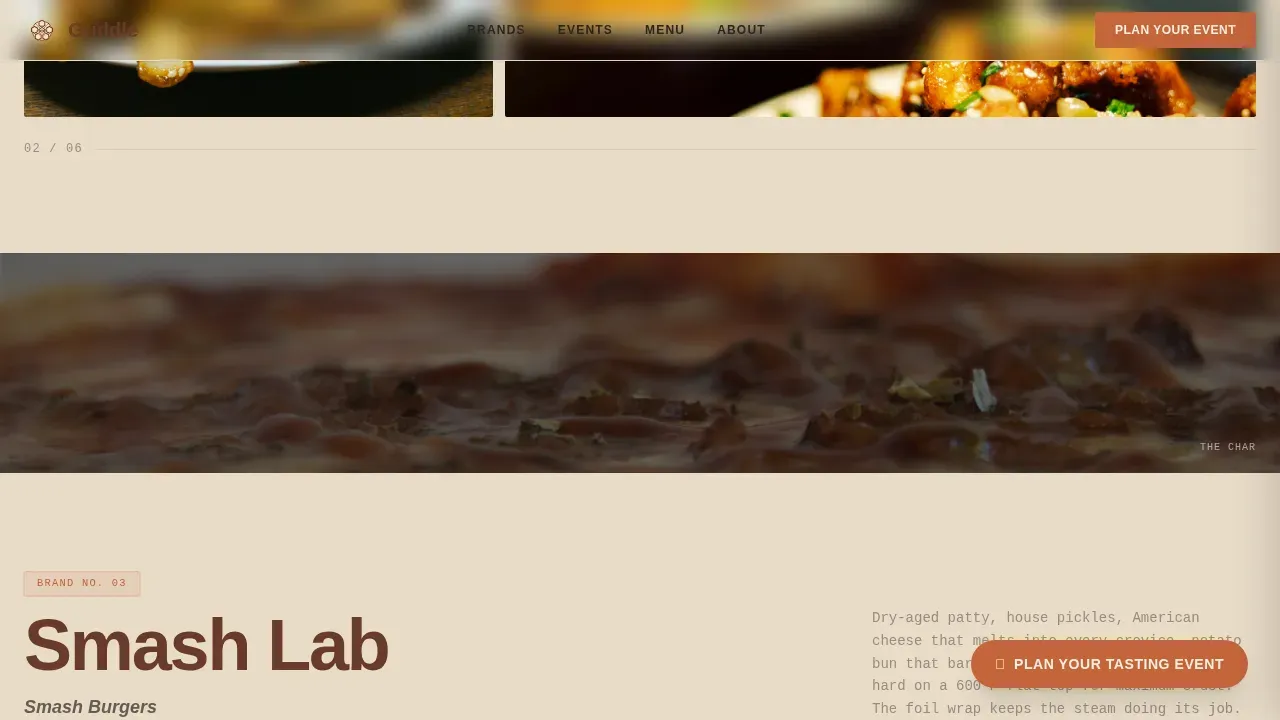
- Six individual brand masonry clusters with pinned image grids, texture divider strips, and menu-note descriptions
- A slide-in event registration panel with a date picker, headcount slider (20 to 500-plus), a brand checkbox grid, and a lead-capture email gate for the menu PDF download
Feature list
This landing page is built around six tightly integrated design and functional systems. Each one solves a specific challenge that cloud kitchen businesses face when trying to attract customers and convert serious buyers.
Nine-Tile Photo Mosaic Hero
The hero section fills the viewport with nine unevenly sized food photography tiles. Each tile fades in at a staggered interval on page load, building visual momentum. The central headline "Six Kitchens. One Roof. Your Event." lands across the grid in retro-set type, establishing brand promise above the fold immediately.
Masonry Brand Cluster Layout
Each of the six kitchen brands gets its own masonry cluster. Three to four images pinned at varied heights show ingredients, plating, and branded packaging. Short, punchy menu-note descriptions sit beside the images. Clear brand segmentation helps customers navigate between brand identities while the cohesive design holds the page together.
Full-Width Texture Divider Strips
Between brand clusters, full-width strips show close-up food textures: bubbling cheese, caramelized onion edges, cracked pepper on burrata. These dividers maintain the sensory rhythm of the page. The design alternates between appetite and information so the registration form feels like placing an order rather than filling out paperwork.
Slide-In Event Registration Panel
The primary call-to-action opens a slide-in panel. It includes an event date picker, a headcount slider from 20 to 500-plus, a checkbox grid of six brand logos, and free-text and contact fields. A secondary path offers a menu PDF download gated by email, capturing high-intent leads who are not yet ready to commit.
Floating Sticky Call-to-Action Button
A "Plan Your Tasting Event" button in smoked paprika on sandstone remains pinned as a floating element while the visitor scrolls. Above-the-fold placement of the unique selling proposition and a persistent call-to-action means no customer has to search for the next step. The sticky design reduces drop-off at every scroll depth.
Social Proof Strip and Testimonials
A stats strip and event testimonials from office managers and planners appear after the brand clusters. Research shows that good menu design and strong branding together can improve customer experience and increase profits by 10 to 15 percent. Social proof at this point in the page validates the business before the form appears.
Page sections overview
| Section | Purpose |
|---|---|
| Photo Mosaic Hero | Establishes brand promise and visual appetite with nine staggered food tiles |
| Brand Masonry Clusters | Presents all six kitchen brands with images and menu-note copy |
| Texture Divider Strips | Sustains sensory engagement between brand and logistics content |
| Event Registration Panel | Converts planners via slide-in form with date, headcount, and brand selectors |
| Social Proof Strip | Builds trust with stats and testimonials before form commitment |
| Footer | Horizontal flow layout with contact and brand navigation links |
Design & branding system
The visual identity follows a Neo-Retro direction. The warm stone color system grounds the design in familiarity while sharp typography and animated grid layouts push it into something modern. Logos and branding elements communicate identity through color, shape, and typography working in concert.
- Warm Stone palette: sandstone cream (#E8DCC8) background, charred brick (#6B3A2A) headlines, smoked paprika (#C4653A) calls to action, deep cast iron (#2C2421) body text
- Typography pairing: Plus Jakarta Sans for readable body copy and JetBrains Mono for retro-accented display elements, balancing modern sans-serif readability with nostalgic stylized character
- Neon-adjacent hover states and smoked paprika accents add a modern touch consistent with the retro theme, while high-resolution food photography uses a warm, analog-adjacent color treatment across every brand tile
Mobile & speed optimization
The landing page is built mobile-first, recognizing that late-night food delivery browsers and event planners on phones represent the primary discovery audience. The page design prioritizes fast visual loading and smooth interactive behavior across screen sizes.
- Images are lazy-loaded using IntersectionObserver so tiles only render as the visitor scrolls, keeping initial load lightweight
- The masonry grid, slider, checkbox panel, and floating call-to-action button all reflow cleanly for mobile viewports without sacrificing the sensory design intent
How this template helps you convert
A landing page for a multi-brand cloud kitchen must balance nostalgic visuals with high-conversion functionality. This page is structured to move three distinct visitor types toward a single goal: booking or expressing intent.
- The hero mosaic and sticky call-to-action capture late-night individual customers immediately, with food photography and a persistent "Plan Your Tasting Event" prompt visible from the first scroll
- The brand masonry clusters and texture dividers build appetite and credibility for event planners evaluating cuisine variety, while the checkbox grid lets them pre-select their preferred brands before submitting
- The gated menu PDF download creates a secondary conversion path for planners not ready to book, capturing email with low friction and filtering for high-intent leads
Other information about this template
This template is a strong starting point for cloud kitchen businesses in competitive food delivery markets around the world. Designers working in active ghost kitchen scenes, including those building for clients in Dubai and similar high-density urban markets, will find the layout and branding system adaptable to local cuisine categories and audience expectations.
- The Griddle Neo-Retro multi-brand cloud kitchen landing page template is fully customizable; a professional designer can remap colors, swap brand photography, update menu copy, and adjust the headcount slider range without restructuring the layout
- The page includes sections required for cloud kitchen businesses: menu listings, contact capture, event inquiry, and brand discovery navigation, aligned with best practices for kitchen landing page design
- Logos communicate identity through color, shape, and other design elements; there are different types of logos that combine image and typography to give each brand a distinct feel, and this template leaves space for each brand lockup within its masonry cluster
- A great kitchen logo shows the world what a brand stands for, helping customers understand if the product is right for them; the checkbox brand grid in the registration panel doubles as a brand selector, giving planners a direct way to choose their preferred kitchen lineup
- Cloud kitchen websites need a strong online presence to attract more customers in a competitive market; this kitchen studio landing page design addresses that need with a menu-driven, visually rich page that starts engaging visitors from the first tile load
- Cookie consent user interface can be layered into the footer or header as required for the target market, keeping the page compliant with standard web publishing practices
Theme
Neo-Retro
Creative direction
Taste & Aroma
Color system
Warm Stone
Style
Masonry/Pinterest
Direction
Event Registration
Page Sections
Nine-tile Staggered Mosaic Hero
Masonry Brand Cluster Layout
Full-width Texture Divider Strips
Slide-in Event Registration Panel
Floating Sticky Call-to-action Button
Social Proof Strip with Testimonials
Related questions
Can this landing page support six separate brand identities without feeling fragmented?
Is the event registration panel ready to use out of the box?
How does the menu PDF download work as a secondary lead capture?
Who is the primary audience this landing page is designed to convert?
Can a non-designer customize this template?