Specialist Hospitality Software Cost Estimator Website Template
Concierge is a hospitality membership management landing page template built for hotel groups and private clubs. It opens with a live retention calculator, then unfolds a side-by-side comparison table across eight performance rows. The Data Command visual theme and iridescent color palette make complex membership data feel calm, authoritative, and immediately actionable.
by Rocket studio
Quick summary
Concierge is a single-page template designed for hospitality membership management platforms. It leads with an interactive retention calculator, then builds the argument through an animated comparison table. Every design choice reinforces calm authority: dark graphite backgrounds, holographic violet metrics, and luminous teal indicators that signal positive change before a visitor reads a single word.
Who this template is for
This template speaks directly to hospitality professionals who manage member relationships at scale and need data to drive decisions rather than gut instinct.
- Membership directors at boutique hotel collections managing tiered loyalty programs
- Resort general managers tracking shoulder-season attrition and renewal cycles
- Private club boards that need quarterly retention reporting without hiring a consultant
What problem this template solves
Hospitality operators lose members quietly. Churn builds across cancellations, missed renewals, and unread loyalty signals until it shows up as a revenue gap at quarter end. This template helps a platform communicate that it catches those signals early.
- Visitors cannot immediately see why their current tools miss at-risk members
- Complex platform value is hard to convey without a concrete, personalized number
- Evaluators need proof before they commit to a pilot or a demo
What you get with this template
The template delivers a complete, conversion-focused landing page structured around a calculator-first flow and a stat-driven comparison argument. Every section has a defined job.
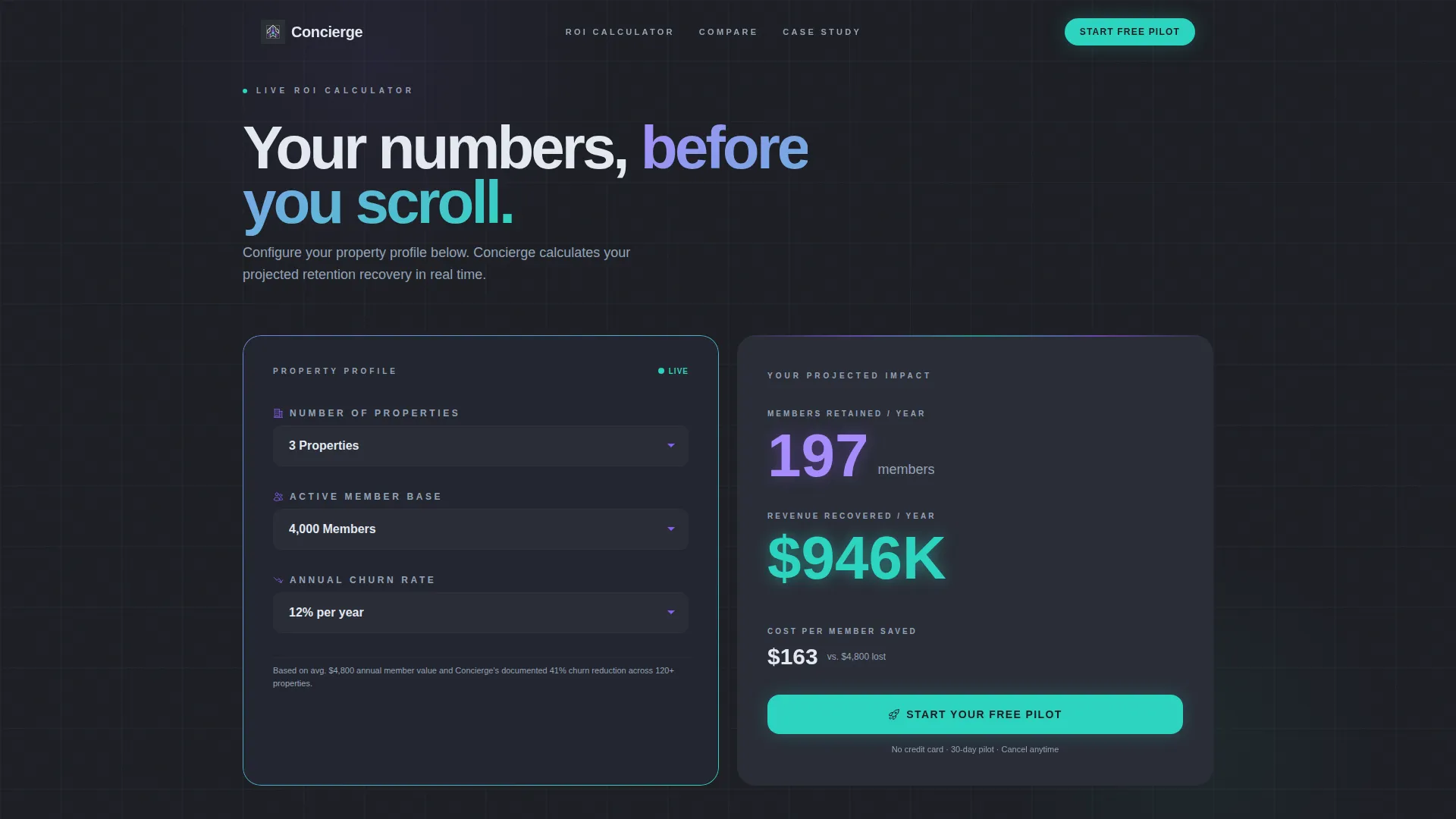
- A live three-dial calculator that animates projected retention, recovered revenue, and cost-per-save in real time
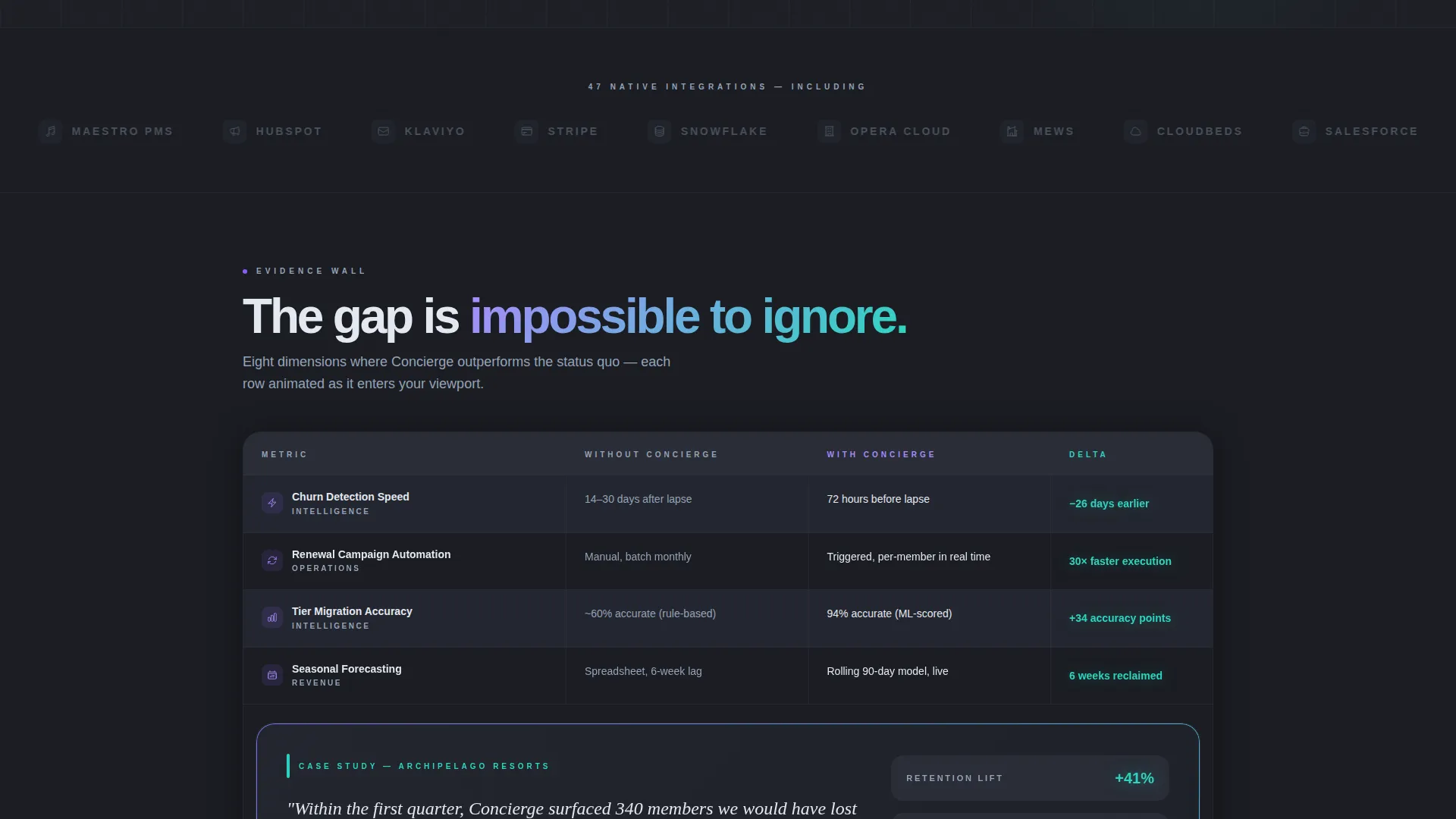
- An eight-row comparison table with viewport-triggered teal delta animations contrasting platform performance against the status quo
- A two-step pilot sign-up form and a secondary lead capture path for evaluators who want a feature matrix first
Feature list
This template is built around five core capabilities drawn directly from the brief. Each one contributes to the overall goal of turning a hospitality decision-maker's own numbers into the primary selling argument.
Live Retention Calculator Header
Three dropdown dials let visitors select their property count, average member base, and current annual churn rate. As each value changes, the output panel updates in real time showing projected members retained, estimated revenue recovered, and a cost-per-save figure. The numbers are the hero and they move before the visitor scrolls at all.
Animated Comparison Table
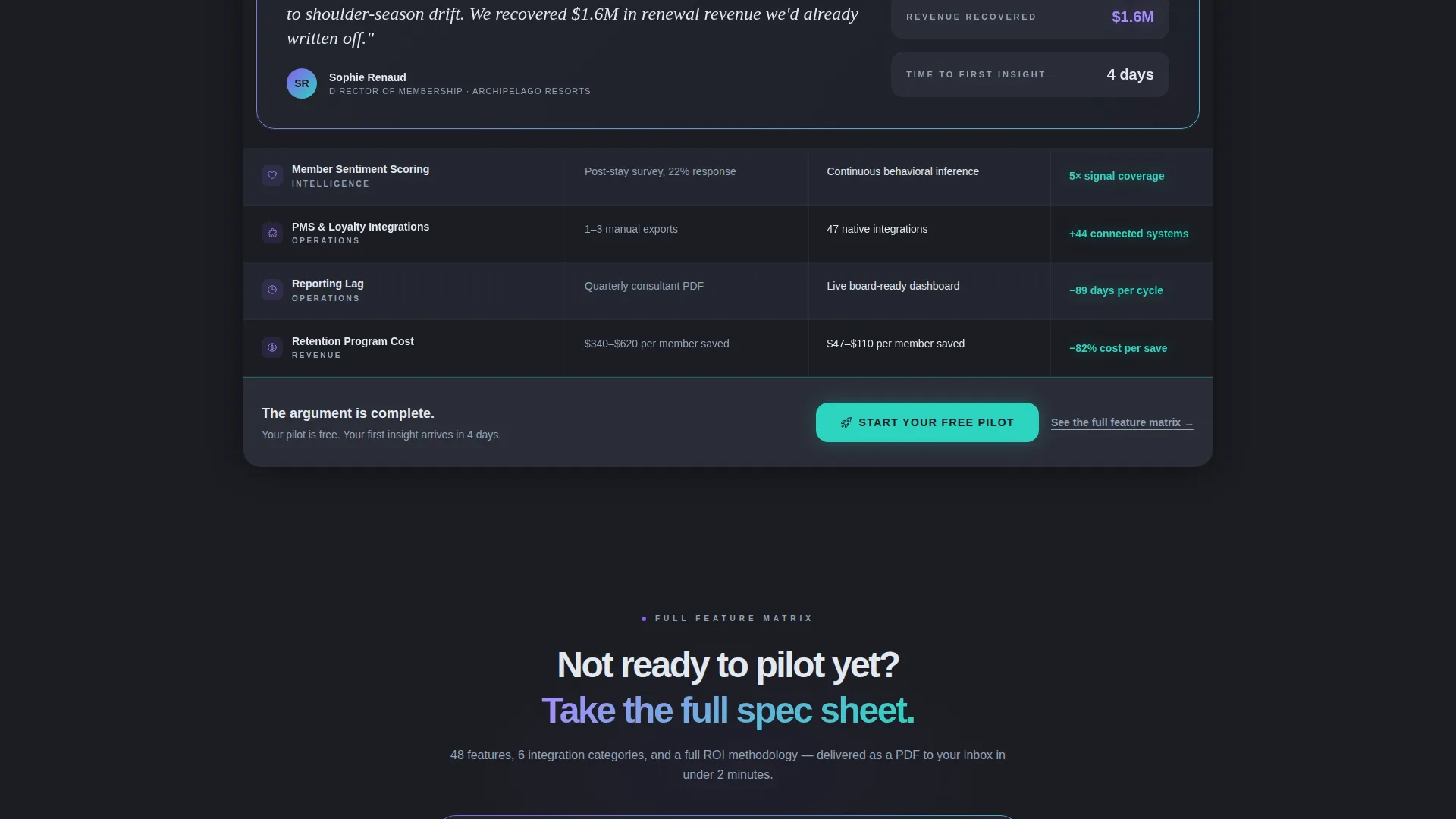
The comparison table contrasts two states across eight hospitality-specific rows: churn detection speed, renewal campaign automation, tier migration accuracy, seasonal forecasting, member sentiment scoring, integration count, reporting lag, and cost. Each row animates its performance delta in luminous teal when it enters the viewport, turning the scroll into a mounting evidence wall.
Midpoint Case Study Card
A single case study card interrupts the table at the halfway point. It surfaces a named resort group, a real retention percentage, and a direct quote from a membership director. This rhythm break adds social proof at the moment when a visitor has seen enough rows to be curious but not yet convinced.
Two-Step Pilot Conversion Form
Clicking the primary call to action opens a two-step form. Step one asks for property name and member count to qualify the lead with low friction. Step two asks for the property management system integration type and preferred pilot start date, capturing intent data the sales team actually needs.
Secondary Email Lead Capture
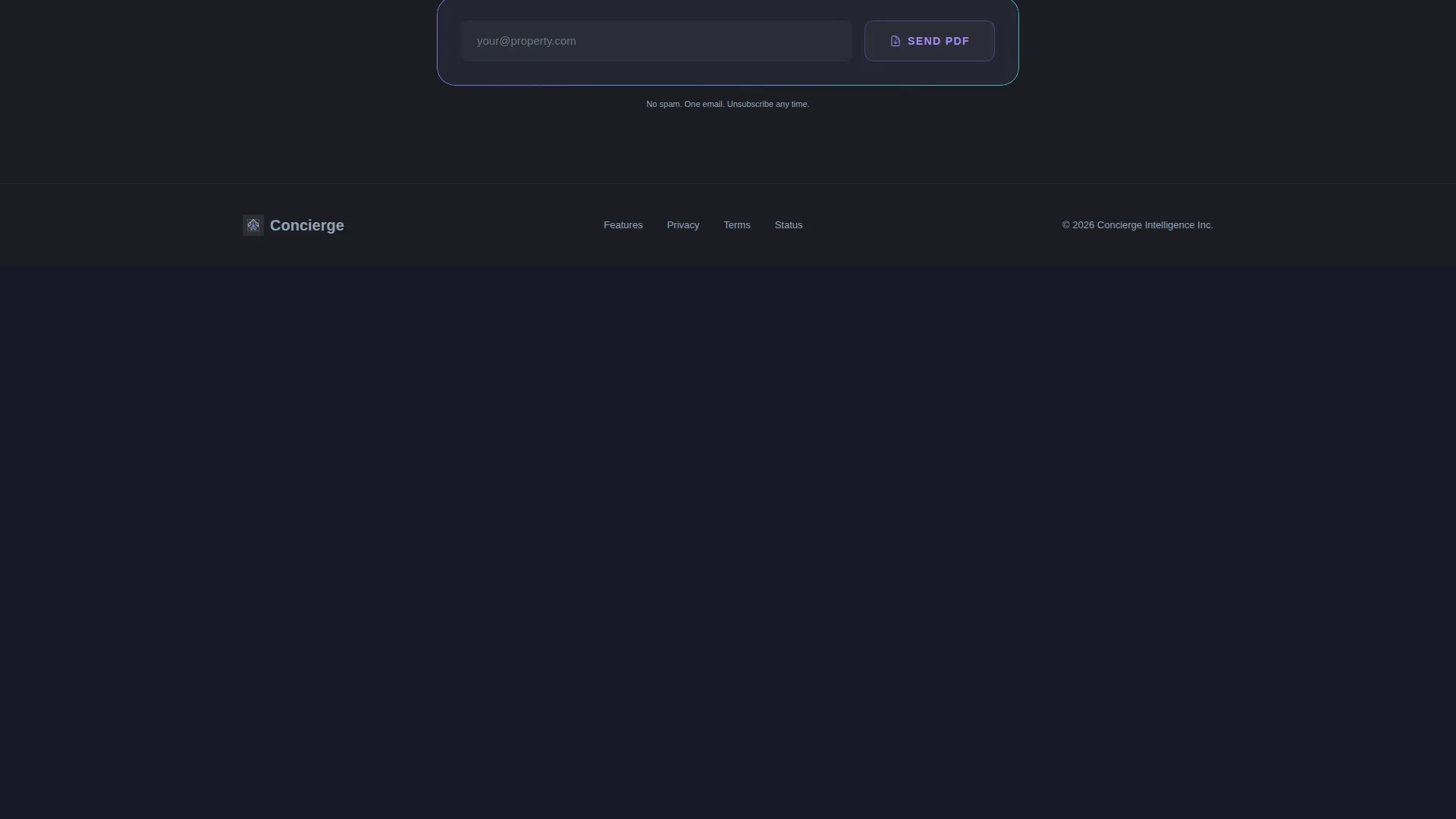
A text link beneath the primary call to action reads "See the full feature matrix." Clicking it captures an email address in exchange for a downloadable PDF feature guide. This path serves evaluators who are not yet ready to start a trial but want to go deeper before the next conversation.
Page sections overview
| Section | Purpose |
|---|---|
| Calculator header | Personalize retention impact in real time |
| Comparison table | Contrast platform value across eight rows |
| Case study card | Add social proof midway through the table |
| Primary call to action row | Anchor the trial sign-up at table close |
| Two-step form | Qualify and capture pilot intent |
| Secondary lead link | Capture emails via feature matrix PDF |
Design & branding system
The visual identity follows a Data Command theme using an AI Iridescent color system. The overall feeling is a luxury hotel lobby at midnight lit only by a concierge terminal: dark, precise, and subtly prismatic.
- Deep graphite (#1B1D23) as the primary background, holographic violet (#8B5CF6) for active states and key metrics, and cool pearl (#E2E8F0) for table text and secondary surfaces
- Luminous teal (#2DD4BF) reserved for positive-delta indicators and call-to-action elements, with violet-to-teal gradients that shimmer across card edges
- Dropdown dials styled like hotel room-number selectors and oversized holographic-violet numerals for calculator output; no stock photography, no hero illustration
Mobile & speed optimization
The template is structured for clean rendering across screen sizes without sacrificing the visual drama of the dark iridescent palette or the animated table rows.
- Dropdown dials and the calculator output panel are designed to reflow naturally on smaller viewports
- Viewport-triggered row animations fire based on scroll position, keeping the experience coherent whether a visitor is on a desktop workstation or a mobile device
How this template helps you convert
The conversion architecture is layered intentionally. Each stage reduces friction while increasing the visitor's personal investment in the outcome.
- The calculator makes the value concrete before any marketing copy has to argue for it. A visitor who has entered their own churn rate and seen their own recovered-revenue figure is already partially sold.
- The comparison table builds a cumulative evidence wall. Each animated row adds another data point, and the midpoint case study card gives that data a human voice at exactly the right moment.
- The two-step form and the secondary PDF path ensure no qualified visitor leaves without a next step, whether they are ready to start a pilot today or still building an internal business case.
Other information about this template
This template sits at the intersection of hospitality software and membership management technology. A few additional details round out the full picture for buyers evaluating it for their platform.
- The template style is a comparison table landing page, purpose-built for platforms that need to make a direct before-and-after argument
- The creative direction is Stats-First Impact, meaning data leads every section rather than lifestyle imagery or brand narrative
- The freemium and trial conversion direction means the primary call to action is a low-commitment pilot entry point, not a pricing page or a sales call request
- The header concept is a Calculator/Estimator, which places a personalized, interactive element at the very top of the page before any static content appears
- The template is built under a Data Command theme, signaling that the platform it represents is an intelligence layer, not just a booking tool
Theme
Data Command
Creative direction
Stats-First Impact
Color system
AI Iridescent
Style
Comparison Table
Direction
Freemium/Trial
Page Sections
Live Retention Calculator
Animated Eight-row Comparison Table
Midpoint Case Study Card
Two-step Pilot Sign-up Form
Secondary PDF Lead Capture
Related questions
What type of platform is this template designed for?
How does the live calculator work?
How does the comparison table build the argument?
What conversion paths does this template include?
Can this template support a freemium or free-trial offer?



