No-Code Platform Documentation Complete Professional Website Template
A bento grid landing page built for teams who need to stay ahead of every product update. This template tracks release notes, breaking changes, version numbers, and API diffs in a bold brutalist layout. It is designed for ops teams, no-code builders, and integration developers who cannot afford to miss a single change to their production workflows.
by Rocket studio
Quick summary
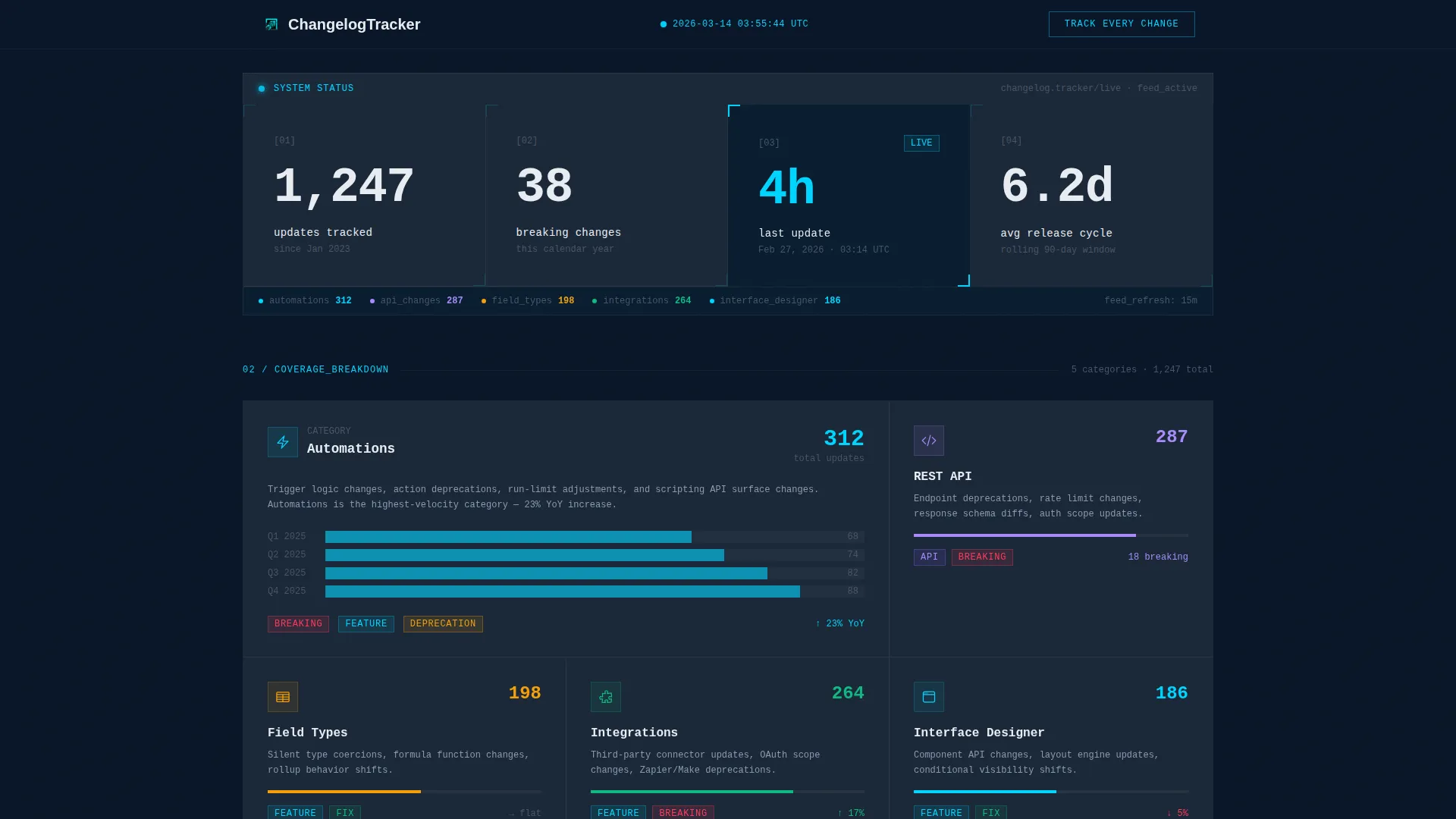
This is a single-page bento grid landing page for a real-time changelog and release notes tracker. It combines a stats wall header, a comparison block, a categorized update grid, and a 30-day timeline into one high-density, brutalist layout. The design signals authority through data density, not decoration.
Who this template is for
This template is built for people whose workflows depend on knowing what changed before it breaks something. The tone and structure target technically confident users who scan fast and trust data over marketing copy.
- Ops teams managing production bases with large record volumes who need instant visibility into field type changes and API updates
- No-code builders whose automations run overnight and break silently when something ships without notice
- Integration developers who need deprecation alerts and version diffs before their clients report an issue
What problem this template solves
Staying current with product updates is a real operational challenge. Official release notes are often monthly, vague, and missing the specific detail that matters for production environments. Community forums are noisy and reactive. Most teams find out something changed only after something breaks.
- No centralized, real-time feed that categorizes updates by type, severity, and API impact
- No side-by-side comparison of what official notes say versus what actually shipped
- No structured notification path for teams who need to triage updates by urgency rather than scroll a blog
What you get with this template
You get a complete, ready-to-customize bento grid landing page built around the experience of a live changelog feed. Every section is purposeful and data-forward, with no placeholder hero images or decorative elements taking up space.
- A stats wall header with oversized counters, a year-over-year release frequency chart block, and a categorized update breakdown grid
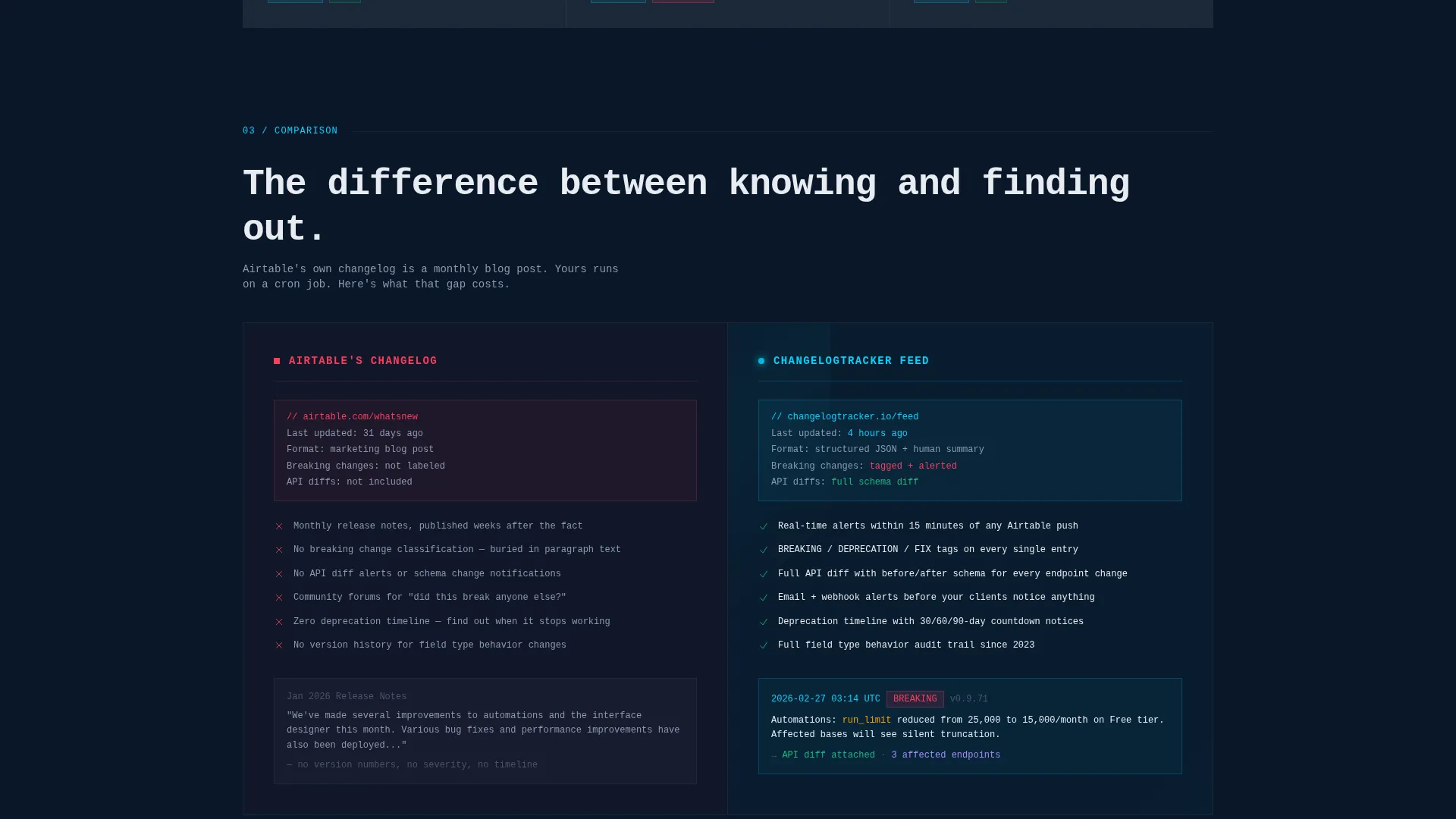
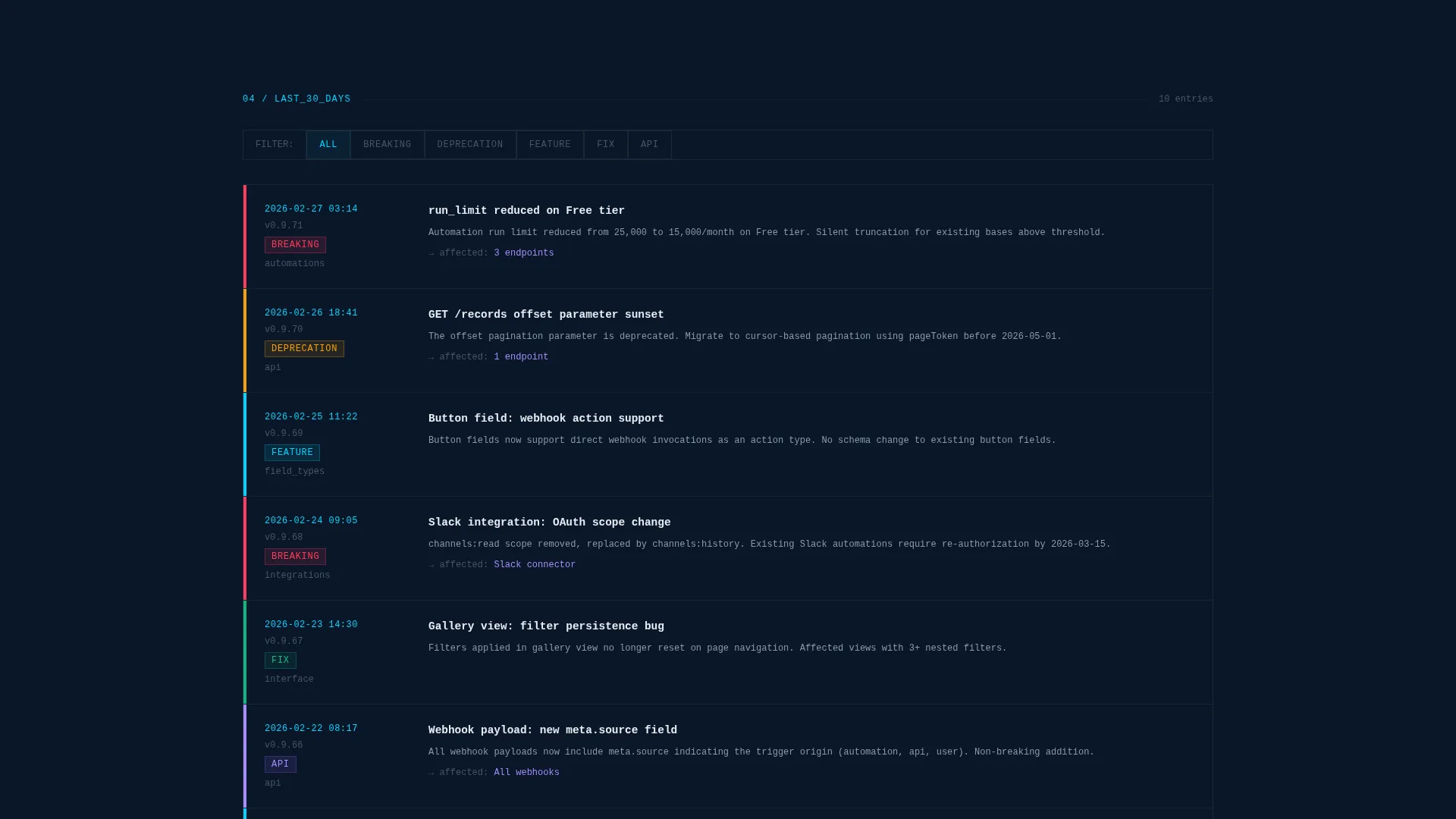
- A 30-day filterable timeline section and a side-by-side comparison block contrasting sparse official notes against this detailed feed
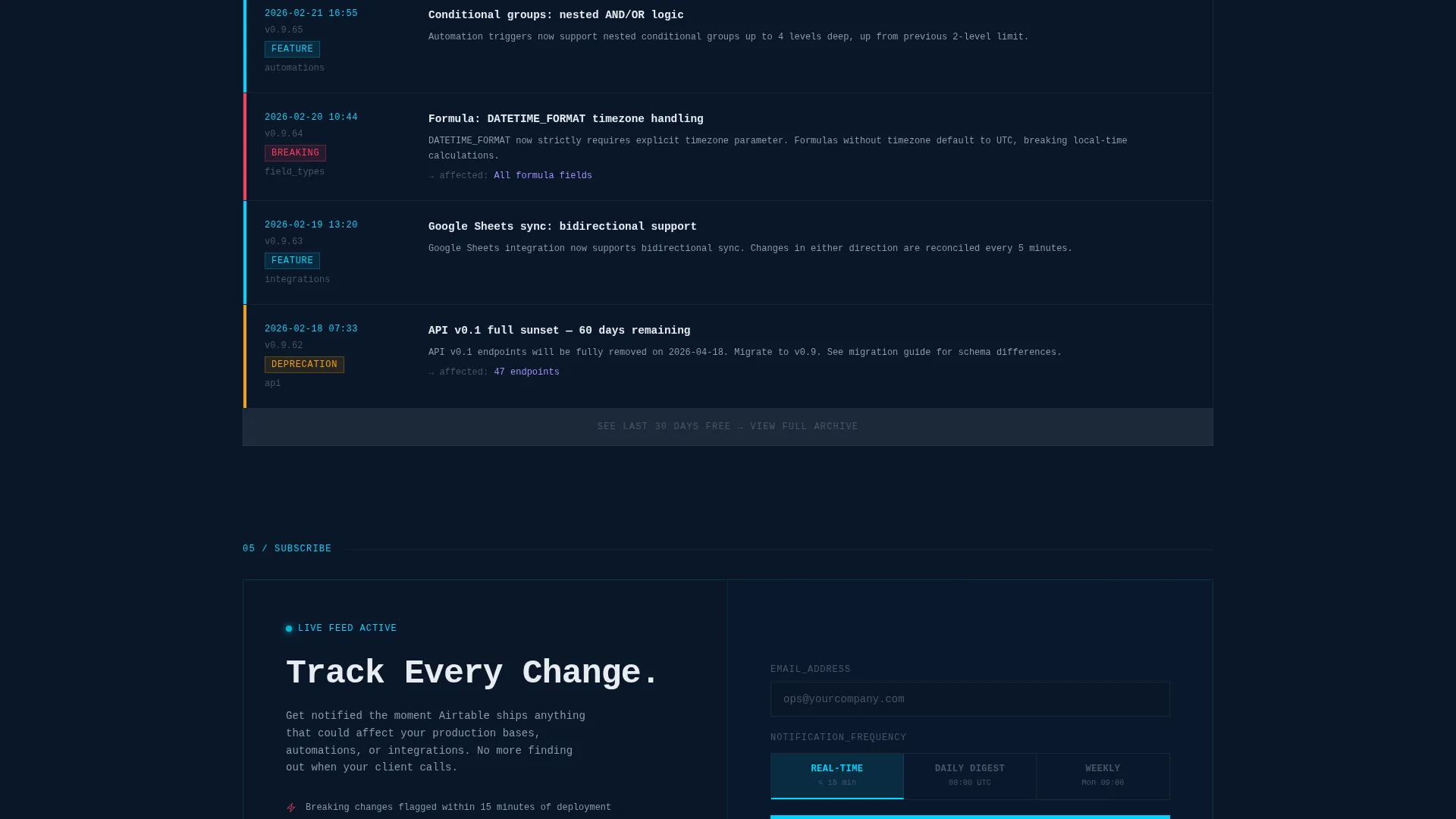
- A conversion section with an email capture field, a notification frequency dropdown, and a no-signup archive preview path
Feature list
This template delivers a focused set of sections and layout components derived directly from the design brief.
Stats Wall Header
Four oversized counters display metrics like total updates tracked, breaking changes logged this year, the last update timestamp, and the average release cycle. Numbers are set in large monospace type against a deep navy background, with a cyan accent marking the most recent entry. The effect is immediate credibility through raw data.
Categorized Update Breakdown Grid
A multi-cell bento grid organizes updates into clear categories including automations, interface designer, API, field types, and integrations. Each cell shows an update count, severity tags, and trend arrows. This layout lets readers triage by topic rather than scrolling a flat chronological feed.
30-Day Filterable Timeline
A scrollable timeline covers the last 30 days of tracked changes with filterable tags. Readers can isolate the update types that matter to their stack. The structure makes the depth of coverage visible at a glance, which builds trust before any signup prompt appears.
Comparison Block
A side-by-side bento block puts the official release note experience directly next to this feed. One column describes the typical sparse, monthly, non-breaking-change-aware changelog. The other column outlines the real-time, categorized, API-diff-aware alternative. The contrast makes the value proposition concrete without a single line of marketing language.
Year-Over-Year Release Chart
A dedicated block visualizes release frequency over time and compares shipping cadence across products. It provides context and positions the tracker as an analytical resource, not just a scrolling log.
Dual Conversion Path
The primary call to action is an email field paired with a single notification frequency dropdown offering real-time, daily digest, or weekly summary options. The secondary path lets visitors open the last 30 days of the archive without signing up, allowing the content depth to do the selling.
Page sections overview
| Section | Purpose |
|---|---|
| Stats Wall Header | Opens with live-styled counters showing key tracking metrics |
| Release Frequency Chart | Shows year-over-year shipping cadence for context and authority |
| Categorized Update Grid | Breaks updates into topic cells with severity tags and trends |
| 30-Day Timeline | Provides a filterable, date-scoped feed of recent changes |
| Comparison Block | Contrasts official notes against this feed side by side |
| Email Capture Section | Collects signups with a notification frequency dropdown |
Design & branding system
The visual identity is Bold Brutalist. Every design decision prioritizes information density over decoration. The palette draws from a terminal aesthetic, with visible borders, sharp corners, and zero warmth.
- Color system: deep terminal navy (#0A1628) as the primary background, desaturated slate (#1B2838) for card surfaces, electric cyan (#00D4FF) for timestamps and interactive accents, and raw white (#E8ECF1) for body text
- Typography uses oversized monospace numerals in the stats header, giving the page an immediate mission-control readability from any distance
- Layout uses a strict bento grid with visible cell borders and no rounded corners, so every block earns its space through content, not styling
Mobile & speed optimization
The bento grid layout is structured to reflow cleanly across screen sizes without losing the dense, data-forward feel of the desktop view.
- Grid cells are designed to stack vertically on smaller screens so the stats wall and comparison block remain readable without horizontal scrolling
- The layout relies on text, structured data, and typographic contrast rather than heavy image assets, which keeps the visual load lean across devices
How this template helps you convert
This template is built around a conversion structure where the content itself is the proof of value. Readers do not need to be convinced by marketing claims because the data density does that work.
- The stats wall opens with specific, credible numbers that establish authority in the first few seconds of the visit, reducing bounce before the reader even scrolls
- The no-signup archive preview path lets skeptical visitors see 30 days of real coverage before committing an email address, removing the main friction point for technical audiences who distrust gated content
Other information about this template
This template fits into a broader ecosystem of documentation and support resources for teams managing production workflows on top of no-code database platforms.
- The template is categorized under Documentation and Support, specifically within the Airtable Documentation and Airtable Changelog and Release Notes niche
- It pairs naturally with onboarding docs, API reference pages, and internal ops wikis that need a reliable upstream signal for version changes
- The Bold Brutalist theme and Midnight Blue color system make this template visually distinct from standard product marketing pages, which helps it feel like a tool rather than a sales pitch
Theme
Bold Brutalist
Creative direction
Industry Report
Color system
Midnight Blue
Style
Bento Grid
Direction
Comparison/Versus
Page Sections
Stats Wall Header with Live Counters
Categorized Bento Update Grid
Day Filterable Timeline
Side-by-side Comparison Block
Dual Conversion Path
Year-over-year Release Chart Block
Related questions
Do I need technical skills to customize this template?
Can I add or remove sections from the bento grid?
How does the notification frequency dropdown work?
Is the 30-day archive preview available without signup?
What makes this template useful for technical audiences?



